Content creators and marketers face a clear challenge: 63% of viewers favour learning about products or brands through short-form videos over longer videos. This preference isn’t just a trend; it’s reshaping how we communicate online.
Short-form video tools help you transform long recordings into engaging clips optimised for TikTok, Instagram Reels, and YouTube Shorts.
The right software can automatically identify viral moments, add captions, resize videos for different platforms, and publish content across multiple channels. This guide covers the essential tools that streamline short-form video creation, from AI-powered clipping to faceless video generation.
You’ll discover which tools suit your workflow, how to choose between automated and manual editing options, and practical ways to repurpose existing content into social-ready clips.
What Are Short Form Video Tools?
Short-form video tools are software applications designed to create, edit, and optimise video content for social media platforms.
These platforms typically require vertical videos under 60 seconds. The tools range from AI-powered clipping services to template-based editors and professional software with specialised features.
Most short-form video editors share common capabilities. They allow you to trim footage, add captions, apply brand colours, and resize videos for different aspect ratios. Advanced tools use artificial intelligence to analyse long-form content and automatically identify segments likely to perform well.
The category includes several distinct types. AI video clipping tools extract highlights from podcasts, webinars, and long videos. Platform-native editors like TikTok and Instagram offer built-in editing within their apps. Template-based creators provide pre-designed formats you can customise. Faceless video generators create content without requiring you to appear on camera.
Each tool type serves specific needs. Content creators repurposing existing videos benefit from AI clipping. Marketers creating original content often prefer template systems. Businesses maintaining brand consistency across platforms need tools with custom branding options.
Understanding how social media videos drive engagement helps you select tools that match your content strategy.
Top AI-Powered Video Clipping Tools
AI clipping tools analyse long-form videos to identify engaging segments automatically. This saves hours compared to manual editing and helps you spot moments you might otherwise miss.
OpusClip for Automated Viral Clip Generation
OpusClip leads this category by transforming long videos into multiple short clips in minutes.
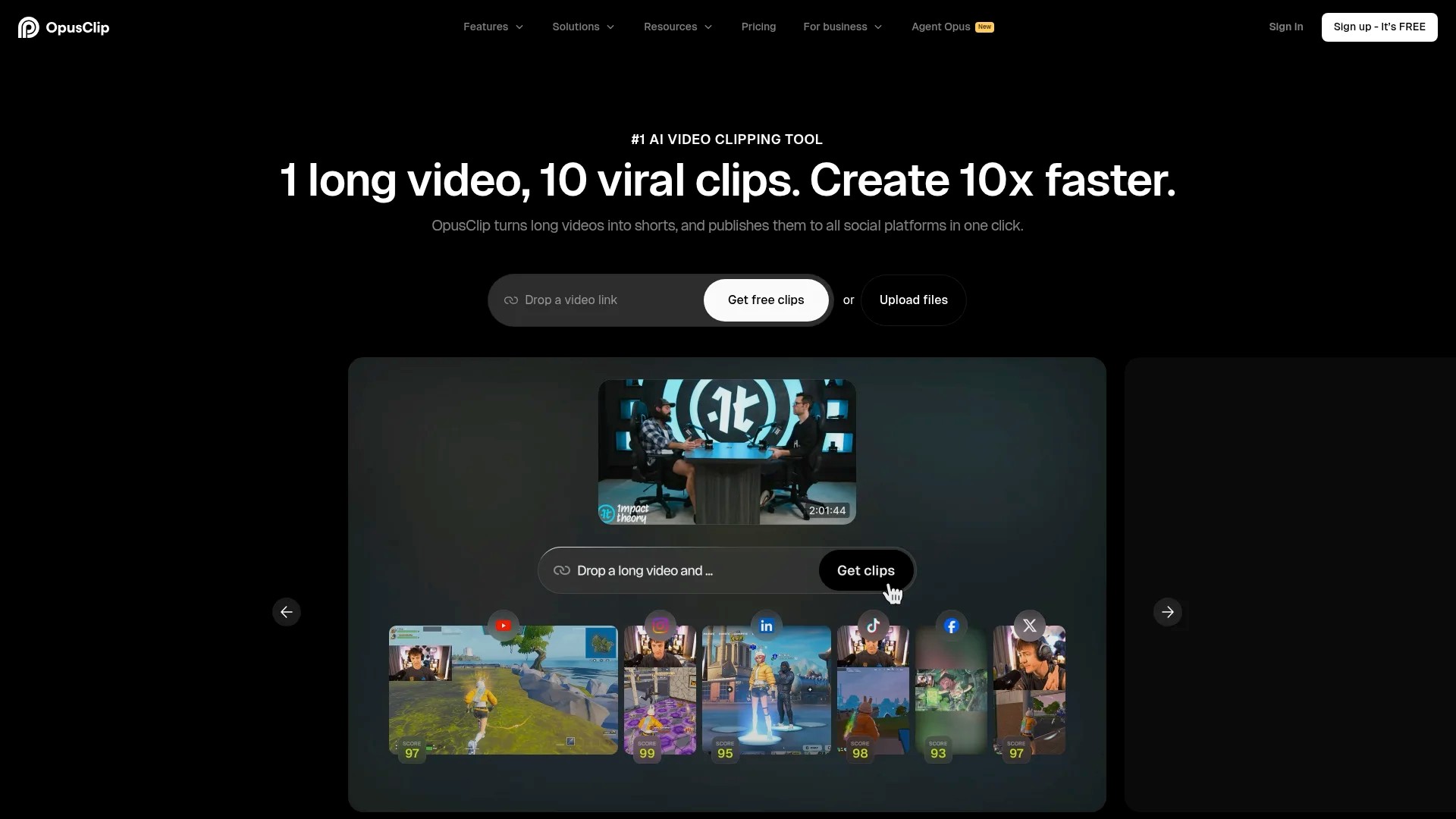
The tool analyses your video content, identifies key moments, and creates clips optimised for TikTok, Instagram Reels, and YouTube Shorts. It automatically adds captions, suggests titles, and scores each clip’s viral potential.
Upload your source video through the web interface. OpusClip processes it and returns several clips ranked by their predicted performance. Each clip includes automated captions that you can customise with your brand fonts and colours.
The virality score helps you prioritise which clips to publish first. Higher-scoring clips typically contain hooks, emotional moments, or surprising information that encourages sharing.
Pricing starts with a free trial allowing you to test the service with limited monthly clips. Paid plans scale based on video processing time and additional features like brand customisation and team workspace access.
Descript for Transcript-Based Video Editing
Descript takes a different approach by converting your video into text.
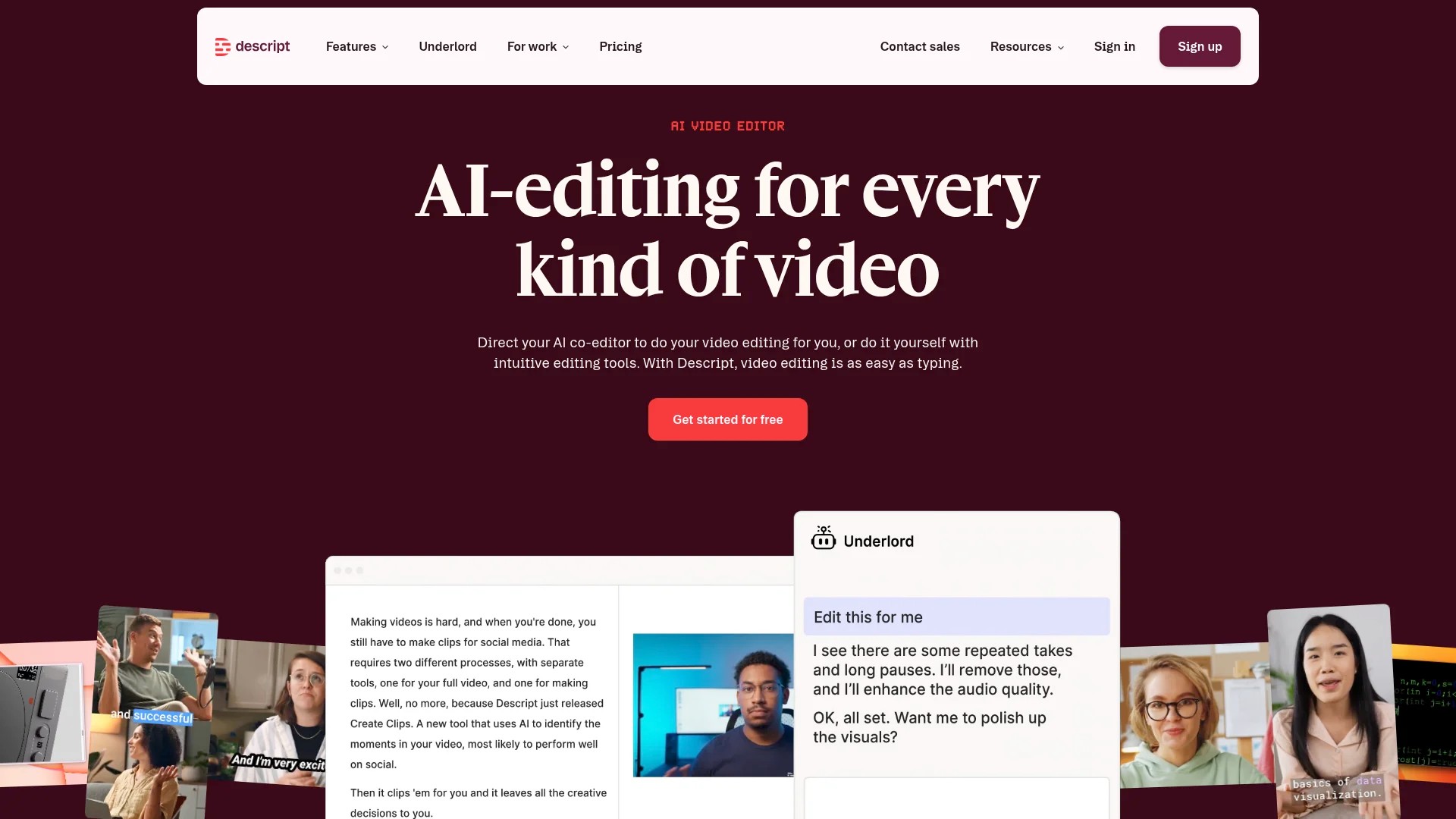
You edit the video by editing the transcript. Delete sentences, rearrange sections, or remove filler words, and the video changes accordingly. This method works particularly well for interview content, podcasts, and educational videos.
The AI identifies natural pause points and speaker changes. You can create clips by selecting text segments rather than scrubbing through video timelines. The tool also removes background noise and fills gaps created by deleted sections.
Free plans offer limited monthly transcription minutes. Professional plans provide unlimited transcription, advanced audio enhancement, and collaboration features for teams.
Additional AI Clipping Options
CapCut offers AI-powered editing features alongside manual editing tools. Its auto-caption feature generates subtitles in multiple languages with timing adjustments.
The platform provides both mobile and desktop versions. Content creators often use the mobile app for quick edits and the desktop version for more detailed work. Templates simplify the creation process by providing pre-built effects and transitions.
Adobe Express integrates AI features into a familiar Adobe interface. Quick actions like background removal, audio enhancement, and automatic resizing speed up the editing process for users already working within Adobe’s ecosystem.
Best Platform-Native Editing Tools
Each major social platform provides built-in editing tools designed specifically for its format requirements.
These native editors offer advantages in terms of optimal formatting and direct publishing. Understanding their capabilities helps you decide when to use them versus third-party tools.
TikTok’s Built-In Video Editor
TikTok provides extensive editing features within its mobile app.
You can combine multiple clips, add text overlays, apply filters, and incorporate trending sounds. The editor automatically formats content to TikTok’s vertical aspect ratio and maximum duration limits.
Effects and transitions update regularly to match trending styles. This gives you immediate access to features your audience expects to see. The built-in sound library includes licensed music and viral audio clips.
Start by recording or uploading video clips. Add effects from the bottom menu, layer text with timing controls, and preview your final video before publishing. The process keeps you within one app from capture to distribution.
Instagram Reels Editor
Instagram Reels offers similar functionality tailored to its platform aesthetics.
The editor supports multi-clip videos, speed adjustments, and alignment tools for smooth transitions. Audio can be trimmed to specific segments, and voiceovers can be added directly through the interface.
Brand accounts benefit from the ability to save draft Reels and schedule publishing through Creator Studio. This allows content review before public posting. Template reuse helps maintain visual consistency across your Reels content.
YouTube Shorts Creation Tools
YouTube Shorts provides editing features within both mobile and desktop interfaces.
The 60-second format matches competing platforms whilst keeping viewers within the YouTube ecosystem. Shorts appear in a dedicated feed and can drive traffic to your long-form channel content.
YouTube’s editor includes text overlays, filters, and speed controls. You can sample audio from other Shorts or your own long-form videos. This content repurposing helps extract additional value from existing video libraries.
Efficient scheduling strategies for short-form videos help you maintain consistent posting across these platform-native tools.
AI Caption and Subtitle Generators
Captions improve accessibility and increase engagement across all video platforms. Many viewers watch videos without sound, particularly in public spaces or during work hours.
AI-powered caption tools automatically transcribe audio and sync text to video timings. This eliminates manual typing and significantly reduces production time.
Automated Caption Features in Editing Tools
Most modern video editors include automated caption generation.
CapCut provides auto-captions with customisable styling. Choose fonts, colours, and animation styles that match your brand identity. The tool supports multiple languages and allows manual corrections before finalising.
Descript generates captions as part of its transcript-based editing workflow. Since the entire video is already transcribed, adding captions requires only formatting decisions. You can export caption files separately for use in other platforms.
Dedicated Caption Services
Standalone caption tools offer advanced features beyond basic editing software.
Rev provides both automated and human-generated captions. Automated captions appear within minutes at lower cost. Human-generated captions offer higher accuracy for complex audio or specialised terminology.
The service accepts video files and returns timed caption files in multiple formats. You can then import these files into your video editor of choice.
Platform-Specific Captioning
Social platforms increasingly include built-in captioning.
TikTok auto-generates captions when you enable the feature before posting. The captions appear with default styling that you can adjust. Instagram Reels similarly offers auto-captions through its editor.
These platform captions integrate seamlessly with each platform’s interface. However, they offer less customisation than third-party tools and cannot be edited extensively after publication.
Faceless Video Creation Tools
Faceless videos allow content creation without appearing on camera. This approach suits creators uncomfortable with filming themselves or businesses wanting consistent visual branding without personality dependence.
Faceless content includes screen recordings, stock footage compilations, animated graphics, and AI-generated visuals. Several tools specialise in making this content creation process efficient.
InVideo AI for Text-to-Video Creation
InVideo AI converts written scripts into complete videos.
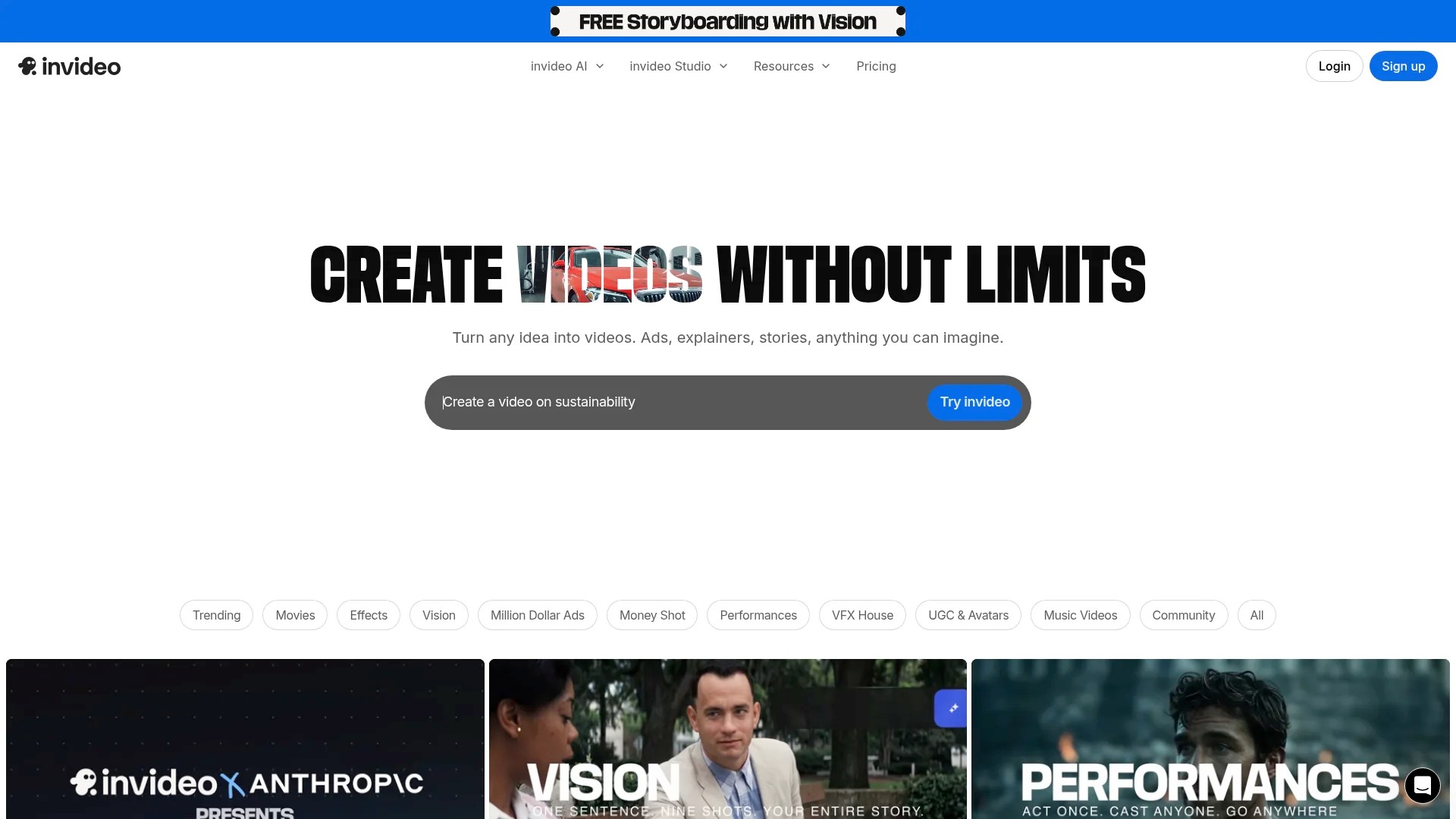
The platform generates faceless videos optimised for TikTok, YouTube Shorts, and Instagram Reels. Input your script or topic, and the AI selects relevant stock footage, adds voiceover narration, and includes captions.
You can specify tone, pacing, and visual style preferences. The tool provides editing controls to adjust the generated video before export. Brand customisation includes logo overlays and consistent colour schemes.
Free trials allow testing with watermarked exports. Paid plans remove watermarks and provide higher resolution exports along with increased monthly video generation limits.
Pictory for Article-to-Video Conversion
Pictory transforms written articles into video content.
Paste a blog post URL or article text, and the tool extracts key points. It then matches these points with relevant stock footage and generates a narrated video. This helps repurpose existing written content into video format.
The service includes a large library of licensed stock footage and music. Videos maintain professional production quality without requiring video shooting or editing skills.
Synthesia for AI Avatar Videos
Synthesia generates videos featuring AI avatars that speak your script.
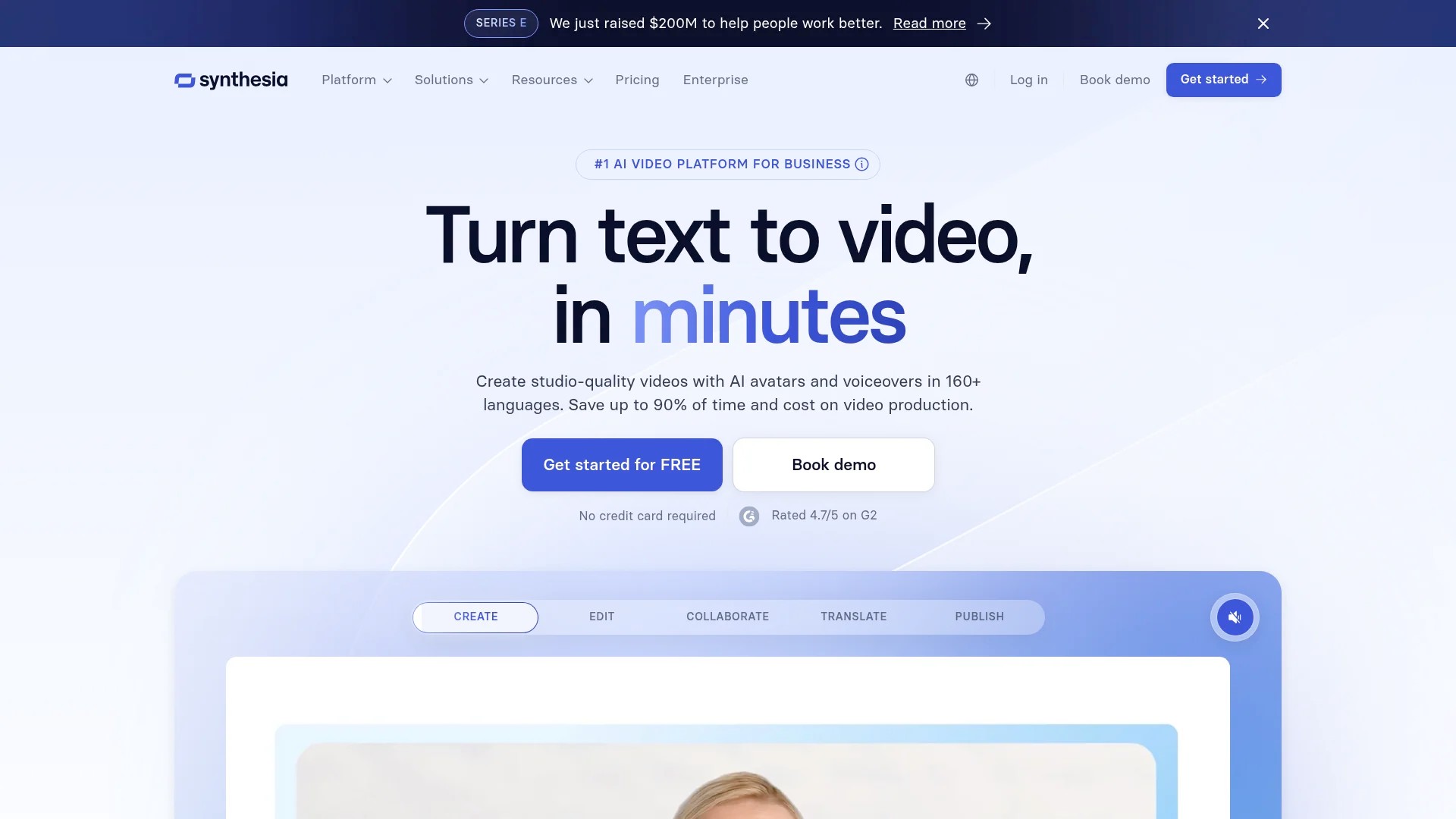
Choose from diverse avatar options, input your script, and the platform creates a video with realistic speech and facial movements. This works well for training videos, product explanations, and educational content.
The avatars speak in multiple languages and accents. You can customise backgrounds, add text overlays, and include other visual elements. This creates personalised video content without filming or editing footage.
Pricing tiers scale based on video generation volume and avatar customisation options. Enterprise plans offer custom avatar creation trained on specific individuals.
AI Avatar and Virtual Spokesperson Platforms
AI avatars provide consistent on-screen presence without requiring a human presenter. These tools use machine learning to generate realistic digital characters that speak your content.
Virtual spokespeople suit businesses creating product demos, training materials, or explainer videos. They maintain visual consistency across content and eliminate scheduling challenges associated with human presenters.
Avatar Customisation Options
Most AI avatar platforms offer extensive customisation.
Synthesia provides pre-made avatars representing diverse ethnicities, ages, and professional appearances. Custom avatars can be created to match specific brand requirements or replicate real individuals.
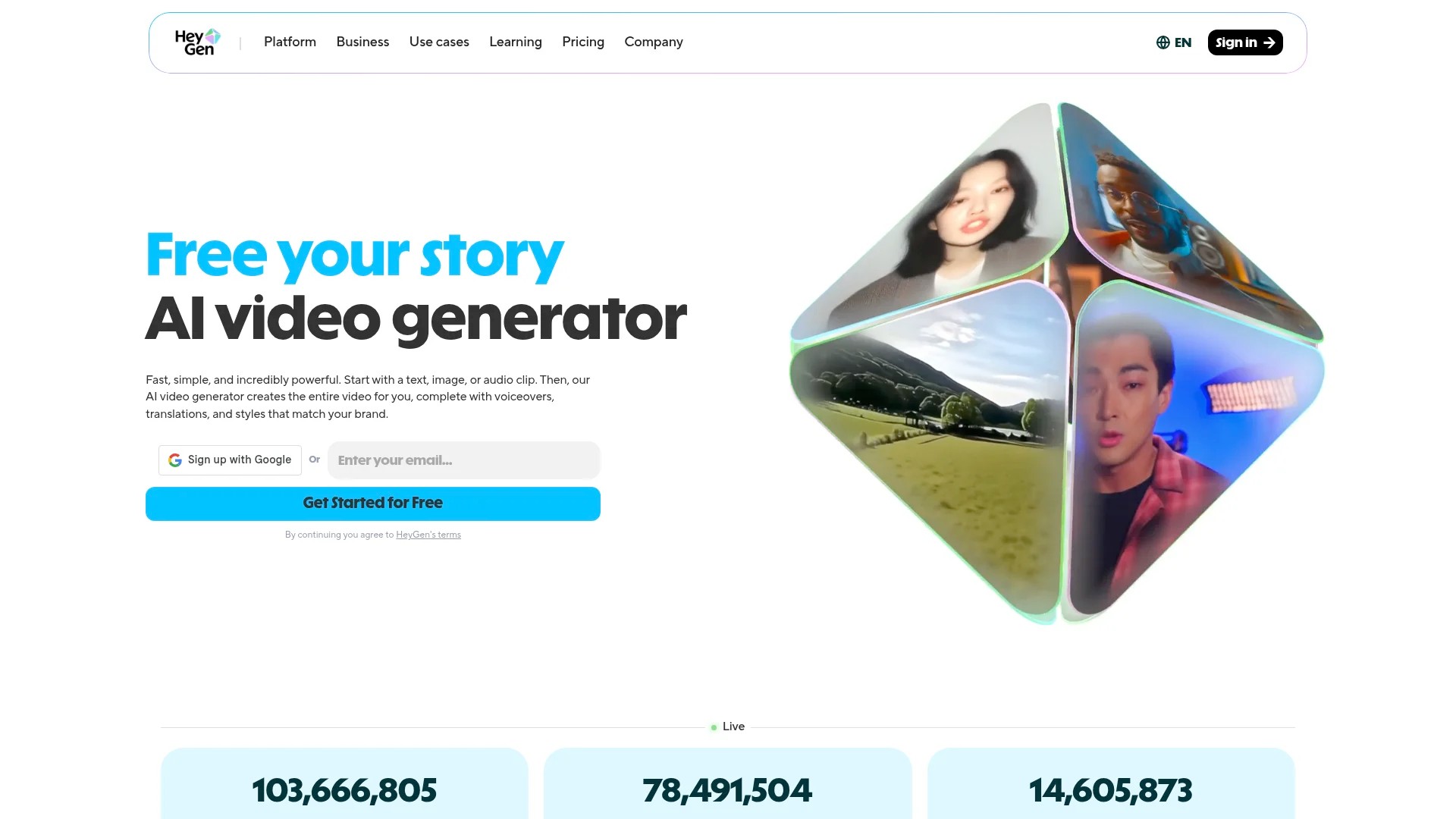
HeyGen specialises in creating avatars from photos. Upload reference images and voice recordings, and the platform generates a digital version that maintains consistent appearance and vocal characteristics.
Use Cases for Avatar-Based Content
Educational content benefits significantly from avatar presenters. Consistent visual presence helps viewers focus on information rather than presenter appearance changes.
Product demonstrations use avatars to explain features consistently across multiple videos. This maintains brand voice whilst allowing rapid content updates when product features change.
Training videos leverage avatars to deliver standardised information. Multiple language versions can be created using the same avatar with different voice tracks, maintaining visual consistency across international content.
Limitations to Consider
AI avatars currently show limitations in emotional expression and natural movement. Whilst improving rapidly, they may not suit content requiring genuine emotional connection or complex non-verbal communication.
Uncanny valley effects can occur with some avatar generations. Test different platforms and avatar styles to find options that your audience responds to positively.
Consider hybrid approaches combining AI avatars for standard segments with human presenters for high-impact moments. This balances efficiency with authentic connection.
Professional Video Editing Software for Advanced Users
Professional editing tools provide granular control over every aspect of video production. These applications suit creators who need advanced features beyond automated AI tools.
The learning curve for professional software is steeper, but the creative possibilities expand significantly. Consider these options when your content requires precise editing or complex effects.
Adobe Premiere Pro for Comprehensive Editing
Adobe Premiere Pro remains the industry standard for professional video editing.
The software handles projects of any complexity, from simple cuts to multi-layer compositions with advanced effects. Integration with other Adobe applications like After Effects and Photoshop enables sophisticated workflows.
For short-form content, Premiere Pro excels at precise timing adjustments and colour grading. Auto-reframe features analyse footage and automatically adjust framing for different aspect ratios, simplifying multi-platform publishing.
Subscription pricing includes regular updates and cloud storage through Creative Cloud. Team plans add collaboration features for organisations with multiple video editors.
Final Cut Pro for Mac Users
Final Cut Pro provides professional editing optimised for Apple hardware.
The magnetic timeline simplifies editing by automatically moving clips to prevent gaps and collisions. This speeds up the editing process whilst maintaining precise control.
Multi-camera editing features help when working with content filmed from multiple angles. The software intelligently syncs footage and allows real-time angle switching during playback.
Final Cut Pro uses a one-time purchase model rather than subscription. This appeals to independent creators and small businesses managing software costs.
DaVinci Resolve for Advanced Colour and Effects
DaVinci Resolve combines professional editing with industry-leading colour grading tools.
The free version includes remarkably complete features. Most creators never need the paid Studio version unless requiring collaboration features or specific advanced effects.
Fairlight audio tools built into Resolve handle complex sound design. Fusion provides node-based compositing for motion graphics and visual effects. This all-in-one approach reduces the need for multiple applications.
Video curation tools complement professional editing software by helping you identify and organise content worth the detailed editing effort.
How to Choose the Right Short Form Video Tool
Selecting the appropriate tool depends on your content type, technical skills, and workflow requirements. Consider these factors systematically rather than choosing based on popularity alone.
Assess Your Content Source
Start by identifying where your video content originates.
If you’re repurposing podcasts, webinars, or long YouTube videos, AI clipping tools like OpusClip or Descript provide the most value. They automate the time-consuming process of identifying highlight moments.
For original short-form content filmed specifically for social platforms, template-based tools or platform-native editors often suffice. They streamline the creation process without requiring extensive editing knowledge.
Faceless content needs specialised tools like InVideo AI or Pictory. These generate visuals to match your script or article content.
Evaluate Your Technical Skill Level
Beginners benefit from tools with minimal learning curves.
Platform-native editors on TikTok, Instagram, and YouTube require no separate software installation. They guide you through the editing process with intuitive interfaces.
Canva and CapCut provide slightly more features whilst maintaining accessible interfaces. Templates handle design decisions, allowing focus on content rather than technical execution.
Advanced users wanting complete creative control should invest time learning professional software. The initial learning period pays dividends through expanded creative possibilities and efficiency gains.
Consider Platform Distribution Requirements
Different platforms have varying technical specifications.
| Platform | Aspect Ratio | Maximum Duration | Recommended Resolution |
|---|---|---|---|
| TikTok | 9:16 (vertical) | 10 minutes | 1080×1920 |
| Instagram Reels | 9:16 (vertical) | 90 seconds | 1080×1920 |
| YouTube Shorts | 9:16 (vertical) | 60 seconds | 1080×1920 |
| LinkedIn Video | 1:1 or 16:9 | 10 minutes | 1080×1080 or 1920×1080 |
Tools with automated resizing simplify multi-platform distribution. Adobe Express and Canva include preset dimensions for major platforms.
Publishing tools that schedule and post to multiple platforms save time. Buffer, Hootsuite, and similar services integrate with video creation workflows.
Budget Considerations and Free Trials
Most professional tools offer free trials.
Test multiple options before committing to paid plans. Create sample videos matching your typical content to evaluate each tool’s workflow and output quality.
Free plans typically include watermarks or usage limits. These work well for testing or occasional use. Regular content creation justifies paid plans that remove restrictions and provide professional outputs.
Consider total workflow cost rather than individual tool pricing. A more expensive tool that saves significant time may cost less overall than multiple cheaper tools requiring more manual work.
Essential tools for social media managers often complement video creation software in complete content workflows.
Brand Customisation Requirements
Businesses maintaining brand consistency need tools supporting custom colours, fonts, and logos.
Most paid plans include brand kit features. Upload your brand assets once and apply them consistently across all videos. This maintains professional appearance whilst speeding up the creation process.
Template libraries should allow sufficient customisation to match your brand identity. Overly restrictive templates create generic-looking content that fails to differentiate your brand.
Collaboration and Team Features
Teams creating content collaboratively need different features than individual creators.
Workspace features allow multiple users to access projects. Version control prevents conflicting edits when team members work on the same content. Comment and feedback tools streamline the review process.
Asset libraries shared across teams maintain consistency. Upload approved music, graphics, and video clips that anyone can use without requesting files from colleagues.
Role-based permissions control who can publish content versus only editing. This protects brand accounts from accidental publishing whilst enabling collaborative creation.
Analytics and Performance Tracking
Understanding which videos perform best guides future content decisions.
Some tools integrate analytics showing view counts, engagement rates, and audience demographics. This data helps refine your content strategy based on actual performance rather than assumptions.
AI capabilities in social media tools increasingly include performance prediction. These features analyse content before publishing and suggest optimisations likely to improve results.
Platform-native analytics provide detailed performance data. Combine this with tool-based analytics to understand which editing techniques and content types resonate with your audience.
Making Your Final Decision
Create a comparison matrix listing your must-have features.
Rate each tool against these criteria based on free trial testing. Weight factors according to their importance to your specific workflow.
Start with one primary tool that handles 80% of your needs. Add specialised tools for specific requirements rather than trying to find one perfect solution. Most successful creators use a small toolkit of complementary applications.
Review your tool choices quarterly. New features and emerging platforms regularly shift the competitive positioning of video creation tools. Staying current with creator trends ensures your toolkit remains effective.
Short-form video continues dominating social media, with projections showing it will account for 82% of internet traffic by 2026. The tools you choose today shape your ability to meet this demand efficiently whilst maintaining content quality your audience expects.