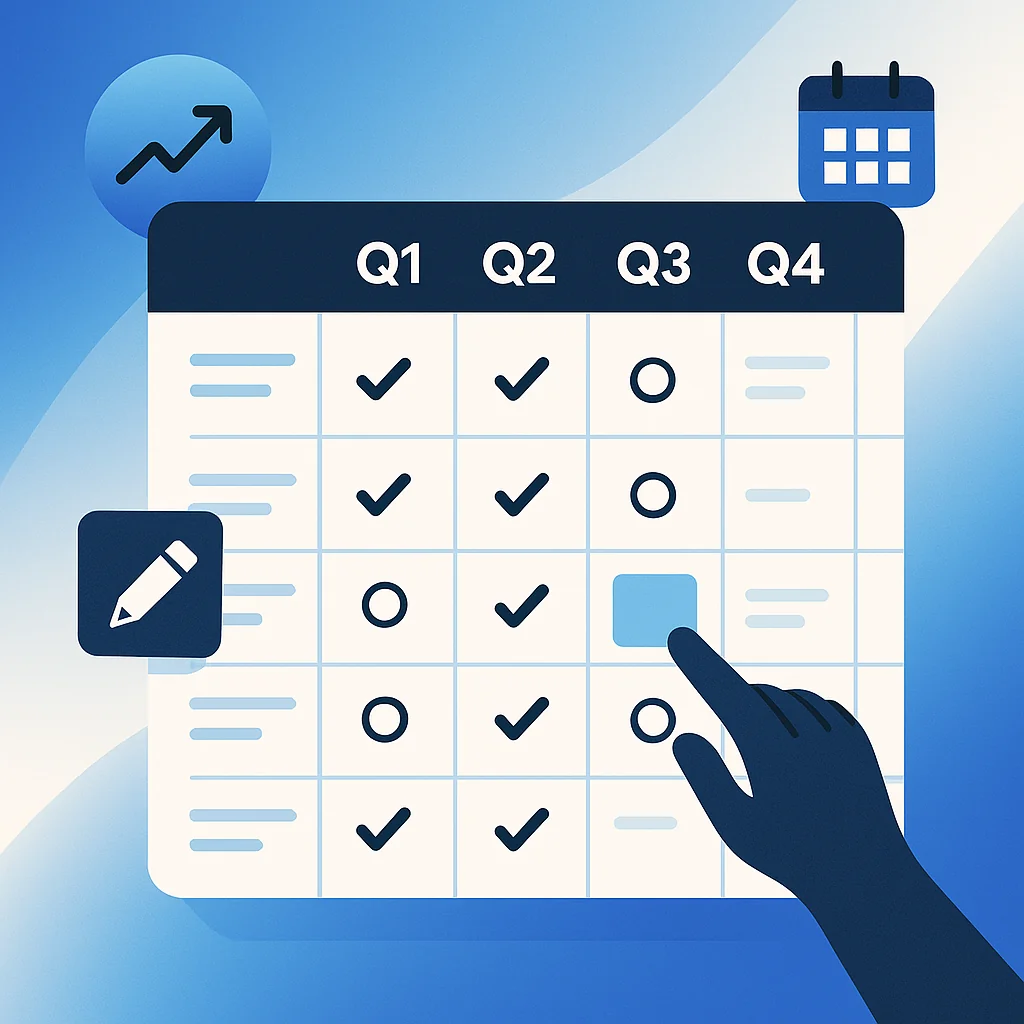
A quarterly content calendar maps your content strategy across 12 weeks.
It lets you plan blog posts, social media updates, email campaigns, and marketing initiatives in organised blocks. This timeframe balances long-term vision with tactical flexibility.
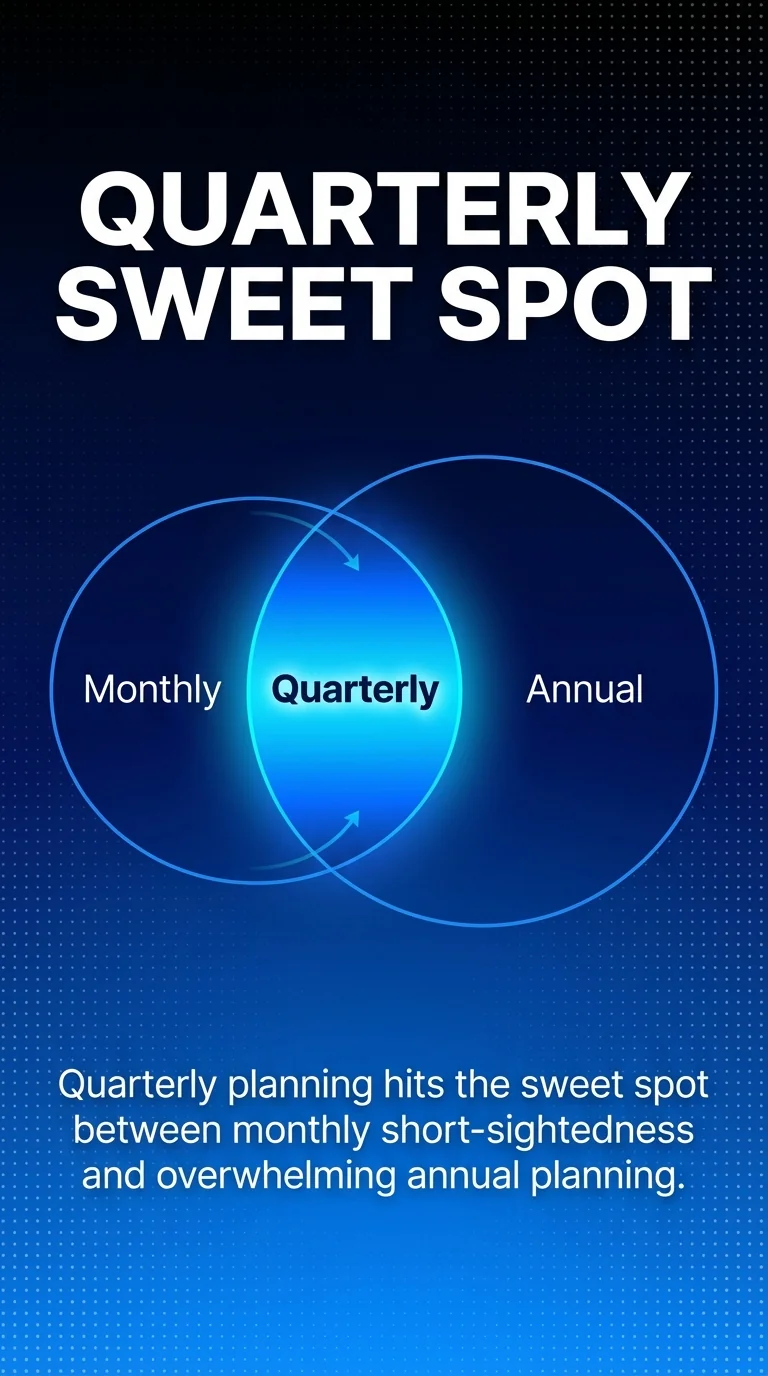
Most content teams struggle with monthly planning because it’s too short-sighted. Annual planning feels overwhelming and quickly becomes outdated. The quarterly approach hits the sweet spot.
You can align content with business goals, seasonal events, and product launches. You’ll spot gaps in your publishing schedule. Your team gains clarity about deadlines and responsibilities.
This guide walks you through creating a quarterly content calendar that actually works. You’ll learn how to set meaningful goals, brainstorm content topics, choose the right template, and keep your team aligned.
By the end, you’ll have a repeatable system for quarterly planning. Your content creation will become more consistent, strategic, and measurable.
What Is a Quarterly Content Calendar?
A quarterly content calendar is a planning document that covers three months of content.
It shows what you’ll publish, when you’ll publish it, and who’s responsible. The calendar includes blog posts, social media content, email newsletters, videos, and any other content your marketing strategy requires.
Think of it as your content roadmap for a 12-week period. Quarterly calendar templates serve distinct purposes depending on business needs, focusing on project timelines, business planning, and goal tracking across three-month periods.
The format varies based on your needs. Some teams use spreadsheets with columns for dates, titles, formats, channels, and status updates. Others prefer visual calendars with colour-coded entries.
This level of detail transforms vague content plans into actionable schedules. Everyone knows what needs creating, when it’s due, and where it will be published.
Why Plan Content Quarterly?
The 12-week cycle offers strategic advantages over monthly or annual planning.
Balance Between Vision and Flexibility
Quarterly planning gives you enough time to execute meaningful campaigns. You can develop content themes, create supporting assets, and build momentum around key messages.
Three months isn’t so long that your plans become irrelevant. Market conditions change. New opportunities emerge. A quarterly approach lets you adapt without scrapping your entire strategy.
Monthly planning keeps you reactive. You’re always scrambling to fill the calendar. Annual planning creates rigid plans that don’t reflect current priorities.
Alignment With Business Cycles
Most businesses operate on quarterly reporting cycles. Your content calendar can mirror this structure.
You’ll naturally align content goals with business objectives. If Q2 focuses on customer retention, your content themes can support that priority.
This synchronisation makes it easier to demonstrate content’s impact. You can measure quarterly content performance against business metrics that matter to stakeholders.
Sustainable Content Production
Quarterly planning prevents burnout. You’re not constantly firefighting or creating content at the last minute.
Your team can batch content creation more effectively. Write multiple blog posts in one sitting. Film several videos during one production day. This approach improves efficiency and maintains quality.
You’ll also spot resource gaps early. If Q3 requires ten blog posts but you only have capacity for six, you’ll know months in advance.
Step 1: Review Your Previous Quarter
Before planning ahead, look back. Data from your last quarter informs smarter decisions for the next one.
Start by gathering performance metrics. Which blog posts drove the most traffic? What social media content generated engagement? Which emails had strong open rates?
Don’t just celebrate wins. Identify what didn’t work. Some content falls flat despite your best efforts. Understanding why helps you avoid repeating mistakes.
Look for patterns in your data:
- Did certain content types consistently outperform others?
- Which publishing times or days yielded better results?
- What topics resonated most with your audience?
- Where did you miss deadlines or struggle with production?
This review should take 1-2 hours. Document your findings in a simple report or spreadsheet.
Share insights with your content team. What they learned from creating and distributing content adds valuable context to the numbers.
Step 2: Set Goals for Your Next Quarter
Clear goals transform your content calendar from a publishing schedule into a strategic tool.
Connect to Business Objectives
Your content goals should ladder up to larger business goals. If your company aims to increase customer retention by 15%, your content might focus on user education and success stories.
Common content goals include increasing website traffic, growing email subscribers, improving social media engagement, generating qualified leads, or supporting sales conversations.
Be specific. “Increase blog traffic” is vague. “Increase organic blog traffic by 25% through SEO-optimised content targeting mid-funnel keywords” gives you a clear target.
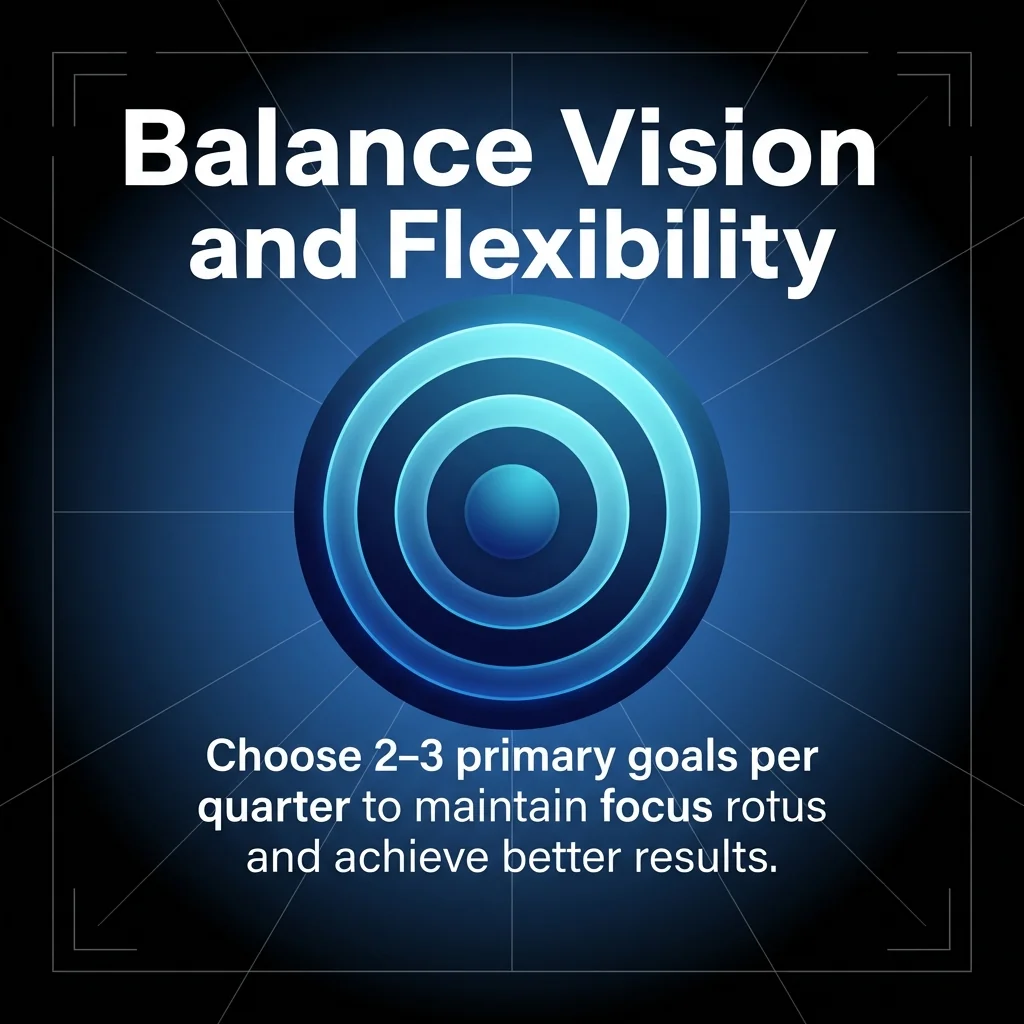
Choose 2-3 Primary Goals
Don’t try to achieve everything in one quarter. Focus creates better results.
Select goals that balance reach, engagement, and conversion. You might aim to publish 12 in-depth guides, grow your email list by 500 subscribers, and maintain a consistent social media presence.
Each goal needs a measurement plan. Define how you’ll track progress and what success looks like by quarter end.
Set Content Production Targets
How much content can you realistically create in 12 weeks? Base this on team capacity and historical production rates.
Break down targets by content type. You might plan for 12 blog posts, 36 social media updates, 8 email newsletters, and 3 video tutorials.
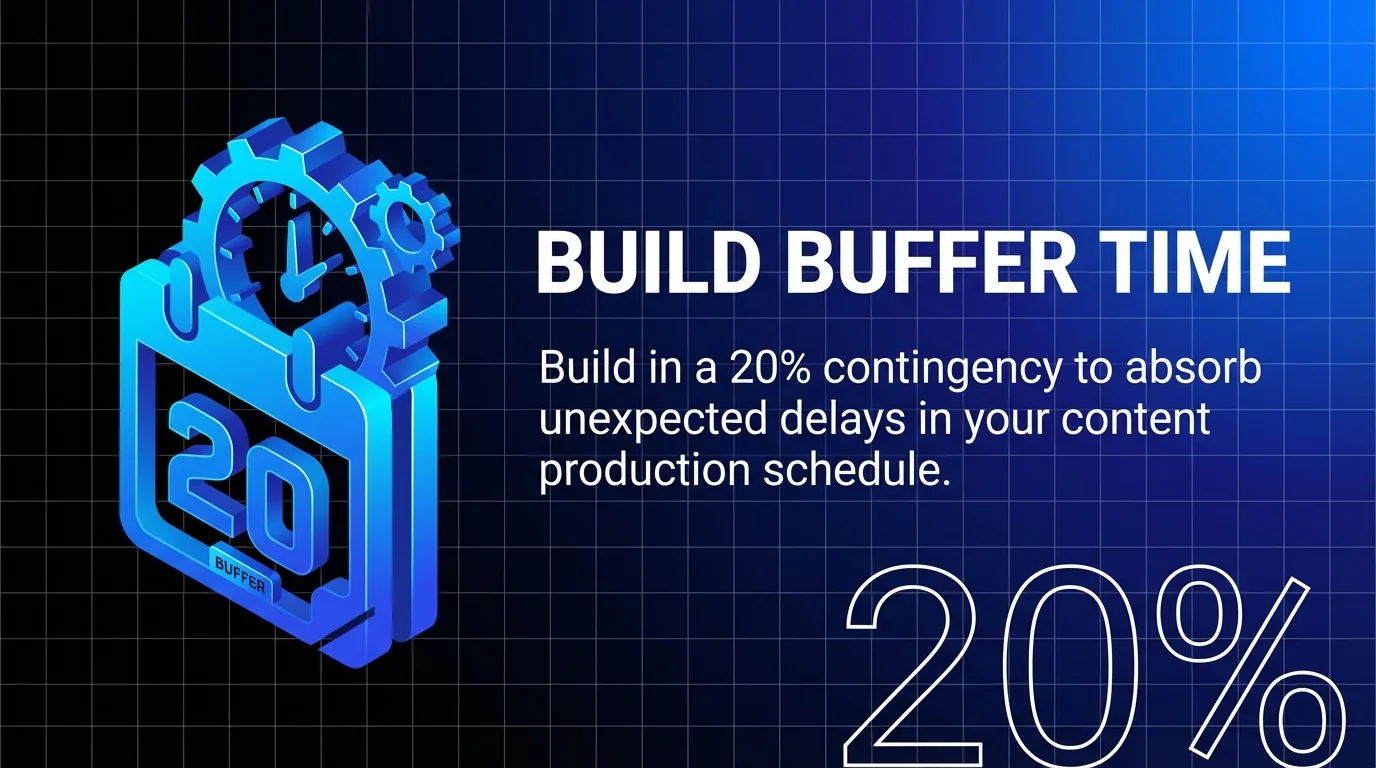
Build in buffer time. Not everything will go according to plan. A 20% contingency helps absorb unexpected delays.
Step 3: Identify Key Dates and Events
Now that you understand your goals, map out the quarter’s landscape. This step prevents you from planning content that misses important moments.
Create a master list of relevant dates:
- Company events (product launches, webinars, conferences)
- Industry events (trade shows, awareness days, major announcements)
- Seasonal occasions (holidays, back-to-school, seasonal trends)
- Recurring campaigns (monthly webinars, weekly newsletters)
- Content deadlines (if you contribute to external publications)
Mark these dates on your calendar template first. They act as anchor points around which other content will flow.
Some dates require supporting content. A product launch needs teaser posts, announcement content, launch day materials, and follow-up pieces. Block out time for these content clusters.
Check for conflicts. If you’ve got a major launch and a key industry event in the same week, you’ll need extra resources or you’ll need to prioritise.
Step 4: Develop Content Themes
Content themes bring coherence to your quarterly plan. Rather than publishing disconnected pieces, themes create narrative threads that build momentum.
Choose 2-4 Quarterly Themes
Themes can connect to your goals, seasonal relevance, or customer journey stages. For example, Q1 might focus on “getting started” content for new customers, whilst Q2 emphasises “advanced techniques” for experienced users.
Strong themes are specific enough to guide creation but broad enough to support multiple content pieces. “Email marketing automation” works better than the vague “email marketing.”
Test each theme against your audience’s needs. Does this topic solve real problems? Will it help you achieve quarterly goals?
Map Themes to Weeks
Distribute themes across your 12-week quarter. You might dedicate weeks 1-4 to theme one, weeks 5-8 to theme two, and so forth.
Alternatively, weave themes together throughout the quarter. Some content types (like weekly social posts) can rotate themes whilst long-form content deep-dives into one theme per month.
This structure guides your brainstorming. When you’re planning week 6, you already know which theme you’re exploring.
Step 5: Brainstorm Specific Content Ideas
With themes established, generate specific content pieces that bring those themes to life.
Host a brainstorming session with your content team. Set a timer for 20 minutes and list every idea that comes to mind. Don’t evaluate quality yet.
Consider different content types for each theme:
- Blog posts (how-to guides, case studies, listicles, expert roundups)
- Social media (tips, quotes, behind-the-scenes, user-generated content)
- Email newsletters (curated resources, exclusive insights, product updates)
- Video content (tutorials, interviews, product demos)
- Downloadable resources (templates, checklists, ebooks)
Mix content formats to maintain audience interest. A theme might include two blog posts, six social updates, one email deep-dive, and one video tutorial.
Review your brainstorm list. Prioritise ideas that align with your goals, support your themes, and match available resources. You’ll likely generate more ideas than you can execute.
Plot your top content ideas onto your calendar template. Start with must-have pieces tied to key dates. Then fill gaps with your strongest remaining ideas.
Step 6: Build Your Content Calendar
Now comes the practical work of assembling your quarterly content calendar. This is where strategy meets execution.
Choose Your Template Format
Select a template that matches your workflow. The right choice depends on team size, content complexity, and collaboration needs.
Spreadsheet templates (Google Sheets or Excel) offer flexibility and customisation. You can add columns for content title, format, assigned author, due date, status, target keywords, distribution channels, and notes.
Project management tools like Asana, Trello, or Monday.com work well for teams that need task assignments, approvals, and progress tracking.
Calendar tools like Google Calendar provide visual clarity. You can colour-code by content type or channel. Templates saved in PDF format can be scaled for printing on various paper sizes such as A4, A5, Letter, or Half letter.
Download our free social media content calendar template to get started quickly with a proven structure.
Essential Calendar Components
Your template should capture the information your team needs to create and publish content successfully.
Minimum required fields include:
| Field | Purpose | Example |
|---|---|---|
| Publish Date | When content goes live | 15/04/2026 |
| Content Title | Working headline | “5 Email Automation Workflows” |
| Content Type | Format being created | Blog post, social update, video |
| Channel | Where it will be published | Website blog, Instagram, LinkedIn |
| Assigned To | Person responsible | Sarah (writer), James (designer) |
| Status | Current progress | Idea, drafting, review, scheduled, published |
Optional fields add depth. Target audience, content theme, related campaigns, target keywords, internal links, and promotional plan all provide valuable context.
Week-by-Week Population
Fill in your calendar week by week. Start with week 1 and work forward.
Place your anchor content first (key dates, must-publish pieces). Then add supporting content around these tentpoles.
Aim for consistent publishing frequency. If you publish two blog posts weekly, maintain that cadence throughout the quarter.
Balance content types across weeks. Don’t cluster all videos in one week or cram social content into the final month.
Assign owners to each piece immediately. Don’t leave responsibilities vague. If Sarah writes blog posts and James handles social media, assign accordingly.
Set internal deadlines that build in review time. If a blog post publishes on Friday, the draft should be complete by Tuesday.
Colour Coding for Clarity
Visual organisation helps teams scan the calendar quickly. Establish a colour-coding system and use it consistently.
You might colour-code by channel (blue for blog, green for social media, yellow for email) or by status (grey for planned, orange for in progress, green for complete).
Don’t over-complicate the system. Three to five colours provide clarity. Ten colours create confusion.
Managing Your Quarterly Content Calendar
Creating the calendar is just the beginning. Effective management keeps your content programme on track throughout the quarter.
Weekly Check-Ins
Schedule a brief weekly review with your content team. This meeting should take 15-30 minutes maximum.
Review the week ahead. Confirm everyone knows their assignments and deadlines. Flag potential bottlenecks before they cause delays.
Check the previous week. Did everything publish as planned? If not, why? Update status fields and reschedule missed content.
This weekly rhythm catches problems early. A blog post stalled in review on Tuesday can be fixed before the Friday deadline.
Monthly Performance Reviews
Once monthly, step back for a broader view. How is content performing against your quarterly goals?
Review metrics for the month’s published content. What’s working? What isn’t? Do you need to adjust your approach for the remaining weeks?
This is also the time to look ahead. The final month of the quarter should be planned in more detail than your initial overview allowed.
Adjust the calendar as needed. If a content type consistently underperforms, replace it with something more effective. If a topic generates unexpected interest, create more content around it.
Team Communication
Your calendar should be the single source of truth for content plans. Everyone accesses the same document rather than maintaining separate lists.
Make the calendar easily accessible. Share the link, grant edit permissions appropriately, and bookmark it in your team’s workflow tools.
Establish update protocols. If someone finishes a draft, they should immediately update the status field. If a deadline shifts, the calendar should reflect the change within hours.
Use comments or notes fields for important context. A quick note like “Waiting on legal approval” or “Aligns with product launch email” helps team members understand dependencies.
For guidance on automating parts of this process, read our article on how to automate your social media content calendar.
Optimising Your Quarterly Planning Process
Your first quarterly calendar won’t be perfect. Each quarter offers lessons that refine your approach.
Batch Content Creation
Batching improves efficiency dramatically. Rather than switching between tasks constantly, you focus on similar work in concentrated blocks.
Dedicate specific days to specific content types. Write all blog posts for the month on Mondays. Record all videos on Thursdays. This reduces context switching and maintains creative flow.
Some teams batch even more aggressively, creating an entire quarter’s content in advance. This requires upfront effort but creates tremendous flexibility later.
Batching also improves quality. When you write three blog posts in succession, you maintain voice consistency and spot opportunities to link between pieces.
Template and Process Documentation
As you refine your quarterly planning, document what works. Create templates for recurring content types. Standard formats speed up creation.
Document your planning process itself. Next quarter, you’ll follow the same steps more efficiently if you’ve written them down.
Build a repository of content briefs, headline formulas, and promotional frameworks. These resources reduce decision fatigue and maintain quality standards.
Incorporating Feedback Loops
Your calendar should evolve based on what you learn. Build feedback mechanisms into your quarterly cycle.
At quarter end, conduct a retrospective with your content team. What went well? What caused friction? What would you change next time?
Capture audience feedback too. Comments, emails, and social media interactions reveal what your audience wants more of.
Use this intelligence when planning the next quarter. Popular topics deserve follow-up content. Problematic processes deserve fixing.
Learn more about comparing monthly versus quarterly content planning approaches to determine which cadence best fits your team’s workflow.
Common Quarterly Planning Challenges
Even well-planned calendars encounter obstacles. Anticipating common challenges helps you navigate them smoothly.
Resource Constraints
You might plan ambitious content only to discover you lack time or team capacity. This becomes apparent around week 4 when the workload intensifies.
Solution: Be ruthlessly realistic during planning. Track how long content actually takes to create. If a blog post requires six hours and you have 12 hours weekly for writing, you can produce two posts maximum.
Build contingency into your calendar. Plan for 80% of your capacity. The remaining 20% absorbs unexpected work or allows time for opportunities.
Last-Minute Changes
Business priorities shift. Products launch late. Market conditions change. Your carefully planned calendar suddenly feels outdated.
Solution: Treat your calendar as a living document. It should guide decisions, not constrain them. When priorities shift, adjust the calendar accordingly.
Maintain a backlog of “flex content” that isn’t time-sensitive. When you need to push back scheduled content, these pieces can fill gaps.
Maintaining Momentum
Enthusiasm runs high in week 1. By week 8, teams sometimes lose momentum. The finish line feels far away.
Solution: Celebrate milestones throughout the quarter. When you hit 50% content completion, acknowledge it. When a piece performs exceptionally well, share the win.
Your weekly check-ins maintain accountability. Teams stay motivated when progress is visible and shared.
Measuring Quarterly Success
As your quarter concludes, assess performance against the goals you established at the start.
Compile metrics for all published content. Traffic, engagement, conversions, and other KPIs tell you what resonated with your audience.
Compare results against your quarterly targets. Did you achieve the traffic increase you planned? Did content support the lead generation goal?
Look beyond just hitting numbers. Qualitative insights matter too. Did content spark meaningful conversations? Did sales teams find it useful? Did customers engage differently?
Document lessons learned whilst they’re fresh. What worked brilliantly? What flopped? What surprised you?
This analysis becomes the foundation for planning your next quarter. Each 12-week cycle makes your content strategy more sophisticated and effective.
For additional guidance on creating effective content plans, explore our comprehensive guide on building social media content plans that actually work.
Quick Answers to Common Questions
What should a content calendar include? A content calendar should include content format, theme, title or copy, target audience, keywords, assigned team members, timescales and deadlines, dates aligned with seasons or events, status updates, distribution channels, and required assets like images. These elements ensure organised planning, visualisation of gaps, and team alignment throughout the content creation process.
What is a monthly content calendar? A monthly content calendar is a detailed schedule covering one month’s content, specifying subjects, types, creators, approvers, status, publish dates, times, and channels. It provides a tactical timeline from creation to posting, helping teams visualise quiet periods and opportunities whilst tracking progress.
How far in advance should I plan content? Quarterly planning (12 weeks) provides the ideal balance. It’s long enough to execute meaningful campaigns and align with business cycles, but flexible enough to adapt to changing priorities. Plan detailed execution 4-6 weeks ahead whilst maintaining a broader overview for the full quarter.
Your Next Quarter Starts Now
You now have the framework for building quarterly content calendars that drive results.
Start by reviewing your previous quarter’s performance. Set 2-3 clear goals for the next 12 weeks. Map out key dates and events that will anchor your content.
Choose a template format that fits your team’s workflow. Populate it week by week with content that supports your themes and goals.
Schedule weekly check-ins to maintain momentum. Adjust your calendar as you learn what works.
Your first quarterly calendar might feel ambitious. That’s normal. Each quarter you’ll refine the process, improve your estimates, and create better content more efficiently.
The planning work you do now pays dividends throughout the quarter. Your team gains clarity, your content becomes more strategic, and your results become more measurable.
Get started on building your content strategy with our guide to creating the perfect social media content calendar and discover 10 AI-powered tips for smarter content calendar management.