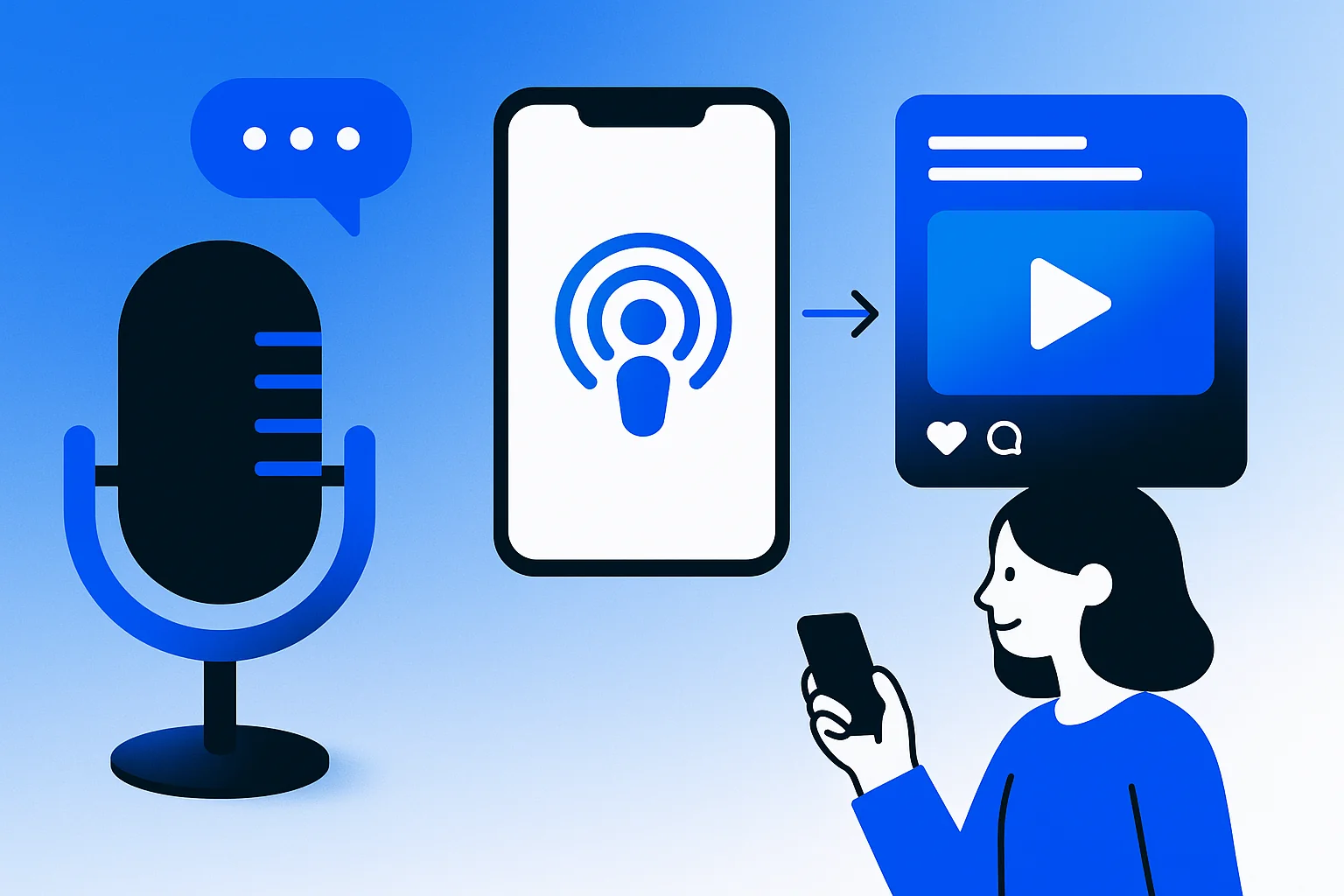
Podcast repurposing transforms a single audio episode into 20 or more strategic content assets across platforms like LinkedIn, Instagram, TikTok, and YouTube. Start with your transcript as the foundation, then extract key quotes, timestamps, and themes to create short-form video clips, blog posts, audiograms, email newsletters, and platform-specific social posts that amplify your reach without recording new content.
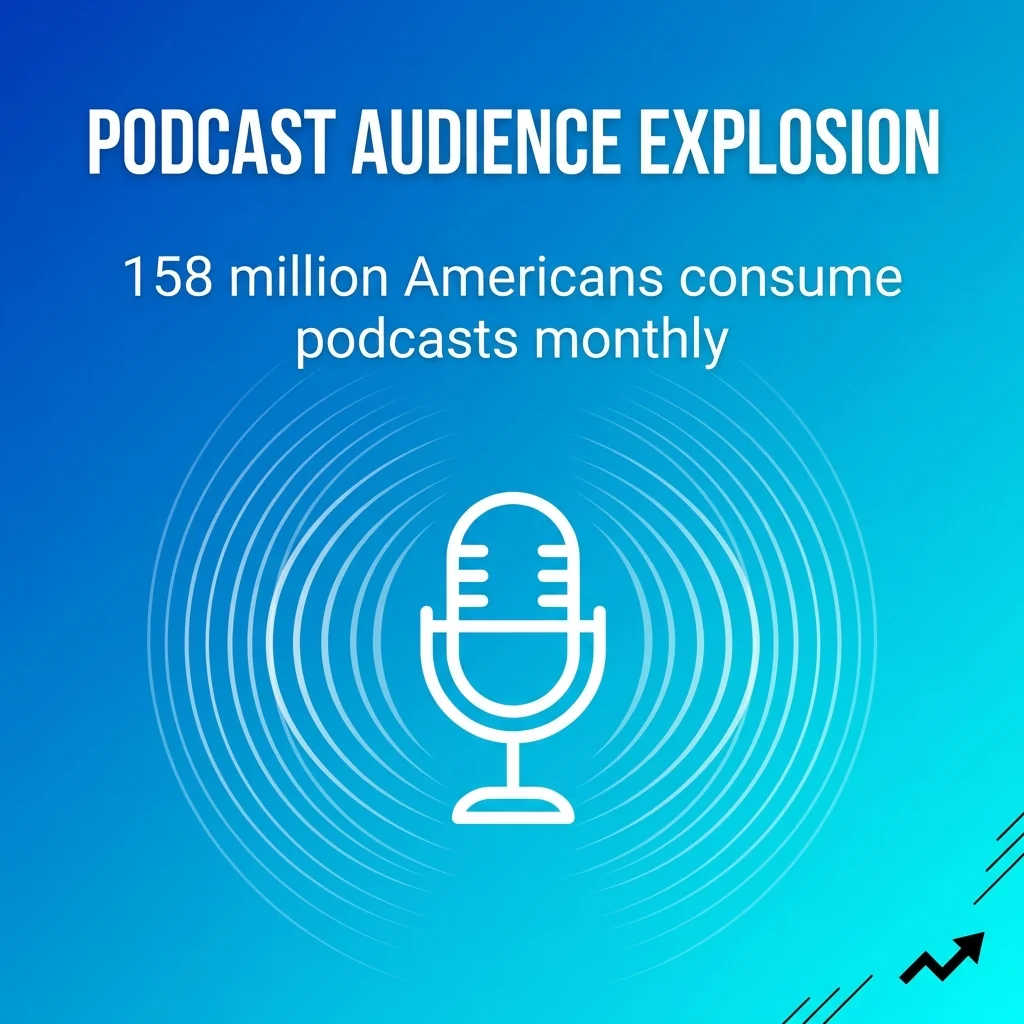
With 158 million Americans consuming podcasts monthly, creators face mounting pressure to maximise every recording session. The audio-only approach leaves enormous visibility gaps when most social platforms prioritise video and visual content.
The solution lies in systematic content transformation. Rather than treating your podcast as a single-use asset, you can extract value repeatedly across multiple channels. This approach addresses the time constraints marketing professionals face whilst building consistent audience touchpoints.
This guide covers proven methods for repurposing podcast content into diverse formats. You’ll learn how to leverage transcripts, create platform-optimised clips, generate supporting visual assets, and build distribution workflows that compound your content marketing ROI.
Why Repurposing Podcast Content Multiplies Your Marketing Impact
Content repurposing solves the efficiency problem facing busy marketers. Recording a single podcast episode requires significant time investment in preparation, recording, editing, and publishing. Without repurposing, that effort reaches only your podcast subscribers.
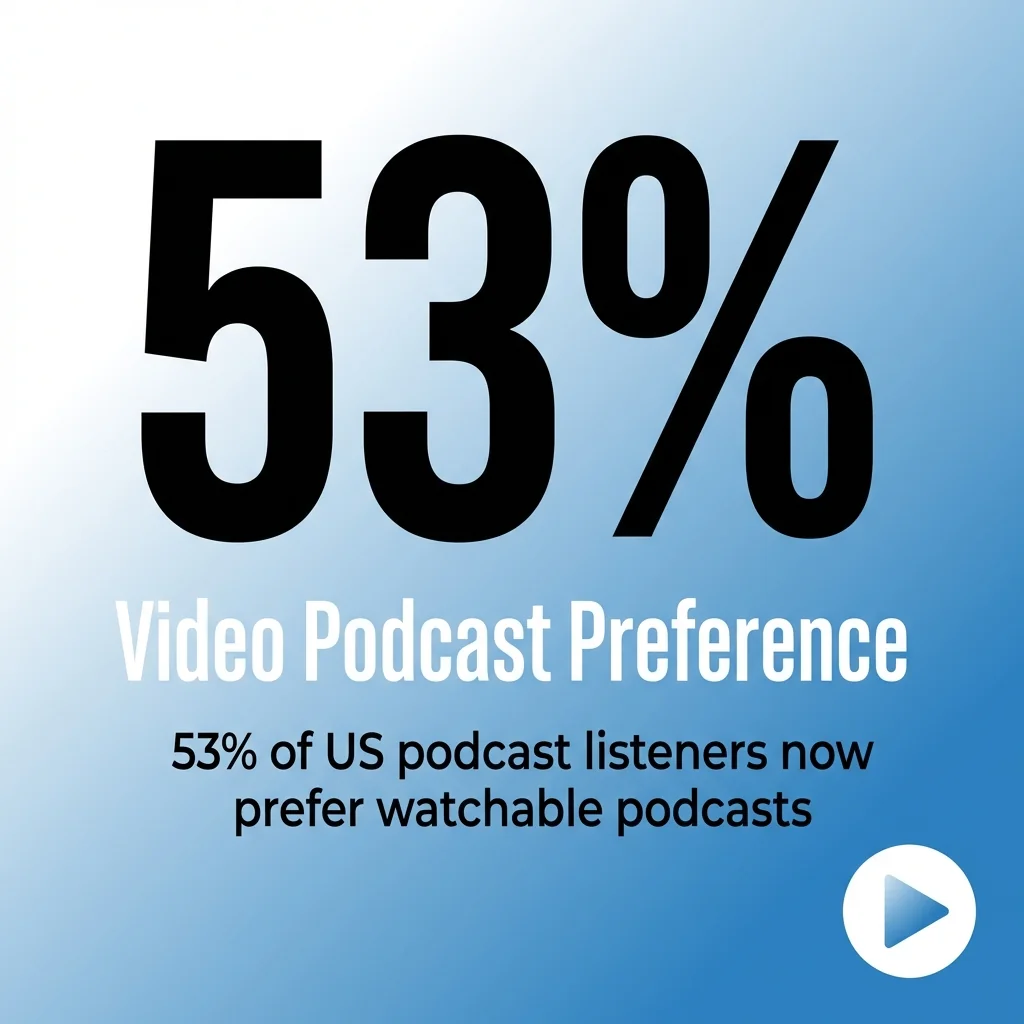
Repurposing extends your reach to audiences who don’t consume traditional podcasts. 53% of US podcast listeners now prefer watchable podcasts, indicating a clear shift toward video consumption even within podcast audiences.
Different platforms attract different audience segments. LinkedIn users engage with professional thought leadership content during work hours. Instagram users scroll through visual content during downtime. TikTok users discover new creators through algorithm-driven recommendations. Each platform requires content formatted specifically for its environment.
By transforming one podcast episode into multiple formats, you meet audiences where they already spend time. This multi-platform presence increases brand visibility whilst reinforcing key messages through repeated exposure across channels.
Efficiency Gains Through Strategic Repurposing
Traditional content creation demands constant ideation and production cycles. Repurposing flips this model by extracting maximum value from existing recordings.
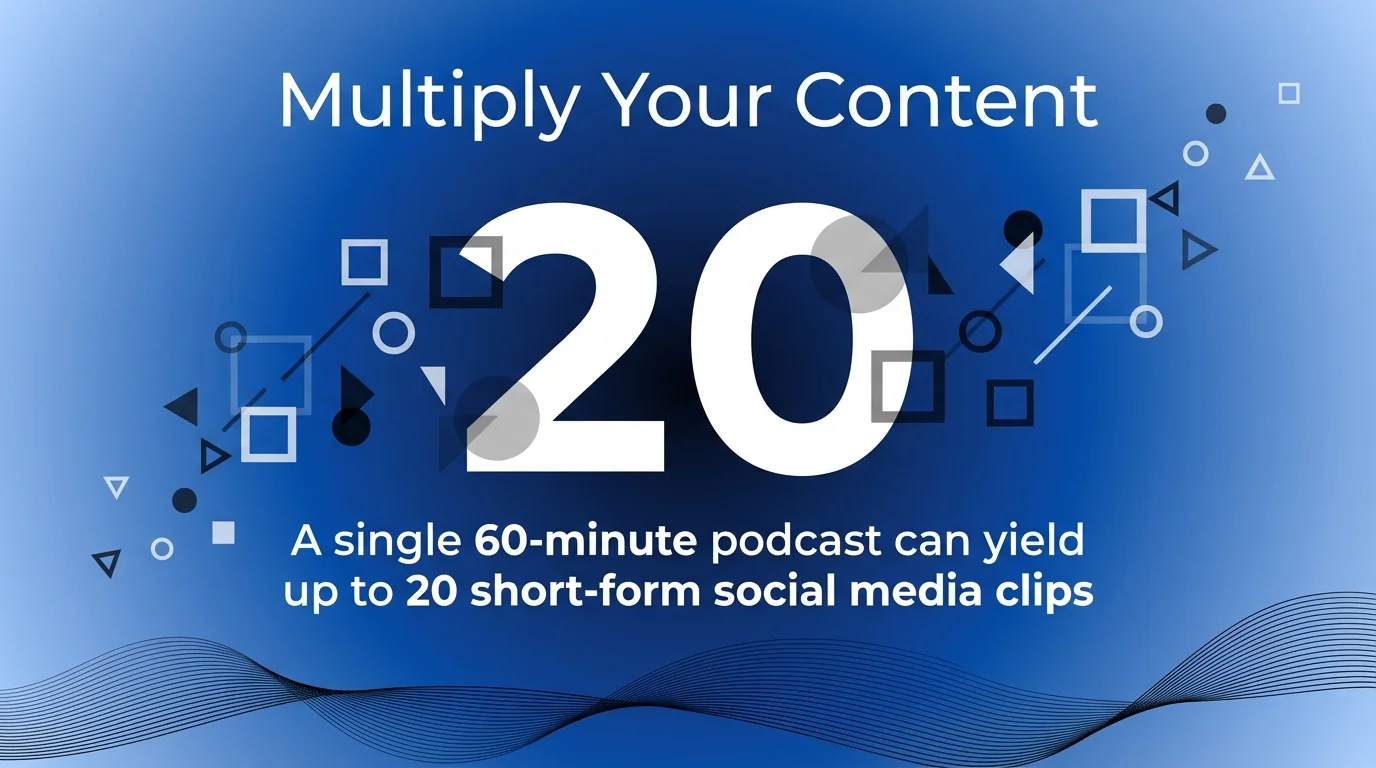
A single 60-minute podcast can yield up to 20 short-form social media clips, each targeting specific platform requirements and audience preferences. This multiplication effect dramatically improves content output without proportional time investment.
The efficiency extends beyond volume. Repurposed content maintains consistent messaging whilst adapting presentation style. Your core insights remain intact whether delivered as a 3,000-word blog post, 60-second video clip, or carousel graphic.
Marketing teams working with limited resources benefit most from this approach. Rather than choosing between podcast production and social media management, repurposing enables both from a single recording session.
SEO Benefits of Podcast Transcription and Blog Conversion
Audio content remains invisible to search engines without text-based companions. Transcribing and converting podcast episodes into blog posts creates searchable content that drives organic discovery.
Blog posts derived from podcasts perform well in search results because they typically contain 2,000+ words of naturally conversational content addressing specific topics. This depth signals authority to search algorithms whilst providing comprehensive answers to user queries.
Each blog post creates opportunities for internal linking within your content ecosystem. You can reference related episodes, connect to relevant resources, and build topical authority through interconnected content clusters.
Search traffic compounds over time. A podcast episode published today reaches only current subscribers. The corresponding blog post continues attracting new visitors months or years later through organic search, creating perpetual discovery opportunities.
The Foundation: Getting Your Podcast Transcript Right
Transcription forms the cornerstone of effective podcast repurposing. Every subsequent content piece draws from this text foundation, making accuracy and formatting critical considerations.
Several transcription approaches exist, each with tradeoffs. Automated services like Otter.ai, Descript, and Riverside provide quick turnaround with 85-95% accuracy. Manual services deliver higher accuracy but require longer production times and higher costs.
For most marketing applications, automated transcription with light editing provides the best balance. Focus editing efforts on correcting industry terminology, proper nouns, and key statistics rather than achieving perfect verbatim transcription.
Preparing Transcripts for Multi-Format Repurposing
Raw transcripts require formatting before they become useful source material. Clean transcripts save time during downstream content creation.
Start by adding speaker labels and timestamps. These markers help identify quotable segments and navigate long episodes efficiently. Mark sections discussing distinct topics with descriptive headers that facilitate later extraction.
Remove verbal fillers, false starts, and conversational redundancies that work in audio but hinder readability. Spoken language patterns often need tightening for written consumption without losing the conversational tone.
Create a master document that includes both the cleaned transcript and metadata. Note key quotes, memorable moments, and topic timestamps. This annotated version becomes your repurposing roadmap for all subsequent content.
Tools That Streamline Transcript Production
Descript combines transcription with audio editing capabilities. You can edit audio by editing text, making it simple to remove sections or rearrange content whilst maintaining synchronised transcript accuracy.
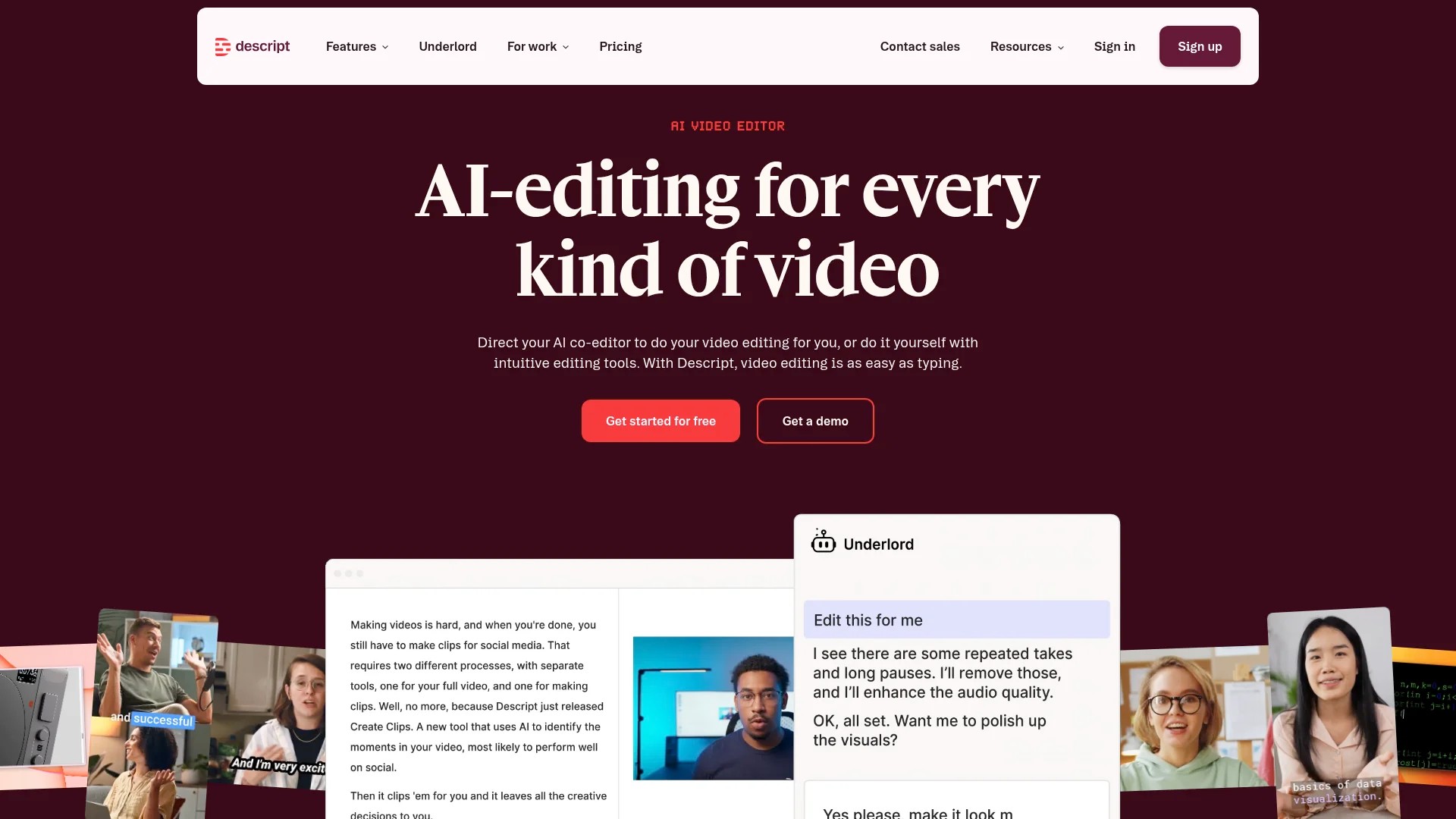
Otter.ai offers collaborative transcription features that let team members highlight key moments and add comments during review. This collaboration streamlines the content planning process for repurposed assets.
Riverside provides transcription as part of its recording platform, generating timestamped transcripts automatically during recording. This integration eliminates separate transcription steps for users recording within the platform.
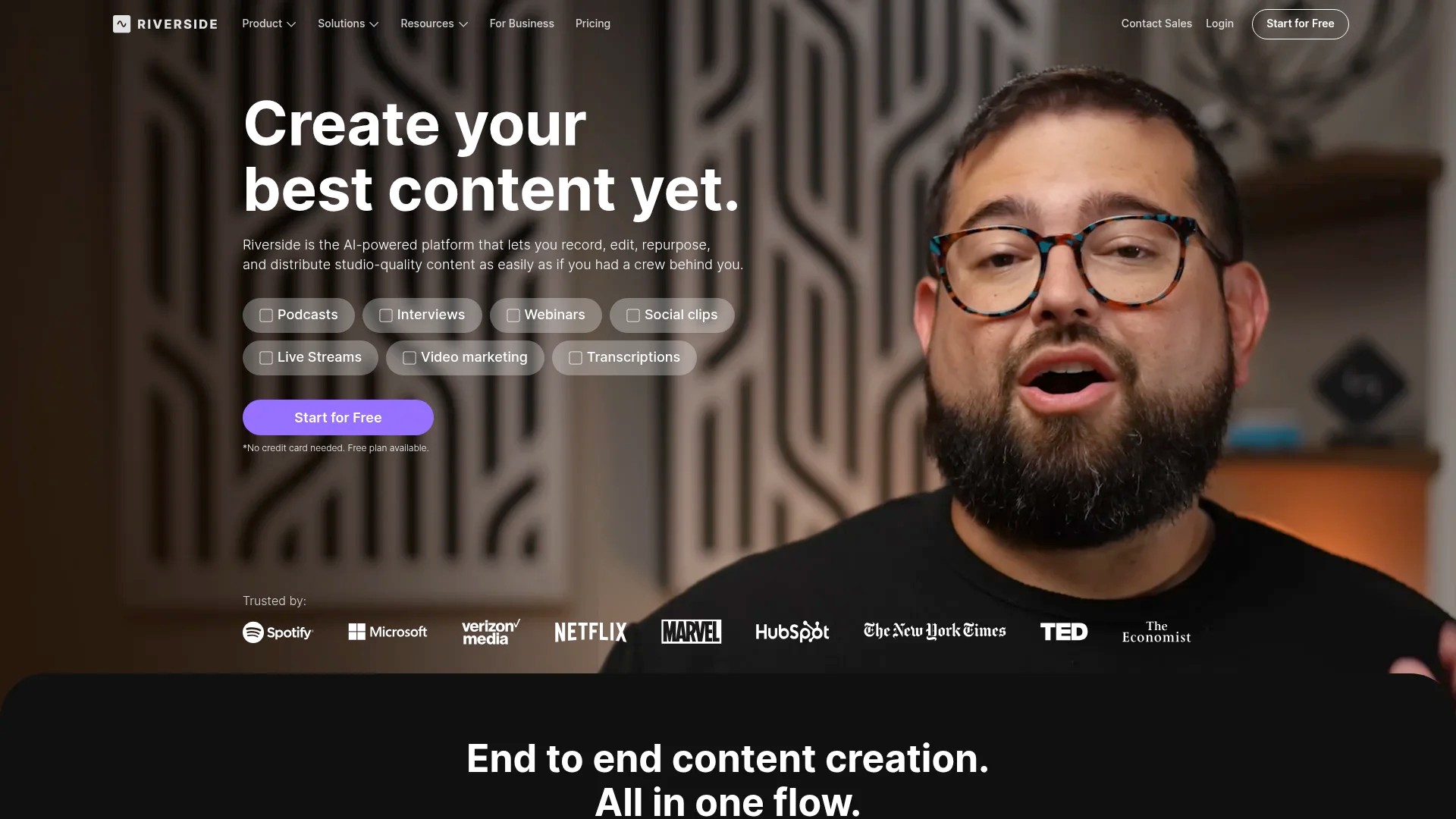
Each tool exports transcripts in multiple formats. Choose tools that support your workflow preferences, whether that’s Word documents, plain text files, or direct CMS integration.
9 Proven Methods to Repurpose Your Podcast Content
These repurposing methods transform your podcast episode into diverse content assets. Each method serves specific platforms and audience preferences whilst building from your core transcript foundation.
Implementing all nine methods creates comprehensive coverage across content types. Start with methods aligned to your existing distribution channels, then expand as capacity allows.
1. Convert Episodes Into SEO-Optimised Blog Posts
Blog post conversion represents the highest-value repurposing method for long-term organic reach. Transform your transcript into a structured article that ranks for relevant search queries.
Begin by identifying the main topic and 3-5 subtopics discussed in the episode. These become your heading structure. Reorganise transcript content into logical sections that flow for readers rather than following strict chronological order from the audio.
Add context that audio provides through tone but text requires explicitly. Expand on points that were clear in conversation but need elaboration in writing. Include relevant statistics, examples, and explanations that enhance comprehension.
Optimise for target keywords without sacrificing readability. Include keywords in headings, opening paragraphs, and throughout the content where they fit naturally. Add internal links to related content and external links to authoritative sources mentioned in discussion.
Blog posts should feel cohesive rather than transcribed. Edit for clarity, add visual elements like images or charts, and format with bullet points and subheadings that improve scannability. The goal is standalone value for readers who never hear the original audio.
2. Extract Short-Form Video Clips for Social Media
Short-form video dominates social media engagement across platforms. Extract compelling 30-90 second segments from your podcast that deliver complete thoughts or valuable insights as standalone clips.
Identify quotable moments during transcript review. Look for passionate statements, counterintuitive insights, actionable advice, or entertaining stories that work without surrounding context. Mark these sections with timestamps for video editing.
Format clips specifically for each platform’s requirements. TikTok and Instagram Reels prefer vertical 9:16 aspect ratio with captions covering the lower third. LinkedIn accepts square or horizontal formats with professional framing. YouTube Shorts follows vertical format similar to TikTok.
Add captions to every video clip regardless of platform. Captions improve accessibility whilst accommodating the 85% of social video watched without sound. Tools like Kapwing, VEED, and Descript automate caption generation.

Create platform-specific hooks that capture attention in the first 3 seconds. Add text overlays highlighting key phrases. Include your branding consistently but subtly to maintain professional appearance without overwhelming the content.
3. Design Audiograms That Visualise Audio Content
Audiograms combine audio snippets with animated waveforms and text overlays. These hybrid assets work well for platforms that support video but audiences who prefer audio-focused content.
Select 30-60 second audio segments that deliver complete insights. These should work as teasers that encourage full episode listening or as standalone value for audiences discovering your content through social feeds.
Tools like Headliner, Audiogram, and Wavve automate audiogram creation. Upload your audio segment, select visual templates, add text overlays featuring the most impactful quote, and export in platform-appropriate dimensions.
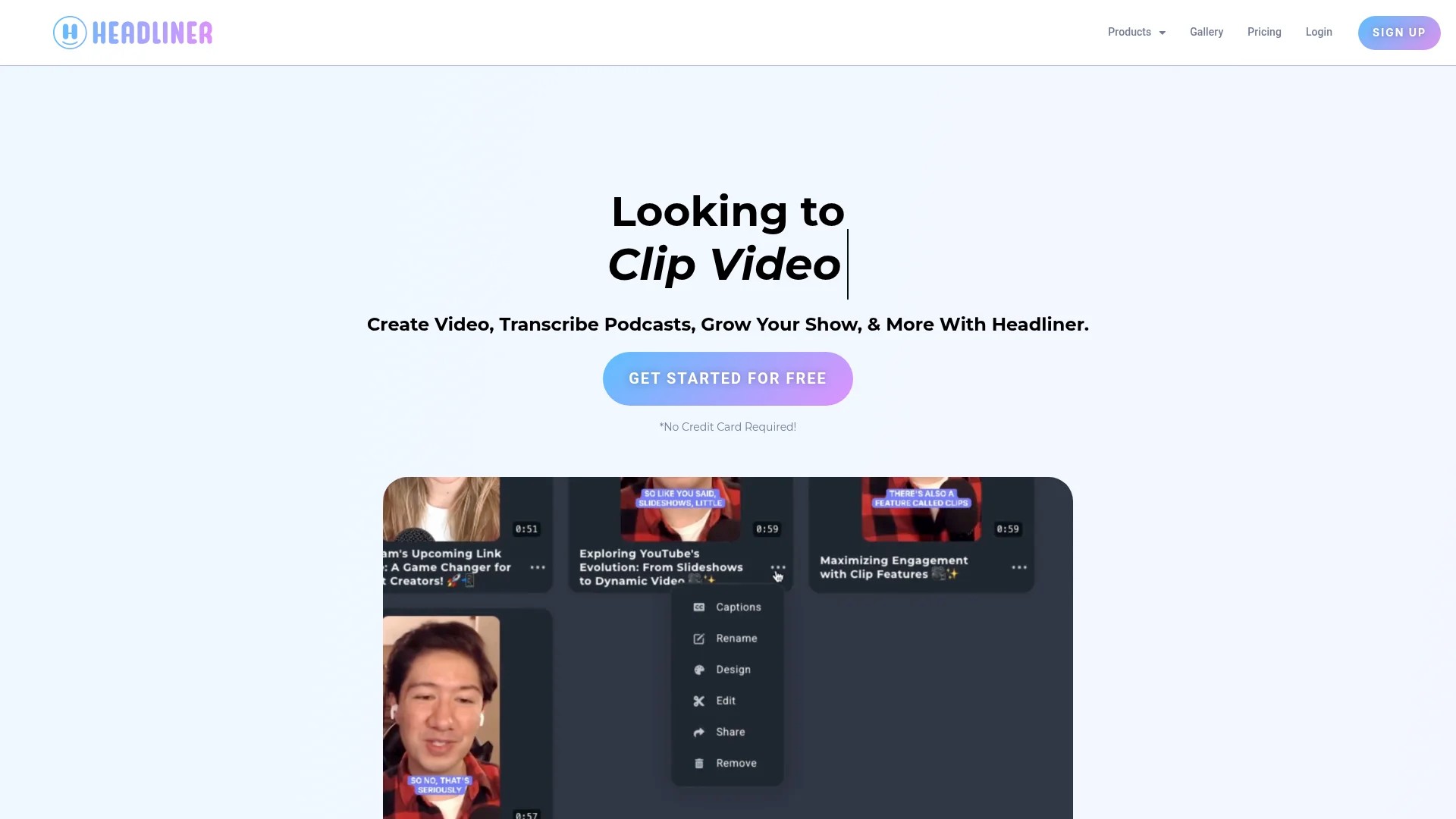
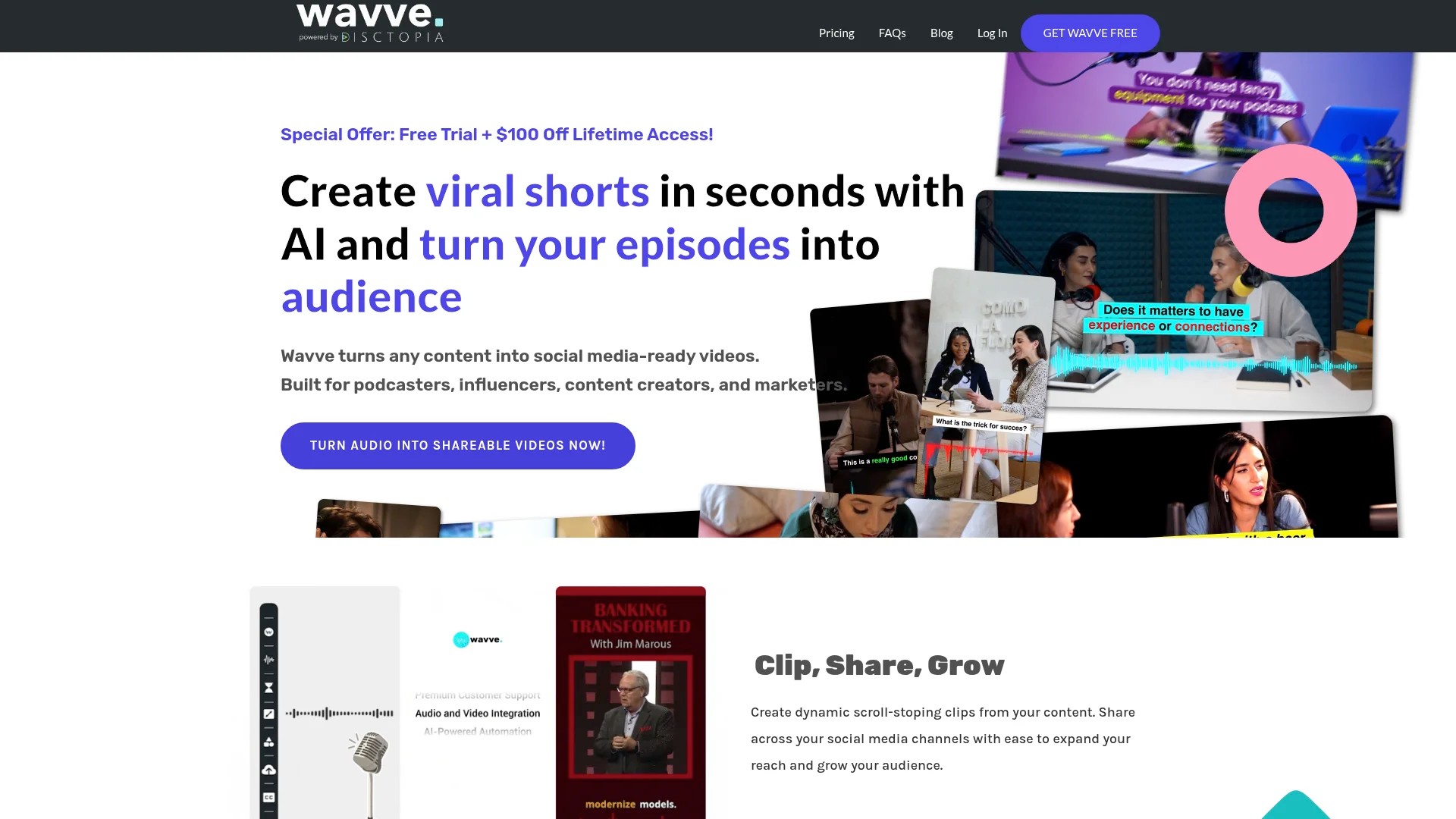
Square format (1:1 aspect ratio) performs well across most platforms. Include episode details, guest names, and clear branding in the visual composition. Animated waveforms should complement rather than distract from the text content.
Audiograms bridge the gap between pure audio podcasts and video content expectations. They allow podcast episodes to appear in video feeds whilst maintaining focus on audio quality and spoken insights.
4. Generate Quote Graphics for Visual Platforms
Quote graphics transform memorable statements into shareable visual assets. These work exceptionally well on Instagram, LinkedIn, and Pinterest where image-based content drives engagement.
Extract 3-5 quotable sentences from each episode. Look for insights that deliver value independent of surrounding discussion. Avoid quotes requiring context or explanation beyond what fits in an image.
Design templates that maintain consistent branding across quotes. Include attribution to the speaker, episode reference, and your podcast branding. Tools like Canva, Adobe Express, and Easil provide templates optimised for social platforms.
Typography matters significantly in quote graphics. Choose readable fonts at appropriate sizes. Ensure sufficient contrast between text and background. Test readability on mobile devices where most social consumption occurs.
Vary visual treatments to prevent repetitive feed appearance. Alternate colour schemes, layouts, and design elements whilst maintaining recognisable brand consistency. This variety keeps content fresh for followers seeing multiple posts from your podcast.
5. Create Detailed Show Notes and Episode Guides
Show notes serve multiple purposes beyond simple episode descriptions. Comprehensive show notes improve discoverability, provide reference material for listeners, and create additional searchable content around your podcast.
Structure show notes with clear sections: episode summary, key topics covered, timestamps for major segments, resources mentioned, and guest information. This organisation helps listeners navigate to relevant sections and find referenced materials.
Include links to everything mentioned during the episode. Reference articles, books, tools, websites, and related content create value for engaged listeners whilst generating outbound connections that support SEO.
Timestamps enable listeners to jump directly to topics of interest. This consideration respects audience time and increases likelihood that busy professionals engage with relevant segments rather than skipping episodes entirely.
Show notes also function as standalone content. Publish them on your website as dedicated pages that rank for long-tail keywords related to episode topics. This creates multiple entry points for discovering your podcast through search.
6. Build Email Newsletter Content from Episodes
Email newsletters provide owned channels for nurturing relationships with your audience. Podcast content supplies consistent material for regular email communication without requiring separate content creation.
Extract key insights from recent episodes to form newsletter content. Summarise main points in 2-3 paragraphs, include a memorable quote, and link to the full episode. This format respects subscriber time whilst encouraging deeper engagement with the complete audio.
Segment newsletters by topic when your podcast covers diverse subjects. Subscribers interested in specific themes receive relevant content rather than every episode announcement. This targeting improves open rates and reduces unsubscribes.
Include calls-to-action beyond episode listening. Invite replies with questions or topic suggestions. Promote related resources, upcoming events, or community discussions. Email creates two-way communication opportunities that unidirectional podcast publishing doesn’t offer.
Consistency matters more than frequency. Whether weekly or monthly, regular newsletter delivery builds anticipation and habit among subscribers. Repurposing podcast content ensures you maintain schedule even during busy periods.
7. Develop LinkedIn Articles and Professional Posts
LinkedIn rewards long-form professional content that demonstrates expertise. Podcast episodes contain exactly this type of material when properly adapted for the platform’s business-focused audience.
Convert episode segments into LinkedIn articles of 1,000-1,500 words. Focus on business applications, industry insights, and professional development angles. Restructure conversational content into polished prose that reflects LinkedIn’s professional context.
Create shorter LinkedIn posts highlighting single insights from episodes. These 150-300 word posts work well for frequent engagement. Include relevant hashtags, tag mentioned guests or companies, and invite discussion through questions.
LinkedIn’s algorithm favours native content over external links. Publish full articles directly on LinkedIn rather than linking to external blog posts. Reserve external links for comments where you can share additional resources without reducing post visibility.
Video clips also perform strongly on LinkedIn, particularly when addressing professional development, industry trends, or business strategy. Upload clips directly rather than linking to other platforms. Include captions and professional thumbnails that convey credibility.
8. Produce Instagram and TikTok Content Series
Series-based content creates anticipation and encourages following on Instagram and TikTok. Structure repurposed podcast content as recurring formats that audiences recognise and expect.
Create themed series like “Monday Mindset” featuring motivational clips, “Wednesday Wisdom” sharing tactical advice, or “Friday Features” highlighting guest insights. Consistent formatting and scheduling builds routine engagement with your content.
Adapt content length to platform norms. TikTok audiences engage with 15-60 second clips that deliver quick value. Instagram Reels perform well between 30-90 seconds. Test different lengths to identify what resonates with your specific audience.
Leverage trending audio and formats on each platform. While your podcast provides source content, presenting it within trending frameworks increases discoverability through platform algorithms. Balance evergreen content with timely trend participation.
Cross-pollinate between platforms whilst respecting their distinct cultures. Content that works on TikTok might need reframing for Instagram. LinkedIn audiences expect different tones than TikTok users. Adapt presentation whilst maintaining core insights from your podcast.
9. Build YouTube Content from Video Podcasts
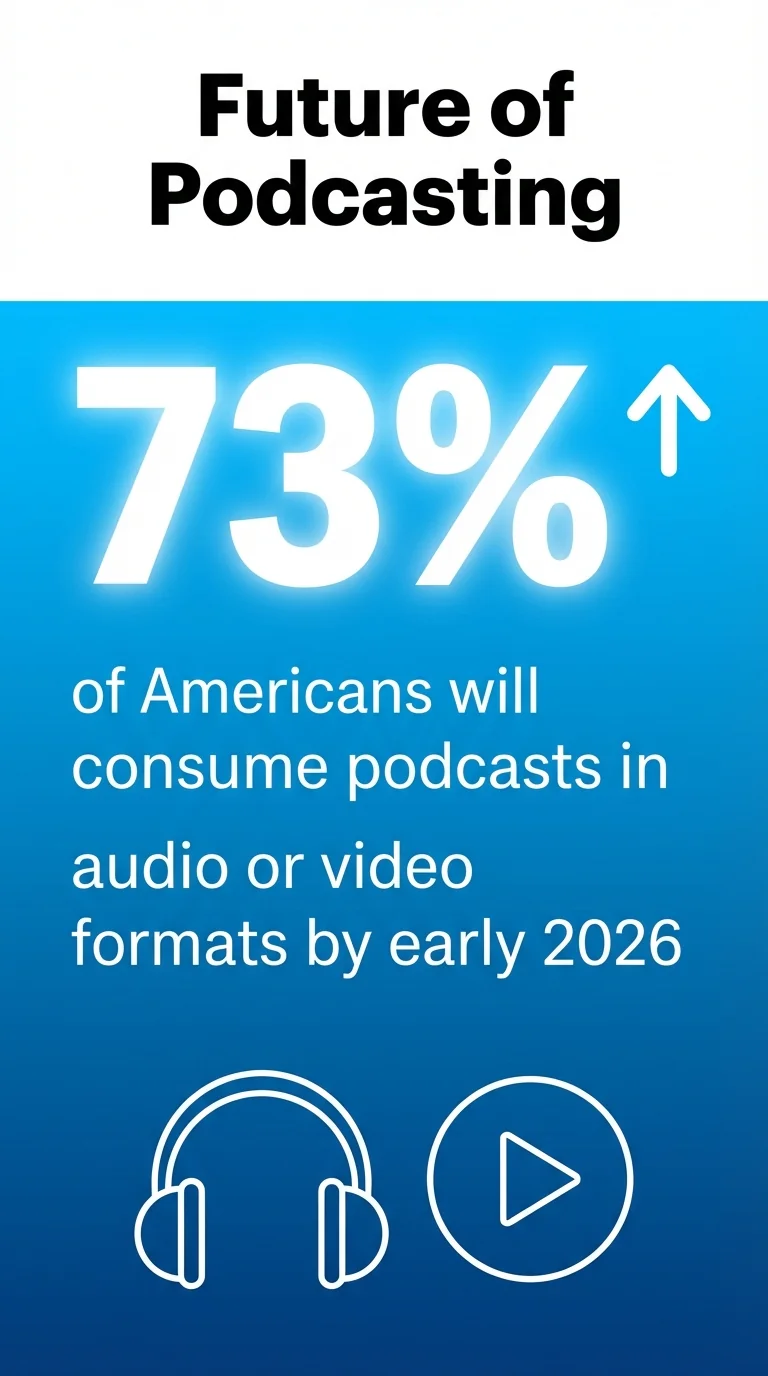
Video podcasts create opportunities for YouTube distribution beyond audio-only formats. With 73% of Americans consuming podcasts in audio or video formats by early 2026, video podcasting addresses growing audience preferences.
Publish full video episodes to YouTube as your primary content. Optimise titles, descriptions, and tags for search discoverability. Create custom thumbnails that convey episode value and maintain brand consistency.
Extract highlight clips as supplementary YouTube Shorts. These shorts function as discovery tools that introduce new audiences to your full content whilst serving algorithm preferences for short-form video.
Organise videos into playlists by topic, guest, or theme. Playlists increase watch time by automatically advancing viewers to related content. They also improve channel organisation for visitors browsing your content library.
YouTube’s search functionality makes it the second-largest search engine globally. Podcast content optimised for YouTube search reaches audiences specifically seeking information on your topics, creating high-intent discovery opportunities unavailable on audio-only platforms.
Essential Tools for Podcast Content Repurposing
Efficient repurposing requires tools that automate repetitive tasks whilst maintaining quality standards. The right tool stack transforms manual processes into systematic workflows.
Select tools based on your specific needs, technical comfort level, and budget constraints. Many platforms offer free tiers sufficient for getting started before upgrading as volume increases.
Transcription and Editing Platforms
Descript provides comprehensive audio and video editing through text manipulation. Edit recordings by editing transcripts, removing filler words automatically, and exporting clips with matched captions. This text-based approach simplifies editing for non-technical users.
Otter.ai specialises in transcription with collaborative features. Real-time transcription during recording, speaker identification, and team commenting support workflow efficiency for podcast teams.
Riverside combines recording with transcription and basic editing. Recording in studio quality with automatic backup prevents technical failures whilst generating transcripts simultaneously.
Video Creation and Editing Tools
Kapwing offers browser-based video editing accessible to beginners. Templates for social media formats, automatic subtitle generation, and collaborative editing support team workflows without software installation.
VEED provides similar functionality with additional templates and effects. Auto-subtitling, progress bars, and social media optimisation features streamline clip creation for multiple platforms.
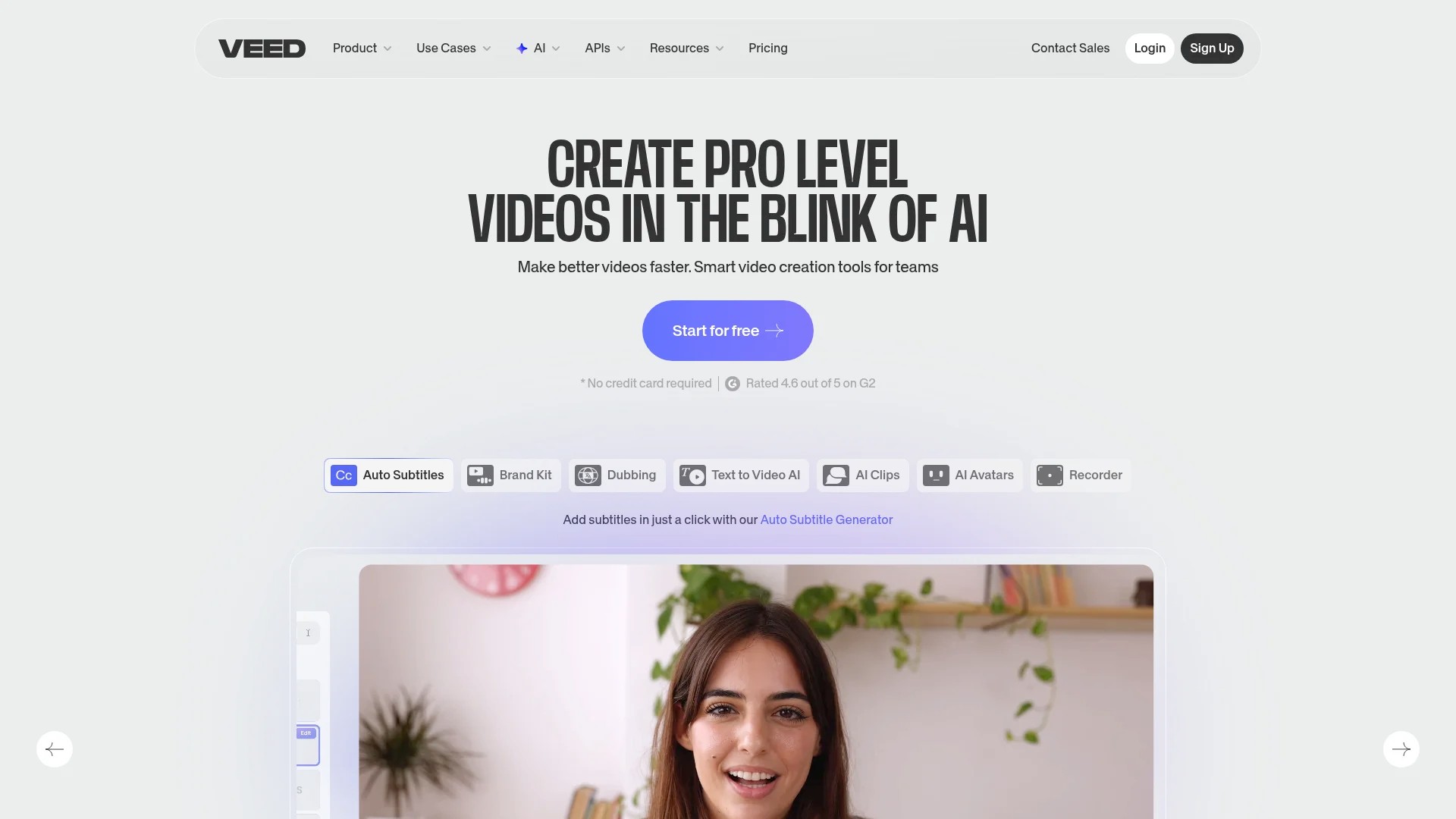
Headliner focuses specifically on podcast promotion through audiogram creation and video clip generation. Built-in templates understand podcast workflows and export requirements.
Social Media Scheduling and Distribution
Buffer enables scheduling across multiple social platforms from a single dashboard. Queue content in advance, optimise posting times, and track performance across channels.
Hootsuite offers enterprise-grade social media management with team collaboration features. Schedule posts, monitor engagement, and manage multiple brands or clients from unified workflows.
Later specialises in visual content planning for Instagram and Pinterest. Visual calendar planning helps maintain aesthetic consistency whilst scheduling efficiently.
These tools eliminate manual posting requirements whilst enabling consistent presence across platforms. Schedule batches of repurposed content in single sessions rather than posting manually throughout weeks.
AI-Powered Repurposing Automation
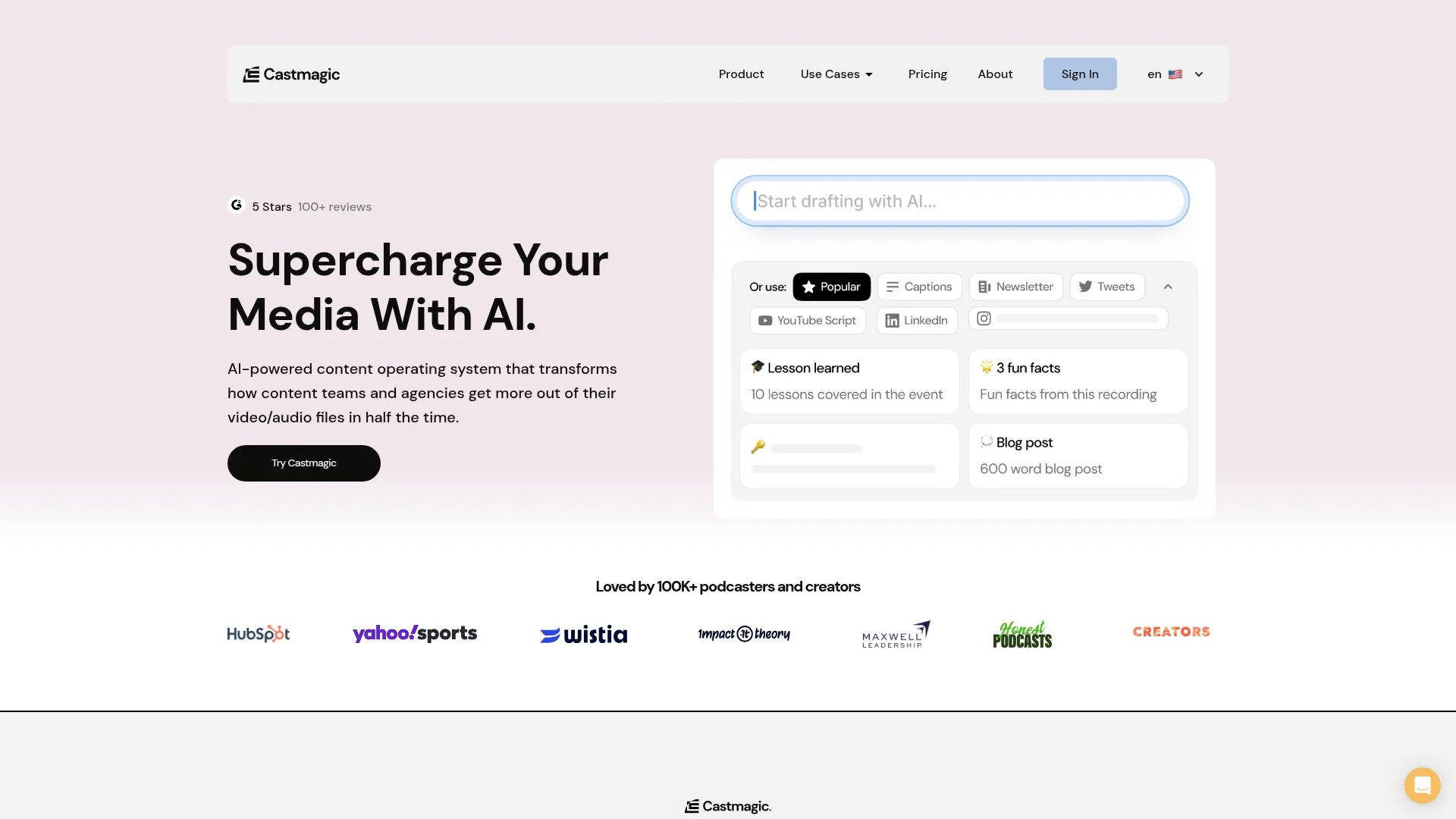
Castmagic generates show notes, social posts, and content summaries automatically from uploaded episodes. AI analysis identifies quotable moments and creates ready-to-publish content variations.
Podium creates website pages, newsletters, and social content from podcast feeds. Automation handles routine repurposing whilst allowing customisation of generated content.
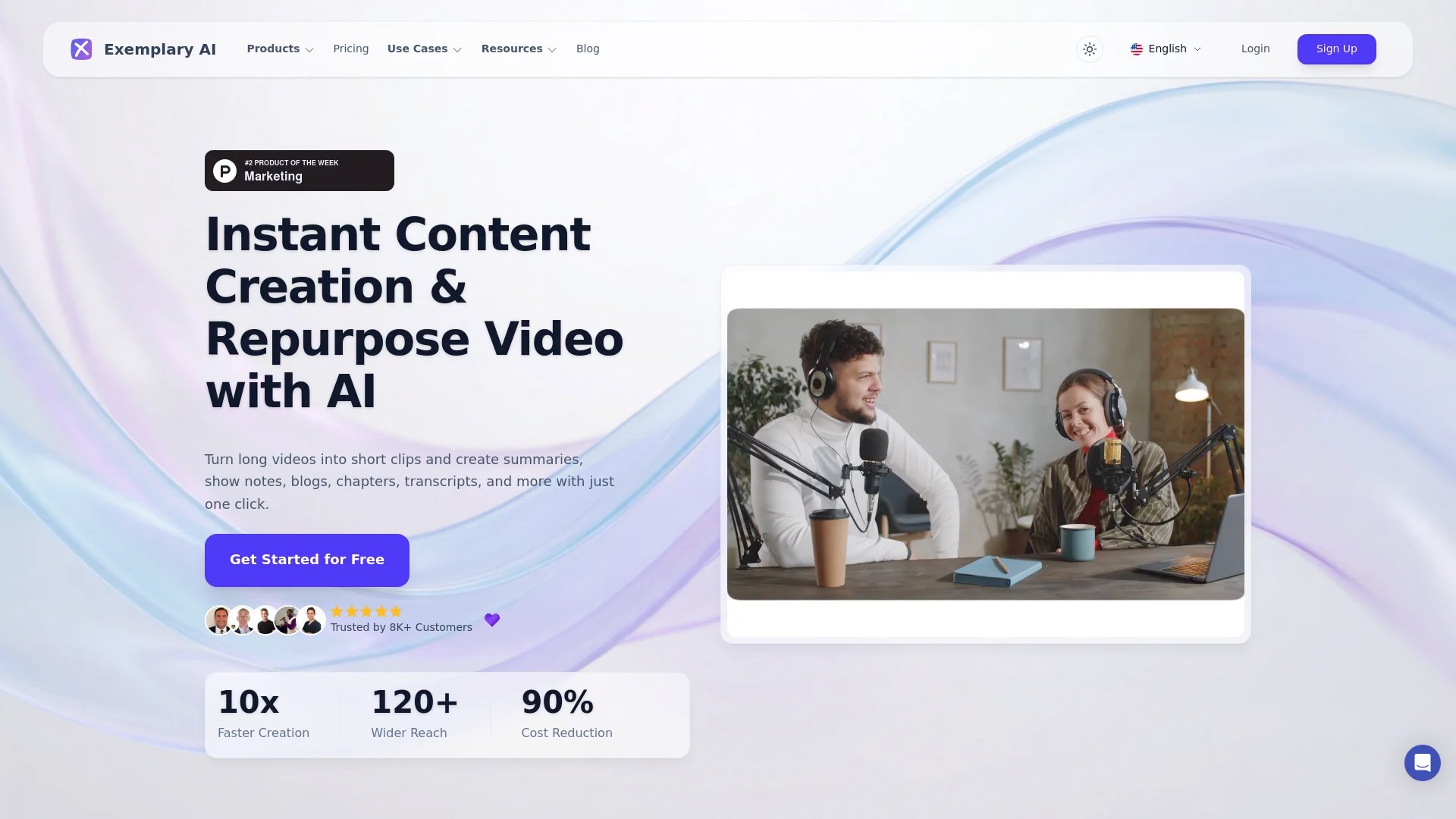
Exemplary offers transcription with AI-generated summaries, chapters, and clips. Multi-language support enables international content distribution from single recordings.
AI tools handle volume efficiently but require quality review. Use them to accelerate first drafts whilst applying editorial judgement to ensure accuracy and brand alignment in published content.
Building Your Podcast Repurposing Workflow
Systematic workflows transform repurposing from overwhelming project into manageable routine. Establish processes that team members can follow consistently regardless of episode content.
Document your workflow with checklists and templates. This documentation enables delegation and maintains quality standards as your operation scales.
Creating a Content Production Calendar
Map repurposed content distribution across 2-4 weeks following each episode release. This spacing prevents overwhelming audiences whilst maintaining consistent presence.
Week one focuses on primary assets: full episode publication, blog post publication, email newsletter, and initial social promotion. These core pieces establish episode availability across main channels.
Weeks two through four distribute supporting assets: video clips, quote graphics, audiograms, and platform-specific content. Spacing this content extends episode lifespan and maintains feed activity between new episode releases.
Use project management tools like Notion, Airtable, or Trello to track production status across repurposing tasks. Visibility into workflow bottlenecks enables process improvements.
Establishing Quality Control Checkpoints
Quality suffers when rushing to publish repurposed content. Build review checkpoints into workflows before content goes live.
Transcript accuracy requires verification of technical terms, proper nouns, and statistics. Incorrect transcription undermines credibility in all downstream content.
Visual content needs brand consistency checks. Review colour schemes, logo placement, font usage, and image quality before scheduling. Inconsistent branding confuses audiences and appears unprofessional.
Platform optimisation deserves specific attention. Verify aspect ratios, caption accuracy, link functionality, and metadata completeness. Platform-specific errors reduce engagement and waste repurposing effort.
Measuring Repurposing ROI and Adjusting Strategy
Track performance metrics across repurposed content to identify highest-value formats and platforms. Not all repurposing methods deliver equal results for every podcast.
Monitor engagement rates for social media content. Which clip styles generate comments and shares? Which platforms drive traffic to full episodes? This data informs resource allocation toward highest-performing formats.
Analyse blog post traffic and search rankings. Track organic search growth, time on page, and conversion rates from blog readers to email subscribers or podcast listeners. SEO benefits compound over months, requiring patience in measurement.
Evaluate email performance through open rates, click rates, and subscriber growth. Test different content structures to identify what resonates with your email audience specifically.
Review time investment against results quarterly. Double down on methods delivering results whilst eliminating or reducing effort on underperforming formats. Repurposing should amplify impact, not create busywork.
Maximising Reach Through Multi-Platform Distribution
Strategic distribution multiplies repurposing value by ensuring content reaches audiences across their preferred platforms. Platform diversification reduces dependence on any single algorithm or audience.
Each platform attracts distinct demographics and usage patterns. LinkedIn skews professional and business-focused. Instagram emphasises visual aesthetics and lifestyle content. TikTok reaches younger audiences with entertainment expectations. YouTube serves long-form content consumption and active search behaviour.
Adapt content presentation to match platform culture whilst maintaining consistent messaging. The same podcast insight packaged professionally for LinkedIn should feel native to TikTok when reformatted with trending sounds and casual presentation.
Platform-Specific Optimisation Strategies
LinkedIn values thought leadership and professional insights. Frame podcast content around business applications, industry trends, and career development. Use professional imagery and polished presentation that matches platform expectations.
Instagram prioritises visual appeal and aspirational content. Design quote graphics with aesthetic consistency. Use Reels for educational content delivered in engaging, fast-paced formats. Stories offer behind-the-scenes glimpses and timely content that doesn’t require permanence.
TikTok rewards entertainment value and authentic presentation. Lead with hooks that grab attention immediately. Participate in trends whilst incorporating your podcast insights. Educational content succeeds when delivered with personality rather than lecture format.
YouTube supports both long-form and short-form content. Publish complete video podcast episodes for dedicated audiences whilst using Shorts to attract new viewers. Optimise for search by researching keywords and crafting titles that match search intent.
Cross-Promotion Tactics Between Platforms
Guide audiences from discovery platforms toward owned channels. TikTok and Instagram clips should direct viewers to full episodes on podcast platforms or your website.
Embed calls-to-action naturally within content. Mention where audiences can find complete discussions without aggressive selling. Subtle direction (“full conversation on the podcast”) converts interested viewers without alienating casual scrollers.
Use platform-specific features for cross-promotion. Instagram link stickers in Stories, YouTube cards linking to relevant videos, LinkedIn articles with embedded podcast players all create conversion pathways.
Email subscribers represent owned audience most valuable for long-term relationship building. All social content should ultimately build email lists where you control communication without algorithmic interference.
Quick Answers to Common Podcast Repurposing Questions
How to repurpose podcast content?
Repurpose podcast content by extracting the audio transcript, then transforming it into multiple formats including blog posts, social media clips, carousels, email newsletters, and short-form videos optimised for different platforms like LinkedIn, Instagram, and TikTok. Start with transcription, identify key themes and quotes, then systematically create assets tailored to each platform’s audience and format requirements.
What is a repurposed podcast?
A repurposed podcast is content derived from transforming a single podcast episode into multiple strategic content assets across different channels and formats, such as blog posts, social media clips, transcripts, and videos, rather than treating it as a one-time audio file. This approach extends reach and maximises the investment in each recording.
What is an example of repurposing content?
An example of repurposing content is converting a single webinar into multiple formats: extracting the audio as a podcast episode, transforming the transcript into an SEO-optimised blog post, creating 2-3 minute video clips for social platforms, and developing an FAQ from the Q&A session. Each format reaches different audiences whilst requiring only one original recording session.
Turning Audio Into Audience Growth
Podcast repurposing transforms single recordings into comprehensive content ecosystems. Rather than choosing between podcast production and social media management, you can accomplish both from unified effort.
Start with transcription as your foundation. This text version unlocks every subsequent format whilst improving accessibility and search visibility. From transcripts flow blog posts, social clips, email content, and platform-specific variations.
Focus on consistency over perfection when beginning your repurposing practice. Establish workflows that you can maintain long-term rather than attempting everything simultaneously. Master 2-3 repurposing methods before expanding to additional formats.
The compound effect of repurposing appears over months. Each blog post builds search authority. Each social post reaches new audience segments. Each email nurtures subscriber relationships. This accumulated presence creates discovery opportunities impossible through podcast-only distribution.
Measure what matters for your specific goals. Traffic, engagement, subscriptions, and conversions all indicate different aspects of success. Track metrics aligned with your objectives whilst allowing time for strategies to demonstrate results.
Your podcast contains more value than single-use audio files. Systematic repurposing extracts that value repeatedly, building sustainable audience growth from consistent content creation. Start with your next episode and transform how your podcast shows up across the digital world.