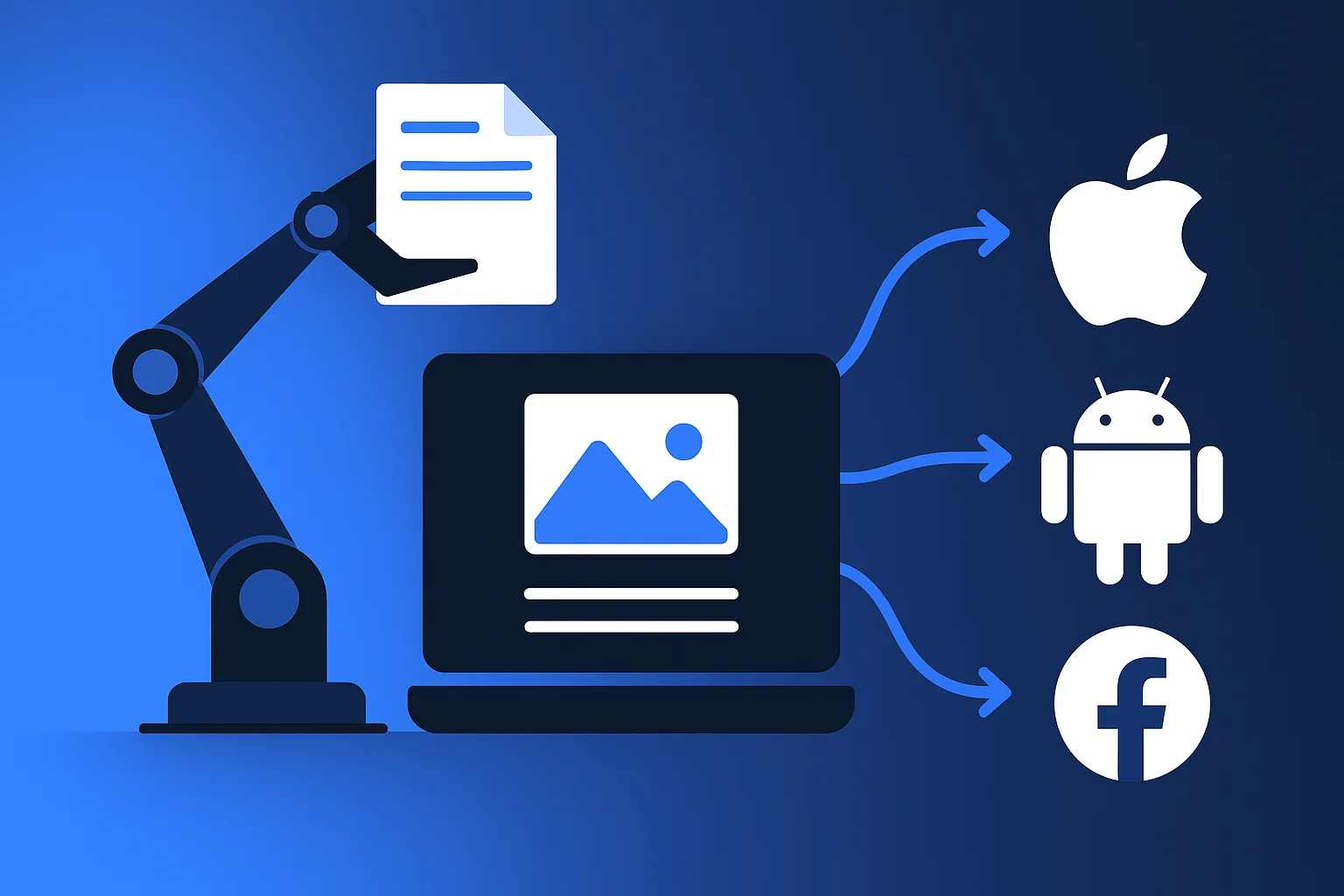
Managing social media content across Instagram, TikTok, LinkedIn, and Facebook simultaneously doesn’t require juggling four separate browser tabs. Cross-platform social publishing tools automate the entire process, letting you create content once and distribute it across multiple channels with platform-specific customisation built in.
These tools eliminate the repetitive work of manual posting whilst maintaining the unique requirements each platform demands.
From automated scheduling that posts at optimal engagement times to unified analytics dashboards tracking performance across all channels, cross-platform publishing tools transform how marketing teams manage their social presence. The right solution saves hours weekly whilst ensuring consistent brand messaging reaches audiences wherever they engage.
What Is Cross-Platform Social Media Publishing?
Cross-platform social media publishing refers to creating and distributing content across multiple social networks from a single dashboard. Rather than logging into Instagram, TikTok, LinkedIn, Facebook, and X separately, these tools centralise your workflow.
The technology handles platform-specific formatting automatically. When you upload a vertical video, the tool adjusts dimensions for Instagram Reels, TikTok, and LinkedIn whilst optimising the post copy for each platform’s character limits and best practices.
Modern solutions go beyond basic scheduling. They include content calendars showing your entire publishing schedule, approval workflows for team collaboration, and analytics that compare engagement across platforms.
For businesses managing multiple accounts or posting frequently, automation becomes essential. A marketing team can batch-create a month’s worth of content in one session, schedule everything strategically, and focus the rest of their time on community engagement and strategy refinement.
Benefits of Cross-Platform Publishing Tools
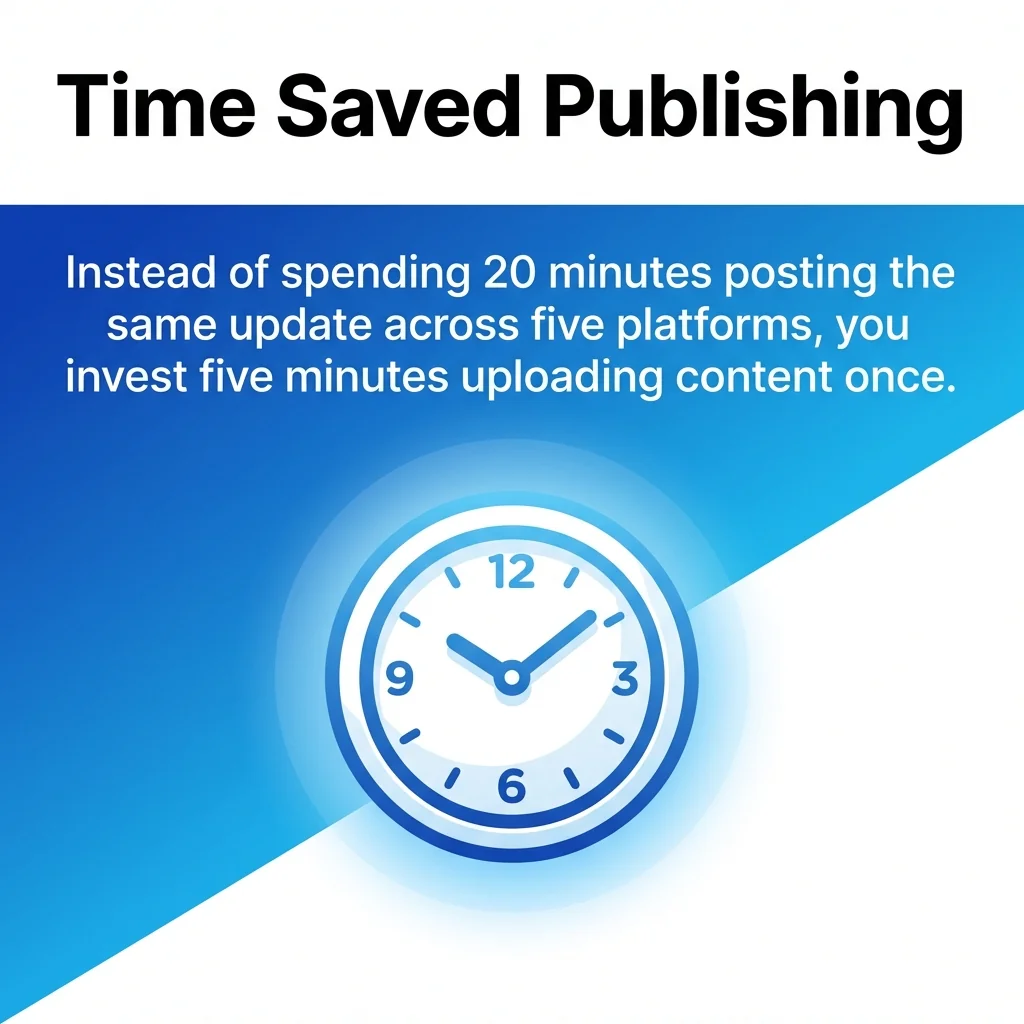
Time savings represent the most immediate advantage. Instead of spending 20 minutes posting the same update across five platforms, you invest five minutes uploading content once and letting automation handle distribution.
Workflow Efficiency and Time Management
Batch scheduling transforms content creation. Dedicate a single afternoon to creating two weeks of posts, schedule them all, and reclaim your daily routine. Automation strategies allow teams to maintain consistent posting frequencies without daily manual intervention.
Unified dashboards eliminate platform-switching. View scheduled content, engagement metrics, and audience insights from one interface rather than navigating between multiple apps and browser tabs.
Team collaboration improves when everyone works from shared calendars. Approval workflows ensure quality control whilst preventing scheduling conflicts or duplicate posts.
Brand Consistency Across Channels
Maintaining unified messaging becomes simpler when managing content centrally. Your visual identity, tone of voice, and campaign themes stay aligned across Instagram, LinkedIn, TikTok, and Facebook.
Content consistency strategies help ensure your brand presents coherently regardless of where audiences encounter you. Cross-platform tools provide templates and saved settings that enforce brand guidelines automatically.
Colour schemes, logo placement, and typography remain consistent. Content variations respect each platform’s culture whilst maintaining recognisable brand elements throughout.
Analytics and Performance Tracking
Unified analytics reveal which content types perform best across different platforms. Compare Instagram engagement rates against LinkedIn reach to identify where specific content formats resonate most.
Cross-network insights show overall campaign performance. Track how a product launch performs across all channels simultaneously rather than piecing together separate reports from each platform’s native analytics.
Engagement metrics, reach statistics, and audience demographics consolidate into comprehensive reports. Identify optimal posting times, trending content themes, and audience preferences based on aggregated data.
Best Cross-Platform Social Media Publishing Tools in 2026
The following tools represent the most capable solutions for managing social media content across multiple platforms. Each offers distinct strengths for different use cases and team sizes.
1. Buffer: Simple Cross-Platform Publishing
Buffer excels at straightforward social media scheduling without overwhelming complexity. The interface prioritises ease of use, making it ideal for solopreneurs and small teams new to cross-platform publishing.
The platform supports Instagram, TikTok, Facebook, LinkedIn, X, Pinterest, and YouTube Shorts. Content adaptation tools automatically resize images and adjust copy for each platform’s specifications.
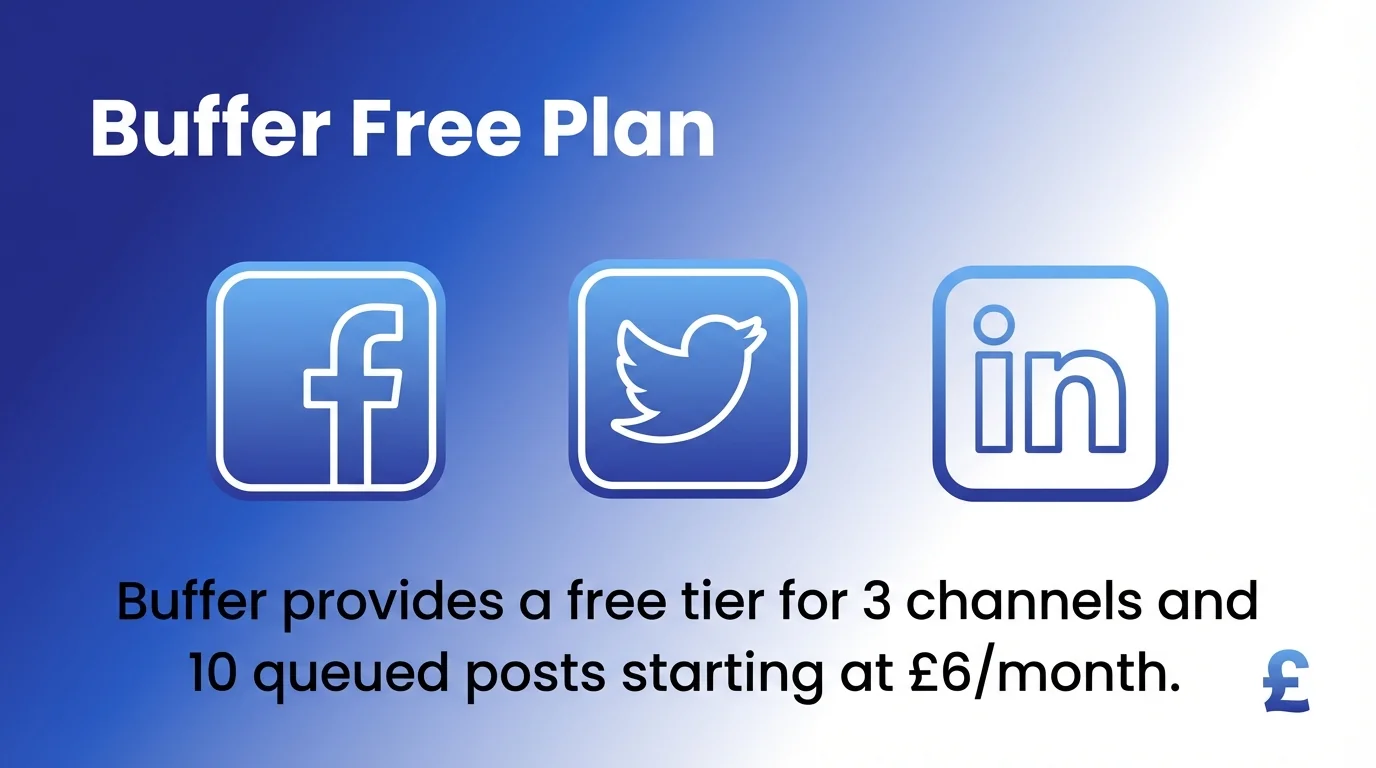
Buffer provides a free tier for 3 channels and 10 queued posts starting at £6/month. Paid plans include analytics dashboards, team collaboration features, and queue-based scheduling that maintains consistent posting rhythms.
Best for: Small businesses and individual creators prioritising simplicity over advanced features.
2. Hootsuite: Enterprise Team Management
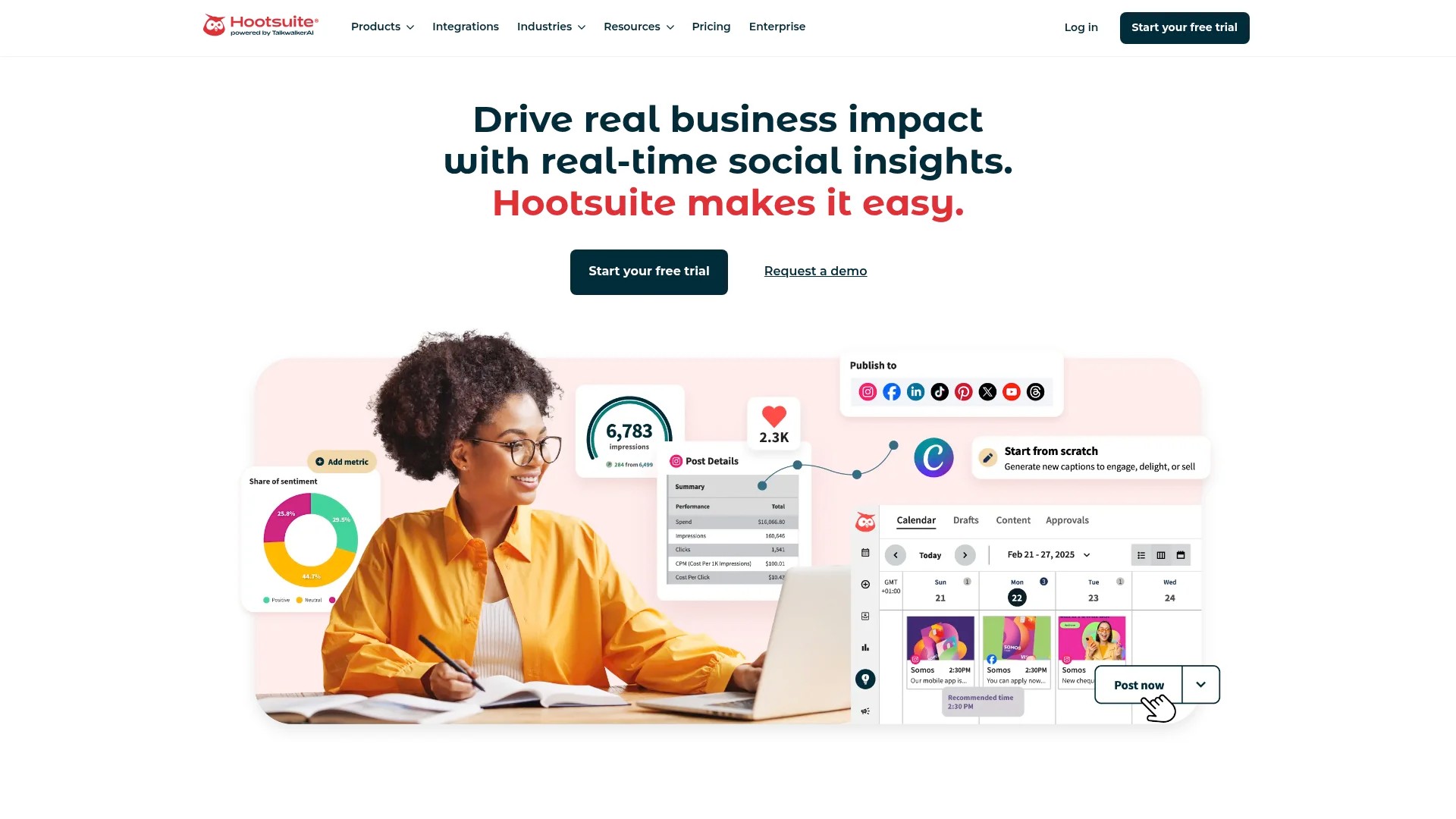
Hootsuite handles complex organisational needs with sophisticated team coordination features. Hootsuite supports enterprise teams with role-based permissions, campaign tracking, and multi-platform scheduling including bulk uploads up to 350 posts.
The platform integrates with over 35 social networks. Advanced features include social listening, sentiment analysis, and custom reporting dashboards that executives can review without accessing the main platform.
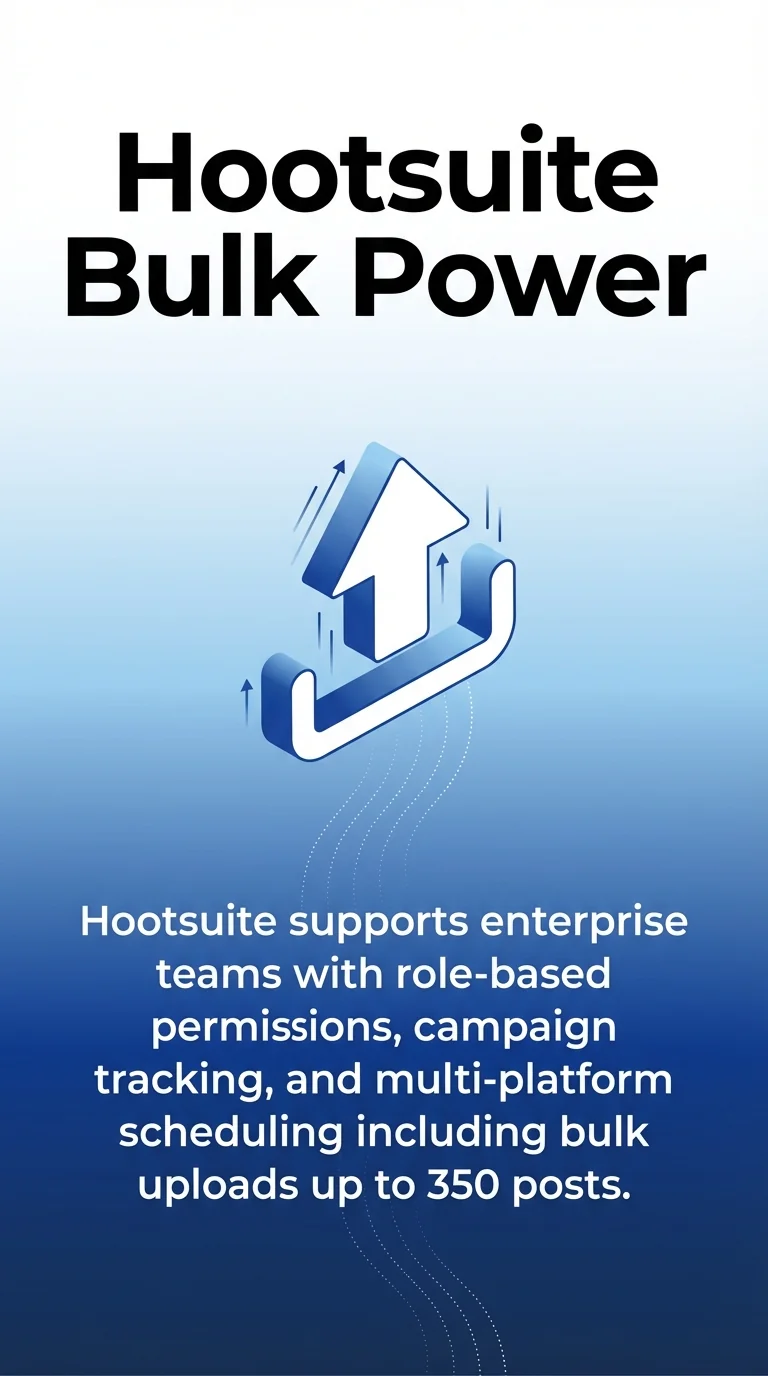
Approval workflows route content through multiple stakeholders before publication. Team members can collaborate on post drafts, suggest edits, and maintain quality standards across large organisations.
Best for: Large enterprises and agencies managing multiple client accounts with complex approval processes.
3. Sprout Social: Advanced Analytics and Engagement
Sprout Social combines publishing automation with powerful engagement tools. The unified inbox consolidates messages, comments, and mentions from all platforms into a single interface for efficient community management.
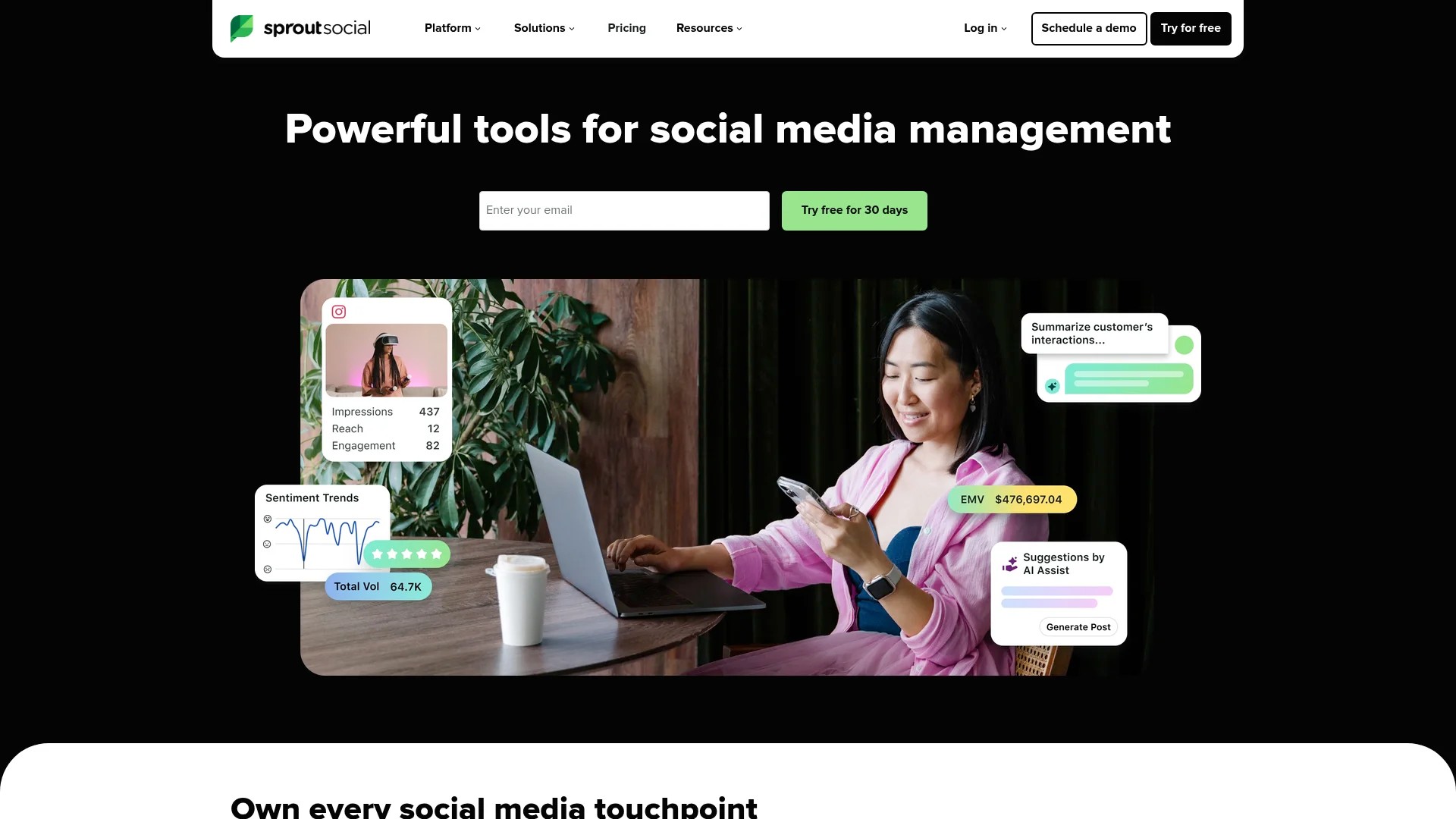
AI-powered insights identify trending conversation topics and optimal posting times based on audience behaviour patterns. Custom reports showcase social media ROI with metrics tied to business objectives.
The platform supports Instagram, Facebook, LinkedIn, X, Pinterest, TikTok, YouTube, and Google Business Profile. Cross-network analytics compare performance across channels with granular demographic breakdowns.
Best for: Businesses prioritising engagement and data-driven strategy alongside content publishing.
4. Later: Visual Content Planning
Later specialises in visual-first platforms like Instagram and TikTok. The drag-and-drop visual calendar lets you arrange posts spatially, previewing how your Instagram grid will look before publishing.
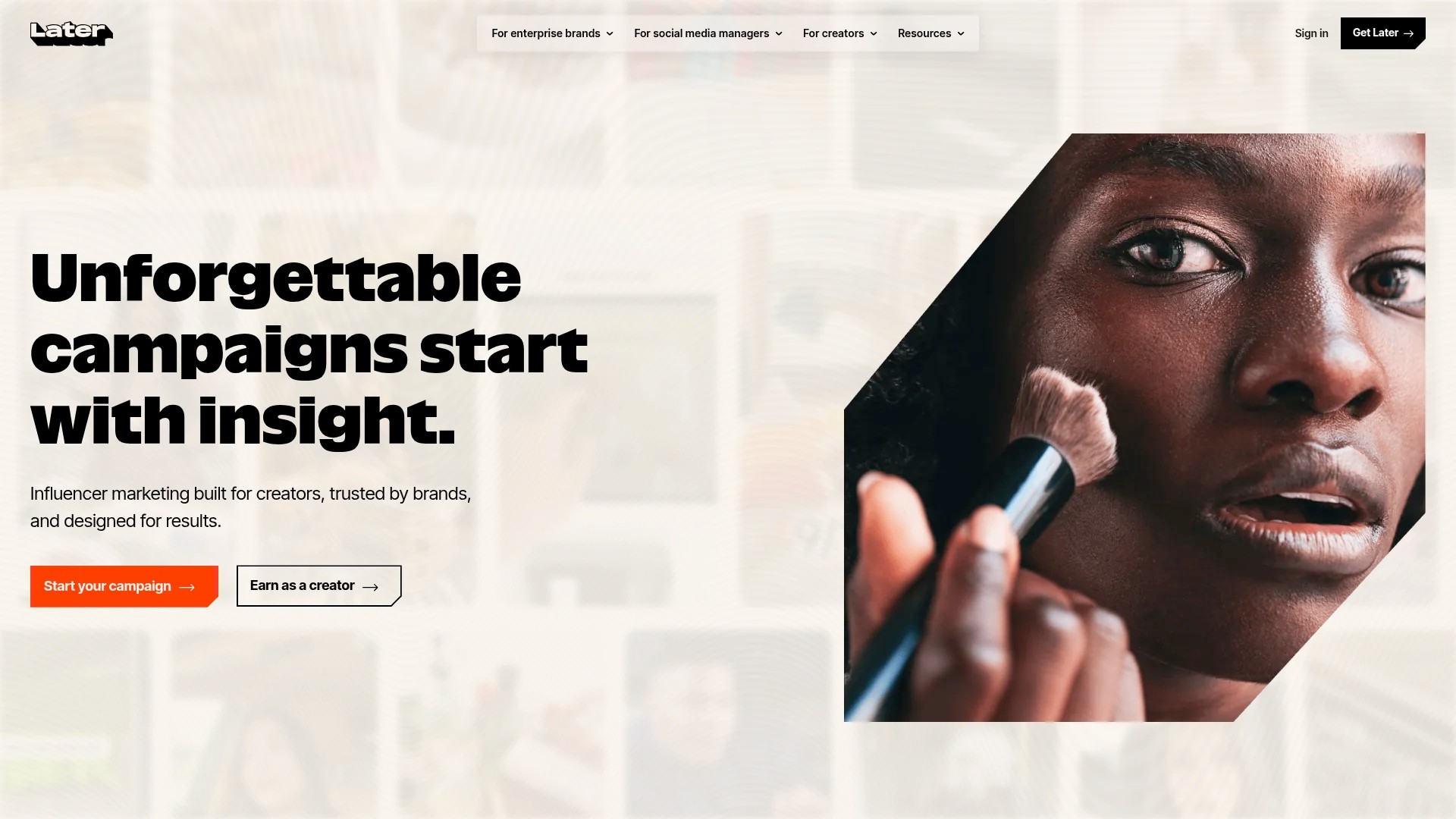
Linkin.bio functionality turns your Instagram profile into a clickable landing page. Each post links to specific content, products, or pages, driving traffic from Instagram more effectively.
The platform includes a media library with tagging and search capabilities. Organise visual assets by campaign, product line, or content theme for quick retrieval when scheduling posts.
Best for: Visual brands and influencers focusing heavily on Instagram, TikTok, and Pinterest aesthetics.
5. Zoho Social: Cost-Effective Scaling
Zoho Social delivers comprehensive features at accessible price points. Zoho Social delivers cost-effective publishing, monitoring, and reporting that scales for enterprise regional or departmental teams.
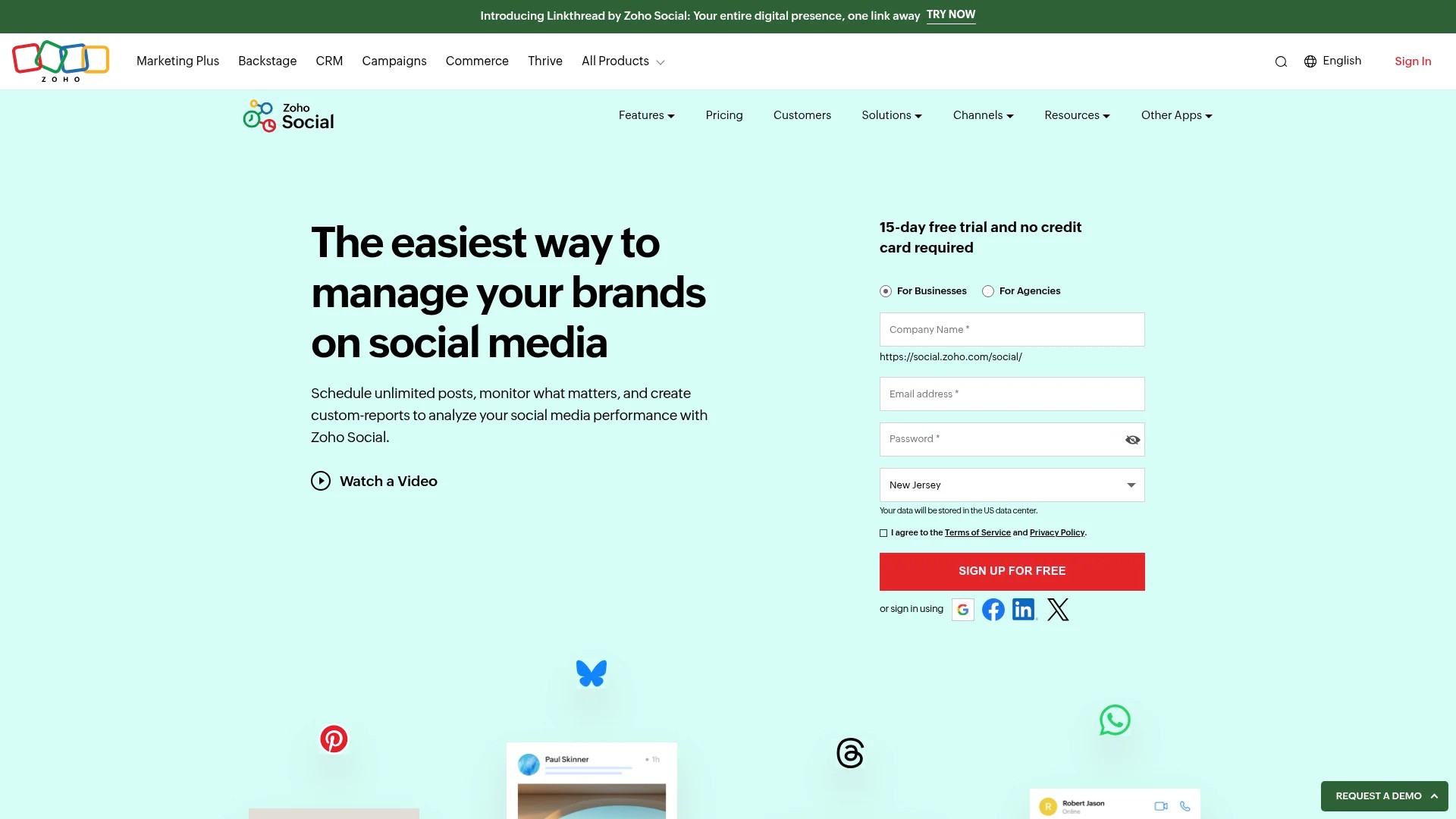
The platform integrates seamlessly with other Zoho applications. Businesses already using Zoho CRM or Zoho Campaigns benefit from unified customer data across marketing channels.
Social listening monitors brand mentions and industry keywords. Custom reports track campaign performance with metrics aligned to marketing objectives.
Best for: Budget-conscious businesses needing enterprise features without premium pricing.
6. SocialBee: Category-Based Content Automation
SocialBee organises content into categories that rotate automatically. Create content buckets for product promotions, educational posts, user-generated content, and industry news, then let the platform mix them intelligently.
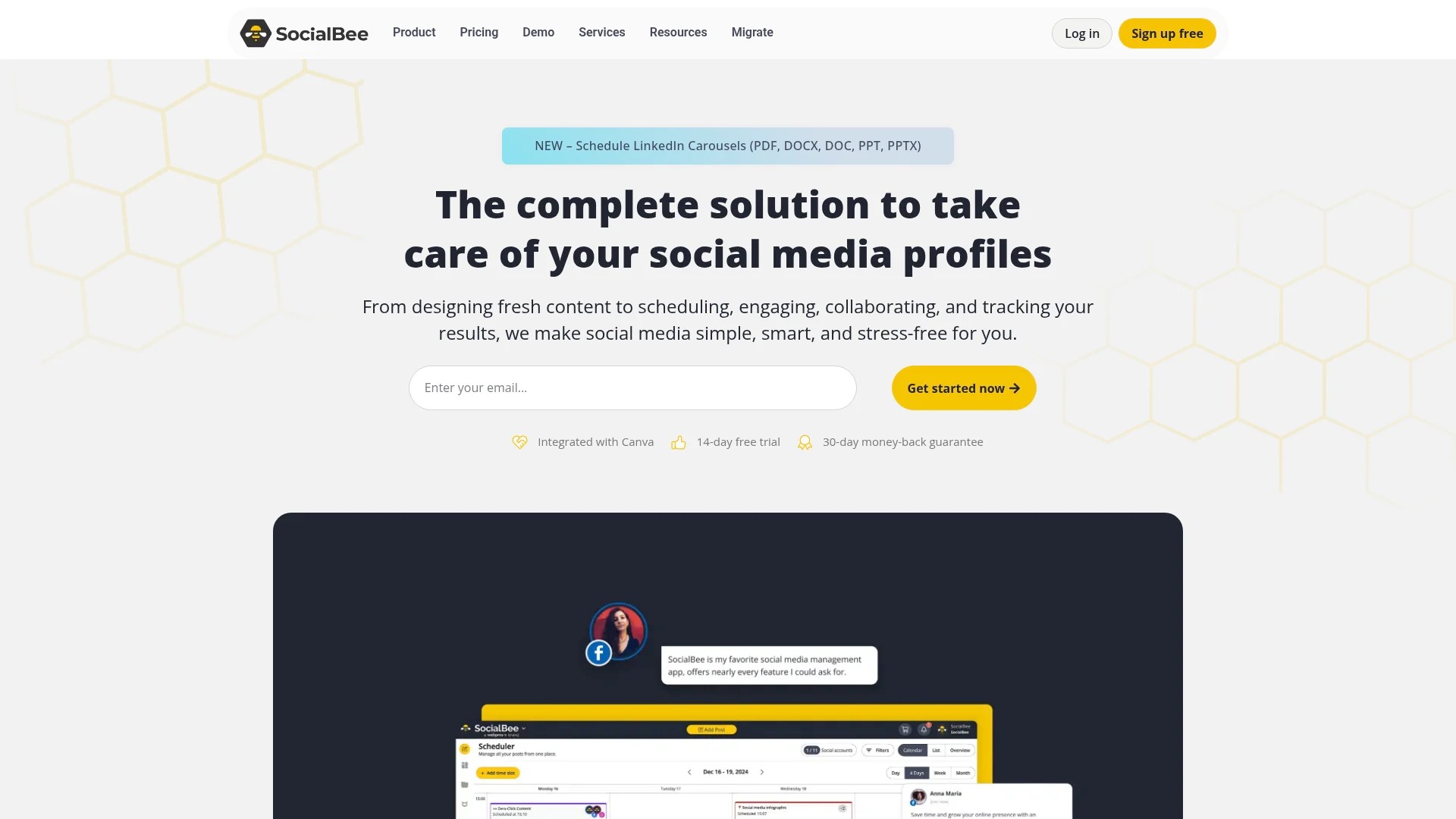
SocialBee specialises in category-based content automation and evergreen queues starting at £24/month. Evergreen content recirculates automatically, ensuring your best posts reach new audience members over time.
The platform supports Instagram, Facebook, LinkedIn, X, Pinterest, Google Business Profile, and TikTok. Content variations let you customise the same post for different platforms whilst maintaining the core message.
Best for: Content-heavy strategies requiring systematic organisation and automatic content recycling.
7. Sintra AI: AI-Powered Content Planning
Sintra AI leverages artificial intelligence to optimise content creation and scheduling. Sintra AI automates content planning and AI-assisted scheduling at scale for 2026 workflows.
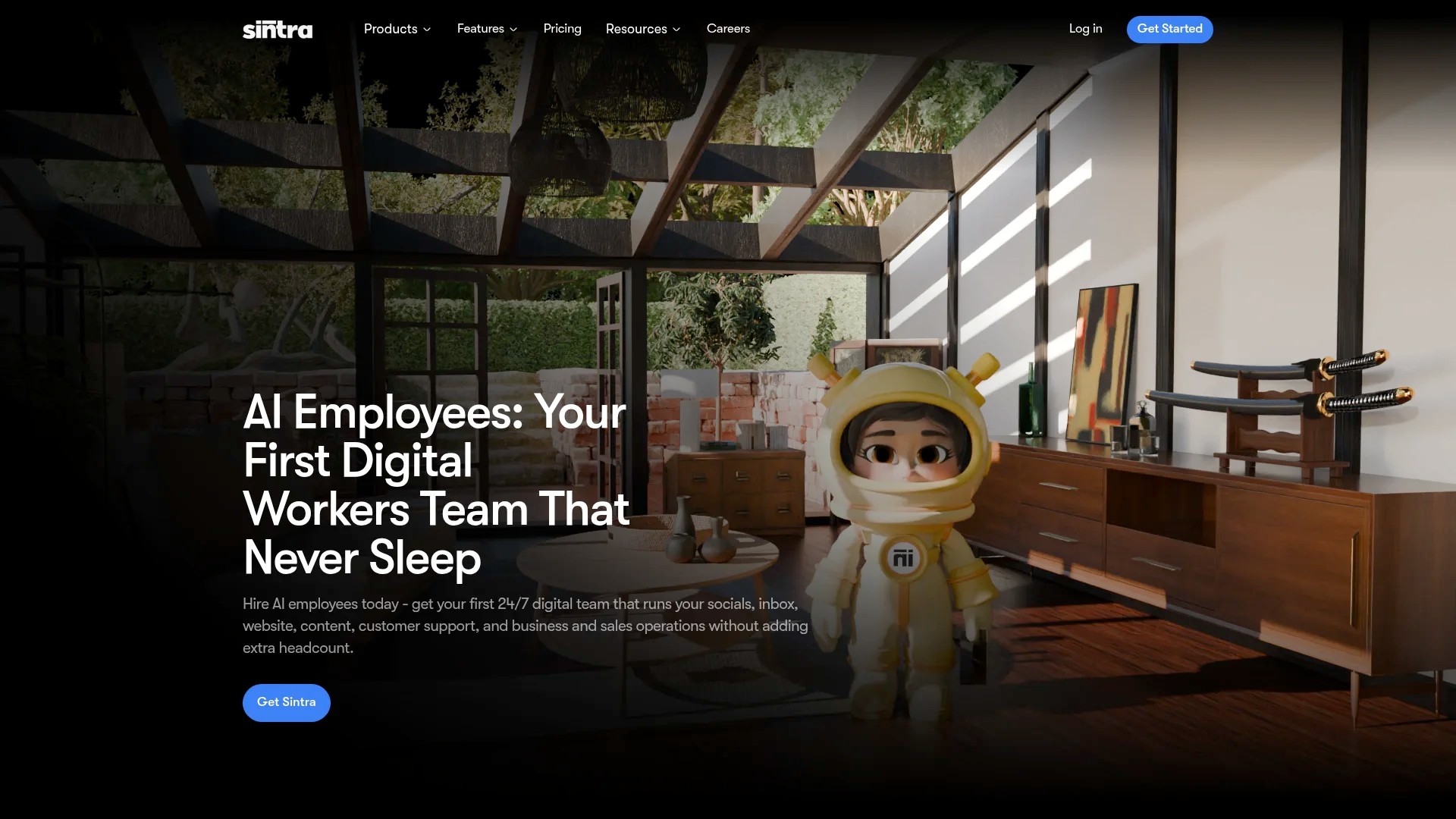
The AI analyses audience engagement patterns to recommend optimal posting times for each platform. Content suggestions based on trending topics help maintain relevance without constant manual research.
Automated caption generation creates platform-specific copy from your original content brief. The AI adapts tone, length, and hashtag usage based on each platform’s best practices.
Best for: Teams seeking cutting-edge automation and AI assistance in content creation workflows.
8. Iconosquare: Analytics-Focused Publishing
Iconosquare emphasises measurement alongside scheduling capabilities. Iconosquare features advanced analytics and competitor tracking alongside bulk scheduling.
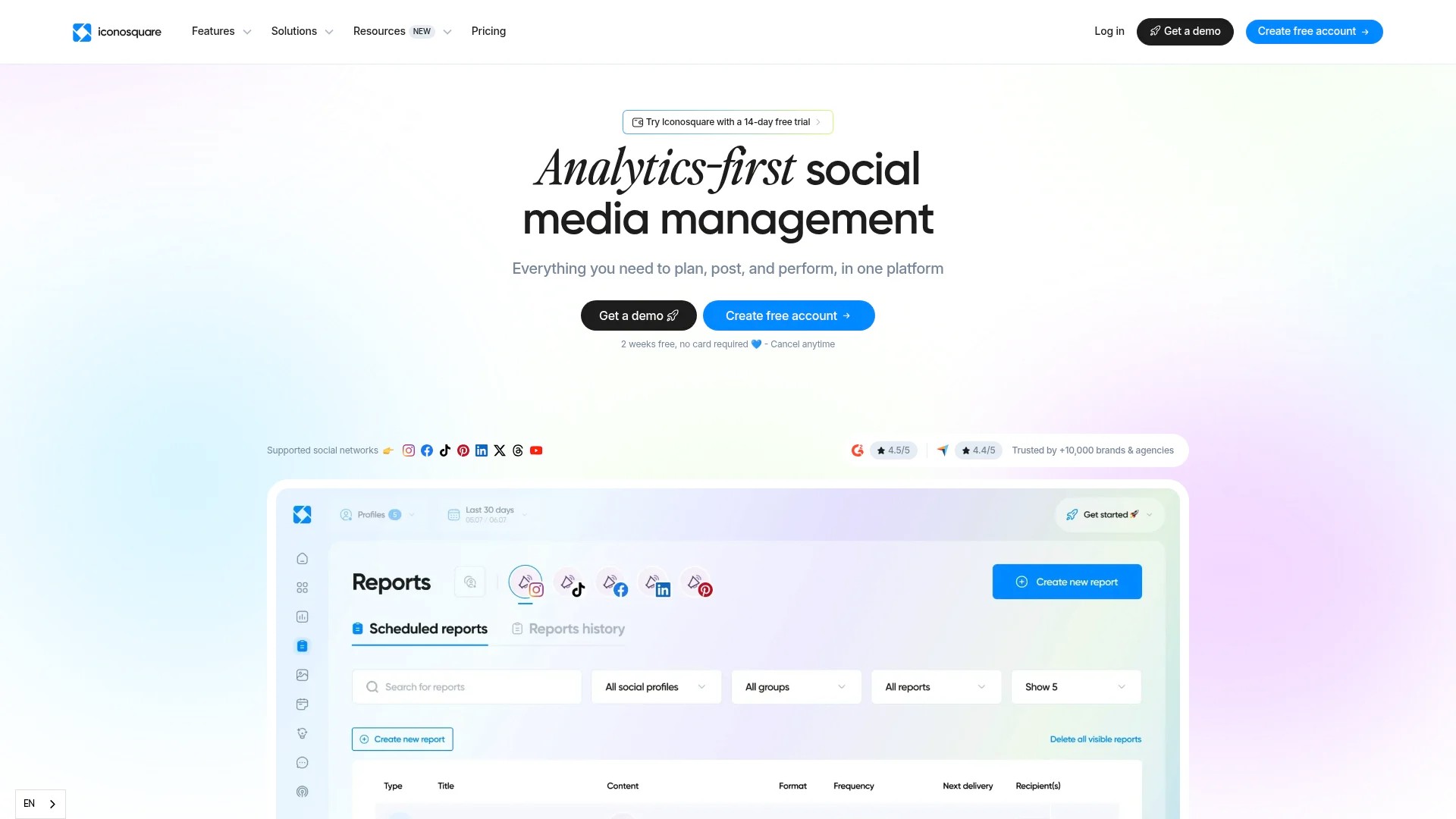
Competitor analysis tracks rival brands’ posting frequencies, engagement rates, and content strategies. Identify gaps in your approach and capitalise on opportunities competitors miss.
Instagram and Facebook analytics go beyond native platform insights. Track follower growth trends, engagement by content type, and optimal posting times with historical data spanning months.
Best for: Data-driven marketers prioritising measurement and competitive intelligence.
9. Sprinklr: Enterprise Unified Management
Sprinklr serves large organisations managing complex social ecosystems. Sprinklr unifies data across platforms for end-to-end automated publishing and marketing management.
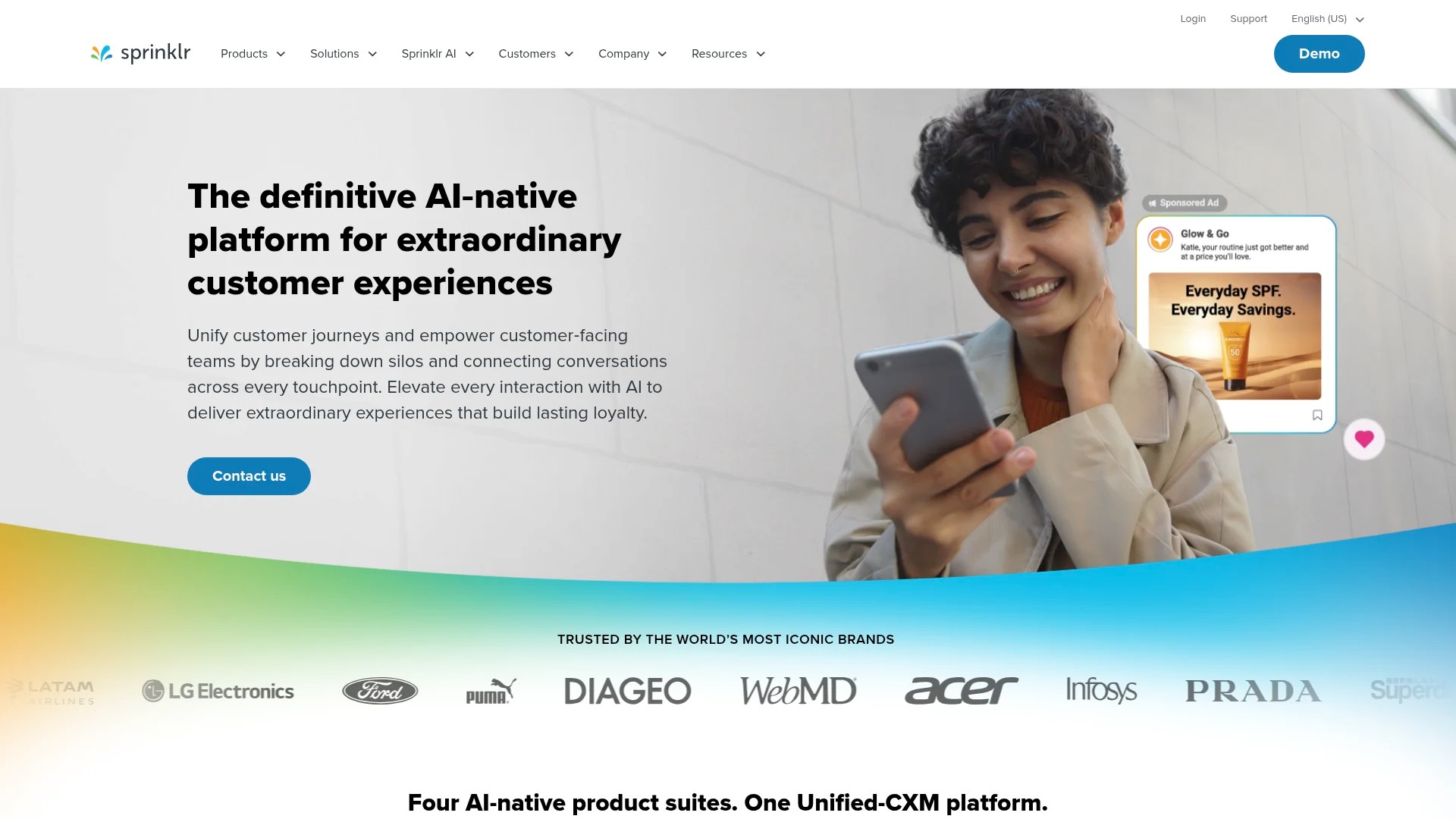
The platform integrates social media with customer service, advertising, and marketing automation. Customer interactions across channels feed into a unified customer profile for personalised engagement.
AI-powered content recommendations suggest optimal post types based on campaign objectives. Automated workflows route content through approval chains whilst maintaining brand compliance.
Best for: Global enterprises requiring unified customer experience management across all digital channels.
What to Look for in a Cross-Platform Publishing Tool
Selecting the right platform requires evaluating specific capabilities against your publishing needs. The following factors determine which tool best fits your workflow.
Platform Support and Integration
Verify the tool supports all platforms where your audience engages. Most solutions cover Instagram, Facebook, LinkedIn, and X, but TikTok, Pinterest, YouTube Shorts, and Google Business Profile support varies.
Integration depth matters beyond basic publishing. Some platforms offer advanced features like Instagram Story scheduling, LinkedIn carousel posts, or TikTok duet capabilities that others treat as unsupported formats.
API limitations affect functionality. Instagram restricts certain features through third-party tools, requiring workarounds like push notifications rather than true automatic publishing for some content types.
Scheduling and Content Calendar Features
Flexible scheduling options accommodate different content strategies. Queue-based systems maintain consistent posting rhythms, whilst time-specific scheduling provides precise control over publication timing.
Bulk upload capabilities save time when scheduling multiple posts. Managing multiple accounts becomes more efficient when you can upload a CSV file with 50 posts rather than creating each individually.
Visual calendars provide overview perspectives. Drag-and-drop interfaces let you rearrange scheduled content easily when priorities shift or new opportunities emerge.
Team Collaboration and Permissions
Role-based permissions protect account security whilst enabling collaboration. Restrict junior team members to content creation whilst reserving publishing approval for managers.
Approval workflows enforce quality control. Route posts through editors or brand managers before publication, maintaining standards across all published content.
Team workspaces separate client accounts or brand divisions. Agencies managing multiple clients need clear separation to prevent accidental cross-posting between accounts.
Analytics and Reporting Capabilities
Cross-network analytics reveal comparative performance. Identify which platforms drive the most engagement, conversions, or traffic to make informed resource allocation decisions.
Custom reports focus on metrics aligned with your objectives. Track awareness metrics for branding campaigns, engagement for community building, or click-through rates for conversion-focused content.
Historical data enables trend analysis. Compare performance month-over-month or year-over-year to identify growth patterns and seasonal fluctuations.
Content Customisation and Adaptation
Platform-specific variations let you tailor content whilst maintaining efficiency. Write one core message, then adjust the tone, hashtags, and call-to-action for each platform’s audience.
Automatic formatting handles technical requirements. The tool should resize images, adjust video dimensions, and optimise file sizes for each platform’s specifications without manual intervention.
Media library organisation keeps assets accessible. Tag images by campaign, product, or theme so team members can quickly find and reuse approved visual content.
Pricing Structure and Scalability
Evaluate pricing based on your current needs and growth trajectory. Free tiers work for small operations, but understand the limitations around post volume, platform access, and feature restrictions.
Per-user pricing affects team costs. Some platforms charge per social profile managed, whilst others price by team member count. Calculate total costs based on your specific configuration.
Scalability prevents platform switching costs. Choose a tool that accommodates growth rather than forcing migration when you add team members or social accounts.
How to Post to Multiple Platforms Effectively
Technical capability to post everywhere doesn’t guarantee success. Effective cross-platform publishing requires strategic adaptation whilst maintaining workflow efficiency.
Adapt Content for Platform Cultures
Each platform has distinct audience expectations and content norms. LinkedIn audiences expect professional insights and industry commentary. TikTok users seek entertaining, authentic content. Instagram balances aesthetic appeal with relatability.
Adjust your tone and formatting accordingly. Transform a formal LinkedIn article about quarterly results into an Instagram carousel highlighting key achievements with visual appeal. Repurpose that same information as a quick TikTok explaining what the numbers mean for customers.
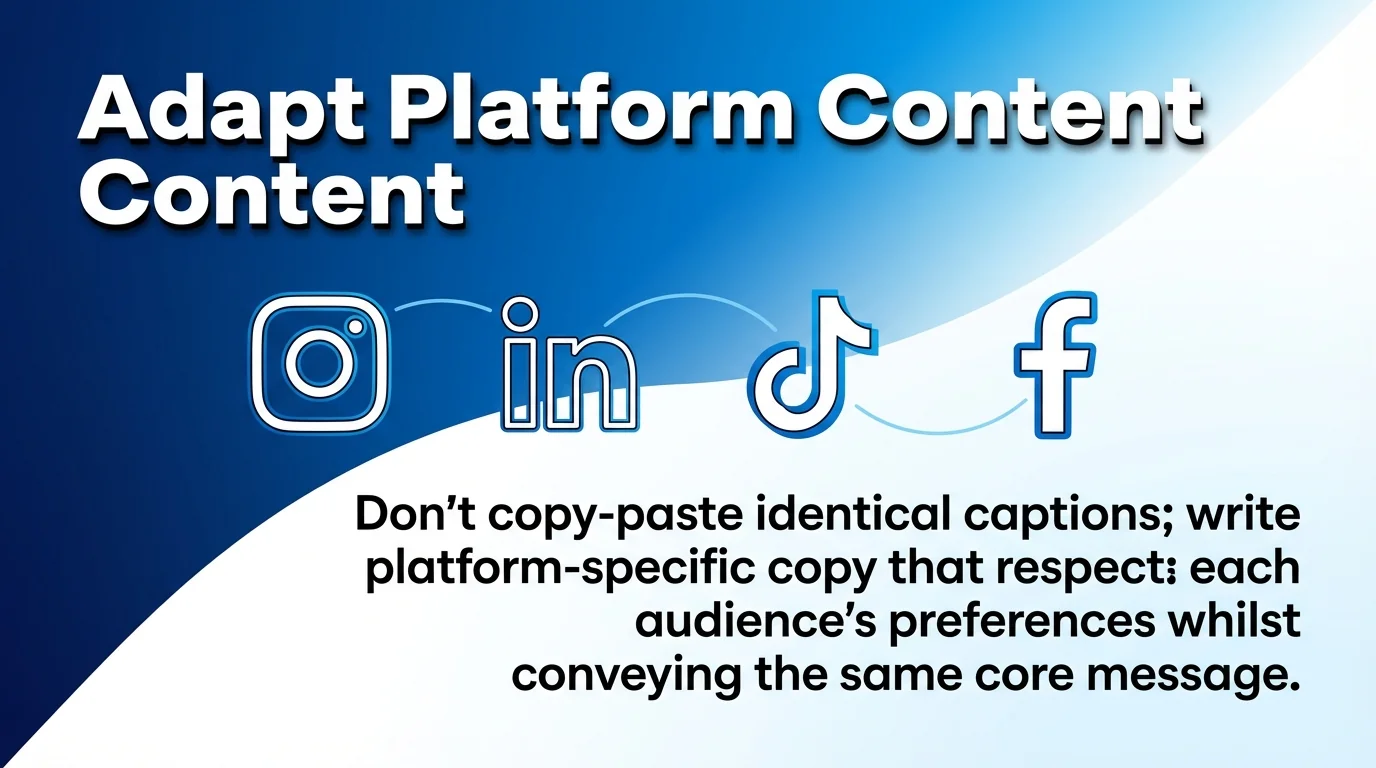
Don’t copy-paste identical captions. Write platform-specific copy that respects each audience’s preferences whilst conveying the same core message. Brand messaging consistency means unified themes, not identical wording.
Optimise Posting Times for Each Platform
Audience activity patterns vary by platform. Your LinkedIn audience might engage most during weekday mornings, whilst Instagram followers scroll during evening leisure time.
Use platform analytics to identify your optimal posting windows. Most tools provide suggestions based on when your specific followers are most active, not generic industry averages.
Schedule content to hit each platform’s peak engagement period. This often means staggered posting times rather than simultaneous publication across all channels.
Maintain Visual Consistency with Format Flexibility
Your brand’s visual identity should remain recognisable across platforms whilst adapting to format requirements. Use consistent colour palettes, fonts, and logo placement even when dimensions change.
Create platform-specific templates. Design Instagram square and vertical templates, LinkedIn horizontal templates, and TikTok vertical video layouts that all share brand elements whilst fitting each platform’s optimal formats.
Export content in multiple aspect ratios simultaneously. Modern design tools let you resize designs across formats quickly, maintaining layout integrity whilst adjusting dimensions.
Balance Automation with Human Engagement
Automation handles publishing efficiently, but community management requires genuine human interaction. Schedule posts automatically, but monitor comments, messages, and mentions manually.
Respond promptly to engagement. Automated publishing frees time for meaningful conversations with followers, building relationships that drive long-term loyalty.
Monitor performance actively. Don’t set-and-forget your content calendar. Review which posts perform well and adjust upcoming content based on real-time feedback.
Use Content Pillars for Strategic Distribution
Organise content around 3-5 core themes that align with your brand and audience interests. This ensures variety whilst maintaining focus on topics that matter to your followers.
Rotate content pillars systematically. If your pillars include industry insights, product education, and customer stories, ensure each appears regularly across all platforms.
Adapt pillar content to platform strengths. Share customer success stories as LinkedIn text posts, Instagram Stories with customer quotes, and TikTok video testimonials.
Common Mistakes to Avoid When Cross-Posting
Automation creates efficiency, but certain pitfalls undermine effectiveness. Avoiding these common errors protects your brand reputation and engagement rates.
Posting Identical Content Everywhere
The biggest cross-posting mistake is treating all platforms identically. Audiences notice when content feels copy-pasted rather than crafted for their platform.
Followers who follow you on multiple platforms see duplicate content in their feeds. This redundancy trains them to ignore your posts, reducing engagement across all channels.
Platform algorithms penalise generic content. Instagram prioritises posts that generate saves and shares, whilst LinkedIn rewards content sparking professional discussions. Identical posts can’t optimise for these different signals.
Ignoring Platform-Specific Features
Each platform offers unique formats that boost visibility. Instagram Reels, LinkedIn polls, TikTok stitches, and X threads each leverage algorithmic preferences.
Posting only standard image or text updates wastes platform-specific opportunities. Experiment with Stories, live videos, carousel posts, and interactive content formats that platforms actively promote.
Native features often receive preferential algorithmic treatment. Instagram pushes Reels harder than static posts. LinkedIn amplifies polls and document uploads. Use these features strategically.
Over-Automating Community Interaction
Automated responses to comments feel impersonal and damage authentic connection. Whilst scheduling posts makes sense, community management requires genuine human engagement.
Generic automated replies frustrate followers who took time to engage thoughtfully. Someone asking a specific product question deserves a helpful human response, not a robotic acknowledgement.
Completely absent community management undermines published content. Posting regularly but never responding to comments signals you’re broadcasting rather than building relationships.
Neglecting Platform Analytics
Publishing consistently without reviewing performance wastes effort on ineffective content. Analytics reveal what resonates with each platform’s audience.
Generic content strategies ignore platform-specific audience preferences. Your Instagram followers might love behind-the-scenes content whilst LinkedIn connections prefer data-driven insights.
Review metrics monthly at minimum. Identify top-performing content themes, optimal posting frequencies, and formats generating the most engagement on each platform.
Inconsistent Posting Frequencies
Sporadic publishing confuses audiences and reduces algorithmic visibility. Platforms reward consistent activity with better organic reach.
Posting daily for two weeks then disappearing for a month damages your presence. Followers forget about inactive accounts, and algorithms deprioritise infrequent publishers.
Establish sustainable frequencies you can maintain long-term. Posting three times weekly consistently outperforms daily bursts followed by silence.
Ignoring Mobile Optimisation
Most social media consumption happens on mobile devices. Content that looks perfect on desktop but displays poorly on mobile frustrates the majority of your audience.
Text-heavy graphics become unreadable on small screens. Videos with horizontal orientation waste screen space on vertical mobile displays.
Preview content on mobile devices before scheduling. Ensure text sizes remain legible, important elements aren’t cropped, and calls-to-action are easily tappable.
Frequently Asked Questions
Can I schedule Instagram Reels and TikTok videos through cross-platform tools?
Most modern tools support video scheduling for TikTok and Instagram Reels. However, Instagram’s API limitations mean some tools use push notifications rather than fully automated publishing for certain video formats.
You’ll receive a mobile notification when it’s time to publish the Reel, then complete posting through the tool’s mobile app. This semi-automated approach maintains quality whilst working within Instagram’s restrictions.
Do cross-platform tools work with personal Instagram accounts?
Third-party scheduling tools require Instagram Business or Creator accounts. Personal accounts lack API access that enables automated publishing.
Converting to a Business account takes seconds through Instagram’s settings. This unlocks scheduling capabilities alongside analytics and contact options without affecting your content or followers.
How many social media accounts can I manage with one tool?
Account limits vary by platform and pricing tier. Free plans typically support 1-3 social profiles. Mid-tier subscriptions handle 5-10 accounts, whilst enterprise solutions manage dozens or hundreds simultaneously.
Multi-account management becomes more cost-effective as you scale. Compare pricing based on your total profile count rather than per-platform costs.
Can I collaborate with team members on content approval?
Most professional-tier tools include collaboration features. Team members can create draft posts, submit them for approval, and receive feedback before publication.
Role-based permissions control who can draft, approve, or publish content. Managers retain final approval whilst empowering team members to contribute ideas and create content.
Do these tools provide analytics for all platforms?
Cross-platform tools aggregate analytics from connected platforms into unified dashboards. You’ll see engagement metrics, reach statistics, and audience demographics across all channels.
Depth varies by tool and platform. Some provide basic metrics only, whilst advanced solutions offer detailed breakdowns including follower growth trends, optimal posting times, and content type performance comparisons.
What happens if a platform updates its features or requirements?
Reputable tools maintain their integrations actively. When platforms release new features or change requirements, tool providers update their software to maintain compatibility.
Occasionally, new platform restrictions temporarily limit functionality until the tool adapts. Choose established providers with track records of maintaining current integrations.
Can I schedule posts months in advance?
Most tools support scheduling months ahead. This enables strategic planning around product launches, seasonal campaigns, and major events.
Balance advance scheduling with flexibility. Schedule foundational evergreen content far ahead, but leave gaps for timely responses to trending topics and current events.
Will cross-posting hurt my engagement rates?
Poorly executed cross-posting damages engagement. Posting identical content everywhere signals low effort and disrespects each platform’s unique culture.
Strategic cross-platform publishing that adapts content appropriately maintains or improves engagement. You reach more people without requiring entirely separate content creation for each platform.
Do I need different tools for scheduling and analytics?
Comprehensive platforms combine scheduling, publishing, and analytics in one solution. This simplifies workflows and centralises data.
Some marketers prefer specialised tools for each function. They might use free scheduling tools combined with platform-native analytics or dedicated analytics software for deeper insights.
How do I maintain authenticity whilst automating?
Automation handles distribution efficiently, but authenticity comes from genuine content and real engagement. Schedule posts strategically, but invest saved time in meaningful interactions.
Create authentic content that reflects your brand voice and values. Automation amplifies your message across platforms without compromising the human connection that drives loyalty.