
Modern content marketing demands a strategic arsenal of visual creation tools that work seamlessly with your scheduling workflow. The right combination of design platforms, AI assistants, and video editors can transform your content calendar from basic text posts into engaging visual experiences that drive meaningful audience interaction.
Successful content creators blend multiple tool types to match their diverse posting needs. A morning Instagram post might need quick graphic design, whilst an afternoon LinkedIn update requires professional video editing. Evening Twitter content often benefits from AI-generated imagery that captures trending topics.
This guide presents 25+ essential visual content creation tools organised by functionality. Each recommendation includes pricing information, key features, and practical use cases to help you build an efficient visual content workflow.
Understanding Visual Content Creation Tools for Scheduled Posts
Visual content creation tools represent specialised software platforms that enable marketers and content creators to produce graphics, videos, images, and multimedia assets for scheduled social media posts. These tools range from simple graphic design interfaces to sophisticated AI-powered generation platforms.
The modern content creator typically uses 4-7 different tools across their workflow. One platform handles social media graphics, another manages video editing, whilst a third provides AI-generated imagery for novel concepts.
Content planning efficiency increases dramatically when visual tools integrate with scheduling platforms. Creating a week’s worth of social media visuals in one session becomes achievable with the right tool combination.
Core Categories of Visual Content Tools
Visual content creation tools divide into five primary categories. Understanding these distinctions helps you select the right tool for each content type.
Graphic Design Platforms enable static visual creation through templates, drag-and-drop interfaces, and customisation options. These tools excel at social media posts, infographics, and branded content assets.
Video Editing Software processes raw footage into polished video content. Modern platforms include template libraries, automated editing features, and export optimisation for different social media platforms.
AI Generation Tools create original images, graphics, and videos from text descriptions. These platforms transform written prompts into visual content without requiring traditional design skills.
Photo Editing Applications refine existing images through filters, adjustments, and enhancements. Professional photographers and content creators use these for image optimisation before scheduling.
Writing Enhancement Tools ensure your visual content includes grammatically correct, compelling copy. Clear communication amplifies visual impact across all content formats.
Benefits of Using Content Creation Tools for Scheduled Posts
Visual content creation tools deliver measurable advantages for content marketing workflows. These benefits extend beyond simple time savings to encompass quality improvements and strategic flexibility.
Professional-quality output becomes accessible to teams without dedicated design resources. Template libraries and intuitive interfaces enable marketers to produce visuals that match brand standards consistently.
Content planning cycles compress from days to hours. Batch creation sessions produce weeks of scheduled content, freeing creative teams for strategy and optimisation work.
Efficiency and Consistency Benefits
Brand consistency maintains visual identity across all scheduled posts. Content creation tools enforce colour palettes, typography standards, and spacing rules automatically.
Template systems accelerate repetitive content types. Quote graphics, product announcements, and blog promotion visuals follow established formats that require minimal customisation.
Collaboration features enable distributed teams to work on shared content calendars. Multiple creators contribute visuals whilst maintaining unified brand presentation.
Cost and Resource Advantages
Many platforms offer free plan options for basic visual content needs. Small businesses and solo creators access professional design capabilities without monthly subscription costs.
Training requirements decrease with intuitive interfaces. New team members produce quality content within hours rather than weeks of design education.
Outsourcing expenses drop when internal teams handle visual creation. One designer supported by content creation tools often replaces multiple freelance contracts.
Best Visual Design Tools for Social Media Content
Visual design platforms transform blank canvases into engaging social media graphics. These tools prioritise ease of use whilst providing professional-quality output for scheduled content.
The following platforms lead the graphic design category for content creators. Each offers distinct advantages depending on your specific workflow requirements and budget constraints.
1. Canva
Canva dominates the accessible graphic design space with an intuitive drag-and-drop interface and extensive template library. The platform serves both beginners and experienced designers creating social media content.
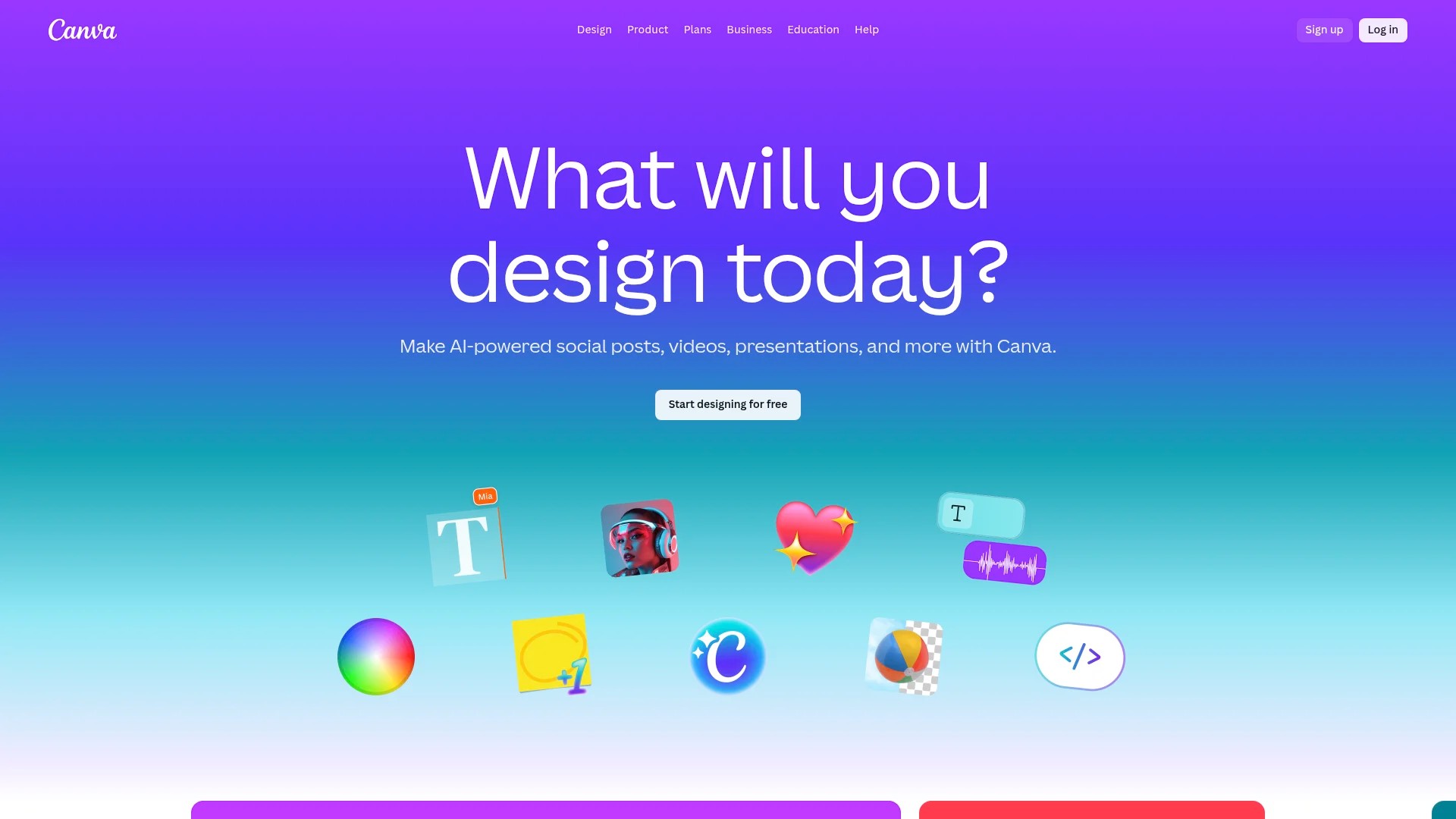
Key features include pre-sized templates for every social media platform, brand kit storage for consistent design elements, and collaborative editing for team workflows. The content calendar integration allows direct scheduling from the design interface.
Pricing: Canva offers a Pro plan at approximately $12.99–$15/month, whilst the free plan provides substantial functionality for individual creators.
Best for: Content creators needing quick social media graphics without design expertise. The template library accelerates visual content production for scheduled posts across multiple platforms.
2. Venngage
Venngage specialises in infographic creation and data visualisation for content marketing. The platform transforms complex information into shareable visual content ideal for LinkedIn and Pinterest scheduling.
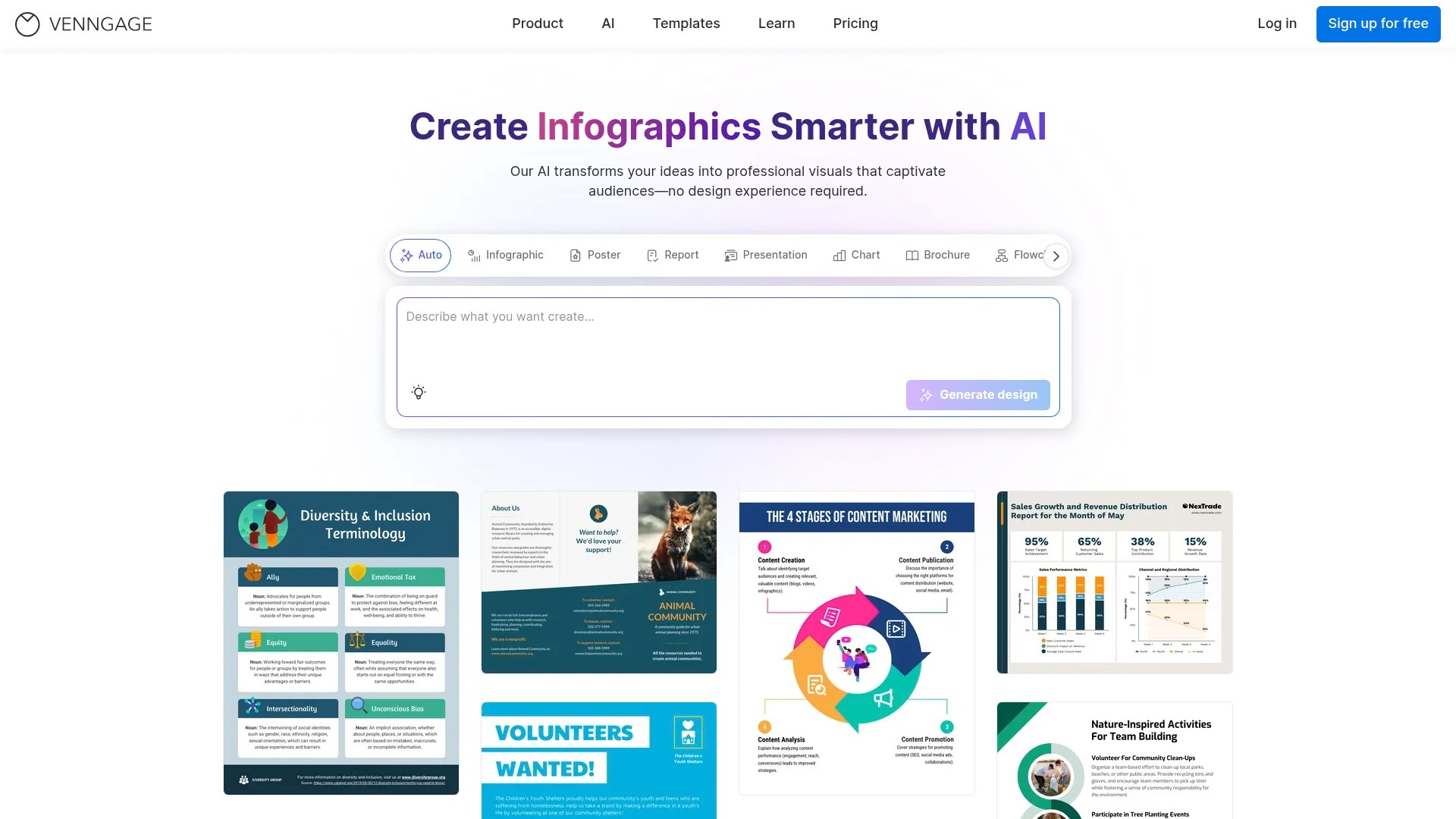
The tool provides unique templates specifically designed for infographics, reports, and educational content. Charts, graphs, and data widgets integrate seamlessly with design elements.
Pricing: Venngage provides a Premium plan at $19/month, with additional tiers for teams requiring advanced collaboration features.
Best for: B2B marketers and educational content creators producing data-heavy visual content. The specialised templates suit long-form social media platforms and blog graphics.
3. Stencil
Stencil focuses on speed and simplicity for high-volume social media graphic creation. The streamlined interface prioritises rapid visual production over complex design capabilities.

Features include quick-access icon libraries, efficient text overlay tools, and social media templates organised by platform requirements. The Chrome extension enables instant graphic creation from any webpage.
Pricing: Stencil supports Pro at $9/month with a 7-day money-back guarantee on paid plans, making it amongst the most affordable visual content tools.
Best for: Social media managers requiring rapid visual creation for daily posting schedules. The efficient workflow suits content calendars with frequent graphic updates.
4. Creatopy
Creatopy combines static design with animation capabilities for dynamic social media content. The platform excels at creating eye-catching visuals that stand out in crowded social feeds.
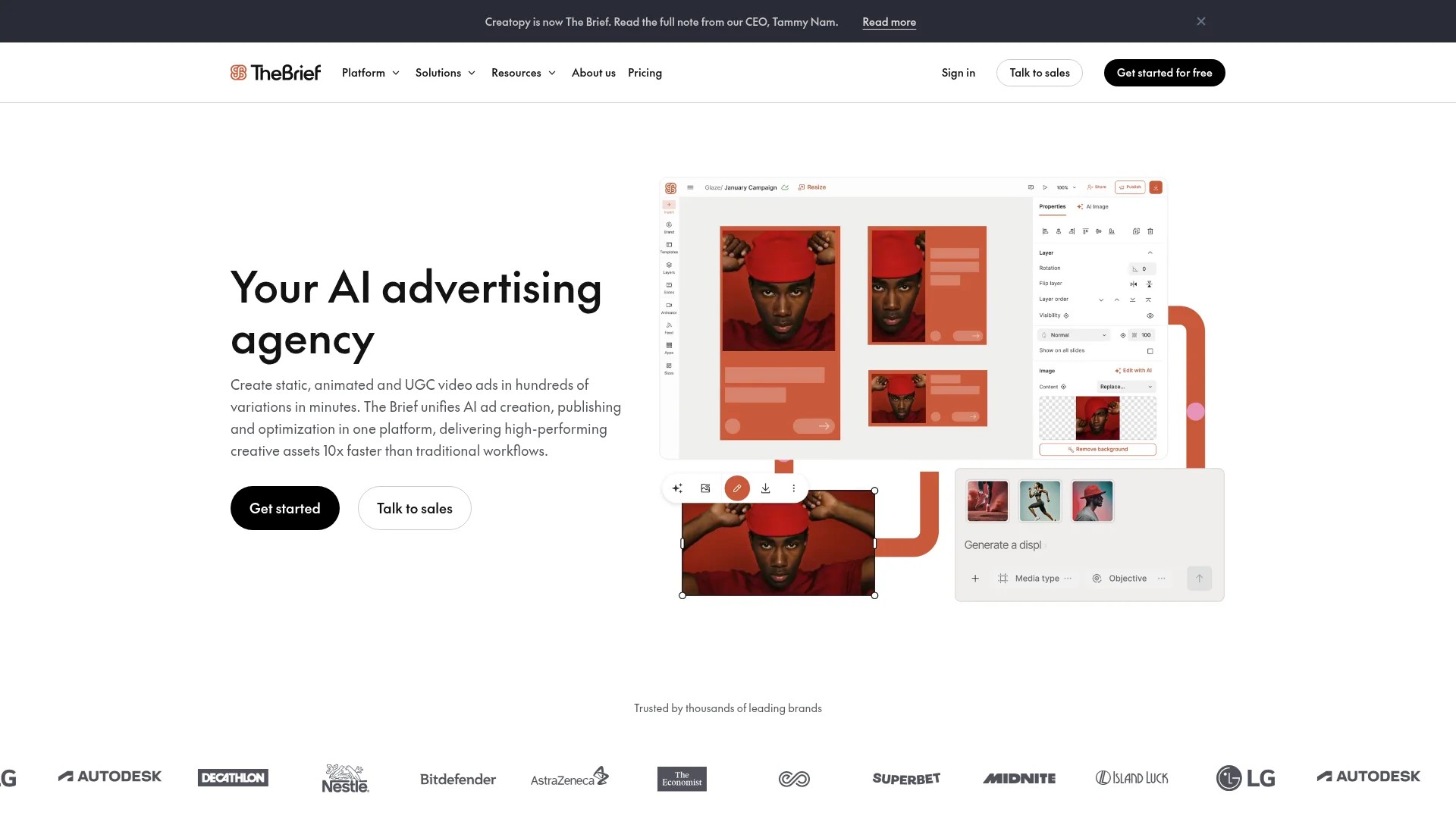
Advanced features include animated templates, video editing integration, and industry-specific design libraries. Motion graphics creation requires no animation expertise.
Pricing: Creatopy starts at $17/month for Create, with professional tiers offering expanded asset libraries and collaboration tools.
Best for: Brands seeking animated social media content without video production complexity. The motion graphics templates suit Instagram Stories, Facebook ads, and promotional posts.
5. Visme
Visme bridges graphic design and presentation creation for comprehensive visual content needs. The versatile platform produces everything from social graphics to interactive reports.
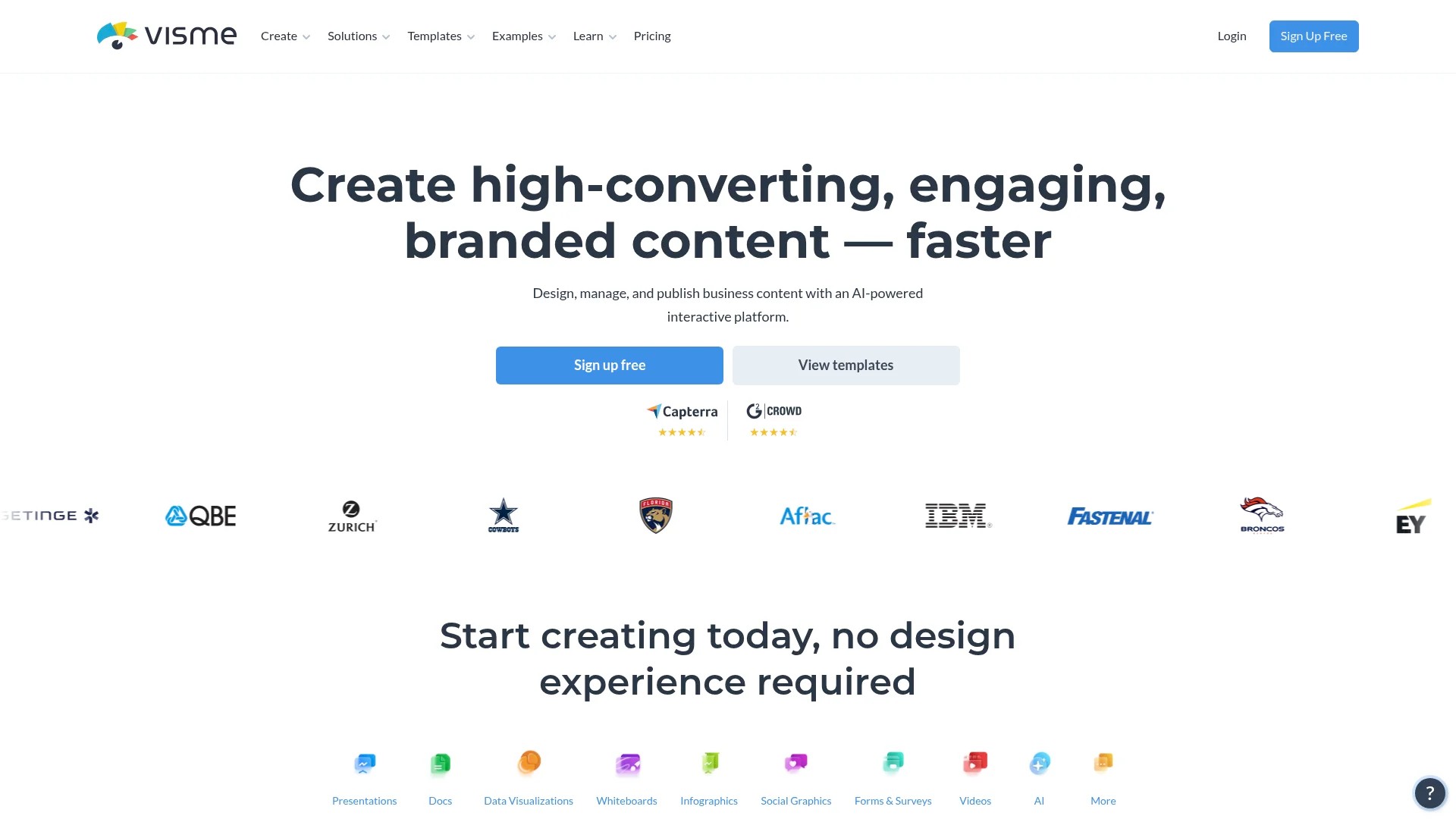
The extensive library covers templates for various content types, data visualisation widgets, and interactive elements. Branded templates maintain consistency across different visual formats.
Pricing: Free plan available with basic features. Paid plans start at competitive monthly rates with team collaboration options.
Best for: Content marketers requiring diverse visual content types from one platform. The multi-format capability suits complex content calendars spanning social media, blogs, and presentations.
Top AI Content Creation Tools for Visual Assets
AI-powered visual creation tools represent the latest advancement in content production technology. These platforms generate original images, graphics, and designs from text descriptions, eliminating traditional design constraints.
The AI tools category rapidly evolves with new capabilities emerging regularly. Current leaders offer practical applications for scheduled content creation.
6. Midjourney
Midjourney generates highly artistic images from text prompts, creating unique visual content impossible through traditional photography or illustration. The platform excels at conceptual and imaginative imagery.
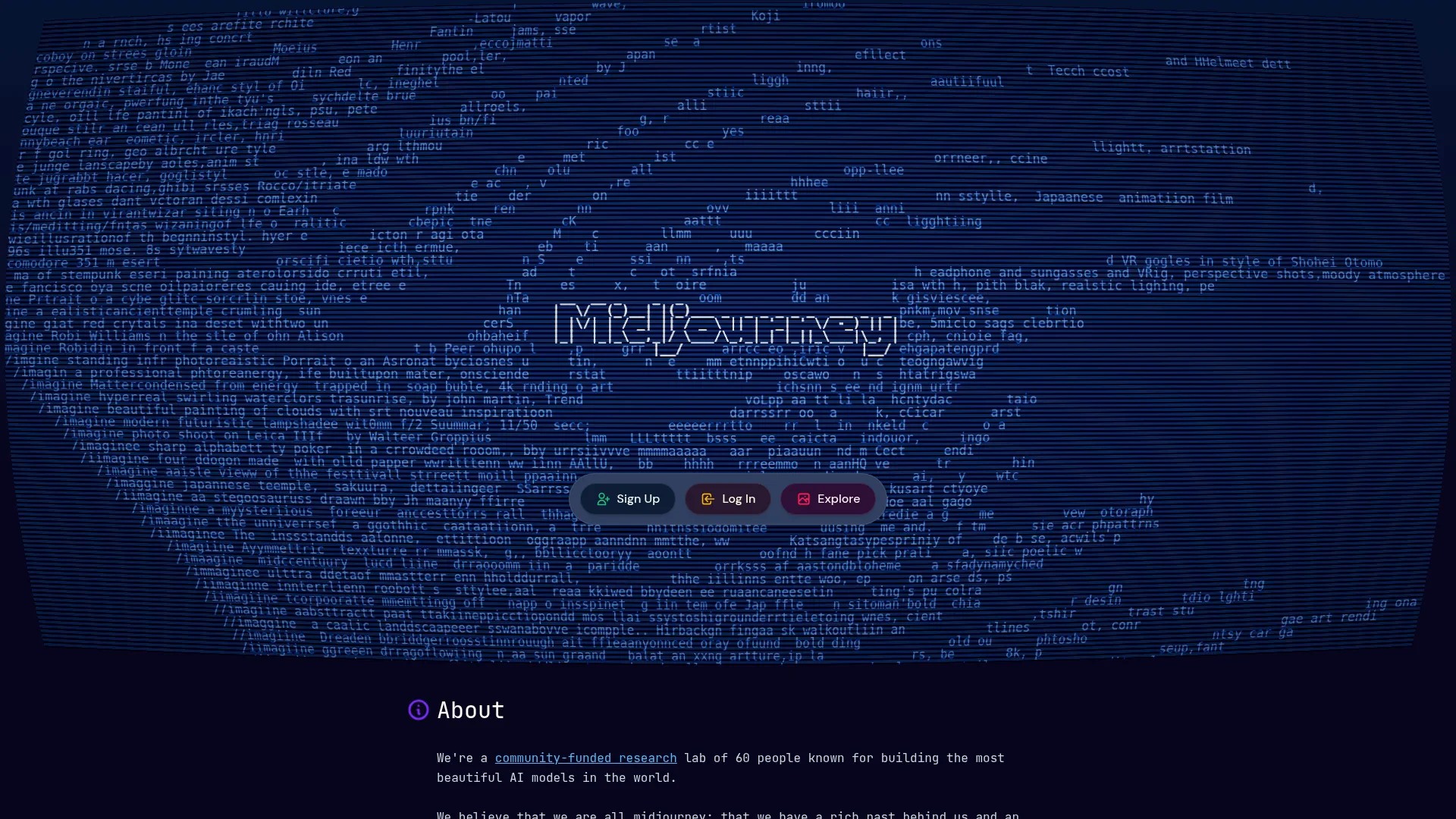
Users describe desired images in natural language, and the AI produces multiple variations within minutes. Iterative refinement improves results through prompt adjustment and parameter tweaking.
Pricing: Subscription tiers based on generation volume, starting at accessible monthly rates for content creators.
Best for: Content creators needing original conceptual imagery for blog headers, social media posts, and marketing materials. The unique aesthetic suits brands seeking distinctive visual identity.
7. DALL-E
DALL-E by OpenAI creates photorealistic images from textual descriptions, offering precise control over composition and style. The platform balances creativity with practical commercial use requirements.
Advanced prompt engineering enables specific visual outcomes matching brand guidelines and content requirements. Image editing features allow post-generation refinement.
Pricing: Credit-based system with monthly subscription options for regular content creation needs.
Best for: Professional content creators requiring consistent AI-generated imagery for scheduled posts. The photorealistic capability suits product visualisation and scenario illustration.
8. Runway
Runway extends AI capabilities to video content through machine learning-powered editing tools. The platform simplifies complex video manipulation previously requiring expert technical skills.
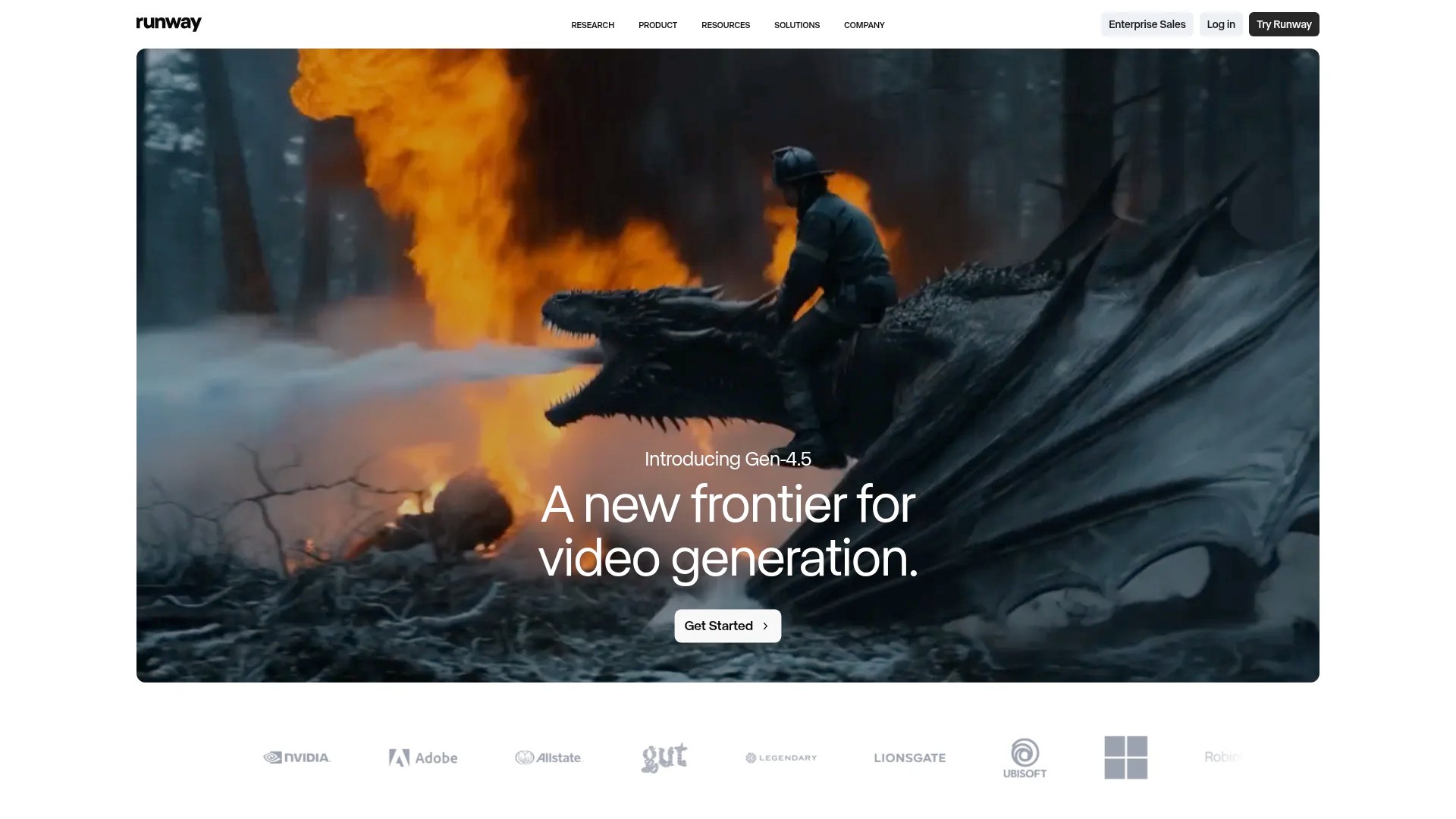
Features include AI-powered background removal, object tracking, motion tracking, and style transfer. Video content creation accelerates dramatically with automated intelligent editing.
Pricing: Tiered subscriptions based on processing needs and export quality requirements.
Best for: Content creators producing AI-enhanced video content for social media scheduling. The automated editing suits high-volume video workflows.
9. Sora
Sora represents OpenAI’s text-to-video generation platform, creating short video clips from written descriptions. The technology enables video content creation without filming or traditional editing.
The platform generates realistic visuals, videos, and animated sequences matching detailed text prompts. Complex scenes and camera movements emerge from natural language instructions.
Pricing: Currently in limited release with pricing models under development for broader availability.
Best for: Forward-thinking content creators exploring next-generation video production. The technology suits brands willing to experiment with AI-generated video content.
Video Content Creation and Editing Tools
Video content dominates social media engagement metrics, making professional editing tools essential for scheduled content success. Modern platforms democratise video creation through templates and automated editing features.
The following video tools cater to different skill levels and production requirements. Each platform offers distinct advantages for content creators building video-centric posting schedules.
10. Animoto
Animoto transforms photos and video clips into professional videos through template-based creation. The platform prioritises simplicity for marketers without video editing experience.
Template libraries organised by purpose streamline video creation for specific content types. Drag-and-drop interfaces and automatic transitions eliminate technical editing requirements.
Pricing: Animoto offers Basic at $20/month, with professional plans adding advanced features and branding capabilities.
Best for: Content creators needing quick promotional videos for social media scheduling. The template approach suits regular video content without dedicated editing resources.
11. Biteable
Biteable specialises in short-form video creation for social media platforms. The extensive template library covers common content types from product announcements to educational snippets.
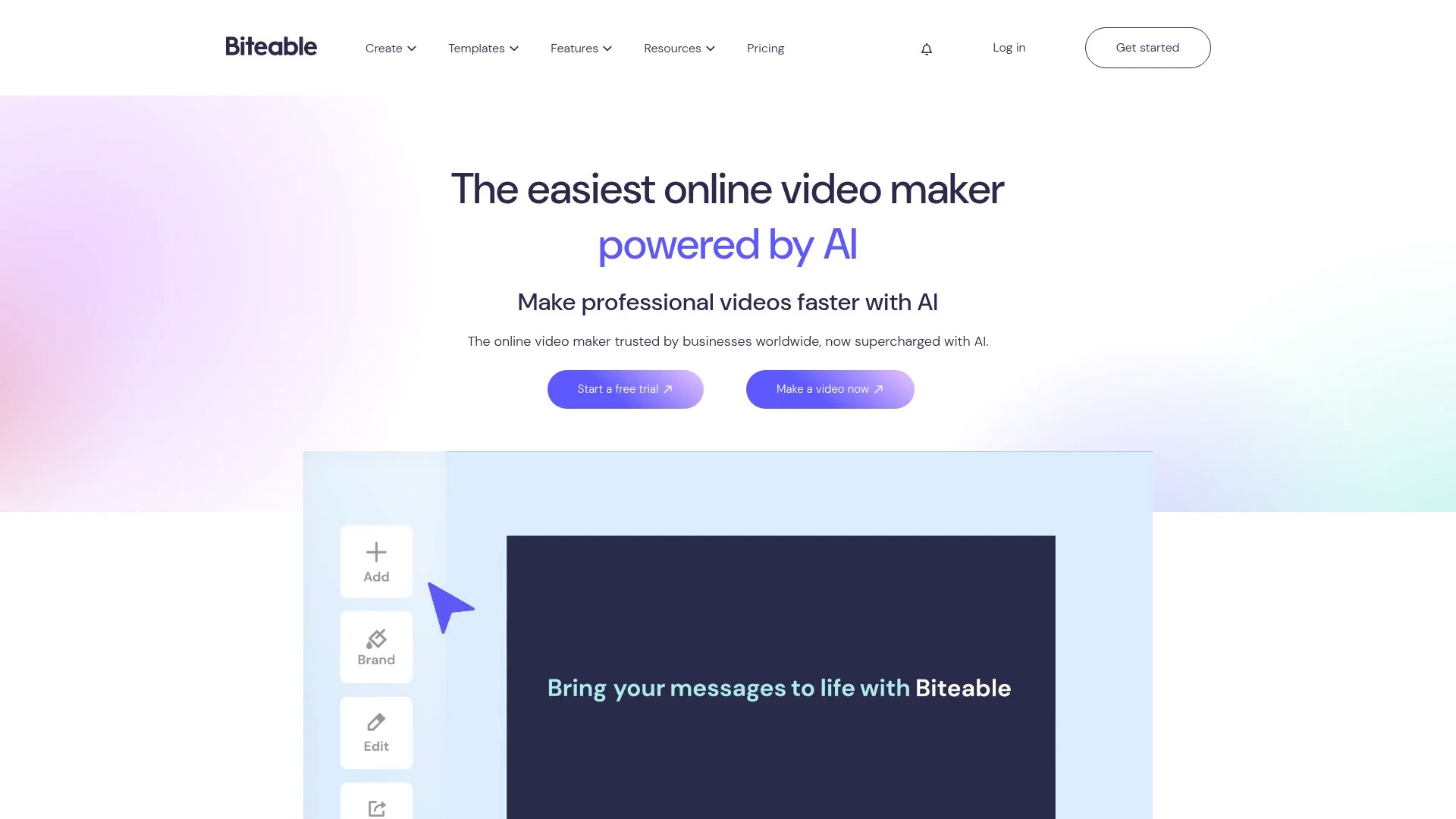
Animated templates and stock footage integration enable professional video production in minutes. The platform optimises exports for different social media platform requirements.
Pricing: Biteable offers Pro at $149.90 annually, providing cost-effective access for consistent video content creation.
Best for: Social media teams creating regular short videos for scheduled posts. The annual pricing suits high-volume video production workflows.
12. CapCut
CapCut delivers mobile-first video editing with desktop capabilities, serving content creators on multiple devices. The platform gained popularity through TikTok integration and user-friendly editing tools.
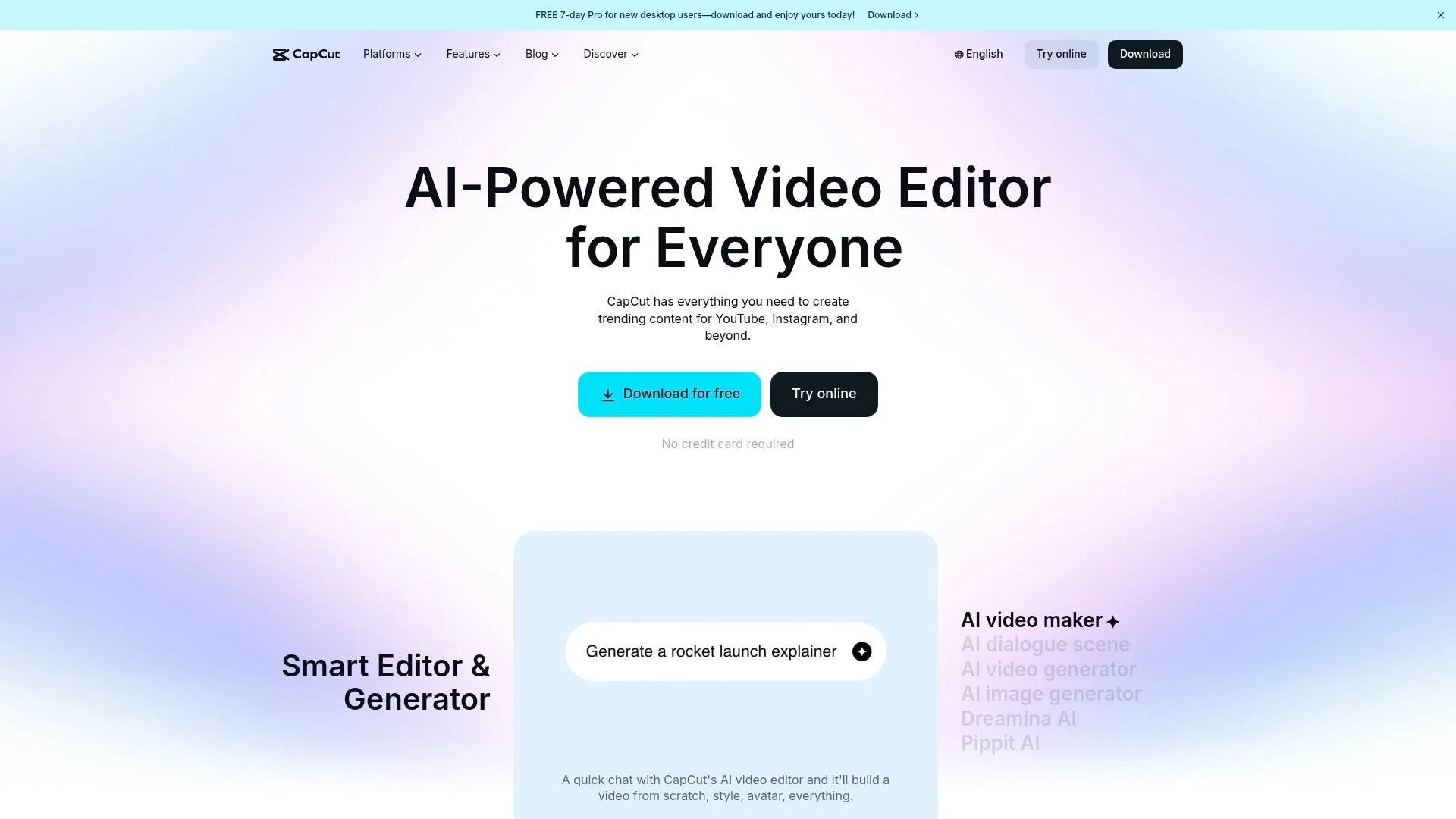
Features include trending templates, automated captions, and music libraries aligned with current social media trends. Cross-platform synchronisation enables editing continuity between devices.
Pricing: CapCut offers Pro at $19.99/month, with a robust free plan supporting most content creation needs.
Best for: Mobile content creators and TikTok-focused marketers. The trend-aligned templates suit platforms prioritising short-form video content.
13. Descript
Descript revolutionises video editing through text-based manipulation and automatic transcription. Editing videos becomes as simple as editing documents.
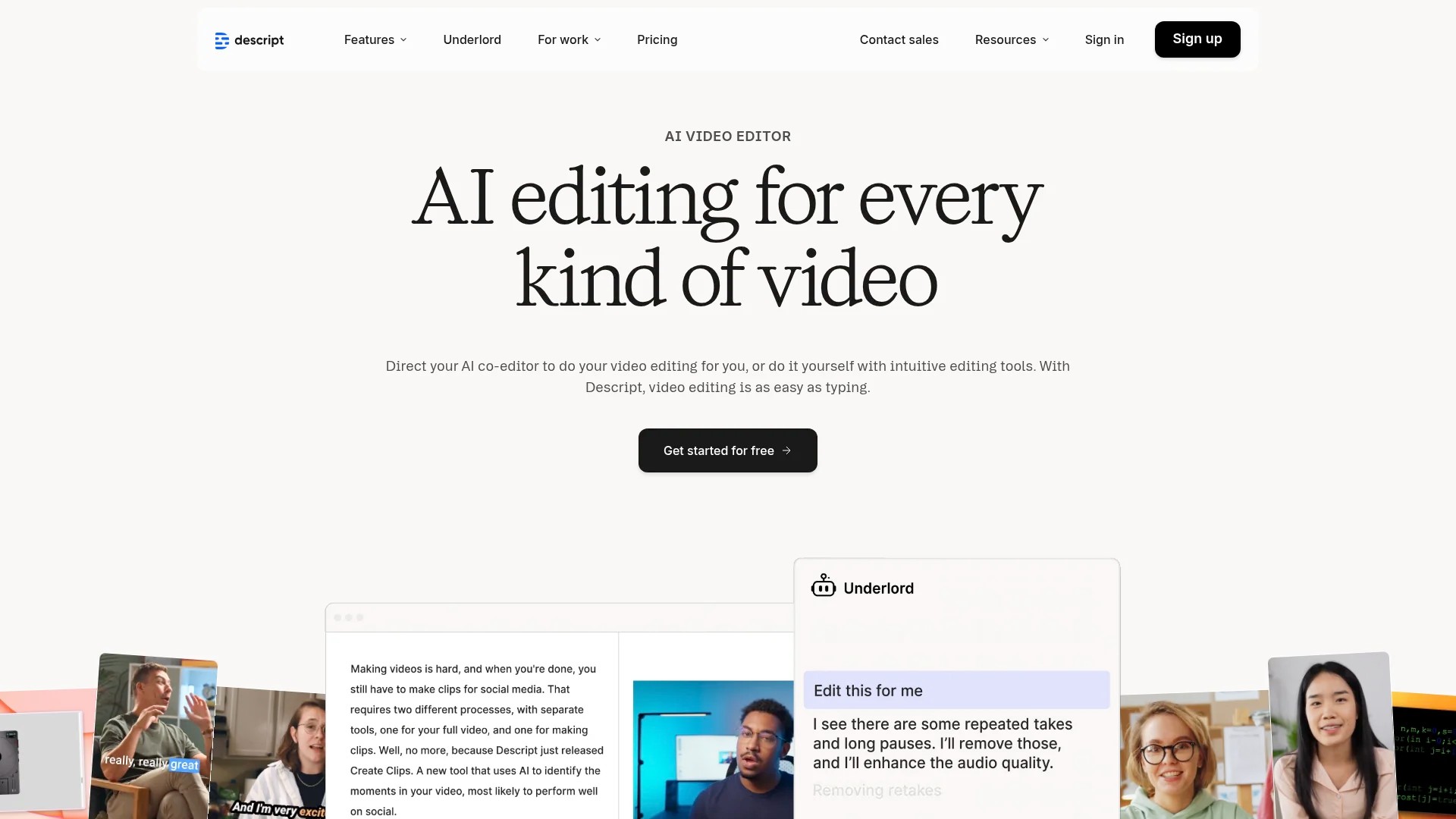
The platform transcribes video automatically, allowing creators to edit content by modifying text. Filler word removal, silence trimming, and multitrack editing streamline post-production workflows.
Pricing: Free plan available with limited features. Paid subscriptions unlock unlimited transcription and advanced editing capabilities.
Best for: Podcast and interview content creators producing video versions for scheduled social media posts. The transcription features suit content repurposing workflows.
Social Media Content Planning and Management Tools
Visual content planning tools integrate creation and scheduling workflows. These platforms bridge the gap between design completion and scheduled publication across multiple social media channels.
Effective social media management requires coordination between visual asset creation and posting schedules. The following tools streamline this essential workflow connection.
14. Quuu
Quuu specialises in content curation and scheduling for consistent social media presence. The platform helps marketers discover shareable content whilst scheduling their original visual posts.
Curated content suggestions complement original visual content, filling scheduling gaps and maintaining posting frequency. Category-specific content matches audience interests and brand positioning.
For guidance on planning visual content within your posting schedule, explore our comprehensive guide on creating the perfect social media content calendar for 2025.
Best for: Content marketers balancing original visual content with curated posts. The platform suits teams maintaining active social media presence without full-time content creation resources.
15. Buffer
Buffer provides straightforward social media scheduling with visual content preview capabilities. The clean interface prioritises posting workflow efficiency.
Visual content uploads directly through the platform, with automatic optimisation for different social media networks. Calendar views help coordinate visual content themes across posting schedules.
Learn how to effortlessly schedule social media posts for free using various platform combinations.
Best for: Small teams requiring simple visual content scheduling without complex features. The streamlined approach suits straightforward posting workflows.
16. Hootsuite
Hootsuite delivers enterprise-level social media management with comprehensive visual content scheduling. The platform handles multiple team members and complex approval workflows.
Visual content libraries store reusable assets, whilst bulk scheduling features enable efficient content calendar management. Analytics integration connects visual content performance with posting schedules.
Best for: Large organisations managing visual content across multiple social media accounts and team members. The robust features suit complex content marketing operations.
Writing and Editing Tools for Visual Content
Visual content impact depends partly on accompanying text quality. Writing enhancement tools ensure your captions, headlines, and overlaid text maintain professional standards.
The following platforms improve written elements that complement scheduled visual content. Clear, error-free copy amplifies visual messaging across all content formats.
17. Grammarly
Grammarly represents the industry standard for automated writing assistance. The platform catches grammar errors, suggests stylistic improvements, and ensures clarity in all written content.
Browser extensions enable real-time writing feedback across social media platforms, design tools, and scheduling interfaces. Tone detection ensures your writing matches intended brand voice.
Pricing: Free plan covers basic grammar checking. Premium subscriptions add advanced suggestions, plagiarism detection, and tone adjustments.
Best for: All content creators producing written elements for visual content. The universal application suits any workflow requiring text quality assurance.
18. Hemingway Editor
Hemingway Editor focuses specifically on readability and clarity. The platform highlights complex sentences, passive voice, and difficult word choices.
Visual highlighting immediately identifies problematic text sections. The straightforward interface prioritises actionable editing suggestions over comprehensive grammar checking.
Pricing: Free web version available. One-time desktop purchase provides offline editing capabilities.
Best for: Content creators prioritising clear, accessible writing in visual content captions and blog posts. The readability focus suits audience-first content strategies.
19. Copysmith
Copysmith leverages AI to generate marketing copy for various content formats. The platform accelerates caption writing and headline creation for scheduled visual posts.
Template-based generation produces multiple copy variations quickly. Social media caption templates specifically target different platform requirements and character limits.
Pricing: Subscription tiers based on generation volume and team size requirements.
Best for: High-volume content creators needing caption variations for testing. The AI generation suits teams with limited copywriting resources.
Image Editing and Photo Enhancement Tools
Raw photos rarely meet social media quality standards without enhancement. Image editing tools refine visual content through adjustments, filters, and optimisation.
The platforms below offer different approaches to photo editing, from comprehensive professional suites to specialised single-function tools.
20. Photopea
Photopea provides browser-based photo editing with features rivalling desktop software. The free platform eliminates software installation whilst maintaining professional capabilities.
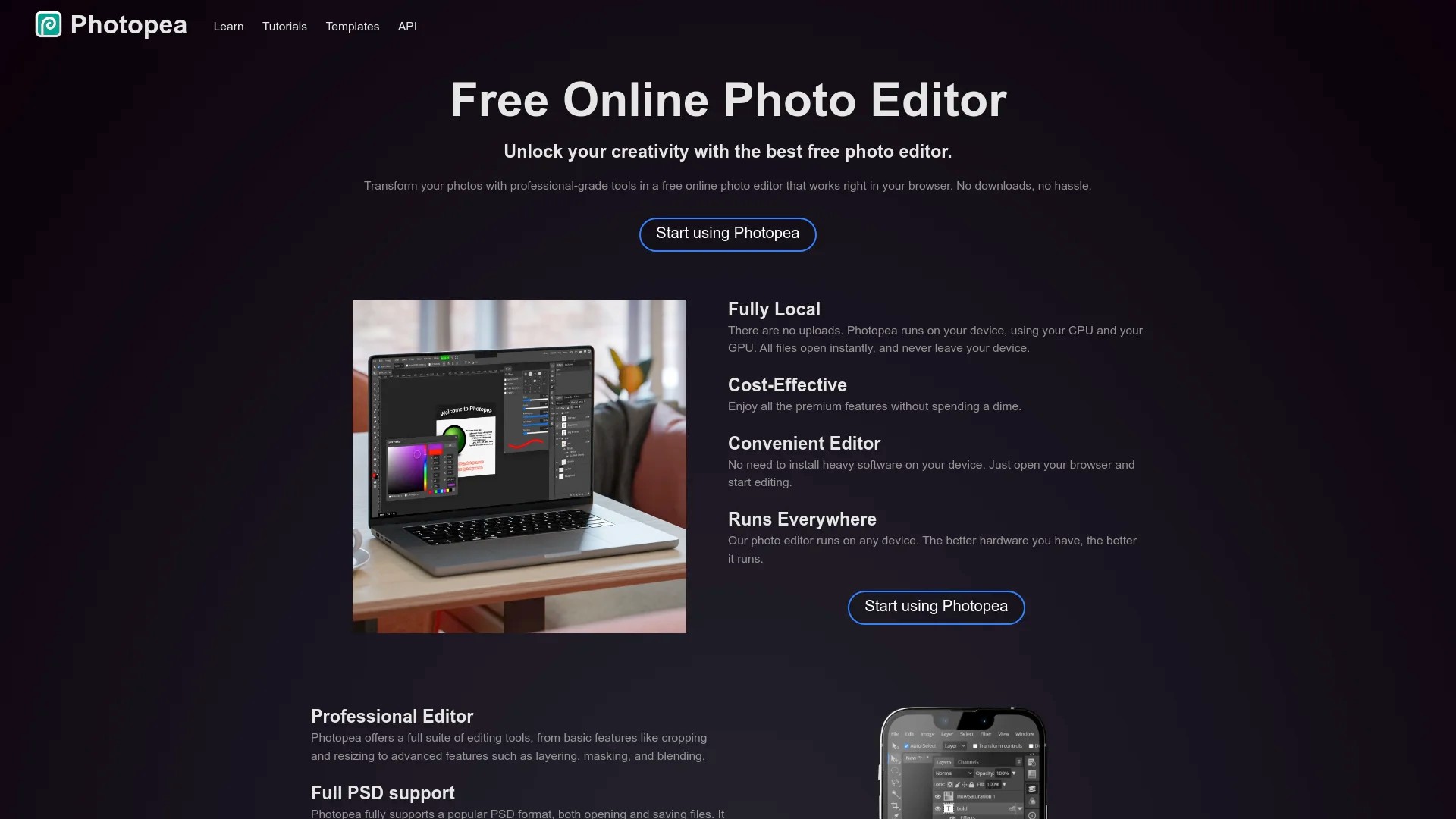
Layer-based editing, selection tools, and filter libraries enable complex photo manipulation. The interface familiarity benefits users transitioning from traditional desktop editors.
Pricing: Completely free with advertising support. Premium subscriptions remove advertisements for distraction-free editing.
Best for: Content creators requiring occasional advanced photo editing without software costs. The browser-based approach suits multi-device workflows.
21. Remove.bg
Remove.bg specialises in automated background removal through AI-powered image processing. The single-function tool excels at its specific task.

One-click processing removes photo backgrounds instantly, enabling product photography enhancement and creative compositions. API integration allows bulk processing for large content libraries.
Pricing: Limited free usage available. Remove.bg enables one-click background removal starting at $8.10/month for subscription access.
Best for: E-commerce content creators and product marketers. The background removal specialisation suits consistent photo enhancement needs.
22. Adobe Photoshop Express
Adobe Photoshop Express brings simplified Adobe editing power to mobile devices and web browsers. The streamlined interface prioritises common social media editing tasks.
Quick adjustments, filters, and automatic enhancements accelerate mobile photo editing workflows. Integration with Adobe Creative Cloud enables seamless asset management across devices.
Pricing: Free basic version with in-app purchases. Premium features unlock through Creative Cloud subscriptions.
Best for: Mobile-first content creators requiring professional editing on smartphones. The Adobe integration suits existing Creative Cloud workflows.
23. Unsplash
Unsplash provides free royalty-free stock photography for content creation. The extensive library covers diverse subjects with professional-quality imagery.
High-resolution downloads support both web and print applications. API access enables integration with design platforms and content management systems.
Pricing: Completely free for commercial and personal use without attribution requirements.
Best for: All content creators supplementing original photography with stock images. The cost-free access suits budget-conscious visual content workflows.
Specialised Visual Content Tools
Beyond general-purpose platforms, specialised tools address specific visual content needs. These focused solutions excel at particular content types or creative techniques.
The following platforms serve niche requirements within comprehensive visual content strategies. Consider adding these tools for specific content calendar needs.
24. Giphy
Giphy dominates GIF creation and discovery for social media content. The platform enables both GIF sourcing and custom GIF creation from video clips.
Extensive searchable libraries provide ready-made animated content for social posts. Custom GIF creation tools transform video content into shareable animated formats.
For detailed strategies on incorporating animated content, review our complete guide on using GIFs and memes in marketing.
Best for: Social media managers incorporating animated content into posting schedules. The GIF format suits informal brand voices and engagement-focused content.
25. Lumen5
Lumen5 transforms blog posts into video content through automated scene generation and media matching. The platform bridges written and video content formats.
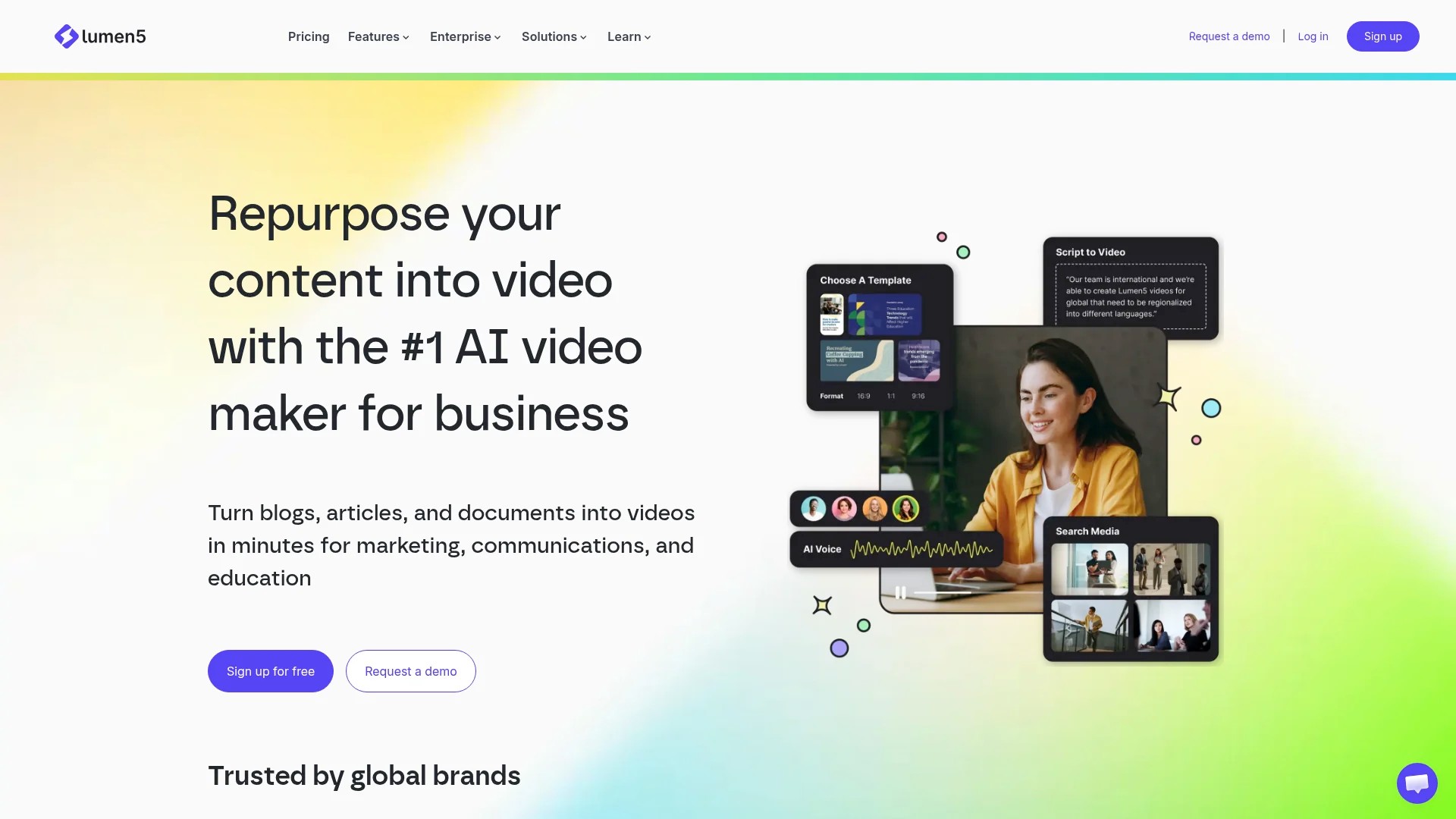
AI-powered analysis identifies key points in articles, creating video scenes with relevant stock footage and text overlays. Manual editing refines automated outputs.
Explore more techniques for repurposing blog posts for socials using various content formats.
Best for: Content marketers repurposing existing blog content into video formats. The automation suits teams maximising content value across formats.
26. InVideo
InVideo provides template-based video creation with extensive customisation options. The platform balances ease of use with creative control.
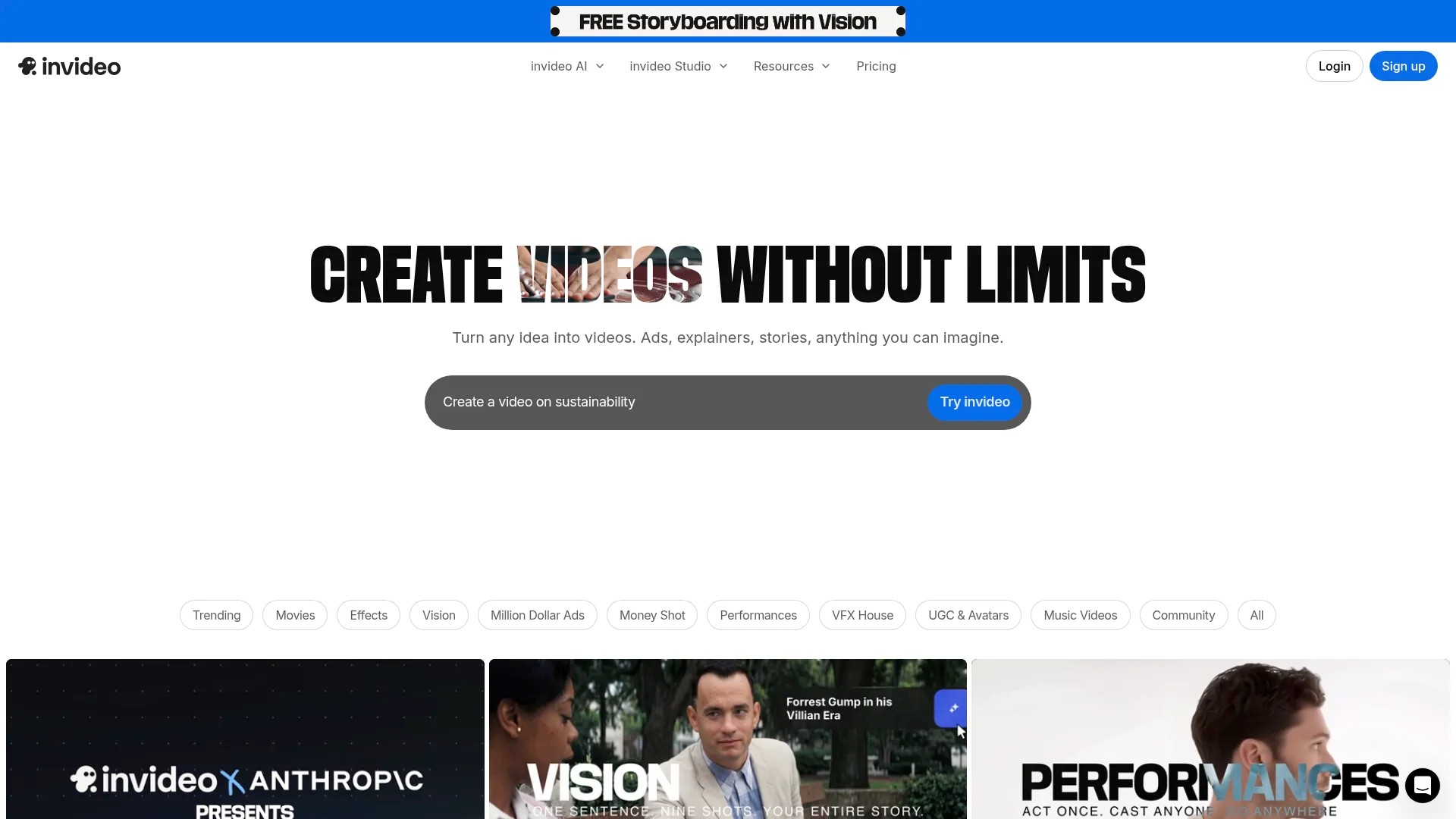
Thousands of templates cover different content types, industries, and social media formats. Text-to-video features accelerate initial video creation from scripts.
Best for: Marketing teams creating regular video content without dedicated video production staff. The template variety suits diverse content calendar requirements.
Selecting the Right Tools for Your Content Workflow
Choosing appropriate visual content creation tools depends on specific workflow requirements, budget constraints, and content types. Strategic tool selection optimises both output quality and production efficiency.
Most content creators use 3-5 core tools covering different content needs. This toolkit approach balances capability with workflow simplicity.
Assessment Framework for Tool Selection
Start by auditing your current content calendar requirements. Document visual content types you create regularly, posting frequency across platforms, and team size considerations.
| Content Type | Recommended Tool Category | Frequency Consideration |
|---|---|---|
| Social media graphics | Graphic design platforms | Daily posting requires template efficiency |
| Short-form video | Mobile video editors | Platform-specific features matter for trending content |
| Blog featured images | AI generation or stock photos | Weekly needs suit credit-based pricing |
| Product photography | Photo editing tools | Batch processing features benefit inventory updates |
| Educational content | Infographic platforms | Template libraries accelerate regular series |
Budget allocation follows content priorities. Invest in tools supporting your highest-volume content types first, then expand capabilities as needs grow.
Integration and Workflow Considerations
Tool compatibility affects production efficiency significantly. Consider how different platforms work together within your content creation process.
Look for native integrations between design tools and scheduling platforms. Direct publishing from design interfaces eliminates file management steps and potential version confusion.
Cloud-based tools enable team collaboration regardless of location. Multiple creators contribute to content calendars without file transfer complications or version control issues.
Free vs Paid Tool Strategy
Free plan limitations often include reduced export quality, watermarked outputs, or restricted template access. Assess whether these constraints affect your content quality standards.
Many creators start with free tools and upgrade specific platforms as volume increases. This graduated approach matches investment with proven content strategy value.
Consider annual subscriptions for tools you use daily. Monthly savings add up significantly across multiple platform subscriptions.
Optimising Visual Content for Different Social Media Platforms
Each social media platform demands specific visual specifications and content approaches. Tool selection should account for these platform-specific requirements.
Content creators serving multiple platforms need tools that export appropriate formats for each channel. Understanding platform preferences improves engagement performance.
Platform-Specific Visual Requirements
Instagram prioritises square and vertical formats with high-quality imagery. Visual consistency and aesthetic coherence matter significantly for feed presentation.
LinkedIn favours professional graphics with data visualisation elements. Infographics and thought leadership visuals perform well for business audiences.
TikTok and Instagram Reels require vertical video with quick pacing and trend-aligned editing. Audio synchronisation and text overlays drive engagement metrics.
Twitter benefits from simple graphics with bold text readable on mobile devices. Quick-scan visuals suit the platform’s fast-scrolling environment.
Facebook accommodates diverse visual formats but prioritises native video content. Cross-posting requires format adjustments for optimal performance.
Learn strategies for maintaining cross-platform content consistency whilst respecting platform differences.
Export and Optimisation Settings
Modern content creation tools include platform-specific export presets. These automated settings ensure correct dimensions, file sizes, and quality levels.
File size optimisation prevents slow loading times whilst maintaining visual quality. Compressed files improve user experience without sacrificing professional appearance.
Responsive design considerations ensure visual content displays correctly across desktop and mobile devices. Test outputs on multiple screen sizes before scheduling.
Building an Efficient Visual Content Creation Workflow
Systematic workflows transform visual content creation from time-consuming tasks into efficient production processes. Established routines maximise tool capabilities whilst maintaining output quality.
Successful content creators develop repeatable systems that balance creativity with consistency. The following workflow components contribute to sustainable content production.
Batch Creation Sessions
Dedicated creation sessions produce multiple visual assets efficiently. Block 2-3 hours weekly for focused design work without interruptions.
Template customisation accelerates batch production. Create base templates matching brand guidelines, then modify specific elements for individual posts.
Organise assets by content type, campaign, or posting date. Logical file structure enables quick retrieval when scheduling time arrives.
Content Calendar Integration
Visual content planning aligns with overall content strategy. Map visual needs against editorial calendars to identify creation requirements in advance.
Download our social media content calendar template for seamless planning that incorporates visual content workflows.
Plan visual themes monthly to maintain aesthetic coherence across scheduled posts. Consistent colour palettes and design styles strengthen brand recognition.
Quality Control Processes
Establish review checkpoints before finalising visual content. Verify brand guideline compliance, check spelling in text overlays, and confirm proper image resolution.
Create approval workflows for team environments. Designate review responsibilities clearly to prevent bottlenecks in content production timelines.
Test visual content across devices and platforms when possible. Mobile preview particularly matters given smartphone-dominant social media consumption.
Emerging Trends in Visual Content Creation
Visual content creation technology evolves rapidly with new capabilities reshaping production workflows. Staying informed about emerging trends helps maintain competitive content strategies.
The following developments currently influence visual content tool development and content creator practices. Consider how these trends might affect your future workflow needs.
AI-Powered Automation
Artificial intelligence increasingly automates repetitive content creation tasks. Background removal, image enhancement, and basic video editing now require minimal human intervention.
Generative AI creates original visual content from text descriptions. This technology democratises custom imagery access for creators without photography or illustration budgets.
Automated caption generation and hashtag suggestions complement visual content creation. AI assistants analyse image content and suggest relevant social media text.
Interactive and Immersive Content
Interactive visual formats gain traction across social platforms. Polls, quizzes, and clickable elements transform passive viewing into active engagement.
360-degree photos and augmented reality filters expand creative possibilities. Platform-native tools increasingly support these immersive content types.
Video Dominance Continues
Short-form video content maintains strong performance across platforms. Tools simplifying video creation see continued adoption and feature development.
Discover efficient approaches for scheduling short-form videos efficiently within your content calendar.
Live video streaming integrates with scheduled content strategies. Promotional graphics support live events whilst recorded streams become scheduled content assets.
Platform-Specific Features
Social media platforms develop proprietary creative tools. Instagram’s built-in editing, TikTok’s effects library, and LinkedIn’s document posts require format-specific content approaches.
Understanding adaptive content formats helps optimise visuals for each platform’s unique features.
Multi-platform posting increasingly demands format variations rather than identical content. Successful creators adapt visual content to platform-specific best practices.
Measuring Visual Content Performance
Analytics inform visual content strategy through performance data. Tracking metrics reveals which tools, formats, and approaches deliver desired audience engagement.
Most social media platforms provide native analytics for scheduled posts. These insights guide continuous improvement in visual content creation workflows.
Key Performance Indicators
Engagement rates measure audience interaction with visual content. Likes, comments, shares, and saves indicate content resonance beyond passive viewing.
Click-through rates assess how effectively visual content drives traffic to linked destinations. Strong visuals combined with compelling calls-to-action improve conversion performance.
Reach and impressions quantify content distribution. Growing reach indicates successful visual content strategies worth replicating.
Video completion rates reveal audience retention. High completion rates suggest engaging video content matching viewer expectations.
A/B Testing Visual Elements
Systematic testing identifies effective visual approaches. Compare different design styles, colour schemes, or composition techniques across similar content.
Test one variable at a time for clear results. Isolating specific elements reveals true performance drivers rather than confounding factors.
Document testing results to inform future content creation. Pattern recognition emerges through consistent measurement and analysis.
Tool Performance Assessment
Evaluate content creation tools based on output performance. Content produced with specific platforms should justify subscription costs through results.
Track time invested against engagement outcomes. Efficient tools that produce high-performing content deliver better return on investment.
Consider team feedback on tool usability. Adoption rates and creator satisfaction affect sustainable workflow implementation.
Conclusion
Visual content creation tools transform marketing capabilities for businesses and creators at every scale. The platforms covered here address diverse needs from basic graphic design to AI-generated imagery and professional video editing.
Start by identifying your primary visual content requirements. Select 3-4 tools covering your most frequent content types, beginning with free plans where available. Expand your toolkit as content volume and budget allow.
Remember that tools serve your content strategy rather than defining it. Focus first on understanding your audience needs and platform requirements. Then choose tools that efficiently execute your creative vision.
Successful visual content combines the right tools with consistent workflows and performance measurement. Batch creation sessions, quality control processes, and analytics review establish sustainable content production rhythms.
The visual content creation tool category continues evolving rapidly. Stay informed about new capabilities whilst mastering your current toolkit. Depth of tool knowledge often produces better results than constant platform switching.
Begin improving your visual content workflow today by selecting one tool from this guide. Master that platform’s capabilities, then gradually expand your toolkit as your content strategy matures.