
A well-organised content library transforms scattered marketing assets into a strategic resource. Content curation libraries centralise articles, social posts, graphics, and research into searchable repositories. This eliminates repeated content searches and ensures brand consistency across channels.
Content libraries serve as knowledge hubs for marketing teams. Rather than recreating content or scrambling for relevant materials, teams access curated content assets through organised systems.
The benefits extend beyond convenience. Curated content libraries reduce content production time, improve campaign consistency, and enable faster response to market opportunities.
This guide walks through the step-by-step process for building a content curation library from scratch. You’ll learn how to define curation goals, source quality content, select the right tools, organise your content collection, and maintain your library over time.
Understanding Content Curation Libraries
Content curation involves identifying relevant content from trusted sources, organising it to add value, and enhancing it with context aligned to brand strategy. A content library takes this further by creating a centralised repository for all curated content assets.
Think of it as your marketing team’s research library. Instead of scattered bookmarks and random folders, everything lives in one searchable location.
Traditional libraries organise books by subject matter. Content curation libraries work similarly, categorising digital assets by topic, format, audience, and campaign type.
The key difference between casual bookmarking and strategic content curation is intentionality. Every piece added to your content library serves a specific purpose within your content strategy.
Core Components of Effective Content Libraries
Successful content libraries include several foundational elements. First, they contain diverse content assets: blog posts, research studies, industry reports, social media posts, graphics, videos, and case studies.
Second, they feature robust organisation systems. Metadata, tags, categories, and search functionality enable quick retrieval of relevant content.
Third, they incorporate quality filters. Not every article makes it into the library. Content curators evaluate credibility, relevance, and alignment with audience needs.
Finally, effective libraries include context notes. Each curated content piece includes annotations explaining why it matters and how to use it.
Building Versus Buying Content Libraries
Learning management systems offer pre-built content libraries from subject matter experts, aligned with eLearning best practices. These provide immediate access to quality content.
However, building your own content library offers significant advantages. Custom libraries reflect your specific brand voice, audience interests, and strategic priorities.
The timeline matters. Building a comprehensive content library from scratch requires a minimum of 6-12 months. Creating a first curated resource like a tool directory takes a week maximum.
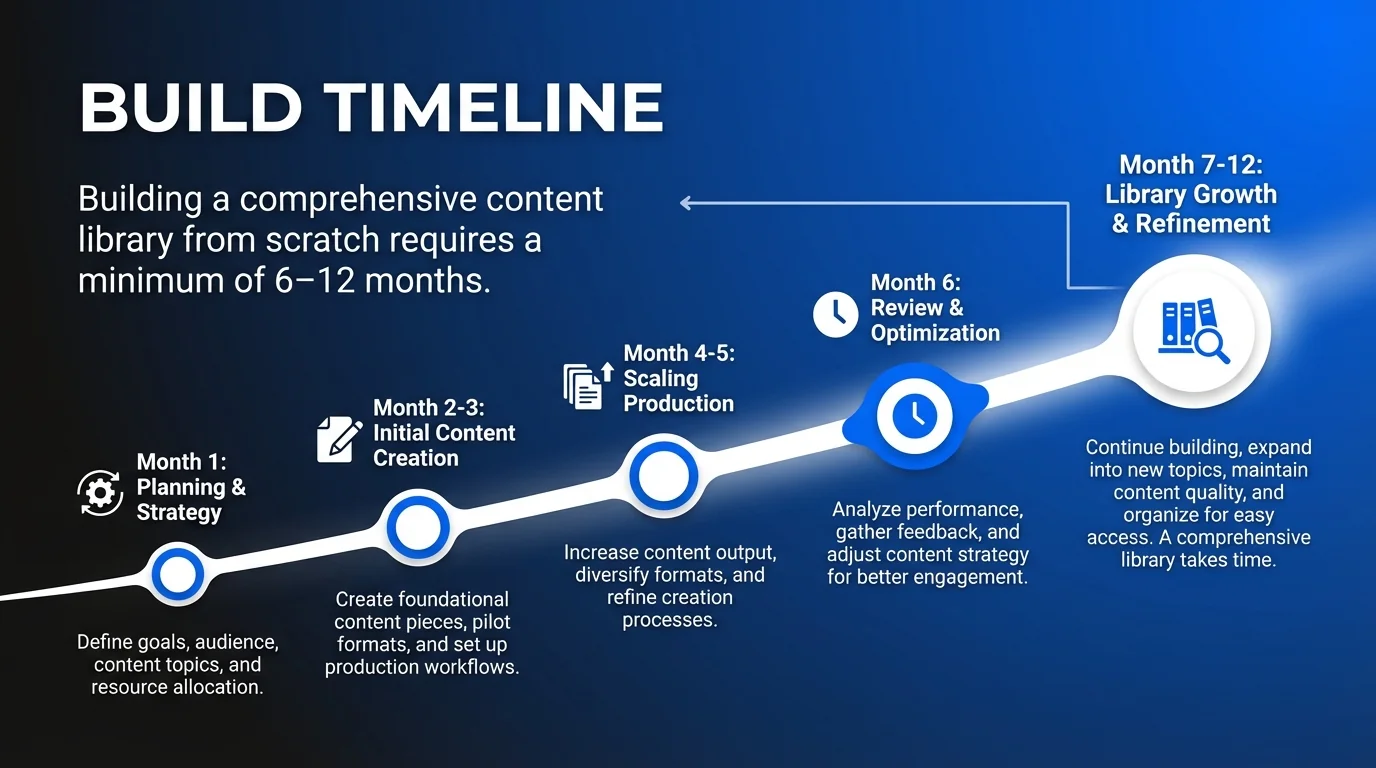
Consider starting small with focused resource collections whilst building towards comprehensive coverage over time.
Why Content Curation Libraries Drive Marketing Success
Content curation libraries solve persistent marketing challenges. Teams waste hours searching for that perfect article shared three months ago. Inconsistent messaging emerges when everyone sources content independently.
A centralised content library eliminates these friction points. Marketing teams access approved, relevant content instantly.
Efficiency Gains Across Marketing Operations
Consider the time investment in content discovery. Without organised systems, marketers spend 30-60 minutes daily hunting for shareable content.
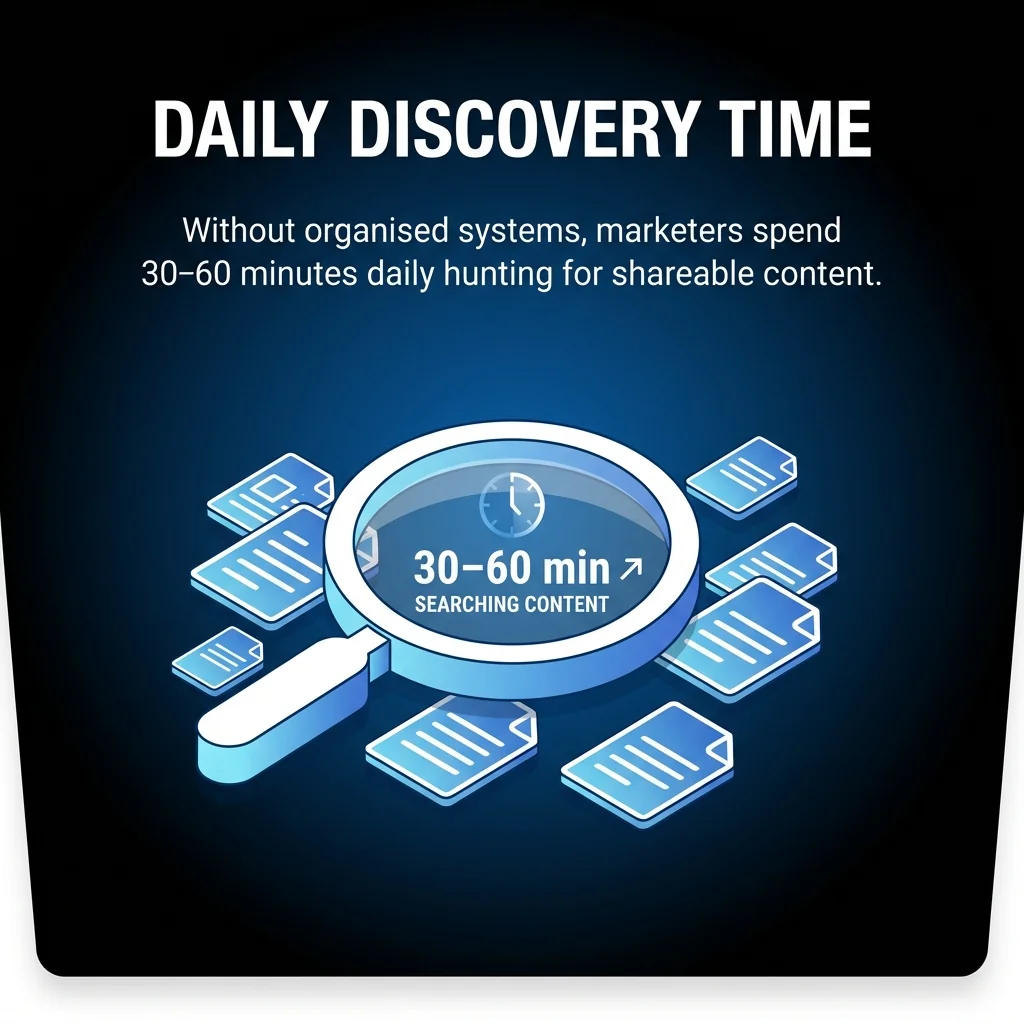
Content libraries compress this to 5-10 minutes. Teams browse pre-vetted, categorised content rather than conducting fresh searches.
The compound effect is substantial. A five-person marketing team saves 10-15 hours weekly through efficient content access.

Enhanced Content Quality and Consistency
Content curation libraries establish quality standards. Every asset meets defined criteria before inclusion.
This filtering ensures consistency across channels. Social media posts, email newsletters, and blog content share cohesive themes and messaging.
Teams also avoid embarrassing duplicates. The library shows what’s been shared recently, preventing repetitive content distribution.
Strategic Alignment With Audience Needs
Tailoring curated content to audience needs, interests, and preferences ensures resonance with followers. Strategies like audience personas, researching consumer questions, and gathering from trusted sources guide selection.
Content libraries organised by audience segment enable personalised content distribution. Marketing teams quickly identify relevant content for specific customer groups.
This audience-first approach strengthens engagement and builds trust with your target audience.
Step 1: Define Your Content Curation Goals and Criteria
Successful content libraries begin with clear objectives. What problems will your content library solve? Who will use it? How will success be measured?
Start by identifying your primary content curation goals. Common objectives include streamlining social media content sharing, supporting sales teams with relevant materials, or building thought leadership resources.
Establishing Content Quality Standards
Quality standards determine what enters your content library. Define specific criteria for evaluating potential content assets.
Consider source credibility. Which publications, authors, and websites meet your authority standards?
Relevance matters equally. Content must align with your audience’s interests and your brand’s positioning.
Recency often factors in. Technology and marketing content ages quickly. Establish guidelines for publication dates.
Create a simple scorecard for content evaluation. Rate potential additions across credibility, relevance, quality, and timeliness.
Defining Your Content Scope
Scope determines what types of content belong in your library. Will you curate only external content, or include your own published materials?
Format matters too. Some libraries focus exclusively on articles. Others include videos, infographics, podcasts, and research reports.
Topic boundaries prevent scope creep. List 5-8 core topics aligned with your content strategy. Content outside these themes gets excluded.
For example, a marketing automation company might focus on email marketing, CRM integration, lead nurturing, marketing analytics, and customer retention.
Identifying Your Content Curator Role
Every content library needs dedicated curators. These information professionals select, organise, and maintain the content collection.
Determine who fills this role. Options include assigning one person as primary content curator, rotating responsibility amongst team members, or making everyone contribute discoveries.
Define the time commitment. Curating a resource directory involves finding and selecting tools, testing them, organising information, and updating annually, with an initial time investment of 60-90 minutes.
Expert roundups as a curation format require 2-3 hours weekly for selecting stories, providing context, and publishing consistently.
Step 2: Identify and Source Quality Content
Content sourcing determines your library’s value. Identifying reliable sources and establishing discovery workflows ensures consistent quality.
Begin by mapping your content ecosystem. Which publications, blogs, and thought leaders produce valuable content in your focus areas?
Building Your Content Source List
Create a master list of trusted sources. Categorise them by topic, content type, and publication frequency.
Industry publications provide authoritative perspectives. Identify the top 3-5 publications covering your core topics.
Thought leader blogs offer unique insights. Follow 10-15 individual experts whose perspectives align with your audience’s needs.
Research organisations publish valuable data. Note think tanks, analyst firms, and academic institutions producing relevant research.
Competitor content reveals market trends. Monitor what leading companies share to identify emerging topics.
Establishing Content Discovery Workflows
Systematic discovery prevents gaps in your content library. Establish regular routines for finding valuable content.
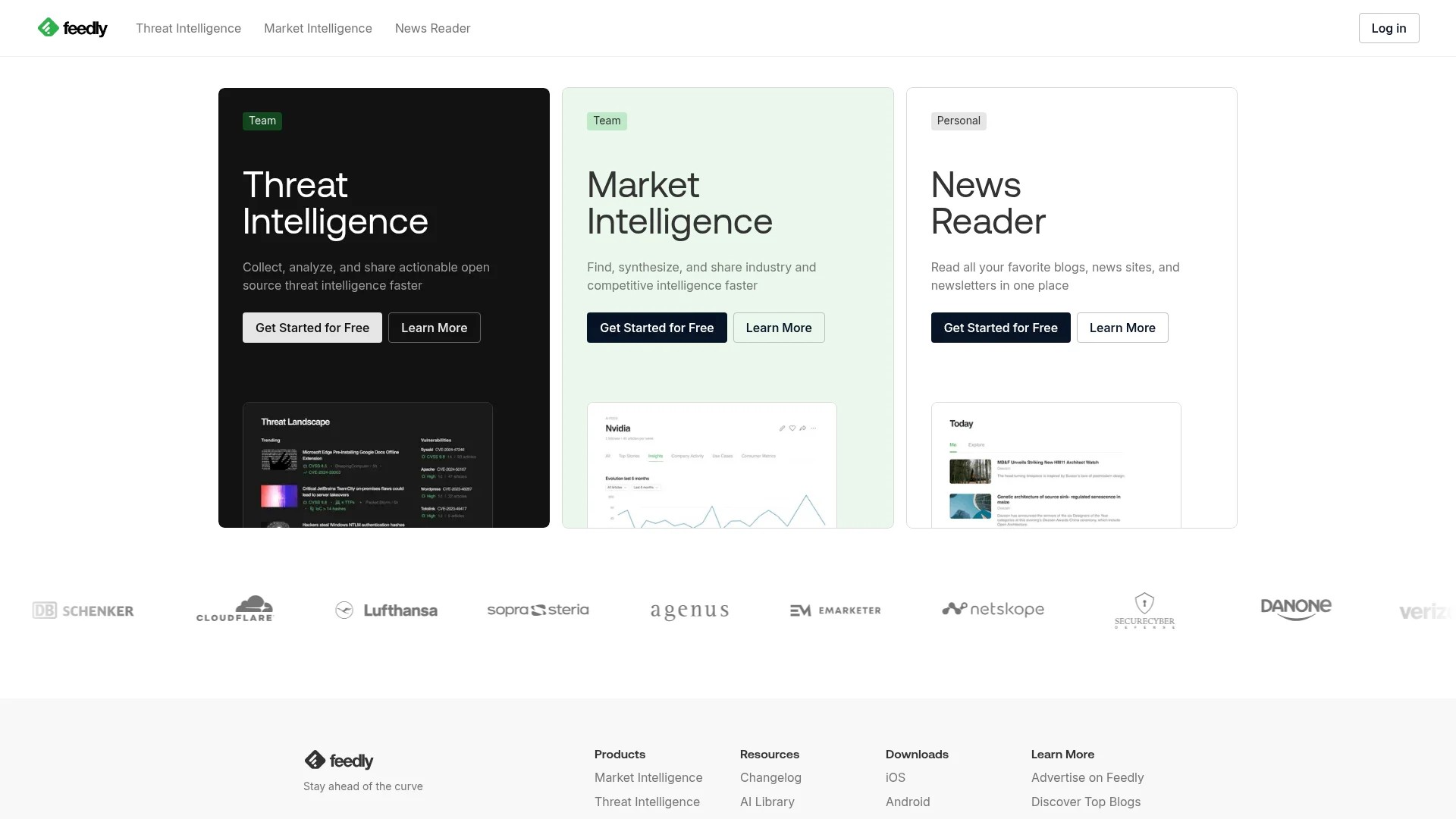
RSS readers streamline content monitoring. Tools like Feedly aggregate updates from all your sources in one interface.
Social media monitoring uncovers trending content. Track hashtags, influencers, and industry conversations for emerging topics.
Google Alerts notify you when specific keywords appear online. Set alerts for your core topics and competitor names.
Dedicate specific time blocks for content discovery. Schedule 30-minute sessions twice weekly rather than sporadic searches.
Evaluating Content Before Adding to Your Library
Not every discovered article deserves inclusion. Apply your quality criteria consistently during evaluation.
Check source credibility first. Unknown authors require additional verification before inclusion.
Read completely before adding. Headlines mislead. Ensure content delivers on its promise throughout.
Verify facts and data. Quality curated content includes proper citations and logical arguments.
Consider uniqueness. Does this content offer perspectives your library lacks? Avoid redundant additions.
For more strategies on identifying valuable content, see our guide on how to find content for social media.
Step 3: Choose the Right Tools for Your Content Library
Content curation tools determine your library’s functionality and usability. The right platform makes organisation effortless. Poor tool choices create friction and abandonment.
Selecting appropriate curation tools requires understanding your team’s needs, technical capabilities, and budget constraints.
Essential Features in Content Library Tools
Effective content library platforms share core capabilities. Prioritise these features during evaluation.
Storage capacity matters for growing libraries. Estimate how many content assets you’ll curate over 2-3 years.
Search functionality enables quick retrieval. Look for full-text search, tag filtering, and category browsing.
Collaboration features support team usage. Multiple users should add content, create collections, and share discoveries.
Integration capabilities connect your content library to existing workflows. API access enables connections with social media schedulers and email platforms.
Popular Content Curation Tool Options
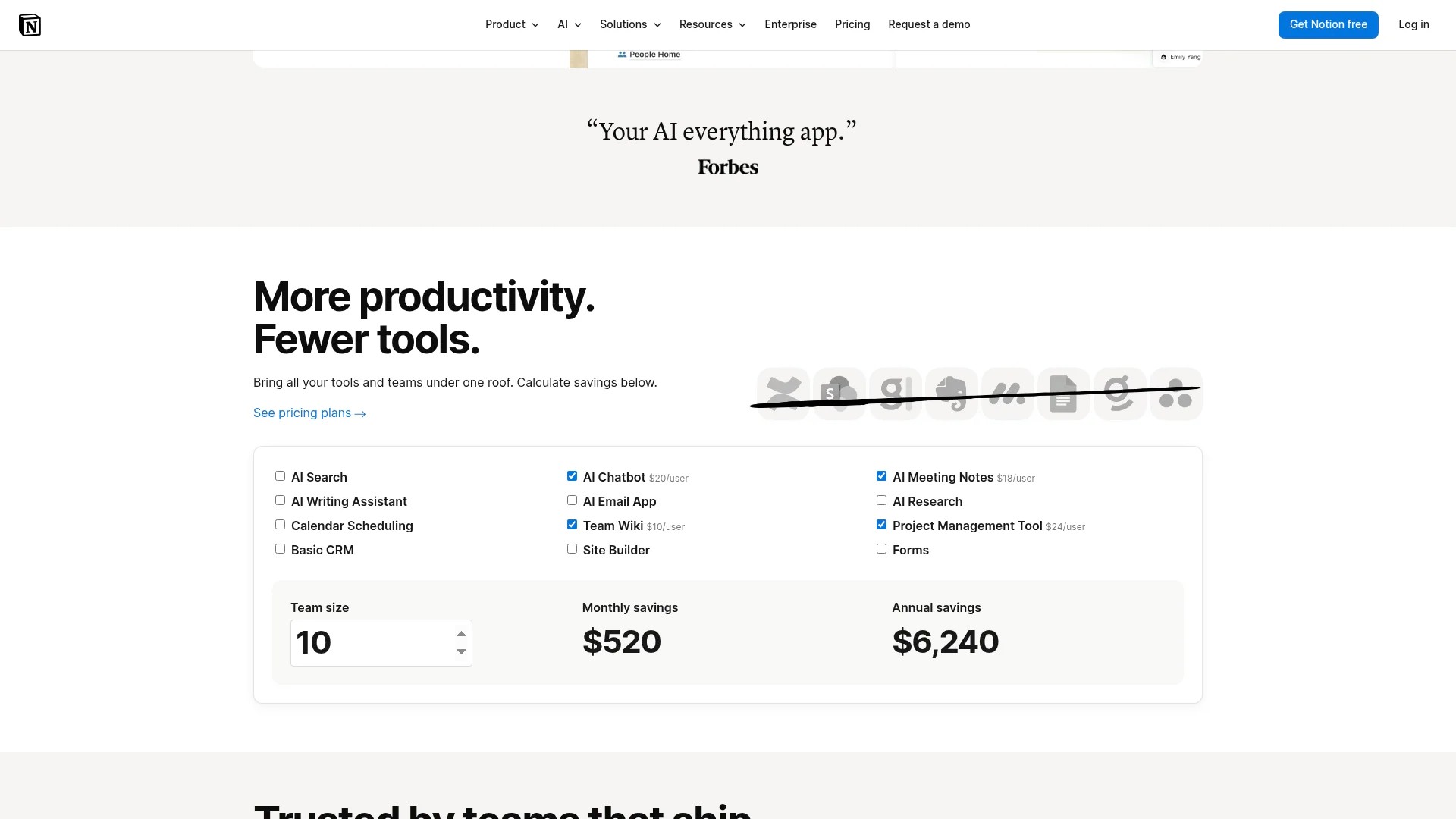
Notion provides flexible databases with rich formatting options. Teams create custom content libraries with tags, filters, and multiple views.
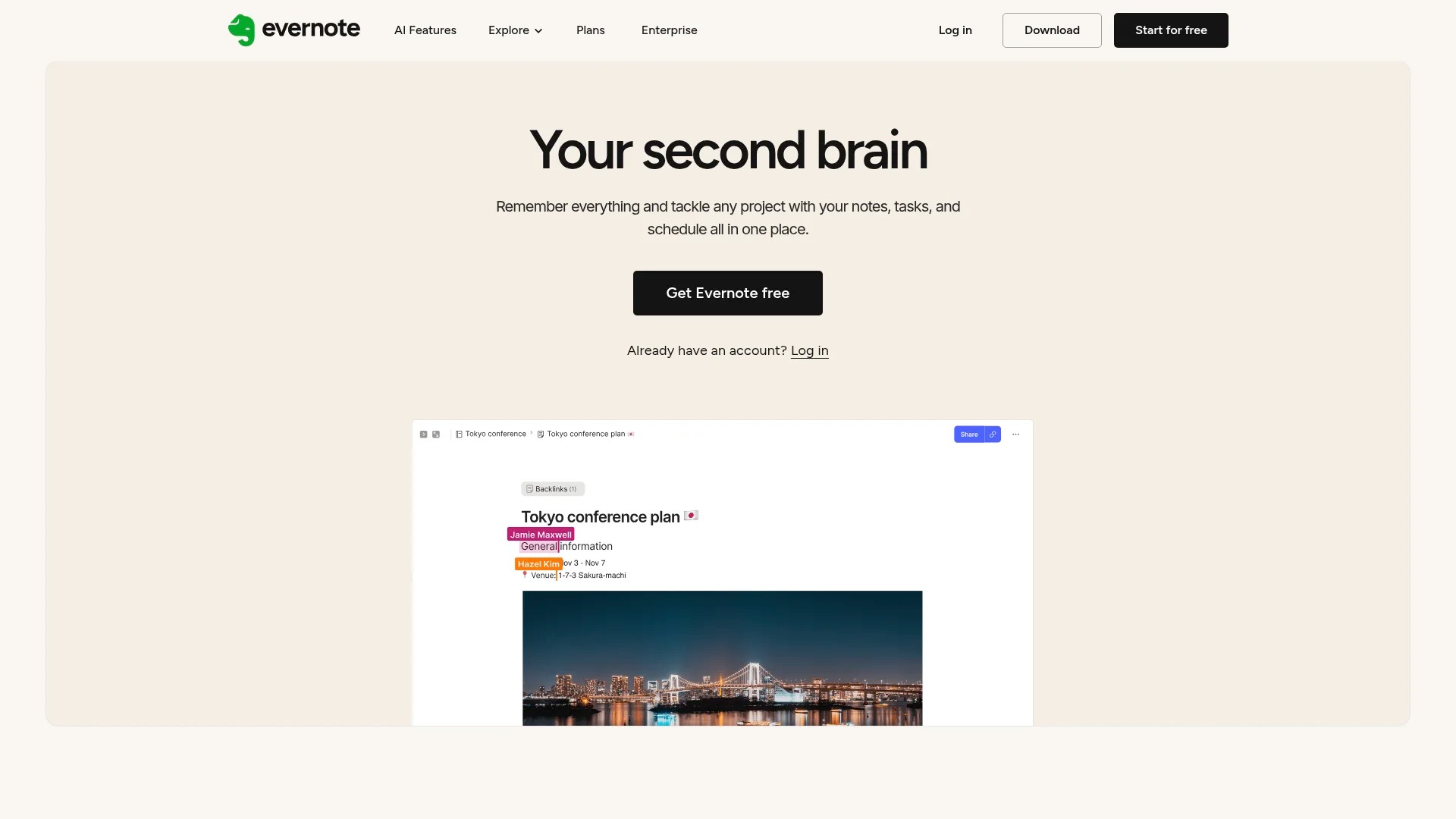
Evernote offers straightforward note-taking with web clipping capabilities. Content curators save articles with annotations and organise through notebooks and tags.
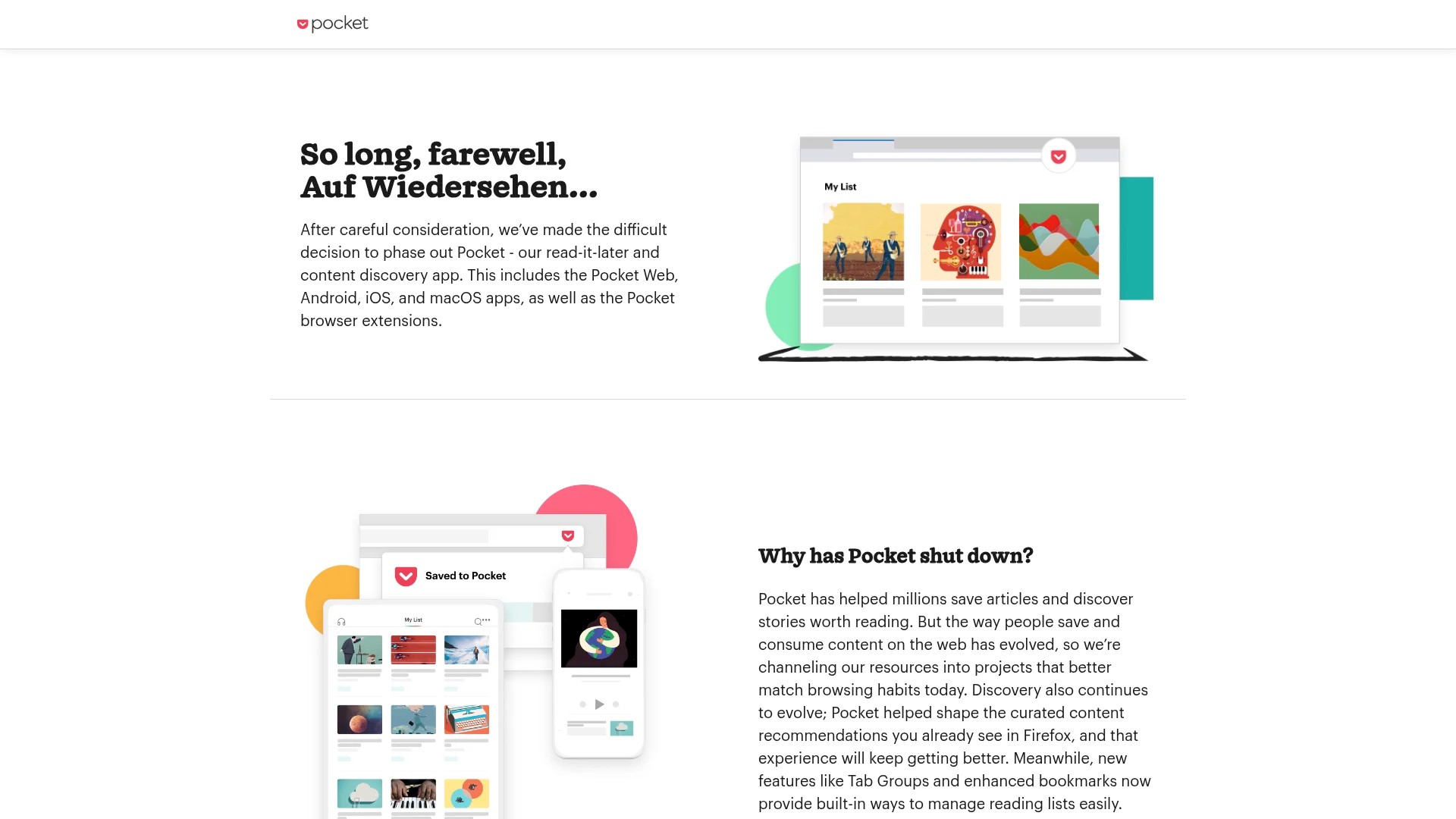
Pocket specialises in read-later functionality with excellent mobile apps. Content collections sync across devices for on-the-go access.
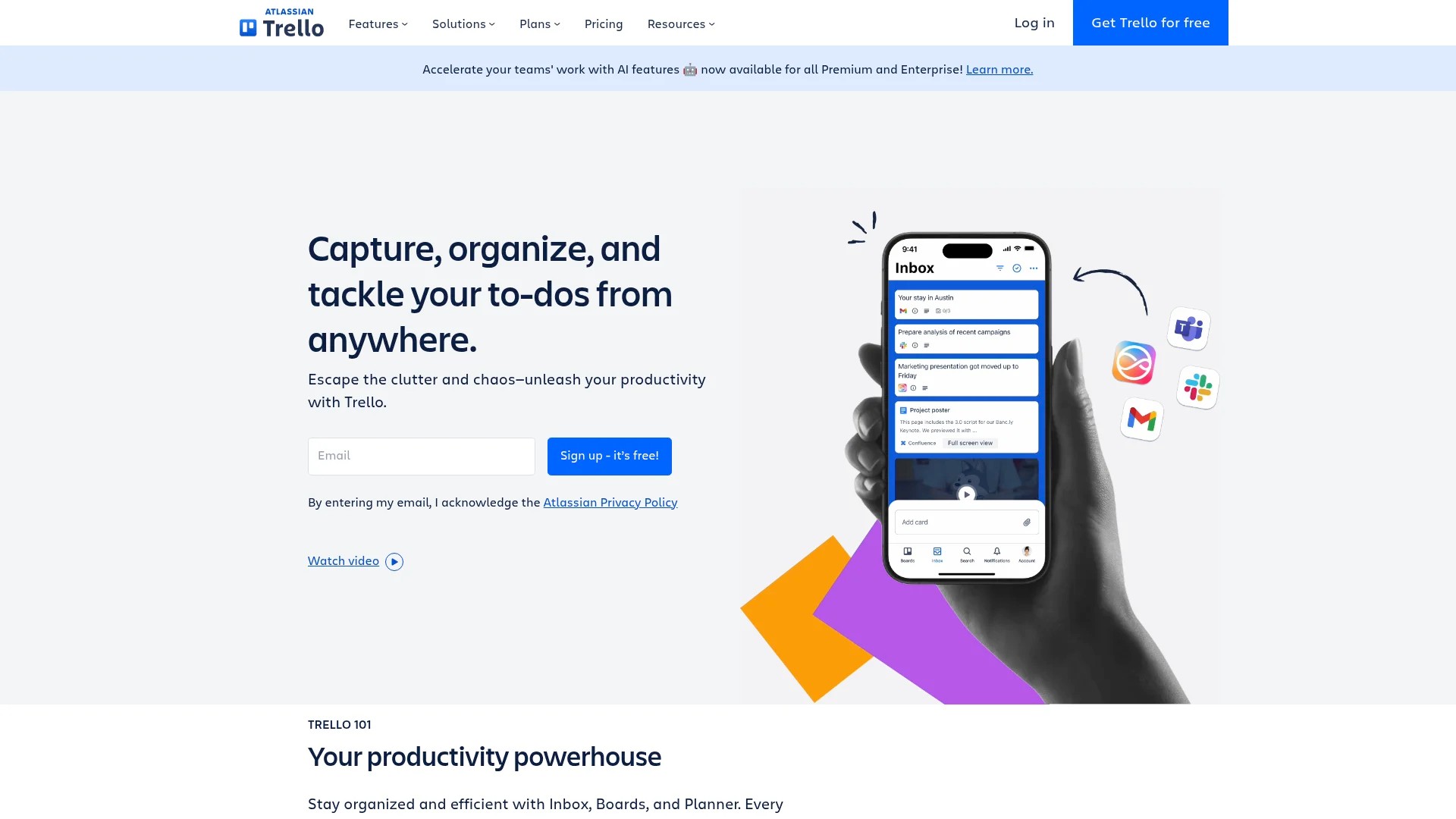
Trello uses visual boards for content organisation. Teams create cards for each asset, adding descriptions, tags, and due dates.
Airtable combines spreadsheet functionality with database power. Custom fields, views, and linking enable sophisticated content organisation.
For comprehensive tool comparisons, review our ultimate guide to content curation tools.
Implementing Content Calendar Integration
Organising curated content in batches using a content calendar with tools like Trello, Asana, or Google Sheets visualises publishing schedules and assigns deadlines for curation, writing, and sharing.
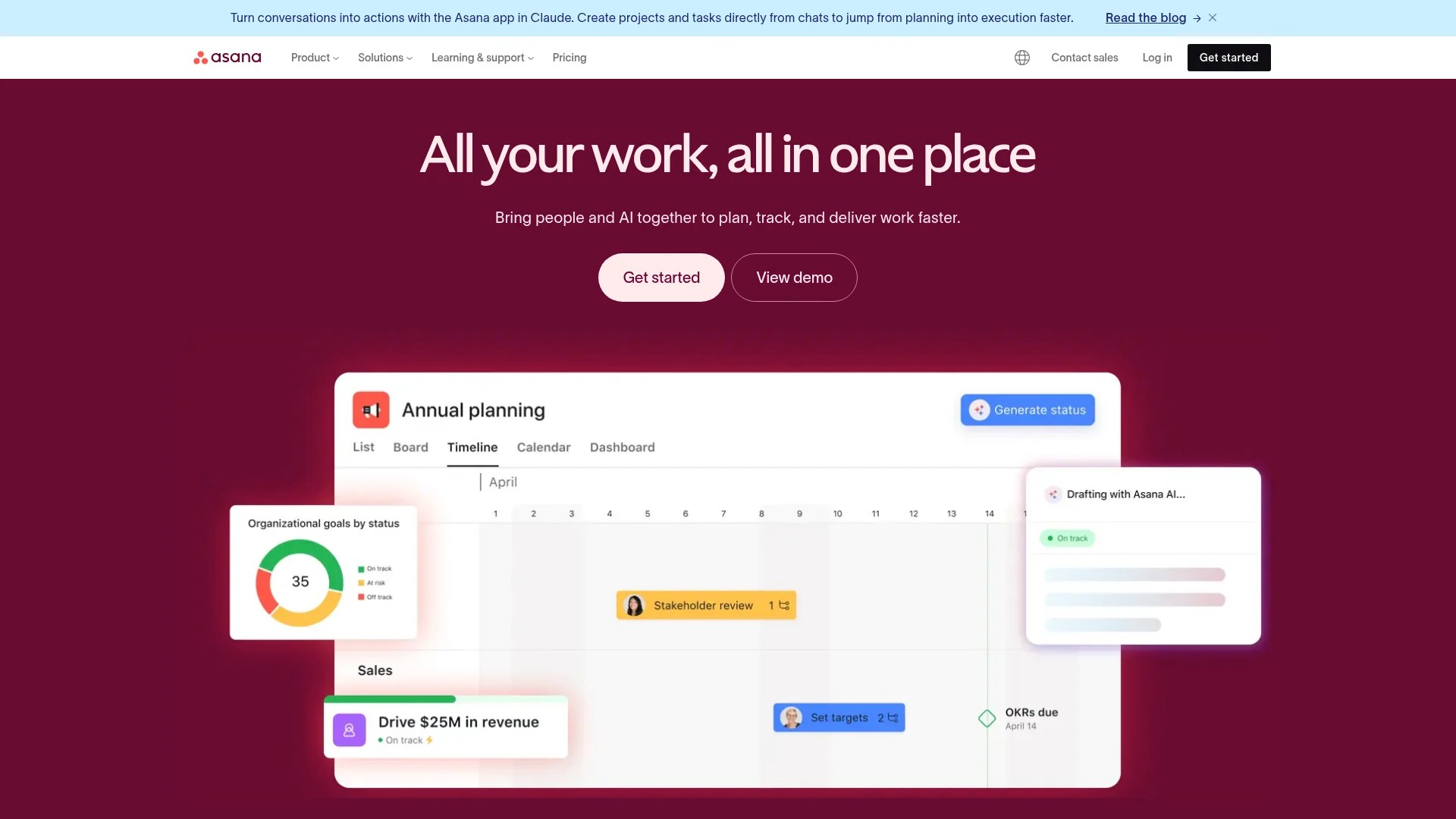
This integration transforms your content library from static storage into active workflow management.
Calendar views show content distribution across channels and time periods. Teams identify gaps requiring additional curation efforts.
Deadline tracking ensures consistent content publication. Curators know when to source new materials for upcoming campaigns.
Step 4: Organise and Categorise Your Content
Organisation determines whether your content library delivers value or becomes another digital junk drawer. Strategic categorisation enables instant content discovery.
Effective organisation systems balance comprehensiveness with simplicity. Too few categories create unwieldy collections. Excessive categories confuse users and complicate maintenance.
Creating Your Content Taxonomy
Taxonomy refers to your classification system. Start by identifying primary categories based on your content strategy.
Topic-based categories align with your content pillars. A B2B software company might use: Product Education, Industry Trends, Customer Success, Thought Leadership, and Company News.
Format categories organise by content type. Separate blog posts, videos, infographics, case studies, and research reports.
Audience segment categories enable personalised content selection. Tag content for decision-makers, implementers, or end users.
Campaign categories link content to specific initiatives. Group assets supporting product launches, seasonal promotions, or educational series.
Implementing Tagging Systems
Tags provide flexible, multi-dimensional organisation beyond rigid categories. One piece of content receives multiple tags describing different attributes.
Create tag standards before team members start adding content. Define approved tags and usage guidelines.
Topic tags identify specific subjects within broader categories. An article might receive tags for “email automation,” “lead nurturing,” and “ROI measurement.”
Industry tags help segment content by vertical markets. Tag content relevant to healthcare, finance, retail, or manufacturing.
Funnel stage tags connect content to buyer journey phases. Label content as awareness, consideration, or decision-stage appropriate.
Sentiment tags indicate emotional tone. Mark content as inspirational, educational, entertaining, or thought-provoking.
Building Searchable Metadata
Metadata makes content findable through search functionality. Consistent metadata practices dramatically improve library usability.
Titles should be descriptive and keyword-rich. “Email Marketing Statistics 2025” beats “Interesting Email Data.”
Descriptions summarise key points in 2-3 sentences. Include main takeaways and unique angles.
Author/source information establishes credibility. Record publication names, author credentials, and publication dates.
URL fields preserve original sources for citation purposes. Always attribute content to its creators.
Custom fields capture specific attributes relevant to your use case. Examples include word count, reading time, or content complexity level.
| Organisation Element | Purpose | Best Practice |
|---|---|---|
| Primary Categories | High-level content groupings | Limit to 5-8 main categories |
| Tags | Flexible multi-dimensional labels | Create controlled vocabulary of 30-50 tags |
| Search Metadata | Enable keyword-based discovery | Include descriptive titles and summaries |
| Filters | Narrow results by attributes | Allow filtering by date, format, topic |
Step 5: Add Context and Value to Curated Content
Raw content links provide minimal value. Context transforms curated content into strategic assets.
Content curators act as guides, helping audiences understand why specific content matters and how to apply insights.
Writing Effective Content Annotations
Annotations explain the value and relevance of each curated piece. They answer: Why does this matter? What should readers take away?
Keep annotations concise. Two to four sentences suffice for most content.
Highlight key takeaways. Identify the most valuable insight readers will gain.
Explain relevance to your audience. Connect content to challenges your target audience faces.
Suggest applications. How might readers use these insights in their work?
For example: “This case study demonstrates how mid-sized retailers increased email engagement by 34% through segmentation. The tactics apply directly to e-commerce brands seeking higher conversion rates without increasing email volume.”
Attribution and Citing Sources
Proper attribution respects content creators and maintains ethical standards. Always credit original sources clearly.
Include author names when sharing curated content. Recognition builds relationships with thought leaders.
Link directly to original sources. Drive traffic back to creators rather than republishing full content.
Mention publication names. Context about source reputation helps audiences evaluate credibility.
For social sharing, tag original authors when possible. Acknowledgement fosters community connections.
Balancing Quantity and Quality in Curation
The volume versus value debate challenges every content curator. More content isn’t always better.
Prioritise quality over quantity consistently. Five exceptional resources provide more value than fifty mediocre ones.
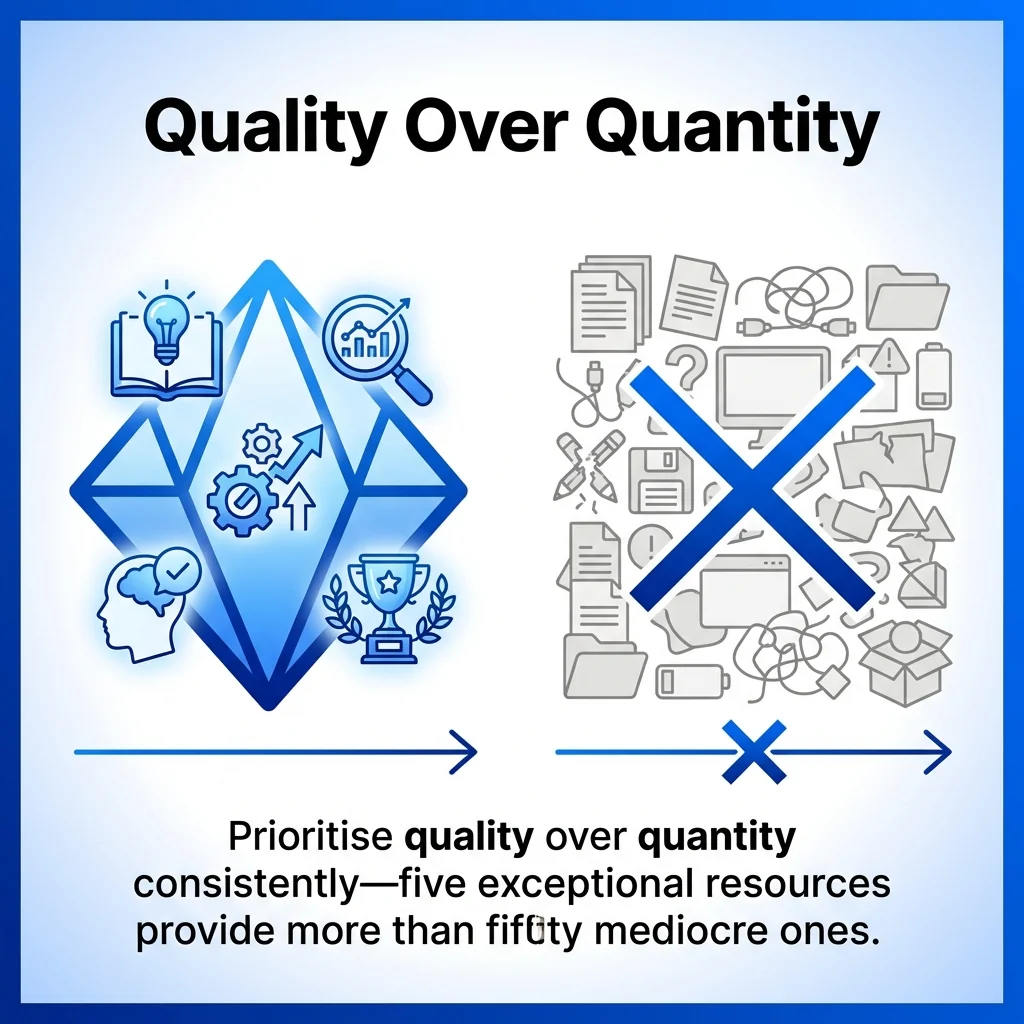
Establish minimum quality thresholds. Apply your evaluation criteria rigorously before adding content.
Consider library size relative to usage. A social media team might maintain 200-300 active pieces whilst a sales enablement library could house 1,000+ assets.
Regular pruning maintains quality. Remove outdated or underperforming content quarterly.
To understand effective content curation approaches, explore our comprehensive social media curation guide.
Step 6: Share and Distribute Your Curated Library
A brilliant content library delivers no value if audiences can’t access it. Distribution strategies determine actual impact.
Consider who needs access and how they’ll discover relevant content. Different stakeholders require different access patterns.
Internal Team Access and Permissions
Marketing teams represent primary content library users. Ensure seamless access through familiar platforms.
Integrate your content library into existing workflows. Teams shouldn’t switch contexts to access curated content.
Establish clear permission levels. Who can add content versus who only views? Role-based access prevents disorganisation.
Provide onboarding for new team members. Document how to search, filter, and contribute to your content collection.
Create quick reference guides showing common use cases. Help teams understand when to consult the library.
Sharing Curated Content Through Marketing Channels
Content libraries support multiple distribution methods. Each channel requires adapted approaches.
Social media benefits from regular curated content sharing. Schedule posts featuring library resources across platforms.
Email newsletters showcase valuable finds. Create weekly or monthly curated content roundups for subscribers.
Blog content incorporates curated resources naturally. Link to relevant studies, reports, and expert perspectives.
Sales enablement materials draw from the library. Equip sales teams with relevant articles, case studies, and research.
Learn how automation enhances content curation for social media to streamline distribution.
Creating Public-Facing Resource Collections
Some organisations share curated libraries publicly. Resource pages, tool directories, and reading lists provide audience value whilst demonstrating expertise.
Public resource pages attract organic traffic. Well-organised collections rank for relevant search queries.
They position brands as helpful authorities. Audiences appreciate genuinely useful resources without aggressive promotion.
Consider creating specialised resource collections addressing specific audience needs. Examples include beginner’s guides, advanced technique compilations, or tool recommendations.
Update public resources regularly. Outdated links and discontinued tools damage credibility.
Maintaining and Optimising Your Content Library
Content libraries require ongoing maintenance. Without regular attention, they decay into outdated, disorganised collections.
Establish maintenance routines preventing entropy. Scheduled reviews keep libraries relevant and valuable.
Regular Content Audits and Updates
Quarterly audits identify content requiring updates or removal. Review all additions from the previous three months.
Check links for functionality. Broken links frustrate users and undermine library value.
Verify content remains relevant. Industry changes may render previously valuable content obsolete.
Update annotations as needed. New developments might change how content applies to your audience.
Remove low-performing content. If nobody accesses certain resources, they clutter your library unnecessarily.
Gathering Usage Insights
Analytics reveal which content delivers value. Track access patterns, popular categories, and search queries.
Most content library platforms include basic analytics. Review these monthly to identify trends.
Popular content signals audience interests. Curate more resources on highly-accessed topics.
Unused categories suggest misalignment. Consider whether certain content categories serve real needs.
Search queries reveal gaps. If users search unsuccessfully for specific topics, prioritise adding that content.
Continuous Improvement Practices
Gather feedback from content library users. What works well? What causes frustration?
Survey team members quarterly about library usability. Quick five-question surveys identify improvement opportunities.
Monitor content curation time investment. If discovery and organisation become too time-consuming, streamline processes.
Stay current with curation tool developments. New features might enhance your library’s functionality.
Refine your quality criteria based on experience. Initial standards evolve as you understand what truly serves your audience.
| Maintenance Task | Frequency | Purpose |
|---|---|---|
| Link checking | Monthly | Ensure all content remains accessible |
| Content relevance review | Quarterly | Remove outdated materials |
| Tag cleanup | Semi-annually | Eliminate redundant or unused tags |
| User feedback collection | Quarterly | Identify usability improvements |
| Usage analytics review | Monthly | Understand content performance |
For building specialised content libraries, see our guide on creating content libraries for agencies.
Turning Your Content Library Into a Strategic Asset
Well-maintained content curation libraries transform marketing operations. Teams spend less time searching and more time creating value.
Your library becomes the foundation for consistent, quality content distribution. Every social post, email newsletter, and sales conversation draws from vetted resources.
Start small with focused collections. A simple tool directory or weekly article roundup establishes curation habits.
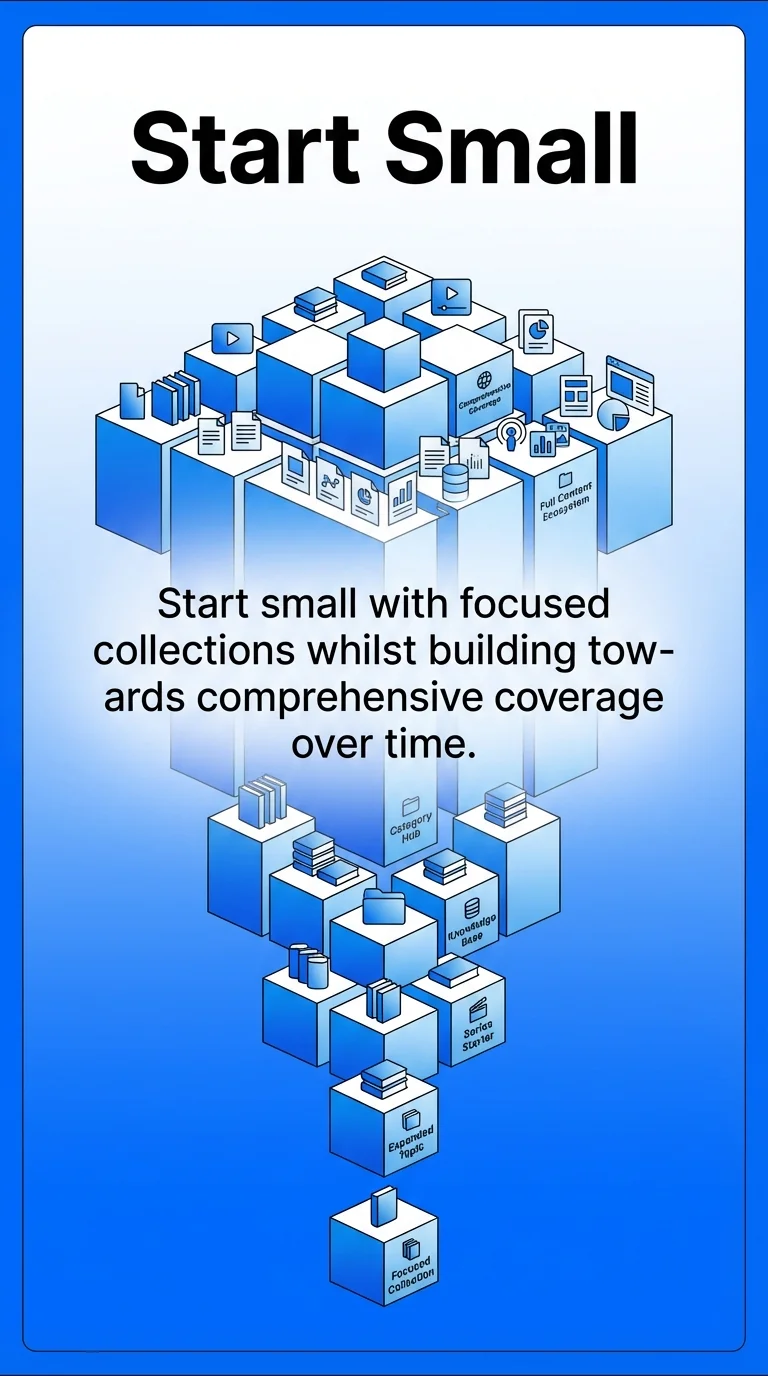
Expand systematically based on usage patterns. Add categories and content types as teams demonstrate value from existing resources.
The most successful content libraries evolve continuously. Regular maintenance, user feedback, and strategic refinement keep libraries valuable over years.
Begin building your content library today. Define your first collection, select an appropriate tool, and curate ten valuable resources. That foundation supports everything that follows.