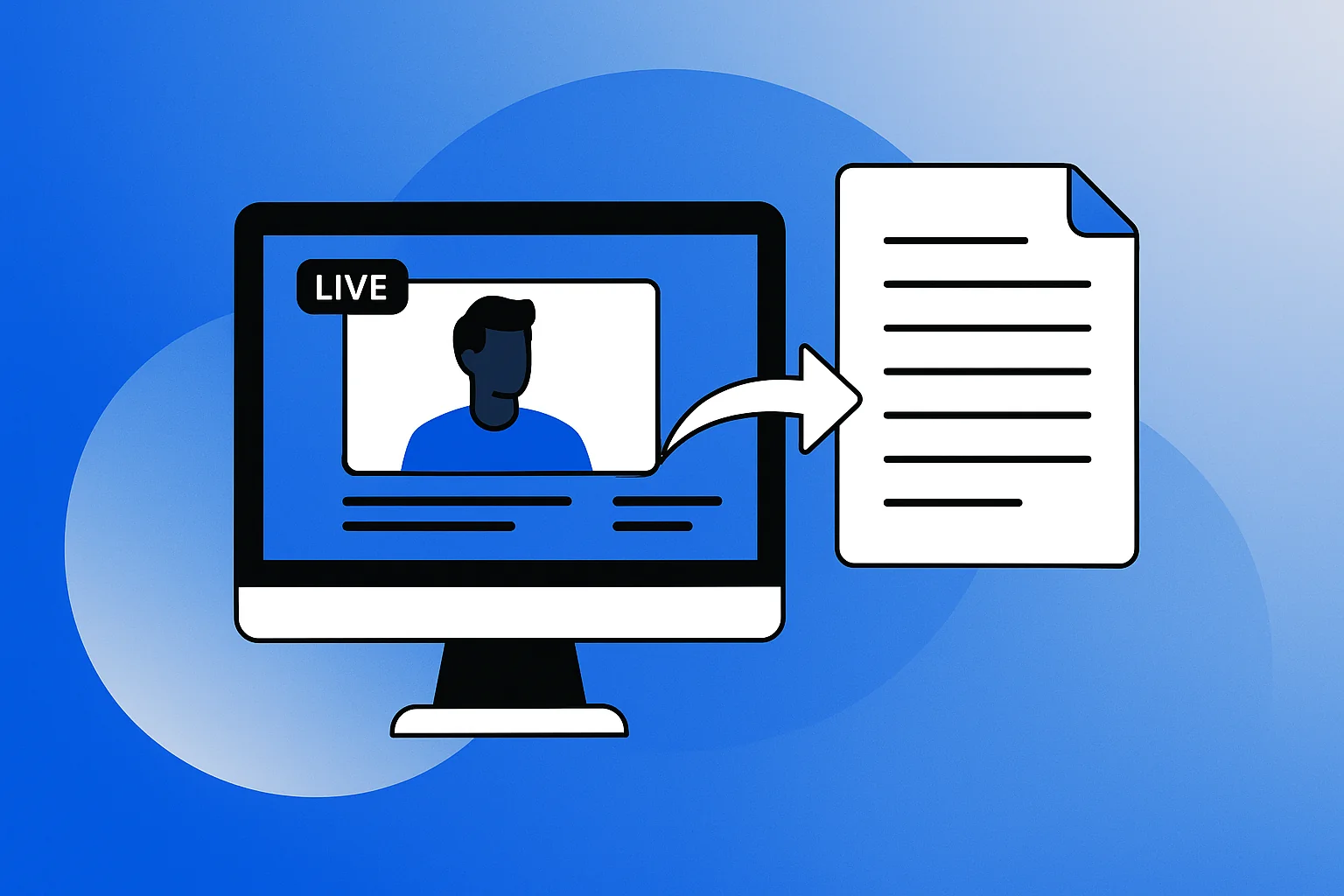
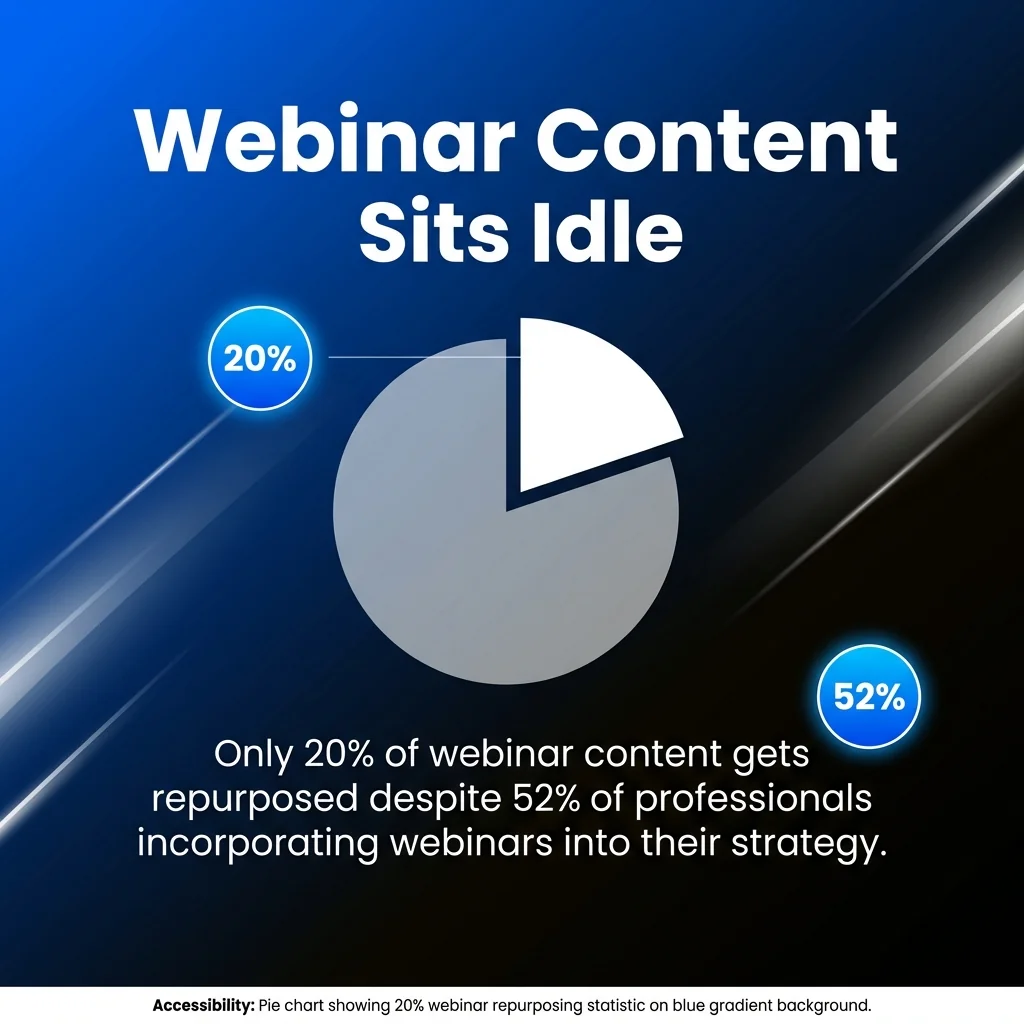
Your webinar just wrapped, and you’re sitting on a goldmine. Most marketers know this feeling, yet only 20% of webinar content gets repurposed despite 52% of professionals incorporating webinars into their strategy. That’s a massive opportunity sitting idle.
Think about it. Your webinar includes carefully crafted talking points, live audience questions, and polished slides. It’s already engaging, already tested, already valuable.
Transforming that single webinar into social posts extends your reach far beyond the original attendees. You’re not duplicating effort but multiplying impact.
This guide shows you exactly how to extract maximum value from your webinar content. You’ll learn to create engaging social posts that drive traffic, generate leads, and keep your audience engaged long after the live event ends. Each strategy builds on the previous one, creating a complete repurposing system for your content library.
Why Repurposing Webinar Content Matters
Your webinar recording holds enormous untapped potential. Most of that potential disappears if you simply archive the file and move on.
80% of B2B event content goes unused. This represents a staggering missed opportunity for return on investment.
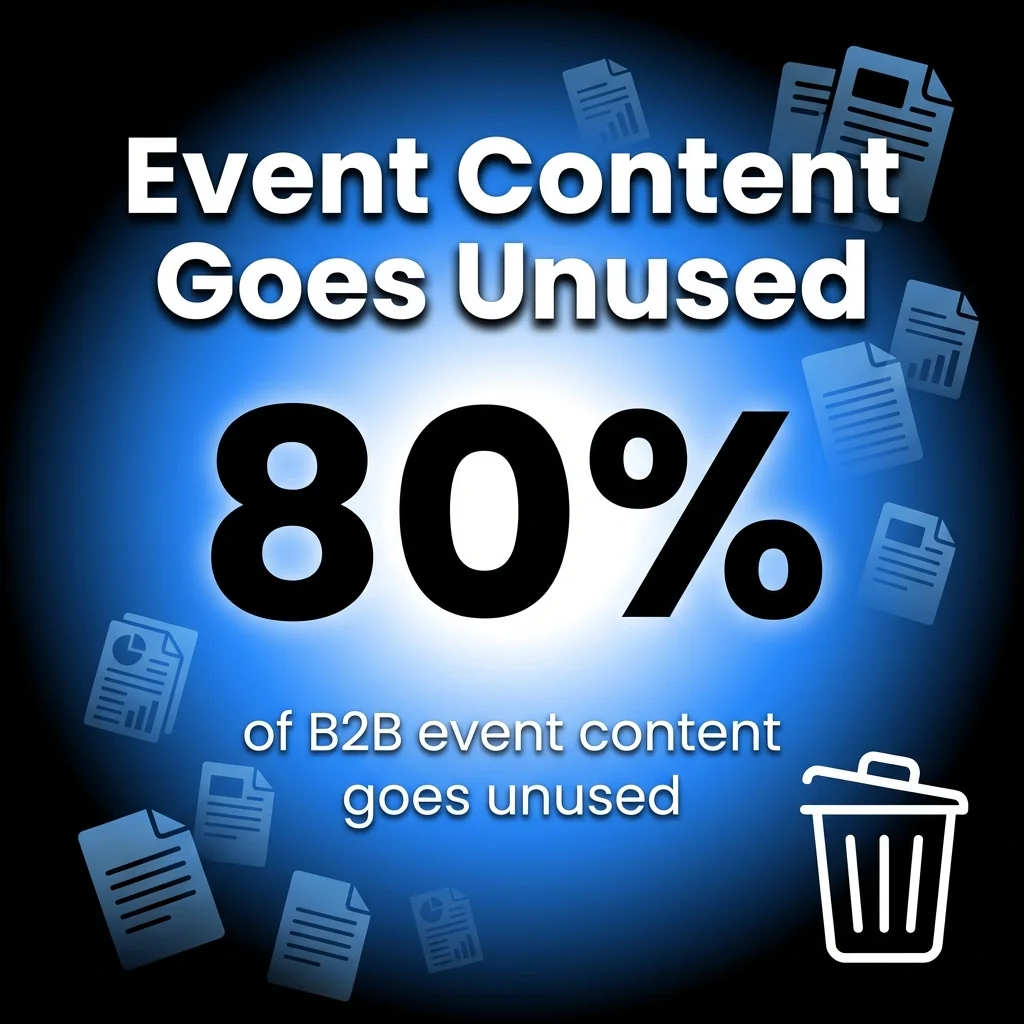
Repurposing addresses this waste directly. It transforms your single piece of content into multiple assets, each tailored for different platforms and audience preferences.
The benefits extend beyond efficiency. Different audience segments consume content differently. Some prefer quick social media clips, others want in-depth blog posts, and many appreciate downloadable resources they can reference later.
Meeting your audience where they are increases engagement and reach. According to content velocity research, webinar repurposing generates 13x more content assets whilst reducing creation time by 75%.
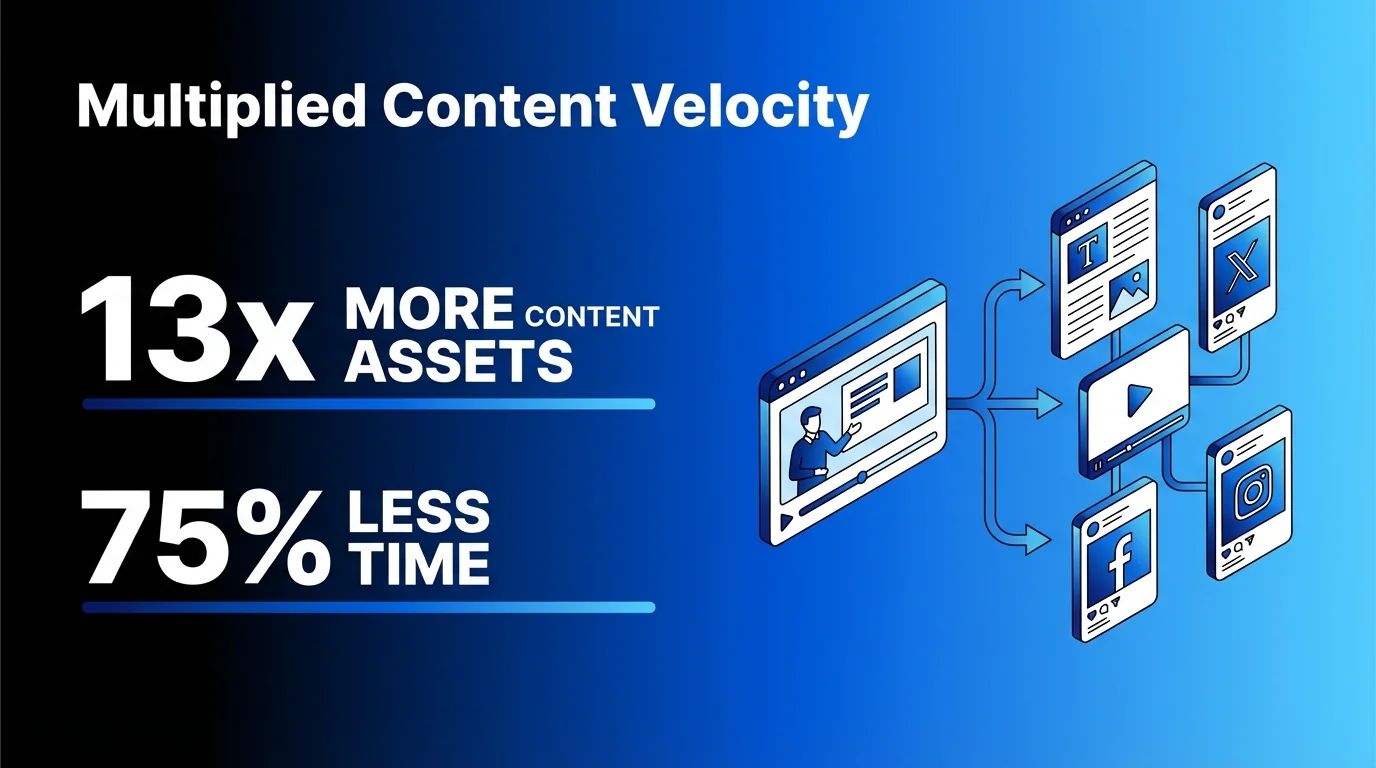
These numbers reveal the real power of repurposing. You’re creating more content with less effort, reaching more people, and maximising the value of work you’ve already completed.
Understanding Your Webinar Assets
Before diving into repurposing strategies, take inventory of what you actually have. Every webinar recording contains multiple distinct elements worth extracting.
The full video recording forms your primary asset. This includes your presentation, any screen shares, and visible participants if you used a camera. Audio exists separately from video, opening different repurposing opportunities.
Your slides represent another valuable asset. These already convey key points visually and work perfectly for certain social platforms. Transcripts provide text-based content that search engines can index and readers can scan quickly.
Don’t overlook the questions and answers. Your Q&A session addresses real concerns from your target audience. These questions reveal what matters most to potential customers.
Chat discussions add another layer. Participants often share insights, resources, and perspectives in chat that complement your main content. Poll results and quiz responses demonstrate audience opinions and knowledge gaps.
Each asset serves different purposes. Understanding what you have helps you choose the right repurposing strategy for each piece.
1. Create Short Video Clips for Social Media
Short video clips perform exceptionally well across social platforms. They capture attention quickly and deliver value without requiring major time commitments from viewers.
Start by reviewing your webinar recording. Identify the strongest moments where you shared surprising statistics, explained key concepts clearly, or answered compelling questions. These moments make ideal standalone clips.
Selecting Clip-Worthy Moments
Look for natural peaks in your presentation. These include moments when you introduced a new concept, revealed data, or demonstrated a technique. Strong statements that stand alone work better than content requiring earlier context.
Aim for 30-90 seconds per clip. This length suits most social platforms whilst delivering complete thoughts. Shorter clips work for quick tips, whilst longer segments suit detailed explanations.
Watch for visual interest as well. Moments where your slides showed clear diagrams, your screen demonstrated a tool, or your energy peaked translate better to social video than talking head segments alone.
Editing for Platform Requirements
Each social platform has different specifications and audience expectations. LinkedIn audiences appreciate professional insights and industry data. Instagram and TikTok favour quick, entertaining takes.
Add captions to every clip. Most social media users watch without sound initially. Captions ensure your message lands regardless of viewing conditions.
Square or vertical formats work better than traditional widescreen on mobile devices. Crop your recording appropriately, ensuring important visual elements remain visible. Include your branding subtly but consistently across all clips.
AI-powered workflows now prioritise top-performing content formats per platform, tailoring captions for LinkedIn insights versus TikTok entertainment. These tools significantly reduce editing time whilst improving platform-specific performance.
Strategic Distribution
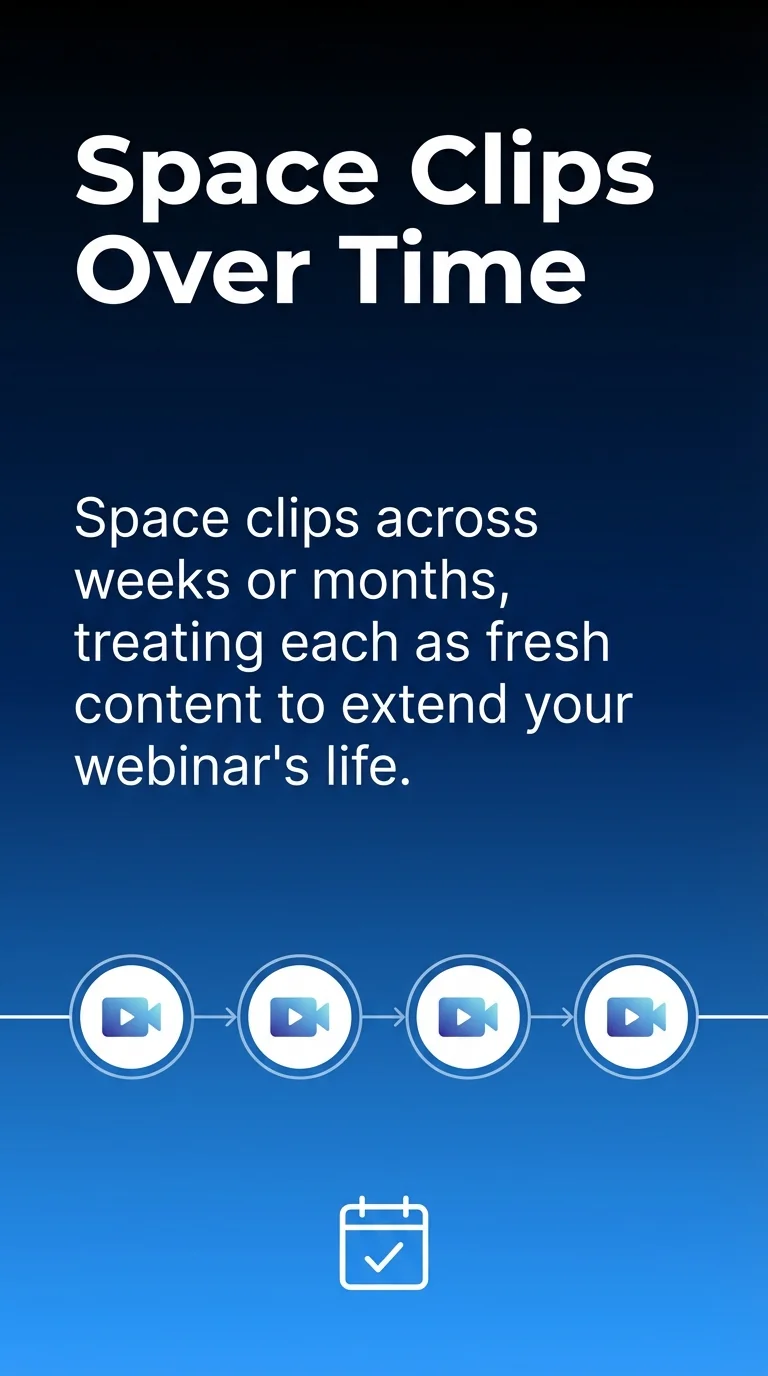
Don’t post all clips simultaneously. Space them across weeks or months, treating each as fresh content. This approach extends your webinar’s life and maintains consistent social media presence.
Vary the types of clips you share. Mix educational segments, surprising statistics, and audience questions. Different content types appeal to different segments of your following.
Track which clips generate the most engagement. This data informs both your social media strategy and your next webinar content planning. Double down on topics that resonate most strongly with your audience.
2. Transform Your Transcript Into Blog Posts
Webinar transcripts provide excellent raw material for blog content. You’ve already articulated your thoughts clearly during the presentation. Now convert that spoken content into written form.
Most webinar platforms generate automatic transcripts. These require editing but save tremendous time compared to writing from scratch. The content structure already exists, you’re simply refining it for readers.
Editing Transcripts for Readability
Spoken language differs significantly from written content. Remove filler words, repetitive phrases, and tangential asides that worked during live presentation but clutter written text.
Reorganise content into logical sections. Add headings that guide readers through your main points. Break long paragraphs into shorter ones that scan easily on screens.
Expand abbreviated explanations. During webinars, you might reference visual elements or use hand gestures. Written versions need explicit descriptions and complete explanations.
Add context where necessary. Live audiences bring certain assumptions and questions. Blog readers need background information and transitions that weren’t required during real-time presentation.
Enhancing Written Content
Include relevant screenshots from your webinar slides. These images break up text whilst reinforcing key points. They also improve search engine optimisation by adding visual elements to your content.
Link to related resources you mentioned during the presentation. Provide additional context or supporting data that enriches your blog post beyond the original webinar content.
Consider creating multiple blog posts from a single webinar transcript. Each major section might warrant its own dedicated article. This approach generates more content whilst allowing deeper exploration of individual topics.
Optimise each post for search engines. Research relevant keywords and incorporate them naturally. Add meta descriptions that encourage clicks from search results.
Learn more about creating engaging written content from webinars through our guide on tools to repurpose blog posts for socials.
3. Extract Quotes and Statistics for Quick Posts
Your webinar likely contains numerous quotable moments and compelling statistics. These work brilliantly as standalone social media posts requiring minimal additional work.
Review your transcript specifically for punchy statements. Look for sentences that convey complete thoughts without requiring surrounding context. These become instant social media content.
Creating Quote Graphics
Transform your best quotes into visual graphics. Tools like Canva make this process straightforward even without design experience.
Choose backgrounds that align with your brand colours. Use readable fonts sized appropriately for mobile viewing. Include your logo or website URL subtly in the corner.
Attribute quotes properly. If you quoted an industry expert during your webinar, include their name and credentials. If the quote represents your perspective, add your name and title.
Vary your graphic styles to maintain visual interest. Use different layouts, colour schemes, and formatting approaches across your quote collection.
Maximising Statistical Impact
Statistics shared during webinars deserve their own spotlight. Present numbers with clear context and visual hierarchy that emphasises the most important figures.
Create simple charts or infographics that illustrate your data points. Visual representation helps audiences grasp significance faster than text alone.
Always cite your sources. Link to original research or studies in your post caption. This builds credibility and helps interested followers dive deeper.
Pair statistics with brief explanations of why they matter. Numbers alone don’t tell complete stories. Add one or two sentences explaining implications for your audience.
4. Convert Q&A Sessions Into FAQ Content
Your webinar Q&A session reveals exactly what your audience wants to know. These questions represent real concerns from real prospects, making them invaluable for content creation.
Extract every question asked during your session. Even questions you didn’t answer live deserve consideration. They show topics that matter to your market.
Structuring FAQ Content
Group related questions together under thematic headings. This organisation helps readers find relevant answers quickly whilst demonstrating the breadth of topics you covered.
Expand your webinar answers where appropriate. Live responses often stay concise due to time constraints. Written FAQ sections allow more thorough explanations, examples, and supporting resources.
Format questions exactly as asked when possible. Authentic audience language resonates more strongly than polished corporate phrasing. Real questions sound like real people.
Consider creating both comprehensive FAQ documents and individual social media posts. A single detailed resource serves one purpose, whilst separate posts provide ongoing content for your social calendar.
Strategic FAQ Placement
Add FAQ sections to relevant website pages. Product pages benefit from common questions about features. Service pages improve when addressing typical concerns about process or pricing.
Create dedicated FAQ blog posts targeting specific keywords. People search for questions all the time. Well-optimised FAQ content ranks well and drives qualified traffic.
Share individual Q&A pairs on social media. Frame each as helping someone in your audience who wondered the same thing. This approach feels personal and service-oriented.
Update your FAQ content regularly. New questions emerge as markets change. Your FAQ collection should grow alongside your audience’s needs.
5. Design Carousel Posts From Your Slides
Webinar slides already convey information visually. They’re practically designed for carousel posts on platforms like LinkedIn and Instagram.
Export your presentation slides as individual images. Most presentation software includes this functionality. You’ll get one image file per slide, ready for uploading.
Optimising Slides for Social Platforms
Review each slide for standalone clarity. Slides that referenced earlier content or required verbal explanation need adjustment. Add text or context that makes each image self-explanatory.
Ensure text remains readable at small sizes. Mobile users represent the majority of social media consumption. Large fonts and high contrast prevent squinting and scrolling past.
Limit carousel length to 6-10 slides. Longer carousels lose engagement as users swipe. Choose your strongest, clearest slides that tell a complete story.
Add a call to action on your final slide. Direct viewers to your full webinar recording, related blog post, or relevant product page. Give them a clear next step.
Creating Slide Variations
Don’t limit yourself to exact webinar slides. Create variations that emphasise different aspects or present information from new angles. Your slide content can generate multiple carousel posts.
Combine slides with new graphics or photos. Mix presentation content with lifestyle images, product screenshots, or team photos that add personality.
Experiment with different orderings. Your webinar followed one logical sequence. Social carousels might benefit from different arrangements that create curiosity or emphasise different takeaways.
Track which carousel posts perform best. Engagement metrics reveal which topics and presentation styles resonate most with your social media audience.
6. Produce Podcast Episodes From Webinar Audio
Your webinar audio translates directly into podcast content. Many people prefer audio consumption during commutes, workouts, or household tasks.
Extract the audio track from your webinar recording. Basic video editing software handles this task. You’ll get an audio file ready for minimal processing.
Editing for Audio-Only Consumption
Remove sections that relied heavily on visual elements. Screen shares and slide presentations don’t work in audio-only format. Cut these segments or add verbal descriptions.
Add an introduction that provides context. Podcast listeners didn’t see your title slide or registration page. They need orientation about the topic, guest speakers, and key takeaways.
Include transitions between major sections. Audio needs more explicit signposting than video. Tell listeners when you’re moving between topics or shifting to Q&A.
Clean up audio quality where possible. Remove background noise, balance volume levels, and eliminate long pauses. Professional-sounding audio keeps listeners engaged.
Publishing Strategy
Upload to major podcast platforms including Apple Podcasts, Spotify, and Google Podcasts. Wider distribution increases your potential audience reach.
Write compelling episode descriptions. Include key topics covered, notable quotes, and relevant links. Good descriptions improve discoverability and set listener expectations.
Create audiograms for social media promotion. These short video clips show audio waveforms alongside key quotes. They work brilliantly for promoting podcast episodes on visual platforms.
Consider breaking longer webinars into multiple podcast episodes. Hour-long content might work better as three 20-minute episodes. Shorter episodes often see better completion rates.
7. Build Email Sequences From Webinar Content
Webinar content provides excellent material for email marketing campaigns. Your presentation already follows a logical structure perfect for nurture sequences.
Break your webinar into distinct teaching points or sections. Each becomes an individual email in your sequence. This approach delivers value gradually whilst maintaining regular contact.
Structuring Educational Email Series
Start with your webinar’s most compelling hook. Email one should grab attention and promise clear value from continuing the series. Reference the full webinar recording for those wanting everything immediately.
Dedicate each subsequent email to one key concept. Expand on points you made briefly during the live presentation. Add examples, case studies, or additional resources that deepen understanding.
Include relevant screenshots, graphics, or video clips. Visual elements improve engagement and reinforce your written explanations. They also break up text for easier scanning.
End each email with a clear next step. Sometimes that’s simply watching for tomorrow’s email. Other times, direct readers to schedule consultations, download resources, or try your product.
Maximising Email Engagement
Segment your audience based on webinar registration or attendance. Send different sequences to attendees versus those who registered but missed the live event. Tailor messaging to their specific context.
Personalise subject lines and content where possible. Reference specific questions asked during your webinar. Acknowledge different industries or company sizes within your audience.
Test different sending schedules. Some audiences prefer daily emails whilst others need more space. Monitor open rates and adjust frequency accordingly.
Track which emails drive the most clicks and conversions. This data reveals which webinar topics resonate most strongly. Use these insights to inform future content and webinar planning.
For more strategies on maximising audience engagement, check out our guide on social media content that engages.
8. Host On-Demand Webinar Replays
Not everyone can attend your live webinar. On-demand hosting extends access indefinitely, turning a one-time event into ongoing lead generation.
Upload your recording to a dedicated landing page. Platforms like Wistia or Vimeo provide excellent hosting with viewer analytics. Alternatively, use your webinar platform’s built-in replay functionality.
Optimising Your Replay Page
Create compelling copy that explains what viewers will learn. Don’t assume the webinar title alone sells the value. Include bullet points highlighting key takeaways and outcomes.
Require registration even for replays. Capturing email addresses builds your marketing list. You can nurture these contacts differently from live attendees but they remain valuable prospects.
Add related resources below your replay. Include downloads, blog posts, or product pages that complement your webinar content. Make it easy for engaged viewers to take next steps.
Consider gating advanced sections. Allow everyone to watch your introduction and first teaching point. Require email registration to access the complete recording. This strategy maximises list building whilst demonstrating value.
Promoting Your Replay
Share your on-demand link across all channels. Social media posts, email signatures, and website banners should all direct people to valuable recorded content.
Create teaser clips that link to the full replay. Short, engaging snippets on social media drive traffic to your landing page. Curiosity about the complete content converts viewers into registrants.
Update older blog posts with relevant webinar links. If you’ve written about topics covered in your webinar, embed or link to that content within existing articles.
Run paid advertising to your replay page. Webinar content often justifies advertising investment. Target audiences who match your ideal customer profile with replay access as the offer.
9. Create Downloadable Resources and Lead Magnets
Webinar content easily transforms into downloadable resources that generate leads long after your live event. These assets provide lasting value whilst building your email list.
Consider creating comprehensive guides that expand on your webinar topic. Add depth, examples, and additional research that goes beyond what time permitted during the live presentation.
Types of Downloadable Content
Workbooks and worksheets help audiences apply your teaching. Include fillable templates, checklists, or planning tools related to your webinar content. Practical resources see high download rates.
Slide decks make excellent downloads. Export your presentation as a PDF. Add notes or additional context on slides that referenced verbal explanations.
Transcripts serve audiences who prefer reading to watching. Clean up your automated transcript, format it properly, and offer it as a downloadable document.
Resource lists compile tools, websites, or references you mentioned during your presentation. Curated collections save your audience research time whilst demonstrating your expertise.
Maximising Download Value
Design professional-looking materials. Even simple templates benefit from consistent branding, clear hierarchy, and pleasant formatting. Visual quality reflects on your overall brand perception.
Gate your downloads behind email opt-in forms. These resources warrant trading contact information. Use dedicated landing pages that explain the value before requiring registration.
Segment contacts based on which resources they download. Different downloads indicate different interests and needs. Tailor your follow-up communication accordingly.
Promote downloadable resources separately from webinar replays. Some people want quick reference materials without watching full recordings. Multiple entry points expand your reach.
10. Leverage AI Tools for Efficient Repurposing
Artificial intelligence dramatically accelerates webinar repurposing. These tools handle time-consuming tasks automatically, freeing you to focus on strategy and refinement.
AI transcription services convert your audio to text in minutes. Otter.ai and Rev offer accurate transcription at reasonable costs. Some include automatic speaker identification and timestamping.
Content Generation Tools
AI writing assistants help transform transcripts into polished blog posts. Tools analyse your content and suggest improvements, headlines, and formatting that enhances readability.
Video editing platforms now include AI features that identify key moments automatically. They detect speaker changes, applause, laughter, and topic shifts. These markers help you locate clip-worthy segments quickly.
Social media tools generate multiple post variations from your content. Input key points and AI suggests different angles, hooks, and formats suitable for various platforms.
Discover more about AI-powered content strategies through our article on AI-powered content curation strategies for social media.
Balancing Automation and Authenticity
AI accelerates processes but shouldn’t replace human judgment. Review all AI-generated content carefully. Ensure it maintains your brand voice and accurately represents your expertise.
Use AI for first drafts and structure. Then refine, personalise, and add insights that only you can provide. This combination delivers efficiency without sacrificing quality.
Test different AI tools to find what works best for your workflow. Each platform has strengths and weaknesses. Some excel at transcription, others at content generation or video editing.
Track time saved through AI adoption. Quantifying efficiency gains helps justify tool investments and demonstrates ROI on your repurposing efforts.
Creating a Sustainable Repurposing Workflow
Successful repurposing requires systems, not just occasional effort. Building consistent workflows ensures every webinar receives proper treatment whilst maintaining manageable workloads.
Develop a post-webinar checklist you follow every time. Document each repurposing step so nothing falls through cracks when you’re busy. Checklists prevent valuable content from languishing unused.
Workflow Components
Schedule dedicated repurposing time immediately after each webinar. Block 2-3 hours within 48 hours of your event. Momentum matters. Details stay fresh and enthusiasm remains high.
Assign clear responsibilities if you work with a team. Designate who handles transcription requests, video editing, graphic creation, and content scheduling. Defined ownership prevents assumptions and delays.
Create templates for recurring formats. Save time by using consistent slide designs for quote graphics, standard layouts for blog posts, and proven email structures. Templates maintain brand consistency whilst accelerating production.
Build a content calendar specifically for repurposed material. Plan when each asset publishes across different channels. Spacing content appropriately maximises reach without overwhelming your audience.
Quality Control Standards
Establish minimum quality thresholds for published content. Not every repurposed piece needs perfection, but all should meet basic standards for accuracy, clarity, and professionalism.
Review content before scheduling. Fresh eyes catch errors, unclear phrasing, or missed opportunities. Even quick reviews significantly improve final quality.
Track performance metrics for different content types. Identify which repurposing strategies deliver the best engagement, leads, or conversions. Double down on what works.
Refine your process regularly. Gather team feedback about bottlenecks or challenges. Test new tools and approaches. Continuous improvement keeps your workflow efficient and effective.
Learn how to maintain consistent output through our guide on creating the perfect social media content calendar.
Measuring Repurposing Success
Tracking results from repurposed content helps you refine strategy and demonstrate value. Different metrics matter for different goals, but all provide insight into what resonates with your audience.
Monitor engagement rates across platforms. Track likes, comments, shares, and clicks for social posts. Compare performance between different content types to identify strongest formats.
Key Performance Indicators
Measure reach expansion. Compare how many people engaged with your original webinar versus total exposure from all repurposed assets. This metric demonstrates multiplier effects from repurposing efforts.
Track lead generation from gated content. Count email opt-ins from downloadable resources, replay registrations, and content upgrade offers. These contacts represent tangible business value.
Monitor website traffic from repurposed content. Use UTM parameters to identify which assets drive visitors. Analyse whether this traffic converts better than other sources.
Calculate time investment versus output. Document hours spent repurposing compared to pieces created. Efficiency metrics justify continued investment and help optimise your workflow.
| Metric Category | What to Measure | Why It Matters |
|---|---|---|
| Reach | Total impressions across all channels | Shows audience expansion beyond original webinar |
| Engagement | Likes, comments, shares, click-through rates | Indicates content resonance and quality |
| Lead Generation | Email opt-ins and registrations | Demonstrates business impact and list growth |
| Efficiency | Content pieces created per hour invested | Justifies process investment and identifies bottlenecks |
Iterating Based on Data
Review performance data monthly. Look for patterns in what performs well. Identify content types, topics, or platforms that consistently deliver results.
Adjust your repurposing strategy based on findings. If carousel posts outperform video clips, create more carousels. If certain topics generate more engagement, explore them deeper in future webinars.
Share results with stakeholders. Demonstrate the multiplied value from webinar investments. Show how one event generates months of content and ongoing lead generation.
Celebrate wins and learn from misses. Not every repurposed piece will succeed. Understanding why certain content underperforms helps you avoid similar mistakes whilst building on successes.
Making Repurposing Part of Your Content Strategy
The most successful content marketers plan repurposing before their webinars even begin. Strategic thinking during preparation makes the process smoother and results stronger.
Design webinars with repurposing in mind. Create natural segments that work as standalone pieces. Include visual variety that translates well to social media clips.
Flag standout moments in real time. Keep notes during your webinar about particularly strong quotes, surprising reactions, or compelling discussions. These markers save review time later.
Record backup footage if possible. Capture multiple camera angles or screen recordings. Extra material provides options during editing and helps you create more diverse content.
Your webinar content deserves a second life. More accurately, it deserves multiple lives across platforms, formats, and timeframes. Every webinar represents significant investment in planning, promotion, and delivery.
Repurposing multiplies that investment’s return. You reach people who missed the live event, prefer different content formats, or need multiple exposures before taking action. Each repurposed asset extends your message and expands your influence.
Start with one or two strategies from this guide. Master those before adding more to your workflow. Sustainable systems beat ambitious plans that overwhelm your resources.
The key is consistency. Make repurposing standard practice, not occasional inspiration. Build the systems, schedule the time, and commit to extracting maximum value from every webinar you create.
Your content library grows exponentially when you adopt this approach. Your audience reach expands. Your lead generation improves. And you achieve all this whilst reducing the pressure to constantly create entirely new material.
That’s the real power of repurposing. Work smarter by making your best content work harder.