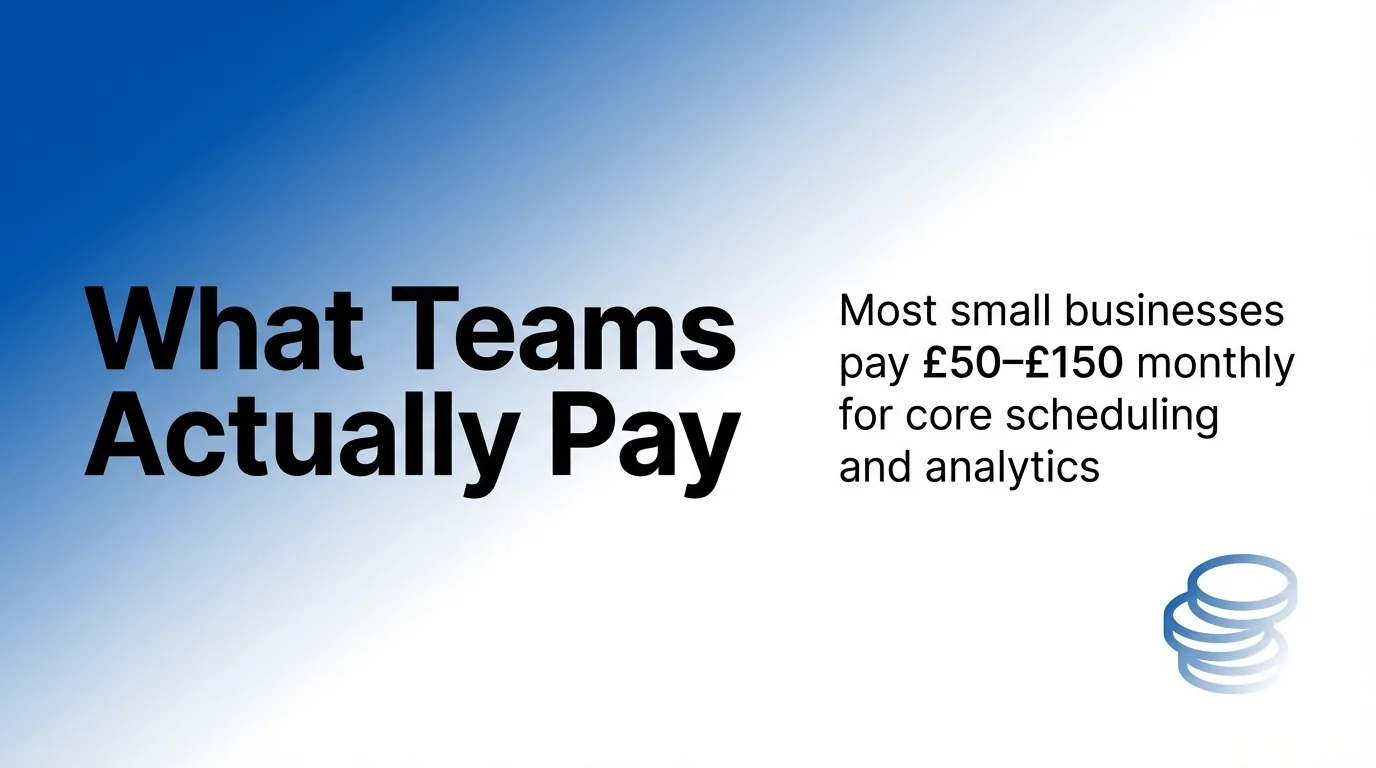
Social media automation tools cost between $10 and $399 per seat per month, depending on features, platform access and team size. Most small businesses pay $50-$150 monthly for core scheduling and analytics. Agencies typically invest $200-$600 monthly for client management features.
The pricing varies dramatically based on what you need. A solo marketer scheduling Instagram posts might pay $15 monthly. A marketing team managing five brands across eight platforms could pay $500 monthly.
This guide breaks down actual costs from leading automation platforms. You’ll see transparent pricing tiers, feature comparisons and recommendations for different business sizes. We’ve analysed dozens of tools to show you exactly what each price point delivers.
Understanding Social Media Automation Tool Categories
Social media automation tools fall into three distinct pricing categories. Each serves different business needs and budgets.
Basic schedulers cost $10-$30 per month. These tools handle post scheduling across three to five social media accounts. You’ll get a content calendar and basic analytics. Perfect for solo entrepreneurs and small businesses with simple needs.
Professional platforms range from $50-$150 monthly. They add team collaboration, approval workflows and deeper analytics. Most connect to six or more platforms including Instagram, Facebook, LinkedIn and Twitter. These suit growing businesses and marketing teams.
Enterprise solutions start at $200 per seat per month. According to Sociality.io’s analysis of enterprise tools, their Standard plan costs $199 per seat per month on annual billing. These platforms include AI assistants, white labelling and dedicated support.
Free Plans vs Paid Subscriptions
Many automation tools offer free trials ranging from seven to fourteen days. Some provide permanent free plans with limitations.
Free plans typically restrict you to one or two social media accounts. You’ll get five to ten scheduled posts monthly. Analytics are basic. No team collaboration features.
Free trials give full access to paid features temporarily. This helps you test workflows before committing. Always check what happens when trials end.
Monthly vs Annual Billing
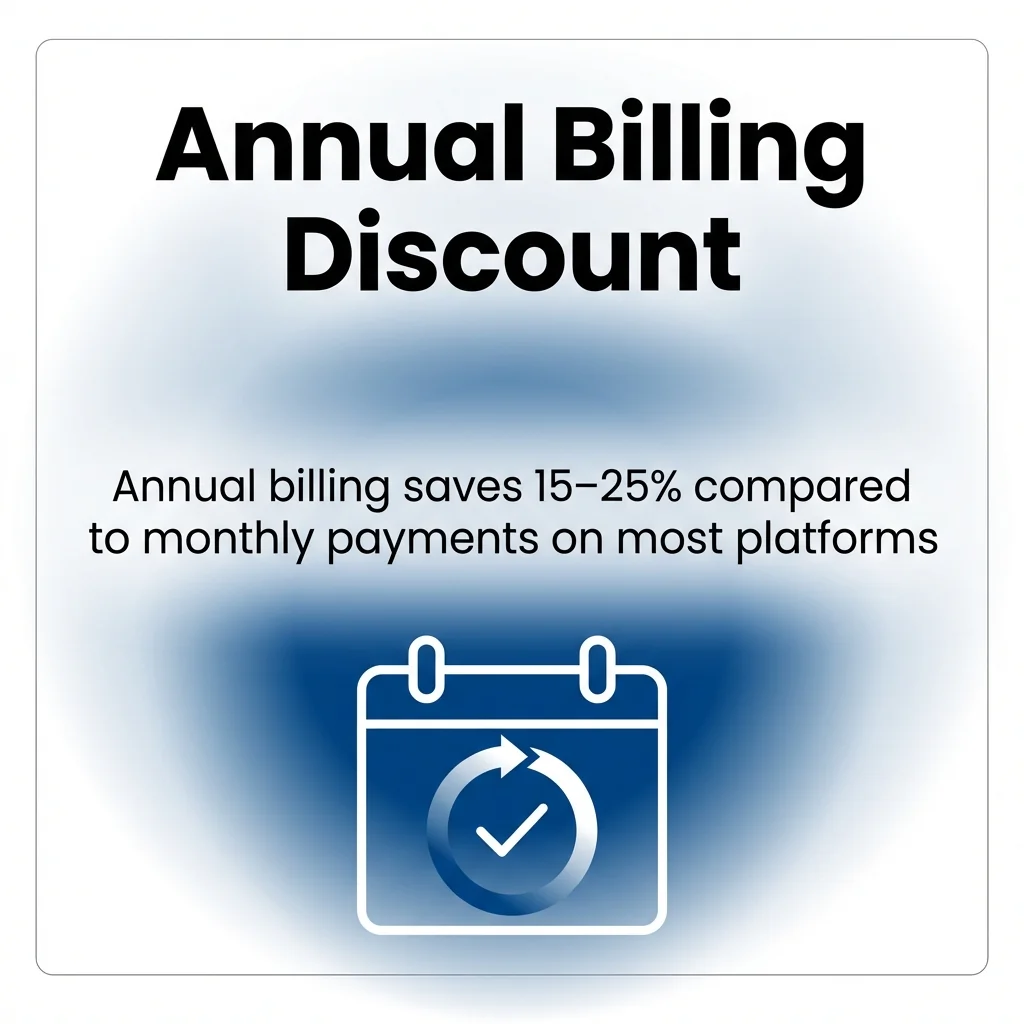
Annual billing saves 15-25% compared to monthly payments. Most platforms billed annually offer this discount.
Monthly billing provides flexibility. You can cancel anytime without losing prepaid funds. Better for testing new tools or seasonal campaigns.
Annual billing locks in lower rates. Best when you’ve confirmed the tool fits your workflow. Calculate the yearly cost before committing.
Top Social Media Automation Tools and Their 2026 Pricing
Now that you understand pricing categories, let’s examine specific platforms. Each tool targets different user needs and budgets.
1. Buffer: Best for Small Teams and Solo Marketers
Buffer offers straightforward scheduling across major platforms. The interface prioritises simplicity over advanced features.
Pricing Structure:
| Plan | Monthly Cost | Annual Cost | Social Accounts |
|---|---|---|---|
| Free | £0 | £0 | 3 channels |
| Essentials | £5 per channel | £4.17 per channel | Unlimited |
| Team | £10 per channel | £8.33 per channel | Unlimited |
| Agency | £100 | £83.33 | 10 channels |
Key Features:
- Content calendar with drag-and-drop scheduling
- Instagram first-comment scheduling
- Basic analytics and reporting
- Browser extension for quick sharing
- RSS feed automation
Best For: Solopreneurs and small teams managing three to five social media accounts. Works well if you prioritise simplicity over advanced automation.
Limitations: No AI assistant. Limited team collaboration on lower tiers. Analytics less detailed than competitors.
2. Hootsuite: Best for Multi-Platform Management
Hootsuite handles complex workflows across numerous platforms. Strong analytics and team features justify higher pricing.
Pricing Structure:
| Plan | Monthly Cost | Annual Cost | Users |
|---|---|---|---|
| Professional | £49 | £39 per month | 1 user |
| Team | £129 | £103 per month | 3 users |
| Enterprise | Custom | Custom | 5+ users |
Key Features:
- Unified inbox for all platforms
- Advanced content calendar
- Bulk scheduling via CSV upload
- Social listening tools
- Detailed performance analytics
- Team permissions and approval workflows
Best For: Marketing teams managing ten or more social media accounts. Ideal for brands needing social listening and detailed reporting.
Limitations: Steeper learning curve. Higher cost per user than alternatives. Some features locked to Enterprise tier.
3. Sprout Social: Best for Analytics and Reporting
Sprout Social excels at data analysis and team collaboration. Premium pricing reflects comprehensive feature set.
Pricing Structure:
| Plan | Monthly Cost | Annual Cost | Profiles |
|---|---|---|---|
| Standard | £249 | £199 per month | 5 profiles |
| Professional | £399 | £319 per month | 10 profiles |
| Advanced | £499 | £399 per month | 10 profiles |
Key Features:
- AI-powered content suggestions
- Smart inbox with automated tagging
- Competitive analysis tools
- Custom report builder
- Message spike alerts
- CRM integrations
- Employee advocacy features
Best For: Agencies and enterprises requiring detailed reporting. Perfect for teams needing client dashboards and white-label reports.
Limitations: Expensive for small teams. Overkill for basic scheduling needs. No free trial without sales call.
4. Later: Best for Visual Content Planning
Later specialises in Instagram and visual-first platforms. The interface uses visual grid planning.
Pricing Structure:
| Plan | Monthly Cost | Annual Cost | Posts Per Month |
|---|---|---|---|
| Starter | £18 | £12.50 per month | 30 posts |
| Growth | £40 | £33.33 per month | 150 posts |
| Advanced | £80 | £66.67 per month | Unlimited |
Key Features:
- Visual content calendar with grid preview
- Instagram Stories scheduling
- Linkin.bio landing page tool
- Best time to post recommendations
- User-generated content library
- Hashtag suggestions
Best For: Visual brands focusing on Instagram and Pinterest. E-commerce businesses sharing product photos.
Limitations: Weaker on text-based platforms like Twitter and LinkedIn. Limited team features on lower tiers.
5. Planable: Best for Client Approval Workflows
Planable streamlines content approval between teams and clients. The interface mimics social media feeds for easy preview.
Pricing Structure:
According to Planable’s platform comparison, pricing is £33 per month per workspace for client approvals.
| Plan | Monthly Cost | Annual Cost | Workspaces |
|---|---|---|---|
| Free | £0 | £0 | 1 workspace |
| Basic | £11 | £9.17 per month | Unlimited |
| Pro | £33 | £27.50 per month | Unlimited |
| Enterprise | Custom | Custom | Unlimited |
Key Features:
- Multi-level approval workflows
- Real-time collaboration comments
- Feed-style content preview
- Version history tracking
- Client access with limited permissions
- Direct publishing or scheduling
Best For: Agencies managing multiple clients. Teams requiring approval processes before publishing.
Limitations: Less robust analytics than competitors. No social listening features. Designed primarily for workflow not deep insights.
6. Agorapulse: Best for Social Inbox Management
Agorapulse combines scheduling with powerful inbox management. Strong features for engagement and community management.
Pricing Structure:
| Plan | Monthly Cost | Annual Cost | Users |
|---|---|---|---|
| Standard | £79 | £59 per month | 2 users |
| Professional | £159 | £119 per month | 4 users |
| Advanced | £239 | £179 per month | 6 users |
Key Features:
- Unified social inbox with assignment
- Social listening and monitoring
- ROI tracking and reports
- Competitor analysis
- Facebook and Instagram ad comments
- Automated moderation rules
- Label and tag systems
Best For: Brands prioritising community engagement. Businesses managing high volumes of comments and messages.
Limitations: Interface feels dated compared to newer tools. LinkedIn features less developed than other platforms.
7. SocialBee: Best for Content Categorisation
SocialBee organises content into categories for balanced posting. Includes recycling features for evergreen content.
Pricing Structure:
| Plan | Monthly Cost | Annual Cost | Profiles |
|---|---|---|---|
| Bootstrap | £29 | £24 per month | 5 profiles |
| Accelerate | £49 | £41 per month | 10 profiles |
| Pro | £99 | £82 per month | 25 profiles |
Key Features:
- Content categories for balanced feeds
- Evergreen post recycling
- RSS feed importing
- Canva integration for design
- URL shortening and tracking
- Workspaces for client separation
Best For: Content-heavy businesses with evergreen material. Teams wanting to automate content recycling.
Limitations: Analytics less comprehensive. No social listening. Learning curve for category system.
8. CoSchedule: Best for Marketing Calendar Integration
CoSchedule integrates social media with broader marketing calendars. Connects blog publishing to social promotion.
Pricing Structure:
| Plan | Monthly Cost | Annual Cost | Users |
|---|---|---|---|
| Social Calendar | £29 | £19 per month | 1 user |
| Marketing Calendar | Custom | Custom | Custom |
Key Features:
- Unified marketing calendar view
- Blog post to social automation
- ReQueue for automated recycling
- Best time scheduling algorithm
- Asset organisation library
- WordPress plugin integration
Best For: Content marketers linking blogs to social promotion. Teams wanting all marketing in one calendar.
Limitations: Social-only pricing competitive but full suite expensive. Some features require Marketing Suite upgrade.
9. Sendible: Best for Agency Client Management
Sendible focuses on agency needs with client workspaces and white labelling. Strong bulk management features.
Pricing Structure:
| Plan | Monthly Cost | Annual Cost | Profiles |
|---|---|---|---|
| Creator | £29 | £24 per month | 6 profiles |
| Traction | £89 | £74 per month | 24 profiles |
| Scale | £199 | £166 per month | 60 profiles |
| Enterprise | Custom | Custom | Custom |
Key Features:
- Client dashboard access
- White-label reporting
- Priority inbox for all messages
- Bulk content importing
- Google My Business integration
- YouTube scheduling and analytics
- Custom branded mobile app
Best For: Agencies managing numerous clients. Teams needing white-label solutions for client reporting.
Limitations: Interface complexity overwhelms beginners. Steep learning curve for full feature utilisation.
10. MeetEdgar: Best for Content Recycling Automation
MeetEdgar specialises in automatically recycling your best content. No manual reposting required.
Pricing Structure:
| Plan | Monthly Cost | Annual Cost | Profiles |
|---|---|---|---|
| Eddie Monthly | £29.99 | N/A | 5 profiles |
| Eddie Annual | £24.91 per month | £299 | 5 profiles |
| Edgar Monthly | £49.99 | N/A | 25 profiles |
| Edgar Annual | £41.58 per month | £499 |
Key Features:
- Automatic content recycling system
- Category-based scheduling
- Unlimited content library
- A/B testing for variations
- RSS feed automation
- Browser extension for curation
Best For: Businesses with extensive evergreen content. Teams wanting true set-and-forget automation.
Limitations: No Instagram support. Basic analytics. Focused purely on scheduling not engagement.
Hidden Costs in Social Media Automation
Published pricing rarely tells the complete story. Several hidden costs emerge after signup.
Per-User Charges
Most tools charge per seat per month for team access. Adding three team members triples your monthly cost on many platforms.
Calculate total team size before comparing prices. A £50 per month tool becomes £150 monthly for three users.
Some platforms offer team tiers with included users. These provide better value for growing teams.
Platform Connection Fees
Certain automation tools charge extra for specific platform integrations. TikTok and YouTube connections often cost additional monthly fees.
Review which platforms you actually need. Don’t pay for connections you won’t use.
Check if platform fees apply per profile or once per account. This significantly impacts multi-brand management costs.
Analytics and Reporting Add-Ons
Advanced analytics frequently require premium tier upgrades. Custom reports, competitor analysis and export capabilities cost extra.
Basic plans provide standard metrics. Agencies needing client reports must budget for higher tiers.
Consider whether you need automation tool analytics. Native platform insights might suffice for smaller operations.
API Limits and Rate Restrictions
Free trials and basic plans often restrict publishing volume. You might hit daily or monthly posting limits.
Check post limits before committing. High-volume accounts need plans supporting their publishing frequency.
Some tools throttle features like bulk scheduling on lower tiers. Factor this into workflow planning.
Choosing the Right Pricing Tier for Your Needs
Matching tool capabilities to actual requirements prevents overspending. Most businesses overestimate feature needs initially.
Solo Marketers and Small Businesses
Start with basic tiers costing £10-£30 monthly. You need scheduling, three to five social media accounts and simple analytics.
Focus on ease of use over advanced features. Complex tools waste time on unnecessary capabilities.
Free plans work for testing and very light usage. Upgrade when you hit account or posting limits.
Growing Marketing Teams
Budget £50-£150 per user monthly. Priority features include team collaboration, approval workflows and deeper analytics.
Look for tools supporting six or more platforms. Instagram, Facebook, LinkedIn and Twitter are essential.
Team tiers with included users offer better value than per-seat charges. Calculate total team costs before deciding.
Agencies Managing Multiple Clients
Expect £200-£600 monthly depending on client count. Essential features include client workspaces, white-label reporting and bulk management.
Per-client pricing models scale better than per-profile charges. Calculate costs at your target client volume.
White-labelling capabilities justify premium pricing when reselling services. Factor this into client billing.
Enterprise Organisations
Custom pricing starts at £500 monthly. Requirements include SSO, dedicated support, advanced security and API access.
Enterprise tiers provide account management and training. Factor implementation time into total cost of ownership.
Request detailed feature comparisons. Enterprise pricing varies significantly between providers.
Getting Maximum Value from Automation Tools
Strategic usage reduces costs whilst improving results. Many teams underutilise paid features.
Maximise Free Trial Periods
Test full workflows during trials. Schedule two weeks of content to assess real-world usability.
Invite your entire team during trials. Collaboration features matter as much as scheduling capabilities.
Document deal-breakers and must-haves. This focuses upgrade decisions on actual needs versus nice-to-haves.
Negotiate Annual Billing Discounts
Annual billing saves 15-25% compared to monthly payments. Request additional discounts for annual commitments.
Ask about startup or non-profit pricing. Many tools offer reduced rates for qualifying organisations.
Bundle purchases across teams. Volume discounts apply when multiple departments use the same platform.
Audit Feature Usage Quarterly
Review which paid features you actually use. Downgrade if you’re paying for unused capabilities.
Track time saved versus subscription cost. Automation should demonstrably reduce manual work hours.
Compare against competitors annually. New tools emerge regularly with better pricing for similar features.
Combine Tools Strategically
Use free tiers for secondary platforms. Save premium subscriptions for primary channels.
Native scheduling works for simple needs. Reserve automation tools for complex multi-platform workflows.
Integrate with existing marketing tools. Duplicate capabilities across subscriptions waste budget.
Common Pricing Questions Answered
These frequent questions help clarify confusing pricing structures.
Do automation tools charge per post or per month?
Most tools charge monthly subscription fees regardless of posting volume. Some free plans limit monthly posts.
Per-post pricing disappeared as the industry matured. Unlimited posting within reasonable limits is now standard.
Check fair use policies. Tools may throttle accounts posting hundreds of times daily.
Can I change plans mid-subscription?
Most platforms allow instant upgrades. You pay the difference prorated for remaining subscription time.
Downgrades typically take effect at renewal. You keep current features until the billing period ends.
Annual subscribers usually cannot downgrade until renewal. Monthly plans offer more flexibility.
What happens when I cancel?
Scheduled posts remain queued until your subscription expires. After cancellation, scheduled content won’t publish.
Historical analytics typically remain accessible for thirty to ninety days. Export reports before cancelling.
Some tools offer data export features. Download your content library and analytics before leaving.
Are there setup fees?
Most automation tools charge no setup fees. You can start immediately after subscribing.
Enterprise plans sometimes include onboarding fees. These cover training and custom configuration.
Ask about implementation costs during enterprise sales calls. Factor these into first-year budgets.
Future Pricing Trends in Social Automation
Understanding market direction helps with long-term planning. Several trends are reshaping automation pricing.
AI Features Command Premium Prices
Tools adding AI assistants charge £20-£50 monthly premiums. Capabilities include content generation, caption writing and image selection.

AI features currently justify higher pricing. Value depends on content volume and creative resource constraints.
Expect AI capabilities to become standard features. Premium pricing for AI will likely decrease as competition increases.
Platform-Specific Pricing Emerges
Some tools now charge differently for TikTok and YouTube versus traditional platforms. Video platforms command 20-30% premiums.
LinkedIn automation often costs extra due to API restrictions. Business-focused platforms typically carry surcharges.
Factor platform-specific fees into comparisons. A cheaper base price might cost more with necessary platform add-ons.
Usage-Based Pricing Models Return
A few newer tools experiment with pay-per-publish models. You’re charged based on actual posts rather than flat monthly fees.
Usage-based pricing suits inconsistent publishing schedules. High-volume accounts pay more but occasional users save money.
Traditional subscriptions still dominate. Usage-based alternatives remain niche for now.
Making Your Final Decision
Choosing the right automation tool requires balancing features, usability and cost. Start by clarifying your actual requirements.
List your must-have features first. Scheduling and analytics are universal needs. Team collaboration, approval workflows and white-labelling matter for specific situations.
Calculate your total cost including all users and necessary platform connections. Published prices rarely reflect actual monthly spending for teams.
Test thoroughly during free trials. Schedule real content and invite team members. Surface compatibility issues before annual commitments.
Check out our comprehensive guide to social media automation tools for detailed feature comparisons. Understanding capabilities helps match tools to workflows.
For teams just starting with automation, our guide to choosing the right automation tool walks through decision frameworks.
Budget realistically for your growth trajectory. Upgrading mid-year disrupts workflows and creates unexpected costs. Choose tools that scale with your team.
Social media automation delivers significant time savings when priced appropriately. The right tool at the right tier transforms daily operations without breaking budgets.