Timing your social media posts isn’t about following generic ‘best practices’ that apply to everyone. It’s about understanding your audience’s unique behaviour patterns and matching them with platform-specific engagement windows.
The difference between a post that generates hundreds of interactions and one that disappears into the void often comes down to when you hit publish.
This guide breaks down platform-specific timing strategies with data-backed recommendations. You’ll discover when your audience is most active on each network, how to test your own optimal windows, and which tools can automate the entire scheduling process.
By the end, you’ll know exactly when to post on Facebook, Instagram, LinkedIn, TikTok, YouTube, X, and Pinterest to maximise your reach and engagement.
Why Posting Times Impact Your Social Media Performance
Social media algorithms prioritise recency. When you post matters because platforms show fresh content to users first.
Your audience scrolls through their feeds at specific times throughout the day. Post when they’re active, and your content appears at the top of their feed. Post when they’re asleep or busy, and your content gets buried beneath dozens of other updates.
Engagement compounds quickly on social platforms. Early interactions signal to algorithms that your content is valuable, triggering broader distribution to non-followers and increasing your organic reach.
The timing window varies dramatically between platforms. B2B audiences behave differently than consumer audiences. Morning scrollers have different engagement patterns than evening browsers.
Posting effectiveness varies by industry, meaning your optimal times depend on who you’re trying to reach and what you’re trying to achieve.
Understanding How Algorithms Factor in Timing
Every major platform uses algorithms that favour recent posts. The specifics differ, but the principle remains consistent across networks.
Facebook’s algorithm evaluates content based on signals like engagement velocity. Posts that generate comments and reactions quickly get shown to more users. Posting when your audience is online creates that initial momentum.
Instagram operates similarly, but adds another layer. The platform tracks when individual users are most active and prioritises showing them content during those windows. This personalisation means general timing recommendations serve as starting points, not absolute rules.
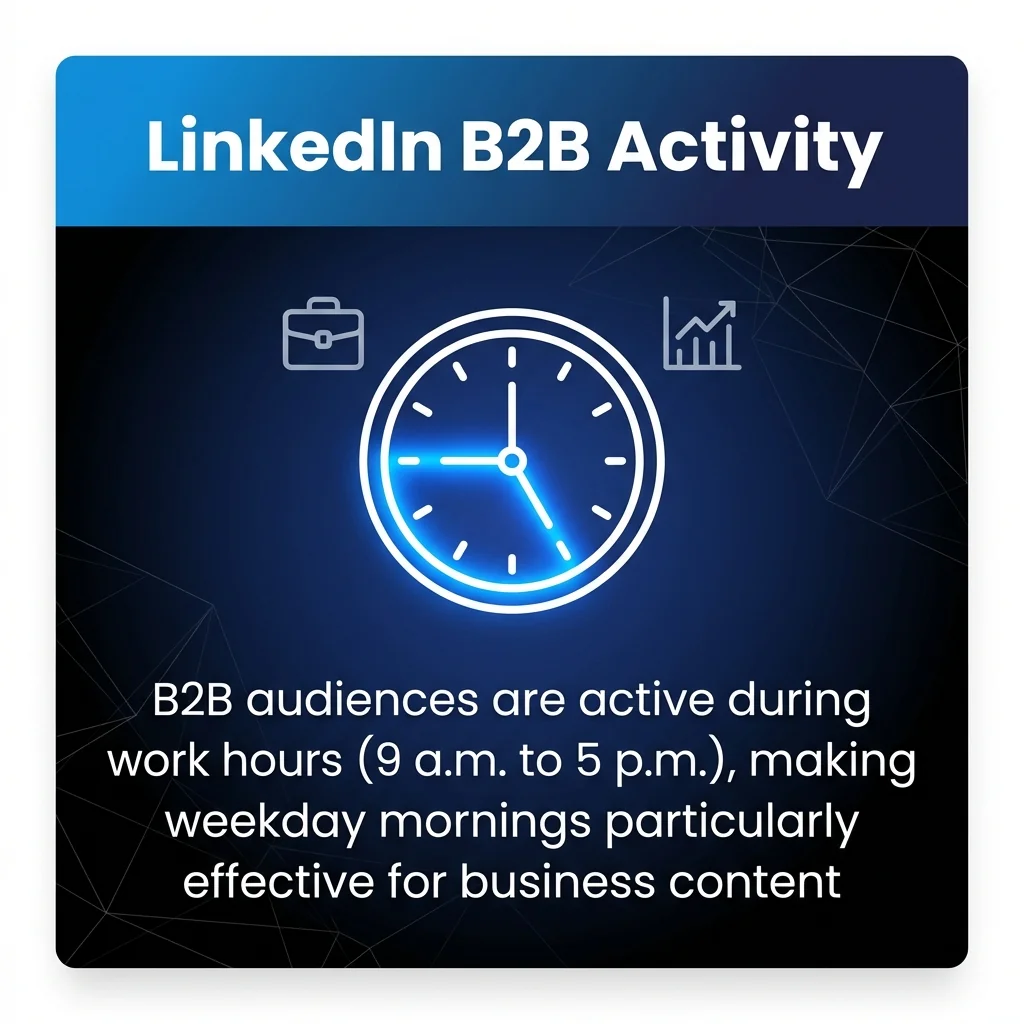
LinkedIn’s professional context creates distinct patterns. Users check the platform during work breaks, before meetings, and during commute times. B2B audiences are active during work hours (9 a.m. to 5 p.m.), making weekday mornings particularly effective for business content.
TikTok’s algorithm prioritises watch time and completion rates over posting time alone. However, posting when users are actively scrolling increases the likelihood of immediate engagement, which boosts your content’s initial distribution.
YouTube rewards videos that keep viewers on the platform longer. Posting times matter less than on other networks, but publishing when subscribers are online can generate early views that signal quality to the algorithm.
Understanding these mechanics helps you see why timing matters. It’s not about magic hours. It’s about matching your posting schedule to when your specific audience is ready to engage.
Best Times to Post on Facebook
Facebook engagement peaks during weekday mornings and early afternoons. Most data points to 9 a.m. to 12 p.m. as the strongest window.
Tuesday through Thursday consistently outperform other weekdays. These mid-week days capture users during their regular routines without the Monday overwhelm or Friday wind-down.
Optimal Facebook Posting Windows
Start with these time blocks as your testing baseline. Morning posts between 9 a.m. and 11 a.m. catch users checking their feeds before diving into work.
Lunchtime posts from 12 p.m. to 1 p.m. reach people taking breaks. Early afternoon posts between 1 p.m. and 3 p.m. maintain visibility as users check updates between tasks.
Wednesday at 10 a.m. emerges as a particularly strong slot across multiple studies. This mid-week, mid-morning timing captures maximum audience attention.
Facebook Days to Avoid
Weekend engagement drops significantly for most business pages. Saturday and Sunday see lower overall platform activity, particularly for B2B content.
Early mornings before 8 a.m. and late evenings after 8 p.m. typically generate weaker results. Users browse less frequently during these hours, reducing your content’s initial visibility.
Mondays can be challenging as users focus on starting their work week. Fridays after 3 p.m. see declining engagement as people shift into weekend mode.
Best Times to Post on Instagram
Instagram’s visual nature creates different engagement patterns than text-heavy platforms. Users scroll during short breaks and leisure time.
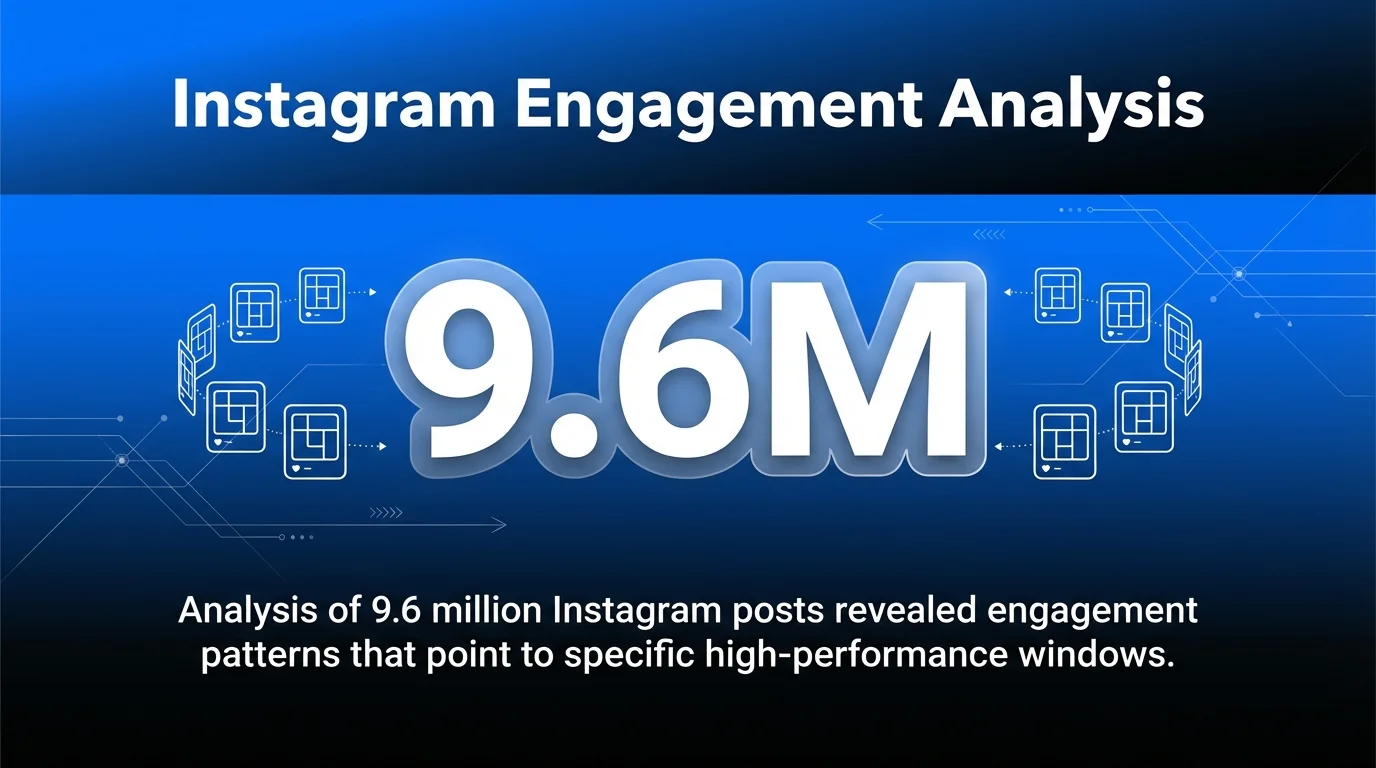
Analysis of 9.6 million Instagram posts revealed engagement patterns that point to specific high-performance windows.
Peak Instagram Engagement Windows
Weekday mornings from 9 a.m. to 11 a.m. generate strong engagement. Users check Instagram during their commute or morning coffee break.
Lunch hours between 12 p.m. and 1 p.m. create another peak. Afternoon posts from 3 p.m. to 5 p.m. catch users winding down their work day.
Evening posts between 7 p.m. and 9 p.m. reach users relaxing at home. This window works particularly well for lifestyle, entertainment, and consumer brands.
| Day | Best Times | Content Type |
|---|---|---|
| Monday-Friday | 9 a.m., 12 p.m., 7 p.m. | Mix of content |
| Saturday-Sunday | 10 a.m., 2 p.m. | Lifestyle, entertainment |
Instagram Format Considerations
Feed posts, Reels, and Stories each perform differently. Reels benefit from evening posting when users have time to watch video content.
Stories work well throughout the day since they appear at the top of the app. Post Stories during high-activity periods to maximise immediate views.
Carousel posts that require more time to view perform better during leisure hours. Single-image posts can succeed during quick-scrolling periods.
Best Times to Post on LinkedIn
LinkedIn operates on a professional schedule. Users check the platform during work hours, making it fundamentally different from consumer-focused networks.
Early morning posts between 7 a.m. and 9 a.m. catch professionals starting their day. They’re checking updates before meetings and calls begin.
LinkedIn’s Professional Rhythm
Tuesday, Wednesday, and Thursday form LinkedIn’s golden triangle. These days see the highest engagement rates for business content.
Lunch breaks from 12 p.m. to 1 p.m. create engagement spikes. Professionals browse LinkedIn whilst eating, making this an ideal window for thought leadership content.
Late afternoon posts between 4 p.m. and 5 p.m. capture users wrapping up their day. They’re more likely to engage with content as work intensity decreases.
LinkedIn Content Strategy by Time
Morning posts work best for news, industry updates, and quick insights. Professionals want fast, valuable information as they start their day.
Afternoon posts allow for longer-form content. Users have more time to read articles and engage in comment discussions.
Avoid posting outside work hours. Weekend engagement drops dramatically. Evening posts after 6 p.m. see significantly lower interaction rates.
| Time Block | Content Type | Engagement Level |
|---|---|---|
| 7-9 a.m. | Quick insights, news | High |
| 12-1 p.m. | Thought leadership | High |
| 4-5 p.m. | Long-form content | Medium-High |
Best Times to Post on TikTok
TikTok’s younger demographic creates unique timing patterns. Users scroll during commutes, breaks, and evening relaxation.
The platform sees consistent activity throughout the day, but certain windows generate stronger initial engagement that boosts algorithmic distribution.
TikTok’s Peak Performance Windows
Morning posts between 6 a.m. and 10 a.m. reach early risers and commuters. This audience tends to engage actively, setting your video up for broader distribution.
Lunch hours from 12 p.m. to 2 p.m. create another engagement spike. Afternoon slots between 3 p.m. and 6 p.m. catch users during after-school and after-work hours.
Evening posts from 7 p.m. to 10 p.m. generate the highest engagement for most creators. Users have time to watch, like, comment, and share during leisure hours.
TikTok Day-of-Week Patterns
Tuesday through Thursday perform consistently well. These mid-week days capture regular scrolling behaviour without weekend distractions.
Friday evenings and weekend afternoons work well for entertainment content. Users have more time to browse and engage with longer videos.
Monday mornings can be slower as users transition back to work and school routines. Late-night posts after 11 p.m. reach smaller audiences.
Test both morning and evening slots within your niche. Audience behaviour varies significantly between educational content, entertainment, and product-focused accounts.
Best Times to Post on YouTube
YouTube operates differently than feed-based platforms. Videos remain discoverable for months or years, reducing the immediate impact of posting times.
However, publishing when subscribers are online generates early views. These initial signals tell YouTube’s algorithm that your video is engaging, triggering broader recommendations.
YouTube Publishing Strategy
Weekday afternoons between 2 p.m. and 4 p.m. work well for most channels. This window catches users as they finish work or school and start browsing for entertainment or education.
Thursday and Friday afternoons perform particularly well. Users seek content for their evening viewing or weekend watching.
Weekend mornings between 9 a.m. and 11 a.m. suit certain content types. Educational videos, tutorials, and how-to content perform well when users have time to watch longer videos.
Subscriber Notification Timing
Your subscribers receive notifications when you publish. Posting when they’re likely to be online increases immediate views.
Check your YouTube Analytics to see when your specific audience is active. Navigate to the Audience tab and review the ‘When your viewers are on YouTube’ chart.
Consistent publishing schedules train your audience to expect content. If you always post Tuesdays at 3 p.m., subscribers learn to check your channel then.
Best Times to Post on X (Formerly Twitter)
X moves faster than any other major platform. Tweets have a shorter lifespan, making timing crucial for visibility.
Weekday engagement peaks during commute times and lunch breaks. Users check X for news and updates throughout the day.
X’s High-Activity Windows
Morning posts between 8 a.m. and 10 a.m. catch users during their commute. They’re scrolling through updates before starting work.
Lunch hours from 12 p.m. to 1 p.m. generate strong engagement. Afternoon posts between 3 p.m. and 6 p.m. maintain visibility during work breaks.
Evening posts from 7 p.m. to 9 p.m. reach users relaxing at home. News content and trending topics perform particularly well during these hours.
X Posting Frequency Considerations
Unlike Instagram or Facebook, posting multiple times daily makes sense on X. The fast-moving feed means your content quickly disappears.
Space posts throughout high-activity periods rather than clustering them. Aim for 3 to 5 posts on weekdays, timing each for different audience segments.
Monitor trending topics and breaking news. Real-time engagement often outperforms scheduled posts when you can add value to current conversations.
Best Times to Post on Threads
Threads, Meta’s text-based platform, combines X’s conversational style with Instagram’s visual polish. Early data reveals distinct engagement patterns.
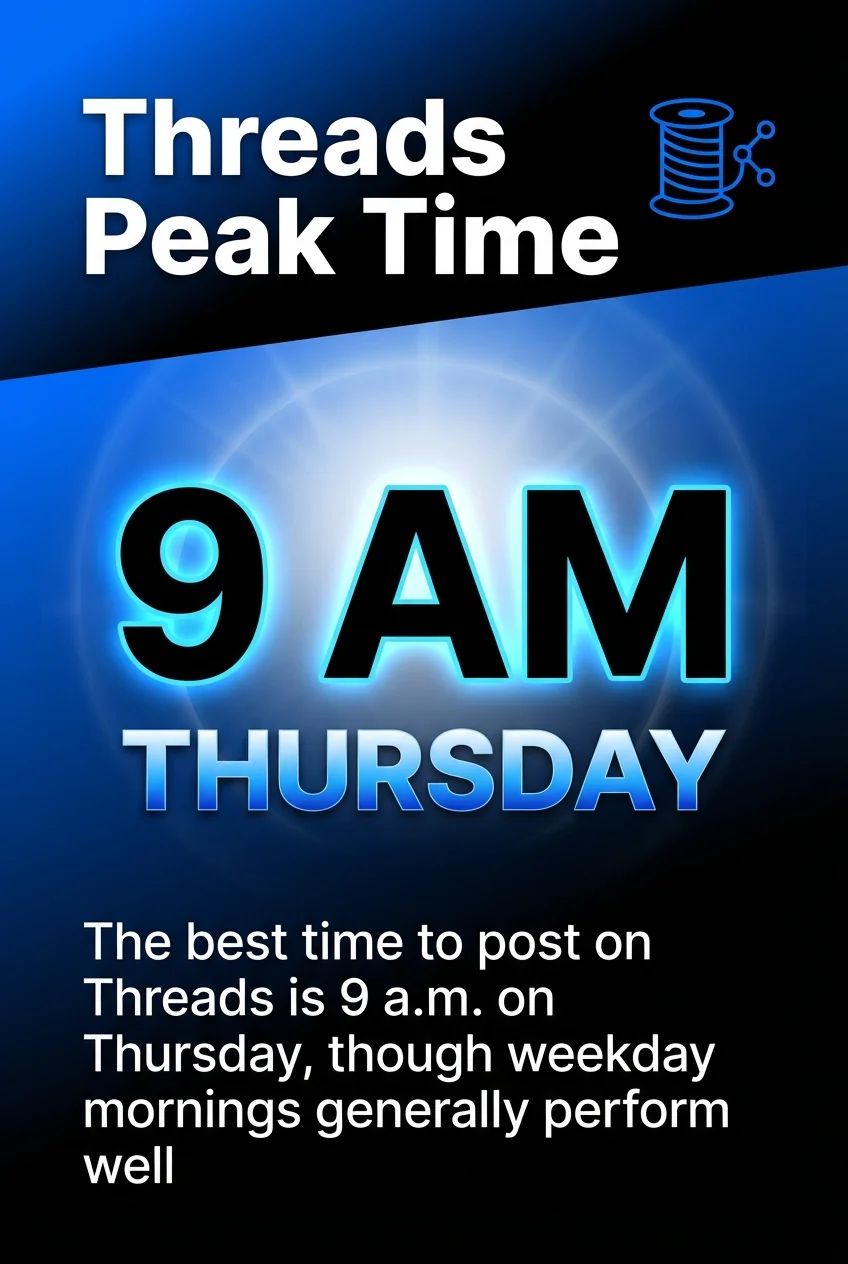
The best time to post on Threads is 9 a.m. on Thursday, though weekday mornings generally perform well.
Threads Engagement Windows
Weekday mornings from 8 a.m. to 10 a.m. generate strong interaction rates. Users check Threads alongside their morning social media routine.
Lunch breaks and early afternoons between 12 p.m. and 2 p.m. create engagement spikes. Evening posts from 7 p.m. to 9 p.m. reach users during leisure hours.
The platform is still developing its user base and algorithm. Test different times and monitor which slots generate the strongest response from your specific audience.
Best Times to Post on Pinterest
Pinterest functions more as a search engine than a traditional social network. Content remains discoverable long after posting, reducing timing urgency.
However, fresh pins get an initial boost in distribution. Posting when users are actively browsing increases early engagement.
Pinterest’s Planning-Focused Schedule
Weekend mornings and afternoons perform particularly well. Users browse Pinterest whilst planning projects, recipes, and purchases.
Saturday between 8 a.m. and 11 p.m. sees high activity. Users have time to explore ideas and save pins to boards.
Weekday evenings from 8 p.m. to 11 p.m. work well for lifestyle and home content. Users plan and dream during relaxation time.
Pinterest Content Strategy by Time
Seasonal content should be posted 30 to 45 days before the event. Users plan holidays, seasons, and events well in advance.
Evergreen content performs consistently regardless of posting time. Focus on SEO-optimised pin descriptions and keywords rather than precise scheduling.
Consistent pinning matters more than perfect timing. Regular activity (daily or several times per week) builds momentum better than sporadic posting.
How to Discover Your Audience’s Specific Best Times
Generic recommendations provide starting points. Your optimal posting times depend on your unique audience composition and behaviour.
Platform analytics reveal when your followers are most active. This data trumps general guidelines.
Using Native Platform Analytics
Instagram Insights shows when your followers are online. Switch to a business account, navigate to Insights, then check the Audience section.
The ‘Most Active Times’ chart displays hourly activity patterns for each day. Schedule posts slightly before these peak windows to maximise visibility.
Facebook Page Insights provides similar data. Check the ‘When Your Fans Are Online’ section under Posts tab to see hourly and daily patterns.
LinkedIn Page Analytics shows visitor demographics and activity times. Navigate to your Page Analytics and review the Visitors tab.
X Analytics tracks tweet impressions and engagement by time. Review your top-performing tweets to identify patterns in posting times.
Testing and Refinement Process
Start with platform recommendations as your baseline. Post at suggested times for two weeks whilst tracking engagement metrics.
Test alternative times systematically. Try posting one hour earlier or later than your baseline. Compare engagement rates, reach, and clicks.
Document your results in a simple spreadsheet. Track posting time, engagement rate, reach, and any notable observations.
Identify patterns after four weeks of testing. Look for consistent high performers and low performers across different content types.
| Testing Phase | Duration | Action |
|---|---|---|
| Baseline | 2 weeks | Use platform recommendations |
| Experimentation | 4 weeks | Test alternative times |
| Analysis | 1 week | Review data and patterns |
| Optimisation | Ongoing | Implement findings, continue testing |
Segmenting by Content Type
Different content formats perform better at different times. Educational posts might succeed during morning commutes whilst entertainment content peaks in evenings.
Test your videos separately from static posts. Video content often requires more viewing time, performing better during leisure hours.
Promotional content may see stronger engagement during specific windows. Test sales posts at various times to find when your audience is most receptive.
Industry-Specific Timing Variations
Your industry significantly impacts optimal posting times. B2B companies face different patterns than ecommerce brands.
Professional services should focus on business hours. Lawyers, accountants, and consultants reach their audience during 9 a.m. to 5 p.m. on weekdays.
B2B Technology and Software
Tech audiences engage most during work hours. Tuesday through Thursday from 9 a.m. to 12 p.m. generates strong LinkedIn engagement.
Afternoon posts between 2 p.m. and 4 p.m. work well for longer content. Decision-makers browse industry insights whilst taking breaks.
Webinar promotions and educational content perform best on Tuesday and Wednesday mornings. Professionals plan their learning during mid-week.
Ecommerce and Retail
Consumer brands see strong engagement during evenings and weekends. Users shop and browse when they’re not working.
Thursday and Friday evenings from 7 p.m. to 9 p.m. capture pre-weekend shopping behaviour. Saturday mornings and afternoons maintain high engagement.
Flash sales and limited-time offers work well during lunch hours. Users make quick purchase decisions during breaks.
Food and Hospitality
Restaurant and food content peaks around meal times. Morning posts between 7 a.m. and 9 a.m. catch breakfast inspiration seekers.
Lunch content performs well from 11 a.m. to 1 p.m. Dinner posts between 5 p.m. and 7 p.m. reach users planning evening meals.
Weekend brunch content succeeds on Saturday and Sunday mornings. Users browse food inspiration whilst deciding where to eat.
Fitness and Wellness
Fitness content engages audiences early morning and early evening. Posts at 6 a.m. to 8 a.m. motivate morning workout routines.
Evening posts from 5 p.m. to 7 p.m. catch users planning post-work exercise. Sunday evenings see strong engagement as people prepare for the week ahead.
Motivational content performs well on Monday mornings. Users seek inspiration as they start their week.
Social Media Scheduling Tools for Optimal Timing
Scheduling tools eliminate the need to post manually at optimal times. They automate publishing whilst you focus on content creation.
Buffer offers scheduling across major platforms with timing recommendations based on your analytics. It suggests optimal posting times specific to your audience.
Comprehensive Scheduling Platforms
Hootsuite provides advanced scheduling with bulk upload capabilities. Schedule weeks of content in one session across multiple platforms.

Later specialises in visual planning for Instagram, Pinterest, and TikTok. Its visual calendar makes it easy to plan cohesive feed aesthetics.

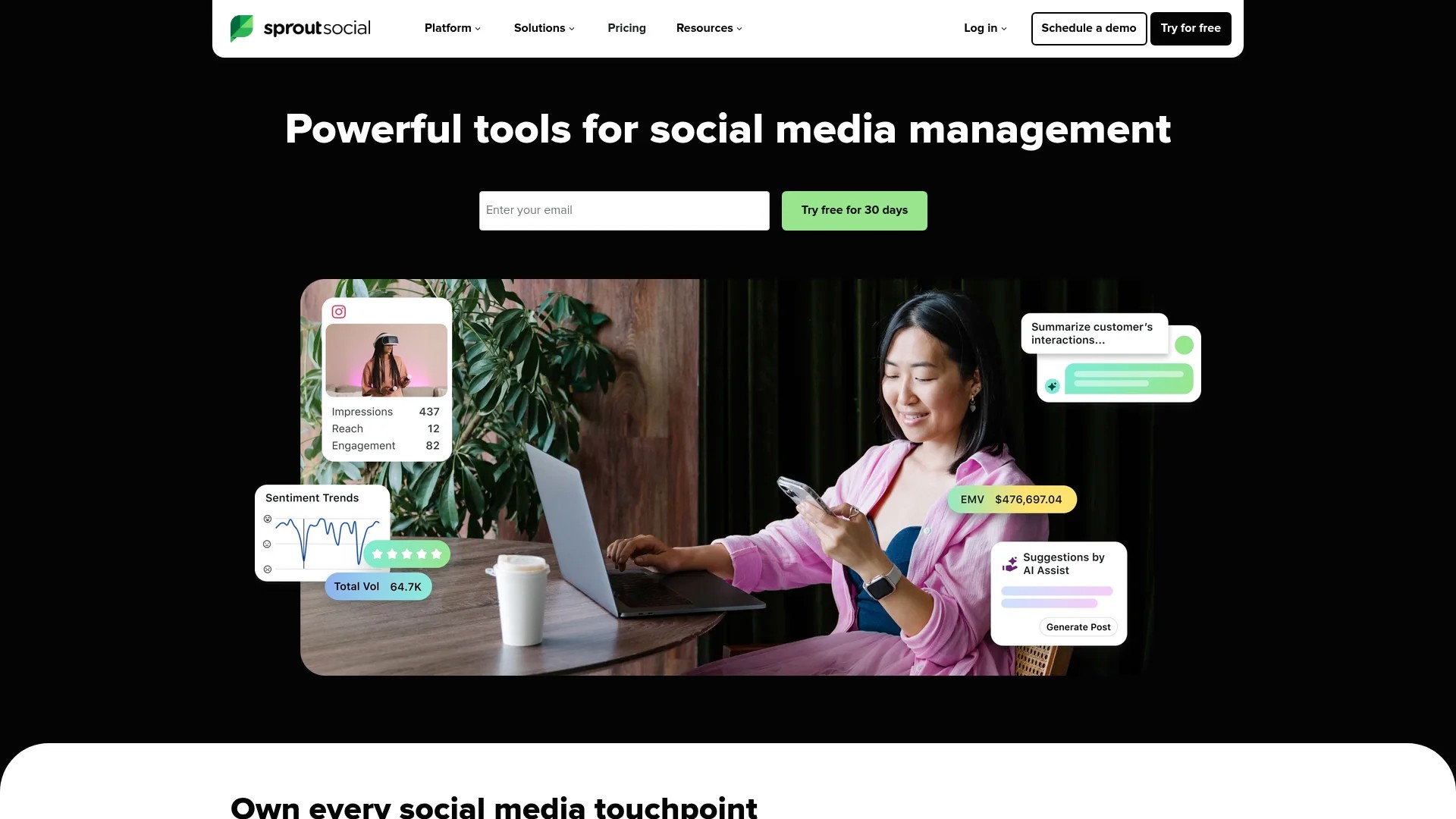
Sprout Social combines scheduling with deep analytics. It recommends posting times based on when your audience is most engaged.
MeetEdgar recycles evergreen content automatically. It re-shares top-performing posts at optimal times without manual intervention.
Platform-Native Scheduling Features
Facebook Business Suite schedules posts for Facebook and Instagram. Navigate to Publishing Tools to queue content and select specific posting times.
LinkedIn’s native scheduler lets you schedule company page posts directly. Click ‘Schedule post’ when creating content to select your publishing time.
X Premium offers basic scheduling functionality. Compose your tweet, click the calendar icon, and select your desired posting time.
Pinterest’s Business Hub includes a content planner. Schedule pins directly through the platform without third-party tools.
Automation and Optimisation Features
Queue-based scheduling maintains consistent posting. Upload content to your queue, and tools like Buffer publish automatically at your designated times.
Time zone adjustments ensure global reach. Schedule posts for different regions’ peak times to maximise international engagement.
Approval workflows help teams collaborate. Marketing managers can review scheduled posts before they publish.
Measuring and Adjusting Your Posting Schedule
Analytics reveal whether your posting times are working. Track specific metrics rather than vanity numbers.
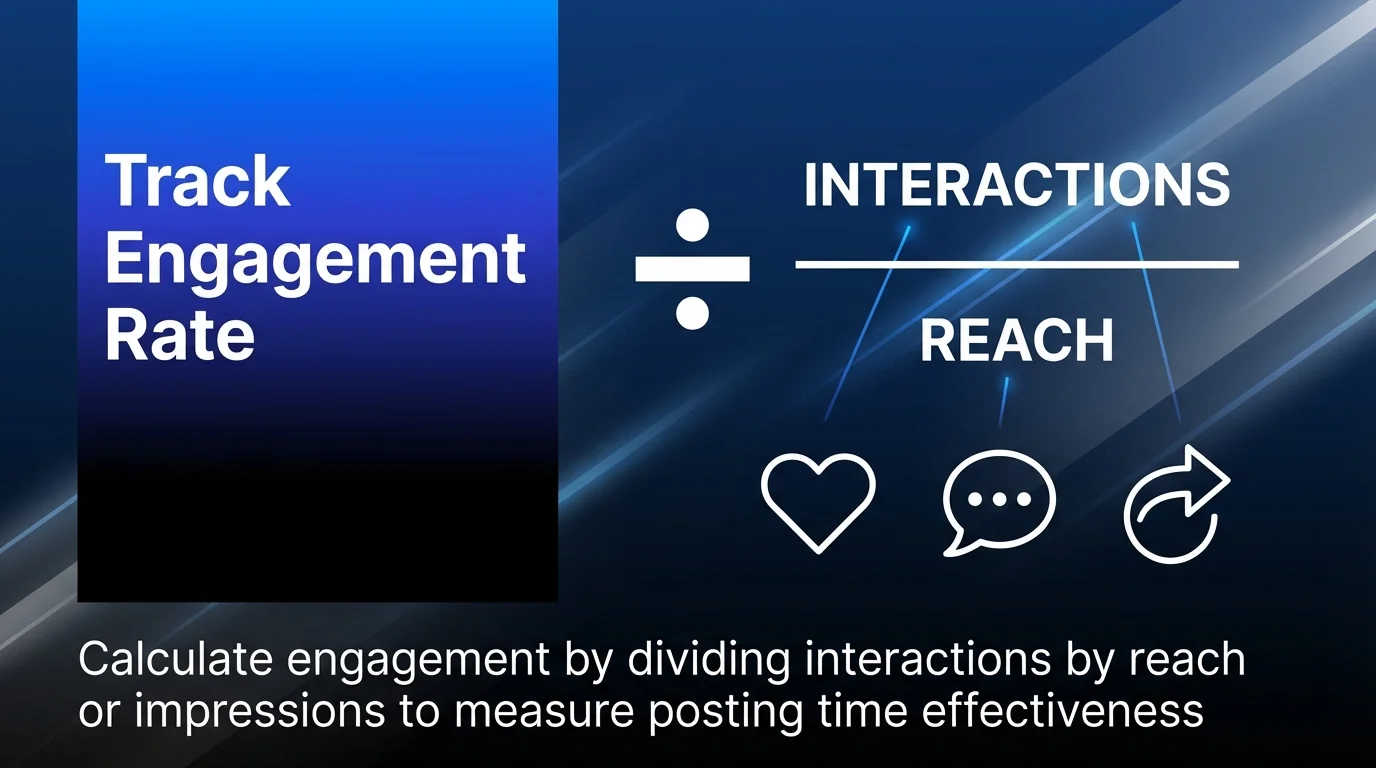
Engagement rate matters more than total likes. Calculate engagement by dividing interactions by reach or impressions.
Key Metrics to Monitor
Reach measures how many unique users saw your post. Compare reach across different posting times to identify which windows generate broader distribution.
Impressions count total views, including multiple views by the same user. High impressions with low engagement might indicate your content isn’t resonating.
Click-through rate matters for link posts. Track how many users click through to your website or landing page from different posting times.
Save rate on Instagram indicates valuable content. When users save your posts for later, it signals high-quality content worth keeping.
Continuous Optimisation Strategy
Review your analytics monthly. Look for patterns in your top-performing posts’ publishing times.
Adjust your schedule based on data. If Wednesday at 2 p.m. consistently outperforms other times, shift more content to that window.
Test seasonal variations. Audience behaviour shifts during holidays, summer months, and year-end periods.
Document changes and results. Keep notes about schedule adjustments so you can track what works over time.
A/B test posting times for identical content. Post the same content at different times to different audience segments and compare performance.
Quick Reference: Platform Timing Summary
Use this summary table as your quick reference when planning your social media content calendar.
| Platform | Best Days | Best Times | Worst Times |
|---|---|---|---|
| Tue-Thu | 9 a.m.-12 p.m. | Before 8 a.m., after 8 p.m. | |
| Mon-Fri | 9 a.m., 12 p.m., 7 p.m. | Late night | |
| Tue-Thu | 7-9 a.m., 12-1 p.m. | Weekends, evenings | |
| TikTok | Tue-Thu | 7-10 a.m., 7-10 p.m. | Late night |
| YouTube | Thu-Fri | 2-4 p.m. | Early morning |
| X | Mon-Fri | 8-10 a.m., 12-1 p.m. | Late evening |
| Sat-Sun | 8 a.m.-11 p.m. | Early weekday mornings |
These recommendations serve as starting points. Your specific audience may show different patterns based on demographics, time zones, and content preferences.
Start with these windows, test alternatives, and refine based on your analytics. Consistent testing and adjustment will reveal your unique optimal posting schedule.
Common Questions About Social Media Posting Times
Should I post at the same time every day?
Consistency helps train your audience to expect content, but varying times slightly can help you reach different audience segments. Test a regular schedule first, then experiment with variations.
How often should I post on each platform?
Frequency depends on platform culture and your capacity. X supports multiple daily posts, whilst Instagram performs well with one post daily. LinkedIn succeeds with 2 to 3 posts per week for most business pages.
Do weekends work for business content?
B2B content typically performs poorly on weekends, but B2C brands often see strong weekend engagement. Test both to determine what works for your specific audience and industry.
How to make a post post at a certain time?
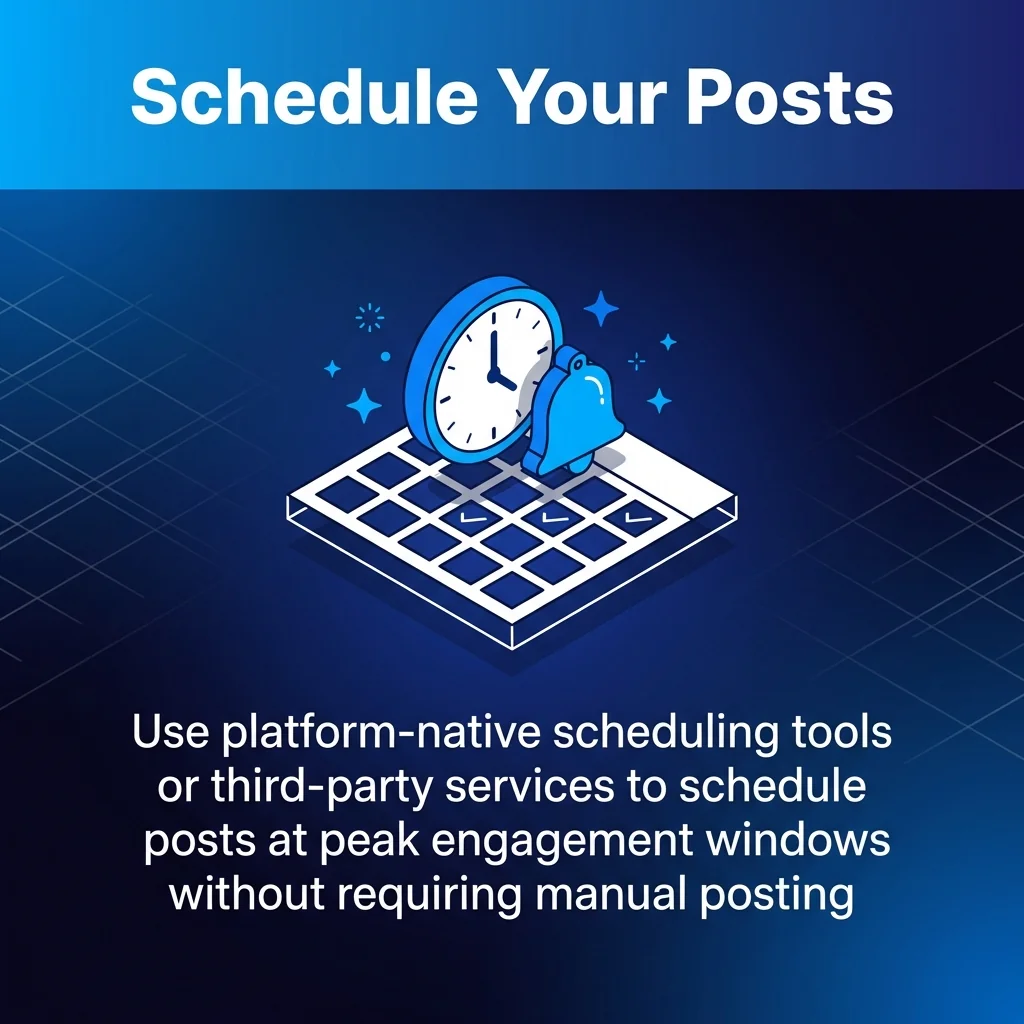
Use platform-native scheduling tools or third-party services like Buffer or Hootsuite. Compose your content, select your target date and time based on audience analytics, and schedule publication. This ensures your posts go live during peak engagement windows without requiring manual posting.
Should I adjust for different time zones?
If your audience spans multiple time zones, schedule separate posts for different regions or target the time zone where most of your audience lives. Analytics show which regions engage most with your content.
Implementing Your Optimised Posting Schedule
You now understand how posting times affect engagement across every major platform. The next step is putting this knowledge into practice.
Start by reviewing your existing posting schedule. Identify which times you’re currently using and compare them to the platform-specific recommendations above.
Choose one platform to optimise first. Trying to change everything at once makes it difficult to measure what’s working. Focus on your primary platform where you already have an engaged audience.
Implement the recommended times for two weeks whilst tracking your engagement metrics. Document your results using spreadsheets or your social media content calendar.
After your testing period, analyse the data. Look for patterns in reach, engagement rate, and click-throughs compared to your previous posting times.
Expand successful strategies to other platforms. Once you’ve validated improved performance on one network, apply the same testing methodology to your other channels.
Remember that optimal posting times shift over time. Social media engagement strategies require ongoing refinement as platforms evolve and audience behaviour changes.
Set a monthly reminder to review your analytics. Adjust your schedule based on what the data tells you about your audience’s actual behaviour, not assumptions.
The marketers who succeed on social media don’t just follow best practices. They test, measure, and adapt their strategies based on real performance data from their unique audiences.