Your webinar just ended. You spent weeks planning it, hours delivering it, and now it’s over in 60 minutes.
But here’s what most marketers miss: that single webinar holds enough content to fuel your social media for months.
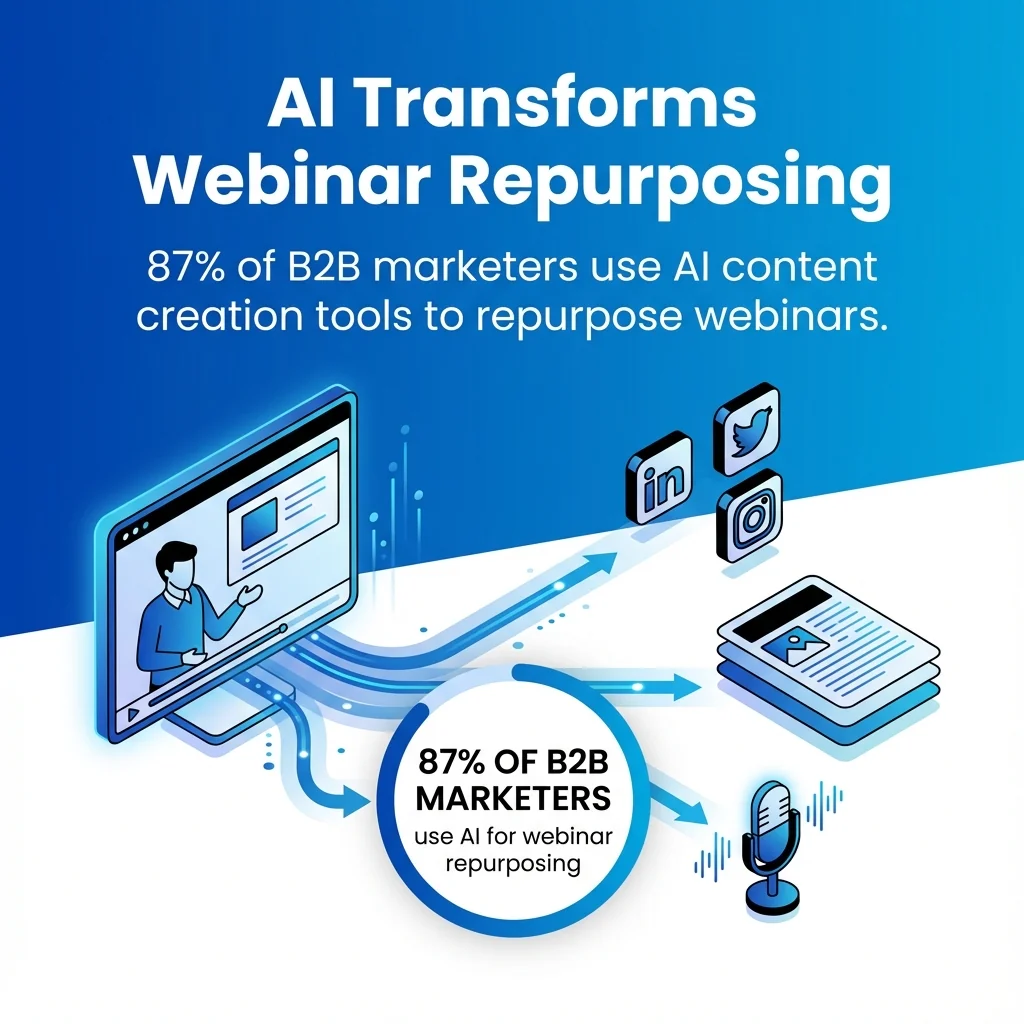
The 87% of B2B marketers using AI content creation tools to repurpose webinars understand something critical. They know webinar recording isn’t just a backup plan. It’s the starting point for a content marketing strategy that multiplies reach without multiplying effort.
Think about it. Every webinar recording contains multiple expert insights, audience questions, visual examples, and quotable moments. Each piece can become its own social media post, blog post, or video clip.
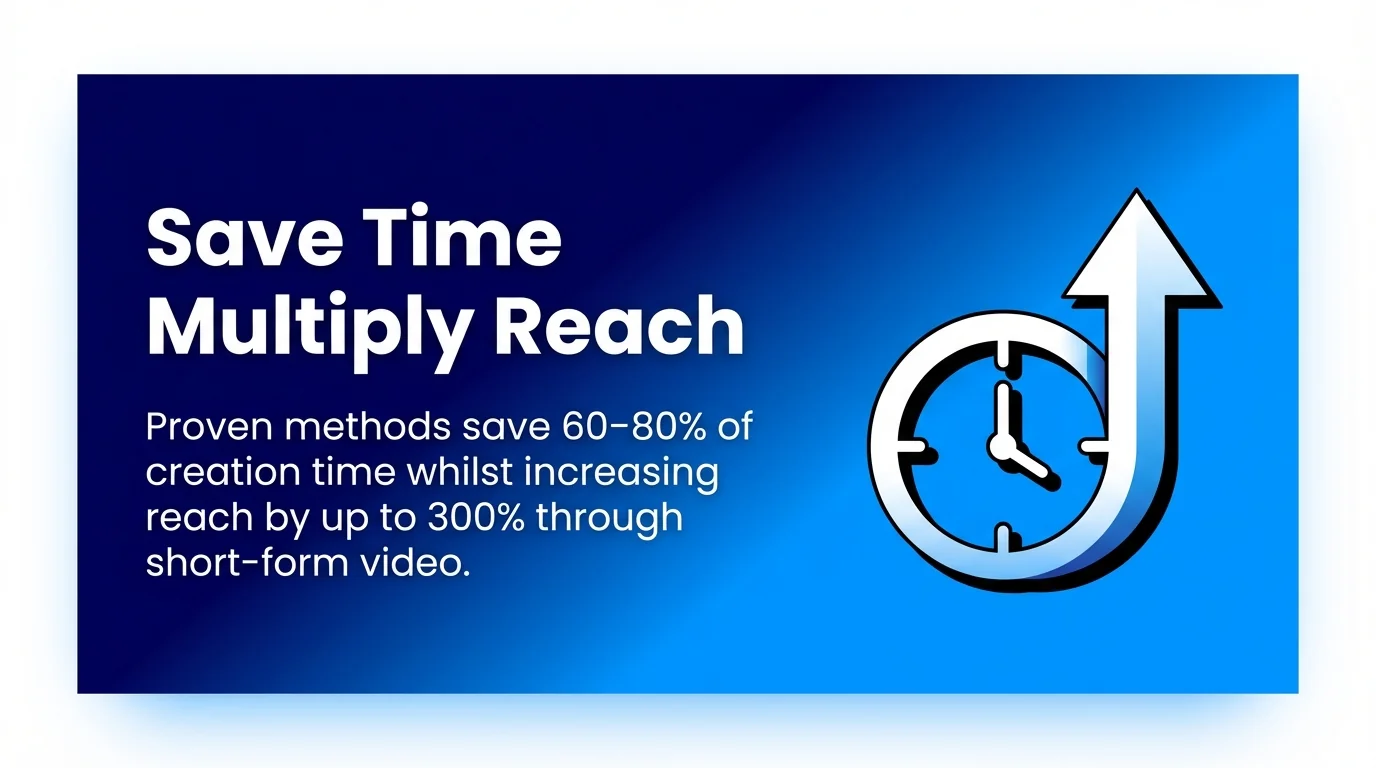
This guide shows you exactly how to transform one webinar into dozens of social media assets. You’ll discover 12 proven methods that save 60–80% of creation time whilst increasing reach by up to 300% through consistent short-form video content.
By the end, you’ll have a complete repurposing system that turns every webinar into ongoing engagement across all your social channels.
Why Smart Marketers Repurpose Webinar Content
Creating new content from scratch drains time and budget.
Webinar repurposing flips that equation. You invest once in hosting the webinar, then extract value repeatedly across multiple platforms and formats.
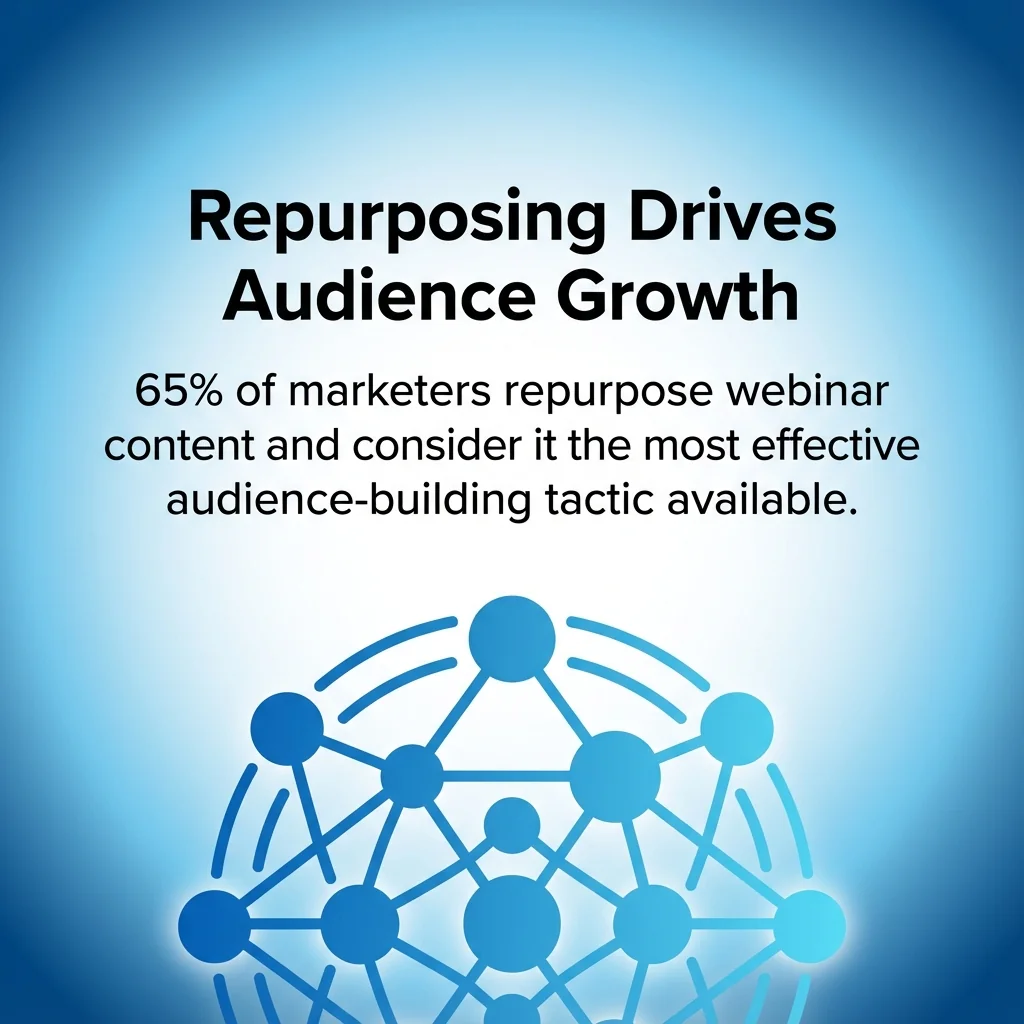
The numbers tell the story clearly. Research shows 65% of marketers repurpose webinar content and consider it the most effective audience-building tactic available to them.
That’s not surprising when you understand what repurposing actually delivers:
Extended Reach Across Multiple Channels
Not everyone can attend your live webinar. Time zones conflict, schedules clash, and attention spans vary.
Repurposed content solves this accessibility problem. A LinkedIn video clip reaches professionals during lunch breaks. A Twitter thread captures attention between meetings. A blog post serves those who prefer reading to watching.
Each format attracts different audience segments. Together, they multiply your total reach far beyond what the original webinar achieved.
Maximum ROI From Existing Content
Consider the investment you made in your webinar. Speaker time, promotion costs, platform fees, and production hours all added up.
One-time use wastes that investment. Repurposing transforms it into a content asset that keeps delivering returns.
According to recent data, AI-powered repurposing features save marketers 4-10 hours per webinar whilst helping them create 20% more content.

The ROI improves with each reuse.
Consistent Social Media Presence
Social media demands constant feeding. Daily posts, weekly content, regular engagement. It’s exhausting to maintain.
A single 60-minute webinar contains enough material for weeks of social media posts. You’ve already created the content. Now you’re just adapting it for different platforms.
This consistency builds your authority. Your audience sees you everywhere, sharing valuable insights across channels.
Better Content Performance
You tested your webinar content live. You watched audience reactions, saw which topics generated questions, noticed which examples resonated.
That real-time feedback shows you exactly which parts of your webinar deserve repurposing. You’re not guessing about what works. You’re doubling down on proven content.
The engagement data from your webinar platform reveals your strongest material. Repurpose those high-performing moments first.
12 Practical Ways to Repurpose Your Webinar Content
Now you understand why repurposing matters. Let’s explore specific methods that transform your webinar recording into social media content that engages your audience.
Each strategy below includes implementation steps and platform recommendations.
1. Create Short-Form Video Clips for Social Platforms
Your full webinar recording contains multiple clip-worthy moments. Expert insights, surprising statistics, practical demonstrations. Each deserves its own spotlight.
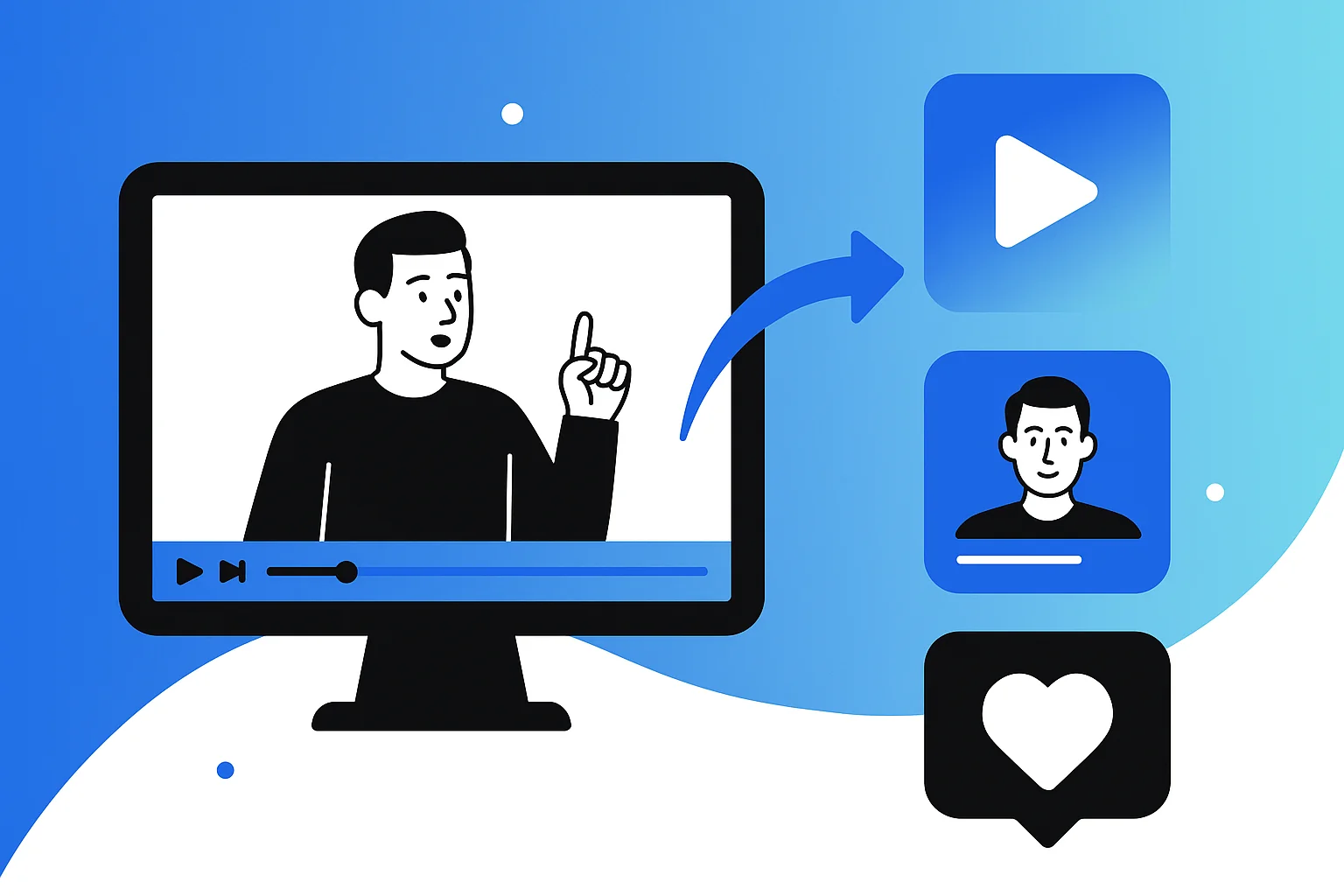
Extract 30-90 second segments that deliver complete thoughts. These short-form videos perform exceptionally well on LinkedIn, Instagram, TikTok, and Twitter.
Implementation steps:
- Review your webinar recording and mark timestamps for strong standalone moments
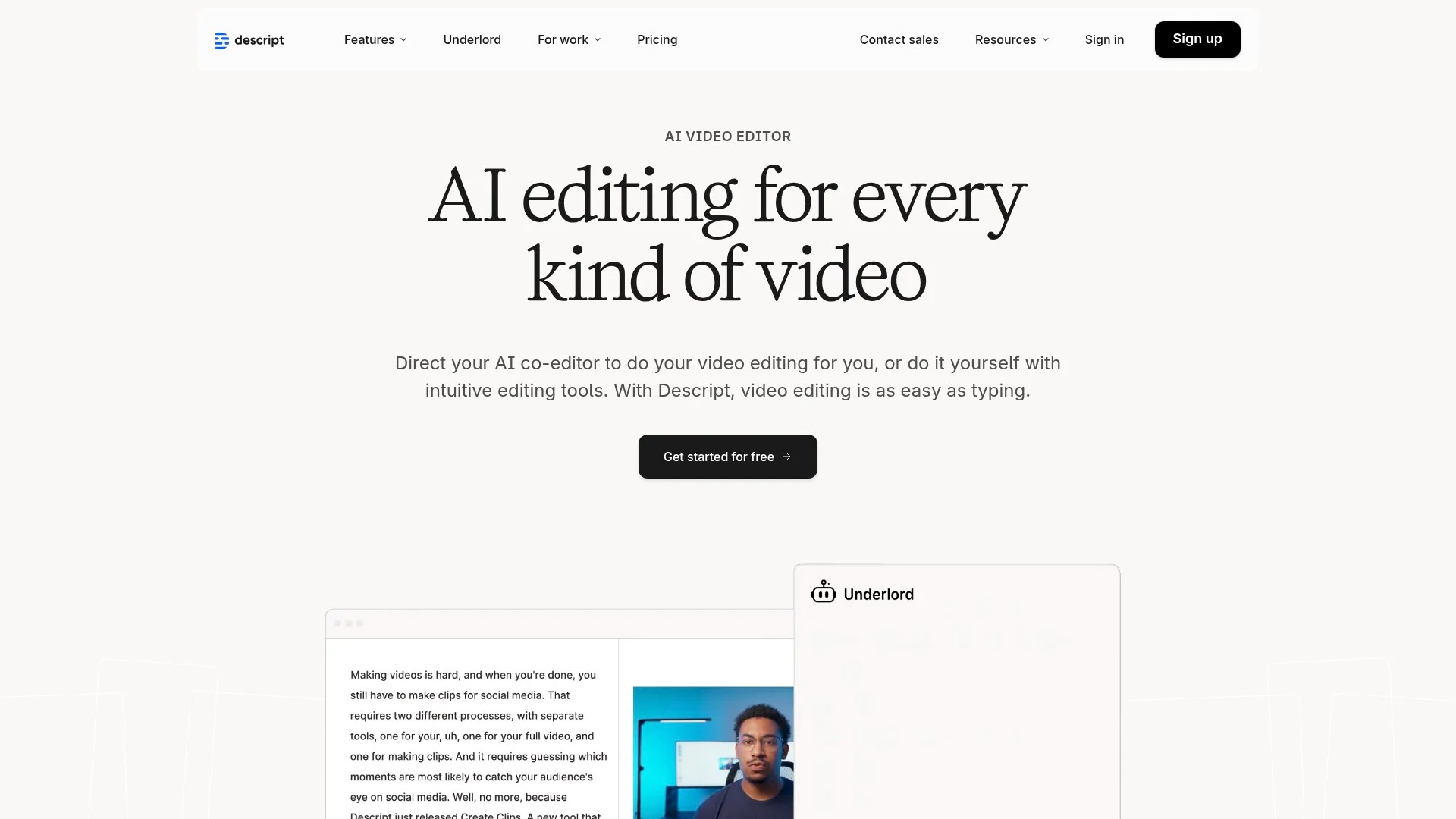
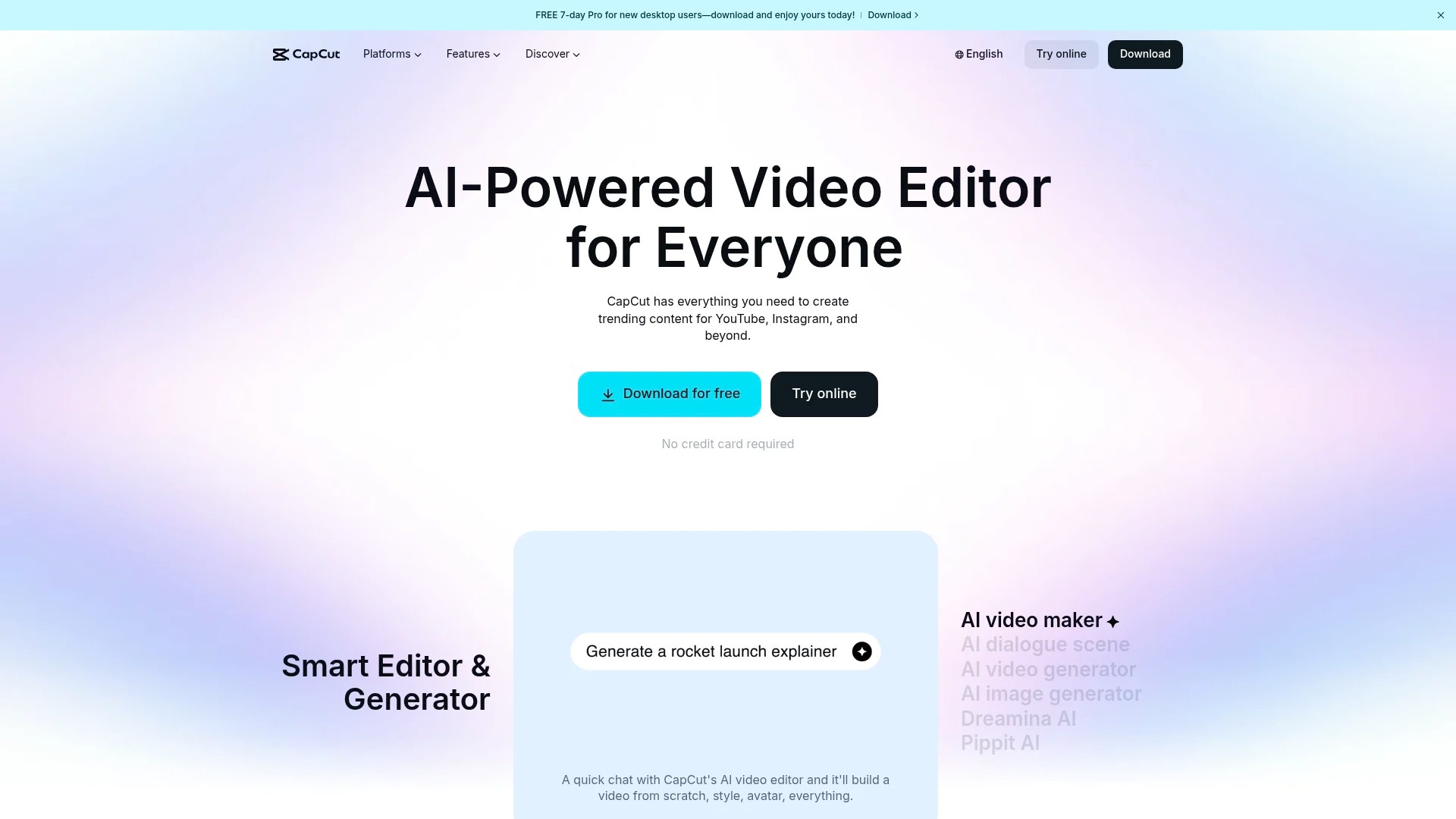
- Use Descript or CapCut to trim clips and add captions
- Add branded intro/outro cards (3-5 seconds each)
- Export in square (1:1) or vertical (9:16) formats for mobile optimization
- Include clear calls-to-action directing viewers to the full webinar replay
The key is tailoring content to align with platform-specific user behaviour. LinkedIn audiences prefer professional insights. TikTok users want quick wins and entertainment value.
Pro tip: Add captions to all video clips. Most social media users watch videos with sound off.
2. Transform Transcripts Into Blog Posts
Your webinar transcript contains thousands of words of expert content. That’s a complete blog post waiting for structure and editing.
Blog posts from webinar transcripts improve your SEO performance whilst providing valuable written content for readers who prefer text formats.
Implementation steps:
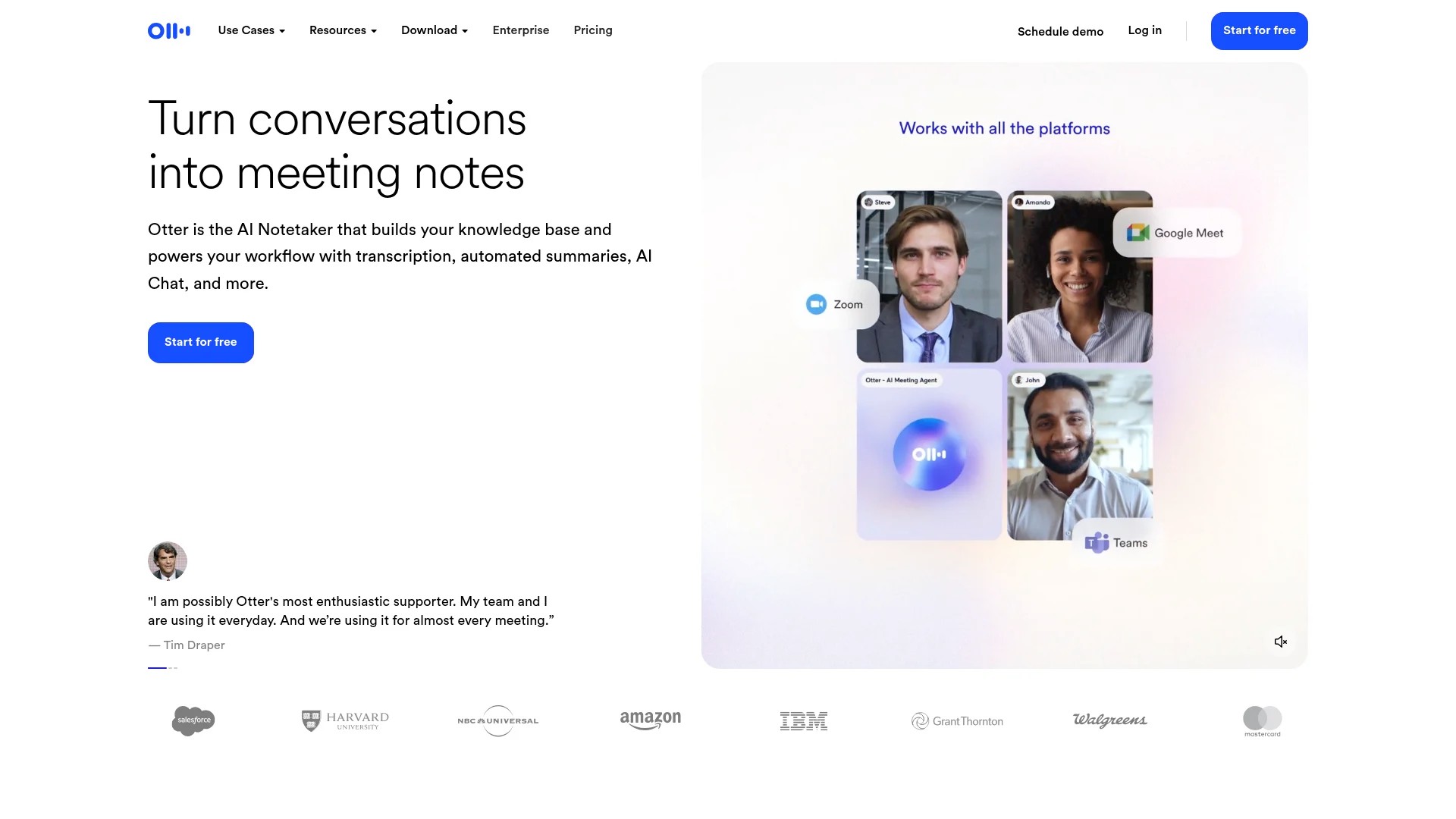
- Generate a transcript using Otter.ai or your webinar platform’s built-in transcription
- Edit for readability by removing filler words and verbal tics
- Add clear headings that structure the conversation flow
- Insert relevant images or screenshots from webinar slides
- Optimise with keywords and internal links for SEO
The transcript provides your foundation. Your editing transforms spoken language into readable content. Focus on clarity and flow rather than preserving every word.
This method works particularly well for educational webinars with clear teaching moments.
3. Design Quote Graphics for Visual Platforms
Every webinar contains quotable moments. Expert speakers drop wisdom worth highlighting. Audience questions reveal common pain points.
Turn these into standalone quote graphics that stop scrollers mid-feed. According to industry insights, one long piece of content can produce 5–10 short, impactful quotes for social platforms.

Implementation steps:
- Extract powerful quotes that deliver value without surrounding context
- Design graphics using Canva templates optimised for each platform
- Include speaker attribution and your brand colours
- Add your logo subtly in the corner
- Export in multiple sizes for different platforms
Quote graphics work brilliantly on Instagram, LinkedIn, and Pinterest. They’re shareable, easy to consume, and position you as a source of valuable insights.
Pro tip: Pair quote graphics with the original video clip in your caption for doubled engagement.
4. Publish On-Demand Webinar Replays
Your live webinar reached attendees in one timezone at one specific time. An on-demand replay removes those barriers completely.
Host the full webinar recording on your website or YouTube channel. Promote it through social media posts that highlight different aspects of the content.
Implementation steps:
- Edit your recording to remove dead air and technical difficulties
- Add professional intro/outro segments
- Upload to YouTube or Vimeo with optimised titles and descriptions
- Create a dedicated landing page with registration or lead capture
- Share across social channels with different promotional angles
Research indicates that 58% of webinar hosts prefer live webinar streaming and on-demand recordings for flexibility and boosted audience engagement.
The on-demand format lets you gate the content for lead generation whilst still promoting it freely on social media.
5. Convert Audio Into Podcast Episodes
Your webinar audio exists separately from the visual elements. That makes it perfect for podcast distribution.
Many professionals consume content through podcasts during commutes or workouts. Repurposing your webinar as a podcast episode reaches this audience segment.
Implementation steps:
- Extract audio from your webinar recording using Audacity
- Edit out visual references that don’t translate to audio-only format
- Add a podcast-style intro and outro
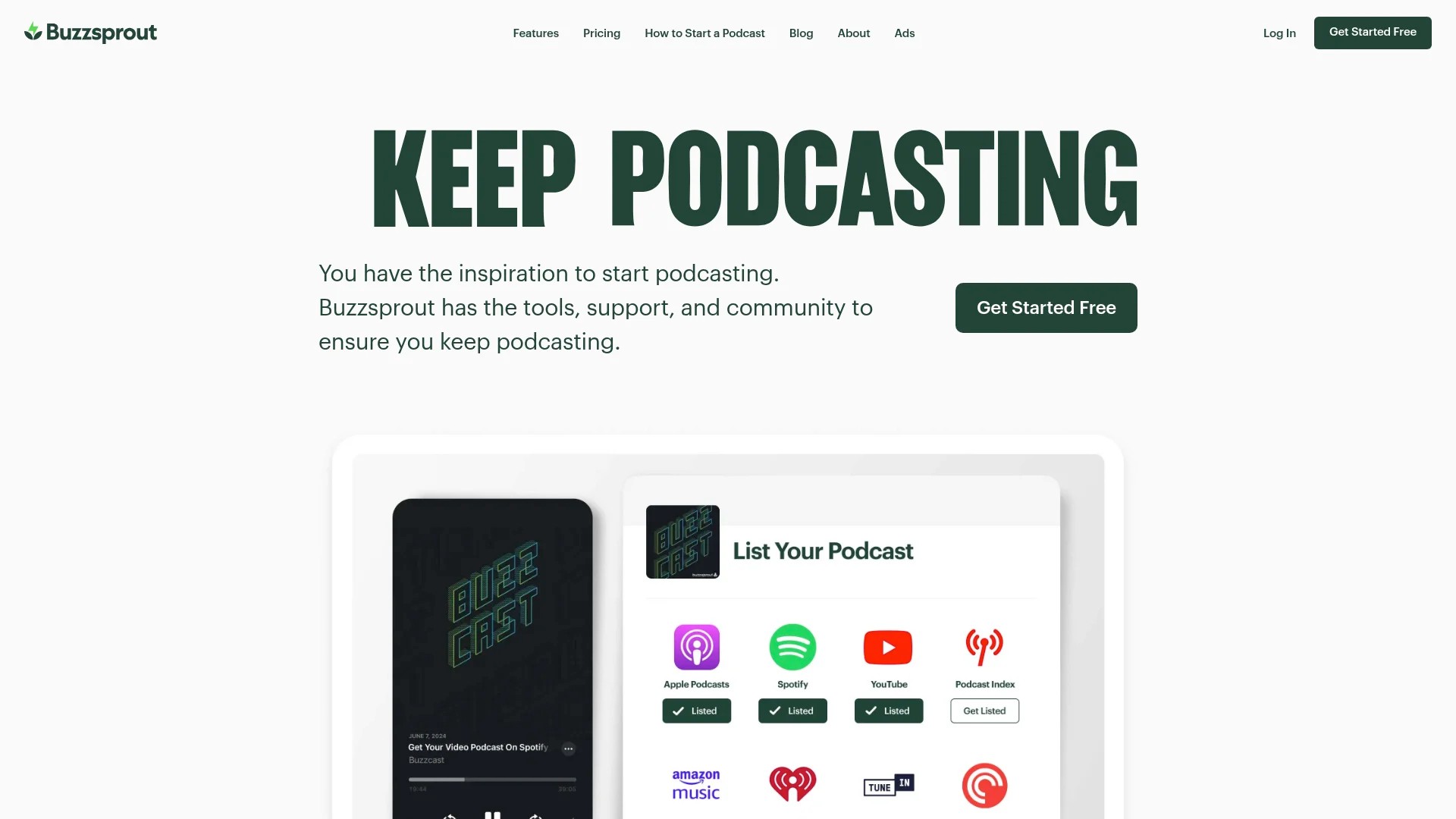
- Upload to podcast hosting platforms like Buzzsprout or Anchor
- Promote the podcast episode through social media with audiogram clips
This works especially well for interview-style webinars or panel discussions that don’t rely heavily on screen sharing.
Consider creating a podcast series where each episode covers a different webinar topic.
6. Share Key Insights Through Email Newsletters
Your email subscribers want valuable content delivered directly to their inbox. A webinar recap email provides exactly that.
Email newsletters from webinar content serve both attendees and those who missed the live session.
Implementation steps:
- Summarise the top 3-5 takeaways from your webinar
- Include timestamps for key moments in the recording
- Add relevant screenshots or slide images
- Link to the full on-demand replay
- Include a call-to-action for your next webinar or related resource
Send one comprehensive recap email immediately after the webinar. Then create follow-up emails that each focus on one specific insight from the session.
This approach gives you multiple email newsletter topics from a single webinar whilst maintaining value for subscribers.
7. Build Q&A Content From Audience Questions
The Q&A portion of your webinar reveals exactly what your audience wants to know. Those questions deserve their own content pieces.
Create social media posts, blog sections, or video clips that address individual questions from the session.
Implementation steps:
- Compile all questions asked during the webinar
- Group similar questions together by theme
- Create individual answer videos or posts for each question
- Format as FAQ content for your website or shareable social media content
- Credit the question asker when appropriate
This method works brilliantly because you’re addressing real concerns from your actual audience. The content relevance is guaranteed.
Pro tip: Create a FAQ page on your website using webinar Q&A content. It improves SEO whilst serving visitor needs.
8. Create LinkedIn Carousel Posts
LinkedIn carousels generate higher engagement than standard posts. They encourage users to stop scrolling and interact with your content.
Transform webinar slides or key points into a LinkedIn carousel that delivers educational value in a swipeable format.
Implementation steps:
- Select 5-10 key slides or insights from your webinar
- Redesign them in a consistent visual style using Canva
- Add one clear point per slide with supporting visuals
- Include a final slide with your call-to-action
- Export as a PDF and upload to LinkedIn as a document post
Each slide should deliver value independently whilst building towards a complete idea. Think of it as a mini-presentation extracted from your webinar.
This format works particularly well for step-by-step processes or numbered lists from your webinar content. For more ideas on creating engaging LinkedIn content, explore social media content engagement ideas.
9. Develop Infographics From Data Points
Did your webinar include statistics, research findings, or comparative data? That information deserves visual treatment.
Infographics make complex data instantly digestible. They’re highly shareable and perform exceptionally well on Pinterest and LinkedIn.
Implementation steps:
- Extract all statistics and data points mentioned in your webinar
- Organise information into a logical flow or comparison
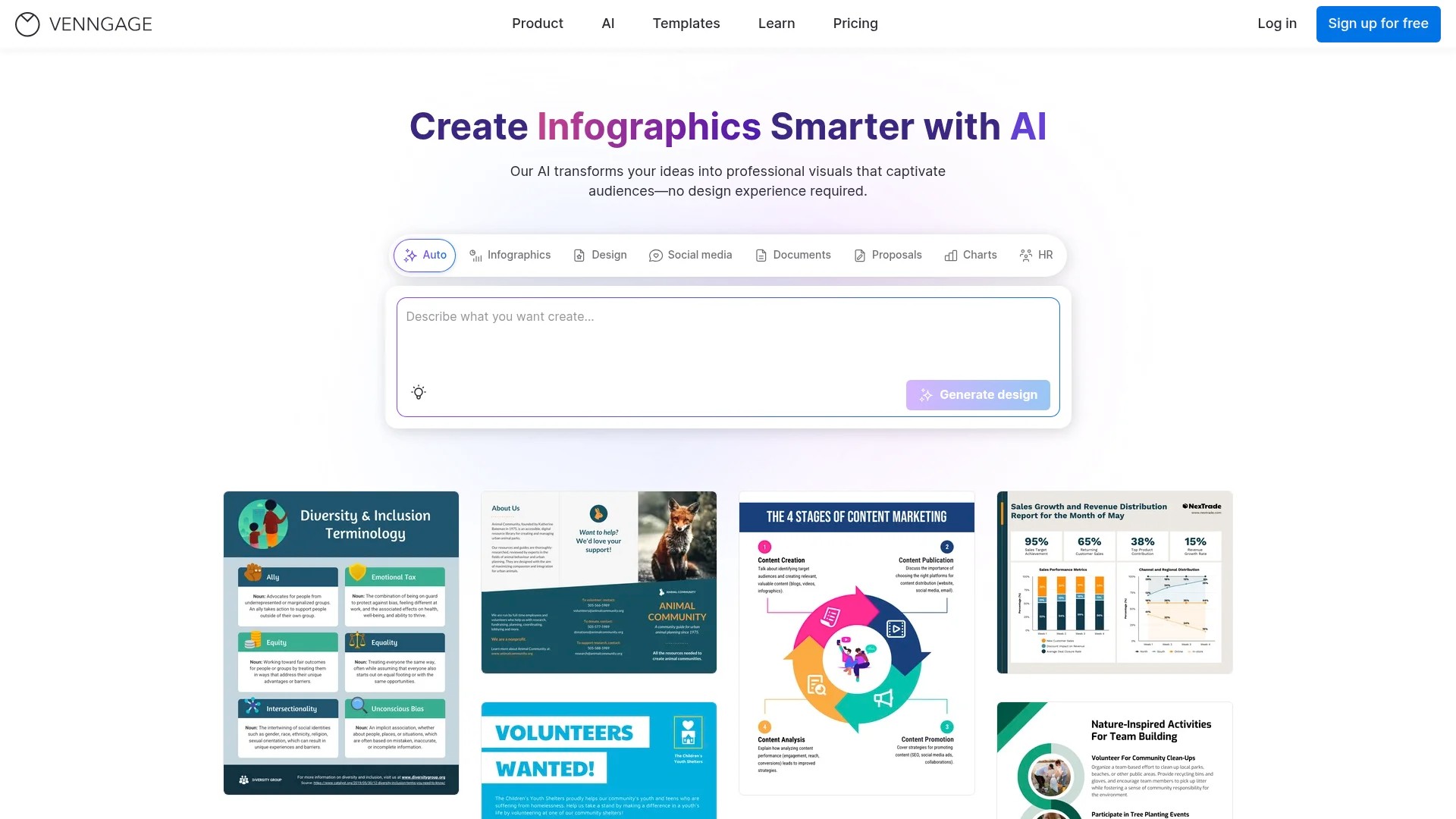
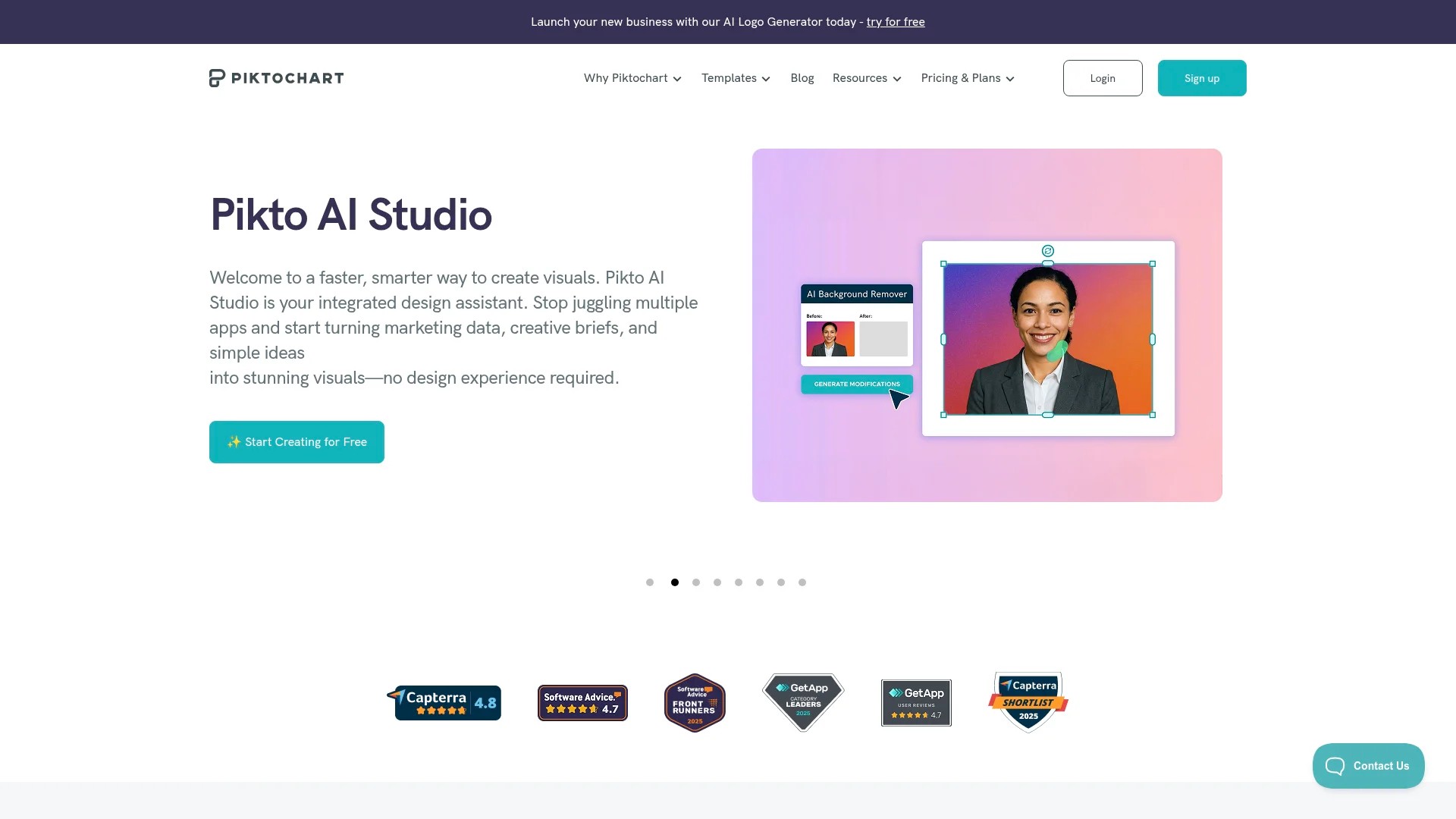
- Design the infographic using Venngage or Piktochart
- Include sources for all data to build credibility
- Export in high resolution for both web and print use
The visual format makes your data more memorable and shareable. Include your branding prominently so the infographic serves as a marketing asset even when shared without attribution.
10. Compile E-books or Guides From Multiple Webinars
If you host regular webinars on related topics, compile them into a comprehensive guide or e-book.
This creates a valuable lead magnet whilst giving your webinar content lasting value beyond individual sessions.
Implementation steps:
- Select 3-5 related webinars that address complementary topics
- Extract transcripts and key slides from each session
- Organise content into logical chapters with consistent structure
- Add original introductions, transitions, and conclusions
- Design professionally using Canva or hire a designer
Promote the e-book through social media posts that highlight different chapters. Each social post can link back to the comprehensive resource.
This approach works brilliantly for building your email list. Gate the e-book download in exchange for email addresses.
11. Share Behind-the-Scenes Content
Your audience enjoys seeing the human side of your brand. Behind-the-scenes content builds connection and authenticity.
Share preparation moments, speaker green room chats, or technical setup processes on Instagram Stories or TikTok.
Implementation steps:
- Capture footage during webinar setup and rehearsal
- Film quick reaction videos immediately after the webinar
- Share speaker preparation tips or funny moments
- Create “making of” style content that shows your process
- Post to Instagram Stories, TikTok, or Twitter for casual engagement
This type of content requires minimal editing and provides authentic glimpses into your work. It complements your polished webinar content by showing the people and process behind it.
12. Create Platform-Specific Content Threads
Twitter/X threads and LinkedIn text posts allow you to break down webinar concepts into digestible, numbered sequences.
Each thread point delivers one clear idea whilst building towards a complete framework from your webinar.
Implementation steps:
- Identify one major framework or process from your webinar
- Break it into 5-10 individual steps or points
- Write each as a standalone tweet or post that still contributes to the whole
- Include relevant hashtags and mentions
- End with a call-to-action linking to the full webinar recording
Threads generate engagement through multiple interaction opportunities. Each post can receive likes, comments, and shares independently whilst driving interest in your complete webinar content.
This format works particularly well for educational content and step-by-step processes. To maximise your thread’s reach, consider incorporating social media content strategies that drive engagement.
Building Your Webinar Repurposing Workflow
Understanding repurposing methods matters. But sustainable success requires a systematic approach that you can repeat for every webinar.
Here’s how to build a workflow that turns repurposing from an occasional tactic into a consistent content strategy.
Plan Repurposing Before the Webinar
Your repurposing strategy starts before you go live. Knowing which formats you’ll create influences how you structure and record your webinar.
During webinar planning, identify 3-5 repurposing formats you’ll definitely create. This focuses your efforts and ensures you capture necessary assets.
Record your webinar in the highest quality possible. Better source material produces better repurposed content. Enable recording features that capture both speaker video and screen sharing separately.
Brief your speakers about repurposing plans. This encourages them to deliver quotable insights and complete thoughts that work as standalone clips.
Implement Immediate Post-Webinar Actions
The hour immediately after your webinar matters enormously. Momentum fades quickly if you don’t capture it.
Download your webinar recording and transcript immediately. Many platforms have storage limits or automatic deletion schedules.
Review the recording whilst the session remains fresh in your mind. Mark timestamps for strong clips, quotable moments, and key teaching points. This becomes your repurposing roadmap.
Send a recap email to attendees within 24 hours. Include the recording link and promise additional content coming soon. This maintains engagement whilst buying time for repurposing work.
Use AI Tools to Speed Up Creation
Manual repurposing takes considerable time. AI-powered tools dramatically accelerate the process without sacrificing quality.
Transcription services like Otter.ai or Rev convert your audio to text in minutes. This provides the foundation for blog posts, social captions, and email content.
Video editing platforms like Descript let you edit video by editing the transcript. Cut clips, remove filler words, and add captions without traditional video editing skills.
AI content assistants can help restructure transcripts into blog post formats, suggest social media captions, or generate quote graphics. They accelerate production whilst maintaining your brand voice.
The time savings compound with each webinar you repurpose using these tools.
Create a Content Calendar
Repurposed content needs strategic distribution. Random posting wastes the content’s potential impact.
Build a social media content calendar that spaces out your repurposed pieces over 4-6 weeks. This extends your webinar’s value whilst maintaining consistent posting.
Schedule different formats for different days. Video clips on Mondays, quote graphics on Wednesdays, blog posts on Fridays. This variety keeps your content fresh.
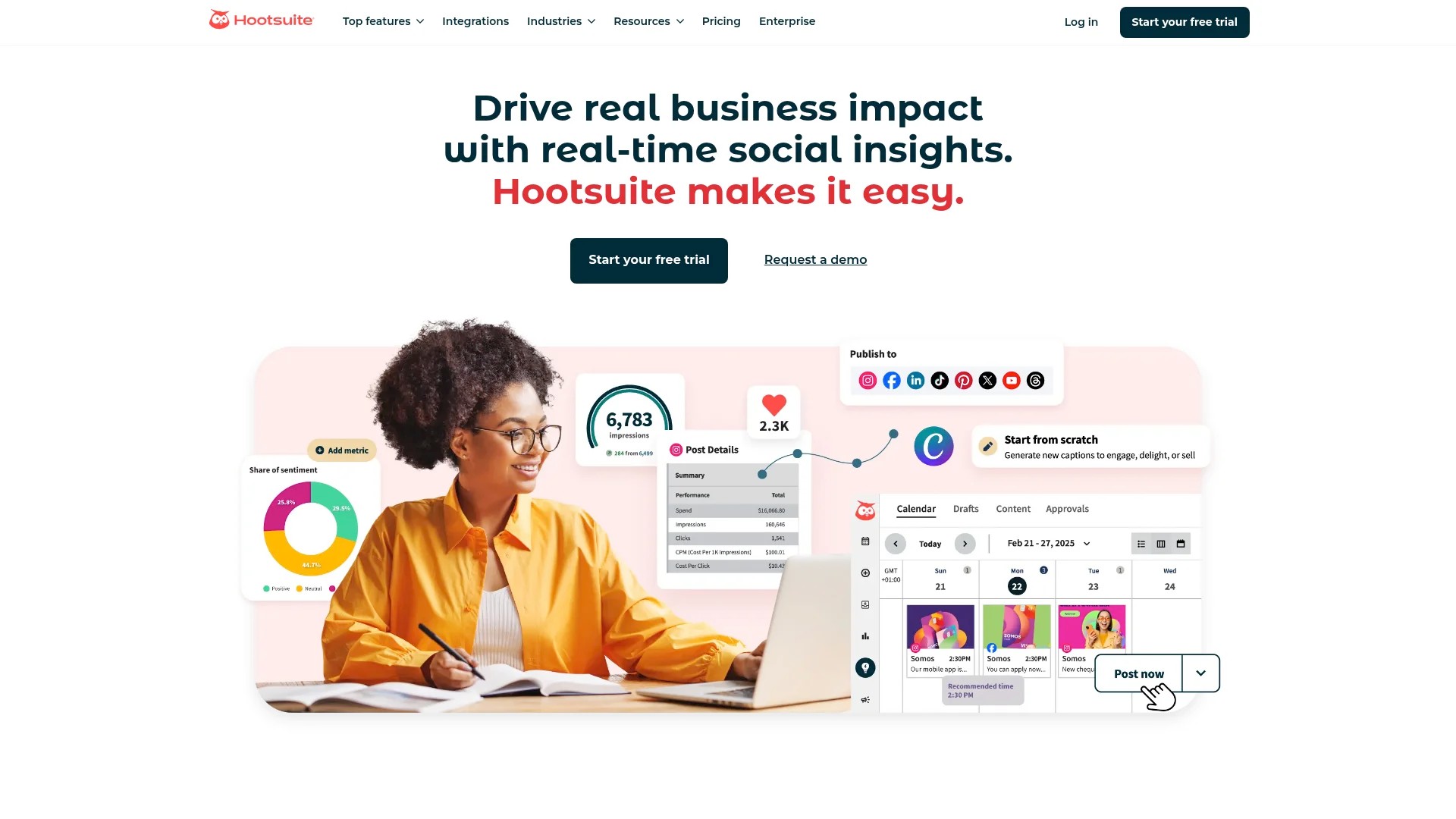
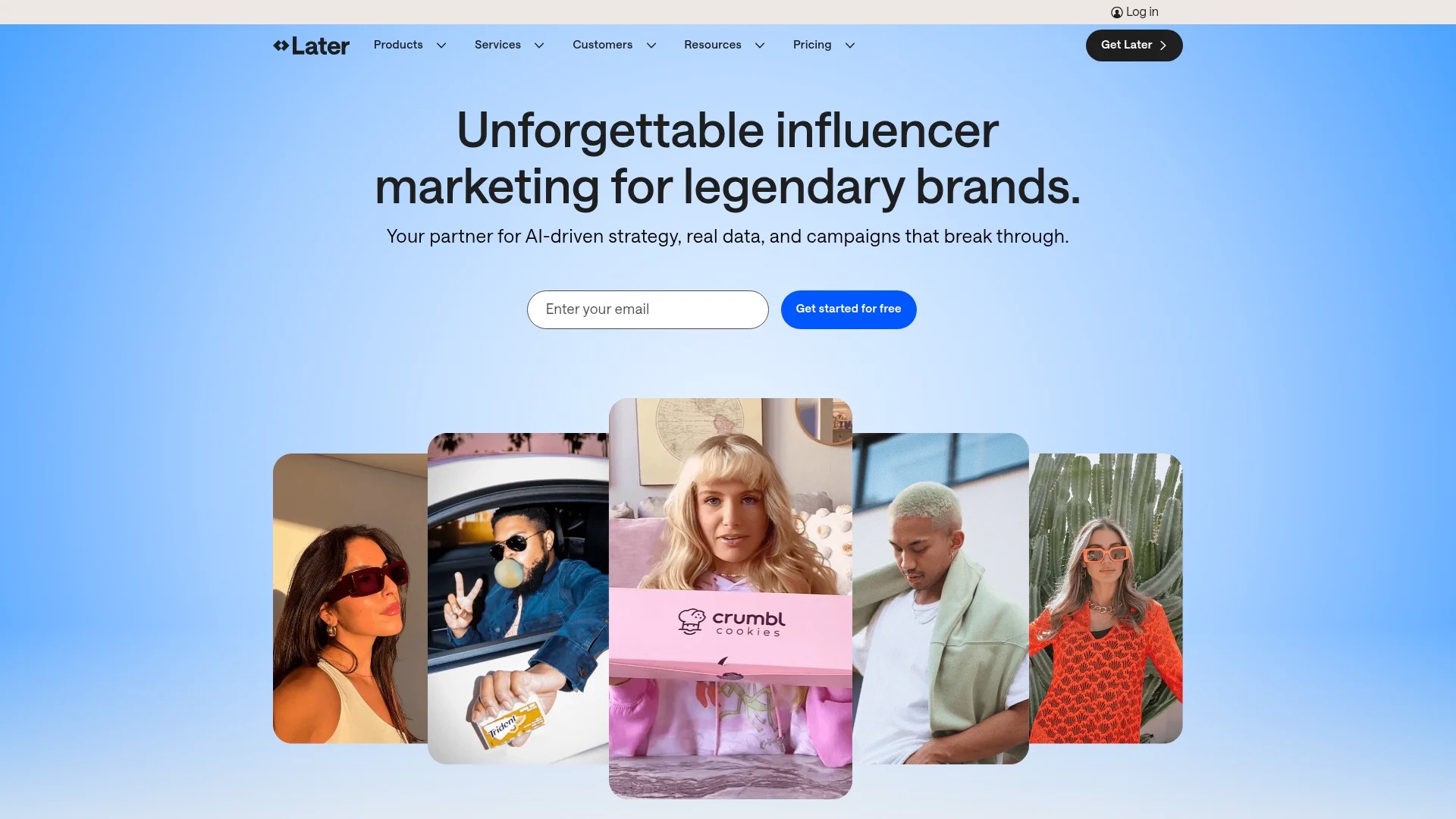
Use scheduling tools like Buffer, Hootsuite, or Later to automate posting. This frees your time for creating additional content.
Track which repurposed formats generate the most engagement. Double down on what works for your specific audience.
Measure Performance and Refine
Not all repurposed content performs equally. Data shows you what resonates with your audience.
Monitor engagement metrics for each content format. Views, shares, comments, and click-through rates reveal which approaches work best.
Compare performance across platforms. Your LinkedIn audience might prefer different content than your Instagram followers. Tailor future repurposing to match these preferences.
Track which webinar topics generate the most interest when repurposed. This informs your future webinar planning. Create more content around topics that drive engagement.
Use Google Analytics to monitor traffic from social media to your webinar landing pages or blog posts. This shows the complete conversion path from repurposed content to business results.
Build a Repurposing Team or Process
Sustainable repurposing requires clear ownership and processes. Without them, good intentions fade into inconsistent execution.
If you have a team, assign specific repurposing tasks to team members. One person handles video clips, another manages social graphics, a third writes blog posts. Specialisation improves quality and speed.
For solo marketers, batch your repurposing work. Set aside dedicated time each week to process one complete webinar. This prevents repurposing from falling off your priority list.
Document your process in a checklist or standard operating procedure. This ensures consistency across webinars and makes delegation easier as you grow.
Consider outsourcing specific tasks that aren’t your strengths. Video editors, graphic designers, or writers can handle execution whilst you focus on strategy.
Quick Answers to Common Questions
How to repurpose a webinar?
Start by extracting key segments for social media clips, then transcribe into blog posts or guides. You can also convert audio into podcast episodes, create quote graphics from memorable statements, or compile multiple webinars into comprehensive e-books. The goal is adapting one piece of content into multiple formats that reach different audience preferences and platforms.
What is an example of repurposed content?
A 60-minute webinar on email marketing becomes 10 short video clips for LinkedIn and Instagram, a 2,000-word blog post from the transcript, 15 quote graphics highlighting key insights, a podcast episode, an email newsletter series, and several Twitter threads. Each format serves different audience segments whilst maximising the original webinar investment.
Are webinars still effective in 2025?
Absolutely. Webinars remain highly effective as foundational content that feeds entire content marketing strategies. When you view webinars as content creation opportunities rather than single events, their value multiplies significantly. The repurposing potential transforms one hour of live content into months of social media engagement across multiple channels.
Your Next Steps
You now understand how to multiply the value of every webinar you create. The strategies above transform single events into ongoing content assets that work across platforms.
Start with your most recent webinar. Choose three repurposing formats from this guide that match your audience preferences and platform strengths.
Download the recording and transcript today. Mark your calendar for two hours of focused repurposing work this week. Create those first three content pieces and schedule them for publication.
Track the engagement you receive. Notice which formats resonate most strongly with your audience. Then refine your approach for the next webinar.
The marketers seeing the best results aren’t doing anything complicated. They’re simply being systematic about extracting value from content they’ve already created.
Your next webinar holds dozens of social media posts. Now you know exactly how to find them.