Multi-platform video scheduling has become critical for marketing professionals managing content across Facebook, Instagram, TikTok, LinkedIn, and YouTube simultaneously. The right scheduling tool eliminates manual posting, ensures consistent visibility, and frees up time for strategy and engagement.
Modern schedulers offer AI-powered caption generation, bulk upload capabilities, and unified calendars that display all your video content in one place. They support native video formats for each platform, auto-publish at optimal times, and provide analytics to track performance across networks.
This guide examines the top 18 social media scheduling tools built for video content. Each review covers platform support, key features, pricing, and specific capabilities that matter for multi-platform video workflows.
#1 Sprout Social: Enterprise-Grade Multi-Platform Scheduling
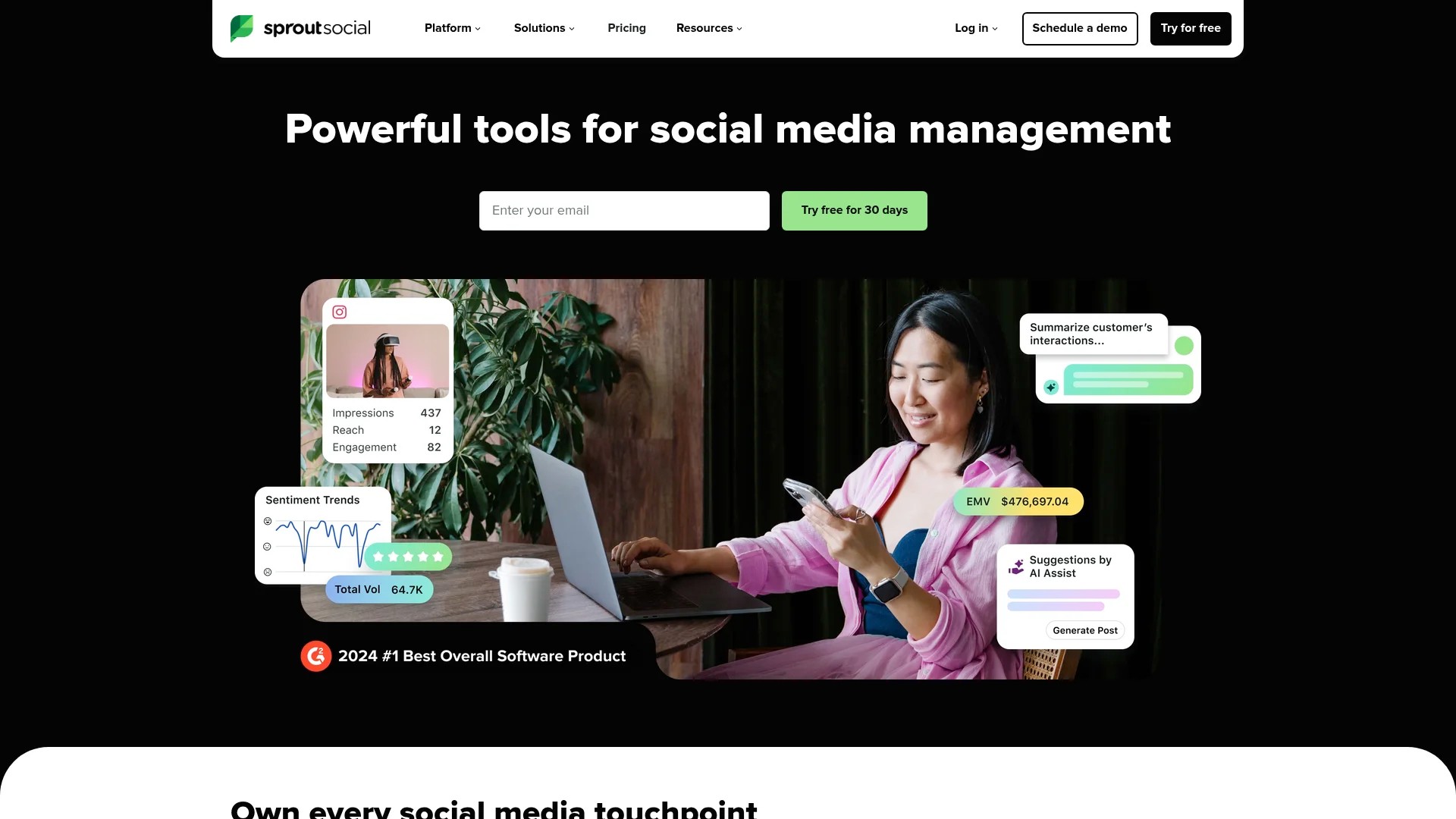
Sprout Social delivers robust scheduling features including a visual calendar, real-time analytics, and compatibility with multiple social media platforms. Teams managing high-volume video content across Facebook, Instagram, Twitter, LinkedIn, and Pinterest find its centralised dashboard particularly valuable.
The platform excels at team collaboration with approval workflows, user roles, and permissions that keep large organisations organised. Its Smart Inbox consolidates comments, messages, and mentions across all connected platforms, enabling quick responses without switching between tabs.
Key Features for Video Scheduling
- Cross-platform scheduling across Facebook, Instagram, Twitter, LinkedIn, and Pinterest
- Visual content calendar with drag-and-drop interface
- Bulk upload capabilities for scheduling multiple videos at once
- Team collaboration tools with approval workflows
- Real-time analytics and custom reporting
Pros and Cons
Pros: Enterprise-level features, excellent team collaboration, comprehensive analytics, reliable auto-publishing, responsive customer support.
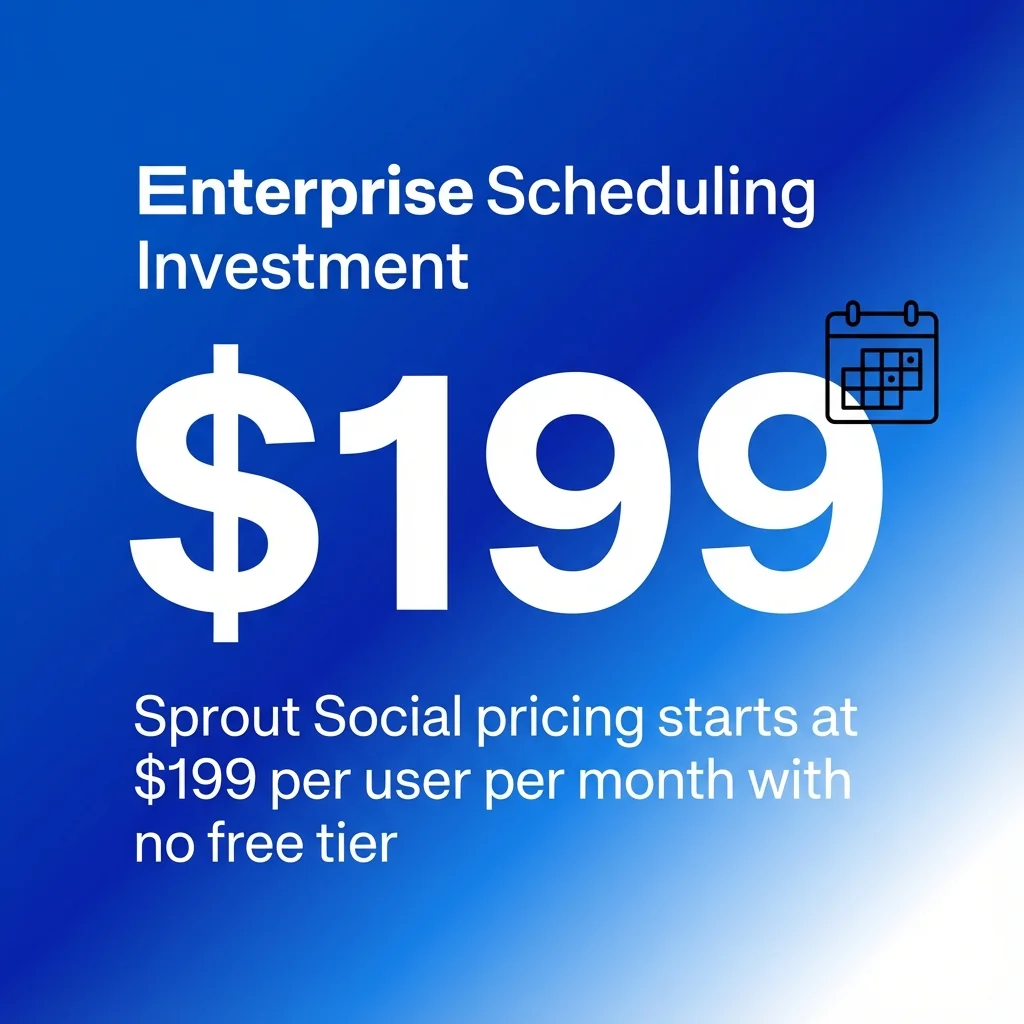
Cons: Pricing starts at $199 per user per month with no free tier, steeper learning curve for beginners.
Pricing
Standard plan at $199 per user per month (annual billing). Professional and Advanced plans available at higher price points with additional features.
Try Sprout Social for 30 days with their free trial.
#2 Hootsuite: Multi-Account Management at Scale
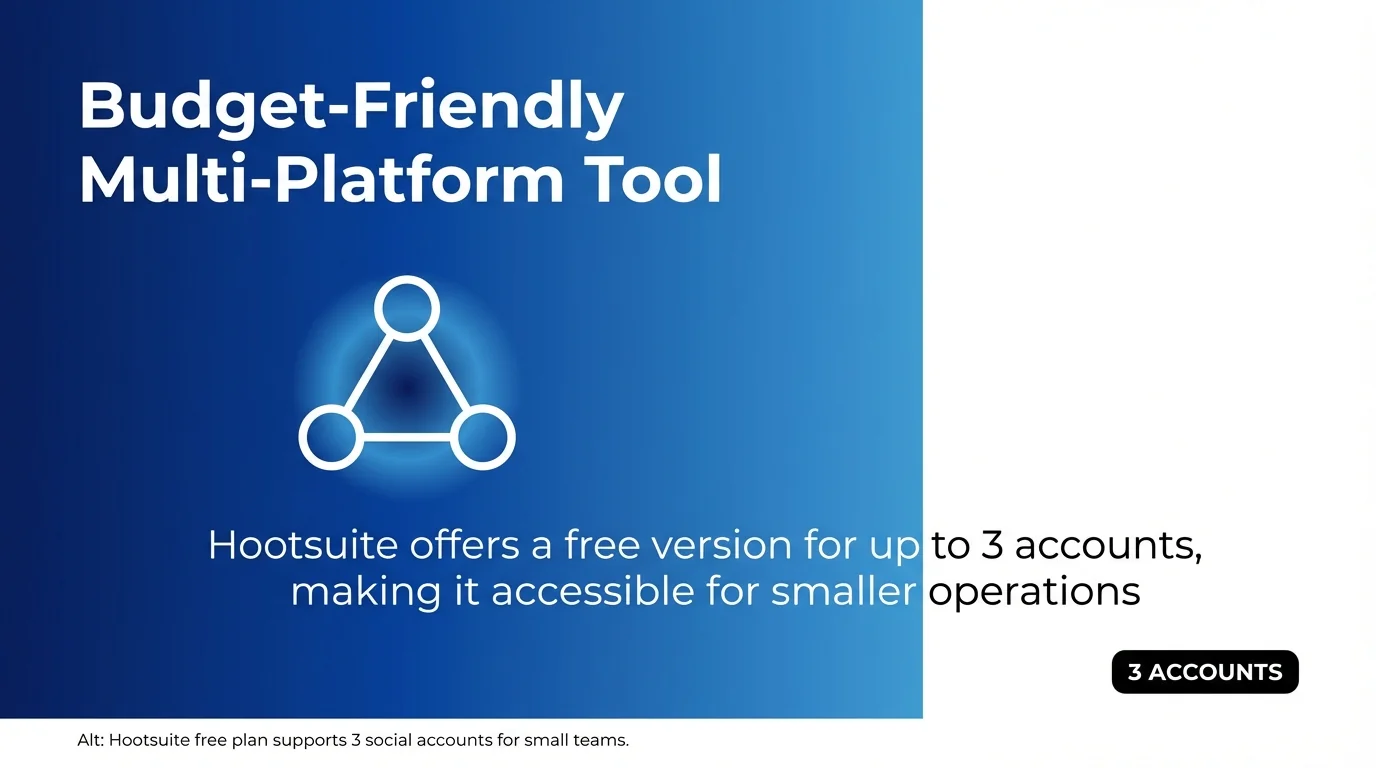
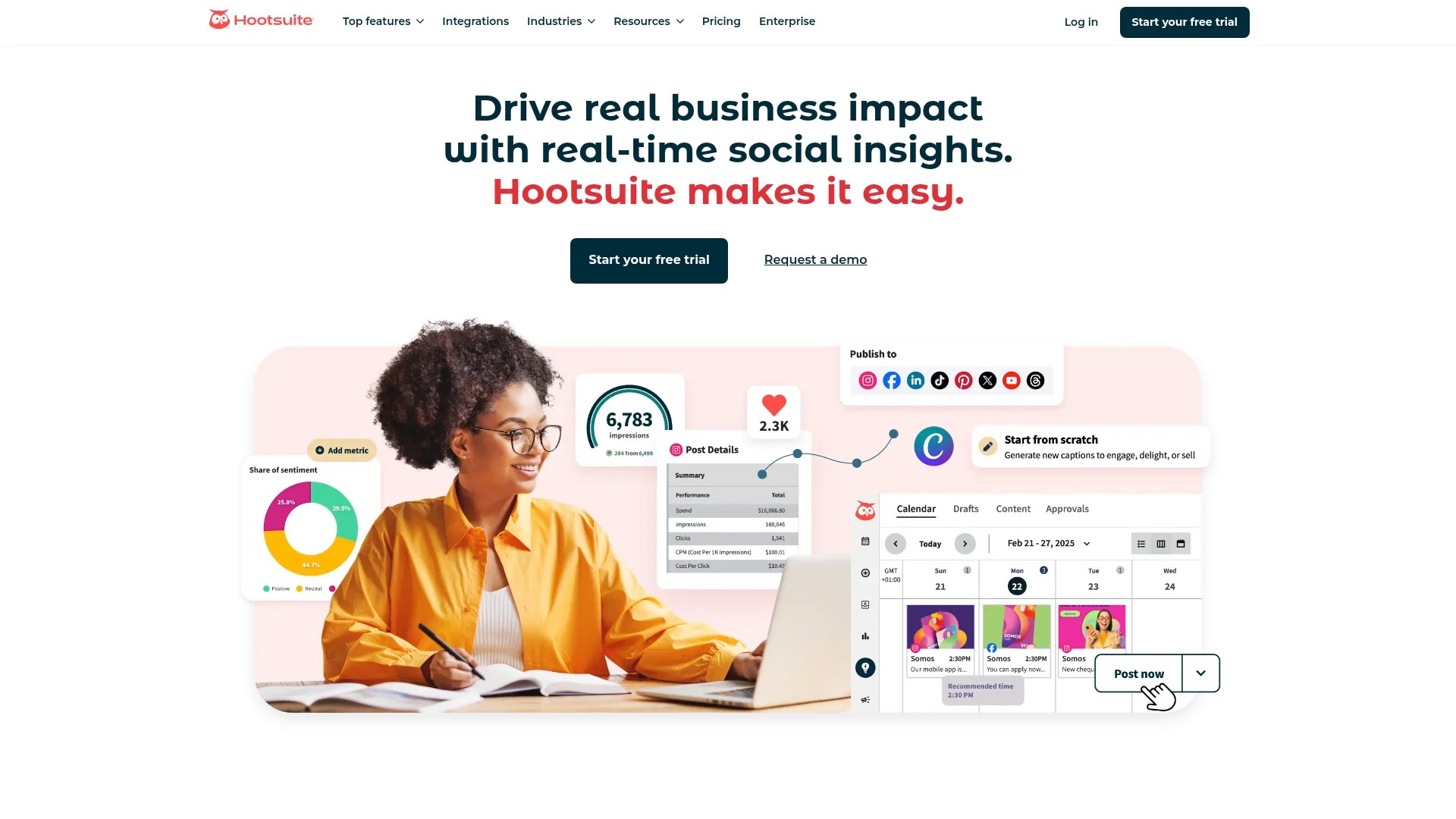
Hootsuite supports scheduling across over 20 platforms with a calendar view and collaboration tools ideal for agencies and large teams. Hootsuite offers a free version for up to 3 accounts, making it accessible for smaller operations testing multi-platform workflows.
The platform’s strength lies in managing dozens of social accounts simultaneously. Agencies handling multiple clients can separate content streams, assign team members to specific accounts, and maintain brand consistency across diverse properties.
Key Features for Video Scheduling
- Support for 20+ social media platforms including TikTok and YouTube
- Bulk scheduling with CSV uploads
- Content library for storing and reusing video assets
- Advanced analytics with customisable reports
- Social listening tools to monitor brand mentions
Pros and Cons
Pros: Extensive platform support, free plan available, powerful bulk scheduling, established reputation, strong analytics.
Cons: Interface can feel dated, video editing capabilities are limited, higher-tier plans get expensive, mobile app less intuitive than competitors.
Pricing
Free plan for 3 social accounts. Paid plans start at £49 per month for 10 accounts. Professional and Team plans scale up to £449 per month.
Explore Hootsuite with their free plan or 30-day trial on paid tiers.
#3 SocialBee: Automated Content Categories and Queues
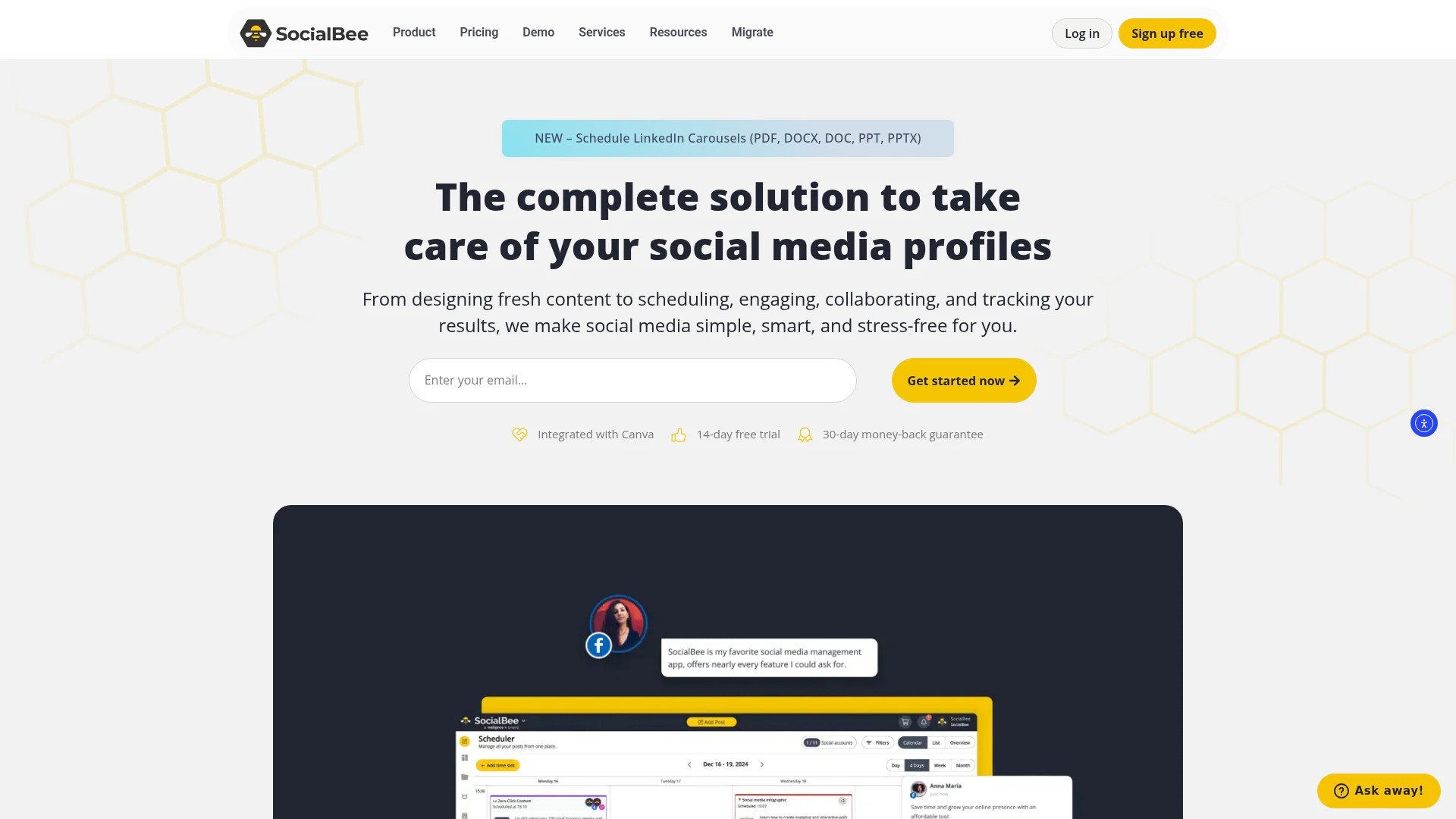
SocialBee allows auto-publishing to Instagram via an interactive calendar and cross-posting to Facebook, TikTok, and YouTube. The platform’s category-based scheduling system automates content distribution across time slots.
Create content categories like ‘Product Videos’, ‘Educational Content’, and ‘Behind-the-Scenes’ footage. Assign posting schedules to each category, and SocialBee automatically fills your calendar with videos from those categories at designated times.
Key Features for Video Scheduling
- Category-based content queues for automated posting
- Canva integration for quick video thumbnail creation
- Evergreen content recycling for timeless videos
- Cross-posting to Facebook, Instagram, TikTok, LinkedIn, Twitter, Pinterest, YouTube, and Google My Business
- Interactive calendar view with drag-and-drop editing
Pros and Cons
Pros: Unique category system saves time, excellent content recycling, Canva integration, supports Google My Business, responsive support team.
Cons: Learning curve for category system, analytics less comprehensive than enterprise tools, fewer team collaboration features.
Pricing
Plans start at £24 per month for 5 social profiles. Premium plan at £49 per month includes additional features and more profiles.
Start with SocialBee’s 14-day free trial.
#4 SocialPilot: Budget-Friendly Bulk Scheduling
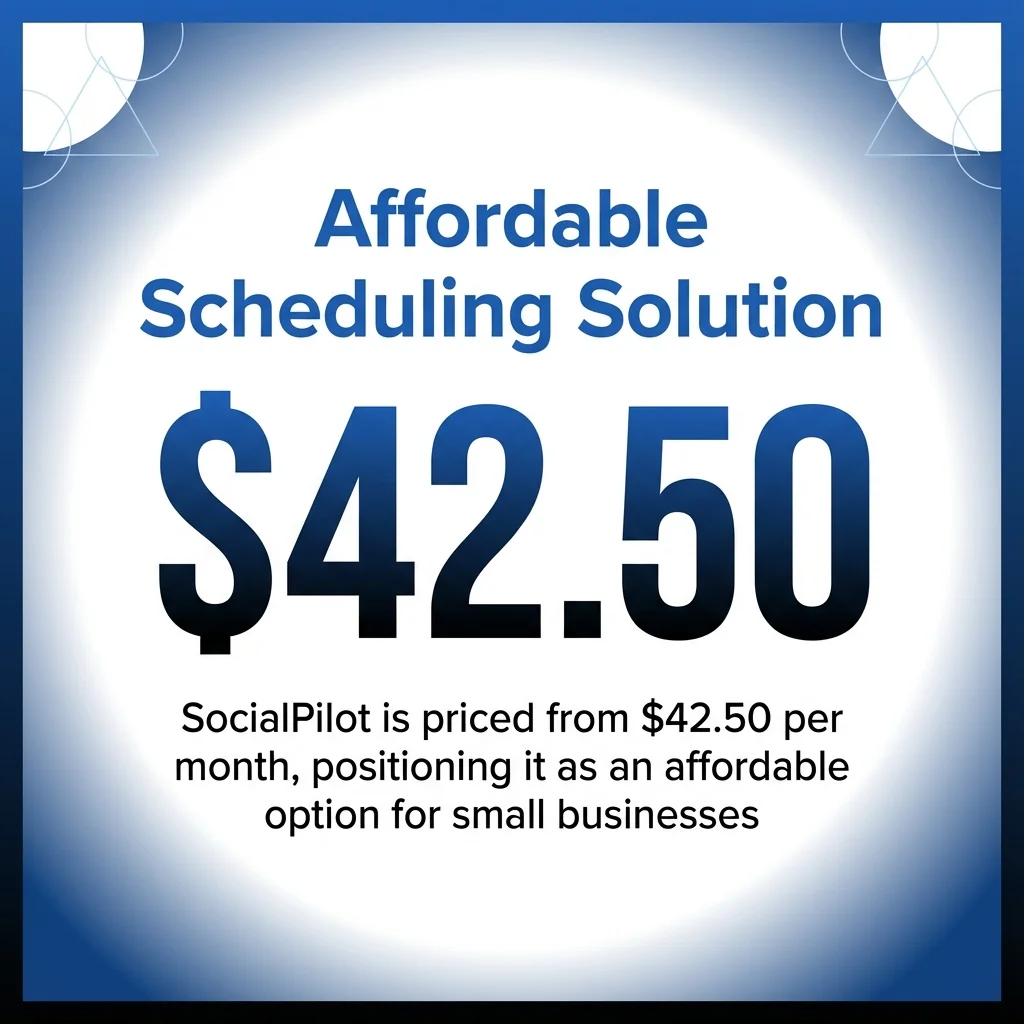
SocialPilot is priced from $42.50 per month, positioning it as an affordable option for small businesses and solopreneurs. The platform provides bulk scheduling and a visual calendar for multiple social platforms.
Upload up to 500 posts at once using CSV files or the bulk uploader. This capability proves particularly valuable for content creators planning monthly video campaigns across Facebook, Instagram, TikTok, LinkedIn, and Twitter.
Key Features for Video Scheduling
- Bulk scheduling with CSV upload support
- Visual content calendar with multiple view options
- Client management features for agencies
- Basic analytics and reporting
- Browser extension for quick scheduling
Pros and Cons
Pros: Affordable pricing, excellent bulk scheduling, client management features, user-friendly interface, good customer support.
Cons: Analytics less detailed than premium tools, video editing features minimal, mobile app functionality limited.
Pricing
Professional plan at £25 per month for 25 social accounts. Small Team and Agency plans available up to £106 per month.
Test SocialPilot with their 14-day free trial.
#5 Planable: Collaborative Visual Planning
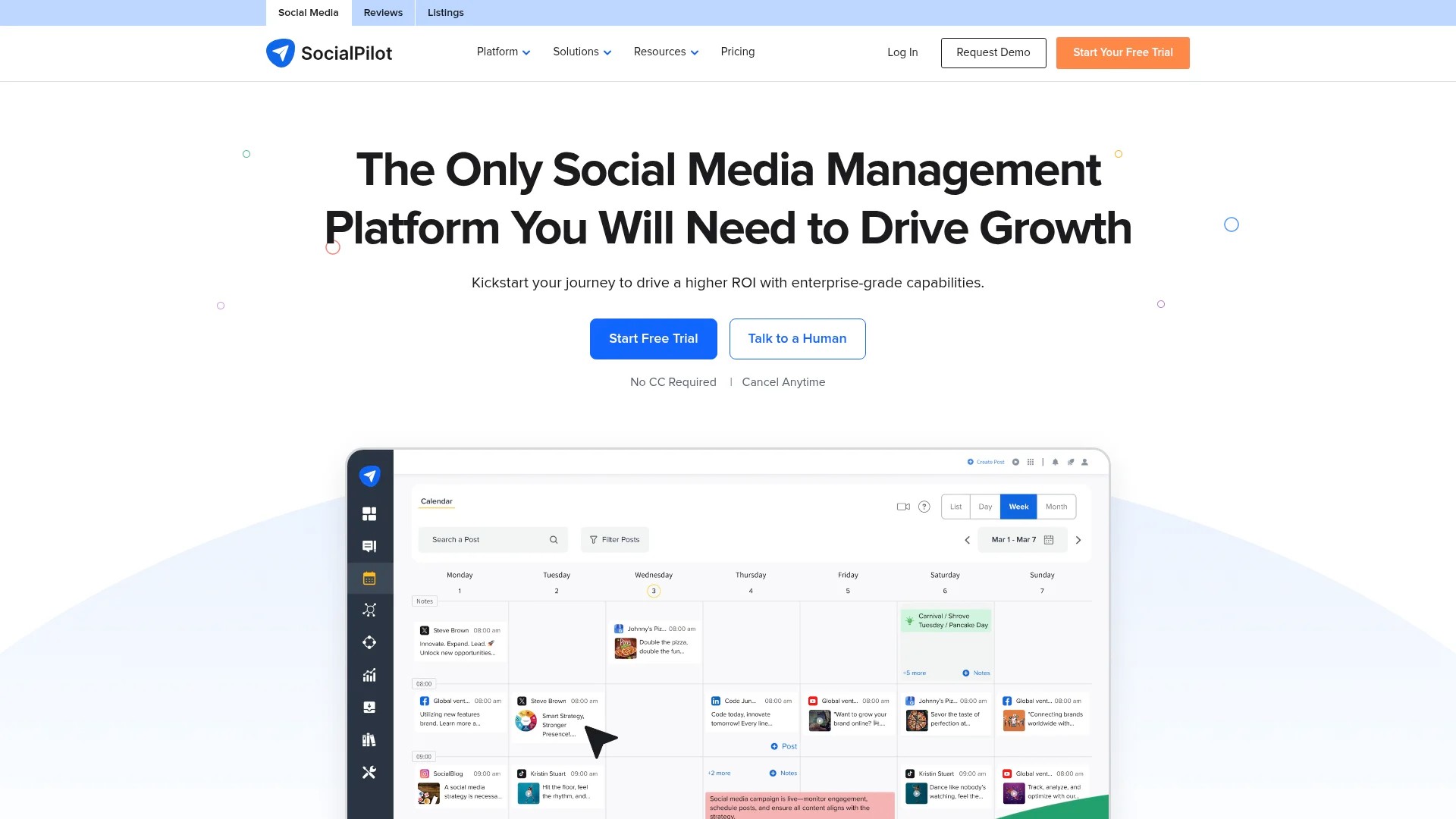
Planable supports batch posting and collaboration for multi-accounts across main social platforms, including a sync on/off feature. The platform’s visual grid layout resembles a magazine spread, helping teams visualise content flow.
The approval workflow lets marketing managers review scheduled videos before they go live. Team members can leave comments directly on scheduled posts, attach feedback to specific sections, and approve or request changes without email chains.
Key Features for Video Scheduling
- Visual grid and calendar view options
- Multi-level approval workflows
- Real-time collaboration with commenting
- Batch scheduling across platforms
- Version history for tracking changes
Pros and Cons
Pros: Intuitive visual interface, excellent collaboration tools, flexible approval workflows, responsive customer service, clean design.
Cons: Limited analytics capabilities, fewer platform integrations than competitors, higher price point for advanced features.
Pricing
Free plan for 50 posts. Essential plan at £9 per user per month. Premium plan at £17 per user per month adds advanced features.
Try Planable free for 50 posts or start a paid trial.
#6 Buffer: Simplified Scheduling for Small Teams
Buffer focuses on straightforward scheduling without overwhelming users with complex features. The platform supports Facebook, Instagram, Twitter, LinkedIn, and Pinterest with a clean interface that gets you scheduling videos in minutes.
The Pablo image editor helps create video thumbnails quickly. Buffer’s browser extension enables scheduling videos from anywhere online, turning content discovery into immediate action.
Key Features for Video Scheduling
- Simple queue-based scheduling system
- Browser extension for quick scheduling
- Basic analytics showing engagement metrics
- Pablo image editor for thumbnails
- RSS feed integration for automated sharing
Pros and Cons
Pros: Extremely user-friendly, quick setup, affordable pricing, reliable publishing, excellent for beginners.
Cons: Limited advanced features, basic analytics, fewer collaboration tools, no content approval workflows.
Pricing
Free plan for 3 channels. Essentials plan at £5 per month per channel. Team and Agency plans available for larger operations.
Start with Buffer’s free plan or 14-day trial.
#7 Later: Visual-First Instagram Scheduling
Later excels at visual content scheduling for imagery-heavy platforms. The drag-and-drop visual planner shows exactly how your Instagram grid will look, helping maintain aesthetic consistency.
The platform auto-publishes to Instagram, Facebook, Twitter, Pinterest, TikTok, and LinkedIn. Its media library stores video assets with tags and search functionality for quick retrieval.
Key Features for Video Scheduling
- Visual Instagram grid planner
- Auto-publishing to Instagram Business accounts
- Media library with search and tagging
- Hashtag suggestions based on content
- Best time to post recommendations
Pros and Cons
Pros: Beautiful visual interface, excellent Instagram features, user-friendly, good free plan, helpful posting time suggestions.
Cons: Features skew heavily towards Instagram, analytics less comprehensive, limited team collaboration tools.
Pricing
Free plan for 1 social set (1 of each platform). Starter plan at £15 per month for 1 social set. Growth plan at £30 per month adds more posts and profiles.
Explore Later with their free plan.
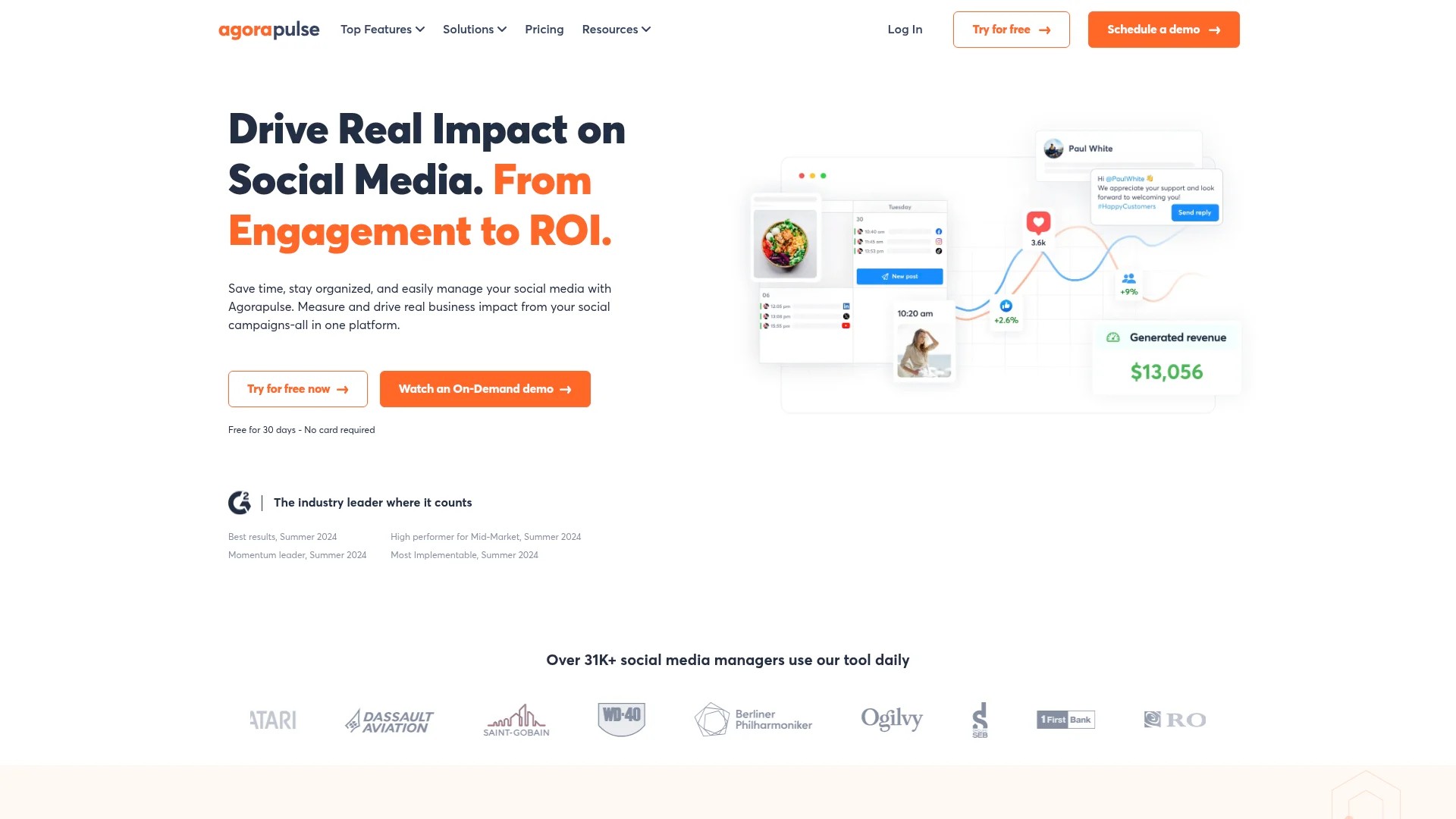
#8 Agorapulse: Engagement-Focused Scheduling
Agorapulse emphasises collaboration and engagement tools alongside scheduling. The unified social inbox consolidates comments, messages, and mentions across Facebook, Instagram, Twitter, LinkedIn, and YouTube.
Assign incoming messages to team members, mark conversations as resolved, and track response times. This engagement-first approach ensures scheduled videos receive prompt attention when audiences interact.
Key Features for Video Scheduling
- Unified social inbox for all platforms
- Publishing queue with optimal timing
- Team collaboration with assignment features
- Detailed analytics and custom reports
- Social listening for brand monitoring
Pros and Cons
Pros: Excellent engagement tools, comprehensive inbox management, strong analytics, good team features, responsive support.
Cons: Higher price point, learning curve for full feature set, mobile app less polished.
Pricing
Free plan for 3 social profiles. Standard plan at £79 per month for 10 profiles. Professional and Advanced plans scale to £199 and £299 monthly.
Try Agorapulse free for 3 profiles or start a 30-day trial.
#9 Sendible: Agency-Specific Automation
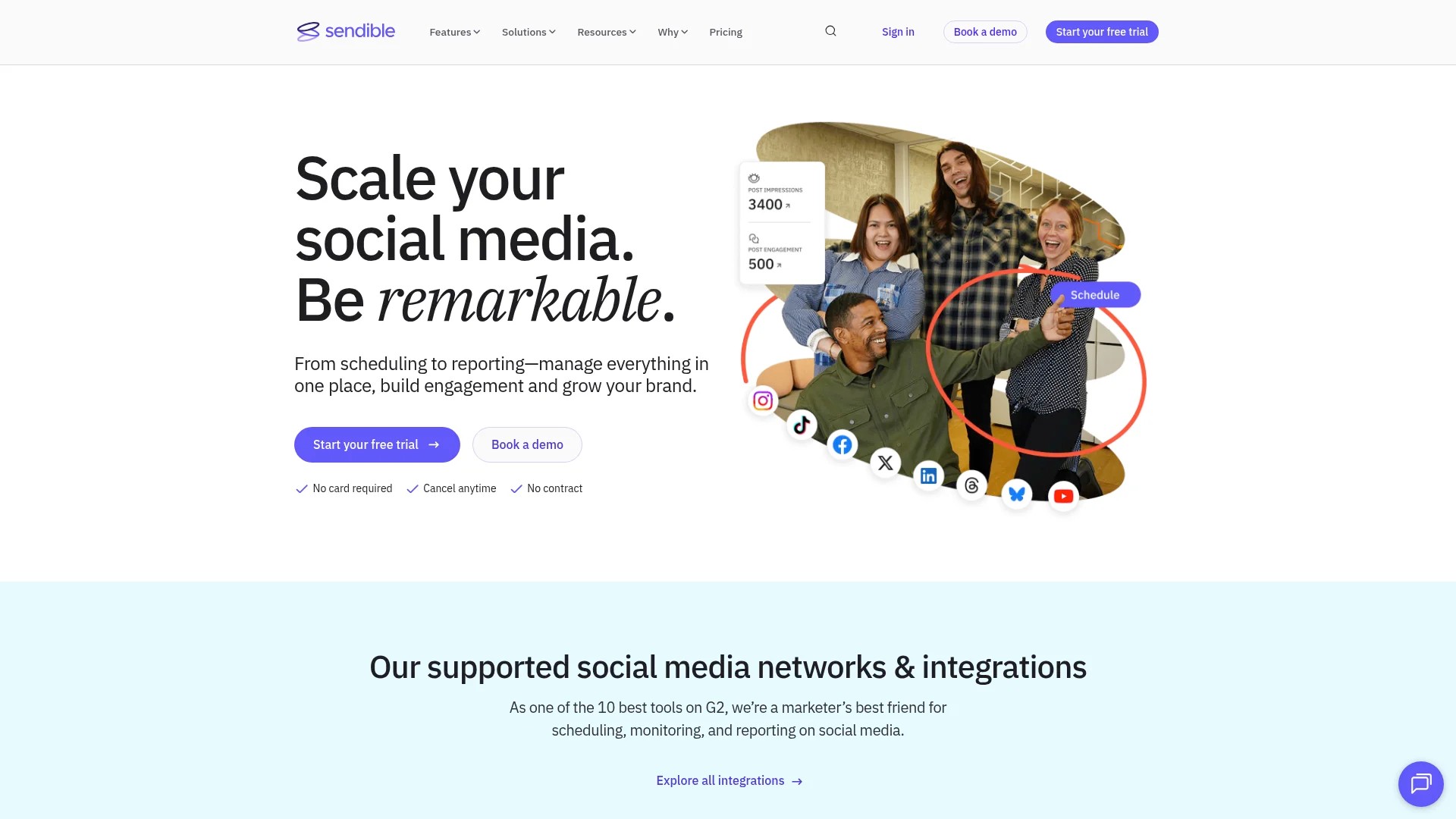
Sendible targets agencies with tailored automation features. The platform handles scheduling across Facebook, Instagram, Twitter, LinkedIn, YouTube, Pinterest, Google My Business, and TikTok.
Create content workflows that automatically publish videos based on triggers. Set up client-specific dashboards with white-label branding for professional presentations.
Key Features for Video Scheduling
- White-label dashboards for client reporting
- Content workflows and automation rules
- Bulk scheduling with queue management
- Client approval workflows
- Custom branded reports
Pros and Cons
Pros: Excellent agency features, white-label options, strong automation, good client management, comprehensive platform support.
Cons: Pricing higher than alternatives, interface can feel cluttered, learning curve for advanced features.
Pricing
Creator plan at £25 per month for 6 profiles. Traction plan at £76 per month for 24 profiles. Scale and Expansion plans available for agencies.
Test Sendible with a 14-day free trial.
#10 CoSchedule: Marketing Calendar Integration
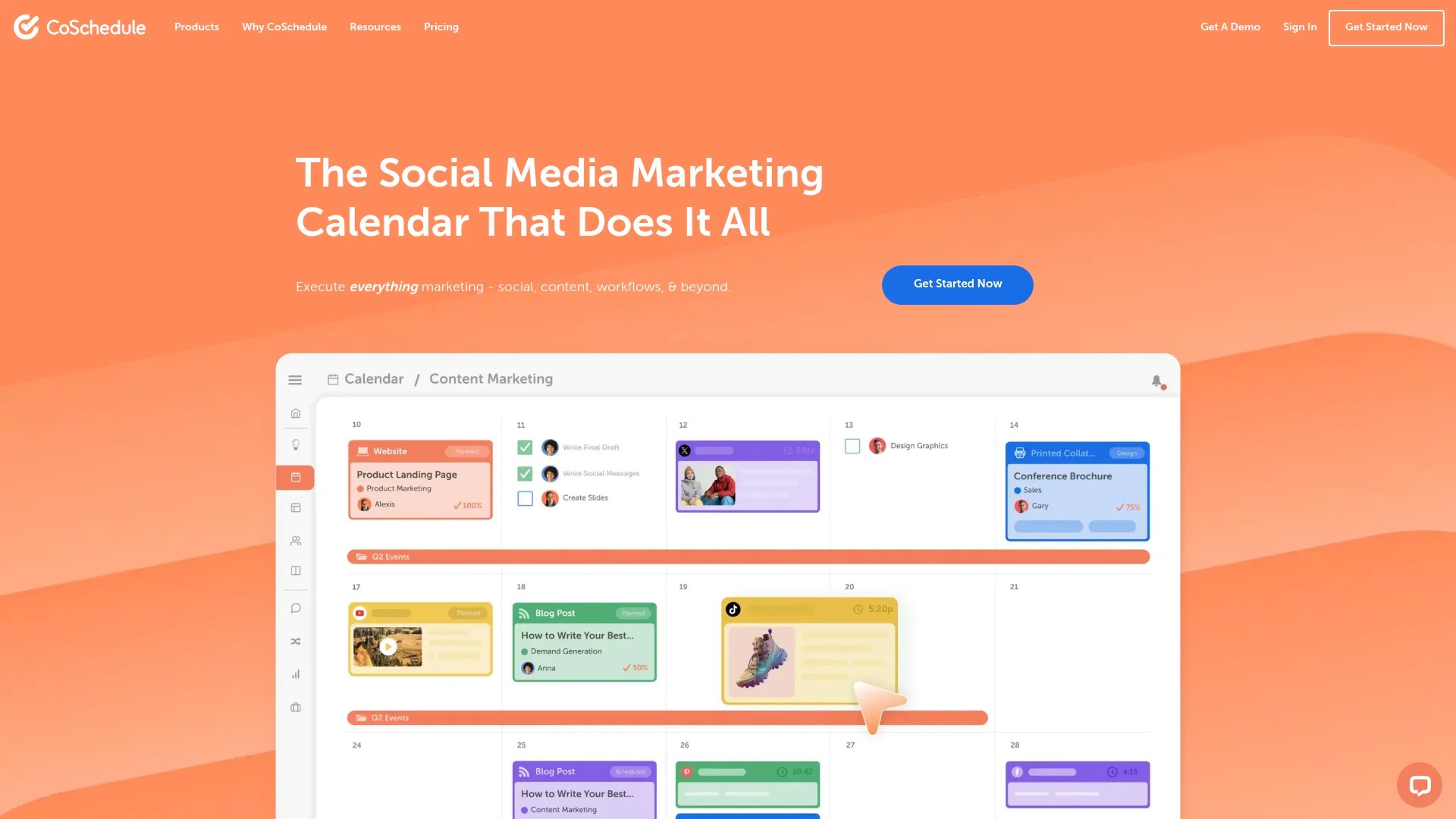
CoSchedule integrates calendar software for simultaneous publishing to social media, including AI content editing. The platform connects content marketing efforts with social video distribution.
Plan blog posts, email campaigns, and video releases in one unified calendar. Schedule social videos to promote blog content automatically when articles publish.
Key Features for Video Scheduling
- Unified marketing calendar view
- AI-powered content editing assistance
- Automated social campaigns tied to content
- Team collaboration and task management
- ReQueue feature for evergreen content
Pros and Cons
Pros: Comprehensive marketing integration, AI editing tools, excellent for content marketers, strong automation, good analytics.
Cons: Higher price point, features beyond social scheduling may be unnecessary for some users, steeper learning curve.
Pricing
Social Calendar starts at £19 per user per month. Marketing Suite pricing varies based on team size and needs.
Explore CoSchedule with a free trial.
#11 Publer: AI-Powered Affordable Scheduling
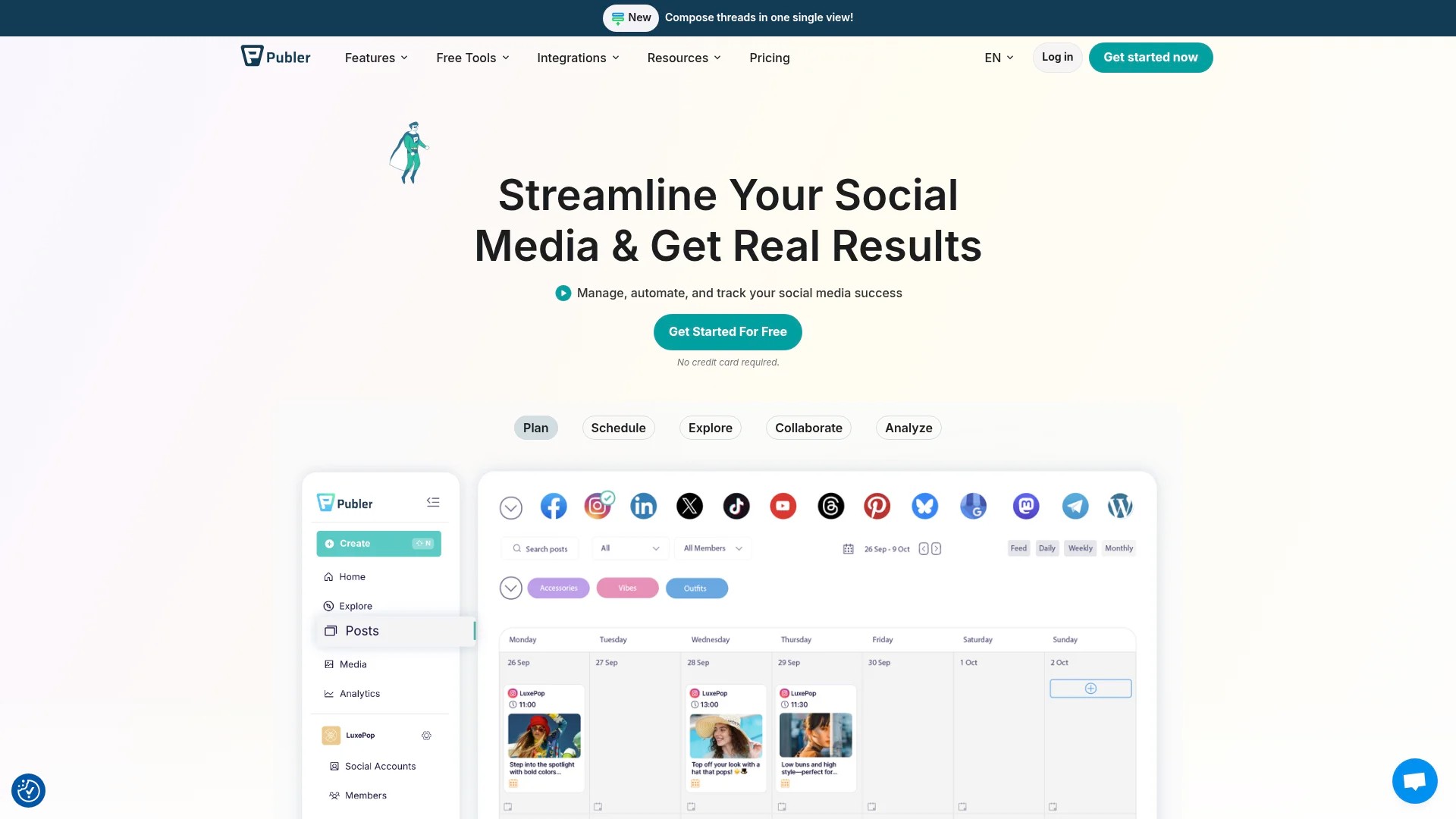
Publer provides affordable AI-powered scheduling for content management. The platform supports Facebook, Instagram, Twitter, LinkedIn, Pinterest, YouTube, TikTok, and Google My Business.
AI tools suggest captions, hashtags, and optimal posting times. The bulk scheduler handles hundreds of videos at once, whilst the calendar view keeps everything organised.
Key Features for Video Scheduling
- AI caption and hashtag generation
- Bulk scheduling capabilities
- Browser extension for quick scheduling
- Analytics across all platforms
- Recycling feature for evergreen videos
Pros and Cons
Pros: Very affordable, AI features save time, good bulk scheduling, user-friendly interface, responsive support.
Cons: Analytics less detailed than premium tools, collaboration features basic, fewer integrations.
Pricing
Free plan for 3 social accounts. Professional plan at £8 per month for 5 accounts. Business plan at £17 per month for 10 accounts.
Try Publer with their free plan.
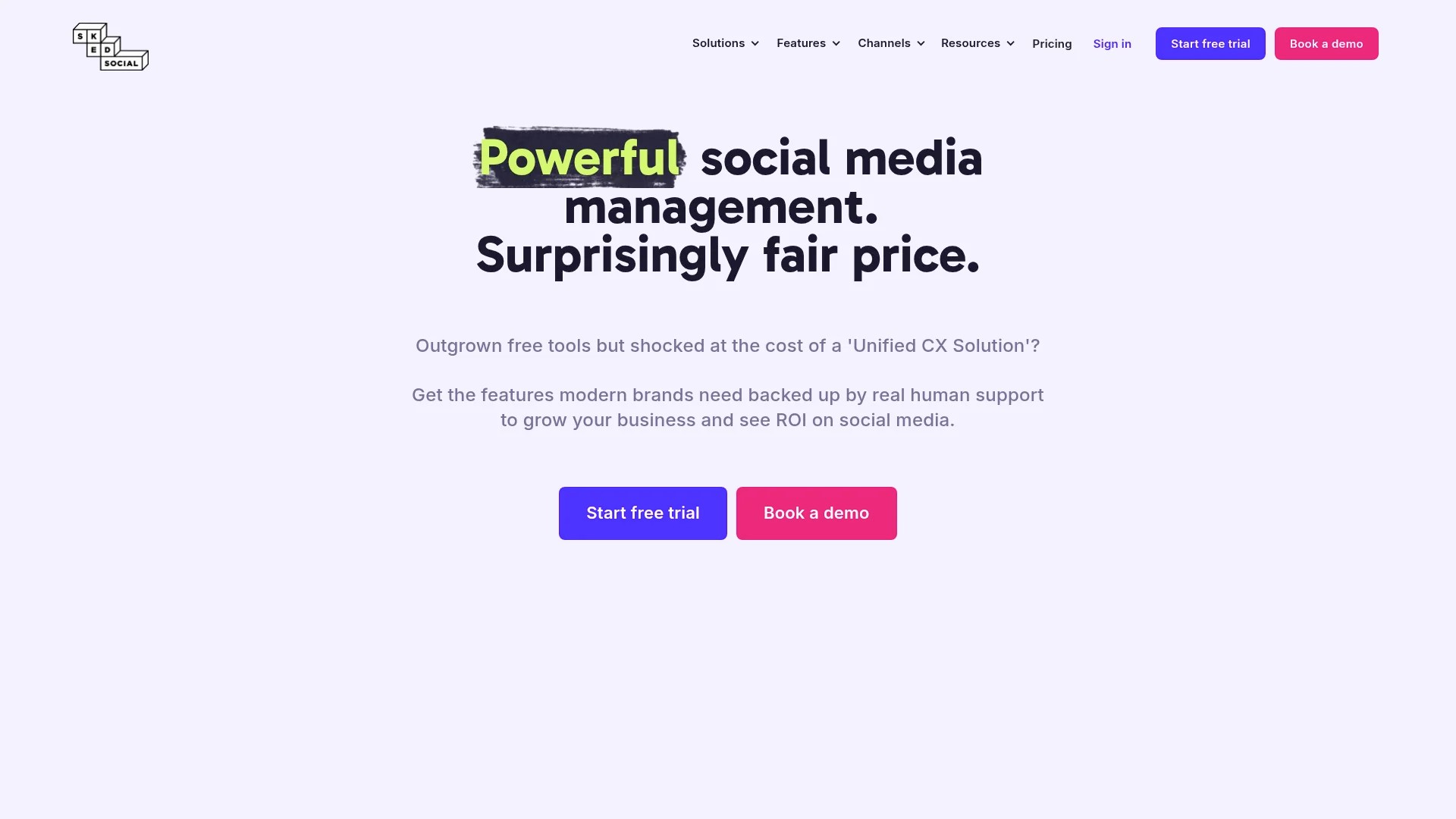
#12 Sked Social: Instagram-Specialised Automation
Sked Social specialises in Meta platforms like Instagram with AI-optimised planning. The platform auto-publishes Instagram posts, stories, and reels without notifications.
The Instagram-first design includes hashtag management, first comment scheduling, and grid preview. Extend to Facebook, LinkedIn, Twitter, and Google My Business as needed.
Key Features for Video Scheduling
- True auto-publishing for Instagram
- First comment scheduling for hashtags
- Instagram Stories and Reels support
- AI-powered caption suggestions
- User-generated content management
Pros and Cons
Pros: Excellent Instagram features, true auto-publishing, user-friendly, good content library, responsive customer service.
Cons: Features limited outside Instagram, pricing increases with profiles, analytics basic.
Pricing
Fundamentals plan at £21 per month for 1 Instagram account. Essentials plan at £63 per month for 4 accounts.
Start with Sked Social’s 7-day free trial.
#13 StatusBrew: Customisable Reporting Metrics
StatusBrew features a shareable scheduling calendar with customisable reporting metrics. The platform serves teams needing detailed performance tracking across Facebook, Instagram, Twitter, LinkedIn, YouTube, and Google My Business.
Build custom reports showing exactly the metrics your stakeholders care about. Share reports automatically via email or white-label client portals.
Key Features for Video Scheduling
- Customisable analytics dashboards
- Shareable content calendar
- Advanced team workflows
- Competitor analysis tools
- White-label reporting
Pros and Cons
Pros: Highly customisable reports, good team features, competitor tracking, strong analytics, excellent for agencies.
Cons: Higher pricing tier, interface can feel complex, learning curve for custom reports.
Pricing
Plans start at £79 per user per month. Custom enterprise pricing available for larger teams.
Try StatusBrew with a free trial.

#14 Loomly: Brand-Focused Content Calendar
Loomly emphasises brand-focused content calendars with post ideas and optimisation tips. The platform suggests content based on trending topics, events, and dates relevant to your industry.
Schedule videos to Facebook, Instagram, Twitter, LinkedIn, Pinterest, YouTube, TikTok, and Google My Business. The calendar shows all content at a glance with colour-coding by platform or campaign.
Key Features for Video Scheduling
- Post idea suggestions based on trends
- Optimisation tips for each platform
- Approval workflows for team review
- Advanced analytics dashboard
- Automated publishing calendar
Pros and Cons
Pros: Helpful content suggestions, good optimisation tips, user-friendly, strong approval workflows, responsive support.
Cons: Pricing per user adds up, analytics less detailed than competitors, limited bulk scheduling.
Pricing
Base plan at £26 per month for 2 users and 10 accounts. Standard plan at £59 per month for 6 users and 20 accounts.
Explore Loomly with a 15-day free trial.
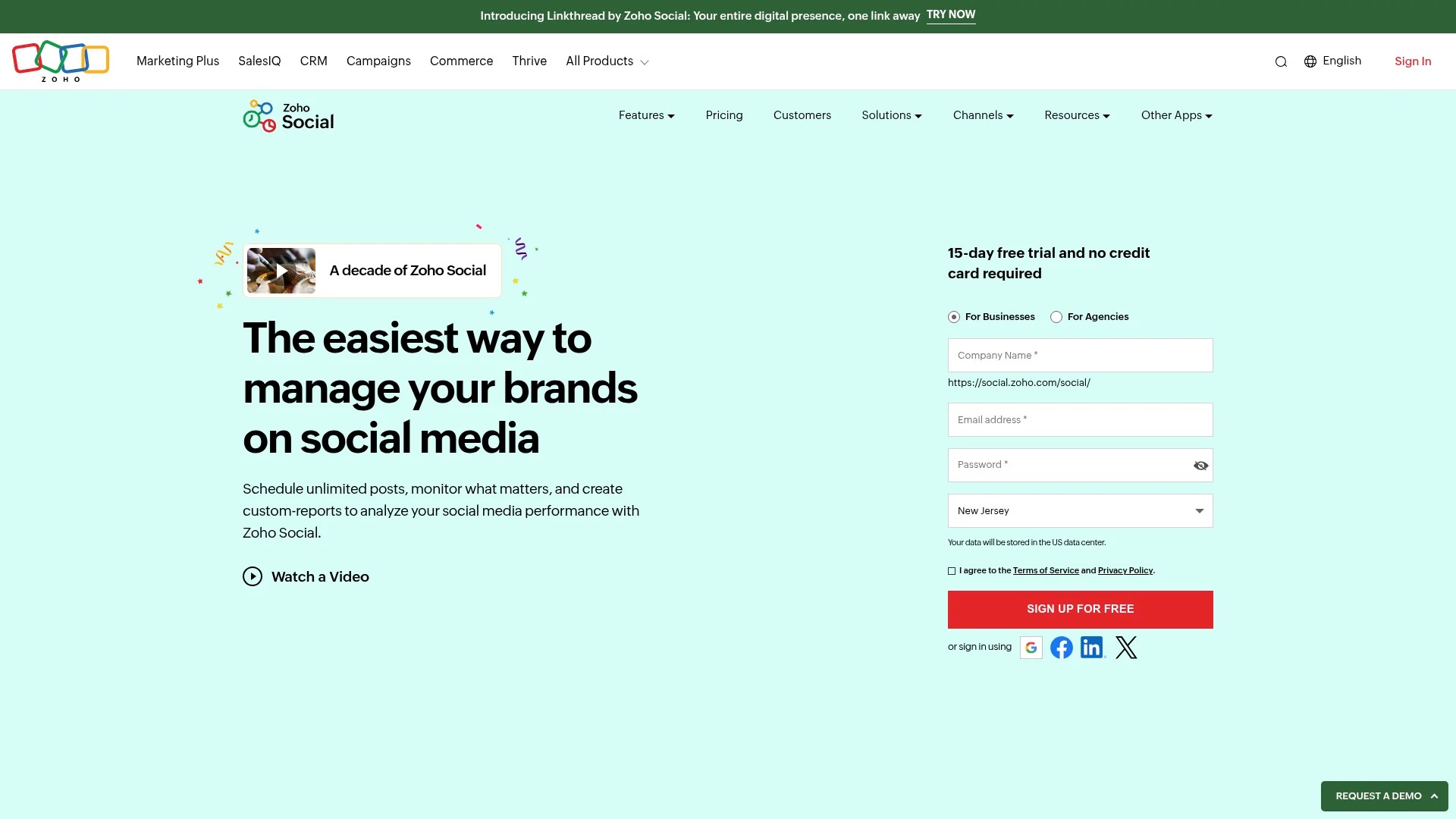
#15 Zoho Social: CRM-Integrated Scheduling
Zoho Social integrates with the broader Zoho CRM ecosystem. Teams already using Zoho tools benefit from seamless data flow between customer management and social scheduling.
Schedule videos across Facebook, Instagram, Twitter, LinkedIn, YouTube, and Google My Business. Track leads generated from social campaigns directly in your CRM.
Key Features for Video Scheduling
- Integration with Zoho CRM suite
- SmartQ scheduling for optimal times
- Social listening and monitoring
- Team collaboration features
- Custom reports and analytics
Pros and Cons
Pros: Excellent CRM integration, affordable pricing, good analytics, SmartQ feature helpful, strong customer support.
Cons: Features limited compared to dedicated tools, interface less modern, best suited for existing Zoho users.
Pricing
Standard plan at £8 per month per brand. Professional plan at £20 per month adds advanced features.
Try Zoho Social with a 15-day free trial.
#16 eClincher: All-in-One Social Management
eClincher offers comprehensive social management with scheduling, inbox management, and analytics. The platform supports Facebook, Instagram, Twitter, LinkedIn, YouTube, Pinterest, Google My Business, and TikTok.
Auto-posting with queues keeps your content flowing. The unified inbox handles all comments and messages. Publishing suggestions recommend optimal times based on audience activity.
Key Features for Video Scheduling
- Comprehensive platform support
- Unified social inbox
- Auto-posting queues
- Media library with organisation
- Detailed analytics dashboard
Pros and Cons
Pros: All-in-one solution, good inbox management, strong analytics, helpful auto-posting, responsive support.
Cons: Higher price point, learning curve for full features, interface can feel busy.
Pricing
Basic plan at £50 per month for 10 profiles. Premier plan at £100 per month for 20 profiles.
Test eClincher with a 14-day free trial.

#17 Crowdfire: Cross-Platform Content Curation
Crowdfire combines scheduling with content curation. The platform suggests articles, images, and videos to share alongside your original content.
Schedule posts to Facebook, Instagram, Twitter, LinkedIn, Pinterest, and YouTube. The Chrome extension lets you add content to your queue whilst browsing.
Key Features for Video Scheduling
- Content curation recommendations
- Automated posting schedules
- Chrome extension for quick adds
- Customisable posting times
- Basic analytics tracking
Pros and Cons
Pros: Helpful content suggestions, affordable pricing, easy to use, good browser extension, free plan available.
Cons: Analytics basic, fewer advanced features, collaboration tools limited.
Pricing
Free plan for 3 accounts. Plus plan at £7.48 per month for 5 accounts. Premium plan at £37.48 per month for 10 accounts.
Start with Crowdfire’s free plan.
#18 MeetEdgar: Evergreen Content Automation
MeetEdgar specialises in evergreen content automation. The platform continuously recycles your best-performing videos, keeping your social feeds active without constant new content creation.
Organise videos into categories, set posting schedules, and let MeetEdgar automatically pull from your library. Update content once and it circulates indefinitely.
Key Features for Video Scheduling
- Category-based content library
- Automatic content recycling
- Variation creation for repeated posts
- Unlimited scheduling
- Performance tracking
Pros and Cons
Pros: Excellent for evergreen content, saves time with recycling, unique approach, good for thought leaders, easy to use.
Cons: Limited platform support, analytics basic, collaboration features minimal, pricing higher than alternatives.
Pricing
Eddie plan at £20 per month for 5 social accounts. Edgar plan at £39 per month for 25 accounts.
Try MeetEdgar with a 7-day free trial.
Choosing the Right Multi-Platform Video Scheduler
Selecting the right scheduling tool depends on your specific requirements. Consider these factors when evaluating options.
Platform Support Requirements
List every platform where you publish video content. Some schedulers excel at Instagram and Facebook but lack TikTok or YouTube support. Others handle 10+ platforms but with varying feature quality.
Check whether each scheduler supports your exact platform mix. Verify that support includes video content specifically, not just images and text.
Team Size and Collaboration Needs
Solo creators need different features than marketing teams or agencies. Single-user plans prioritise simplicity and affordability. Team plans add approval workflows, role assignments, and activity tracking.
Agencies require client management features, white-label reporting, and permission controls. Evaluate collaboration tools based on how many people will access the scheduler.
Budget Considerations
Free plans work for testing and small-scale operations. Most offer 3-5 social accounts with basic scheduling.
Paid plans range from £5 to £200+ per month. Budget-friendly options like SocialPilot and Publer deliver solid features at lower price points. Enterprise tools like Sprout Social justify higher costs with advanced analytics and team features.
Calculate per-user costs for team plans. Some charge per user whilst others offer unlimited users at flat rates.
Analytics and Reporting Depth
Basic analytics show likes, comments, and shares. Advanced analytics include engagement rates, optimal posting times, audience demographics, and ROI tracking.
Determine which metrics matter for your strategy. Teams reporting to stakeholders need customisable dashboards and white-label reports. Solo creators might prioritise simplicity over detailed analytics.
Content Planning Features
Visual calendars help plan content flow across platforms. Drag-and-drop interfaces simplify rescheduling. Content categories and queues automate distribution.
Bulk scheduling saves time when planning campaigns. CSV uploads and batch processing handle months of content in minutes.
Media libraries organise video assets with tags and search. Integration with Canva, Unsplash, or GIPHY streamlines content creation.
Automation Capabilities
Evergreen content recycling keeps feeds active without constant manual work. RSS feed integration shares blog videos automatically. Cross-posting publishes one video to multiple platforms simultaneously.
Optimal timing features analyse audience activity and schedule posts when engagement peaks. Queue-based systems maintain consistent posting schedules without daily attention.
Platform-Specific Features
Instagram requires first comment scheduling for hashtags, story support, and grid preview. TikTok needs direct uploading without notifications. YouTube demands video descriptions and tag management.
Verify that platform-specific features you need are included. Some schedulers support platforms technically but lack key features that make them practical.
Multi-Platform Video Scheduling Best Practices
Implementing effective multi-platform scheduling requires more than choosing the right tool. These practices maximise results.
Create Platform-Specific Versions
Resist the urge to post identical videos everywhere. Instagram favours vertical 9:16 format. YouTube thrives on horizontal 16:9. TikTok expects mobile-optimised content with quick hooks.
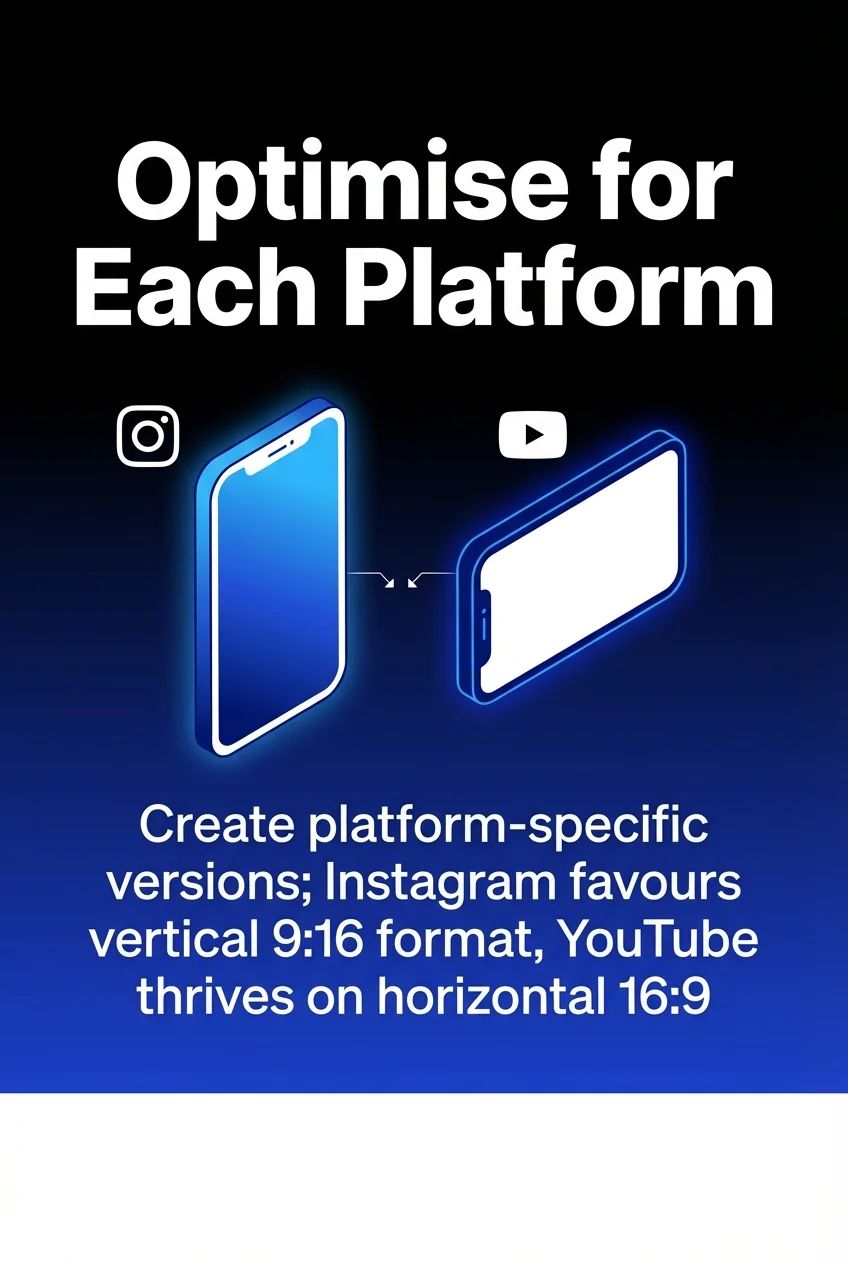
Edit videos to match platform specs. Adjust captions for character limits and audience expectations. LinkedIn audiences prefer professional language whilst TikTok skews casual.
Schedule for Platform-Specific Peak Times
Each platform’s audience has different activity patterns. Research shows Facebook engagement peaks weekday afternoons. Instagram sees strong evening engagement. LinkedIn performs best during work hours on weekdays.
Use your scheduler’s analytics to identify when your specific audience engages most. Test different posting times and measure results. Schedule videos for maximum visibility rather than posting convenience.
Maintain Consistent Branding Across Platforms
Your visual identity should remain recognisable across all platforms. Use consistent colour schemes, fonts, and logo placement in video thumbnails.
Adapt branding elements to platform formats without losing brand recognition. Someone seeing your content on Instagram and LinkedIn should immediately connect both to your brand.
Batch Content Creation and Scheduling
Dedicate specific days to filming and editing videos. Schedule entire campaigns at once rather than posting daily.
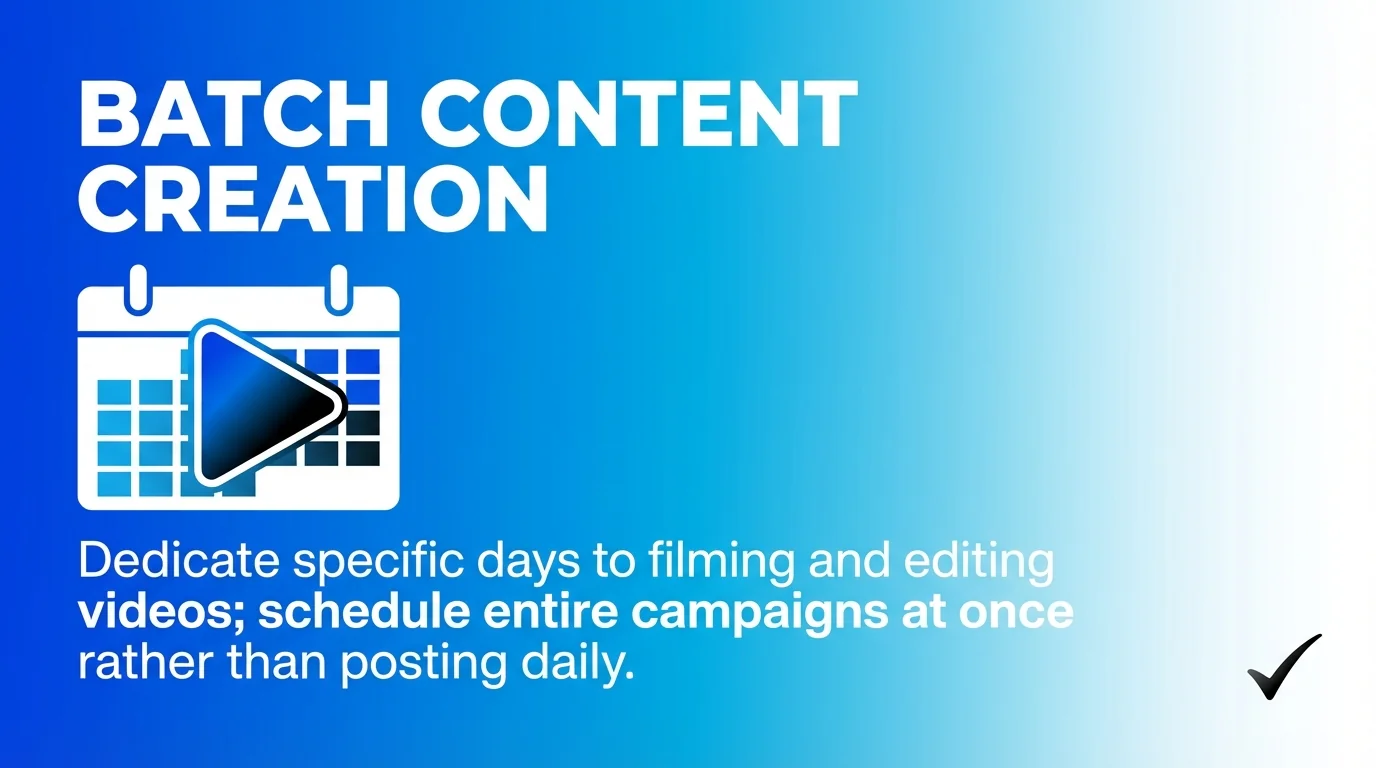
Batching reduces mental overhead and maintains consistency. Film five videos in one session, edit them together, and schedule across platforms for the month.
Monitor and Respond Across Platforms
Scheduling content is only half the job. Monitor comments, messages, and mentions across all platforms.
Use your scheduler’s unified inbox to respond quickly. Engagement signals algorithm favourability. Quick responses build community and increase reach.
Track Performance and Adjust Strategy
Review analytics weekly or monthly. Identify which video types perform best on each platform. Note patterns in engagement rates, view duration, and conversion metrics.
Adjust content strategy based on data. Double down on what works. Test new approaches for underperforming platforms.
Plan Content Themes in Advance
Create content calendars mapping video themes across platforms. Plan product launches, seasonal campaigns, and educational series months ahead.
Advance planning enables better storytelling. Multi-part video series build anticipation. Cross-platform campaigns reinforce messages through repetition.
Common Multi-Platform Scheduling Challenges
Even with excellent tools, obstacles arise. Understanding common challenges helps overcome them.
Platform Policy Changes
Social platforms regularly update APIs and posting requirements. Schedulers must adapt or lose functionality.
Choose schedulers with strong platform relationships and quick update cycles. Read their changelog regularly. Join user communities to stay informed about changes.
Video Format and Size Limitations
Each platform enforces different file size limits and format requirements. Instagram caps videos at 60 seconds for feed posts. TikTok allows up to 10 minutes. YouTube handles hours-long uploads.
Prepare multiple versions of videos before uploading to schedulers. Keep master files at highest quality. Export platform-specific versions optimised for each destination.
Time Zone Management for Global Audiences
Audiences span multiple time zones. Scheduling for 2pm means different things in London, New York, and Sydney.
Configure your scheduler to accommodate primary audience locations. Schedule the same video multiple times at hours optimised for different regions.
Maintaining Content Quality Under Volume
Posting frequently across platforms can lead to rushed, lower-quality videos. Quantity shouldn’t compromise quality.
Set realistic posting schedules. Better to publish three excellent videos weekly than seven mediocre ones. Use content recycling features to maintain presence without constant creation.
Team Coordination and Approval Bottlenecks
Multi-person teams create coordination challenges. Approval workflows slow publishing if not managed well.
Establish clear approval processes. Set deadlines for review. Use scheduler features to assign tasks and track status. Communication tools within schedulers keep feedback centralised.
Getting Started with Your First Multi-Platform Schedule
Begin your multi-platform scheduling journey with these practical first steps.
Audit Your Current Video Content
Gather all existing video content. Organise by topic, format, and performance. Identify evergreen content suitable for recycling.
Note which platforms you’ve used and which remain untapped. Assess current posting frequency and consistency. This baseline shows where scheduling improvements will help most.
Connect Your Social Accounts
Most schedulers require platform authorisation. Connect each account through OAuth or platform-specific integration.
Verify that connections grant necessary permissions. Some platforms require business accounts for auto-publishing. Upgrade personal accounts where needed.
Build Your First Week’s Schedule
Start small. Schedule one week of content across your key platforms. Use existing videos rather than creating everything fresh.
Space posts appropriately for each platform. Test the scheduling interface. Verify that videos appear correctly in previews. Check posting times align with your time zone.
Create Posting Templates
Develop caption templates for each platform. Include standard elements like hashtags, CTAs, and brand messaging.
Templates save time whilst maintaining consistency. Customise each post whilst using templates as foundations. Store templates in your scheduler’s content library.
Set Up Analytics Tracking
Configure your scheduler’s analytics dashboard to track relevant metrics. Set benchmark goals for engagement rates, views, and conversions.
Schedule weekly time to review performance data. Document learnings in a spreadsheet or notes app. Use insights to refine future content.
Find detailed guidance on social media automation tools for comprehensive workflow improvement.
Establish Review Cycles
Create recurring calendar events for content planning, creation, and review. Batch planning monthly. Schedule creation bi-weekly. Review performance weekly.
Consistent cycles prevent last-minute scrambling. They build content inventories that buffer against creative dry spells.
Advanced Multi-Platform Video Strategies
Once basic scheduling works smoothly, implement advanced tactics to maximise results.
Cross-Platform Storytelling
Tell cohesive stories across multiple platforms. Tease content on Instagram Stories. Post the full video on YouTube. Share highlights on LinkedIn.
Each platform plays a specific role in your narrative. Drive audiences between platforms to deepen engagement. Use schedulers to coordinate timing across this multi-platform journey.
Platform-Specific Content Variants
Create multiple edits of the same core video. A 5-minute YouTube tutorial becomes 60-second Instagram Reels, 30-second TikTok clips, and 15-second Twitter videos.
Schedule all variants simultaneously to maximise reach. Each platform’s algorithm treats them as unique content. Audiences rarely see every platform, so repurposing reaches different segments.
Learn more about scheduling short-form videos efficiently for platform-specific approaches.
A/B Testing Video Elements
Test different thumbnails, captions, and posting times. Schedule identical videos with single variable changes.
Measure which variants drive better engagement. Apply learnings to future content. Most schedulers track performance by post, enabling detailed comparison.
Seasonal Campaign Planning
Plan major campaigns months ahead. Schedule teaser videos leading to launches. Coordinate announcements across all platforms for maximum impact.
Use content calendars to visualise campaign flow. Adjust timing based on platform-specific peak seasons. Retail brands schedule differently than B2B services.
Influencer and User-Generated Content Integration
Collect video content from customers, partners, and influencers. Schedule user-generated content alongside branded videos.
UGC adds authenticity and variety. Schedule permissions before posting. Tag contributors to encourage sharing. Most schedulers support media libraries for organising external content.
Explore strategies for social media videos that drive engagement across platforms.
Measuring Multi-Platform Video Success
Success metrics vary by platform and business goals. Track these key indicators.
Engagement Rate
Calculate engagement rate by dividing total interactions by reach. Higher engagement indicates content resonates with audiences.
Compare engagement rates across platforms. Some platforms naturally generate higher engagement. Track trends over time rather than absolute numbers.
View Duration and Completion Rate
Platforms reward videos that hold attention. YouTube prioritises watch time. TikTok favours completion rate.
Analyse where viewers drop off. Edit future videos to maintain engagement through weak points. Shorter videos often achieve higher completion rates.
Click-Through Rate on CTAs
Track how many viewers take desired actions. Clicks to websites, product pages, or other content show effectiveness beyond vanity metrics.
Test different CTA placements and wording. Schedule variants to compare performance. Optimise based on data.
Cross-Platform Attribution
Understand how different platforms contribute to conversions. Someone might discover your brand on TikTok but convert via LinkedIn.
Use UTM parameters in links. Track customer journey touchpoints. Attribute value appropriately across platforms rather than crediting only last-click.
Content Library Performance
Identify your best-performing videos. Schedule these for recycling to maximise ROI from content creation efforts.
Evergreen content maintains value indefinitely. Seasonal content performs well annually. Archive underperforming content or repurpose with improvements.
See how to optimise social media content calendars for 2025 with data-driven planning.
Future Trends in Multi-Platform Video Scheduling
The scheduling landscape continues progressing. Stay ahead by understanding emerging trends.
AI-Powered Caption and Hashtag Generation
More schedulers integrate AI writing assistants. These tools generate platform-optimised captions, suggest relevant hashtags, and adjust tone for different audiences.
AI reduces time spent on caption writing. Quality varies by tool. Review AI suggestions before publishing. Use them as starting points rather than final copy.
Advanced Video Editing Within Schedulers
Some platforms now offer video editing capabilities. Trim clips, add text overlays, and create platform-specific versions without external software.
In-app editing streamlines workflows. Expect more schedulers to add editing features. This consolidation reduces tool switching.
Predictive Analytics and Recommendations
Machine learning analyses your historical performance. Systems recommend optimal posting times, content types, and platforms for specific messages.
Predictive features help less experienced marketers make data-informed decisions. They surface patterns humans might miss in large datasets.
Enhanced E-Commerce Integration
Schedulers increasingly connect to e-commerce platforms. Tag products in videos. Track sales attributed to specific posts. Schedule promotional videos tied to inventory levels.
Social commerce grows rapidly. Tools that bridge content and commerce gain competitive advantage. Expect deeper integration between scheduling and selling.
Improved Multi-Platform Analytics
Cross-platform analytics remain fragmented. Future tools will better aggregate data, normalise metrics across platforms, and provide unified performance views.
Comprehensive analytics help marketers allocate resources effectively. They show which platforms deserve more investment and which underperform.
Take Control of Your Multi-Platform Video Strategy
Multi-platform video scheduling transforms scattered posting into strategic content distribution. The right tool saves hours weekly, maintains consistent visibility, and provides data to refine your approach.
Start by evaluating your platform mix and team requirements. Test free trials from schedulers that support your specific needs. Connect your accounts and schedule one week of content to learn the interface.
Build from there. Develop posting templates. Establish review cycles. Track performance metrics. Adjust based on what the data reveals.
The schedulers reviewed here all solve the core problem of multi-platform video distribution. Your choice depends on budget, team size, platform priorities, and feature requirements. Match those needs to tool capabilities, and you’ll find the right fit.
Discover additional insights on managing multiple social media accounts effectively.
The time invested in proper scheduling setup pays dividends. Consistent presence builds audiences. Strategic timing maximises engagement. Coordinated campaigns amplify messages across platforms.
Start scheduling your multi-platform video content today. Your future self will thank you when next month’s content sits ready to publish whilst you focus on strategy and engagement.