Managing multiple client accounts across different social platforms requires more than just good intentions. You need the right scheduling tool paired with proven workflows.
Whether you’re handling three clients or thirty, choosing a scheduling platform built for agency needs makes the difference between scattered chaos and streamlined efficiency. The best tools consolidate everything into one dashboard, eliminating the need to log into separate accounts for each client.
Agencies managing social content across multiple accounts require centralised solutions that streamline workflow without unnecessary complexity. This means finding platforms that balance powerful features with intuitive interfaces your team can actually use.
This guide covers 12 top scheduling tools designed for agencies, the essential features that matter most, pricing structures that scale with your business, and the practical workflows that keep client work organised. You’ll learn which platforms excel at collaboration, how to set up approval systems, and the best practices that save hours each week.
What Makes Agency Social Media Scheduling Different
Agency scheduling isn’t just personal social media management multiplied by clients. The complexity grows exponentially when you add client approval workflows, team collaboration, and brand consistency requirements across multiple accounts.
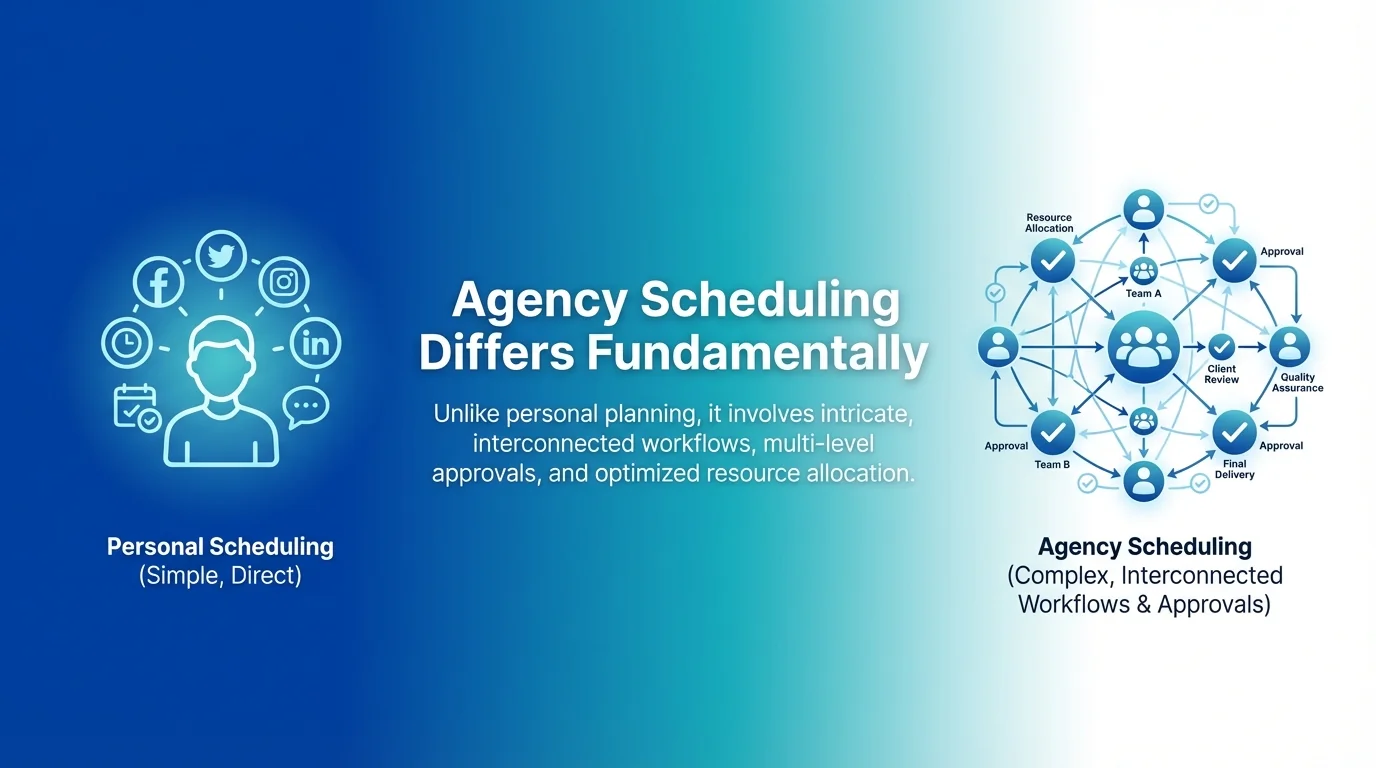
You’re juggling different brand voices, content calendars, and approval chains. One client might need three rounds of review whilst another trusts you to post directly. Some brands require visual grid previews for Instagram whilst others prioritise LinkedIn publishing.
Role-based permissions and approval systems are critical for agencies managing client accounts. Your intern shouldn’t have the same access level as your account director. The right platform enforces these boundaries automatically.
Client management features separate professional tools from consumer apps. Look for workspace separation, white-label reporting, and the ability to add clients without restructuring your entire account. These capabilities protect client confidentiality and maintain professional boundaries.
Essential Features Every Agency Scheduling Tool Needs
Multi-Platform Publishing Capabilities
Your clients expect presence across multiple channels. A comprehensive scheduling tool must support the platforms your clients actually use.
Effective agency scheduling tools must support visual scheduling across social platforms including Facebook, Instagram, Twitter (X), LinkedIn, Pinterest, TikTok, and YouTube. Missing even one platform forces you to maintain separate tools, defeating the purpose of consolidation.
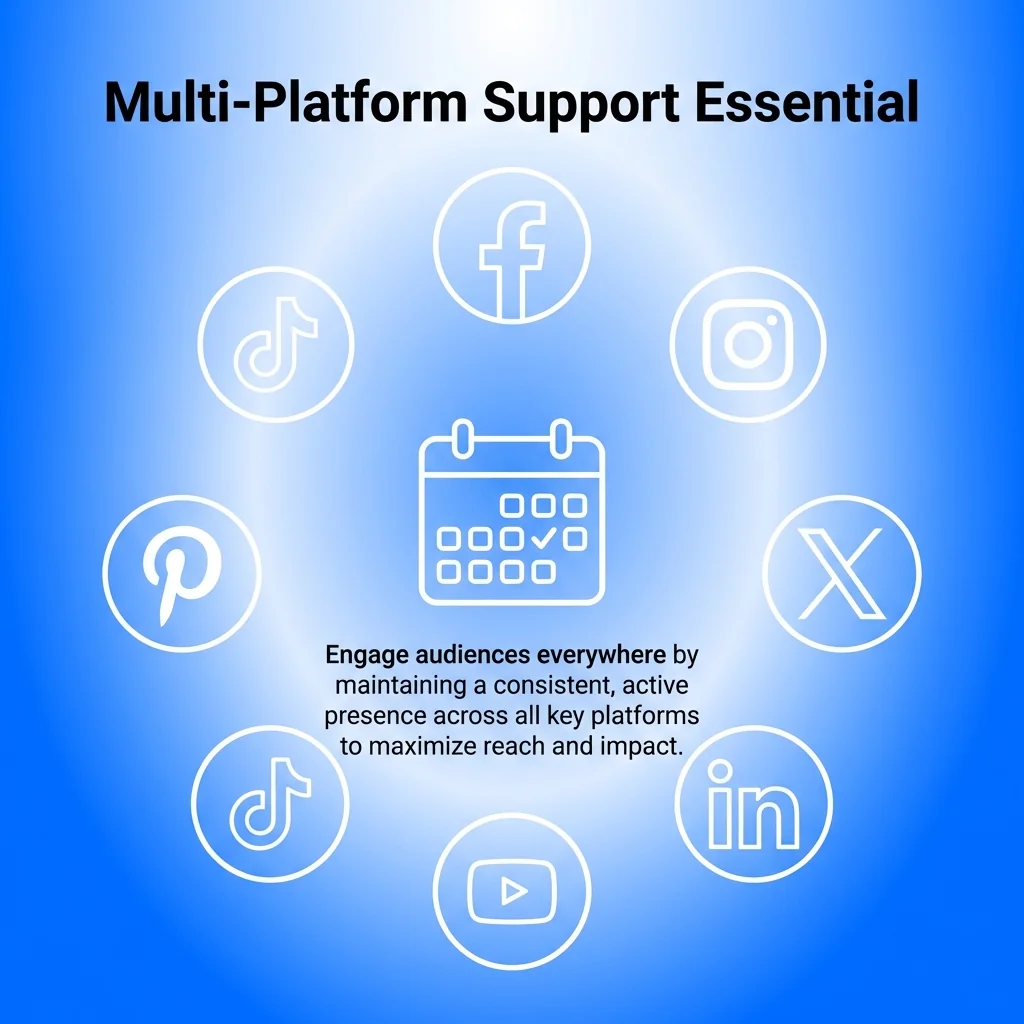
Instagram requires special attention with grid preview, Stories scheduling, and Reels support. LinkedIn demands company page management and employee advocacy features. TikTok integration remains newer but increasingly essential as brands shift video strategy.
Visual Content Calendar and Planning Tools
Seeing your content laid out visually prevents gaps, identifies posting patterns, and helps balance content types across the month. Calendar views let you spot issues before they become problems.
Drag-and-drop functionality speeds up rescheduling when plans change. Colour coding by client, content type, or campaign helps teams quickly understand what’s scheduled. Some platforms offer customisable calendar views that match your workflow preferences.
The best content calendars show thumbnail previews, not just post titles. This visual confirmation catches formatting issues and ensures the right image pairs with the right caption before publishing.
Collaboration and Approval Workflows
Agency work involves multiple stakeholders. Your scheduling tool needs to accommodate internal team collaboration and client approval processes.
Team member roles should include options like content creator, editor, approver, and administrator. Each role carries specific permissions that prevent accidental publishing or unauthorised changes. Comments and feedback loops keep conversations attached to specific posts rather than scattered across email threads.
Client approval workflows vary by relationship. Some agencies need formal multi-step approval with email notifications. Others prefer shared calendar access where clients review and approve in bulk. Your tool should flex to match client preferences.
Bulk Scheduling and Upload Features
Creating posts one at a time drains hours from your week. Bulk scheduling lets you upload dozens of posts simultaneously, assign them to the correct accounts, and schedule them across optimal times.
CSV upload functionality works brilliantly for recurring content like daily tips, weekly themes, or monthly awareness campaigns. Build your content calendar in a spreadsheet, upload it, and watch months of posts populate instantly.
Bulk editing saves additional time when you need to update hashtags across multiple posts or adjust posting times for an entire campaign. Change once, apply everywhere.
AI-Powered Content Assistance
Modern scheduling platforms increasingly incorporate AI assistants for content generation, caption creation, hashtag optimisation, and ideation. These features accelerate content creation without sacrificing quality.

AI caption suggestions provide starting points that you customise to match brand voice. Hashtag recommendations identify trending and relevant tags you might miss manually. Content ideation tools suggest post topics based on industry trends and past performance.
Treat AI assistance as a productivity multiplier, not a replacement for strategy. The best results come from combining AI efficiency with human creativity and brand understanding.
Top 12 Social Media Scheduling Tools for Agencies
Each platform offers distinct advantages depending on your agency size, client mix, and workflow preferences. Here’s a detailed look at the leading options.
1. Hootsuite
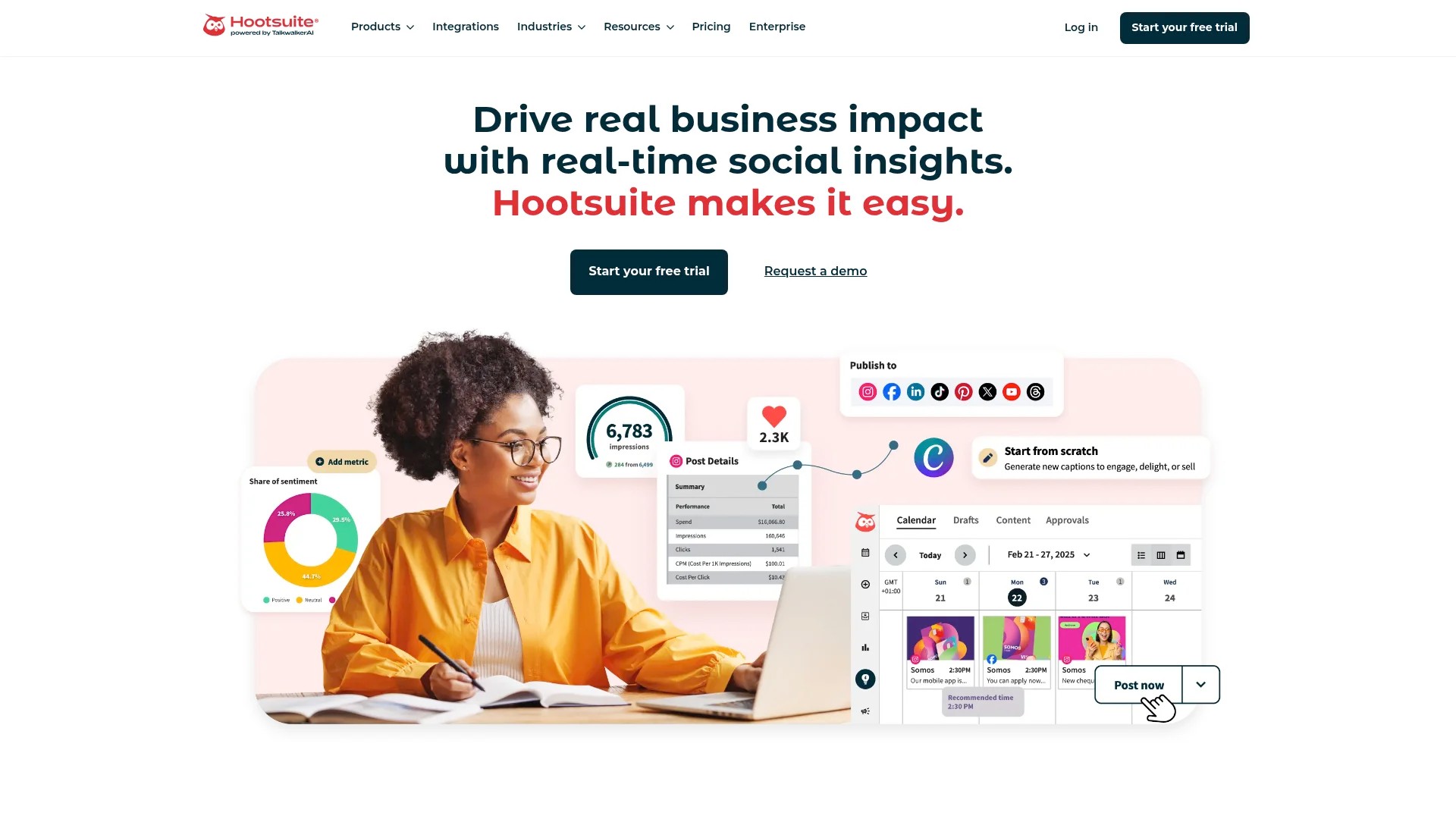
Hootsuite remains the enterprise standard for agencies managing large client rosters. The platform handles unlimited social profiles across all major networks with robust team collaboration features.
Best for: Large agencies with 10+ clients needing comprehensive analytics and integration options.
Key Features:
- Unlimited scheduling across Facebook, Instagram, Twitter, LinkedIn, Pinterest, YouTube, and TikTok
- Advanced approval workflows with customisable permission levels
- Social listening and monitoring with sentiment analysis
- Extensive third-party app integrations through their app directory
- White-label reporting for client presentations
Pricing: Professional plan starts at £49/month (1 user, 10 social accounts). Team plan at £129/month (3 users, 20 accounts). Business plan requires custom quote for 5+ users.
Drawbacks: Interface feels dated compared to newer competitors. Steeper learning curve for new team members. Instagram posting requires mobile notifications rather than true auto-publishing.
Try Hootsuite with their 30-day free trial.
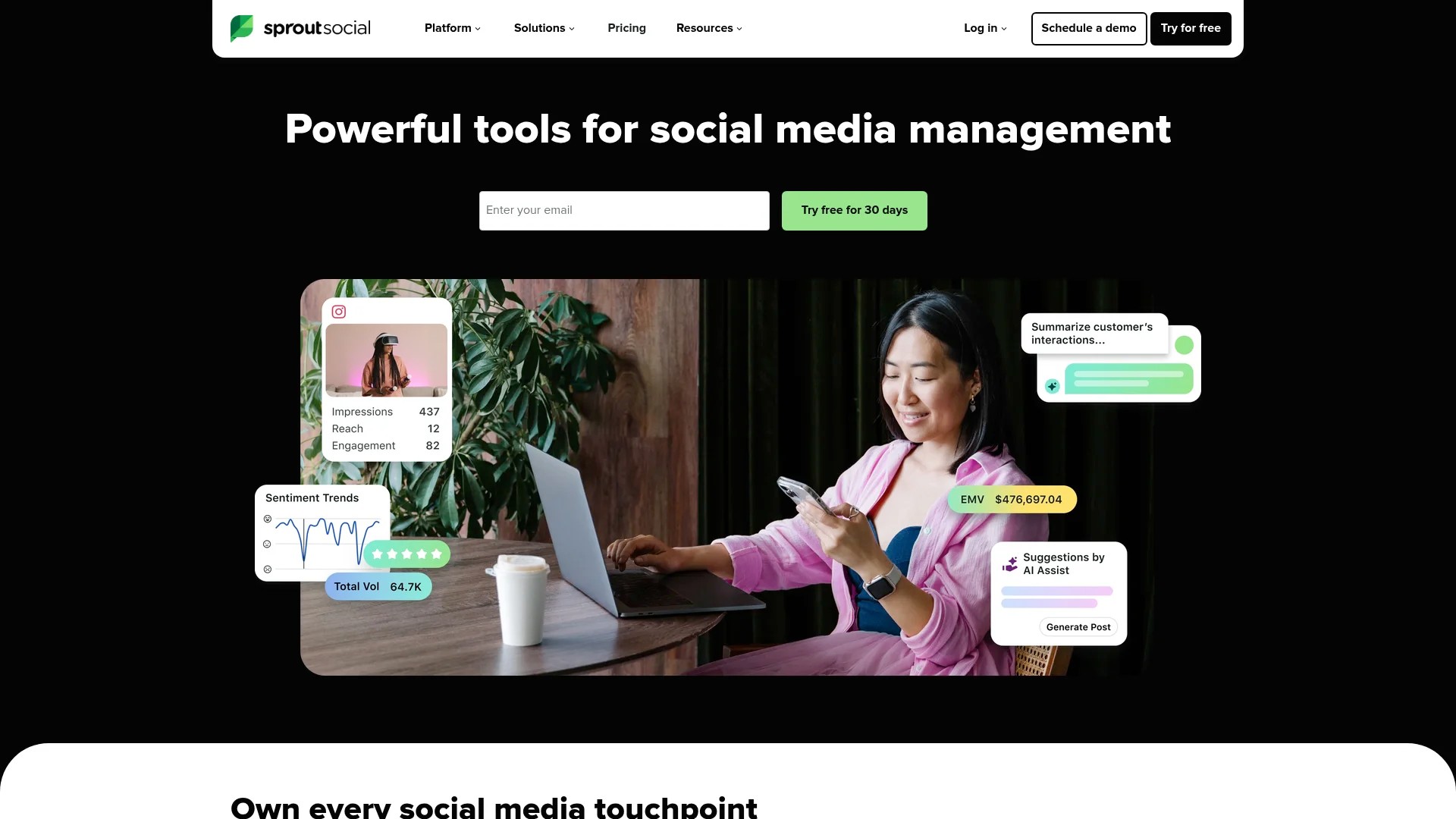
2. Sprout Social
Sprout Social delivers enterprise-grade features wrapped in an intuitive interface. Their strength lies in combining scheduling with powerful listening and engagement tools.
Best for: Agencies prioritising client reporting and social listening alongside scheduling.
Key Features:
- Smart Inbox consolidates messages from all platforms into one view
- ViralPost technology identifies optimal posting times for each account
- Customisable reporting templates with premium analytics
- Task assignment and internal notes for team coordination
- Competitor analysis and industry benchmarking
Pricing: Standard plan at £89/user/month (5 social profiles). Professional at £149/user/month (unlimited profiles). Advanced at £249/user/month adds advanced analytics.
Drawbacks: Higher per-user costs make it expensive for larger teams. No free plan option. Some features locked behind highest pricing tier.
Visit Sprout Social to request a demo.
3. Buffer
Buffer built its reputation on simplicity and clean design. Their agency-focused plans provide client management without overwhelming complexity.
Best for: Small to medium agencies wanting straightforward scheduling without enterprise bloat.
Key Features:
- Landing page builder for social media campaigns
- Instagram first comment scheduling for hashtags
- Story scheduling for Instagram and Facebook
- Browser extension for quick content sharing
- Simple analytics focused on key metrics
Pricing: Free plan for 3 channels. Essentials at £5/month per channel. Team plan at £10/month per channel adds unlimited team members. Agency plan at £100/month for 10 channels.
Drawbacks: Per-channel pricing becomes expensive with many clients. Limited approval workflow options. Basic analytics compared to competitors.
Start with Buffer free plan today.
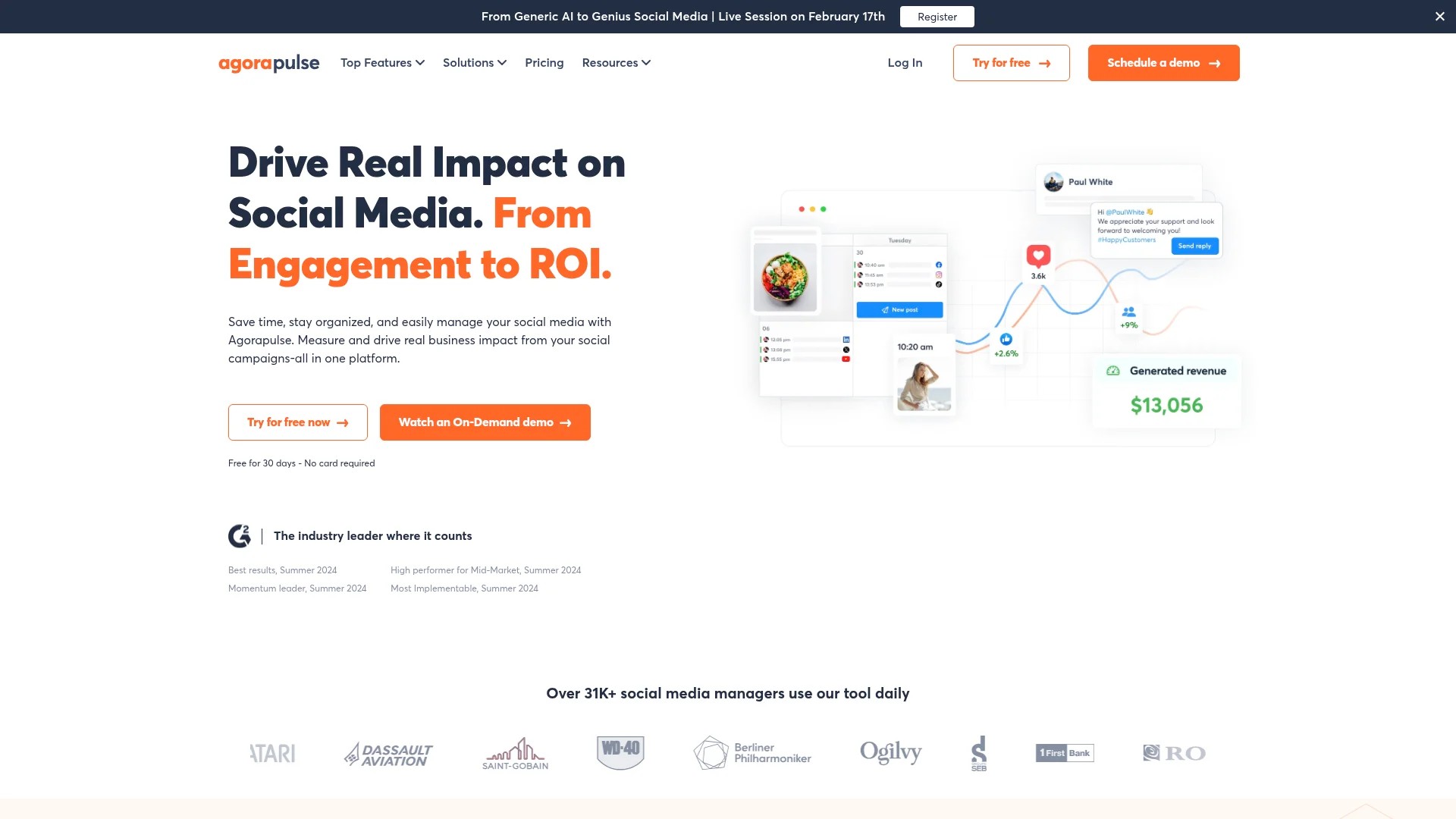
4. Agorapulse
Agorapulse combines scheduling power with inbox management and team collaboration. Their interface balances capability with usability particularly well.
Best for: Agencies needing strong social listening and community management alongside scheduling.
Key Features:
- Unified social inbox with assignment and labelling
- Content library for storing and reusing evergreen posts
- Detailed approval workflows with client review links
- Competitor tracking and reporting
- ROI tracking for ad campaigns
Pricing: Professional at £79/month (1 user, 10 profiles). Premium at £159/month (unlimited users, 25 profiles). Enterprise pricing for 50+ profiles.
Drawbacks: TikTok integration still developing. Reporting customisation limited on lower tiers. Mobile app lacks some desktop features.
Try Agorapulse free for 30 days.
5. Later
Later specialises in visual content scheduling with particular strength in Instagram management. The drag-and-drop visual planner makes content arrangement intuitive.
Best for: Agencies managing visually-driven brands with heavy Instagram focus.
Key Features:
- Visual Instagram grid preview with drag-and-drop rearranging
- Media library with automatic hashtag suggestions based on image content
- User-generated content management and rights requests
- Linkin.bio tool for Instagram link management
- Best time to post recommendations based on audience engagement
Pricing: Free plan for 1 social set (one account per platform). Starter at £16.67/month (1 social set). Growth at £33.33/month (3 social sets). Advanced at £66.67/month (6 social sets).
Drawbacks: “Social set” pricing structure confuses some users. Limited features for text-heavy platforms like Twitter and LinkedIn. Analytics less comprehensive than competitors.
Check out Later and start scheduling visually.

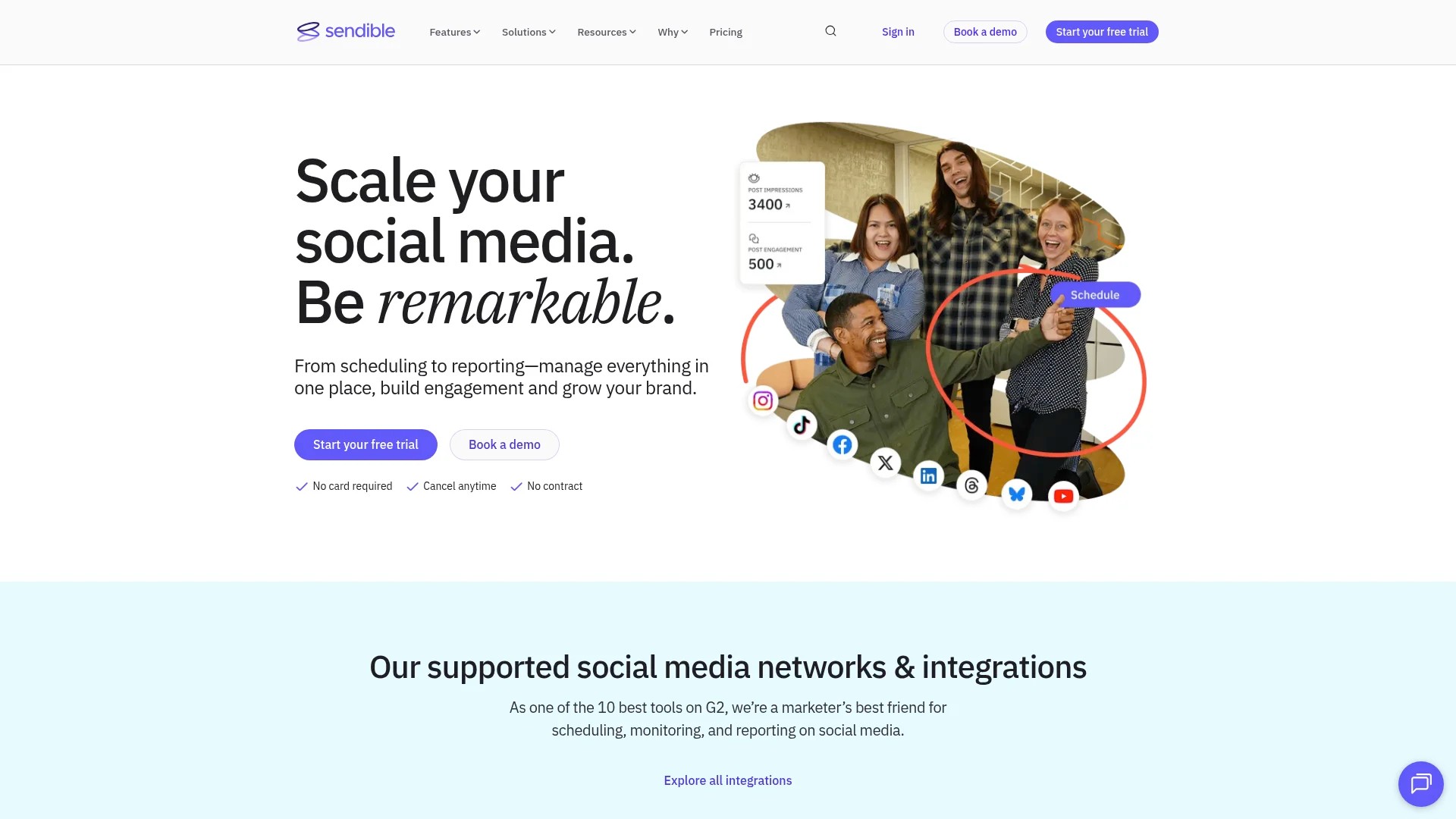
6. Sendible
Sendible targets agencies and professionals with client management as a core feature. Their platform handles everything from scheduling to reporting with agency workflows in mind.
Best for: Agencies wanting white-label options and detailed client reporting capabilities.
Key Features:
- White-label dashboard and reporting for client presentations
- Content recommendations based on topics and keywords
- Canva integration for quick graphic creation
- Client approval workflows with review and feedback
- Priority queue for urgent posts
Pricing: Creator at £25/month (1 user, 6 profiles). Traction at £76/month (4 users, 24 profiles). Scale at £170/month (7 users, 49 profiles). Custom enterprise pricing available.
Drawbacks: Interface feels cluttered with so many features. Learning curve steeper than simpler alternatives. Some integrations require premium tiers.
Explore Sendible with a 14-day free trial.
7. CoSchedule
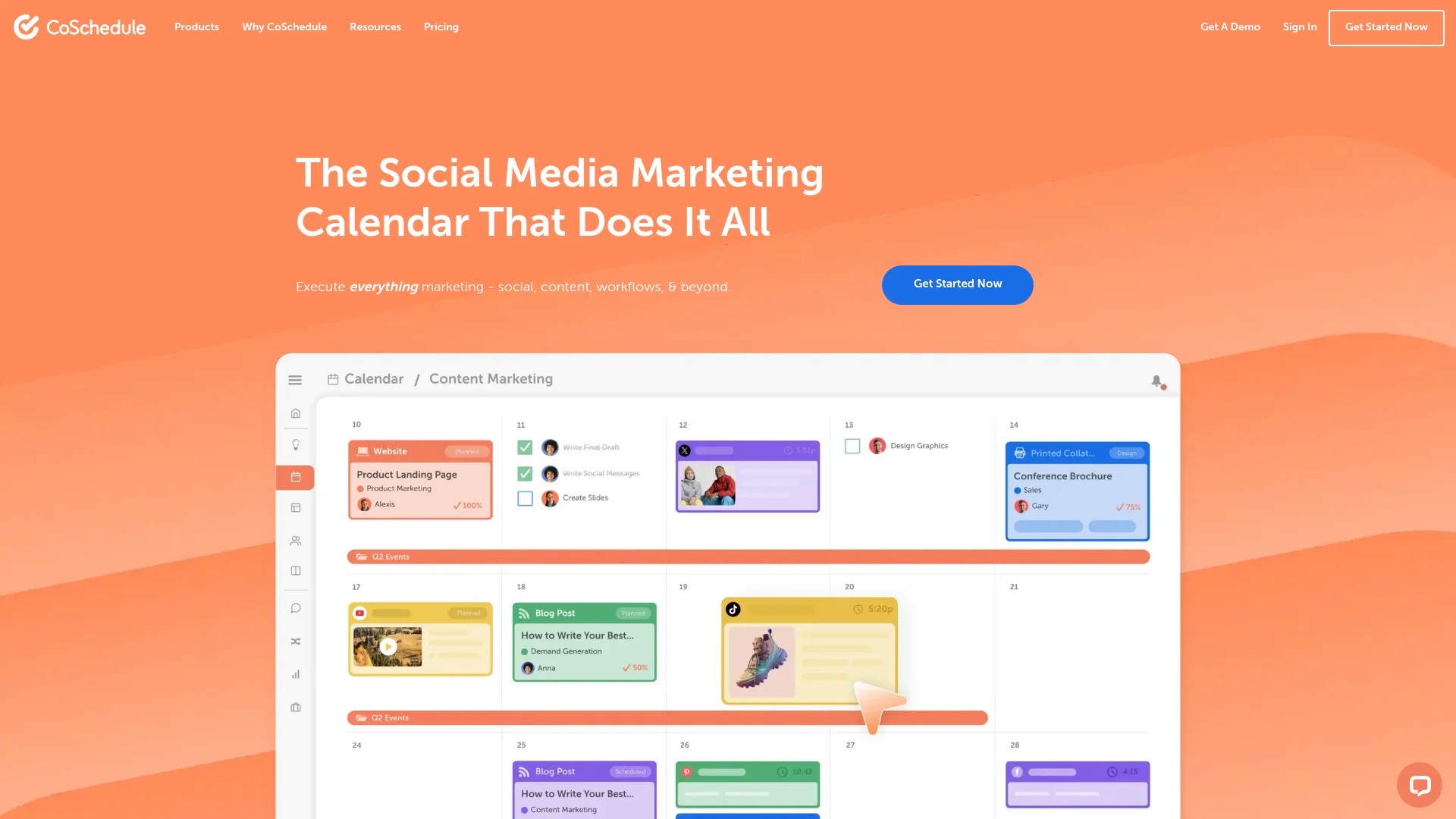
CoSchedule integrates social scheduling with marketing calendar and project management. This makes it ideal for agencies managing broader marketing campaigns beyond just social posts.
Best for: Agencies coordinating social media with content marketing, email campaigns, and project deadlines.
Key Features:
- Marketing calendar showing social posts alongside blog content, emails, and campaigns
- ReQueue feature automatically refills your schedule with top-performing content
- Social templates for recurring post types
- Asset organiser for storing campaign files and brand resources
- Marketing project management with task assignments
Pricing: Social Calendar at £29/month (1 user, 10 profiles). Content Calendar at £39/month adds blog scheduling. Marketing Suite requires custom quote.
Drawbacks: Instagram features limited compared to visual-first platforms. Per-user pricing adds up quickly. Calendar view can feel overwhelming with many campaign types.
Visit CoSchedule to explore their marketing calendar.
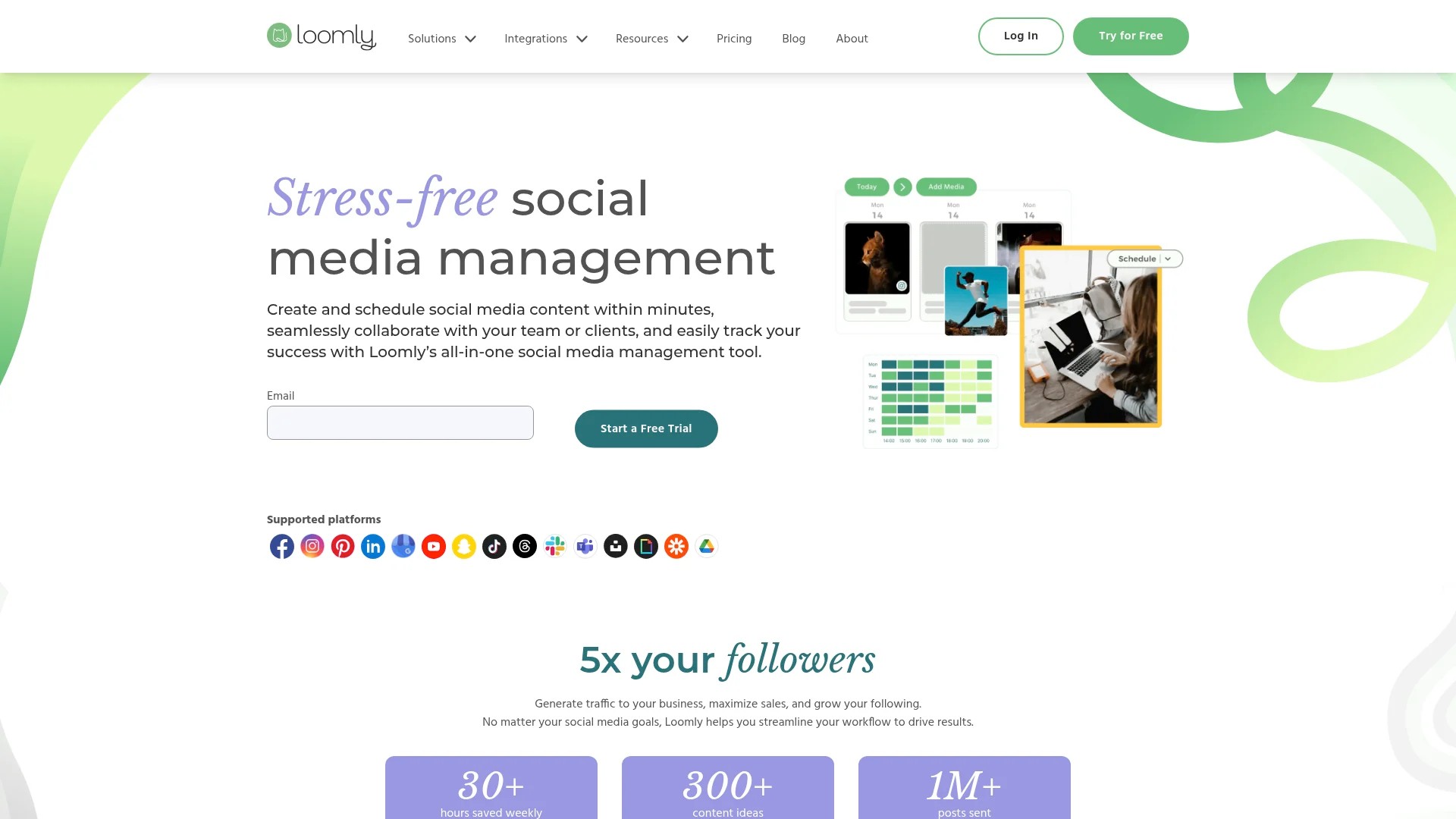
8. Loomly
Loomly emphasises collaboration and content creation assistance. Their platform guides teams through creating better posts with built-in tips and optimisation suggestions.
Best for: Agencies with junior team members who benefit from content creation guidance and templates.
Key Features:
- Post ideas based on trending topics, events, and dates
- Automated optimisation tips for each platform
- Mock-up preview showing exactly how posts appear on each network
- Multi-level approval workflow with feedback loops
- Post boosting directly from the platform
Pricing: Base plan at £25/month (2 users, 10 accounts). Standard at £55/month (6 users, 20 accounts). Advanced at £119/month (16 users, 35 accounts). Premium at £269/month (26 users, 50 accounts).
Drawbacks: Limited advanced analytics. No social listening features. Smaller integration ecosystem than enterprise platforms.
Try Loomly free for 15 days.
9. Planable
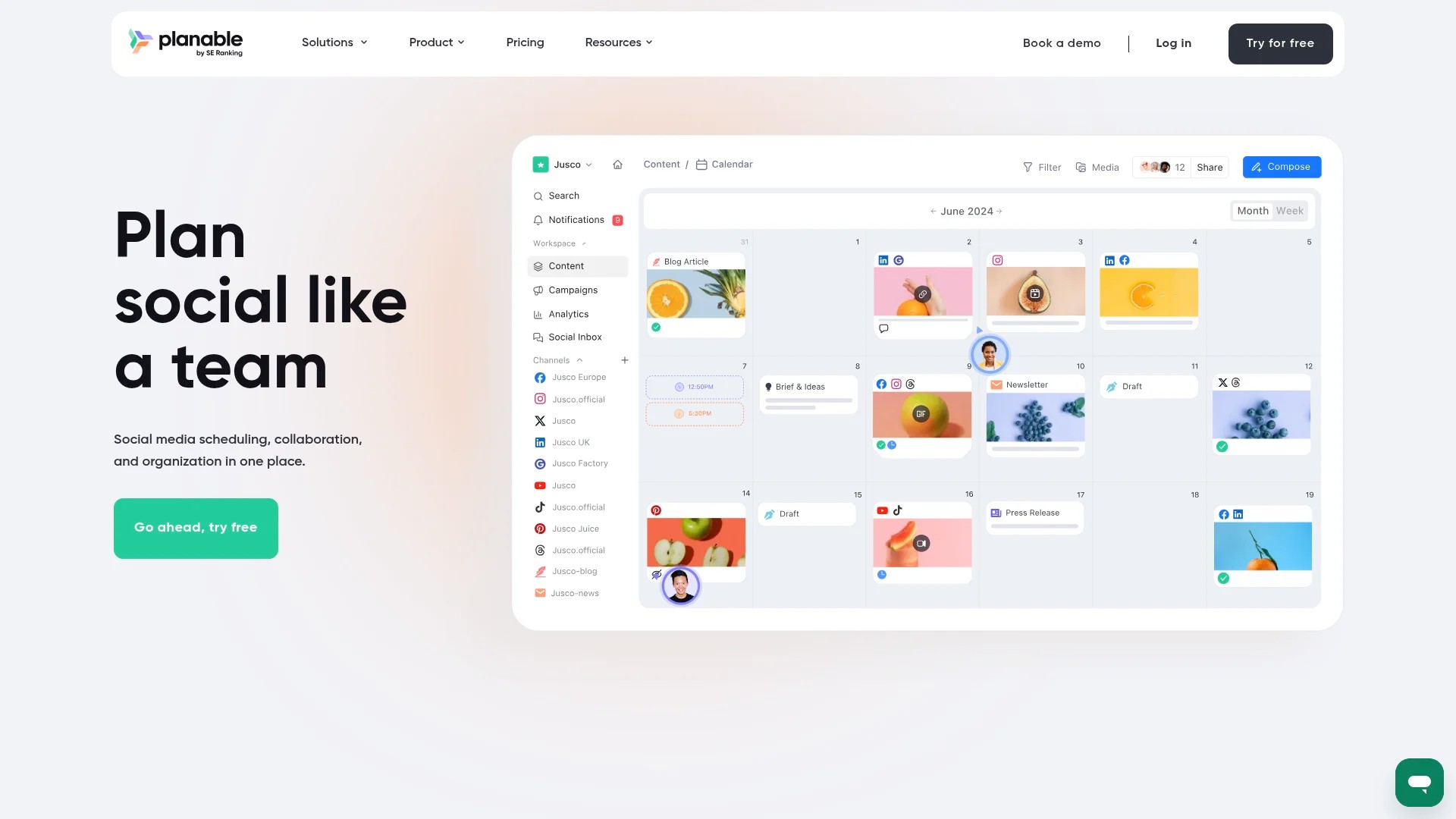
Planable focuses on collaboration and approval workflows with a beautiful, intuitive interface. The platform excels at making client approval processes painless.
Best for: Agencies needing frequent client approvals and extensive internal collaboration.
Key Features:
- Multi-page workspace view for multiple clients side by side
- Four different content view options (calendar, grid, feed, list)
- Real-time collaboration with @mentions and comments
- Approval workflows with optional client portal access
- Version history showing post edits and changes
Pricing: Free plan for 50 posts. Basic at £11/user/month for unlimited posts. Pro at £22/user/month adds advanced features. Enterprise at £44/user/month includes priority support.
Drawbacks: Per-user pricing expensive for larger teams. Analytics minimal compared to competitors. Limited automation features.
Start with Planable free plan.
10. SocialPilot
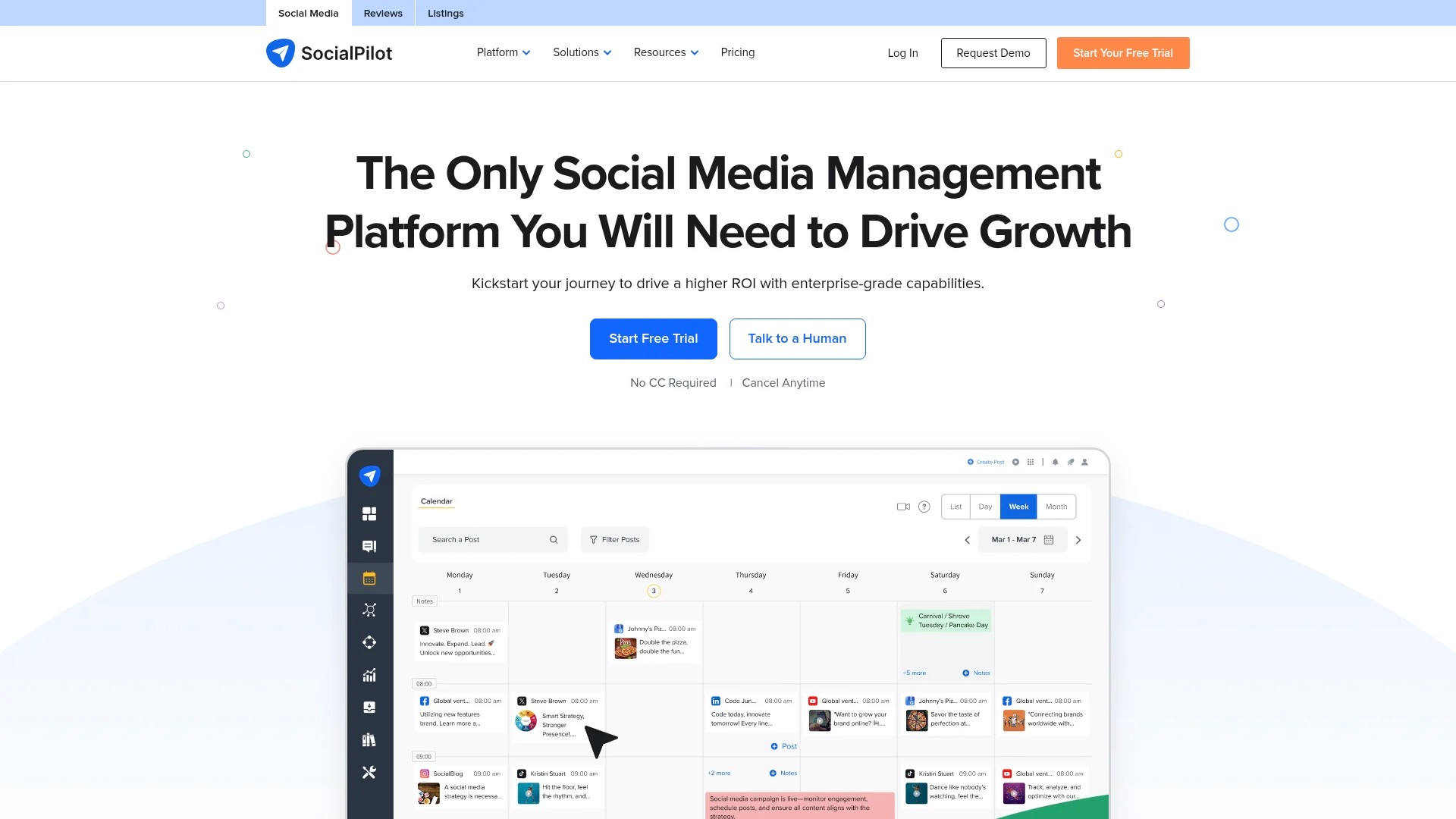
SocialPilot delivers comprehensive features at budget-friendly pricing. The platform handles bulk scheduling, client management, and white-label reporting without premium pricing.
Best for: Cost-conscious agencies wanting full features without enterprise price tags.
Key Features:
- Bulk scheduling with CSV upload for hundreds of posts
- Social inbox for managing comments and messages
- Client management with separate workspaces
- White-label PDF reports for client sharing
- Browser extension for content curation
Pricing: Professional at £30/month (1 user, 25 accounts). Small Team at £50/month (3 users, 50 accounts). Agency at £100/month (6 users, 100 accounts). Enterprise at £200/month (unlimited users, 200 accounts).
Drawbacks: Interface less polished than premium competitors. Customer support slower on basic plans. Some features hidden in submenus.
Test SocialPilot with their 14-day trial.
11. Pallyy
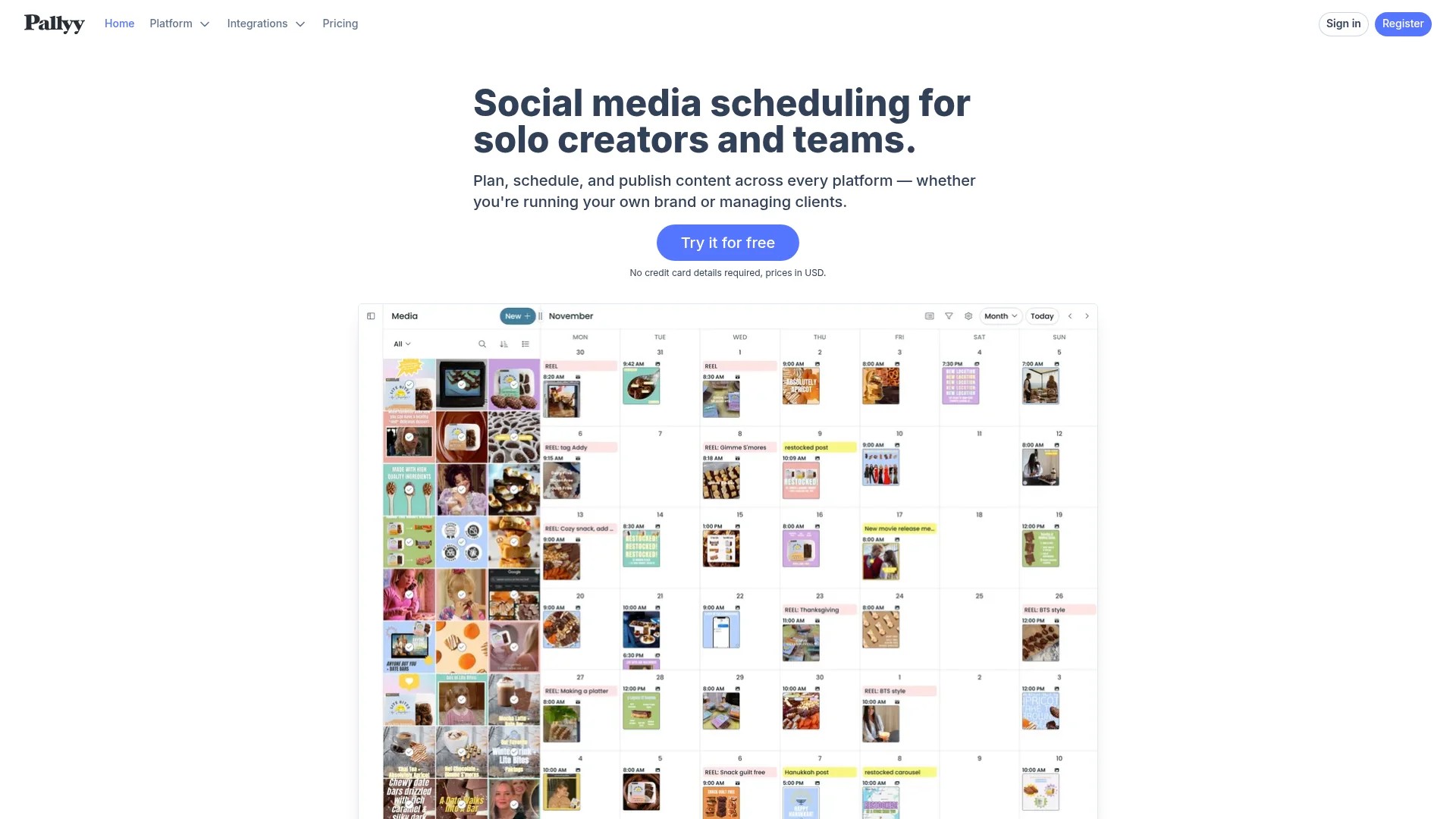
Pallyy offers modern design and simplicity at attractive pricing. The platform handles core scheduling needs without overwhelming users with enterprise features they won’t use.
Best for: Small agencies and freelancers wanting clean, simple scheduling without complexity.
Key Features:
- Instagram grid planner with visual drag-and-drop
- TikTok integration with video scheduling
- Media library with tagging and organisation
- Team collaboration with comments
- Analytics dashboard with key metrics
Pricing: Premium at £15/month (1 user, 8 accounts). Business at £35/month (5 users, 10 accounts). Agency at £105/month (unlimited users, unlimited accounts).
Drawbacks: Newer platform with smaller user community. Limited integration options. Basic reporting compared to established competitors.
Explore Pallyy today.
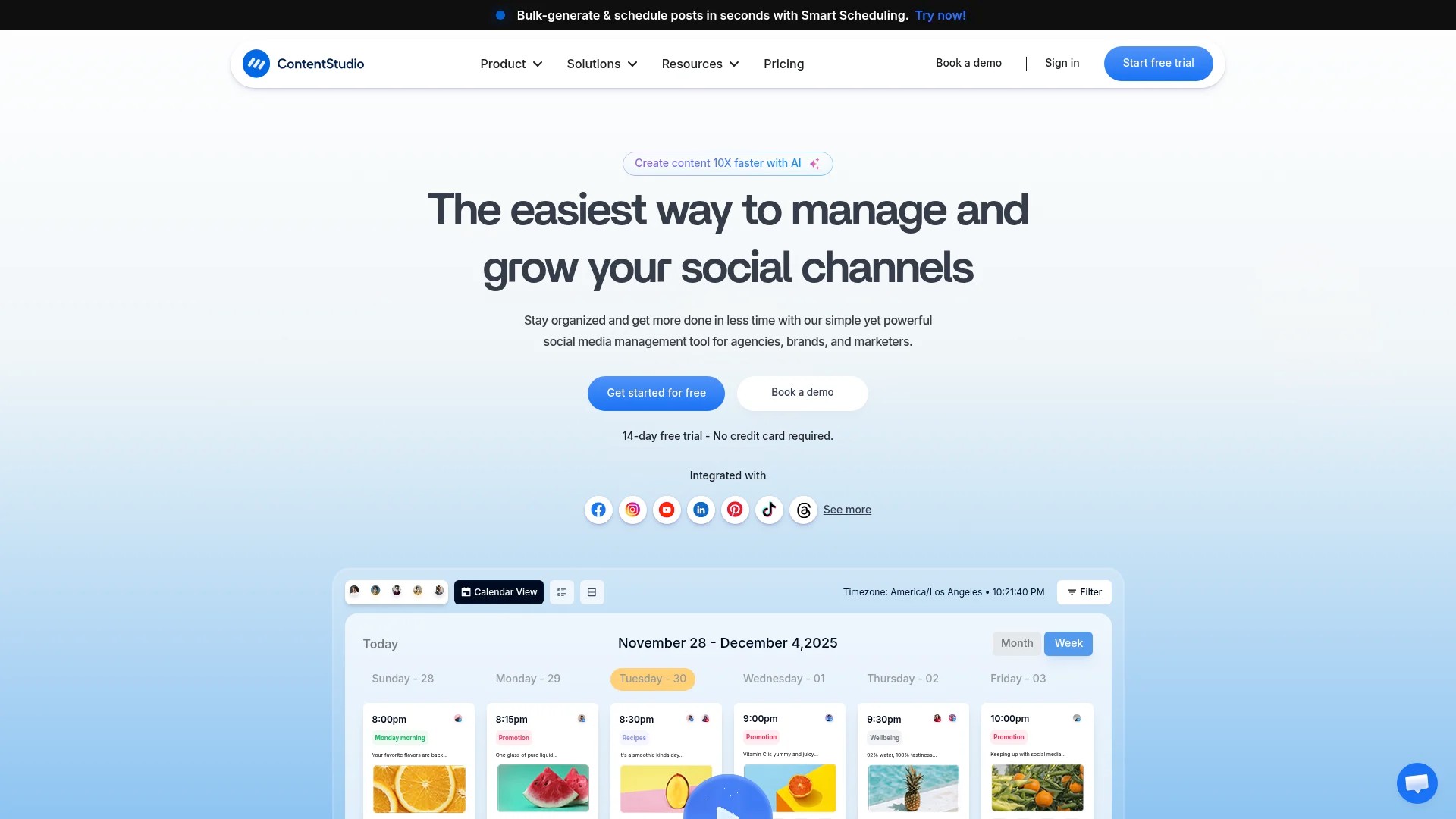
12. ContentStudio
ContentStudio combines content curation, scheduling, and analytics in one platform. The discovery features help agencies find shareable content to supplement original posts.
Best for: Agencies wanting content discovery and curation alongside scheduling capabilities.
Key Features:
- Content discovery engine with topic-based recommendations
- Automation recipes for recurring posting patterns
- Unified social inbox across all platforms
- Influencer discovery and outreach tools
- Competitor analysis and content monitoring
Pricing: Starter at £19/month (1 user, 5 accounts). Pro at £49/month (5 users, 10 accounts). Agency at £99/month (10 users, 25 accounts). Custom enterprise plans available.
Drawbacks: Content discovery sometimes surfaces irrelevant suggestions. Interface busy with multiple feature areas. Learning curve for automation recipes.
Try ContentStudio with a 14-day free trial.
How to Choose the Right Scheduling Tool for Your Agency
Selecting the right platform requires evaluating your specific agency needs against tool capabilities. Here’s a practical framework for making this decision.
Assess Your Current Client Portfolio
Start by counting social profiles you manage. A boutique agency with five clients averaging four profiles each needs 20 profile capacity. Growing agencies should buy headroom for the next 6-12 months to avoid switching platforms mid-year.
Platform mix matters too. If 80% of clients prioritise Instagram, visual planning tools like Later or Pallyy make more sense than text-heavy platforms. B2B agencies with heavy LinkedIn needs require strong LinkedIn company page support.
Consider client approval requirements. High-touch clients wanting frequent review need robust approval workflows. Retainer clients who trust your judgement need less elaborate approval systems.
Evaluate Team Size and Structure
Per-user pricing models charge for each team member with platform access. Calculate your true cost by multiplying per-user fees by your team size. A £40/user/month platform costs £400/month for a 10-person team.
Per-profile or flat-rate pricing works better for larger teams. Unlimited user access at £200/month beats per-user pricing when you have 6+ team members.
Think about your team structure. Do you need different permission levels for strategists, content creators, and account managers? Complex teams require detailed role-based permissions.
Calculate True Total Cost
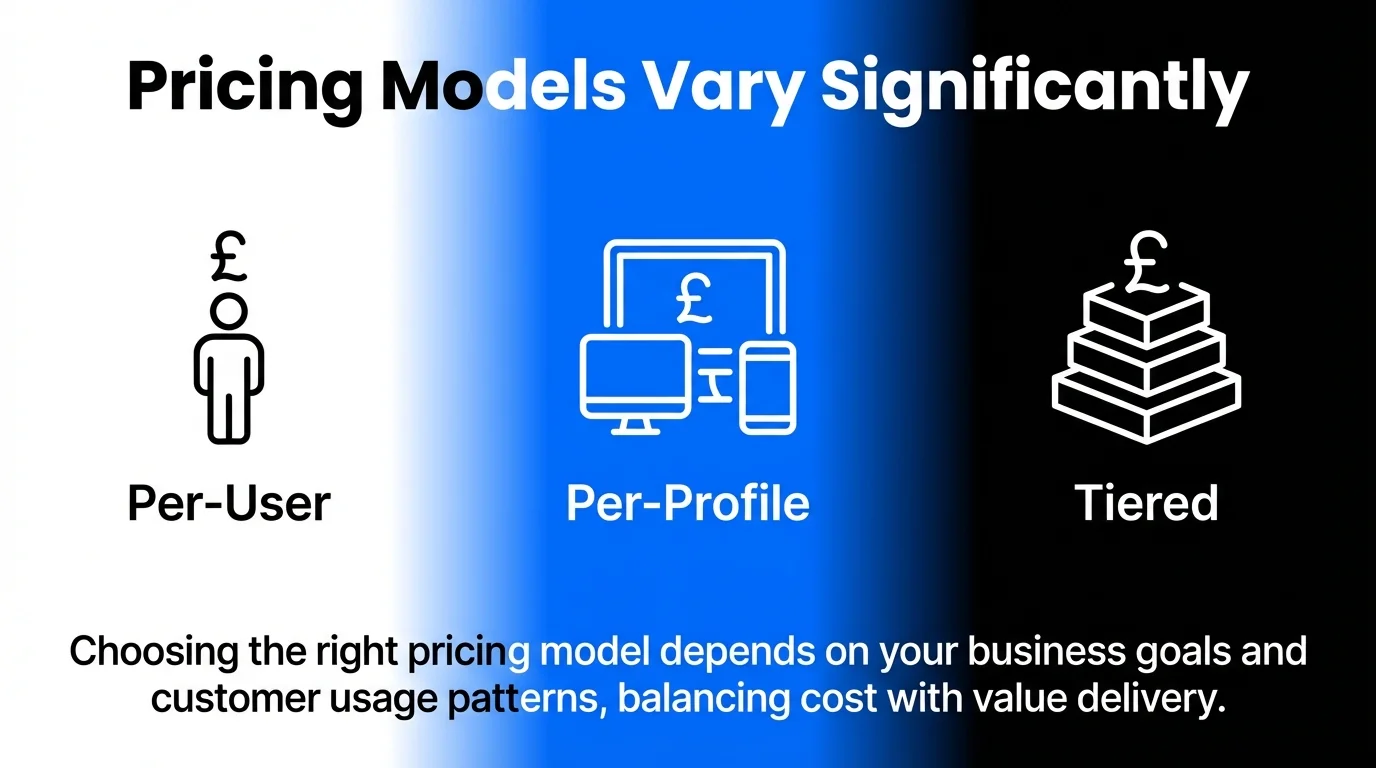
Scalable pricing models, often per user, per profile, or tiered by social accounts, allow agencies to scale costs proportionally with the number of client accounts they manage. Understanding pricing structures prevents surprise costs as you grow.
Factor in these cost elements:
- Base subscription (monthly or annual with typical 15-20% annual savings)
- Per-user fees multiplied by team size
- Additional profile packs as you add clients
- Premium features locked behind higher tiers (analytics, white-label, API access)
- Training time and onboarding effort (hidden costs but very real)
Calculate cost per client by dividing total monthly fees by number of clients. This helps you understand profitability and whether to build scheduling costs into client retainers.
Test With Your Actual Workflow
Most platforms offer 14-30 day trials. Use these properly by testing with real client work, not dummy content.
During trials, complete these tasks with actual content:
- Upload and schedule 20-30 real posts across multiple clients
- Have team members test collaboration features with actual feedback
- Run a complete approval workflow from creation to client sign-off
- Build a weekly or monthly report using real account data
- Test bulk scheduling with CSV upload if you plan to use this feature
Track time spent on common tasks. Does scheduling 50 posts take 30 minutes or two hours? This real-world testing reveals usability issues marketing pages hide.
Consider Integration Requirements
Platforms offering open APIs and extensive third-party integrations enable agencies to build custom workflows. Your existing tool stack should inform platform choice.
Check integration availability for tools you already use:
- Project management (Asana, Monday, Trello)
- Design tools (Canva, Adobe Creative Cloud)
- Analytics platforms (Google Analytics, custom dashboards)
- Client reporting tools (Google Data Studio, Agency Analytics)
- Content sources (WordPress, RSS feeds, content databases)
Strong API access matters if you build custom integrations or use automation platforms like Zapier or Make. Enterprise agencies often need API access for custom workflows.
Plan for Future Growth
Choose platforms that scale with your agency. Switching scheduling tools mid-year disrupts workflows and requires retraining teams and clients.
Ask these forward-looking questions:
- Can I easily add 5-10 new clients without hitting plan limits?
- Does pricing remain reasonable as I add team members?
- Are advanced features available when I need them without platform switching?
- Does the company actively develop new features and platform integrations?
- Will this platform still meet my needs in 18-24 months?
Read recent product update announcements. Active development signals a platform investing in future capabilities.
Essential Scheduling Workflows for Agency Efficiency
The right tool paired with effective workflows multiplies productivity. These proven processes help agencies maximise scheduling platform value.
The Weekly Batching System
Schedule one focused session weekly for creating and scheduling next week’s content across all clients. Batching reduces context switching and improves content quality through focused attention.
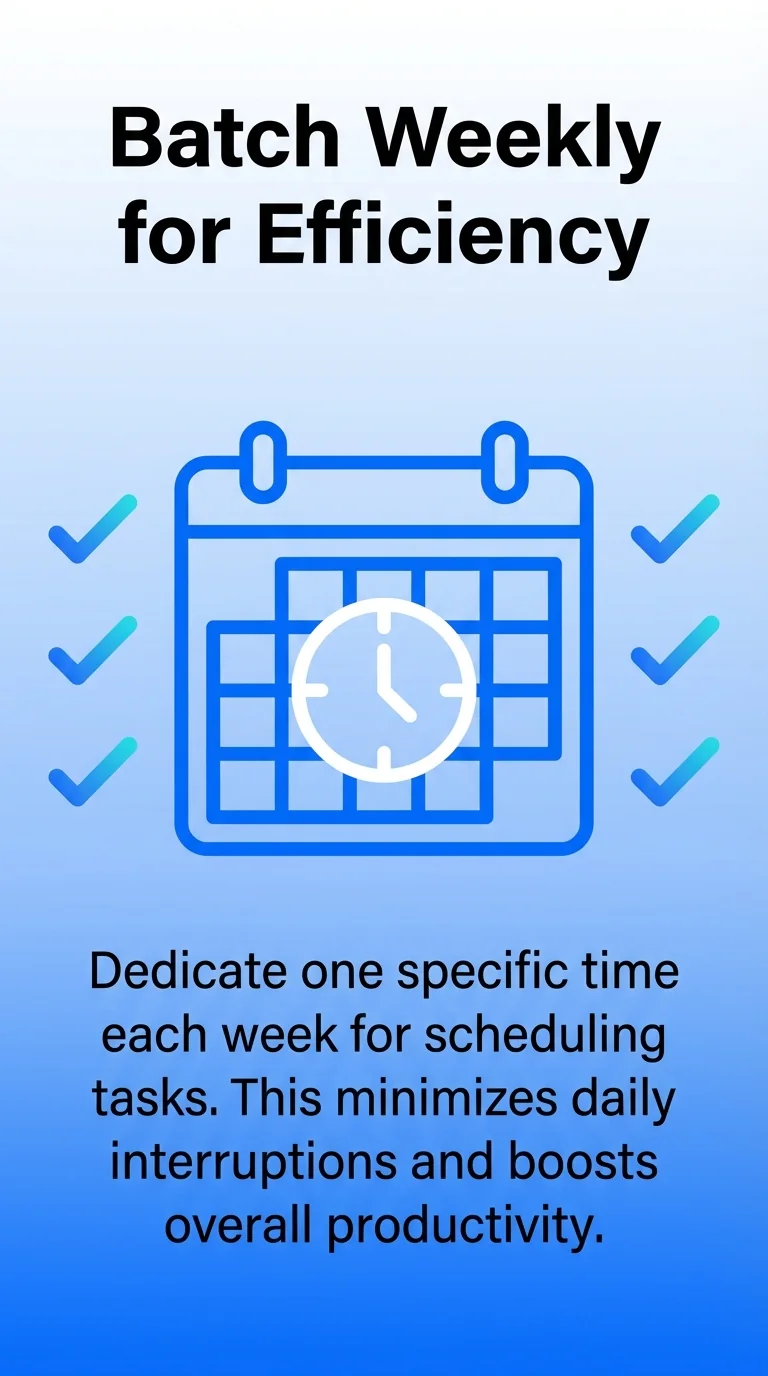
Monday or Tuesday works well for most agencies. Block 3-4 hours of uninterrupted time. During this session, create and schedule posts for the following week across all client accounts.
Prepare in advance by gathering approved content, finalised graphics, and campaign calendars. Walking into your batching session with materials ready prevents wasted time searching for assets.
Use bulk scheduling features to upload multiple posts simultaneously. Most platforms let you schedule 20-50 posts in minutes once content is prepared.
Client Approval Templates
Standardise approval processes with templates that reduce back-and-forth whilst maintaining client satisfaction. Create three template workflows matching different client relationships.
High-Touch Approval: Client reviews every post before scheduling. Present content as clickable previews showing exactly how posts will appear. Set 48-hour approval windows with automatic reminders.
Weekly Batch Approval: Client reviews the upcoming week’s content in one session. Share calendar view or compiled PDF showing all scheduled posts. Schedule approval meetings on the same day and time weekly.
Trust-Based Posting: Post content directly with optional client notification. Provide weekly or monthly recap reports showing what was published. Reserve approval requirement for sensitive topics or major campaigns.
Document which clients use which process. Train new team members on approval protocols to prevent posting mistakes.
Content Library Organisation
Build searchable content libraries storing evergreen posts, brand assets, and successful content for reuse. Proper organisation prevents recreating content you’ve already developed.
Tag content by theme, campaign, content type, and platform. This makes finding relevant posts simple when planning calendars. Store multiple versions of graphics sized for each platform to avoid repeated resizing.
Create folders by client with subfolders for campaigns, evergreen content, and promotional materials. Consistent structure helps teams find assets quickly.
Refresh evergreen content quarterly. Update statistics, swap images, and revise copy to keep recycled posts fresh.
Performance Review Cadence
Schedule regular analytics reviews identifying what’s working and what needs adjustment. Monthly deep dives provide enough data for meaningful insights whilst staying actionable.
Focus your monthly review on these questions:
- Which content types (video, carousel, link posts) drove highest engagement?
- What posting times generated best results for each client?
- Which campaigns underperformed and why?
- Are we maintaining consistent posting frequency?
- How do results compare to previous month and same month last year?
Share insights with clients in simplified reports highlighting wins and recommended adjustments. Use these reviews to refine next month’s content strategy.
Visit our guide on building a social media scheduler workflow for additional process templates.
Crisis Prevention Protocols
Establish safety nets preventing scheduled posts from publishing during crises or inappropriate moments. These protocols protect client brands and your agency reputation.
Assign one team member daily monitoring duty. They check news feeds each morning for breaking events that might conflict with scheduled content. Major incidents trigger immediate calendar review.
Pause all scheduled posts immediately when relevant crises emerge. Review each upcoming post for tone, messaging, and timing appropriateness. Reschedule or cancel content that feels tone-deaf.
Create client communication templates for crisis situations. Quick outreach explaining why content was paused demonstrates proactive brand protection.
Maintain updated contact lists showing who can approve emergency scheduling changes for each client. Time-sensitive situations require rapid decision-making.
Advanced Features Worth Considering
Beyond core scheduling, these advanced capabilities benefit agencies managing complex client portfolios. Evaluate whether these features justify premium pricing for your situation.
Social Listening and Monitoring
Track brand mentions, competitor activity, and industry conversations across social platforms. Listening features alert you to engagement opportunities and potential issues before they escalate.
Set up monitoring streams for client brand names, product names, key executives, and common misspellings. Add competitor tracking to identify gaps and opportunities in their social strategy.
Industry keyword monitoring surfaces trending topics relevant to client businesses. This insight informs content strategy and positions clients within important conversations.
Sentiment analysis flags negative mentions requiring immediate attention. Rapid response to complaints or issues prevents small problems becoming reputation crises.
White-Label Reporting
Present analytics under your agency branding rather than the scheduling platform’s logo. White-label reporting maintains professional appearance in client communications.
Customise report templates with agency logos, colours, and formatting. This consistency reinforces your brand whilst delivering performance insights.
Automate monthly report generation and distribution. Set reports to compile and email automatically, saving hours of manual work.
Include only metrics clients care about. Executive summaries highlighting key wins and recommended actions work better than overwhelming data dumps.
Team Training and Support
Platform complexity requires team training for effective use. Evaluate available training resources when comparing tools.
Look for these learning resources:
- Video tutorial libraries covering common tasks
- Written documentation with screenshots and step-by-step instructions
- Live training sessions or webinars for new features
- Certification programmes demonstrating platform mastery
- Responsive customer support via chat, email, or phone
Budget onboarding time when switching platforms. Teams typically need 2-4 weeks to become proficient with new scheduling tools.
Our article on managing social media efficiency provides frameworks for training teams on new tools.
API Access and Custom Integrations
Advanced agencies building custom workflows need API access connecting scheduling platforms to proprietary systems. This enables automation beyond standard integrations.
APIs let you pull scheduled post data into client dashboards, sync content calendars with project management tools, or trigger posts from external systems. These capabilities matter most for agencies with technical resources or unique workflow requirements.
Check API documentation quality before committing to platforms requiring custom integration. Poor documentation makes development frustrating and expensive.
Common Scheduling Mistakes to Avoid
Even experienced agencies make these errors that undermine scheduling effectiveness. Recognising these pitfalls helps you avoid them.
Over-Scheduling Without Engagement Strategy
Scheduling tools make posting easy but don’t replace engagement strategy. The platforms that perform best combine consistent posting with active community management.
Schedule time for responding to comments and messages alongside content publishing. Social media is conversation, not broadcasting. Tools with unified inboxes make engagement management more efficient.
Monitor posted content for 2-4 hours after publishing. Early engagement signals boost algorithmic reach on most platforms. Quick responses to initial comments often increase post visibility.
Learn more about balancing efficiency with engagement in our guide to managing multiple client social calendars.
Neglecting Platform-Specific Optimisation
Cross-posting identical content to every platform ignores each network’s unique format, audience, and algorithm. What works on LinkedIn rarely succeeds unchanged on Instagram.
Adapt content for each platform’s strengths. Instagram rewards strong visuals and concise captions. LinkedIn favours longer-form thought leadership. Twitter demands brevity and timeliness.
Adjust posting times per platform based on when each client’s audience is most active. Peak engagement hours differ across networks and audiences.
Use platform-specific features like Instagram Stories, LinkedIn polls, or Twitter threads. Generic posts underperform compared to content using each platform’s native capabilities.
Ignoring Analytics and Performance Data
Scheduling without reviewing results means repeating what doesn’t work. Regular analytics review identifies successful patterns worth amplifying.
Track these key metrics monthly:
- Engagement rate (likes, comments, shares divided by followers)
- Reach and impressions trends
- Click-through rates for link posts
- Follower growth rate
- Top-performing content types and topics
Compare current performance to previous periods and established benchmarks. Understand whether you’re improving, declining, or holding steady.
Act on insights by adjusting content mix, posting frequency, and timing based on what data reveals. Testing and iteration improve results more than guessing.
Failing to Plan for Time Zones
Agencies managing clients across multiple time zones must schedule posts for local optimal times. Publishing at 3 PM works brilliantly for New York audiences but misses London followers entirely.
Record each client’s primary audience location and time zone. Schedule posts accordingly rather than using your agency’s local time.
Most scheduling tools let you set time zone per account or post. Double-check this setting when scheduling to prevent early morning or late night publishing.
International clients often need content scheduled across multiple time zones. Consider publishing the same content twice targeting different regional audiences.
Pricing Comparison and Value Assessment
Understanding pricing structures helps you maximise value whilst controlling costs. Here’s how leading platforms compare across typical agency scenarios.
| Platform | Small Agency (5 clients, 20 profiles) | Medium Agency (15 clients, 60 profiles) | Large Agency (30+ clients, 120 profiles) |
|---|---|---|---|
| Hootsuite | £129/month (Team plan) | Custom quote (Business plan) | Custom quote (Enterprise) |
| Buffer | £200/month (20 channels) | £600/month (60 channels) | £1,200/month (120 channels) |
| Sprout Social | £445/month (3 users, unlimited profiles) | £1,335/month (9 users, unlimited profiles) | £2,225/month (15 users, unlimited profiles) |
| SocialPilot | £50/month (Small Team) | £100/month (Agency plan) | £200/month (Enterprise) |
| Agorapulse | £79/month (Professional) | £159/month (Premium, 25 profiles) + £80/month (35 additional profiles) | Custom quote (Enterprise) |
Pricing models vary significantly. Per-channel pricing (Buffer, Later) scales linearly with client growth. Per-user pricing (Sprout Social) works better for large teams managing many accounts. Tiered plans (SocialPilot, Agorapulse) offer predictable costs with clear upgrade paths.
Calculate your cost per client monthly by dividing total platform cost by number of clients. This helps determine whether to build scheduling costs into retainer pricing or absorb as agency overhead.
Annual prepayment typically saves 15-20% compared to monthly billing. Commit annually once you’ve confirmed the platform meets your needs through a proper trial period.
For help planning comprehensive content strategies around your scheduling tool, check our guide on building a social media content plan that works.
Getting Started With Your Chosen Platform
Once you’ve selected a scheduling tool, these implementation steps ensure smooth rollout and team adoption.
Initial Setup and Configuration
Begin by connecting all client social accounts. Most platforms walk you through OAuth authorisation for each network. Complete this setup before inviting team members to avoid confusion.
Configure workspaces or client folders separating each client’s accounts. Clear organisation prevents accidentally posting to the wrong account.
Set up team member accounts with appropriate permission levels. Content creators need posting access but not billing access. Account managers need approval permissions. Administrators need full access including settings and billing.
Import brand assets into media libraries. Upload logos, product images, and commonly used graphics. Tag and organise these assets for easy discovery.
Team Training and Documentation
Schedule training sessions covering platform basics before full rollout. Focus on the specific features your agency will use rather than exhaustive platform tours.
Create internal documentation showing your agency’s specific workflows. Screenshot-based guides showing exactly how you use the platform work better than generic help documentation.
Assign a platform champion who becomes the internal expert. This person troubleshoots issues, answers questions, and stays current with new features.
Plan regular check-ins during the first month addressing questions and refining processes. Early adoption issues caught quickly prevent long-term workflow problems.
Client Communication and Expectations
Notify clients about your new scheduling platform, particularly if it changes approval processes or reporting formats. Frame the change around benefits like faster scheduling or better reporting.
Provide client training for platforms requiring their active participation. Brief video tutorials or written guides help clients navigate approval systems confidently.
Set clear expectations about approval timelines and communication methods. Will clients receive email notifications? Do they need to log into a portal? How much lead time do you need for approvals?
Our guide covering mastering social media scheduling includes client communication templates you can adapt.
Gradual Migration Strategy
Avoid switching all clients simultaneously. Start with 2-3 friendly clients willing to work through initial learning curves.
Use the first month to identify workflow improvements and documentation gaps. Fix these issues before migrating remaining clients.
Migrate clients in batches every 1-2 weeks. This staged approach prevents overwhelming your team whilst ensuring quality during transition.
Maintain access to your old platform for 30 days after migration. This safety net lets you reference historical content or recover assets if needed.
Frequently Asked Questions
How many social media scheduling tools should an agency use?
One comprehensive platform works best for most agencies. Multiple tools create fragmented workflows, duplicated effort, and increased costs. Choose a single platform handling all clients and platforms rather than juggling several specialised tools.
Some agencies supplement scheduling tools with dedicated analytics platforms or listening tools, but core scheduling should consolidate into one solution.
Can I schedule directly to Instagram without notifications?
Instagram’s API now supports direct publishing for regular posts and Reels through approved business accounts. Most major scheduling platforms offer true auto-publishing without mobile notifications.
Instagram Stories still require notification-based publishing through most platforms. You’ll receive a mobile notification when it’s time to publish, then confirm through the app.
How far in advance should agencies schedule social media posts?
Two to four weeks ahead provides the best balance between planning efficiency and content relevance. Scheduling further ahead risks outdated or inappropriate content. Shorter windows require more frequent scheduling sessions.
Maintain flexibility by leaving 20-30% of your calendar open for timely, responsive content addressing current events or trending topics.
What happens to scheduled posts if a social account gets disconnected?
Most platforms pause scheduled posts for disconnected accounts and send email notifications. You’ll need to re-authorise the account through platform settings, then verify scheduled posts are ready to resume.
Check account connections monthly to catch and fix disconnections before they cause publishing gaps.
Can clients approve posts without accessing the full scheduling platform?
Many platforms offer client approval portals or email-based approval requiring no full account access. Clients receive preview links showing exactly how posts will appear. They approve or request changes through simple interfaces without navigating complex dashboards.
This simplified approval process works well for less tech-savvy clients or those managing multiple agencies.
How do scheduling tools handle duplicate content detection?
Most platforms allow identical posts scheduled to different accounts or platforms. They don’t restrict duplicate content since agencies often create similar posts for multiple clients.
Individual social platforms (particularly Facebook and Instagram) may limit reach for duplicate content posted to multiple pages you manage. Vary content slightly across similar posts to avoid platform-level penalties.
What’s the best scheduling tool for video content?
Look for platforms with native video upload, preview functionality, and support for each network’s video specifications. Later, Hootsuite, and Sprout Social all handle video well across YouTube, TikTok, Instagram Reels, and Facebook.
Check file size limits and supported formats. Some platforms compress video during upload, potentially reducing quality.
How do I handle different time zones for international clients?
Set each client account to their local time zone within your scheduling platform. When you schedule posts, the platform publishes at the specified time in that account’s time zone, not your local time.
Double-check time zone settings when adding new clients to prevent publishing at incorrect times.
Moving Forward With Confident Scheduling
Choosing the right scheduling tool transforms how your agency manages client social media. The platforms covered here offer proven capabilities for agencies of all sizes.
Start by clarifying your specific needs around client count, team size, required features, and budget constraints. Use that assessment to shortlist 2-3 platforms worth testing.
Take advantage of free trials by testing with real client work. This hands-on experience reveals usability issues and workflow fit better than feature lists and marketing materials.
Remember that no single platform suits every agency perfectly. The best choice balances capabilities you’ll actually use against pricing you can sustain as you grow. Sometimes the most feature-rich option costs more than its additional capabilities justify.
Once you’ve selected a platform, invest time in proper setup, team training, and workflow documentation. These upfront efforts pay dividends through smoother operations and fewer mistakes.
For comprehensive guidance on building effective content strategies, explore our article on creating the perfect social media content calendar.
The right scheduling tool paired with solid workflows gives your agency the operational foundation for consistent, high-quality social media management. This combination frees time for strategy, creativity, and client relationship building whilst ensuring reliable execution.