Social CRM transforms scattered customer data into unified, actionable insights. By consolidating interactions from platforms like Facebook, Instagram, LinkedIn, and Twitter alongside traditional touchpoints, businesses gain a complete view of each customer relationship.
This integration eliminates the frustration of switching between platforms to track conversations. Social CRM allows businesses to manage and analyse social media data alongside other customer information to better understand and serve customers.
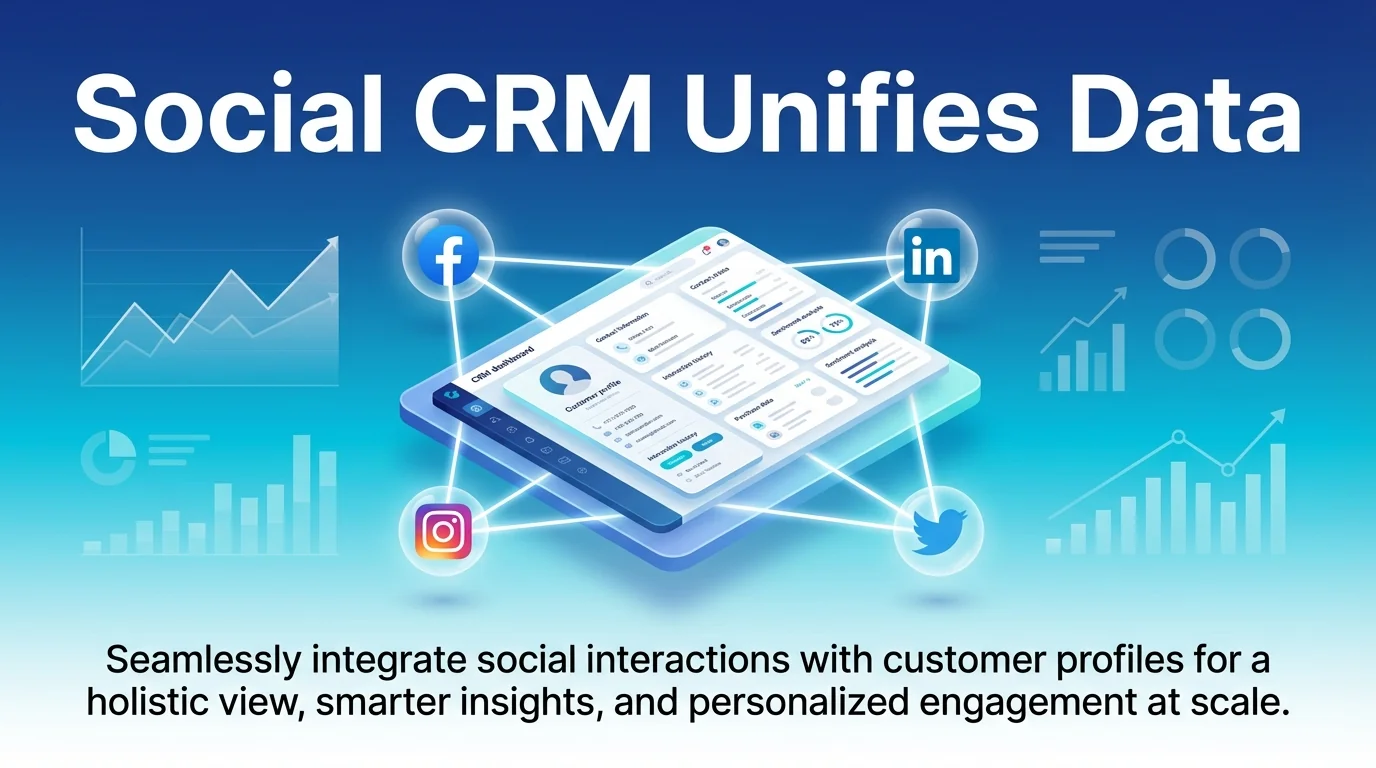
When your CRM automatically captures social media comments, direct messages, and mentions, your team can respond faster and more personally. Marketing teams publish campaigns, sales teams track engagement, and support teams resolve issues—all from one centralised hub.
This guide covers everything you need to integrate social media with your CRM effectively. You’ll discover which tools work best, how to connect your platforms, and practical strategies to turn social interactions into lasting customer relationships.
What Social CRM Integration Actually Means
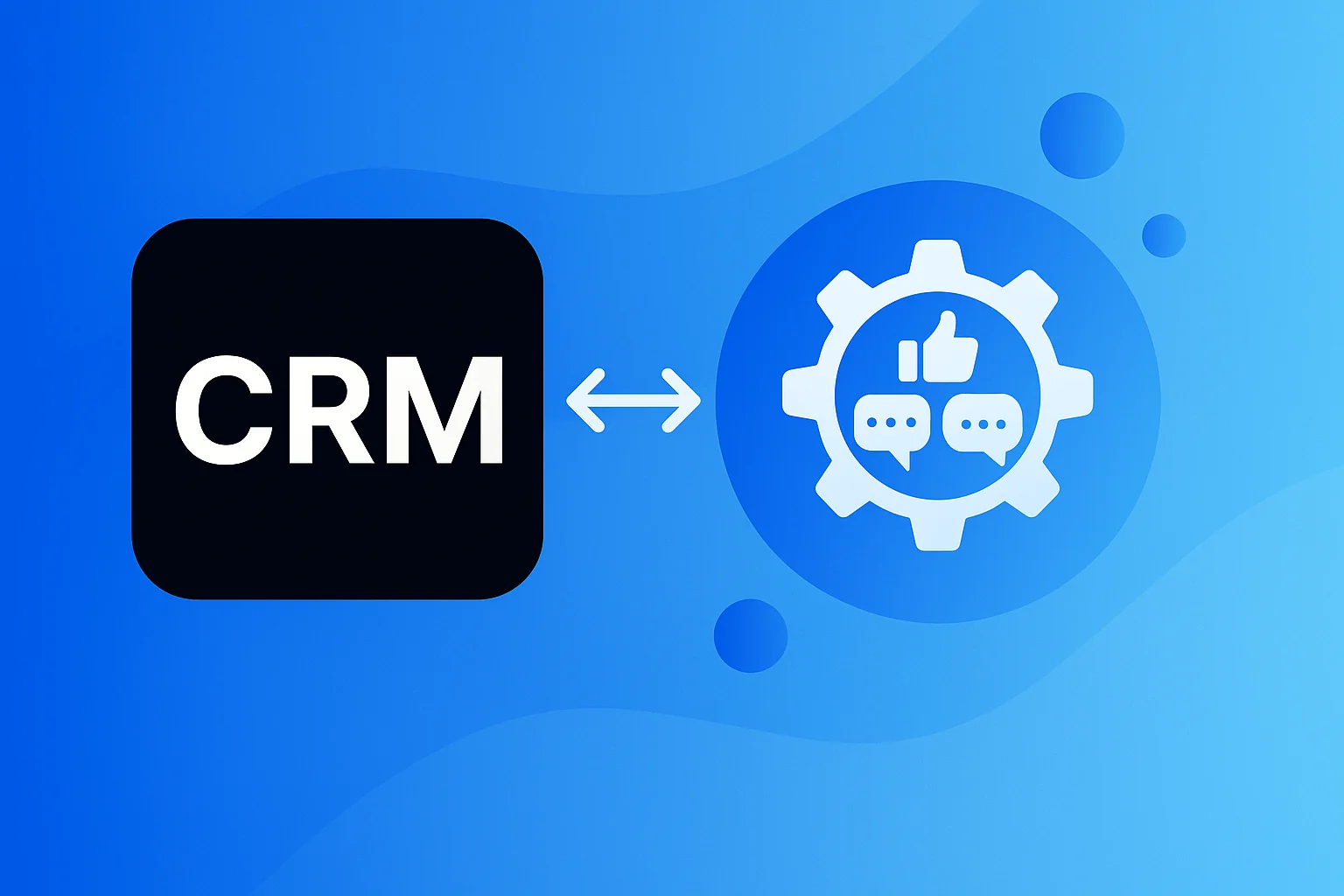
Social CRM integration connects your customer relationship management system with social media platforms. This creates a bidirectional flow where social interactions populate your CRM records whilst your CRM pushes content to social channels.
Unlike traditional CRM systems that focus on transactional data like purchase history and support tickets, social CRM captures the conversational context. You see what customers say publicly, how they engage with your brand, and what topics matter to them.
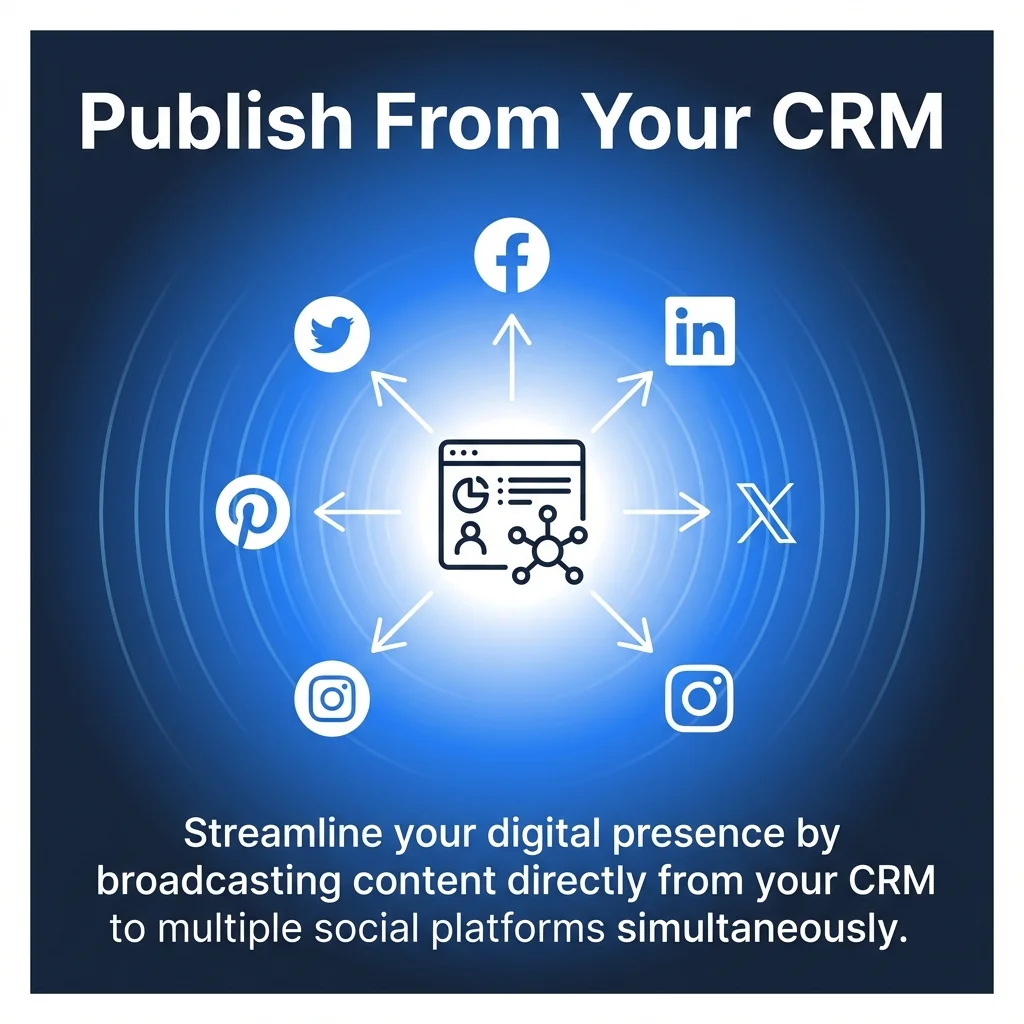
The integration typically works through native connectors or APIs. Social media CRM integrations enable marketing teams to publish posts to platforms like Facebook and LinkedIn directly from the CRM, consolidating multichannel campaigns into a central hub.
How Data Flows Between Systems
When someone comments on your Facebook post, that interaction automatically creates or updates their CRM profile. The system logs their sentiment, tracks their interests, and flags potential sales opportunities.
Your CRM then enriches this social data with information from other channels. Email opens, website visits, and purchase history combine with social activity to build complete customer profiles.
This unified view means your sales team knows a prospect engaged with three LinkedIn posts before requesting a demo. Your support team sees a customer complained on Twitter before calling your helpline.
Key Capabilities to Expect
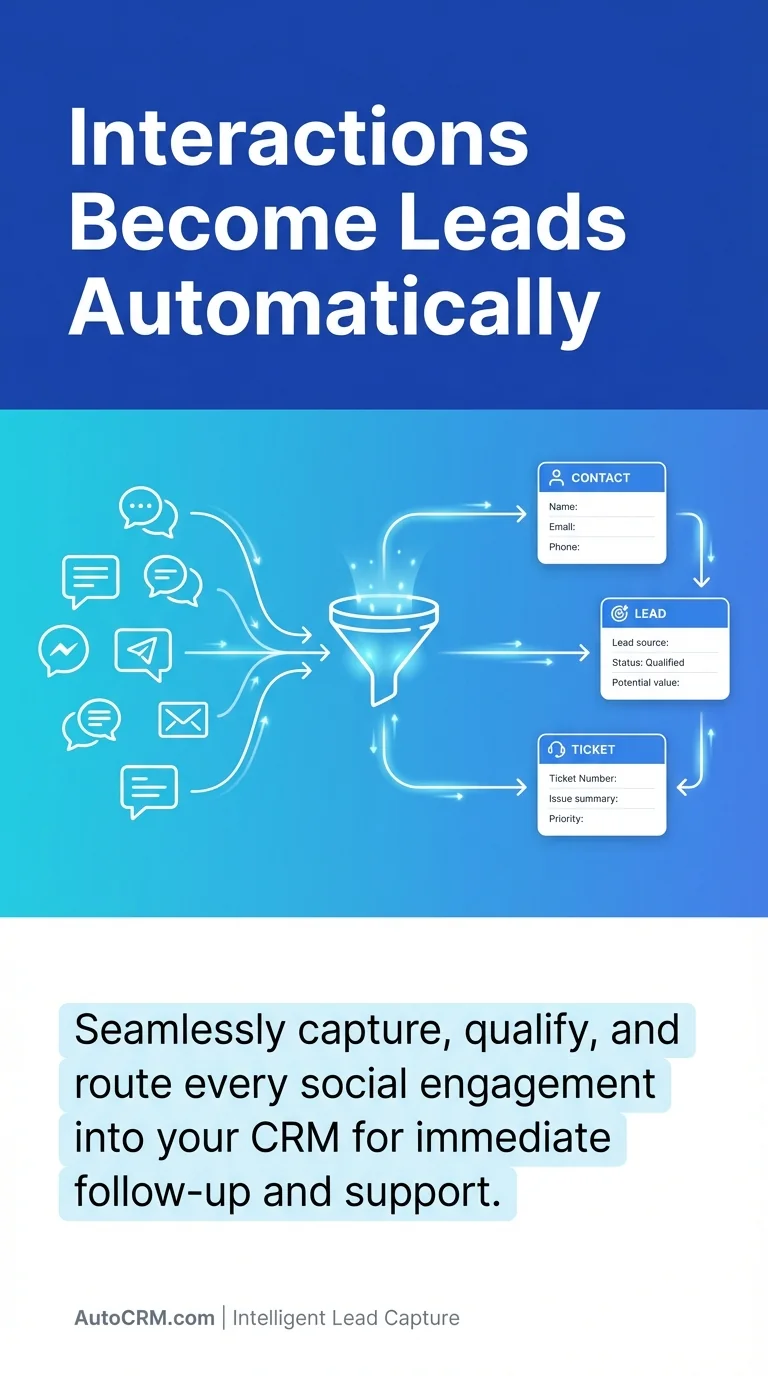
Social CRM tools generally support monitoring customer interactions on digital channels and converting interactions into leads, contacts, or support tickets, consistent with how CRMs manage traditional touchpoints.
Most platforms offer social listening to track brand mentions beyond direct tags. You’ll find sentiment analysis tools that identify frustrated customers or enthusiastic advocates automatically.
Publishing features let you schedule posts across multiple platforms without leaving your CRM. Analytics dashboards show which social content drives the most engagement and conversions.
Traditional CRM Versus Social CRM
Traditional CRM systems excel at managing structured data. They track pipeline stages, record purchase amounts, and store contact details efficiently.
These systems work brilliantly for transactional relationships. Your sales team logs calls, updates deal values, and forecasts revenue based on historical patterns.
Social CRM adds an entirely different dimension. It captures unstructured, conversational data that reveals customer personality, preferences, and pain points.
| Aspect | Traditional CRM | Social CRM |
|---|---|---|
| Data Source | Internal interactions (calls, emails, purchases) | Public social conversations and private messages |
| Communication Flow | One-to-one, private exchanges | Public engagement plus private messaging |
| Primary Focus | Transaction management and pipeline tracking | Relationship building and engagement monitoring |
| Customer Insights | Purchase history and support tickets | Sentiment, interests, and social behaviour |
| Team Usage | Sales and support focused | Marketing, sales, support, and brand teams |
Where Data Silos Emerge
Without integration, your marketing team celebrates high social engagement whilst sales complains about poor lead quality. Support resolves Twitter complaints without updating the customer’s main CRM record.
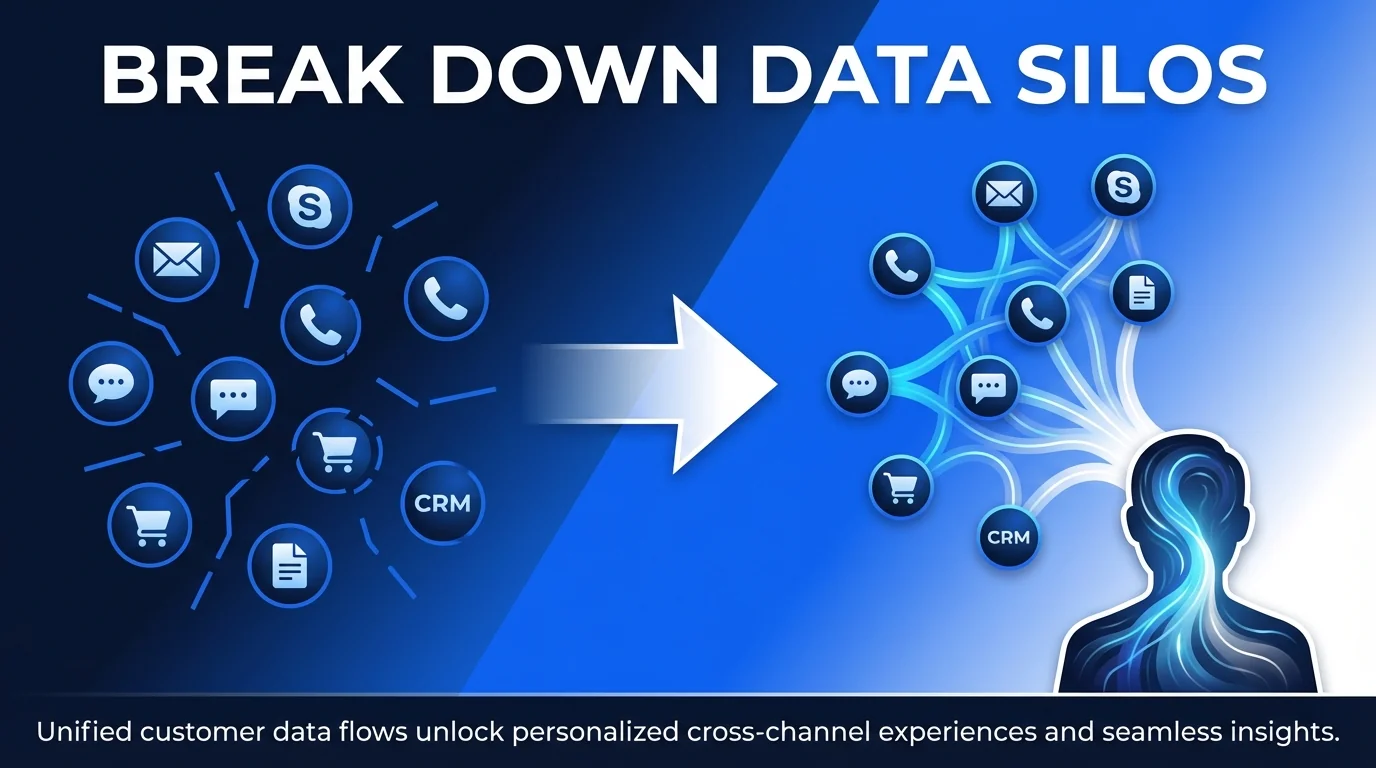
This fragmentation costs time and credibility. Sales reps call prospects unaware they’ve been complaining on social media. Marketing sends promotions to customers actively criticising your service online.
How Integration Bridges the Gap
Your entire organisation sees the same customer story. When someone tweets frustration, that sentiment appears in their CRM profile immediately.
Teams coordinate responses naturally. Support addresses the public complaint whilst account managers follow up privately. Marketing pauses promotional emails until the issue resolves.
Core Benefits for Your Business
Social CRM integration delivers measurable improvements across multiple departments. These aren’t theoretical advantages—they represent real operational gains.
Enhanced Customer Understanding
You discover what customers care about before they contact you. Their social media activity reveals interests, concerns, and buying signals that never appear in traditional CRM data.
A B2B prospect shares industry articles about automation challenges. Your sales team tailors their pitch to address exactly those pain points.
A consumer follows competitors on Instagram and engages with sustainable product content. Your marketing team highlights your eco-friendly range in their personalised campaigns.
Faster Response Times
Social media operates at conversation speed. Customers expect responses within hours, not days.
When social messages flow directly into your CRM, support queues automatically. Your team triages urgent issues and responds from a single interface.
No more switching between platforms. No more missed notifications. Every customer touchpoint receives timely attention.
Operational Efficiency Gains
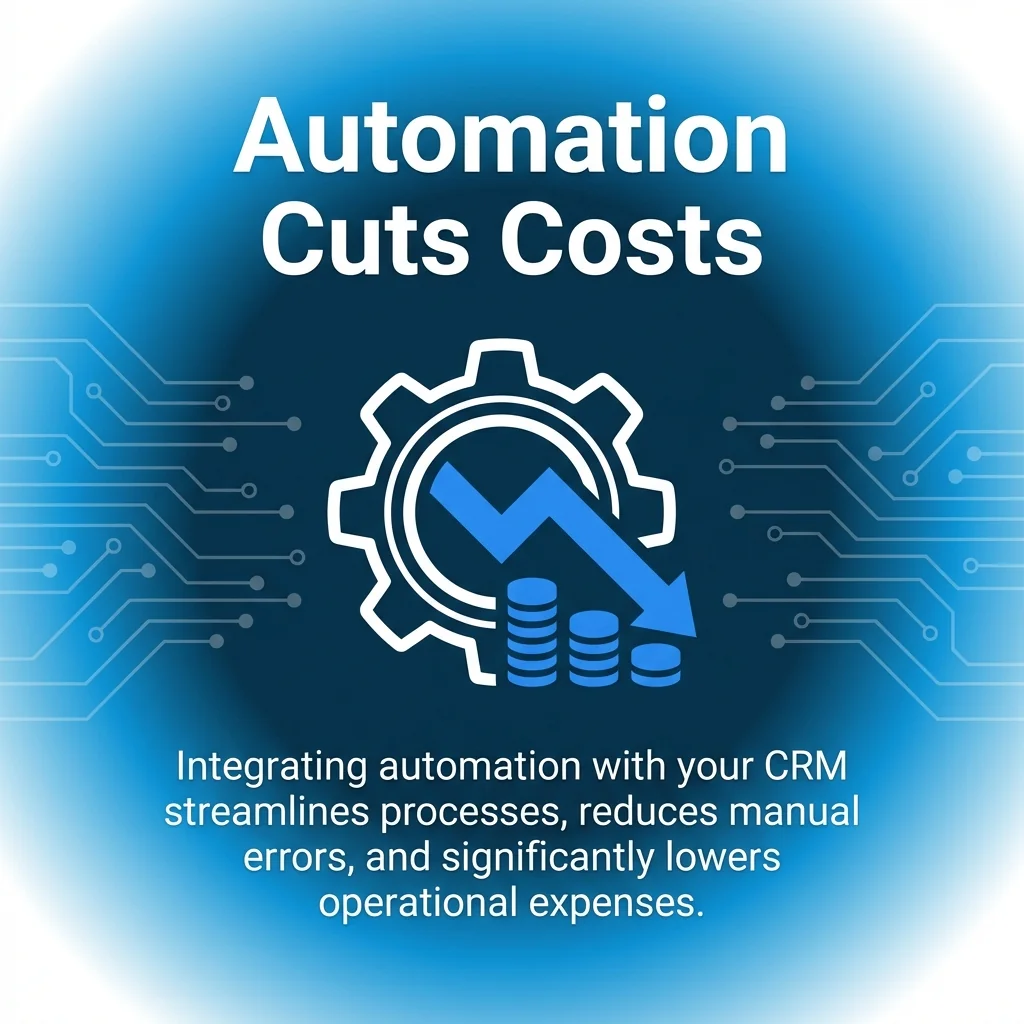
Your team stops copying data between systems. Updates happen once and propagate everywhere.
Automated workflows handle routine tasks. New social followers get added to nurture sequences. Negative sentiment triggers support alerts. High-engagement users move to priority sales lists.
Improved Campaign Performance
Marketing teams segment audiences based on social behaviour, not just demographics. You target people who actively discuss relevant topics, not just those who fit age brackets.
Social listening identifies trending topics within your customer base. You create content that addresses current conversations rather than guessing what might resonate.
Campaign analysis connects social engagement to revenue. You see which posts drive website visits, form submissions, and actual purchases.
Practical Applications Across Departments
Different teams extract unique value from social CRM integration. Understanding these use cases helps you prioritise implementation and demonstrate ROI.
Customer Support Teams
Support teams manage public complaints and private enquiries from one interface. Social media managers can escalate issues to support queues automatically.
When customers tweet complaints, the system creates support tickets linked to their full purchase history. Your team sees previous issues, product preferences, and account status immediately.
Public responses maintain brand voice whilst private follow-ups provide detailed solutions. You turn vocal critics into advocates by demonstrating attentive service.
Sales Development Representatives
Sales teams identify warm prospects through social engagement signals. Someone who comments on three product posts shows more intent than a cold email subscriber.
Your CRM scores leads based on social activity. High-engagement prospects get priority outreach. Sales reps reference specific posts in their conversations, building immediate rapport.
Social profiles reveal personal interests that help break the ice. You mention a prospect’s marathon training or industry conference attendance naturally.
Marketing Campaign Managers
Marketing teams orchestrate campaigns across email, social media, and advertising from one platform. Social media automation tools integrate with CRM systems to streamline publishing and tracking.
Audience segmentation uses social behaviour alongside traditional criteria. You create lists of people who engaged with competitor content, discussed specific pain points, or shared relevant industry news.
Campaign analytics track the complete customer journey. You see someone discovered your brand on LinkedIn, engaged with Instagram content, and converted through an email offer.
Brand Monitoring Teams
Brand teams track sentiment trends and identify emerging issues before they escalate. Your CRM aggregates social mentions, analyses emotional tone, and alerts relevant team members.
You spot product quality concerns when multiple customers mention similar problems. Pattern recognition identifies trending complaints that need immediate attention.
Positive sentiment gets leveraged too. Enthusiastic customers become case study candidates. Advocates receive exclusive previews and referral programme invitations.
Essential Features in Social CRM Tools
Multi-Platform Integration
Your tool should connect with every platform where your customers engage. Facebook, Instagram, LinkedIn, Twitter (X), and YouTube represent common priorities.
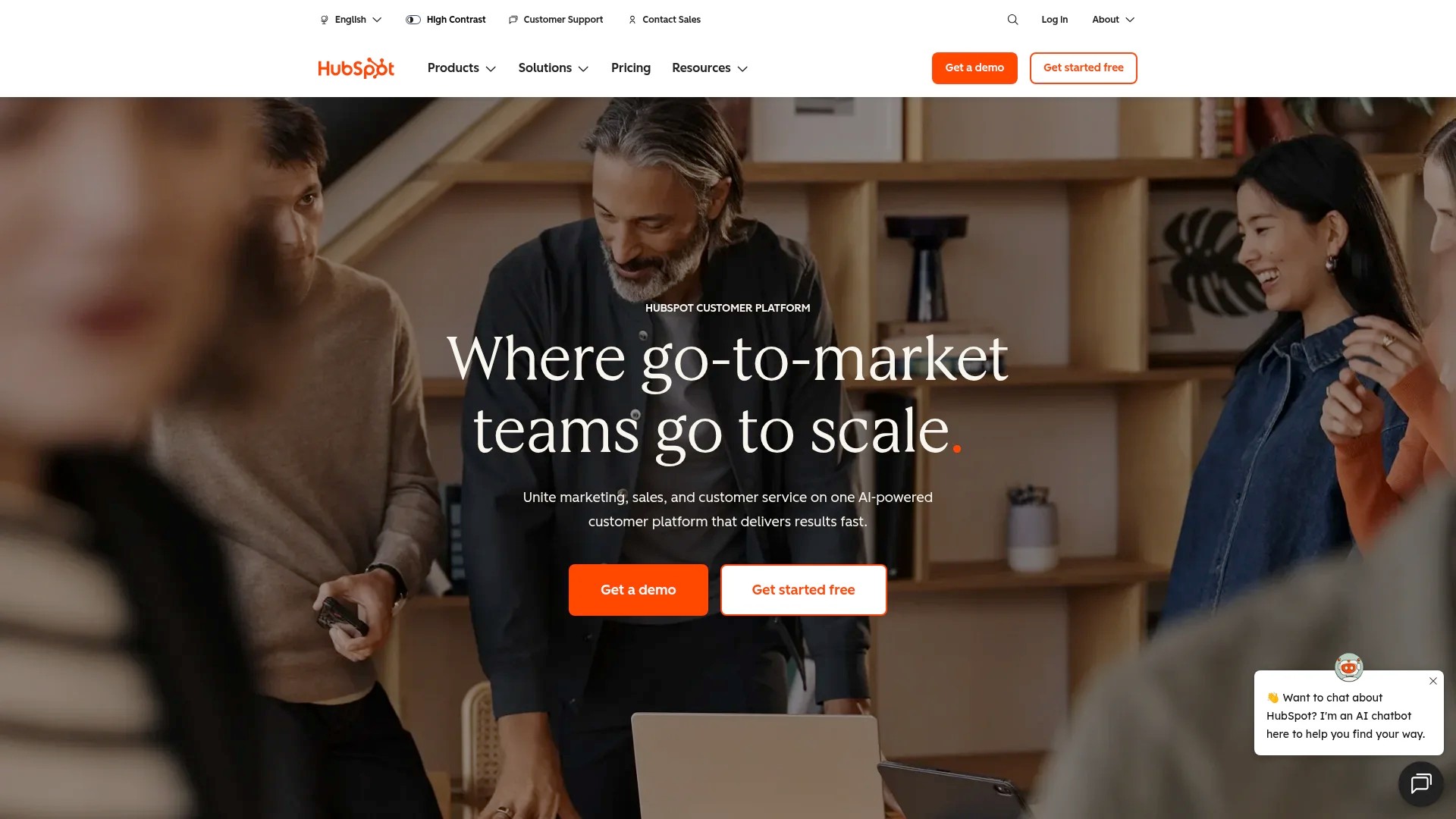
HubSpot exemplifies comprehensive integration. HubSpot connects with major social platforms, pulling comments, mentions, and direct messages into unified customer timelines whilst syncing social interactions directly with contact profiles.
Look for platforms that support both publishing and monitoring. You should schedule posts and track responses without leaving your CRM.
Social Listening Capabilities
Basic monitoring tracks direct mentions and tags. Advanced listening captures untagged brand references, competitor mentions, and industry keyword discussions.
Your system should identify conversations where customers discuss your category without naming your brand. These unbranded searches reveal market gaps and positioning opportunities.
Sentiment analysis automatically categorises mentions as positive, negative, or neutral. Priority scoring highlights urgent issues and high-value opportunities.
Automated Workflow Triggers
Automation transforms social data into action. When someone engages with specific content, workflows should trigger appropriate responses automatically.
A prospect downloads your guide on Instagram? Your CRM adds them to a nurture sequence. A customer complains on Twitter? Support receives an urgent alert.
Workflow builders should offer conditional logic. Different engagement levels trigger different responses. VIP customers get white-glove treatment automatically.
Unified Customer Profiles
Every social interaction should append to a central customer record. You see chronological activity across all platforms and channels.
Profiles should display social handles, follower counts, engagement history, and sentiment trends. Your team understands each customer’s relationship with your brand instantly.
Data synchronisation must work bidirectionally. Changes in your CRM should update connected platforms where relevant.
Leading Social CRM Solutions
Enterprise-Grade Options
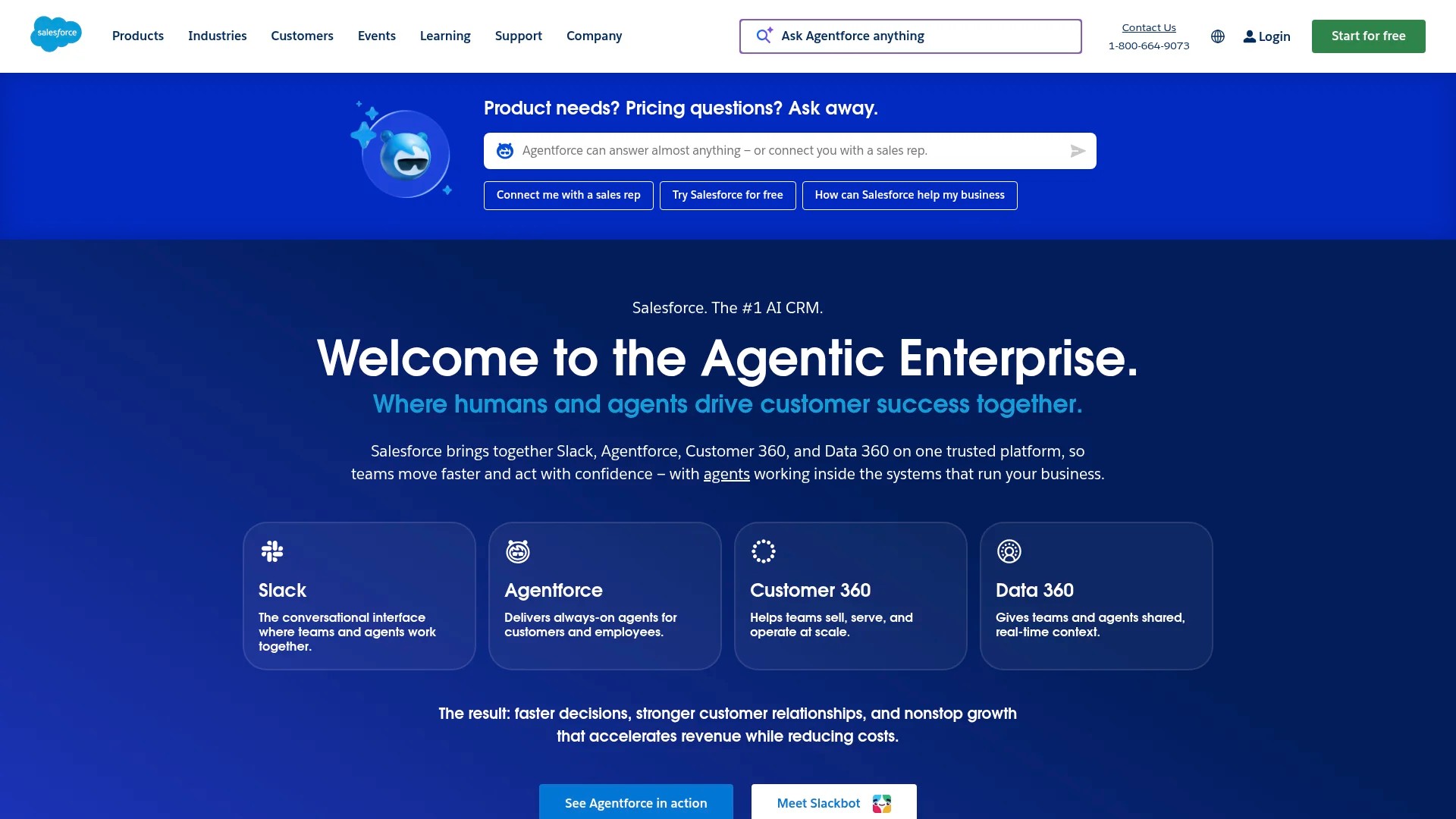
Salesforce provides robust social integration through Social Studio. Large organisations appreciate the platform’s scalability and customisation options.
The system handles complex workflows across multiple brands and regions. Enterprise teams get granular permission controls and detailed audit trails.
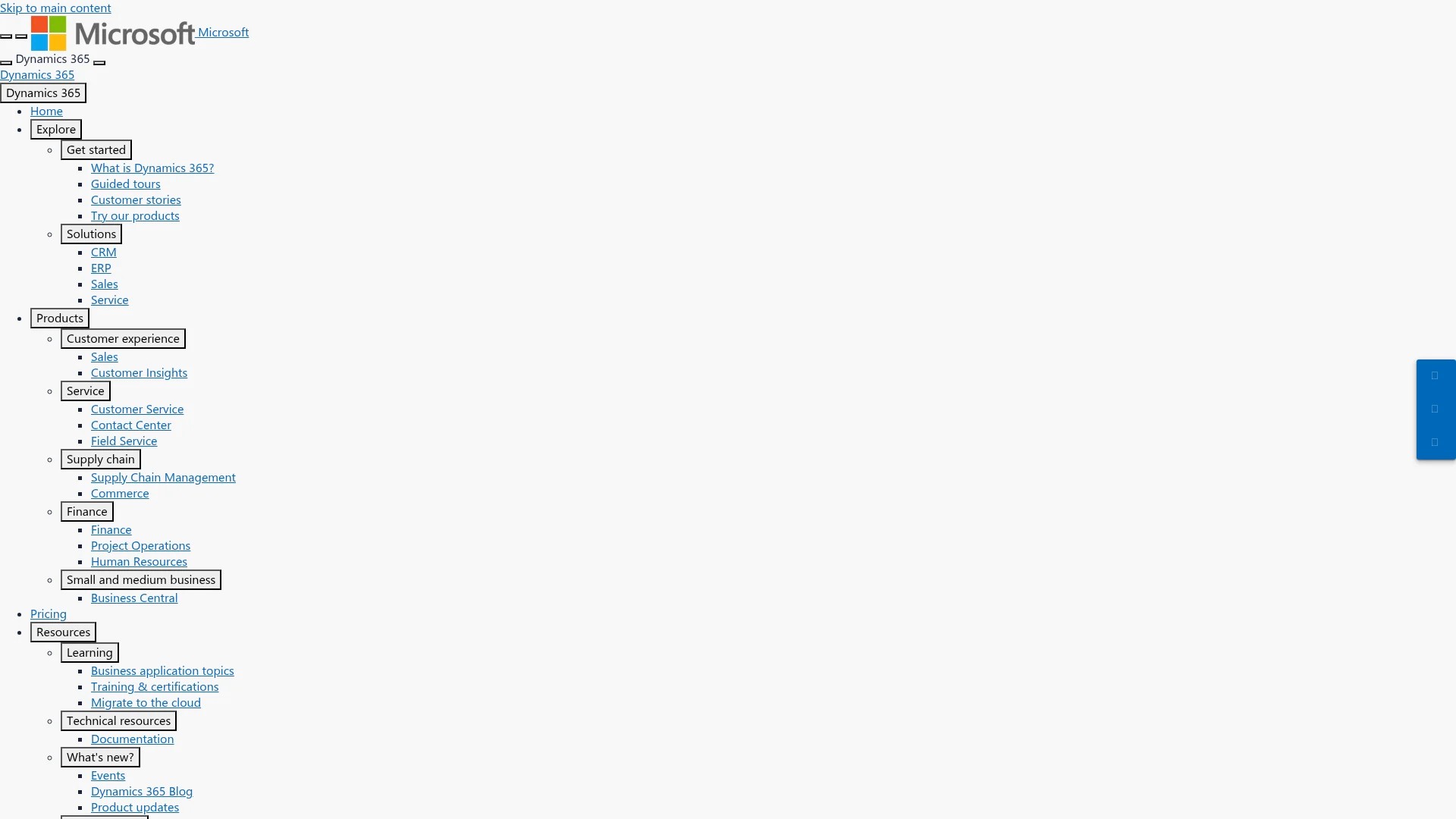
Microsoft Dynamics 365 integrates social data with its broader business intelligence ecosystem. Organisations already using Microsoft products benefit from seamless connectivity.
Mid-Market Solutions
HubSpot balances functionality with usability. The platform offers native social integrations without requiring extensive technical knowledge.
Marketing, sales, and service hubs share social data automatically. Teams collaborate on customer interactions without manual coordination.
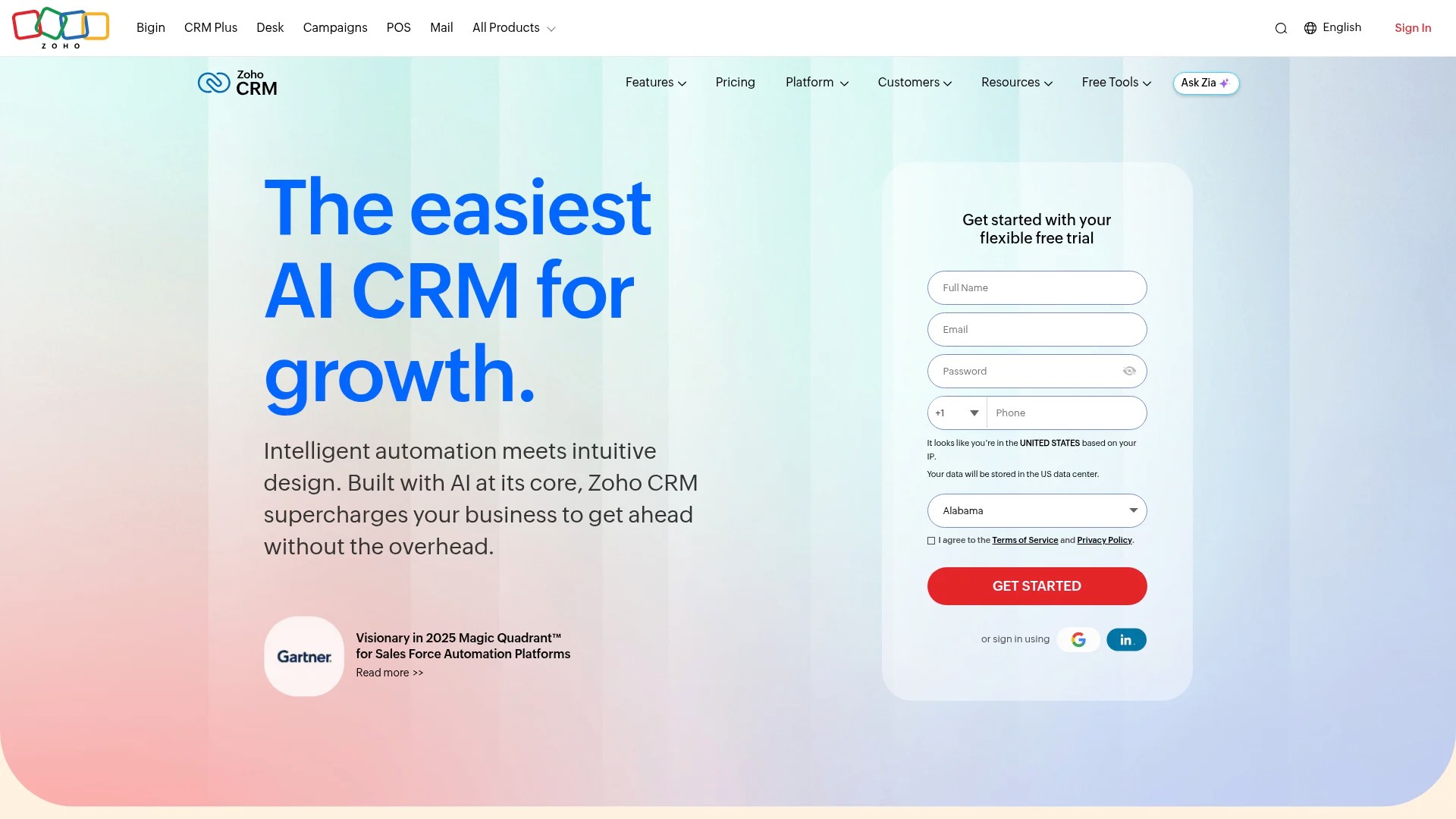
Zoho CRM provides affordable social integration for growing businesses. The platform supports essential features without enterprise pricing.
Specialised Platforms
Sprout Social focuses specifically on social media management with CRM capabilities. Brands prioritising social engagement often prefer this approach.
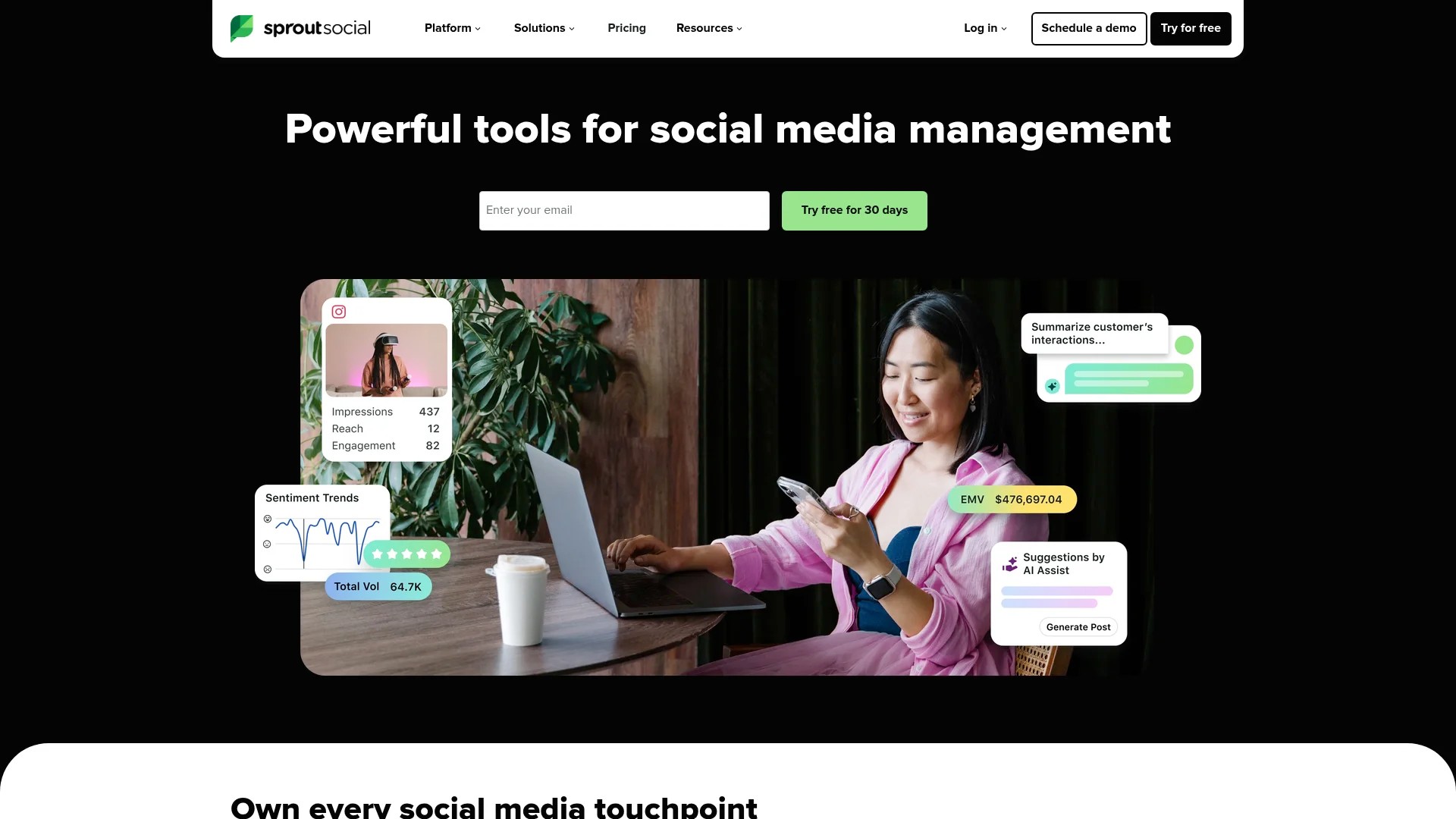
The platform excels at publishing, monitoring, and analytics. CRM features support customer relationship tracking without the complexity of full enterprise systems.
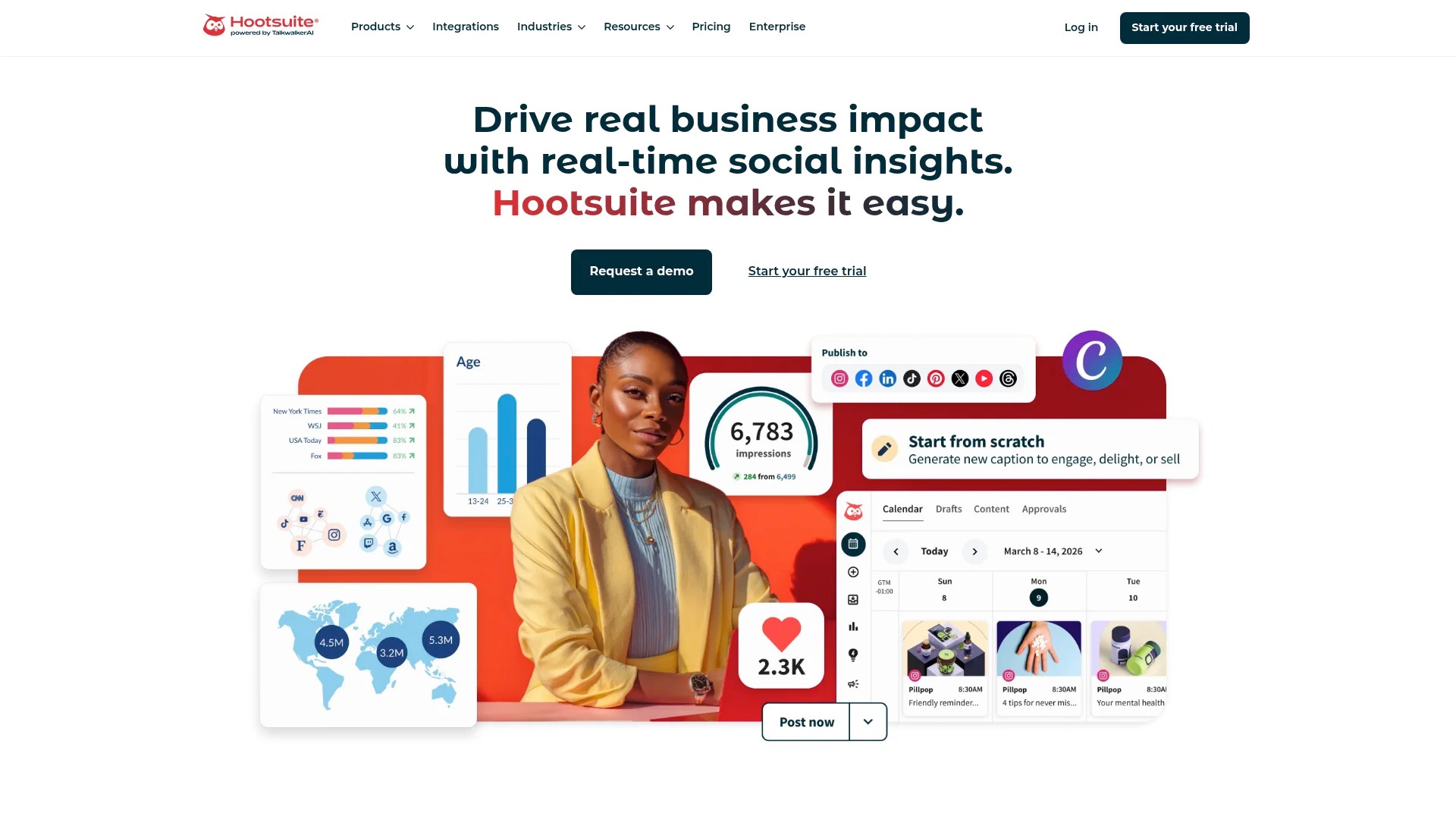
Hootsuite offers similar specialisation with extensive app integrations. You can connect it to your existing CRM whilst leveraging superior social management tools.
Implementation Strategy and Planning
Successful integration requires methodical planning. Rushing implementation creates data quality issues and user adoption problems.
Assess Your Current Systems
Start by auditing existing tools and processes. Document every platform where customer data currently lives.
Identify integration points between systems. Which platforms already connect? Where do manual data transfers occur?
Map customer journey touchpoints across channels. Understanding the complete experience reveals integration priorities.
Define Clear Objectives
Specify measurable goals for your integration. Vague aims like “improve customer experience” lack actionable metrics.
Better objectives include reducing support response time by 40%, increasing sales qualified leads from social by 25%, or improving campaign ROI through better targeting.
Each department should define relevant success metrics. Support tracks resolution times. Sales measures conversion rates. Marketing evaluates engagement quality.
Choose Your Integration Method
Native connectors offer the simplest implementation. If your CRM and social platforms provide built-in integration, start there.
Integration platforms like Zapier or Make bridge systems without custom development. These tools suit mid-market businesses without extensive technical resources.
Plan Data Migration
Historical social data requires careful migration planning. Decide how far back to import interactions and what information matters most.
Clean existing CRM data before integration. Duplicate records and outdated information create confusion when social profiles sync.
Test migrations with small data samples first. Verify field mapping accuracy and troubleshoot issues before full-scale implementation.
Overcoming Common Integration Challenges
Every integration project encounters obstacles. Anticipating common issues helps you prepare effective solutions.
Data Volume Management
Social platforms generate enormous data volumes. Not every like, share, or view deserves permanent CRM storage.
Define meaningful engagement thresholds. Track direct interactions like comments and messages whilst filtering passive activities.
Implement data retention policies. Archive old social interactions after defined periods to maintain system performance.
Platform API Limitations
Social media platforms frequently change API access and rate limits. Your integration must adapt to these shifting constraints.
Build buffer capacity into automated processes. Don’t max out API call limits during normal operations.
Monitor platform announcements about API changes. Proactive adjustments prevent sudden integration failures.
User Adoption Resistance
Team members comfortable with existing workflows resist new systems. Technical capability doesn’t guarantee user adoption.
Involve end users during tool selection and setup. People embrace systems they helped design.
Provide role-specific training. Show sales teams how social data improves prospecting. Demonstrate to support how integration speeds resolution.
Privacy and Compliance Concerns
Collecting social data creates privacy obligations. GDPR, CCPA, and similar regulations govern how you store and use customer information.
Audit your integration for compliance gaps. Ensure proper consent mechanisms and data access controls.
Document your data collection practices clearly. Transparency builds customer trust and satisfies regulatory requirements.
Optimising Your Social CRM Workflows
Basic integration represents just the starting point. Optimisation unlocks the real value in your connected systems.
Create Smart Segmentation Rules
Use social behaviour to enhance traditional segmentation. Combine firmographic data with engagement patterns for precise targeting.
Segment by conversation topics, not just demographics. Someone discussing automation challenges needs different content than someone celebrating implementation success.
Build dynamic segments that update automatically. Lists refresh as customers’ social behaviour evolves.
Design Response Protocols
Establish clear guidelines for social interaction management. Define which team handles different enquiry types.
Create escalation paths for complex issues. Simple questions get automated responses. Technical problems route to specialists immediately.
Set response time expectations based on channel and urgency. Crisis situations demand immediate attention. General enquiries allow longer timeframes.
Develop Content Strategies
Social listening reveals content gaps and opportunities. Track frequently asked questions and create resources that address them.
Monitor competitor conversations to identify positioning advantages. Content that addresses competitor weaknesses attracts dissatisfied customers.
Test content performance across integrated channels. See which social posts drive email signups or purchase activity.
Implement Progressive Profiling
Each social interaction adds detail to customer profiles. Over time, you build comprehensive understanding without intrusive questioning.
Track topic interests through content engagement. Someone who regularly interacts with product feature posts shows buying intent.
Monitor sentiment changes that signal relationship shifts. Declining engagement or negative tone trigger retention workflows.
Measuring Social CRM Success
Quantifying integration value justifies investment and guides optimisation. Choose metrics that reflect genuine business impact.
Customer Service Metrics
Track average response time across social channels. Compare performance before and after integration.
Measure first-contact resolution rates. Unified customer profiles help teams solve problems without escalation.
Monitor customer satisfaction scores specifically for social interactions. Survey customers after social support experiences.
Sales Performance Indicators
Calculate conversion rates for socially sourced leads. Compare them against other acquisition channels.
Track deal velocity for prospects with social engagement. Warmed leads typically close faster than cold outreach.
Measure average deal value by lead source. CRM tools help businesses keep better track of a growing customer base and can deliver a strong return on investment through productivity gains and improved customer satisfaction.
Marketing Effectiveness Measures
Analyse engagement quality beyond vanity metrics. Comments and shares matter more than passive views.
Track conversion paths that begin with social touchpoints. Attribution modelling reveals social media’s role in longer customer journeys.
Measure audience growth rates alongside engagement levels. Quality matters more than quantity.
Operational Efficiency Gains
Calculate time saved through automated data synchronisation. Compare manual entry hours before and after integration.
Track error reduction in customer records. Automated updates prevent duplicate entries and outdated information.
Monitor team productivity metrics. Well-integrated systems let people focus on high-value activities rather than administrative tasks.
Advanced Integration Techniques
Once basic integration runs smoothly, advanced techniques multiply your competitive advantage.
Predictive Lead Scoring
Machine learning models analyse social behaviour patterns to predict conversion likelihood. The system identifies subtle signals human reviewers miss.
Combine social engagement data with traditional scoring factors. Comprehensive models outperform single-channel approaches.
Continuously refine scoring algorithms based on actual outcomes. Your model improves as it processes more customer journeys.
Sentiment Trend Analysis
Track sentiment changes over time to identify emerging issues or opportunities. Sudden negative shifts indicate problems requiring immediate attention.
Compare sentiment across customer segments. Different groups may have distinct concerns requiring tailored responses.
Correlate sentiment with business events like product launches or service changes. Understanding cause-and-effect improves future planning.
Competitive Intelligence Gathering
Monitor competitor social mentions to understand their strengths and vulnerabilities. Track what customers praise and criticise.
Identify gaps in competitor offerings that your products address. Target messaging to frustrated competitor customers.
Watch for competitor service failures that create switching opportunities. Timely outreach converts dissatisfied prospects.
Influencer Relationship Management
Track influential customers who regularly engage with your brand. These advocates deserve special attention and exclusive benefits.
Monitor reach and engagement of customer posts mentioning your brand. Identify authentic influencers beyond traditional metrics.
Build workflows that nurture influencer relationships systematically. Automated touchpoints maintain connections without manual tracking.
Future-Proofing Your Integration
Social media platforms and CRM technologies continually shift. Building adaptable systems prevents costly rebuilds.
Embrace Flexible Architecture
Choose integration methods that accommodate platform changes without complete rebuilds. API-based connections adapt more easily than rigid custom code.
Maintain documentation of integration logic and data flows. Future team members need clear understanding of system architecture.
Build modular workflows that can be updated independently. Changes to one process shouldn’t break unrelated functions.
Stay Current With Platform Changes
Subscribe to developer updates from your CRM and social platforms. Early notification of changes allows proactive adjustment.
Test integrations regularly to catch breaking changes quickly. Automated monitoring alerts you to connection failures.
Maintain relationships with vendor support teams. Priority assistance helps you navigate major platform transitions.
Plan for Emerging Channels
New social platforms emerge constantly. Your integration approach should accommodate adding channels without major overhauls.
Evaluate new platforms based on where your customers actually engage. Don’t chase every trend, but stay aware of meaningful shifts.
Build integration frameworks that support multiple platforms generically. Channel-agnostic systems adapt faster than platform-specific builds.
Quick Answers to Common Questions
What is an example of a social CRM?
HubSpot exemplifies social CRM by integrating with Facebook, Instagram, LinkedIn, X, and YouTube. It pulls comments, mentions, and direct messages into unified customer timelines whilst syncing social interactions directly with contact profiles.
What is a social CRM?
A social CRM system integrates with social media channels, gathering data from platforms like Facebook, Instagram, LinkedIn, and Twitter to consolidate customer interactions and engagement into unified customer profiles for relationship management.
What is an example of CRM integration?
A global e-commerce business using Salesforce demonstrates CRM integration by running automated email marketing campaigns triggered by browsing behaviour, integrating order history across channels, and providing multilingual support—all within a single centralised system across 50+ countries.
Taking Your First Integration Steps
Social CRM integration transforms scattered customer data into strategic advantage. You’ve now got the framework to plan, implement, and optimise your connected systems.
Start with a pilot programme in one department. Support teams often see the fastest value from unified customer views. Success there builds momentum for broader rollout.
Focus on data quality from day one. Clean, consistent information matters more than comprehensive coverage. Better to integrate three platforms well than seven poorly.
Remember that integration serves customer relationships, not just operational efficiency. Every automation should enhance how you understand and serve your audience.
The most successful integrations balance technical capability with genuine human connection. Let technology handle data management whilst your team focuses on meaningful conversations. For more guidance on choosing the right automation tool for your brand, explore our comprehensive selection guide.
Your customers already connect their online experiences seamlessly. Social CRM integration helps your business match that expectation.