Setting up social media automation requires three core components: a multi-platform scheduling tool, a unified social inbox for engagement, and analytics to measure performance. Start by connecting your accounts to a central platform like Sprout Social or Buffer, build a content library organised by categories, then create automated publishing queues that recycle evergreen content whilst scheduling time-sensitive posts.
This approach transforms scattered manual posting into a systematic workflow. You maintain consistent presence across Facebook, Instagram, LinkedIn, and other platforms without constant intervention.
The shift from reactive posting to proactive automation gives you back hours weekly. More importantly, it enables strategic consistency that individual posts can’t achieve.
This guide walks through the complete setup process. You’ll learn which tools fit different needs, how to structure your content systems, and when automation serves your audience versus when it doesn’t.
What Social Media Automation Actually Means
Social media automation uses software to handle repetitive publishing and engagement tasks. Tools streamline workflows, maintain presence on multiple platforms, and reduce manual tasks that consume hours each week.

The core functions include scheduled publishing, automated responses, content recycling, and centralised monitoring. Modern platforms bundle these capabilities together rather than requiring separate tools for each function.
Think of automation as a publishing infrastructure. You create content once, then the system handles distribution timing, platform formatting, and initial engagement monitoring.
This differs from simply scheduling posts. True automation includes triggered actions, workflow rules, and intelligent timing based on audience behaviour patterns.
The Scope of Automation
Publishing automation covers post scheduling, optimal timing recommendations, and multi-platform distribution from a single interface. You queue content weeks ahead whilst maintaining the flexibility to add real-time updates.
Engagement automation manages your social inbox. This includes comment tracking across platforms, response templates for common questions, and auto-routing messages to appropriate team members.
Content automation helps generate captions, suggest hashtags, and repurpose existing material. AI features now assist with writing variations whilst you maintain creative control.
Analytics automation compiles performance data, generates scheduled reports, and flags significant changes. This transforms scattered metrics into actionable insights.
What Automation Cannot Replace
Genuine conversation requires human judgment. Automated responses work for FAQs, but nuanced discussions, crisis management, and relationship building need personal attention.
Creative strategy remains your responsibility. Tools suggest content ideas and optimise timing, but deciding what resonates with your specific audience requires understanding automation can’t replicate.
Community cultivation grows through authentic interaction. Automation handles distribution efficiency; you handle the relationships that make your community valuable.
Benefits That Matter for Your Workflow
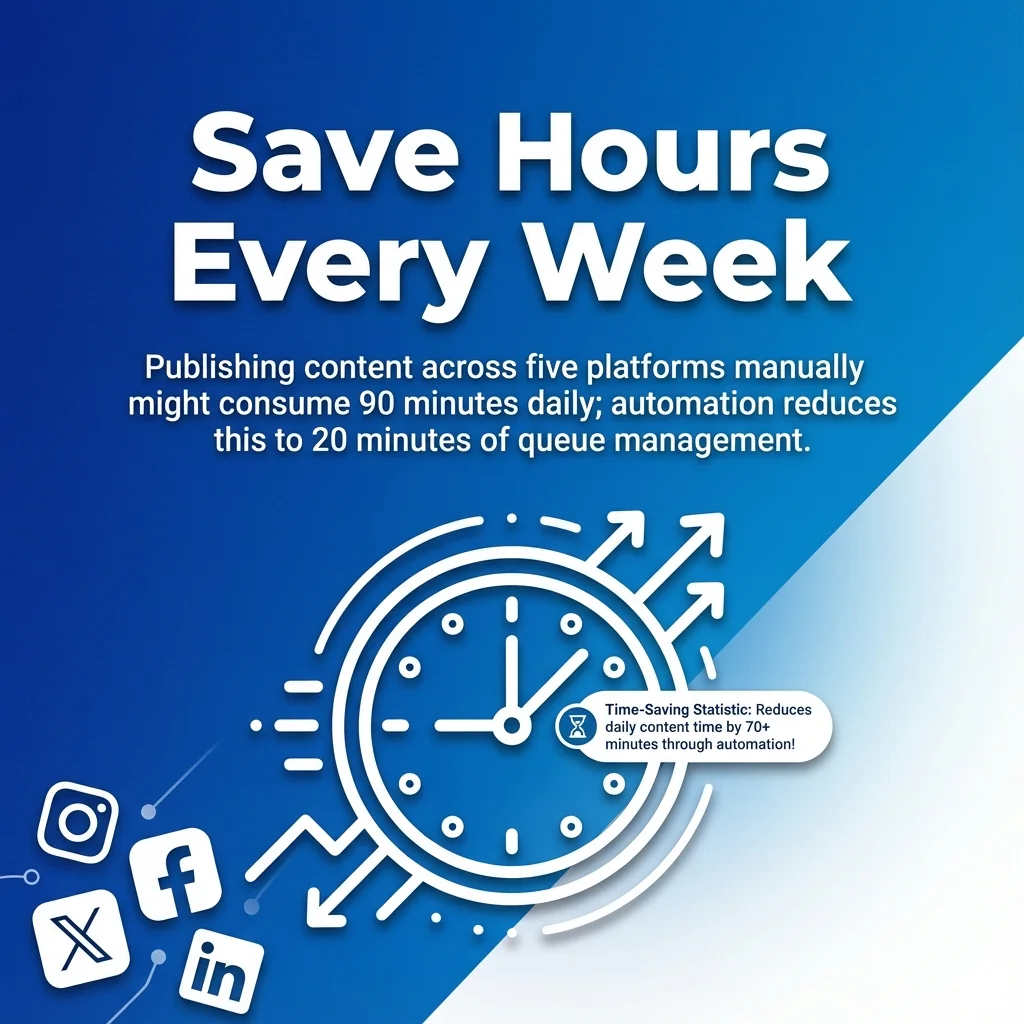
Time efficiency stands as the primary advantage. Publishing content across five platforms manually might consume 90 minutes daily. Automation reduces this to 20 minutes of queue management.
Consistency improves dramatically when you’re not dependent on daily availability. Your audience sees regular content whether you’re in meetings, travelling, or focused on other priorities.
Multi-platform management becomes feasible for small teams. One person can maintain presence across six platforms with automation, whereas manual posting typically maxes out at three platforms effectively.
Measurable Performance Improvements
Optimal timing reaches more people. Platforms prioritise content posted when your audience is active. Automation tools identify these windows and publish accordingly, even at 3 AM.
Content variety increases when you’re not rushing daily posts. With queues built ahead, you balance promotional content, educational material, and engagement posts strategically.
Response time decreases for customer enquiries. Automated inbox monitoring ensures no comment disappears unanswered, even outside business hours.
Team coordination improves through shared calendars, approval workflows, and centralised asset libraries. Everyone sees what’s scheduled and can contribute without duplicating effort.
Strategic Advantages
Data-driven decisions replace guesswork. Automated analytics show which content types, posting times, and platforms drive results. You iterate based on evidence rather than assumptions.
Scalability becomes possible without proportional resource increases. Growing from three to eight platforms doesn’t require tripling your team when automation handles distribution mechanics.
For practical guidance on automating social media posts for optimal brand growth, consider how these benefits apply to your specific goals.
Essential Features Your Automation Tool Needs
Multi-platform support determines your tool’s practical utility. Your chosen platform should connect to all networks where your audience exists, from major platforms like Facebook and Instagram to niche networks relevant to your industry.
Publishing capabilities must include queue management, optimal timing suggestions, and bulk scheduling. You need both planned content calendars and flexibility for spontaneous posts.
Social inbox unification saves hours switching between platforms. One interface for comments, messages, and mentions across all networks keeps engagement manageable.
Advanced Capabilities Worth Having
AI-powered content features assist with caption writing, hashtag suggestions, and image optimisation. These tools speed creation whilst maintaining your brand voice with proper guidance.
Analytics and reporting automation provides scheduled performance summaries rather than requiring manual data compilation. Custom dashboards highlight metrics that matter to your goals.
Team collaboration features enable approval workflows, role-based permissions, and activity tracking. Multiple people contribute without stepping on each other’s work.
Content library management organises your media assets, approved copy, and campaign materials. Quick access to brand-compliant resources speeds queue building.
Integration Requirements
Your automation tool should connect with existing systems. Automation platforms like Zapier enable ‘if this, then that’ rules connecting social accounts with apps for cross-posting, enabling workflows that span multiple tools.
RSS feed integration automatically shares new blog posts. This keeps social content fresh without manual monitoring of your website.
Link tracking reveals which posts drive traffic. UTM parameters and click analytics show ROI for social efforts.
Top Social Media Automation Tools for Different Needs
Tool selection depends on your specific requirements, team size, and budget. The right platform for an enterprise agency differs dramatically from what a solo creator needs.
This section examines leading automation platforms across different use cases. Each tool excels in particular scenarios whilst offering baseline functionality all platforms require.
Sprout Social: Enterprise and Agency Choice
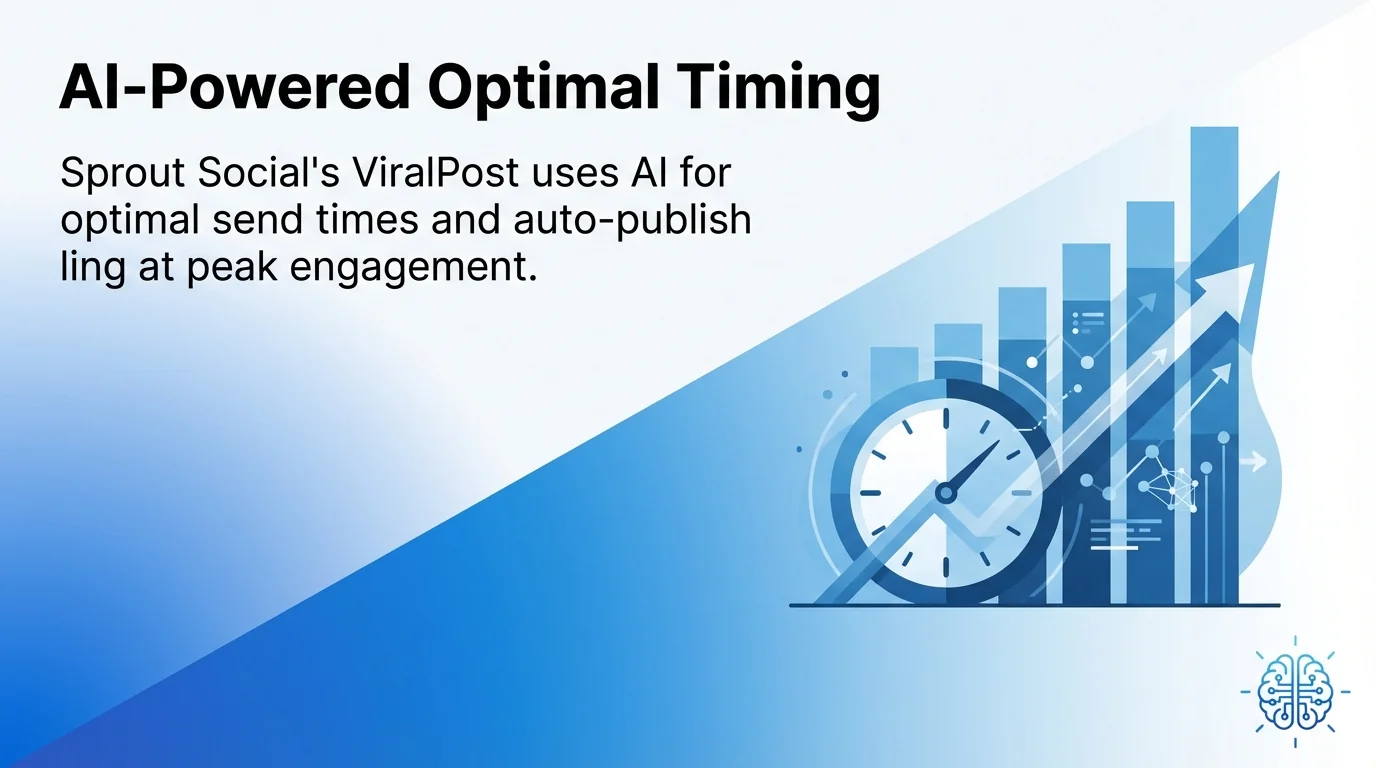
Sprout Social serves teams managing multiple client accounts or large brand presences. Sprout Social’s ViralPost uses AI for optimal send times and auto-publishing at peak engagement, removing guesswork from scheduling decisions.

The platform includes comprehensive social listening, competitor analysis, and advanced reporting. Team workflows with approval chains suit agencies requiring client oversight before publication.
Pricing starts at premium tiers, reflecting enterprise-focused features. Small teams may find more cost-effective options, but agencies benefit from centralised client management and white-label reporting.
Best for: Agencies managing 10+ client accounts, enterprise brands with dedicated social teams, organisations requiring detailed analytics and approval workflows.
Buffer: Simplicity and Affordability
Buffer prioritises ease of use over advanced features. The interface feels intuitive from first login, making onboarding quick for new team members.
Core publishing features cover essential needs: queue management, analytics, and team collaboration. The mobile app matches desktop functionality, enabling queue management anywhere.
Free plans accommodate individual creators, whilst paid tiers remain affordable for small businesses. You sacrifice some advanced automation for straightforward, reliable publishing.
Best for: Small businesses, solo creators, teams prioritising simplicity over advanced features, budget-conscious organisations needing reliable basics.
Hootsuite: Comprehensive Platform Management
Hootsuite offers extensive integrations and dashboard customisation. The platform supports more networks than most competitors, including niche professional platforms.
Bulk scheduling handles large content volumes efficiently. Upload spreadsheets with weeks of content, then let Hootsuite distribute across platforms and time slots.
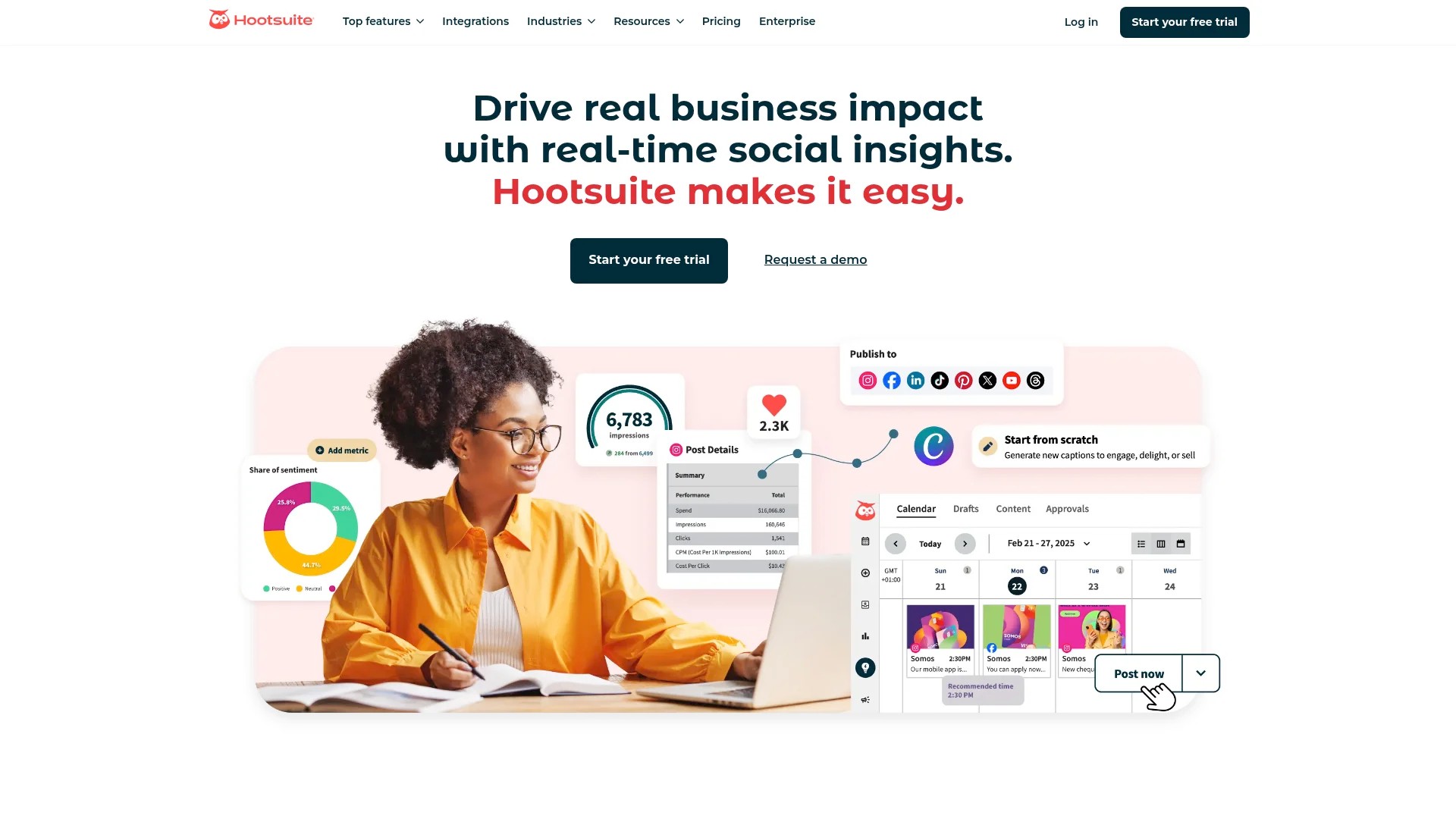
Social listening monitors brand mentions, industry keywords, and competitor activity. This transforms social media from broadcasting channel to intelligence gathering tool.
Best for: Established businesses managing diverse platform portfolios, teams needing extensive integrations, organisations prioritising monitoring alongside publishing.
SocialBee: Category-Based Queue System
SocialBee organises content into categories like promotional, educational, and curated. This structure ensures balanced posting automatically.
Evergreen content recycling allows posts to loop through queues indefinitely. Educational content remains valuable months later; SocialBee reshares it without manual intervention.
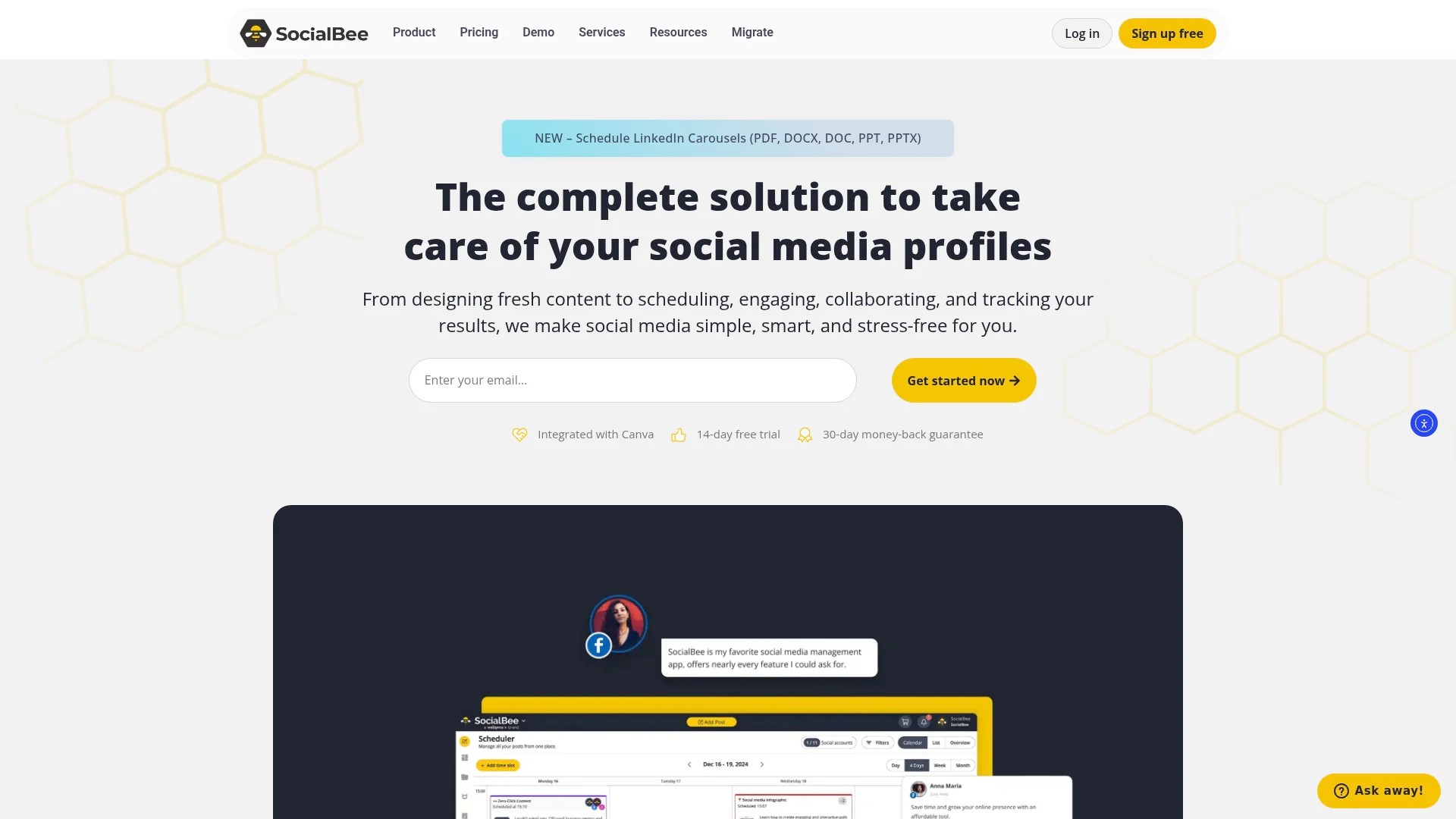
AI Copilot generates content strategies based on your brand, audience, and goals. The tool suggests posting frequencies, content mix, and caption templates customised to your inputs.
Best for: Content-heavy brands, businesses with substantial evergreen material, teams wanting automated content balance, marketers focused on efficiency.
Sendible: Agency-Specific Features
Sendible targets agencies with client management needs. White-label reporting, client-specific dashboards, and approval workflows support agency operations.
Content suggestions surface relevant articles for curation. This fills queues quickly when original content runs thin or clients need consistent posting between campaigns.
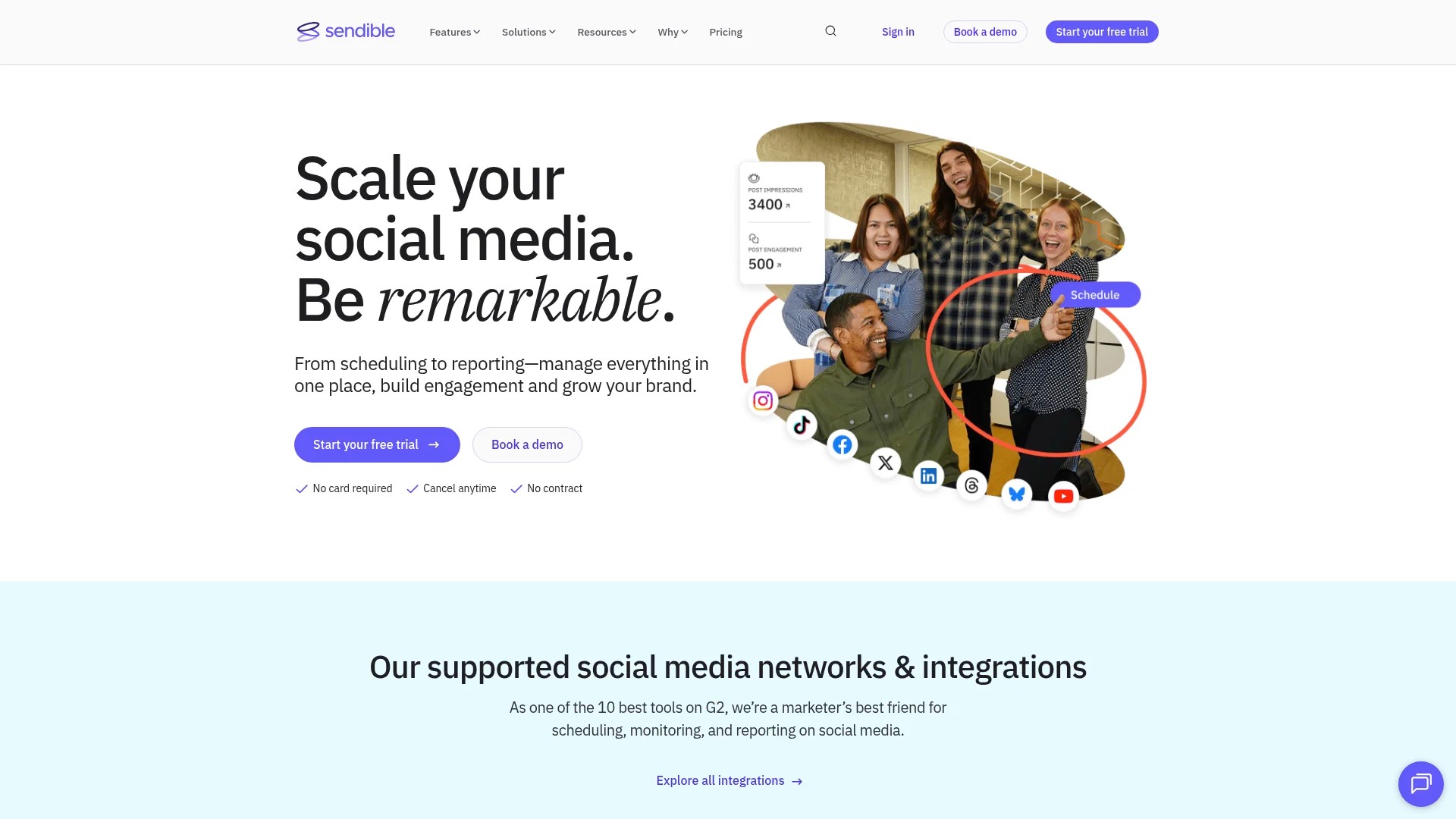
Priority support and dedicated account management help agencies avoid client-facing downtime. Service reliability matters more when you’re managing others’ brands.
Best for: Digital marketing agencies, consultants managing client social media, white-label service providers needing branded reporting.
For detailed guidance on choosing the right automation tool for your brand, consider your team size, budget, and primary use cases.
Gumloop: Advanced Workflow Automation
Gumloop extends beyond basic scheduling into complex marketing workflows. Gumloop is a marketing automation platform for social media workflows plus SEO, beyond basic scheduling, connecting content creation, distribution, and analysis.
Gumloop connects to LLMs and social platforms for workflows that generate content variations, optimise posting schedules, and adapt strategies based on performance data.
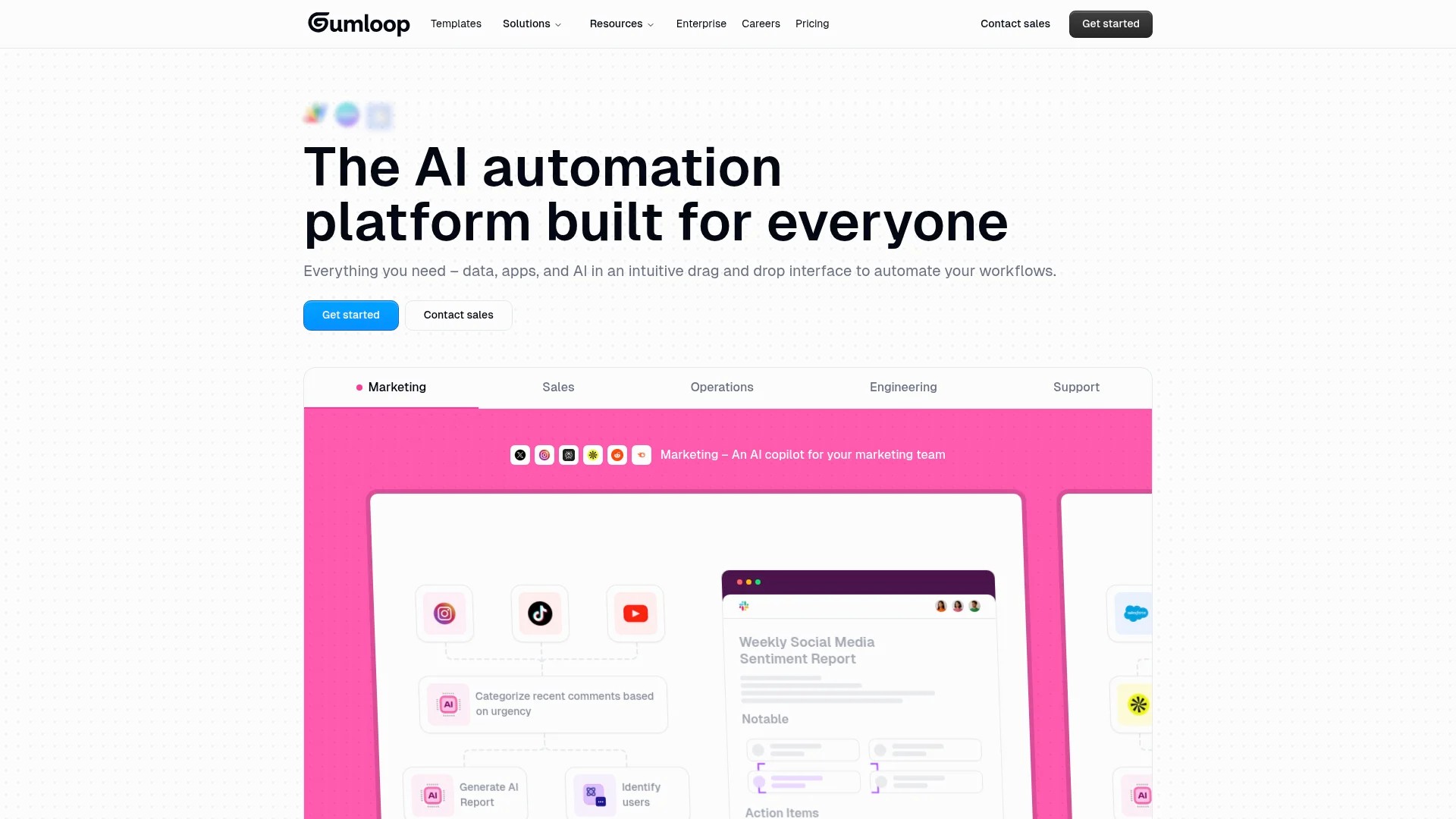
The platform suits technically-oriented teams comfortable building custom automations. You gain flexibility but require more setup investment than turnkey solutions.
Best for: Marketing teams with technical capabilities, businesses needing custom workflow logic, organisations integrating social automation with broader marketing systems.
Later: Visual-First Planning
Later emphasises visual content planning, particularly for Instagram. The drag-and-drop calendar shows how your feed will look, enabling aesthetic curation.
Media library organisation tags images by campaign, colour scheme, or content type. Finding the right asset for upcoming posts becomes quick visual browsing.
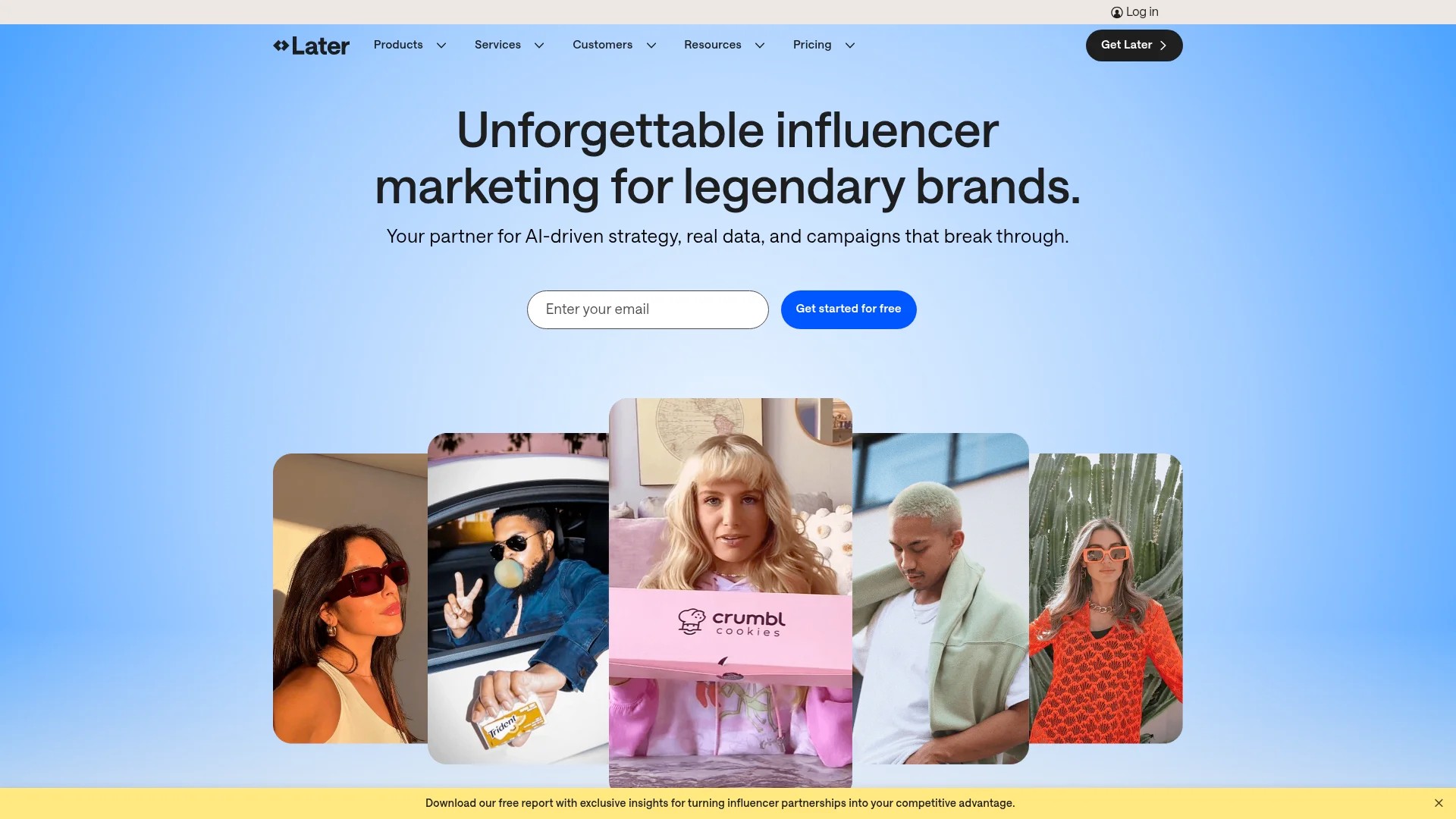
Instagram-specific features include first comment scheduling for hashtags, Stories scheduling, and Linkin.bio functionality. The platform grew from Instagram roots into multi-platform support.
Best for: Visual brands, Instagram-focused strategies, e-commerce businesses, lifestyle and fashion companies prioritising aesthetic consistency.
CoSchedule: Marketing Calendar Integration
CoSchedule combines social scheduling with broader marketing calendar management. Blog posts, email campaigns, and social content appear in unified timelines.
ReQueue automatically fills gaps in your social calendar with top-performing evergreen content. Your feed stays active even when new content production slows.

WordPress integration publishes social promotions automatically when new blog posts go live. Content distribution becomes part of publication workflow rather than separate task.
Best for: Content marketing teams, WordPress-based publishers, organisations coordinating social media with broader campaigns.
Setting Up Your First Automation System
Start by selecting one platform rather than experimenting with multiple tools simultaneously. Choose based on your primary need: publishing efficiency, team collaboration, or analytics depth.
This systematic approach prevents overwhelm whilst building sustainable automation habits. You’ll expand capabilities after mastering foundational workflows.
Initial Platform Configuration
Connect your social accounts to the chosen platform. Most tools use OAuth authentication, granting permission without sharing passwords. Verify each connection succeeds before proceeding.
Set your time zone and working hours. This ensures scheduled posts appear at intended local times and notifications arrive during business hours.
Configure team access if applicable. Assign roles matching responsibilities: some team members create content, others approve, and specific people handle engagement.
Building Your Content Library
Upload your media assets in organised folders. Structure by content type, campaign, or time period depending on your workflow. Consistent organisation prevents future searching frustration.
Create caption templates for recurring post types. Product launches, blog promotions, and testimonials often follow similar structures. Templates speed creation whilst maintaining consistency.
Import existing content you can repurpose. Blog posts become social snippets, long videos become short clips, and comprehensive guides become tip series.
Creating Your First Content Queue
Start with one platform rather than attempting all networks simultaneously. Master Instagram scheduling before adding Facebook, LinkedIn, and Twitter.
Build two weeks of content initially. This provides buffer against busy periods whilst remaining manageable to create. Extend to four weeks once comfortable with the workflow.
Establish posting frequency based on platform norms and audience expectations. Instagram might warrant daily posts, whilst LinkedIn succeeds with 3-4 weekly updates.
Schedule posts at optimal times initially suggested by your tool. Refine timing after gathering performance data specific to your audience.
Setting Up Automation Rules
Create evergreen content categories for posts that remain relevant indefinitely. Educational tips, inspirational quotes, and product features qualify as evergreen.
Set recycling parameters that reshare evergreen content every 60-90 days. This keeps your queue full whilst ensuring the same audience doesn’t see identical posts weekly.
Configure RSS feeds if you publish blogs regularly. New articles automatically generate social posts, maintaining consistent promotion without manual work.
Establish approval workflows if multiple people contribute. Require senior team members to review posts before publication, preventing brand voice inconsistencies or errors.
To explore broader efficiency strategies, review guidance on maximising social media efficiency with automated solutions for busy professionals.
Configuring Your Social Inbox for Engagement
Publishing automation only addresses half of social media management. Engagement requires systematic monitoring and response workflows to maintain relationships with your audience.
Centralised inbox management prevents missed comments or messages that disappear in platform-specific notifications. You see all interactions in one location regardless of origin.
Inbox Setup Process
Connect all your social accounts to the unified inbox feature. This typically requires granting additional permissions beyond publishing access to read comments and messages.
Create filtering rules that organise incoming messages. Separate customer service questions, sales enquiries, and general engagement into distinct queues for appropriate routing.
Set up saved replies for frequently asked questions. Questions about business hours, shipping times, or product availability warrant consistent, quick responses.
Response Automation and Rules
Configure auto-responses for after-hours messages. Acknowledge receipt and set expectations for when a human will respond, preventing customers from feeling ignored.
Create assignment rules that route specific message types to appropriate team members. Product questions go to sales, complaints to customer service, and partnership enquiries to business development.
Establish response time targets for different priority levels. Critical customer service issues might require 30-minute responses, whilst general engagement can wait several hours.
Engagement Monitoring
Set up keyword alerts for brand mentions, product names, and relevant industry terms. Discover conversations about your brand even when people don’t tag your account.
Create competitor monitoring streams if your platform supports it. Understanding competitor audience reactions informs your own strategy.
Configure notification preferences to balance awareness with avoiding constant interruptions. Critical messages might warrant immediate alerts, whilst routine engagement batches for scheduled review.
Building Effective Content Categories and Queues
Category-based organisation ensures balanced content distribution. Without structure, promotional posts might dominate whilst educational content disappears, or vice versa.
Strategic categorisation maintains the content mix your audience expects whilst supporting your business goals.
Essential Content Categories
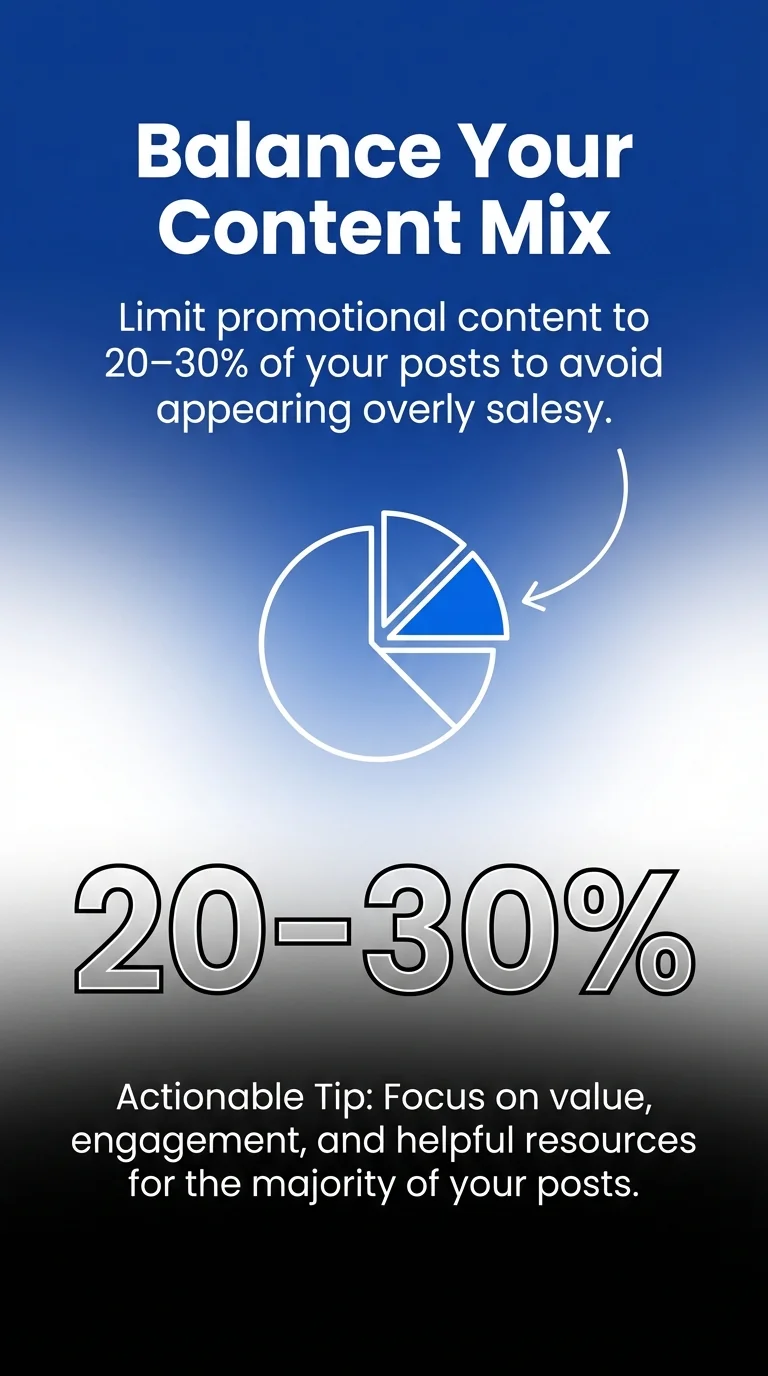
Promotional content highlights your products, services, or offers. Limit this to 20-30% of your content to avoid appearing overly salesy.
Educational content provides value without direct promotion. Tips, tutorials, and industry insights build authority whilst serving your audience’s learning needs.
Engagement content sparks conversation through questions, polls, or discussion prompts. This category prioritises two-way interaction over broadcasting.
Curated content shares relevant third-party material. This positions you as industry resource whilst filling queues when original content production slows.
Behind-the-scenes content humanises your brand through team spotlights, process glimpses, or company culture shares.
Queue Configuration Strategy
Set time slots matching when your audience engages most. Analytics reveal these patterns after several weeks of consistent posting.
Assign categories to specific time slots strategically. Educational content might perform best during workday lunch hours, whilst entertainment content succeeds during evening leisure time.
Establish category rotation ensuring varied content types appear consecutively. Avoid scheduling three promotional posts in a row; intersperse with educational and engagement content.
Create platform-specific queues when content types suit particular networks. LinkedIn favours professional insights, Instagram prioritises visual storytelling, and Twitter succeeds with timely commentary.
Evergreen Content Management
Tag genuinely timeless content for recycling. “5 tips for better time management” remains relevant; “2023 trend predictions” expires quickly.
Set appropriate recycling intervals preventing audience fatigue. Quarterly resharing works for most evergreen content, though exceptional pieces might warrant monthly rotation.
Update recycled content before resharing. Refresh statistics, adjust examples to current context, and verify links still work.
Monitor performance of recycled posts separately. Some evergreen content improves with age as your audience grows, whilst other pieces lose relevance despite appearing timeless initially.
For comprehensive coverage of content calendar strategies, explore approaches for mastering social media scheduling for small businesses.
Analytics Setup and Performance Tracking
Data transforms gut feelings into strategic decisions. Proper analytics configuration reveals what’s working, what’s failing, and where opportunities exist.
Automated reporting saves hours compiling spreadsheets whilst ensuring consistent measurement.
Essential Metrics to Track
Engagement rate shows how actively your audience interacts with content. Calculate by dividing total engagements by reach, revealing percentage of people who act after seeing posts.
Reach and impressions indicate content visibility. Reach counts unique people seeing content, whilst impressions count total views including repeat views.
Click-through rate measures how effectively content drives traffic. This matters most when social media supports broader marketing goals like website visits or product page views.
Follower growth rate shows audience building momentum. Calculate weekly or monthly percentage increases rather than absolute numbers for meaningful trends.
Automated Report Configuration
Schedule weekly summary reports highlighting key metrics. These quick overviews flag significant changes without requiring deep analysis.
Create monthly comprehensive reports examining trends, top content, and audience demographics. Monthly reviews inform strategic adjustments.
Set up anomaly alerts that notify you of unusual activity. Sudden engagement spikes might indicate viral content, whilst dramatic drops signal problems requiring immediate attention.
Build custom dashboards for different stakeholders. Executives need high-level business impact, whilst content creators benefit from granular post performance data.
Performance Analysis Workflows
Review analytics weekly to identify immediate opportunities. Surprisingly successful content suggests topics to explore further, whilst underperformers indicate areas to avoid or adjust.
Conduct monthly deep dives examining patterns across time. Do certain content types consistently outperform? Does posting time significantly impact results?
Compare performance across platforms to allocate resources effectively. If Instagram drives 70% of engagement despite consuming 40% of effort, consider rebalancing focus.
Track metrics against goals rather than vanity numbers. Growing followers matters less than whether social media drives business results like leads, sales, or brand awareness.
Team Collaboration and Approval Workflows
Multiple contributors require coordination preventing duplicate work, maintaining brand voice consistency, and ensuring quality control.
Structured workflows clarify responsibilities whilst enabling efficient content production and review.
Role Definition and Permissions
Assign content creator roles to team members who draft posts and prepare media. Grant publishing permissions to approved schedulers only.
Establish reviewer roles requiring approval before publication. This catches errors, ensures brand alignment, and provides editorial oversight.
Limit administrative access to platform configuration and account management. Most team members need publishing capabilities, not settings control.
Approval Process Setup
Create multi-stage approval workflows for sensitive content. Marketing campaigns might require legal review, executive approval, and final editorial check.
Configure notification systems alerting reviewers when content awaits approval. Time-sensitive posts need quick turnaround; clear notifications prevent bottlenecks.
Establish approval timelines setting expectations. Reviewers might commit to 24-hour turnaround for standard content, 4 hours for time-sensitive posts.
Content Calendar Collaboration
Share unified calendars showing all scheduled content. Team members see what’s planned, identify gaps, and avoid duplicate coverage.
Enable commenting on scheduled posts for collaborative refinement. Team members suggest improvements before publication rather than critiquing after.
Create campaign views grouping related content together. This shows how individual posts contribute to broader initiatives.
Asset Management for Teams
Establish shared media libraries with consistent organisation systems. Everyone uses the same folder structure and naming conventions for quick asset location.
Create brand guidelines documentation within your platform. Quick reference for voice, visual style, and messaging ensures consistency across contributors.
Set up version control for frequently updated assets. Logo files, product images, and campaign graphics should clearly indicate which version is current.
To understand how automation supports team efficiency at scale, explore strategies for managing multiple social media accounts effectively.
When to Use Automation and When to Stay Manual
Automation serves specific purposes brilliantly whilst falling short in others. Strategic implementation requires understanding these boundaries.
The goal is efficiency for routine tasks, preserving human attention for high-value interactions requiring judgment and personality.
Ideal Automation Use Cases
Scheduled publishing works perfectly for planned content. Educational series, product features, and curated content benefit from consistent automated distribution.
Evergreen content recycling maintains presence without constant creation. Your best tips and insights deserve repeated sharing as your audience grows.
Initial engagement monitoring catches all interactions. Automated systems ensure no comment disappears unnoticed, even if human responses come later.
Routine reporting compiles performance data automatically. Weekly summaries and monthly trend reports don’t require manual spreadsheet compilation.
When Manual Intervention Matters
Real-time conversations require immediate human response. Industry events, trending topics, and spontaneous discussions don’t fit predetermined schedules.
Crisis management demands nuanced, adaptive communication. Pre-written responses and automated publishing feel tone-deaf during sensitive situations.
Relationship building with key accounts or influencers needs personal attention. Authentic connections form through genuine interaction, not automated engagement.
Creative strategy development requires human insight. Tools assist execution, but deciding what resonates with your specific audience involves judgment automation lacks.
Hybrid Approaches
Use automation for baseline consistency whilst preserving capacity for spontaneous content. Your queue maintains regular presence; you add timely posts as opportunities arise.
Automate initial responses acknowledging messages, then handle substantive replies manually. This balances quick acknowledgment with thoughtful communication.
Schedule promotional content automatically whilst posting engagement content manually. Promotions succeed with consistent timing; conversations happen when you’re present to participate.
Automate routine analytics whilst conducting manual deep dives monthly. Weekly summaries flag issues; monthly analysis drives strategic decisions.
Optimising Posting Times with AI and Data
Timing significantly impacts post visibility and engagement. Publishing when your audience is active increases chances they see and interact with content.
Modern platforms use AI to identify optimal windows based on your specific audience behaviour patterns.
Understanding Platform Algorithms
Social platforms prioritise recent content when users browse feeds. Posts published five minutes ago appear above posts from five hours ago, assuming similar engagement potential.
Initial engagement velocity influences broader distribution. Posts gaining rapid early interactions signal quality, prompting platforms to show content to more users.
This creates timing importance: publishing when your core audience is active generates early engagement that amplifies reach.
Using AI-Powered Send Time Optimisation
Enable send time features that analyse when your specific followers engage most. These systems examine individual user activity patterns, not generic “best times.”
Allow several weeks of data collection before relying heavily on recommendations. Initial suggestions improve as algorithms learn your unique audience patterns.
Review recommended times periodically as audiences evolve. New follower demographics or behaviour changes require timing adjustments.
Manual Timing Strategy
Analyse your existing analytics to identify engagement patterns. When do most comments, shares, and clicks occur on your current posts?
Test different time slots systematically. Publish similar content at various times, comparing performance to identify winners.
Consider time zones for geographically dispersed audiences. Global brands might stagger posts targeting different regions separately.
Account for platform-specific patterns. LinkedIn engagement peaks during workdays, Instagram during evening leisure, Twitter throughout waking hours.
Advanced Features: AI Content Generation and Assistance
AI capabilities now extend beyond scheduling into content creation assistance. These tools speed production whilst requiring human oversight for quality and brand alignment.
Understanding capabilities and limitations ensures effective utilisation without compromising authenticity.
AI Caption and Copy Writing
Generate caption variations from basic prompts. Input your main message; AI produces multiple versions exploring different angles and tones.
Use generated content as starting points requiring editing. AI provides structure and ideas, you refine for accuracy and personality.
Create platform-specific variations automatically. Write one message; AI adapts length, hashtags, and format for Instagram, LinkedIn, and Twitter simultaneously.
Hashtag and Keyword Suggestions
AI analyses top-performing posts identifying hashtag patterns. Recommendations balance popular tags for reach with niche tags for targeted audiences.
Avoid over-reliance on automated suggestions. Research your specific industry and audience rather than accepting generic recommendations.
Test suggested hashtags monitoring performance. Some AI recommendations drive engagement; others prove irrelevant despite algorithmic confidence.
Image and Video Optimisation
Automated cropping adapts images to different platform requirements. One source image becomes properly formatted versions for Instagram Stories, Facebook posts, and LinkedIn updates.
AI suggests visual improvements like brightness adjustment, contrast enhancement, and composition cropping. These recommendations maintain consistent visual quality.
Caption generation for accessibility creates alt text describing images. This supports screen readers whilst improving SEO for some platforms.
Content Idea Generation
AI analyses your existing content and audience suggesting new topics. These recommendations identify themes resonating historically whilst proposing fresh angles.
Use suggestions as brainstorming starters, not finished ideas. AI identifies patterns but lacks understanding of your current priorities and strategic goals.
Combine AI suggestions with human curation. Tools surface possibilities; you select which align with brand messaging and business objectives.
Measuring ROI and Business Impact
Social media automation investments require justification through demonstrated business value. Tracking relevant metrics proves impact beyond vanity numbers.
Connect social media activities to business outcomes your organisation actually cares about.
Defining Meaningful Success Metrics
Lead generation tracks how many prospects social media delivers. UTM parameters on links reveal which posts drive form submissions or enquiries.
Revenue attribution connects social media to actual sales. E-commerce platforms track purchase sources; B2B CRMs document deal origins.
Customer acquisition cost comparison shows whether social media acquires customers more efficiently than alternative channels. Calculate total social investment divided by customers gained.
Customer service deflection measures how many support questions social media resolves versus requiring formal tickets. Self-service through social content reduces support costs.
Time Savings Calculation
Document hours spent on social media pre-automation versus post-automation. Multiply time saved by employee hourly costs for quantifiable savings.
Include both obvious efficiencies like bulk scheduling and hidden ones like reduced platform-switching and notification management.
Factor team capacity freed for higher-value activities. Time saved on posting can redirect to strategy development, community building, or content creation.
Engagement Quality Assessment
Move beyond counting likes to evaluating interaction depth. Comments and shares indicate stronger engagement than passive likes.
Analyse sentiment in comments and messages. Growing positive sentiment suggests strengthening relationships despite static engagement volume.
Track repeat engagers identifying your most active community members. Growing this core group matters more than occasional interactions from disconnected followers.
Attribution Modelling
Implement first-touch attribution to see how often social media introduces customers to your brand. This reveals awareness-building value.
Track last-touch attribution showing how frequently social media directly drives conversions. This demonstrates closing power.
Use multi-touch attribution acknowledging social media’s role throughout customer journeys. Most conversions involve multiple touchpoints; give social media appropriate credit.
Common Automation Mistakes to Avoid
Implementation mistakes undermine automation benefits or damage brand reputation. Awareness of common pitfalls enables proactive prevention.
Over-Automation and Loss of Authenticity
Automating every interaction creates robotic presence lacking personality. Audiences detect and disengage from obvious automation.
Balance efficient publishing with genuine human engagement. Schedule posts, but respond to comments personally and participate in conversations authentically.
Avoid automated replies for nuanced situations. Cookie-cutter responses frustrate people with specific questions requiring thoughtful answers.
Neglecting to Monitor Automated Content
Set-and-forget approaches risk publishing outdated information, broken links, or tone-deaf content as circumstances change.
Review scheduled queues weekly ensuring upcoming content remains appropriate. News events or company changes might require adjustments.
Monitor published content daily even when automated. Technical failures happen; catching and addressing them quickly prevents extended issues.
Poor Content Quality from Rushing
Automation enables high volume, but quantity shouldn’t compromise quality. Poorly written captions or low-value content damages brand perception.
Maintain editorial standards regardless of efficiency gains. Every post represents your brand; rushed content undermines credibility.
Use saved time from automation efficiencies to improve content quality rather than simply increasing volume.
Ignoring Platform-Specific Best Practices
Cross-posting identical content to all platforms ignores unique audience expectations and format requirements.
Adapt content for each platform even when automating distribution. LinkedIn audiences expect professional insights; Instagram favours visual storytelling.
Respect platform cultures and norms. What works on Twitter may flop on Facebook despite same underlying message.
Failing to Update Strategy Based on Data
Automating ineffective approaches simply makes failure more efficient. Regular analysis and strategy adjustments ensure automation serves working tactics.
Review performance monthly adjusting content types, posting frequencies, and messaging based on evidence.
Test new approaches systematically rather than assuming initial strategy remains optimal indefinitely.
Scaling Your Automation as You Grow
Initial automation setups serve current needs but require evolution as your presence expands. Planned scaling prevents growing pains.
Adding Platforms Strategically
Start with your primary platform, then expand once that’s optimised. Spreading too thin across many platforms dilutes effectiveness.
Evaluate new platforms based on where your audience actually engages, not just trending networks. Presence on six relevant platforms beats presence on twelve including several where your audience doesn’t exist.
Reuse content across platforms rather than creating unique content for each. Adapt core messages to platform formats whilst maintaining efficient production.
Team Growth and Role Specialisation
Begin with generalists handling all social media tasks. As volume grows, specialise roles into content creation, community management, and analytics.
Document processes before hiring additional team members. Clear procedures enable efficient onboarding and consistent execution.
Implement approval workflows as teams grow preventing quality inconsistency. What one person manages alone requires coordination amongst several.
Tool Stack Evolution
Start with single platforms offering multiple functions. Consolidation simplifies early adoption.
Add specialised tools as needs exceed all-in-one platform capabilities. Advanced analytics, social listening, or influencer management might warrant dedicated solutions.
Ensure tool integration as your stack grows. Disconnected tools create data silos and workflow inefficiencies.
Content Production Scaling
Build content libraries enabling quick queue filling. Template collections, media asset libraries, and swipe files speed production.
Develop content pillars providing structure for indefinite creation. Three to five core themes guide consistent content development.
Create content in batches rather than daily. Monthly batching sessions produce weeks of content more efficiently than daily creation.
Getting Started: Your First Week Action Plan
Clear initial steps transform this comprehensive guide into immediate progress. Focus on foundation building before advanced optimisation.
Day One: Platform Selection and Setup
Research three platforms matching your needs and budget. Read reviews, compare features, and check integration capabilities.
Select one platform and create your account. Don’t deliberate endlessly; you can switch later if needed.
Connect your top two social media accounts. Start small, expand after mastering basics.
Day Two: Content Audit and Library Building
Gather existing content you can repurpose. Blog posts, videos, graphics, and previous high-performing social posts all qualify.
Upload media assets to your platform’s library. Organise logically from the start.
Create five to ten caption templates for recurring post types. These accelerate future content creation.
Day Three: Queue Building
Schedule one week of content across both connected platforms. This provides immediate buffer without overwhelming yourself.
Vary content types ensuring mix of promotional, educational, and engagement posts.
Set posting times based on platform recommendations. Refine after gathering your own performance data.
Day Four: Social Inbox Configuration
Connect accounts to unified inbox if your platform includes this feature.
Create saved replies for your three most common questions or comments.
Set notification preferences balancing awareness with avoiding constant interruption.
Day Five: Analytics Setup
Identify three metrics aligning with your business goals. Focus beats trying to track everything.
Configure a simple dashboard displaying these key metrics.
Schedule your first weekly report to arrive every Monday morning.
Days Six and Seven: Monitoring and Adjustment
Observe your automated posts publishing as scheduled. Verify timing, formatting, and link functionality.
Respond manually to any engagement your posts receive. Automation handles publishing; you handle relationships.
Note questions or confusion arising during setup. These inform next week’s learning priorities.
For ongoing strategies to maintain efficiency as your presence grows, explore approaches for effortlessly managing social media efficiency.
Transform Your Social Media Management Today
Social media automation fundamentally changes how you maintain online presence. You shift from reactive daily scrambling to proactive strategic management.
The setup process requires initial investment. Selecting platforms, building content libraries, and configuring workflows takes focused time upfront.
Returns compound quickly. Within weeks, you’re spending less time on social media whilst maintaining better consistency and capturing more engagement.
Start with manageable scope. Connect two platforms, schedule one week ahead, and automate your social inbox. Expand capabilities as you master fundamentals.
Remember that automation serves your strategy, not replaces it. Technology handles repetitive execution, you provide creative direction and authentic engagement.
Your first action: select one automation platform today. Research three options, read reviews, then commit to one and create your account.
Tomorrow, connect your primary social media account and schedule your first three posts. You’ll experience immediate relief from daily posting pressure.
Within two weeks, you’ll wonder how you managed social media manually. The time saved redirects to strategy, content creation, and genuine community building.
Effective social media management isn’t about working harder. It’s about working smarter through systems that handle routine tasks whilst preserving your attention for activities requiring human judgment and creativity.