Social media templates solve the biggest challenge facing marketing teams today: creating consistent, high-quality content without starting from scratch every single time. When you build reusable templates, you transform hours of design work into minutes of customization.
This practical approach addresses what marketers consistently seek: pre-designed, customizable solutions that enable quick content creation without requiring design expertise. Templates eliminate the blank-page problem whilst maintaining your brand identity across every platform.
The framework we’ll explore covers template creation across Instagram, Facebook, TikTok, YouTube, and Pinterest. You’ll learn how to build organised systems that handle posts, stories, reels, and video content. By the end, you’ll have actionable methods for creating templates that save time and maintain professional standards.
Templates aren’t about limiting creativity. They’re about building a foundation that accelerates content production whilst ensuring brand consistency. Marketing professionals who implement template systems report spending less time on design tasks and more time on strategy and engagement.
Understanding Social Media Post Templates
Social media post templates are pre-designed frameworks that provide structure for your content. They include placeholder text, image positions, colour schemes, and typography that align with your brand guidelines.
Templates differ from one-off designs because they’re built for reuse. Each template maintains consistent elements whilst allowing flexibility for unique messages and visuals. This balance enables speed without sacrificing quality.
The demand for templates reflects broader marketing needs. Users want solutions tailored to each platform’s unique specifications and user behaviour patterns. Instagram requires different dimensions than Facebook. TikTok needs vertical video formats that YouTube thumbnails don’t.
Effective templates share several characteristics. They’re easy to customise, visually appealing, and optimised for specific platforms. Free templates offer accessibility for small businesses, whilst premium options provide more sophisticated designs.
Core Components of Effective Templates
Every strong template includes specific foundational elements. Visual hierarchy guides viewers’ eyes to important information first. Consistent spacing creates professional polish. Brand colours and fonts reinforce identity across all posts.
Text placement matters significantly. Templates should accommodate varying message lengths without breaking the design. Image areas need clear boundaries that prevent awkward cropping or distortion.
Flexibility within structure defines quality templates. Fixed elements maintain consistency, whilst variable elements allow customisation. This combination enables templates to serve multiple content types without requiring complete redesigns.
Building Template Systems That Scale
Single templates help individual posts. Template systems transform entire content strategies. A proper system uses content buckets to categorise posts by theme, ensuring variety whilst maintaining cohesion.
Your system should include templates for different purposes: educational content, promotional posts, engagement-focused updates, and user-generated content showcases. Each category needs its own visual treatment that remains part of the broader brand family.
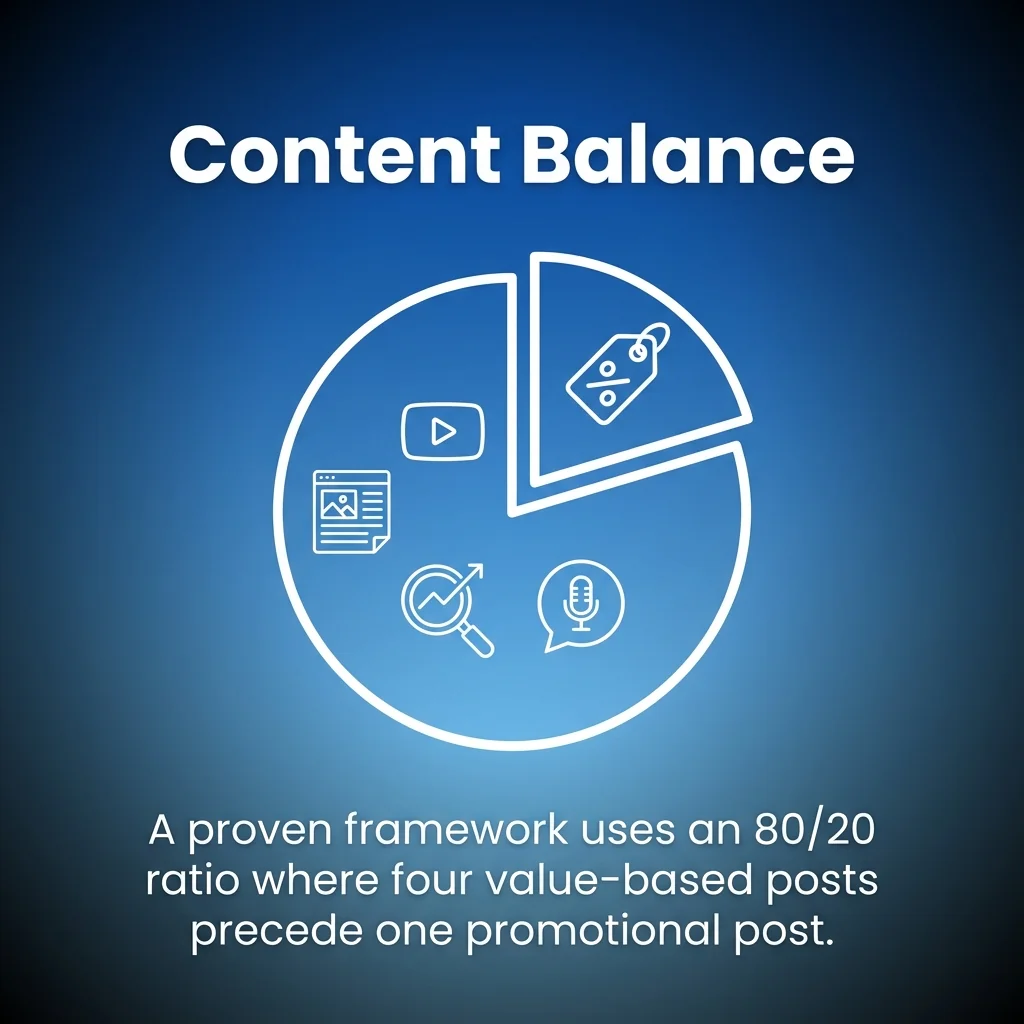
A proven framework separates value-driven content from promotional material, using an 80/20 ratio where four value-based posts precede one promotional post. Template systems should reflect this balance with appropriate designs for each content type.
Instagram Template Strategies
Instagram templates require particular attention because the platform prioritises visual consistency. Your feed creates a first impression, and cohesive templates ensure every post contributes to a polished overall aesthetic.
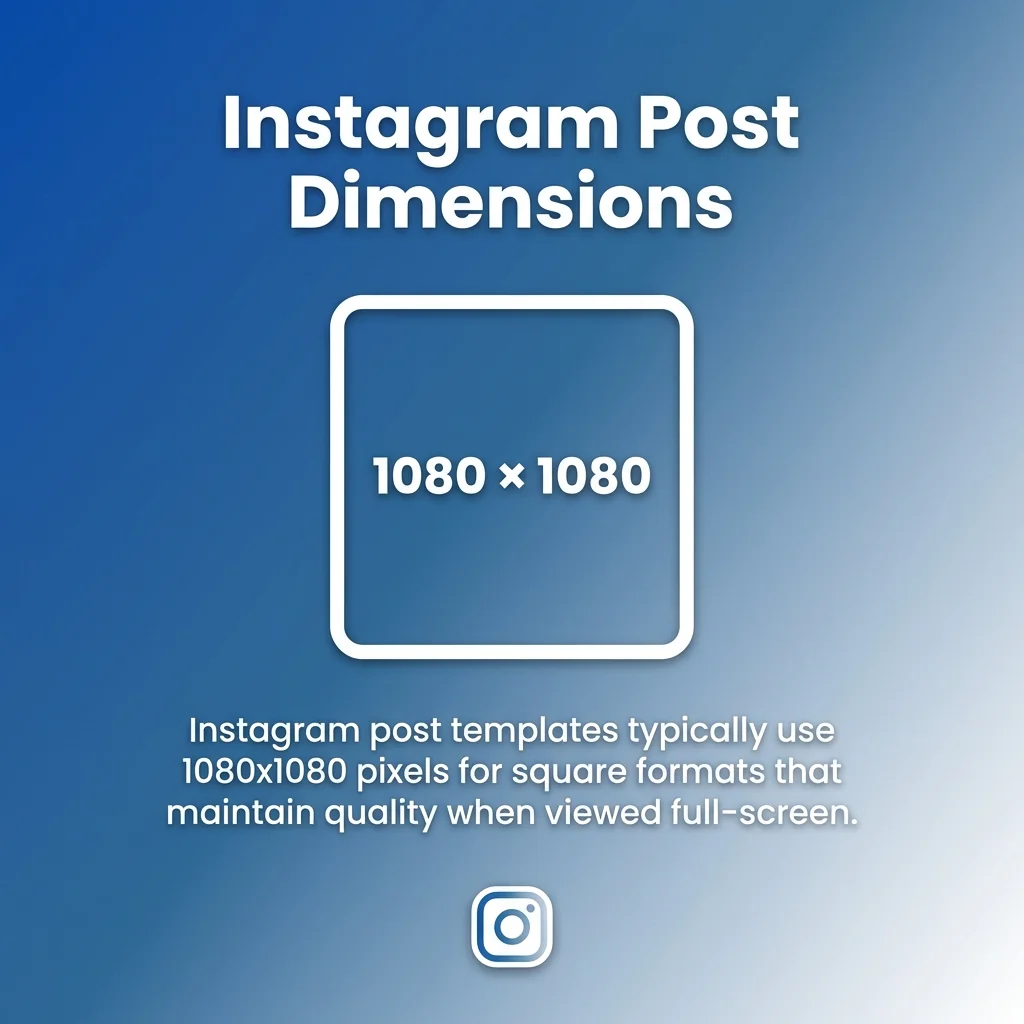
Instagram post templates typically use 1080×1080 pixels for square formats. This dimension works for feed posts and maintains quality when users view images full-screen. Consistent sizing prevents jarring transitions as followers scroll through your content.
Instagram Post and Carousel Templates
Standard Instagram posts benefit from templates that balance imagery with text overlays. Design templates with clear focal points that capture attention in crowded feeds. Leave space for captions that complement rather than compete with visual elements.
Carousel posts offer expanded storytelling opportunities. Create carousel templates with consistent transitions between slides. Each slide should stand alone whilst contributing to the complete narrative. Number indicators help viewers track progress through multi-image posts.
Branded borders or frames create immediate recognition. When followers see your distinctive style, they stop scrolling. This recognition builds over time as your template system reinforces visual identity.
Instagram Stories and Reels Templates
Instagram Stories templates use 1080×1920 pixels for vertical format. This dimension accommodates the full mobile screen without awkward cropping. Stories disappear after 24 hours, but templates ensure every temporary post maintains brand standards.
Interactive elements distinguish strong Stories templates. Build in spaces for polls, question stickers, and countdown timers. These features boost engagement whilst fitting naturally into your design framework.
Instagram Reels templates follow similar vertical dimensions but require different considerations. Text should remain visible over moving images. Transitions between clips need visual consistency. Templates for Reels include title cards, caption overlays, and closing screens that encourage follows or profile visits.
Customisation remains critical across all Instagram formats. Templates provide structure, but your specific content determines success. Swap images, adjust colours within brand parameters, and modify text whilst maintaining the underlying framework.
Facebook and Twitter Content Templates
Facebook post templates handle different requirements than Instagram. Facebook users engage with longer text content and diverse media formats. Templates must accommodate text-heavy posts, link previews, and various image dimensions.
Facebook post images work best at 1200×630 pixels for link sharing. This ratio displays properly in feeds and when shared across other platforms. Square 1080×1080 formats also perform well for direct Facebook posts without links.
Facebook-Specific Template Features
Facebook templates should include clear text hierarchy. Headlines need prominence because Facebook often shows posts without users clicking through. Secondary information supports the main message without overwhelming viewers.
Event promotion templates require specific elements: date, time, location, and call-to-action buttons. Facebook’s event features integrate with these templates, making it easy for users to respond directly from posts.
Facebook Stories use the same 1080×1920 vertical format as Instagram. However, Facebook’s audience demographics often differ, requiring adjusted messaging and visual styles within your template framework.
Twitter Template Approaches
Twitter templates emphasise concise messaging with strong visuals. Image dimensions of 1200×675 pixels display well in timelines without requiring clicks to view fully.
Twitter’s fast-paced nature demands templates that communicate instantly. Bold text, high-contrast colours, and simple compositions perform better than complex designs. Users scroll quickly, and your templates must capture attention in milliseconds.
Quote templates work particularly well on Twitter. Create designs that highlight key statements with attribution and brand elements. These templates encourage retweets and expand reach beyond your immediate followers.
TikTok and YouTube Video Templates
Video templates differ fundamentally from static images. They require opening sequences, consistent branding throughout, and closing calls-to-action. Template systems for video content save substantial editing time whilst maintaining professional quality.
TikTok templates use vertical 1080×1920 format, matching mobile viewing habits. Templates should include text overlays that remain visible over various backgrounds, intro sequences that establish brand identity, and transitions between clips.
TikTok Content Frameworks
TikTok templates work best when they embrace platform culture whilst maintaining brand consistency. Create templates for trending formats: tutorials, behind-the-scenes content, product showcases, and educational snippets.
Text animation templates keep viewers engaged. TikTok users expect dynamic content, and static text feels out of place. Build templates with animated text that appears on-beat with audio or at key moments in your video.
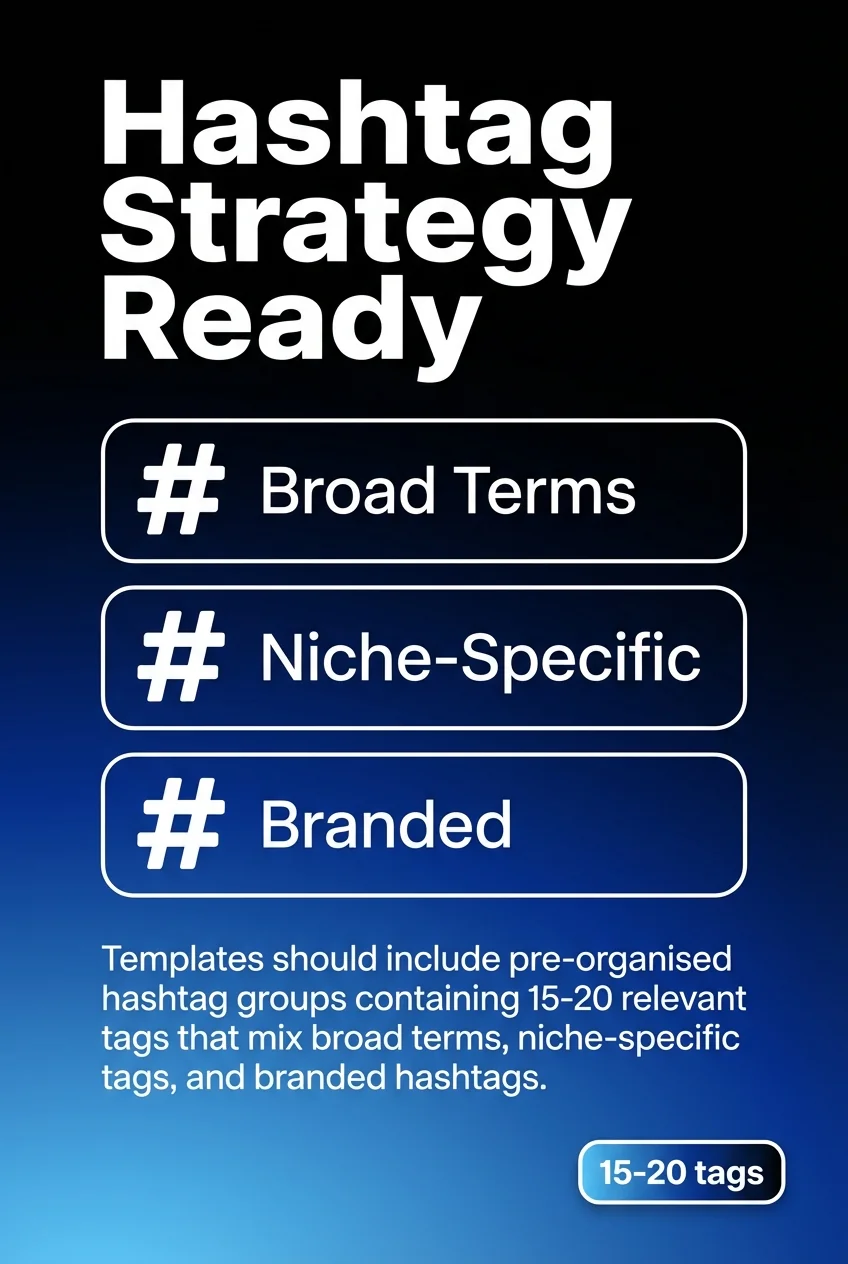
Hashtag integration matters significantly on TikTok. Templates should include pre-organised hashtag groups containing 15-20 relevant tags that mix broad terms, niche-specific tags, and branded hashtags. This organisation ensures consistent discoverability without rebuilding hashtag lists for every post.
YouTube Thumbnail and Video Templates
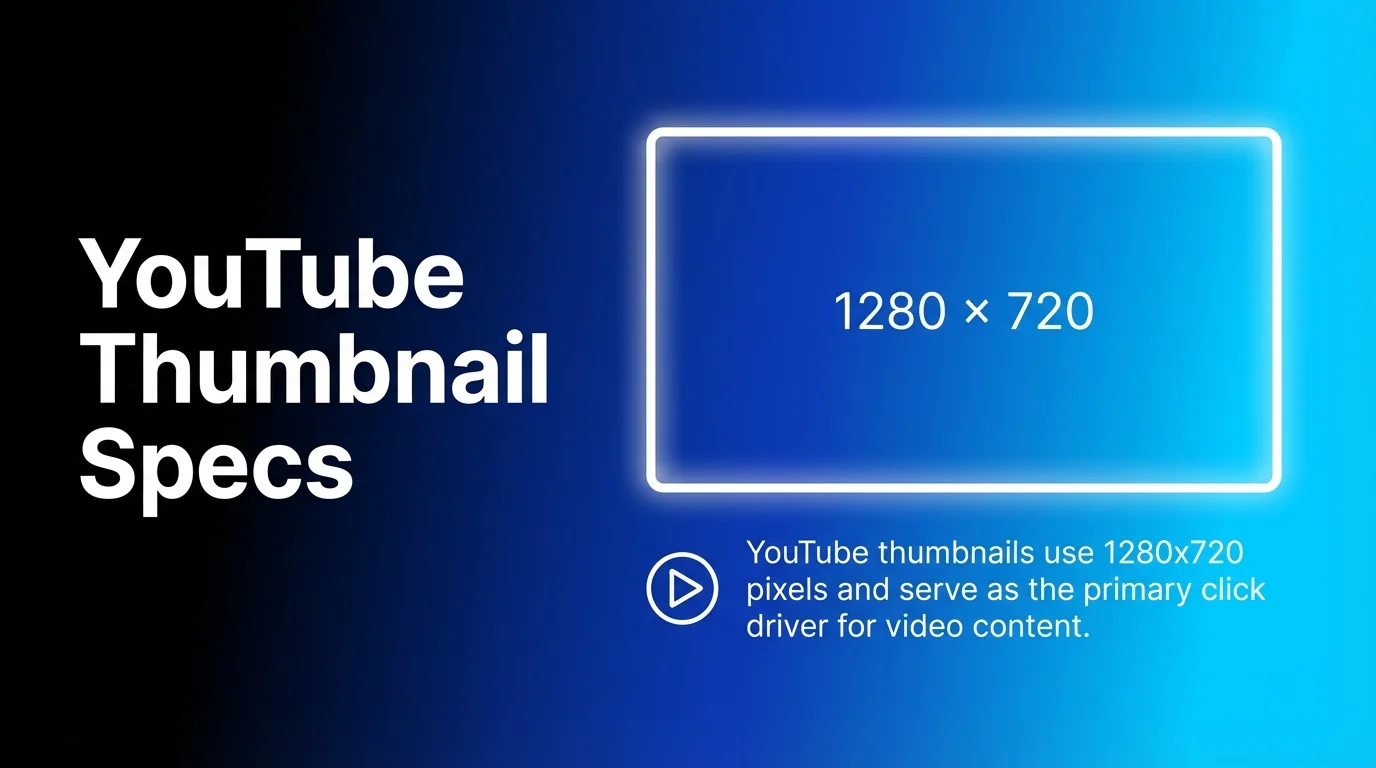
YouTube thumbnails use 1280×720 pixels and serve as the primary click driver. Templates should feature bold text readable at small sizes, high-contrast colour schemes, and consistent branding elements that make your content recognisable.
YouTube video templates include intro sequences, lower-third graphics for speaker identification, transition screens between topics, and outro sequences with subscription reminders. These elements create polish whilst maintaining viewer engagement throughout longer content.
Playlist covers and channel art benefit from template systems. Consistent visual treatment across these elements builds brand recognition and professional credibility. Design these templates to work together as a cohesive system.
Pinterest Pin Template Design
Pinterest functions differently than other platforms. Users actively search for ideas and solutions, making Pinterest templates valuable for long-term traffic generation rather than immediate engagement.
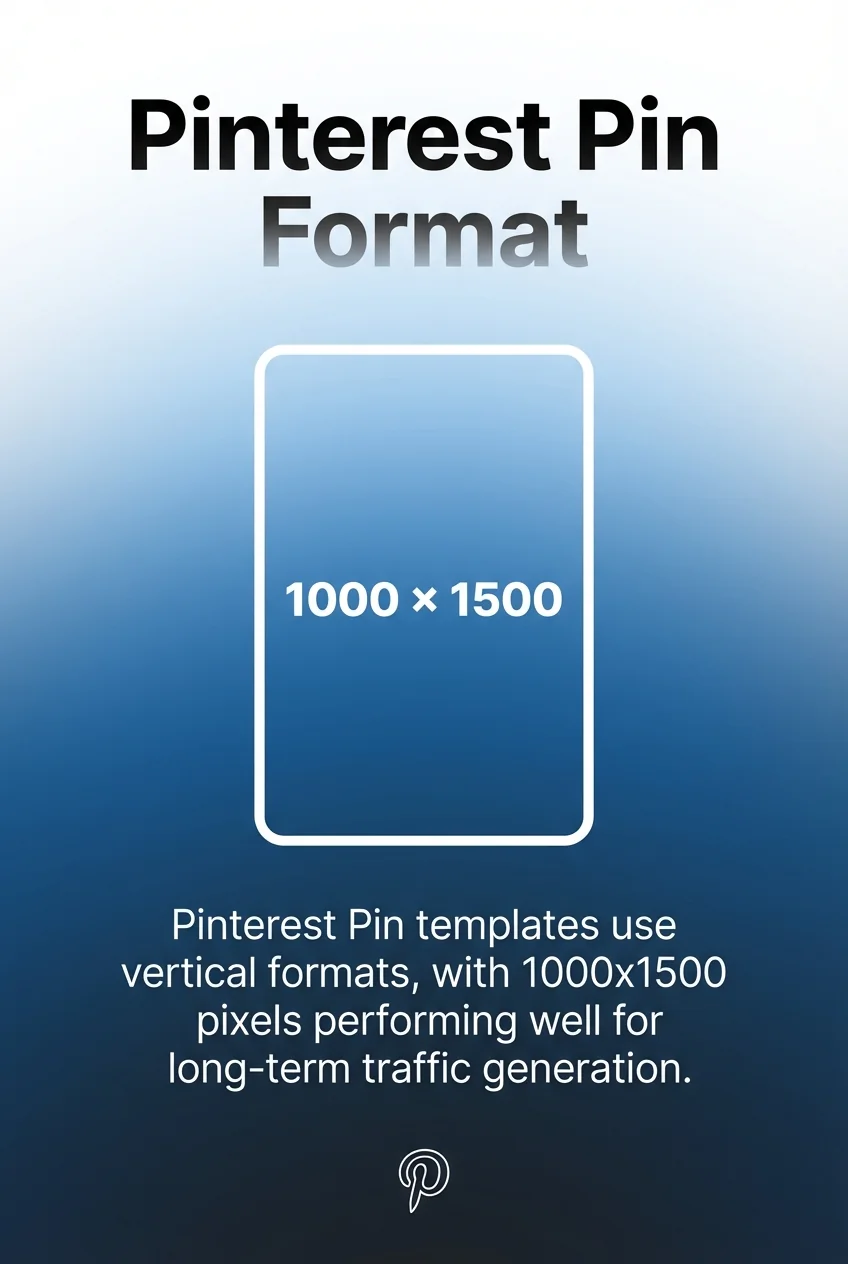
Pinterest Pin templates use vertical formats, with 1000×1500 pixels performing well. This tall dimension stands out in feeds and accommodates substantial text overlays that describe pin content.
Creating Discoverable Pin Templates
Pinterest templates should include clear headlines that describe content value. Users scan quickly, and your template must communicate benefit immediately. Subheadings provide additional context without cluttering the design.
Colour psychology plays a significant role on Pinterest. Certain colour combinations drive higher engagement rates. Test templates with different colour schemes whilst maintaining brand consistency to identify what resonates with your specific audience.
Branding on Pinterest requires balance. Your logo should appear without dominating the design. Users save and share pins based on content value, not brand recognition. Templates that prioritise helpful information whilst maintaining subtle branding perform best.
Pinterest Content Categories
Different Pinterest content types need specific templates. Recipe pins require ingredient lists and timing information. Tutorial pins need step numbers and progress indicators. Product pins benefit from pricing and availability details.
Create separate templates for blog post promotions, infographics, quote graphics, and seasonal content. This variety ensures your Pinterest presence serves diverse user needs whilst maintaining cohesive branding across all pins.
Template Customisation Best Practices
Templates only deliver value when customisation remains quick and straightforward. Overly complex templates defeat their purpose by requiring excessive time to adapt for specific posts.
Customisable elements should include images, text, colours within brand parameters, and minor layout adjustments. Lock structural elements that maintain brand consistency across all variations.
Efficient Customisation Workflows
Establish clear processes for template customisation. Designate which team members can modify different elements. Document font sizes, colour codes, and spacing guidelines to prevent inconsistent applications.
Layer organisation matters significantly in design files. Name layers clearly, group related elements, and lock layers that shouldn’t change. This organisation prevents accidental modifications that compromise template integrity.
Test templates with various content types before finalising. Ensure designs accommodate short and long headlines, different image orientations, and multiple colour variations. Flexible templates serve broader purposes and deliver better long-term value.
Maintaining Brand Consistency Through Customisation
Brand guidelines document acceptable customisation parameters. Specify which colours can change and which must remain fixed. Define typography rules that maintain readability whilst allowing some flexibility.
Create example galleries showing proper template usage. Visual references communicate expectations more effectively than written guidelines alone. Include both correct applications and common mistakes to avoid.
Regular template audits ensure ongoing consistency. Review published content quarterly to identify drift from established standards. Update templates as needed to address recurring issues or accommodate evolving brand guidelines.
Platforms for Creating Social Media Templates
Several platforms enable template creation and management. Choosing the right tool depends on team size, design expertise, budget, and specific platform requirements.
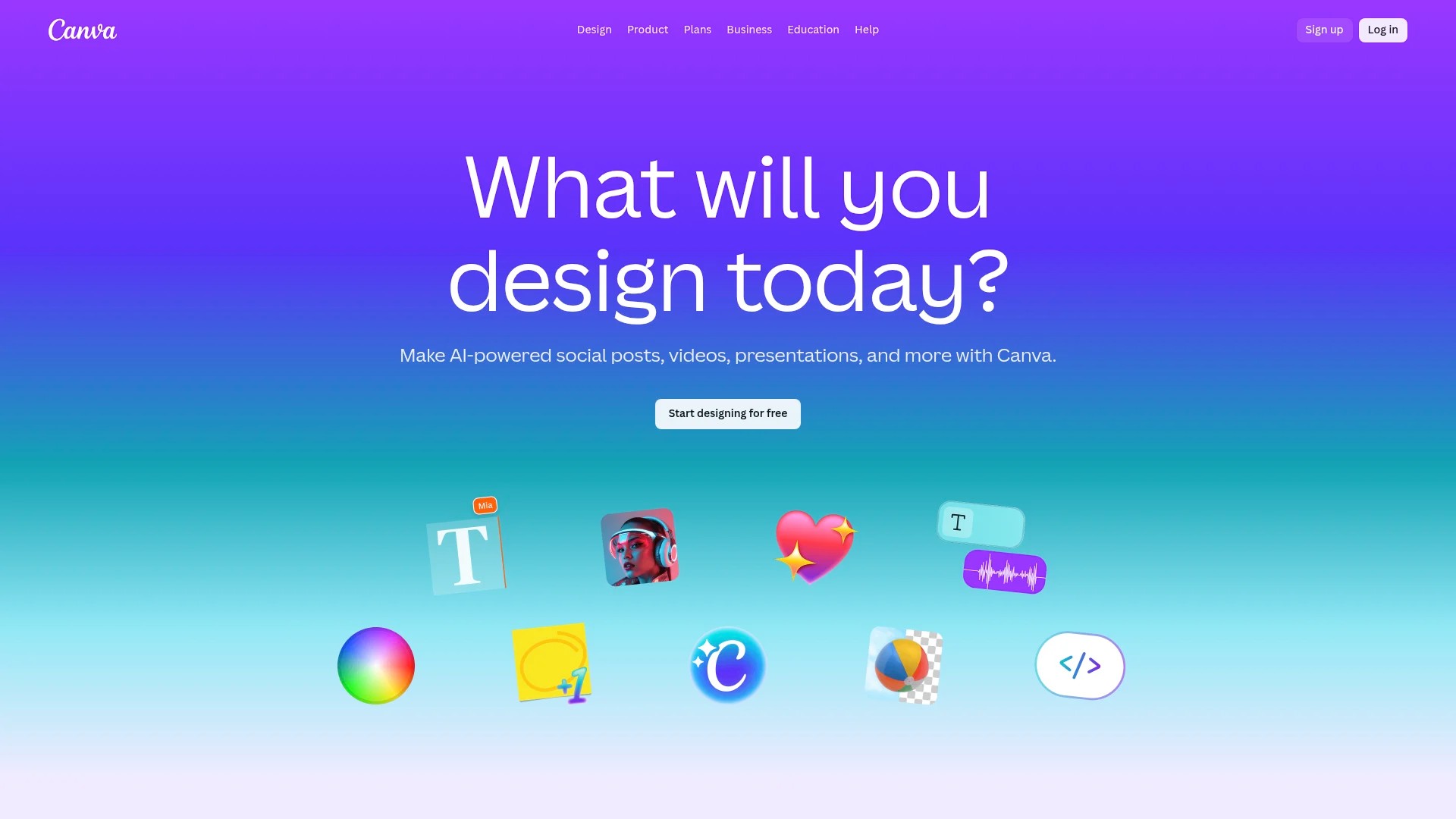
Canva dominates the accessible template space. Its drag-and-drop interface enables non-designers to create professional social media templates quickly. Canva offers thousands of free social media templates across all major platforms.
Design Platform Comparisons
Canva provides templates specifically sized for Instagram posts, Instagram Stories, Facebook posts, TikTok videos, YouTube thumbnails, and Pinterest pins. The platform includes brand kit features that store logos, colours, and fonts for consistent application across all designs.
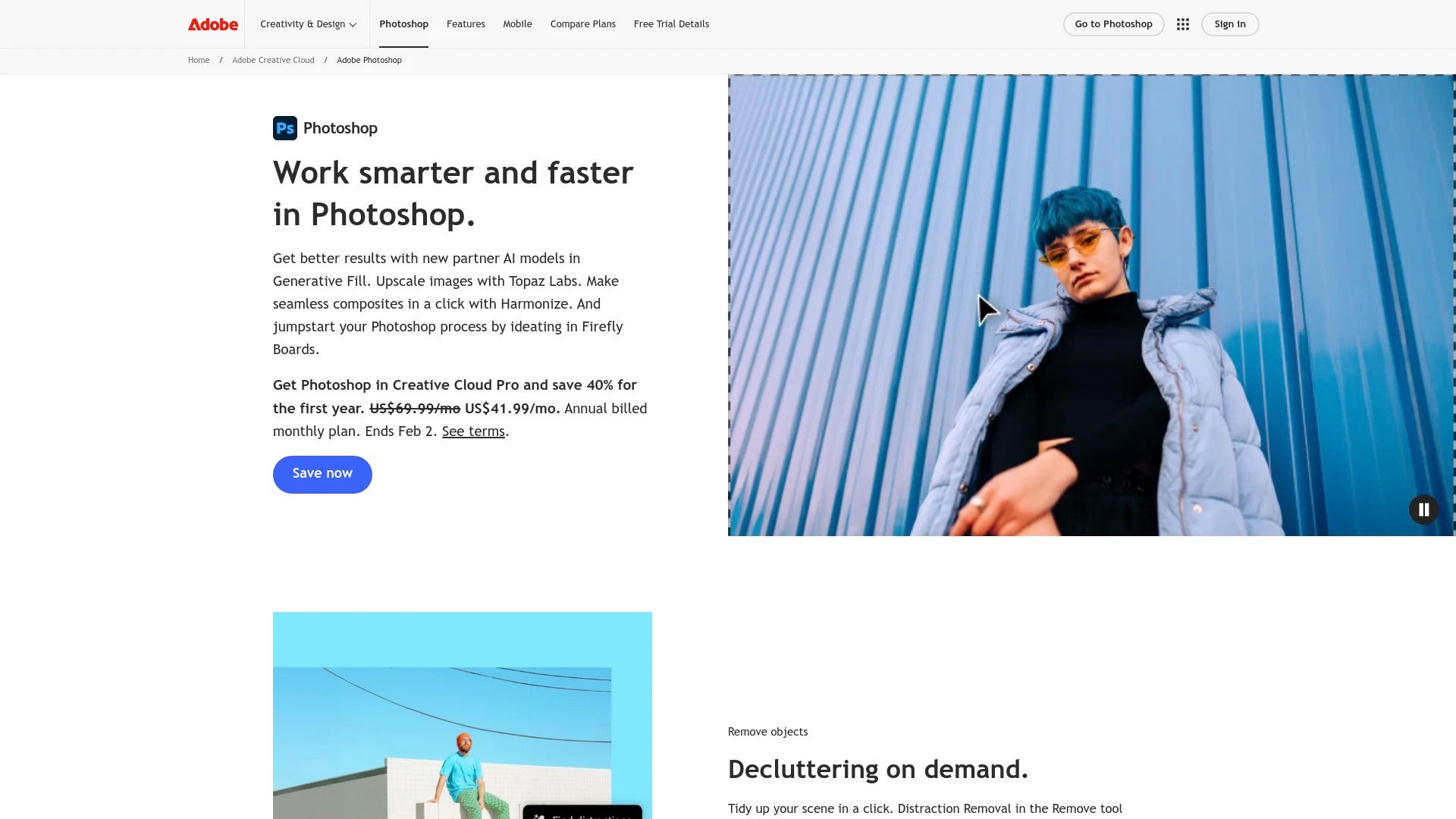
Adobe Photoshop offers more sophisticated design capabilities for advanced users. Photoshop templates provide granular control over every design element but require steeper learning curves than simplified platforms.
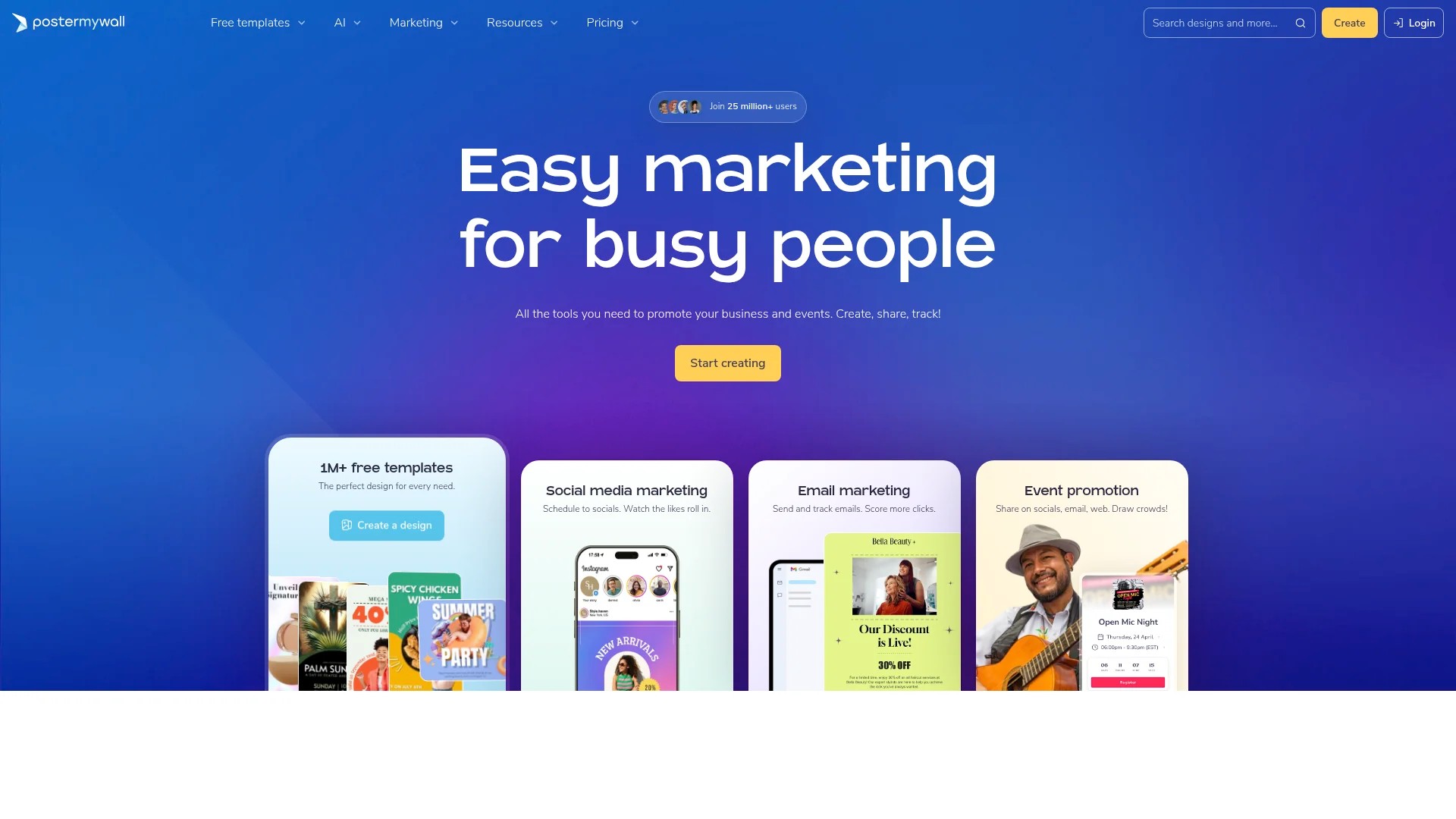
PosterMyWall specialises in social media and print templates. The platform includes extensive template libraries for various industries and content types. Customisation remains straightforward whilst delivering professional results.
Selecting the Right Platform
| Platform | Best For | Key Advantage |
|---|---|---|
| Canva | Small teams, non-designers | Extensive free template library |
| Adobe Creative Cloud | Design professionals | Advanced customisation options |
| PosterMyWall | Multi-format needs | Print and digital templates |
Consider integration capabilities when selecting platforms. Tools that connect with scheduling software streamline workflows from creation through publication. Buffer, Hootsuite, and similar platforms work well alongside template creation tools.

Free versus paid options require evaluation based on usage volume. Free templates work well for occasional posting and small budgets. Paid platforms offer broader template libraries, team collaboration features, and enhanced customisation options that justify costs for active social media programmes.
Implementing Your Template System
Creating templates represents only the first step. Successful implementation requires organised storage, clear usage guidelines, and regular updates that keep templates relevant and effective.
Organise templates by platform, content type, and purpose. Create folder structures that enable quick location of appropriate templates. Name files descriptively with version numbers to track iterations.
Template Management Workflows
Establish approval processes for new templates and modifications. Designate who can create templates, who approves them, and who can customise them for specific posts. Clear responsibility prevents inconsistent applications.
Document template specifications including dimensions, safe zones for text, colour codes, and font details. Store this documentation alongside template files for easy reference during customisation.
Schedule regular template reviews. Social media platforms update dimensions and best practices periodically. Quarterly reviews ensure your templates remain optimised for current platform requirements.
Training Team Members
Effective template systems require team understanding. Provide training on template location, customisation processes, and brand consistency expectations. Video tutorials often communicate processes more clearly than written documentation.
Create quick reference guides for common customisation tasks. Simple checklists prevent errors and speed up template application for routine posts.
Encourage feedback from team members who use templates regularly. They identify practical issues and opportunities for improvement that template creators might miss.
Optimising Templates for Engagement
Templates should evolve based on performance data. Track engagement metrics for posts created from different templates to identify which designs resonate most strongly with your audience.
A/B testing reveals template effectiveness. Create variations of similar templates with different colour schemes, text placements, or visual styles. Compare performance to inform future template development.
Analyse competitor approaches without copying them. Identify successful elements you can adapt within your brand framework. This competitive awareness keeps your templates current and effective.
Seasonal updates maintain freshness. Create holiday-specific templates that align with your year-round designs whilst incorporating seasonal elements. This variety prevents feed monotony whilst preserving brand recognition.
Platform algorithm changes affect template performance. Stay informed about updates to Instagram, Facebook, TikTok, YouTube, and Pinterest algorithms. Adjust templates to align with evolving platform priorities around video content, interactive features, or other preferred formats.
Moving Forward with Template Systems
Social media templates transform content creation from time-consuming design work into efficient customisation processes. Your template system should reflect brand identity whilst enabling quick application across multiple platforms and content types.
Start with core platforms where your audience engages most actively. Build foundational templates for Instagram posts, Facebook updates, and one additional platform relevant to your goals. Expand your template library gradually as workflows stabilise.
Document everything: template specifications, customisation guidelines, brand standards, and approval processes. This documentation ensures consistency as teams grow and responsibilities shift.
Test templates thoroughly before full implementation. Create sample posts for various content types to identify issues and refinement opportunities. This preparation prevents problems when launching templates for actual campaigns.
Your template system will evolve alongside your brand and platform requirements. Regular reviews, performance analysis, and team feedback drive continuous improvement that keeps templates effective and relevant over time.
For more guidance on organising your content workflow, explore creating the perfect social media content calendar to complement your template system. Additionally, learn about maintaining cross-platform content consistency to ensure your templates work effectively across all channels. Consider harnessing AI for social media posts to further streamline your template customisation process.