The content curation software market is experiencing a major shift right now, with emerging platforms introducing AI-powered discovery engines that scan millions of sources, intelligent video editing tools that repurpose long-form content into social-ready clips, and sophisticated bookmark systems that replace traditional folder structures with natural language search. These new players aren’t just iterating on RSS feed readers, they’re fundamentally rethinking how marketers discover, organise, and share content across multiple channels whilst maintaining team collaboration and brand consistency.
Content curation has moved beyond simple article aggregation.
The platforms launching in 2025 and 2026 address specific pain points that marketers face daily: sifting through overwhelming information streams, repurposing content for different formats, and maintaining consistent social media presence without manual scheduling. These tools combine content discovery, organisation, automation, and distribution into unified workflows that save hours whilst improving engagement metrics.
This guide examines eight emerging content curation tools that represent meaningful innovation in the space. You’ll discover which platforms excel at AI-powered content discovery, which offer the best pricing for budget-conscious teams, and how each tool’s unique features address specific content marketing challenges. Whether you manage social media for an agency or curate industry insights for thought leadership, these new players deserve your attention.
What Makes These Content Curation Tools Different
Traditional content curation tools focused primarily on RSS feed aggregation and basic sharing capabilities.
The new generation tackles a broader challenge. They recognise that modern content marketing demands multi-format repurposing, intelligent filtering of massive information streams, and seamless distribution across multiple platforms. These emerging platforms integrate AI that learns your preferences, automation that handles repetitive tasks, and collaboration features that support team workflows.
Several distinct innovations separate these new players from established options.
AI-powered content discovery platforms now use machine learning algorithms to surface relevant content based on engagement patterns rather than simple keyword matching. This means less manual filtering and more targeted recommendations that actually resonate with your audience. The technology analyses thousands of articles, videos, and social posts to rank content by predicted performance.
Video content curation represents another breakthrough area. With short-form video dominating social media platforms, tools that automatically extract compelling segments from longer content solve a critical production bottleneck. These platforms identify highlight moments, add captions, and format clips specifically for TikTok, Instagram Reels, or YouTube Shorts.
Natural language search capabilities replace traditional folder hierarchies and tag systems. Instead of remembering where you filed an article three months ago, you can search using conversational queries like ‘that productivity study from last quarter’ and receive accurate results. This fundamentally changes how teams organise and retrieve curated content.
Content scheduling and automation have become more sophisticated as well. Beyond basic queue management, new tools offer behaviour-triggered sequences, optimal posting time recommendations based on audience analytics, and cross-platform distribution from a single interface. This addresses the content marketing reality that maintaining presence across multiple channels requires systematic automation.
Benefits of Using Modern Content Curation Software
Content curation tools deliver measurable advantages that directly impact marketing efficiency and results.
Time savings represent the most immediate benefit. Manually searching for relevant content, evaluating quality, and distributing across platforms consumes hours weekly. Automated content discovery engines scan thousands of sources continuously, filtering results based on your criteria. What previously required three hours of research now takes fifteen minutes of review and selection.
Audience engagement typically improves when you consistently share high-quality curated content alongside original material. Providing diverse perspectives and valuable resources positions you as a trusted information hub rather than just another promotional voice. AI-powered content curation strategies help identify pieces that historically drive strong engagement within your niche.
Team collaboration becomes streamlined through shared workspaces where multiple contributors can propose content, add notes, and coordinate publishing schedules. Approval workflows ensure brand consistency whilst distributing curation responsibilities across team members. This prevents bottlenecks where a single person manages all content selection.
Content organisation transforms from a filing challenge into an accessible knowledge base. Advanced tagging, AI-powered categorisation, and semantic search mean your team can actually find and reuse content you’ve previously curated. This institutional knowledge would otherwise remain trapped in individuals’ bookmarks or forgotten browser tabs.
Thought leadership positioning strengthens when you regularly share insightful industry content with commentary. Curation tools make this sustainable by reducing the effort required to maintain consistent output. You demonstrate expertise through your selection and framing of relevant information, not just original content creation.
Key Features to Evaluate in Content Curation Platforms
Selecting the right content curation tool requires evaluating specific capabilities against your workflow needs.
Content Discovery and Aggregation Capabilities
Content discovery mechanisms vary significantly across platforms. RSS feed aggregation represents the foundational approach, allowing you to monitor specific sources systematically. However, Feedly is a content curation tool that uses a virtual assistant to deliver targeted results from selected websites, moving beyond simple feed reading to intelligent filtering.

AI-powered discovery engines analyse millions of articles, videos, and social posts across the web, ranking content by relevance and predicted engagement. This broader net catches valuable content you wouldn’t find through subscribed sources alone. The algorithms improve as you interact with recommendations, learning which topics, formats, and sources align with your preferences.
Multi-source monitoring matters because valuable content appears across diverse platforms. Tools that integrate social media monitoring, news aggregation, and industry-specific databases provide more comprehensive coverage than those limited to blogs and websites.
Content Organisation and Management Systems
How you organise curated content determines whether you can actually retrieve and use it later. Basic tagging systems require manual categorisation that becomes unwieldy as your library grows. AI-powered categorisation automatically tags content based on topic analysis, making organisation more consistent and less time-consuming.
Search functionality ranges from simple keyword matching to natural language queries that understand context and intent. The difference becomes apparent when you remember a concept but not the exact title or publication. Advanced search capabilities find relevant content based on semantic meaning rather than literal word matching.
Collections or boards allow you to group related content for specific campaigns, topics, or client projects. Look for systems that support nested hierarchies and flexible tagging so you can organise content in ways that match your mental models and workflows.
Social Media Integration and Scheduling
Social media content sharing represents a primary use case for content curation tools. Direct posting capabilities eliminate the need to copy links between platforms. Native scheduling lets you queue content during productive work sessions and maintain consistent presence without constant manual posting.
Multi-platform support matters because your audience likely exists across several channels. Tools that handle Twitter, LinkedIn, Facebook, Instagram, and emerging platforms from a unified interface save significant time compared to managing each network separately. Look for features that adapt content formatting to each platform’s requirements automatically.
Analytics integration helps you understand which curated content resonates with your audience. Click tracking, engagement metrics, and performance comparisons inform future curation decisions. Some platforms provide AI recommendations for optimal posting times based on when your specific audience shows highest activity.
Team Collaboration Features
Content curation often involves multiple team members contributing discoveries, reviewing selections, and maintaining publishing schedules. Collaboration features determine whether your tool supports team workflows or creates bottlenecks.
User roles and permissions let you control who can discover content, who approves final selections, and who publishes to social channels. This separation of concerns improves security whilst enabling distributed work. Approval workflows ensure brand consistency by requiring review before content reaches your audience.
Commenting and notes functionality allows team members to explain why they’re recommending specific pieces or provide context for how content should be framed. This collaborative intelligence improves curation quality beyond what any individual could achieve alone.
Automation and AI Capabilities
Automation separates tools that reduce work from those that simply reorganise it. Content discovery automation continuously monitors sources and surfaces recommendations without manual searching. Smart filtering learns from your selections to improve relevance over time.
Scheduling automation goes beyond fixed posting times to include behaviour-triggered sequences and optimal timing recommendations. Some platforms analyse your audience engagement patterns to suggest when posts will receive maximum visibility.
AI-powered content analysis evaluates quality, relevance, and predicted performance before you invest time reviewing pieces. This pre-screening reduces the volume of content requiring human judgment whilst maintaining high quality standards.
Pricing Models and Free Options
Pricing structures vary significantly across content curation tools, impacting accessibility for different team sizes and budgets. Free versions typically limit features, sources, or publishing volume, but provide sufficient capability for individual users or small teams testing workflows.
Tiered subscription plans usually unlock additional team members, increased automation, more social accounts, and advanced analytics. Evaluating free versus paid curation tools requires calculating the time savings and engagement improvements against monthly costs.
Consider whether pricing scales reasonably as your needs grow. Some platforms charge per user, others per social account, and some use feature-based tiers. Your anticipated growth trajectory should align with the platform’s pricing structure to avoid painful migrations later.
8 Emerging Content Curation Tools Worth Evaluating
These platforms represent meaningful innovation in content curation capabilities, each addressing specific use cases with distinctive approaches.
1. Sunchay – Best for AI-Powered Personal Knowledge Management
Sunchay reimagines content organisation by replacing traditional folder hierarchies with AI-powered natural language search and intelligent indexing.
The platform automatically saves and indexes articles, PDFs, videos, and images as you encounter them across the web. Unlike bookmark managers that simply store links, Sunchay analyses content to understand context, themes, and relationships between pieces. This semantic understanding enables searches using conversational queries rather than exact keywords.
Key Features
- AI-powered semantic search that understands context and intent
- Automatic content indexing across articles, documents, videos, and images
- Smart organisation that groups related content without manual tagging
- Browser extension for frictionless saving whilst browsing
- Cross-device synchronisation for access anywhere
Pricing
Sunchay offers a free tier with basic saving and search capabilities. Premium plans add unlimited storage, advanced AI features, and team collaboration options. Pricing details are available on their official website at Sunchay.
Best For
Individual marketers and researchers who accumulate large volumes of reference material and need to retrieve specific pieces months later. The natural language search particularly benefits users who remember concepts but not exact titles or sources. Knowledge workers building personal learning systems will find the AI organisation valuable for connecting related ideas across sources.
Considerations
Social media scheduling and team collaboration features are less developed compared to dedicated social tools. Users seeking primarily social content distribution may prefer platforms built specifically for that workflow. The focus remains on personal knowledge management rather than content marketing distribution.
2. Stacks – Best for Replacing Browser Bookmarks with Intelligent Organisation
Stacks positions itself as a comprehensive replacement for browser bookmarks, file folders, and scattered note systems through AI-powered organisation and smart search.
The platform uses personal AI to automatically organise saved content, connect related ideas across sources, and surface relevant material at opportune moments. Instead of manually creating folder structures, Stacks analyses your content to understand themes and relationships, creating dynamic collections that adapt as you add more material.
Key Features
- Personal AI that learns your interests and organises content accordingly
- Smart search across all saved content types simultaneously
- Automatic linking of related concepts across different sources
- Integration with popular productivity tools and browsers
- Visual organisation that shows relationships between saved items
Pricing
Stacks provides a free version for individual users with basic features. Professional plans unlock unlimited storage, advanced AI capabilities, and team features. Current pricing information is available at Stacks.
Best For
Content curators who save material from diverse sources including articles, videos, PDFs, and notes, then struggle to relocate specific pieces later. The connection engine particularly helps users building comprehensive knowledge bases where relationships between topics matter. Teams coordinating research projects benefit from shared collections with AI-assisted organisation.
Considerations
The platform focuses on saving and organising rather than social media distribution. Users prioritising content discovery or multi-platform publishing should evaluate tools built specifically for those workflows. Stacks excels at the ‘collect and organise’ phase rather than the ‘share and distribute’ phase of content curation.
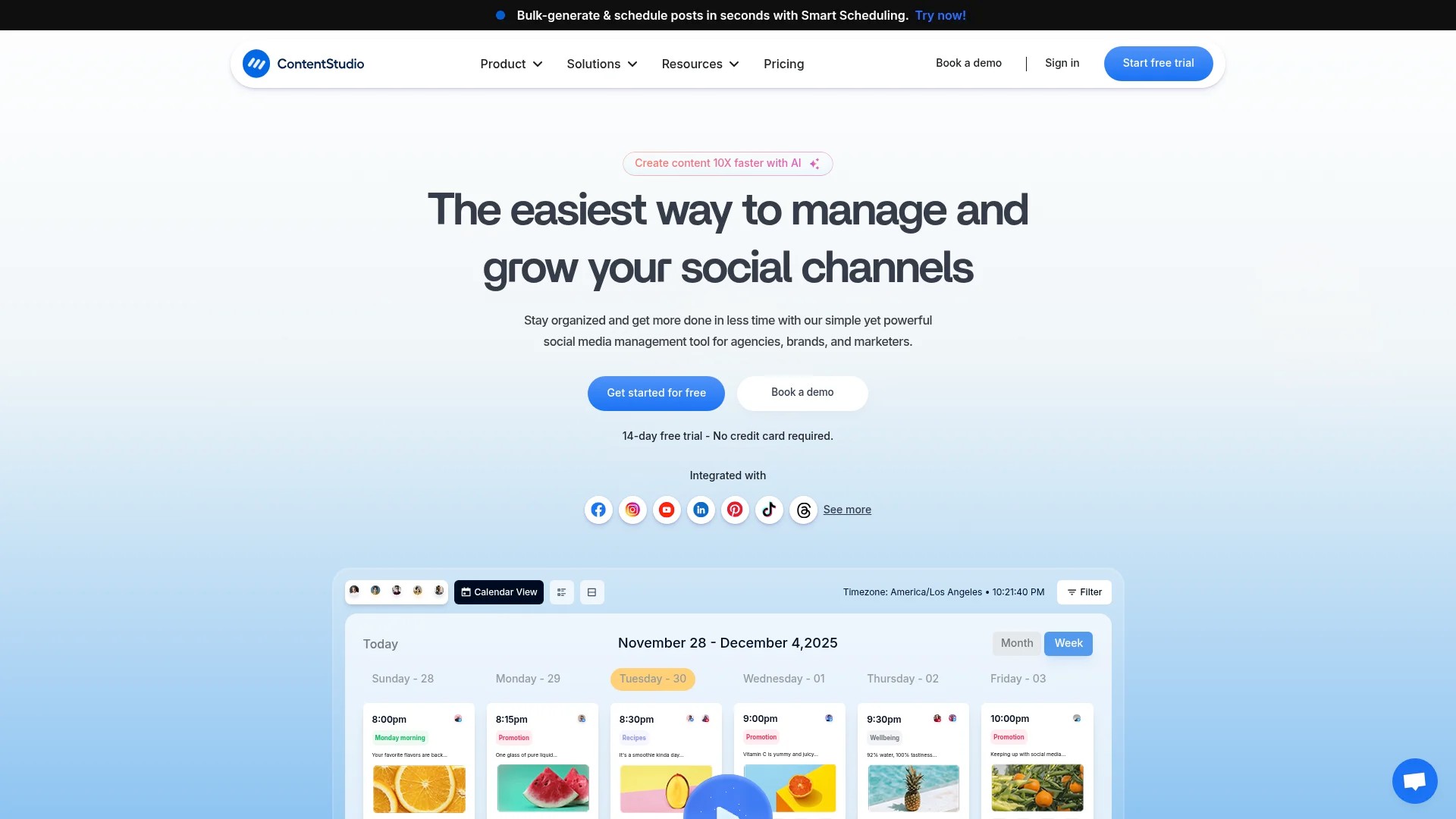
3. ContentStudio – Best for Social Media Content Discovery and Scheduling
ContentStudio combines AI-powered content discovery with comprehensive social media management capabilities, addressing both curation and distribution in a unified platform.
The AI discovery engine searches millions of articles, videos, and social posts to identify trending content relevant to your niche. The platform ranks discoveries by engagement potential and relevance, reducing time spent evaluating options. Integrated scheduling and publishing tools let you move from discovery to distribution without switching platforms.
Key Features
- AI discovery engine that analyses millions of content sources
- Engagement-based ranking that prioritises high-performing content
- Multi-platform social media scheduling and publishing
- Team collaboration with approval workflows and role assignments
- Content calendar with drag-and-drop queue management
- Analytics tracking to measure curated content performance
Pricing
ContentStudio offers tiered pricing based on team size and social accounts. A free trial allows testing the full feature set before committing. Plans include content discovery, scheduling, analytics, and collaboration features with limits scaling by tier. Visit ContentStudio for current pricing details.
Best For
Marketing teams managing multiple social media accounts who need both discovery and distribution capabilities in one platform. Agencies serving multiple clients benefit from the workspace organisation and team collaboration features. The AI discovery particularly helps users in information-dense industries where manually monitoring sources becomes overwhelming.
Considerations
The comprehensive feature set creates a steeper learning curve than simpler specialised tools. Smaller teams or individual users might find certain capabilities unnecessary for their workflows. Comparing curation software platforms helps determine whether an all-in-one solution suits your needs better than specialised tools.
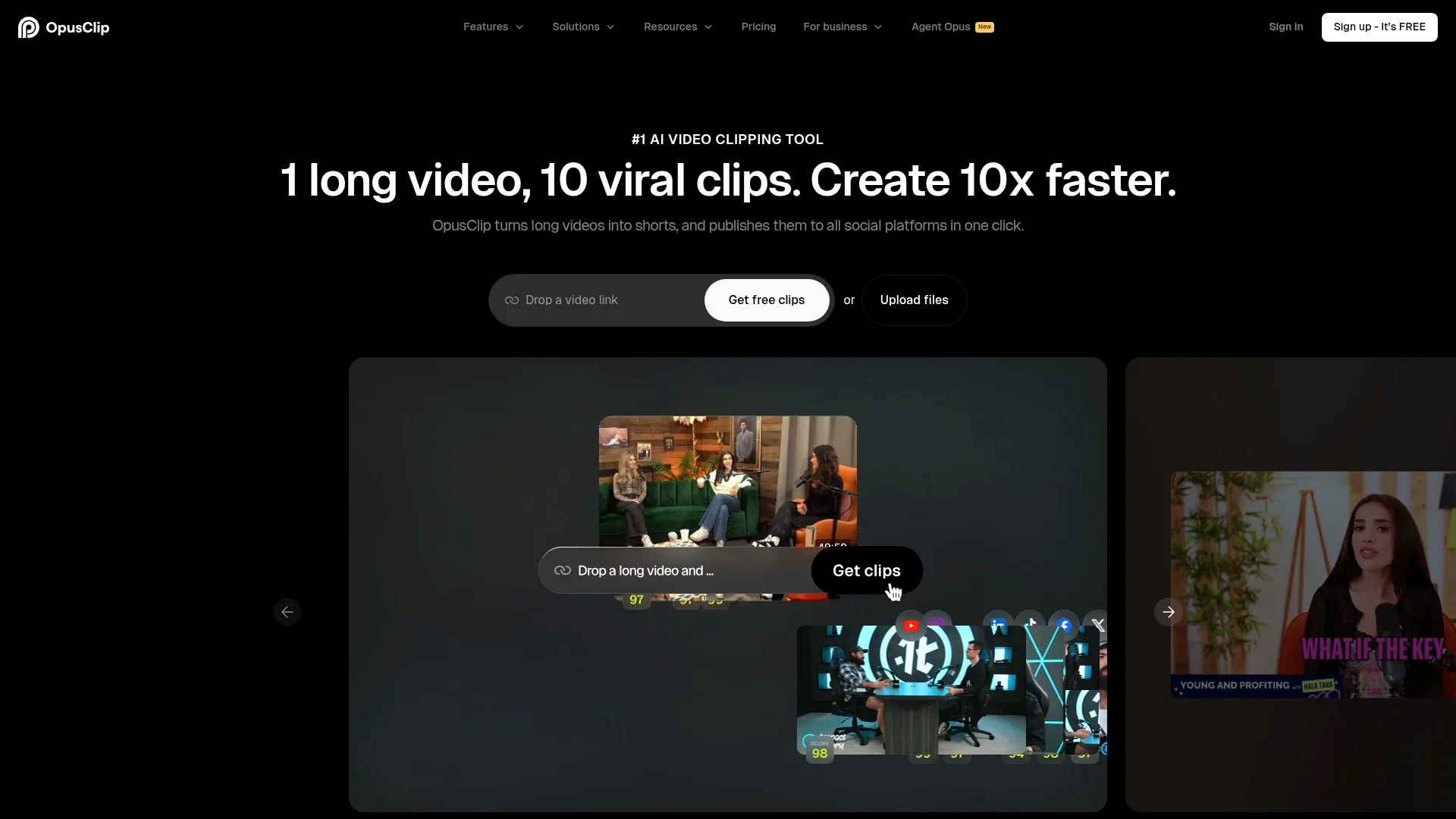
4. OpusClip – Best for Video Content Curation and Repurposing
OpusClip addresses the specific challenge of repurposing long-form video content into social-ready short clips through AI-powered analysis and editing.
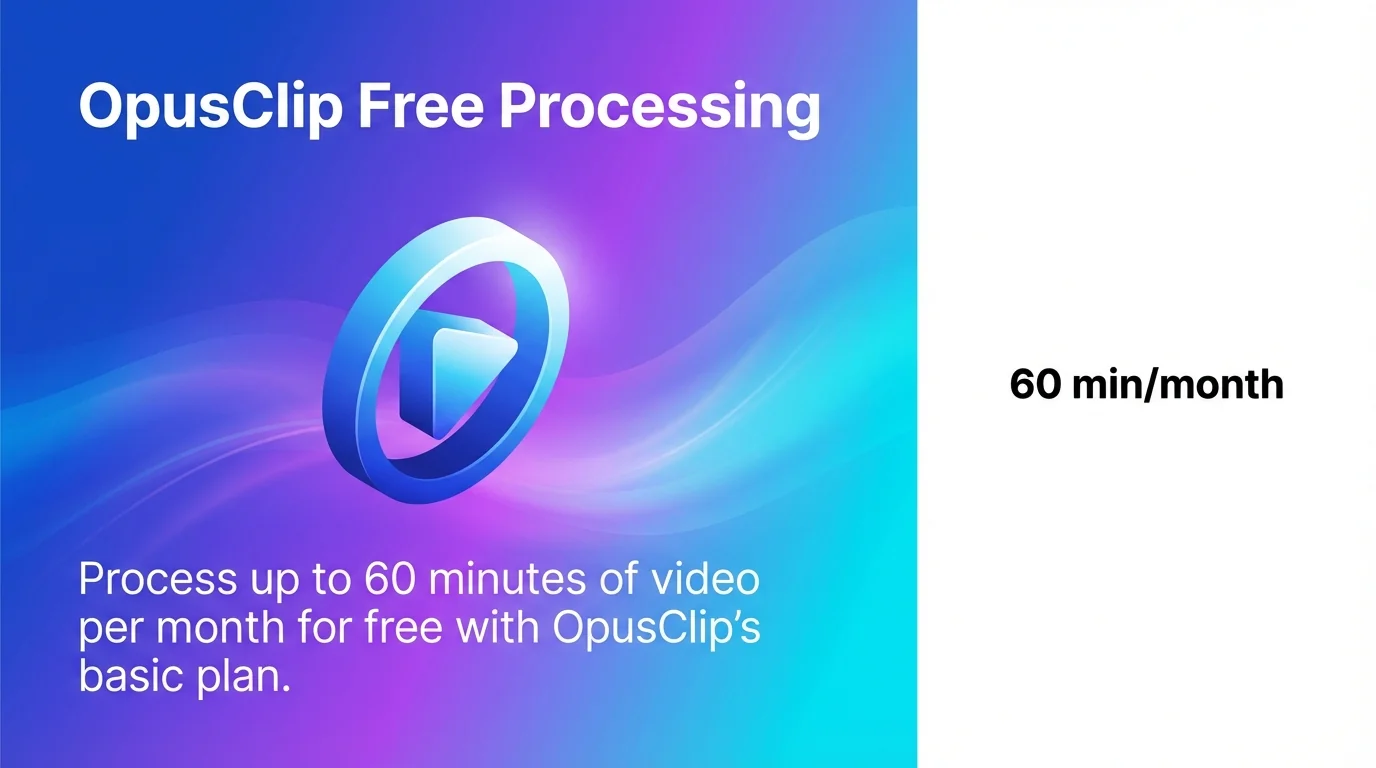
OpusClip’s AI extracts engaging segments from long videos for short-form platforms like TikTok, with a free plan offering 60 minutes monthly processing. The platform analyses video content to identify compelling moments, adds captions automatically, and formats clips according to each social platform’s specifications.
Key Features
- AI-powered identification of engaging video segments
- Automatic caption generation with customisable styling
- Multi-format export optimised for TikTok, Instagram Reels, and YouTube Shorts
- Brand kit integration for consistent visual identity
- Batch processing for efficiency with multiple videos
Pricing
The free plan provides 60 minutes of video processing monthly, suitable for testing workflows or light usage. Paid tiers increase processing capacity and unlock advanced features like custom branding and priority processing. Detailed pricing is available at OpusClip.
Best For
Content creators and marketers who produce or curate long-form video content and need to maintain presence on short-form platforms without manual editing. Businesses repurposing webinars, interviews, or educational content into social clips will find significant time savings. The automation particularly benefits teams without dedicated video editing resources.
Considerations
The platform specialises in video content exclusively. Users seeking text article curation or image management require additional tools. The AI performs best with conversational video content where clear segments exist, potentially requiring manual refinement for complex editing scenarios.
5. CapCut – Best for Social Video Editing with AI Features
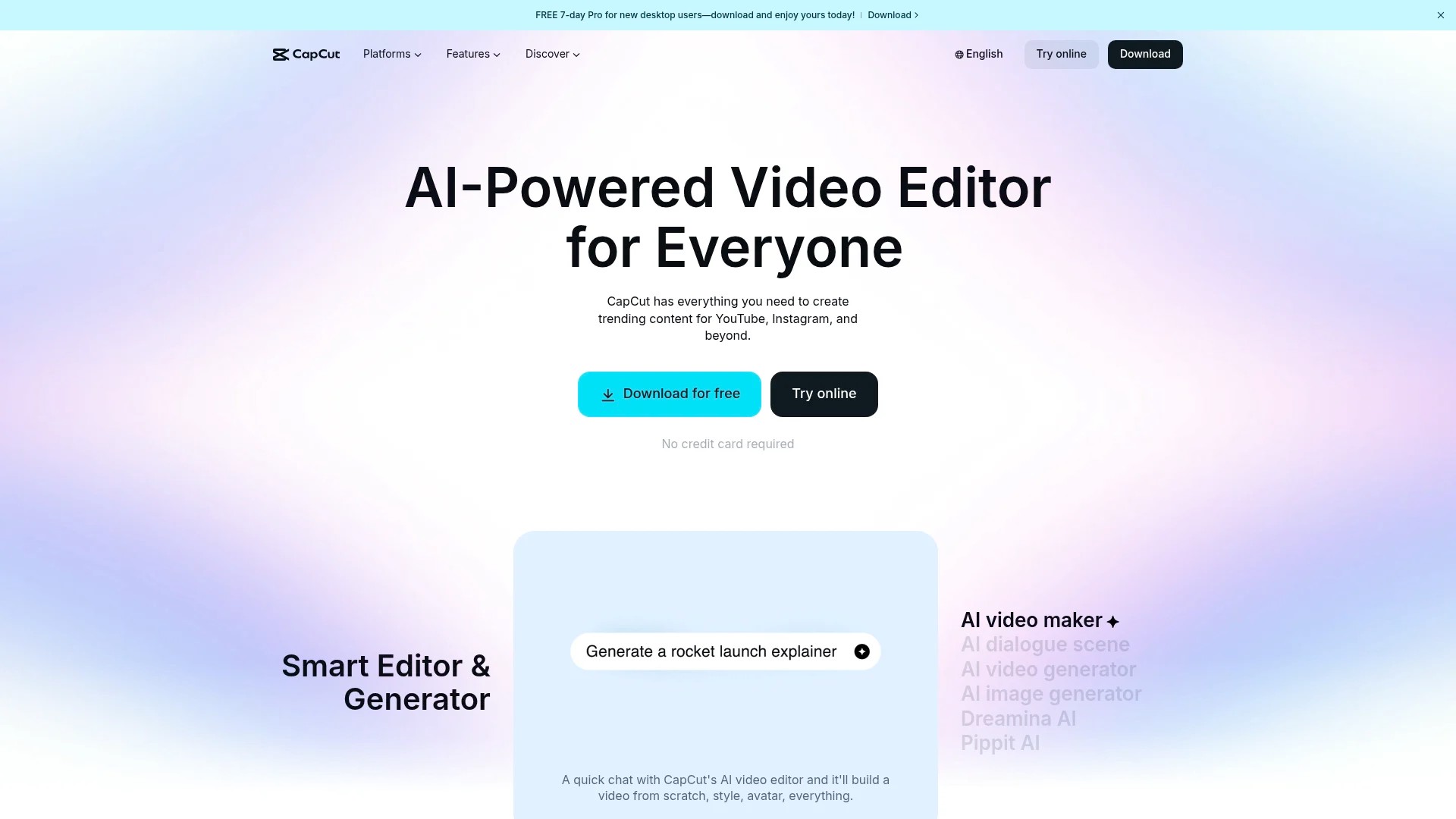
CapCut provides comprehensive video editing capabilities specifically designed for social media content creation, with AI features that streamline production workflows.
CapCut features AI tools like auto-captions and background removal for social media video editing. The platform combines professional editing capabilities with accessibility features that accommodate users without extensive video production experience.
Key Features
- AI-powered auto-captioning with timing synchronisation
- One-click background removal for professional compositing
- Template library with trending formats and styles
- Music library with licensed tracks for commercial use
- Multi-platform export with format optimisation
- Collaboration features for team editing projects
Pricing
CapCut offers a robust free version with access to most features including AI tools. Premium subscriptions remove watermarks, unlock additional templates, and provide priority support. The accessible pricing makes professional video editing capabilities available to small teams and individual creators. Visit CapCut for pricing information.
Best For
Social media managers creating native video content for platforms like Instagram, TikTok, and Facebook who need AI assistance for time-consuming tasks like captioning. The template library particularly benefits users maintaining consistent branding across multiple posts. Teams coordinating video content benefit from the collaboration features.
Considerations
Whilst excellent for social video editing, CapCut focuses on creation rather than curation of existing content. Users seeking to aggregate and share content from external sources should evaluate dedicated content discovery platforms. The tool complements content curation workflows by enabling original video production.
6. AdCreative.ai – Best for AI-Generated Visual Content
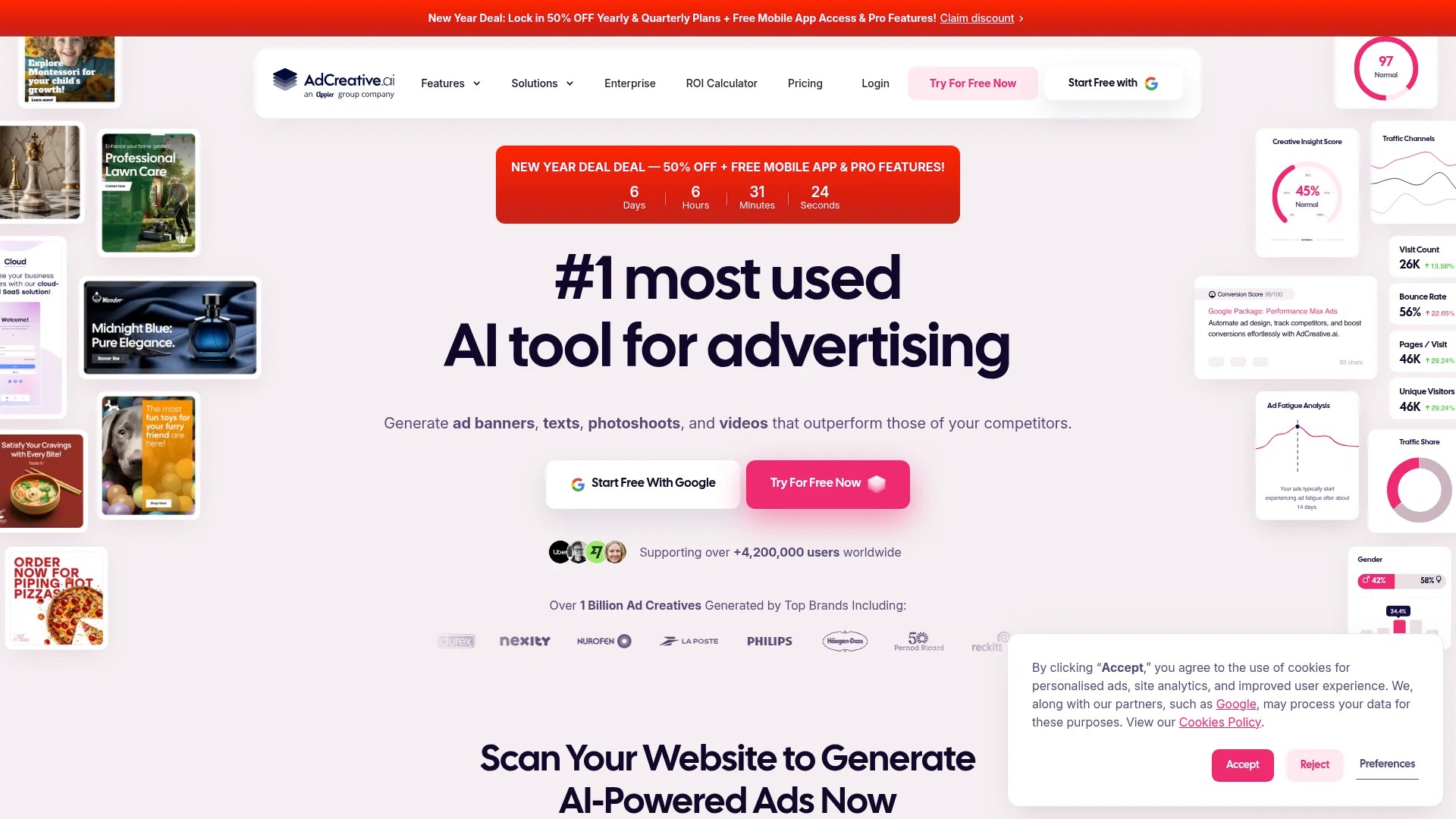
AdCreative.ai specialises in generating marketing visuals, headlines, and video content through AI, addressing the creative production bottleneck many marketers face.
AdCreative.ai generates AI-powered visuals, headlines, and text-to-video content tailored to brands, starting at £24 per month. The platform analyses your brand guidelines and target audience to produce on-brand creative assets at scale.

Key Features
- AI-generated visual ads optimised for engagement
- Headline and copy generation based on brand voice
- Text-to-video creation for social platforms
- Brand consistency through learned style guidelines
- Performance prediction scoring before publishing
- Multi-format output for various ad platforms
Pricing
Plans start at approximately £24 per month, with tiered options scaling based on generation volume and team size. The pricing structure makes AI creative capabilities accessible to small businesses whilst accommodating agency needs at higher tiers. Current pricing details are available at AdCreative.ai.
Best For
Marketing teams producing high volumes of ad creatives for social media campaigns who need to test multiple variations quickly. Agencies managing multiple client brands benefit from the ability to maintain distinct brand voices across accounts. Small businesses without dedicated design resources can produce professional visuals without extensive training.
Considerations
The platform generates new creative content rather than curating existing material from external sources. Users seeking to aggregate and share industry content should consider traditional content curation tools. AdCreative.ai complements curation strategies by enabling rapid original content production to balance curated material.
7. eLink – Best for Newsletter and Web Page Curation
eLink focuses specifically on transforming curated content into formatted newsletters and web pages through versatile automation and integration capabilities.
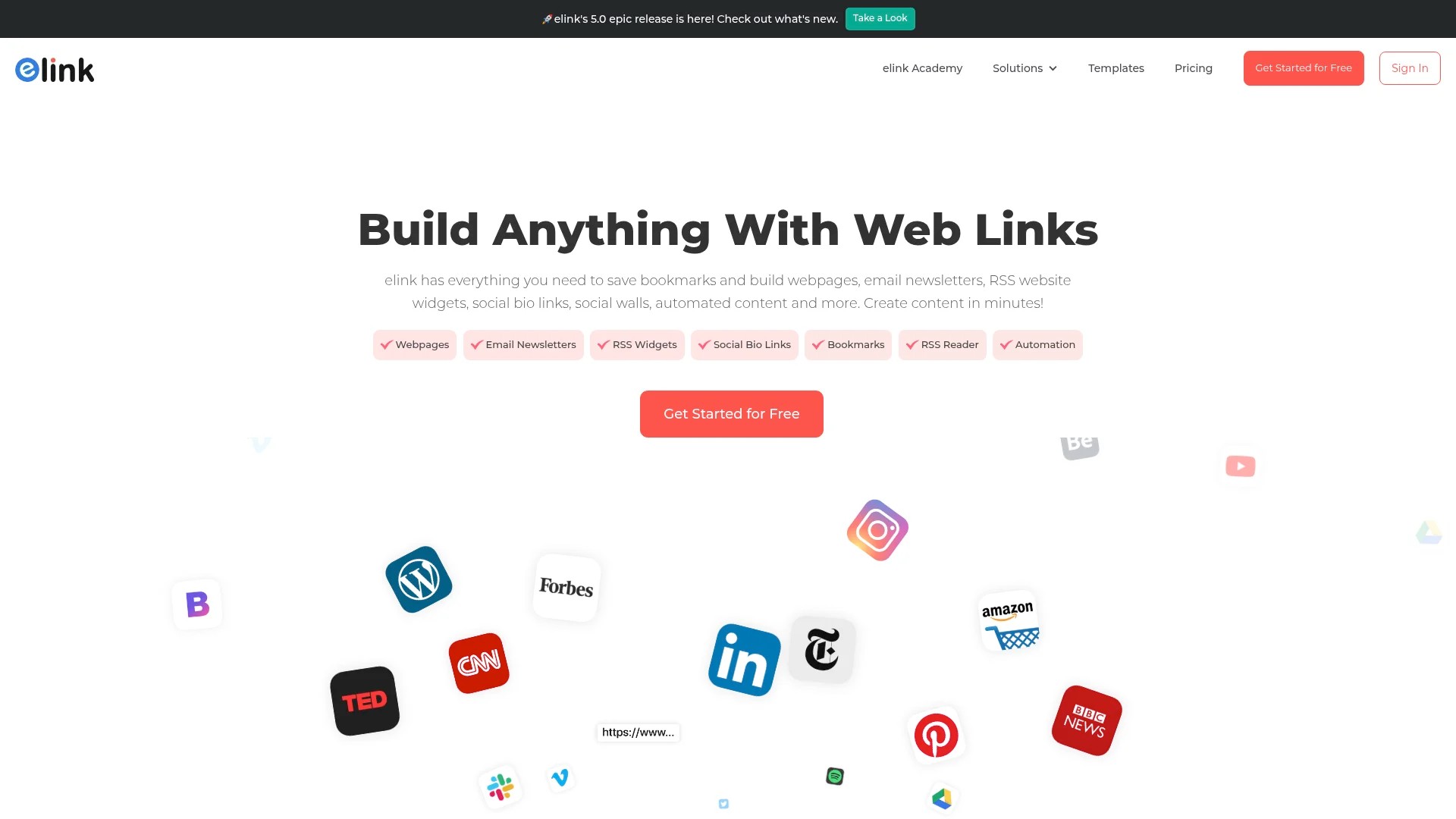
eLink offers versatile automation for creating newsletters and web pages with integrations for content management and email applications. The platform bridges content discovery and distribution by providing templates and workflows optimised for email newsletters and landing pages.

Key Features
- Template library for newsletters and web pages
- Browser extension for quick content capture whilst browsing
- Integration with email marketing platforms and CMS systems
- Collaborative workspaces for team curation projects
- Automated formatting that maintains consistent styling
- Scheduling capabilities for regular newsletter distribution
Pricing
eLink provides a free plan with basic functionality suitable for individual users and small projects. Premium plans unlock additional templates, integrations, team features, and remove branding. The tiered structure accommodates growth from individual newsletters to agency-scale operations. Visit eLink for detailed pricing.
Best For
Content marketers who regularly produce curated newsletters or resource pages who need streamlined workflows from content selection to formatted output. Marketing teams maintaining resource hubs or weekly digests benefit from the automation that reduces manual formatting work. The integration capabilities particularly help users with established email marketing or content management systems.
Considerations
Social media scheduling and multi-platform distribution capabilities are limited compared to dedicated social tools. Users prioritising social content curation should evaluate platforms built specifically for those workflows. eLink excels at the newsletter and web page use cases rather than attempting comprehensive social media management.
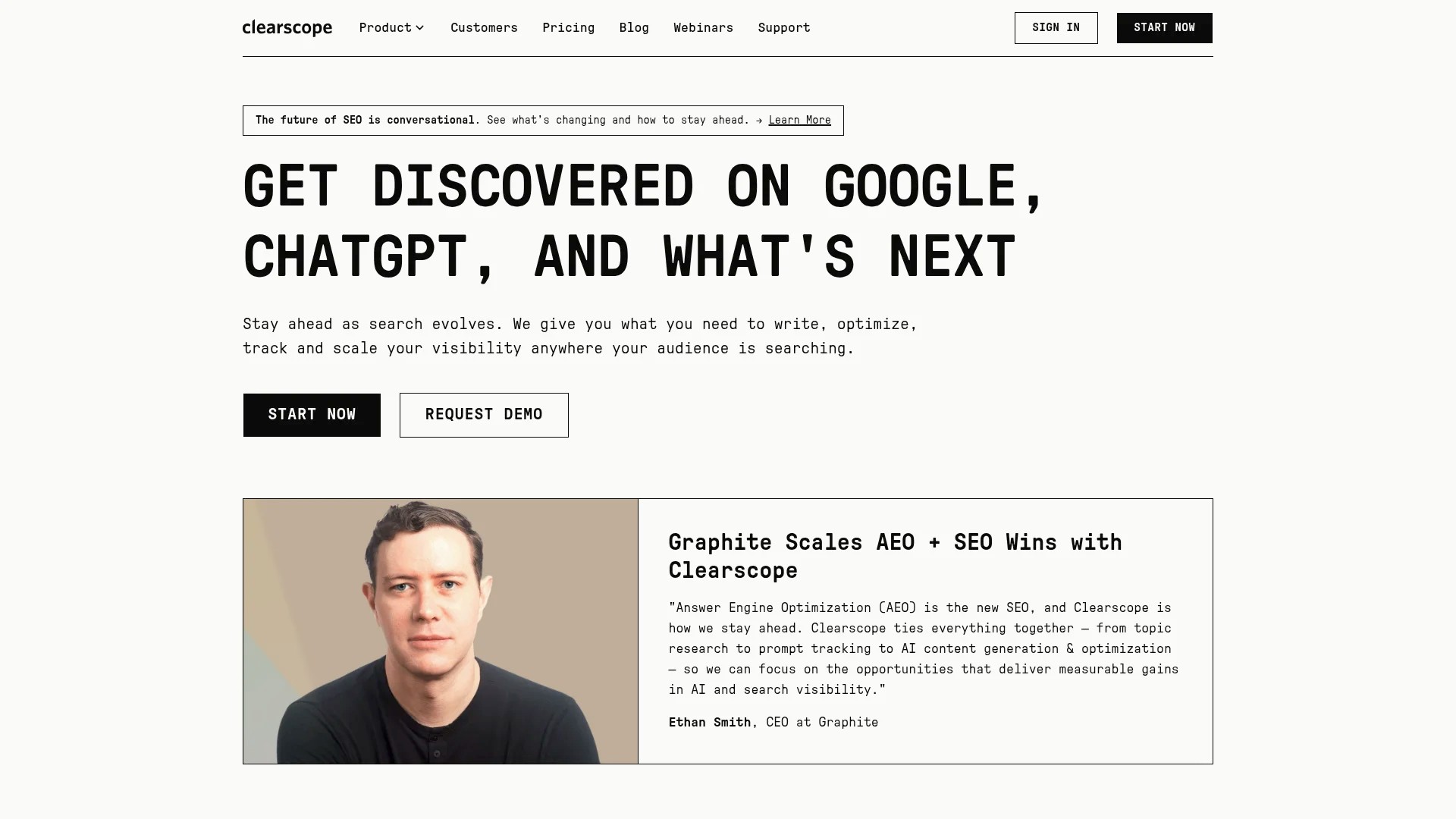
8. Clearscope – Best for SEO-Optimised Content Curation
Clearscope approaches content curation through an SEO lens, helping marketers identify and optimise content based on search engine performance potential.
Clearscope provides modern SEO optimisation by recommending specific keywords for content. The platform analyses top-ranking content for target keywords to recommend topics, terms, and optimisation strategies that improve search visibility.
Key Features
- Keyword research identifying content opportunities
- Content grading that scores optimisation quality
- Competitive analysis showing what top-ranking content covers
- Term recommendations for comprehensive topic coverage
- Integration with writing tools and CMS platforms
- Tracking capabilities to monitor ranking performance
Pricing
Clearscope targets professional content teams with pricing that reflects enterprise-level capabilities. Plans scale based on content volume and team size. The platform positions itself as an investment in content quality that improves organic traffic. Contact Clearscope for pricing information.
Best For
Content teams focused on organic search visibility who curate and create content based on SEO performance potential. Businesses building topical authority through comprehensive content coverage benefit from the competitive analysis features. The platform particularly helps teams optimising existing curated content to improve rankings.
Considerations
Clearscope focuses on SEO optimisation rather than social media curation or content discovery from diverse sources. Teams prioritising social engagement over search visibility may find limited value. The pricing structure targets established content operations rather than individual marketers or small teams testing curation workflows.
Comparison Table: New Content Curation Tools at a Glance
This comparison helps evaluate which platforms align with your specific content curation needs and budget constraints.
| Tool | Best For | Key Strength | Pricing | Free Version |
|---|---|---|---|---|
| Sunchay | Personal knowledge management | AI semantic search across all content types | Free tier + premium plans | Yes |
| Stacks | Bookmark replacement with smart organisation | AI connects related ideas automatically | Free + professional tiers | Yes |
| ContentStudio | Social media discovery and scheduling | AI discovery engine with engagement ranking | Tiered subscription plans | Free trial |
| OpusClip | Video content repurposing | AI extracts short clips from long videos | Free + paid tiers | Yes (60 min/month) |
| CapCut | Social video editing | AI auto-captions and background removal | Free + premium options | Yes |
| AdCreative.ai | AI-generated visual content | Brand-tailored creative generation at scale | From £24/month | No |
| eLink | Newsletter and web page curation | Automated formatting with CMS integration | Free + premium plans | Yes |
| Clearscope | SEO-optimised content curation | Keyword recommendations and content grading | Enterprise pricing | No |
How to Choose the Right Content Curation Tool for Your Needs
Selecting amongst these platforms requires evaluating your specific workflow, team structure, and content marketing goals.
Define Your Primary Use Case
Content curation serves different purposes across organisations. Some teams focus on social media engagement, others on newsletter production, whilst some prioritise internal knowledge management. Your primary use case determines which features matter most.
If social media presence drives your curation efforts, prioritise platforms with robust discovery engines, multi-platform scheduling, and engagement analytics. Tools like ContentStudio excel at this workflow by combining discovery and distribution capabilities.
Newsletter creators benefit from platforms that streamline formatting and integrate with email marketing systems. eLink specifically addresses this use case with templates and automation designed for curated digests.
Knowledge workers building research databases need powerful organisation and search capabilities. Sunchay and Stacks focus on these needs through AI-powered semantic search and intelligent categorisation.
Evaluate Your Content Formats
Different tools specialise in particular content types. Text article curation requires different capabilities than video repurposing or visual content generation.
Teams working primarily with video content should evaluate OpusClip for repurposing or CapCut for original creation. These platforms address video-specific challenges that text-focused tools ignore.
Visual content needs might point towards AdCreative.ai if you’re generating original graphics rather than curating existing material. Traditional curation platforms handle text articles well but offer limited support for image or video workflows.
Multi-format requirements suggest comprehensive platforms that handle diverse content types, though you may sacrifice specialised features for versatility.
Consider Team Collaboration Requirements
Individual users have different needs than collaborative teams managing approval workflows and coordinating publishing schedules.
Solo marketers might prioritise powerful personal features over collaboration capabilities. Tools like Sunchay or Stacks offer excellent individual experiences without team-focused complexity.
Marketing teams require user roles, approval workflows, and shared workspaces. Platforms like ContentStudio or eLink provide these collaboration features alongside core curation capabilities.
Agency environments serving multiple clients need workspace separation and scalable team structures. Evaluate how platforms handle multi-client scenarios and whether pricing scales reasonably as you add team members.
Assess Integration Needs
Content curation rarely exists in isolation. Your tools must connect with existing marketing technology.
Email marketing integrations matter if you’re producing newsletters. Verify that platforms connect with your current email service provider without requiring manual export-import workflows.
Social media account connections determine how efficiently you can distribute curated content. Check which specific platforms each tool supports and whether limitations exist on account numbers.
Content management system integration helps if you’re publishing curated content to your website or blog. Direct connections eliminate copying between systems whilst maintaining consistent formatting.
Test Before Committing
Most platforms offer free versions or trials. Actual usage reveals workflow fits better than feature comparisons.
Start with your most common curation task and complete it fully using each platform you’re considering. This reveals friction points that aren’t apparent from feature lists.
Involve team members who will use the tool daily in evaluation. Their practical experience often identifies issues or preferences that decision-makers might miss.
Content curation tools exist at every budget level, so prioritise finding the right fit over choosing the most expensive or feature-rich option. The best tool is the one your team will actually use consistently.
Getting Started with Your Chosen Content Curation Platform
Successful implementation requires more than just signing up for an account. These steps help you establish effective curation workflows.
Begin by connecting your key content sources. Whether RSS feeds, social accounts, or specific websites, your discovery engine only works when properly configured. Spend time identifying the 10 to 15 most valuable sources in your industry rather than adding hundreds of feeds that create noise.
Establish your organisation system early. Create collections, tags, or categories that match how you actually think about content rather than creating elaborate hierarchies you won’t maintain. Simple systems you’ll use consistently outperform complex structures you’ll abandon.
Set up your distribution channels next. Connect social accounts, configure email integrations, and test publishing workflows before you’re under deadline pressure. Understanding how content flows from discovery to distribution prevents publishing mishaps.
Develop a curation cadence that matches your capacity. Daily discovery sessions that take 15 minutes work better than weekly marathons that consume hours. Consistency matters more than volume for maintaining audience engagement.
Train team members on specific workflows rather than overwhelming them with every feature. Focus on the three to five capabilities they’ll use daily, then introduce advanced features as needs arise. Comprehensive guides to content curation tools provide detailed implementation strategies beyond initial setup.
Monitor your results from the beginning. Track which curated content drives engagement, what topics resonate with your audience, and how curation impacts your overall marketing metrics. These insights inform future selection whilst demonstrating the value of your curation efforts.
Refine your approach based on performance data. The platforms that provide analytics help you learn what works, but only if you actually review the numbers and adjust accordingly. Curation effectiveness improves significantly when you apply systematic learning to your selection process.
The Content Curation Software Outlook
Content curation tools continue maturing from simple RSS readers into sophisticated AI-powered platforms that handle discovery, organisation, and distribution across multiple formats and channels.
The eight platforms covered here represent meaningful innovation in specific use cases. Sunchay and Stacks reimagine personal knowledge management through AI. ContentStudio addresses comprehensive social media needs. OpusClip and CapCut tackle video-specific challenges. AdCreative.ai generates rather than curates. eLink streamlines newsletter production. Clearscope optimises for search visibility.
No single tool excels at everything. Your specific needs, content formats, team structure, and budget constraints determine which platform delivers the best value. The right choice differs for a solo marketer maintaining thought leadership, a social media team managing multiple brand accounts, or an agency coordinating client campaigns.
Most importantly, the best content curation tool is the one you’ll actually use consistently. Sophisticated features matter little if complexity prevents regular usage. Start with platforms offering free versions, test your actual workflows, and select based on practical experience rather than feature lists.
Content curation will only grow more important as information volume increases. These new players provide capabilities that make sustainable curation realistic for teams without unlimited resources. Your audience benefits when you can consistently surface valuable insights rather than adding to the noise.