
Content curation tools help you discover, organise, and share relevant content with your audience. The choice between free and paid options shapes your entire content strategy.
Most marketers start with free tools to test their workflow. This makes sense. You need to understand your requirements before committing budget.
Free plans offer genuine value for solo marketers and small teams. They let you schedule posts, discover content, and maintain consistent social media presence. Buffer’s Free plan supports 1 user, 3 social channels, and 10 scheduled posts per channel. That covers basic needs for many businesses.

But limitations appear quickly. Free tools restrict team collaboration, content volume, and advanced features. Understanding these trade-offs determines which strategy serves your goals.
This guide examines 12 content curation tools across both pricing tiers. You’ll discover which free options deliver real results. And when upgrading makes financial sense for your content marketing objectives.
What Content Curation Tools Actually Do
Content curation tools solve three core challenges for marketers. They discover relevant content from multiple sources. They organise that content for easy access. And they schedule distribution across social media platforms.
The discovery process separates good tools from basic bookmarking. Quality curation platforms monitor RSS feeds, track industry keywords, and filter content based on your target audience interests. This automation saves hours of manual searching.
Organisation features create your content library. You categorise articles, videos, and resources by topic or campaign. This structure transforms random finds into strategic assets. Your curated content becomes accessible when you need it.
Distribution capabilities complete the workflow. Schedule posts to multiple social channels from one dashboard. Some tools offer browser extensions for instant sharing. Others provide mobile apps for on-the-go curation.
Core Features That Define Quality Tools
Content discovery determines tool effectiveness. RSS feed aggregation pulls articles from chosen sources automatically. Keyword monitoring catches relevant content across the web. Visual curation capabilities handle images and videos alongside text.
Social media integration matters for distribution. Connect Facebook, Twitter, LinkedIn, and other platforms. Queue content for optimal posting times. Monitor engagement analytics to refine your content strategy.
Collaboration features support team workflows. Multiple users access shared content libraries. Approval processes ensure quality control. Comments and notes facilitate internal communication.
How Content Curation Fits Your Marketing Strategy
Content curation complements original content creation. You maintain consistent posting schedules without creating everything yourself. Curated content positions you as an industry resource, sharing valuable insights with your audience.
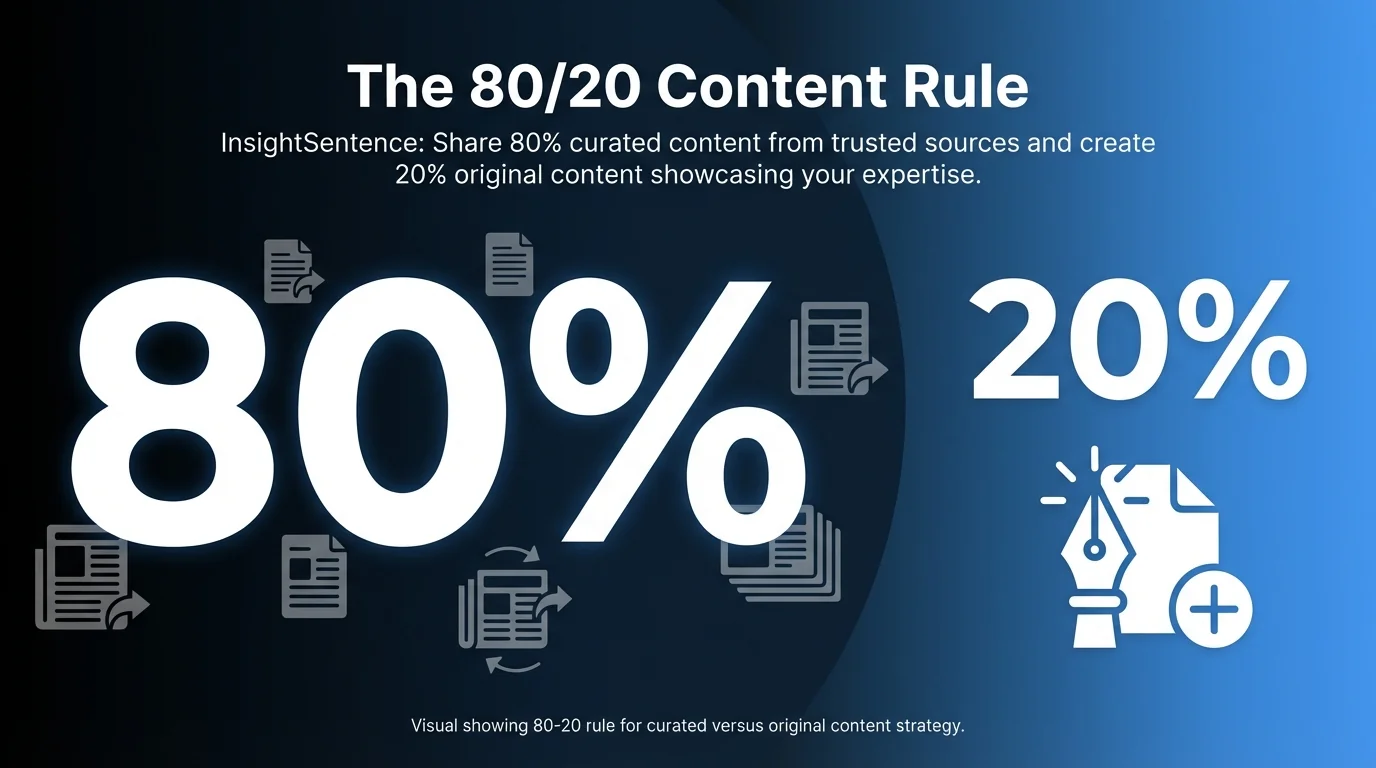
The 80/20 rule guides many content strategies. Share 80% curated content from trusted sources. Create 20% original content showcasing your expertise. This balance builds thought leadership whilst managing resources efficiently.
Automation through curation tools streamlines this process. Set discovery parameters once. Review and approve content regularly. Schedule distribution in batches. Your social media presence stays active with minimal daily effort.
For more comprehensive guidance on building an effective approach, explore our ultimate guide to content curation tools.
Free Content Curation Tools: 7 Options Worth Your Time
Free tools offer surprisingly robust features for content marketing. They work best for solo entrepreneurs, small teams, and businesses testing curation workflows. These platforms provide genuine value without subscription costs.
Each tool below offers distinct advantages. Some excel at discovery. Others prioritise social scheduling. Your specific needs determine the best fit.
1. Buffer (Free Plan)
Buffer delivers straightforward social media scheduling. The free plan supports 1 user, 3 social channels, and 10 scheduled posts per channel.
This limitation works for focused content strategies. You maintain presence on key platforms without overwhelming yourself. The interface prioritises simplicity over complex features.
Buffer handles Facebook, Twitter, LinkedIn, and Instagram. Queue posts with images and links. Basic analytics show post performance. The browser extension enables quick sharing from any website.

Best for: Solo marketers managing 2-3 social profiles with consistent but modest posting schedules.
2. Pocket
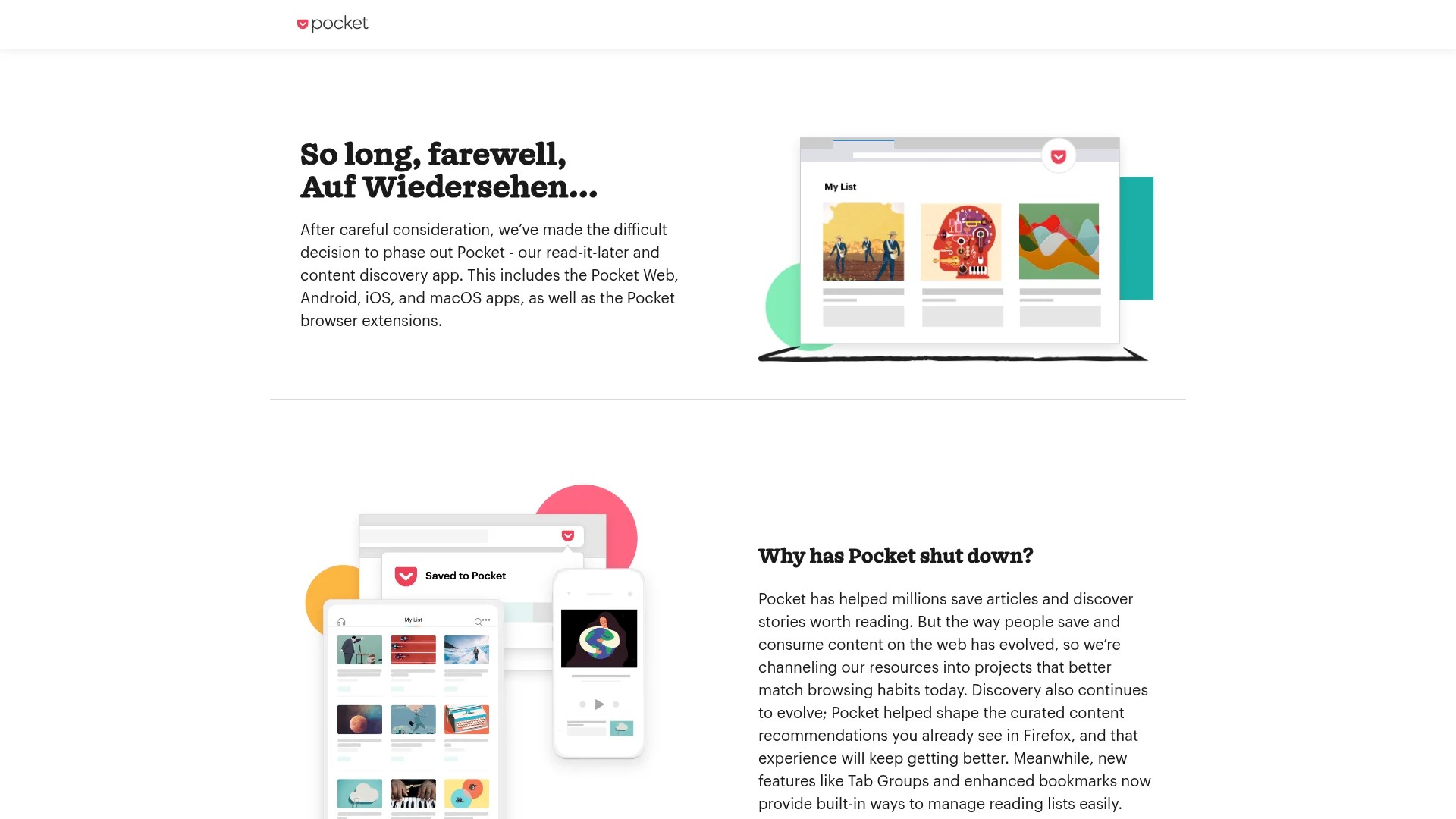
Pocket functions as your content library. Save articles, videos, and web pages from any device. Access saved content offline. The tagging system organises resources by topic.
The free version offers unlimited saves. No storage limits restrict your library growth. The reading view strips ads and clutter from articles.
Pocket integrates with over 1,500 apps. Share discoveries to social media. Connect with automation tools. The recommendations feature suggests related content based on your saves.
Best for: Content collectors who need reliable storage and cross-device access for research and curation.
3. Feedly
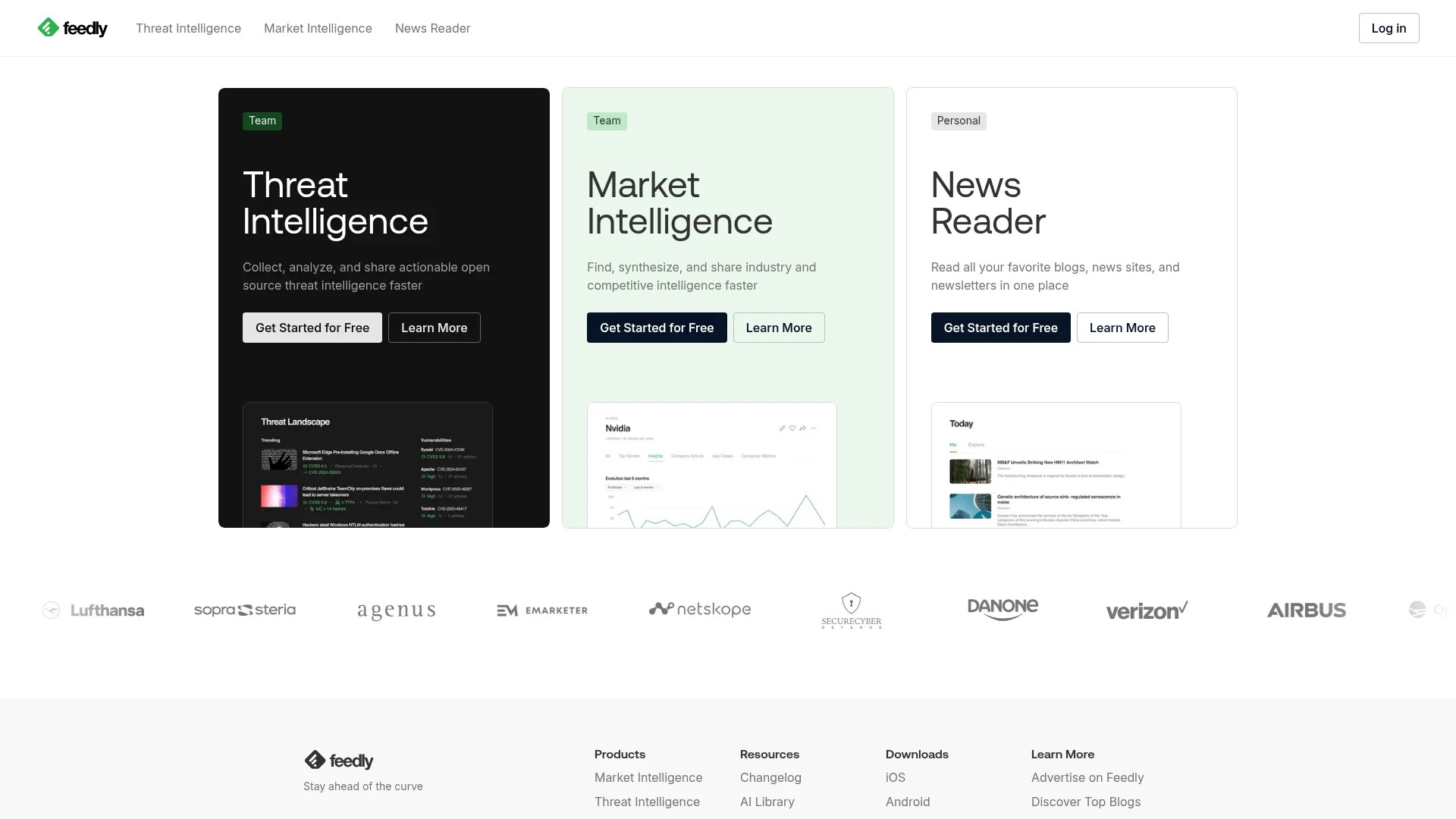
Feedly aggregates RSS feeds into organised streams. Follow blogs, news sites, and industry publications in one interface. The free plan supports 100 content sources.

Create boards for different topics or clients. Save articles for later reading. Share discoveries directly to social platforms. Integration with Buffer, Hootsuite, and other tools extends functionality.
Feedly’s AI assistant highlights trending topics on paid plans. Free users still benefit from clean feed organisation and reliable updates from favourite sources.
Best for: Marketers who rely on RSS feeds and need centralised content monitoring from multiple sources.
4. Canva (Free Plan)
Canva creates visual content for social sharing. The free plan includes thousands of templates. Design social media graphics, infographics, and presentations without graphic design expertise.
The drag-and-drop interface makes visual curation accessible. Customise templates with your brand colours. Add text overlays to curated images. Export in multiple formats for different platforms.
Free users access basic stock photos and elements. Collaboration features let teams share designs. The content planner schedules posts to social channels.
Best for: Visual content curators who need quick graphic creation capabilities alongside traditional curation.
5. Metricool (Free Plan)
Metricool combines scheduling with analytics. The free plan supports management and analytics for one brand.

Connect multiple social networks under one brand profile. Schedule posts with optimal timing suggestions. Track engagement metrics across platforms. The calendar view shows your content distribution at a glance.
Analytics reports identify top-performing content. Use these insights to refine your curation strategy. The free plan includes basic competitor analysis.
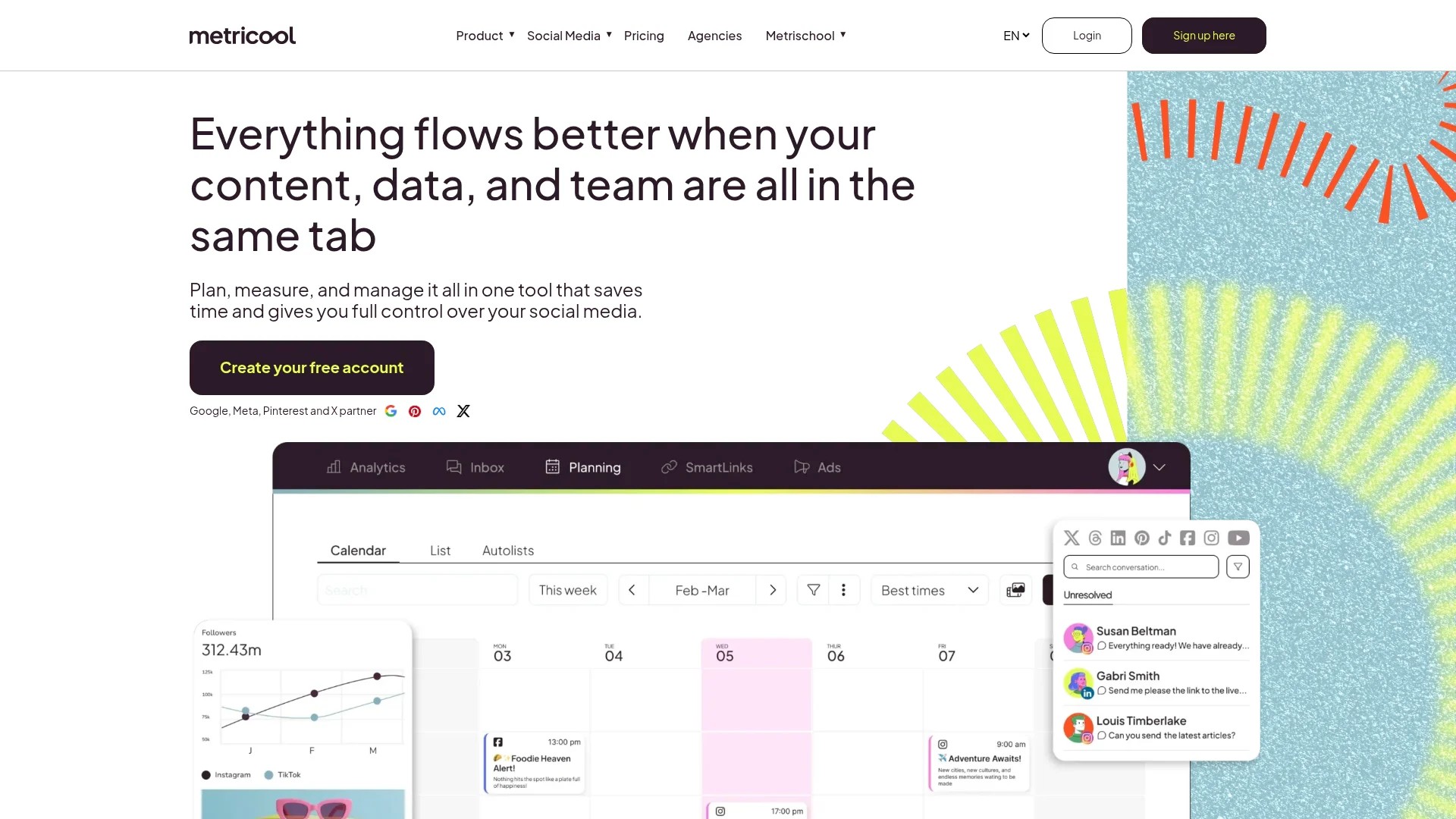
Best for: Small businesses wanting combined scheduling and analytics without separate tools.
6. Hemingway App (Free Web Version)
Hemingway App improves curated content presentation. The free web-based editor analyses readability. It highlights complex sentences, passive voice, and difficult words.
Paste curated article excerpts before sharing. Edit for clarity and engagement. The tool assigns readability grades. Aim for accessible language that resonates with broader audiences.
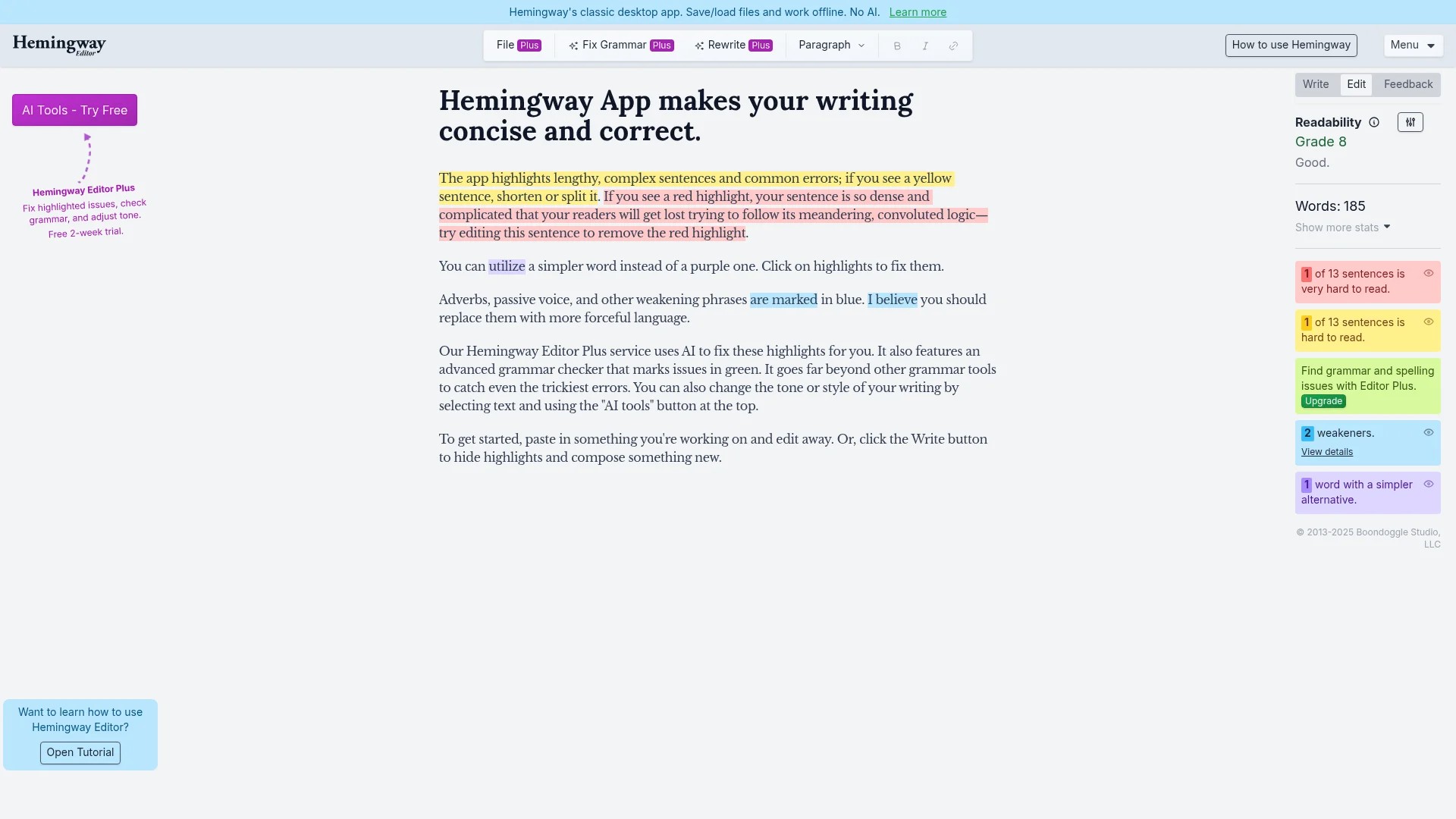
This matters when you add commentary to curated content. Your introductions and insights should match the quality of sources you share.
Best for: Curators who write introductions and summaries for shared content, ensuring professional presentation.
7. Grammarly (Free Plan)
Grammarly catches writing errors in real-time. The free basic plan checks for grammar, spelling, and punctuation errors.
Install the browser extension for everywhere writing support. Check social media posts before publishing. Proofread email newsletters featuring curated content. Maintain professional standards across all platforms.
The free version covers essential corrections. Paid tiers add style suggestions and tone detection. For basic quality control, the free plan suffices.
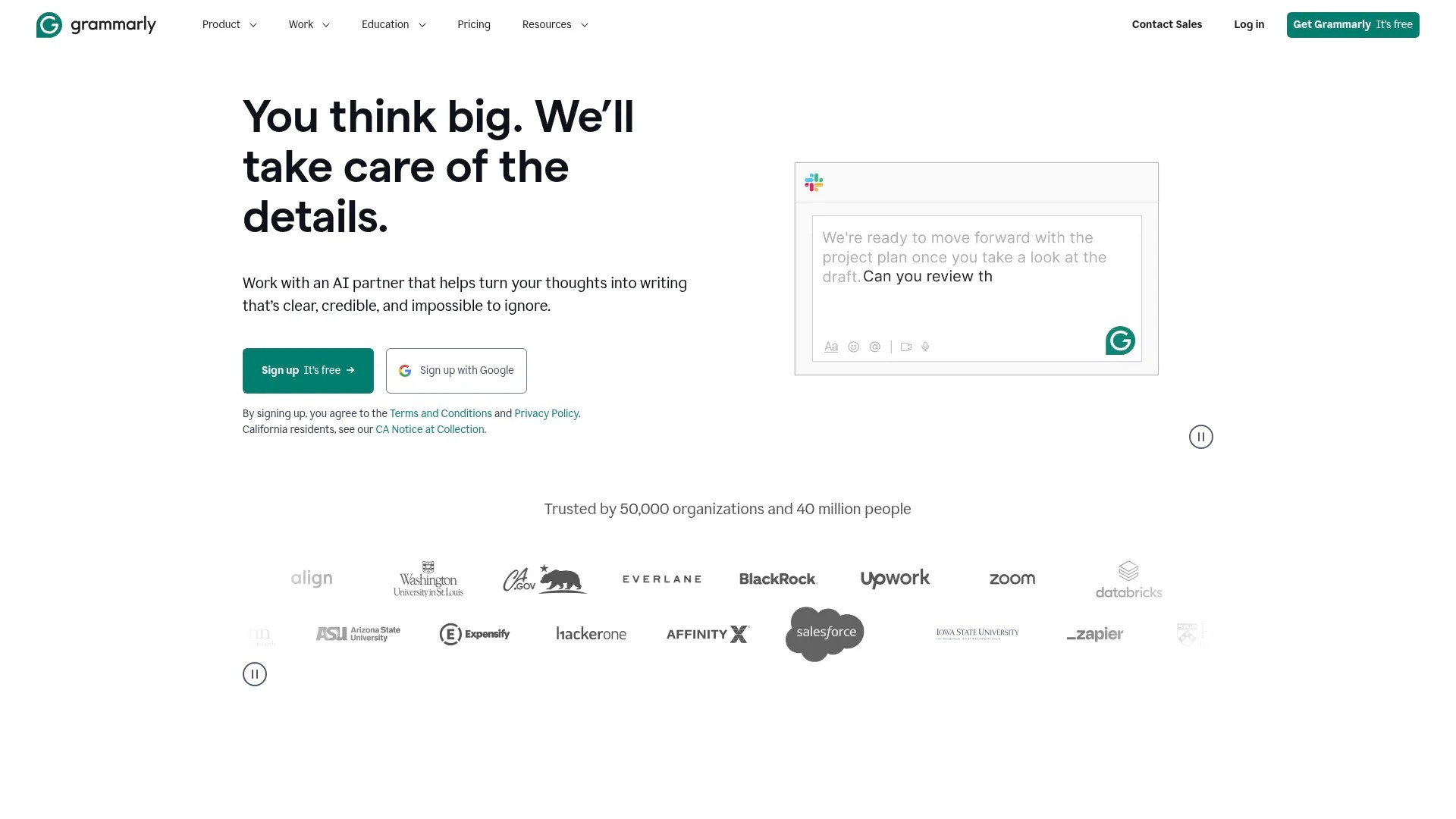
Best for: Anyone writing commentary or introductions for curated content who needs reliable grammar checking.
Discover additional strategies in our guide on finding content for social media without cost.
Paid Content Curation Tools: 5 Premium Options That Justify Investment
Paid tools unlock capabilities that transform content strategies. They offer unlimited scheduling, advanced discovery algorithms, team collaboration, and deeper analytics. Investment makes sense when free limitations restrict your growth.
These platforms serve growing teams and established content programmes. The ROI appears through time savings and improved content performance.
1. Quuu
Quuu automates content discovery and scheduling completely. The platform suggests hand-curated content matched to your industry and audience interests. Content appears in your queue automatically.
Choose content categories relevant to your niche. Set posting frequency and times. Quuu fills your schedule with quality content from vetted sources. You review and approve suggestions before publication.
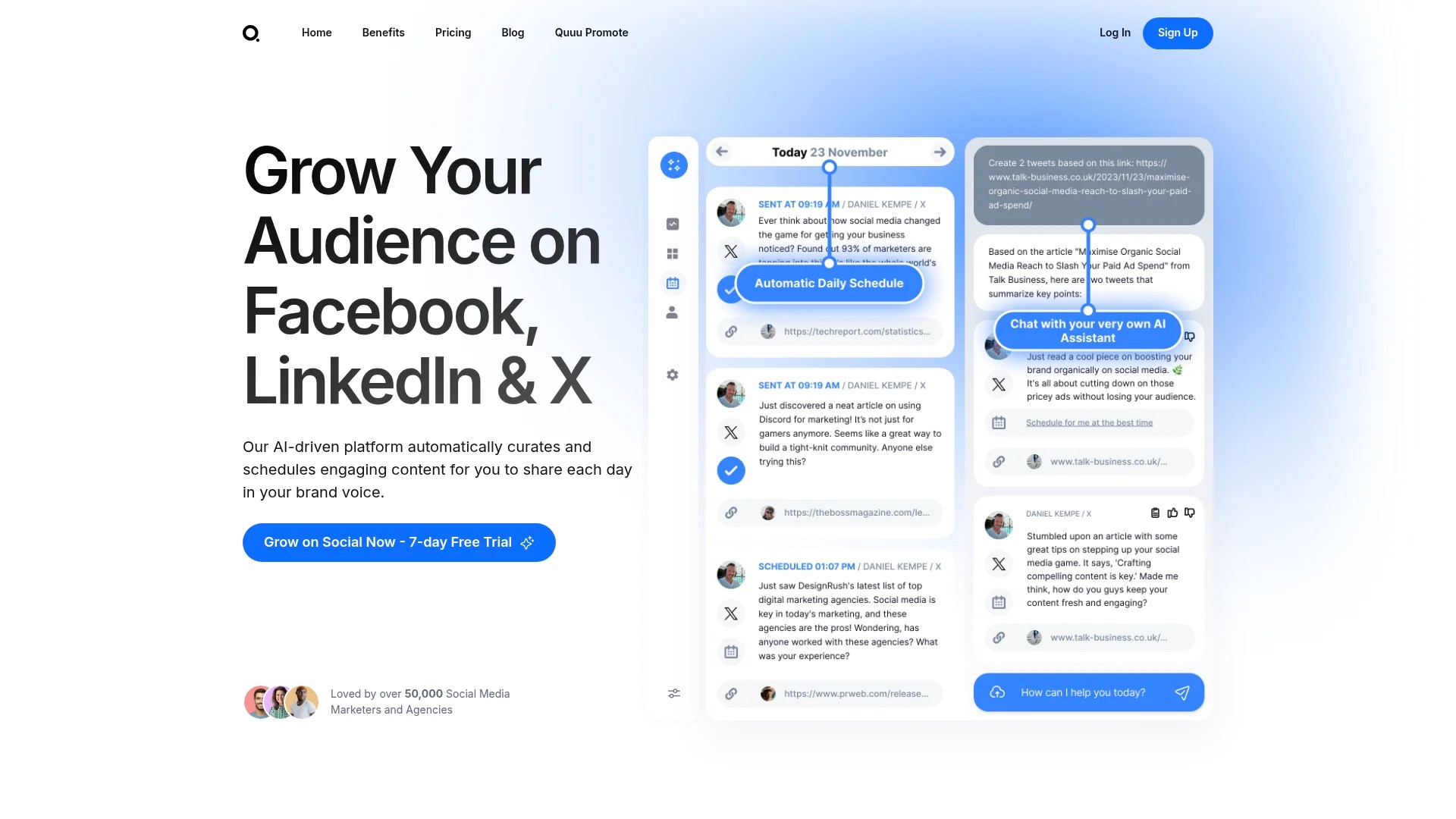
This automation saves hours weekly. Your social media maintains consistent activity. The content quality stays high because human curators review every suggestion.
Pricing starts with affordable tiers for small businesses. Team plans support multiple users and brands. Integration with major social platforms ensures smooth workflows.
Best for: Businesses wanting fully automated curation with quality control, freeing time for strategy and original content.
2. Hootsuite
Hootsuite provides enterprise-level social media management. Monitor multiple streams simultaneously. Schedule unlimited posts across numerous profiles. Team collaboration features support large marketing departments.
The content library stores approved assets. Assign posts for team member approval. Track campaign performance with detailed analytics. Integration with content discovery tools streamlines curation.

Pricing scales with team size and features. Professional plans suit small teams. Enterprise options support complex organisational needs. The investment reflects comprehensive capabilities.
Best for: Medium to large teams needing robust collaboration, approval workflows, and extensive social media management.
3. Scoop.it
Scoop.it specialises in content discovery and curation. AI-powered suggestions find relevant articles based on keywords and topics. Create themed content boards. Share curated collections via social media or embed on websites.
The platform positions you as an industry expert. Your curated boards demonstrate knowledge and provide value. SEO benefits emerge as your boards rank for relevant searches.
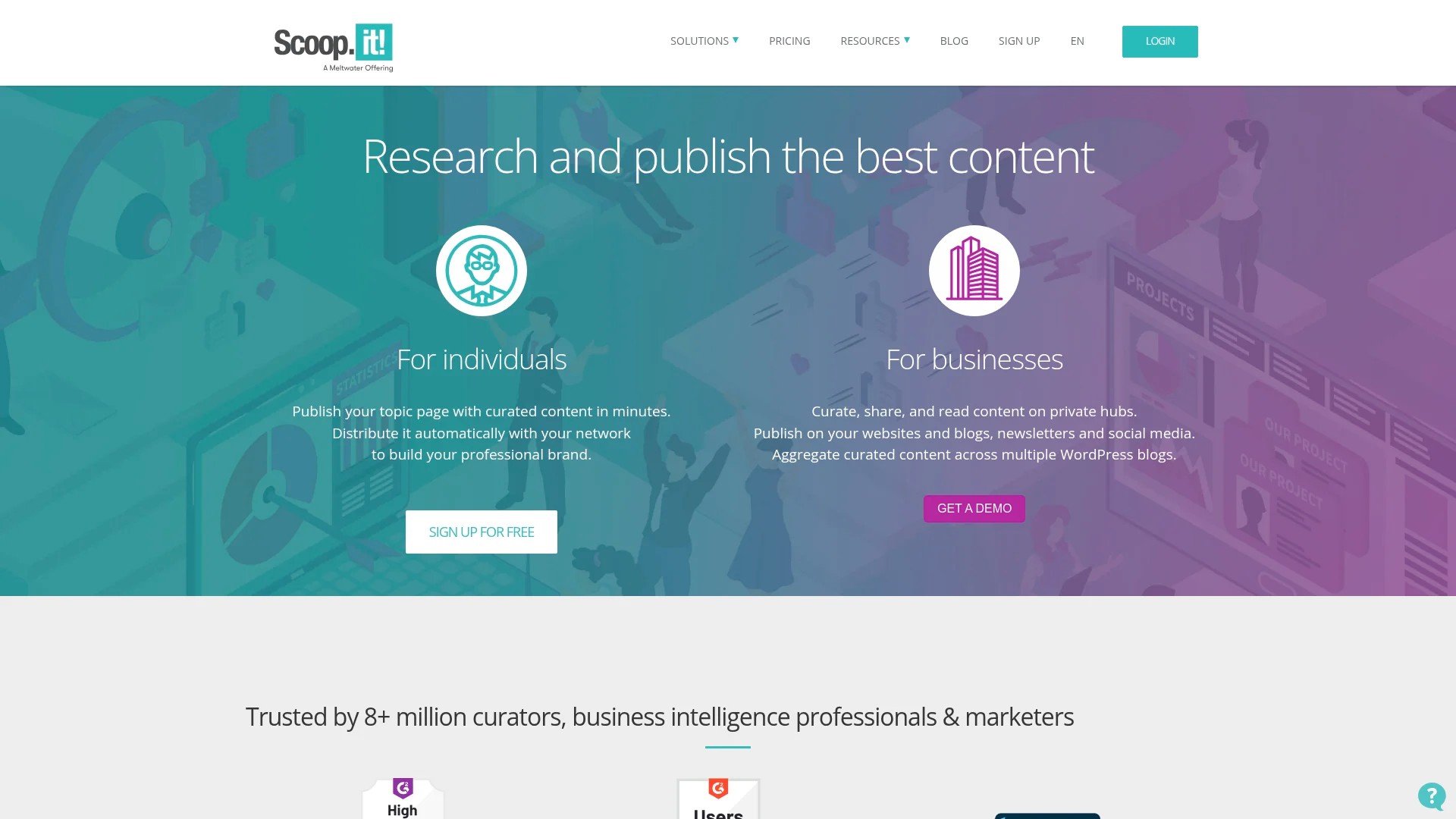
Integration with major social platforms enables easy sharing. Analytics track engagement with your curated content. Team features support collaborative curation efforts.
Best for: Thought leaders and businesses building authority through strategic content curation and topic expertise.
4. ContentStudio
ContentStudio combines discovery, curation, and publishing. Discover trending content in your niche. Analyse competitor strategies. Schedule content across multiple channels from unified dashboard.
The automation features include RSS feed posting and content recycling. Reuse evergreen content automatically. The content calendar provides visual workflow management. Team collaboration tools assign tasks and streamline approval.
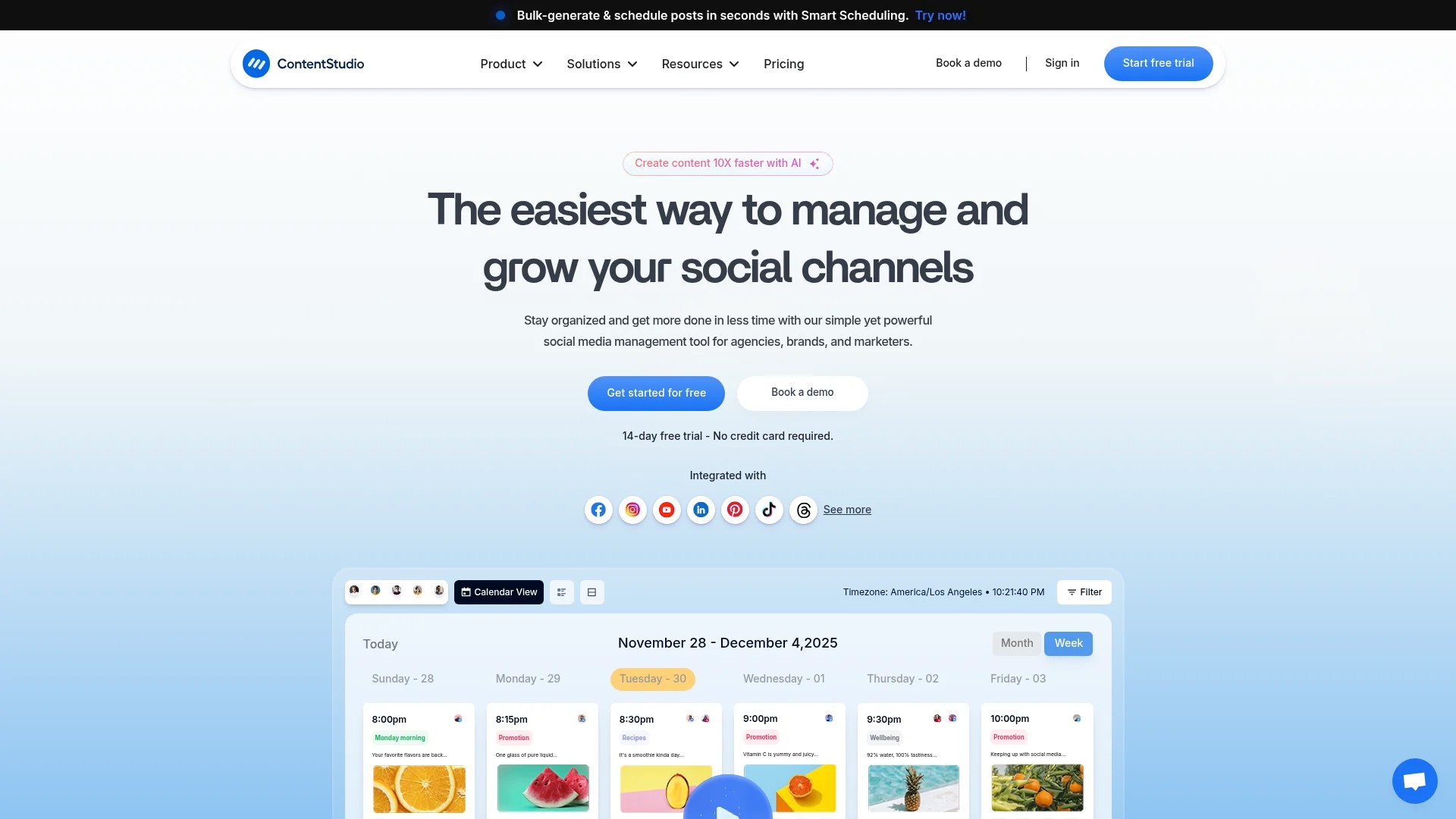
Analytics reports show what content resonates. Adjust your strategy based on performance data. The platform’s automation saves significant time whilst maintaining quality.
Best for: Marketing teams wanting all-in-one discovery, scheduling, and analytics with strong automation capabilities.
5. Planable
Planable emphasises visual planning and team collaboration. Create posts in a clean interface. The free plan is limited to 1 workspace, 3 social profiles, and 50 total posts. Paid plans remove these restrictions.
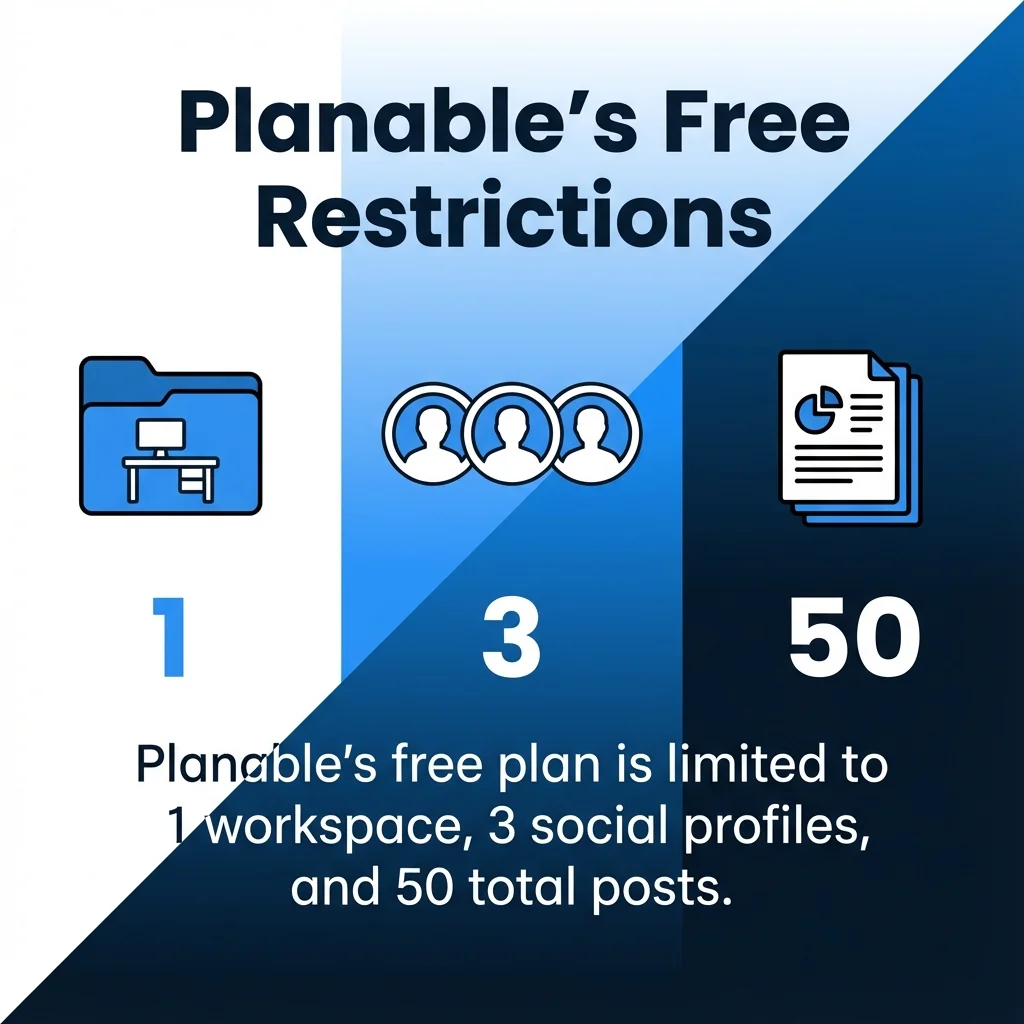
The visual calendar shows content distribution clearly. Drag and drop posts to reschedule. Multiple approval levels ensure quality control. Comments and feedback happen within the platform.

Client collaboration features make agencies love Planable. Share previews without granting full access. Gather feedback efficiently. The interface prioritises clarity and ease of use.
Best for: Agencies and teams requiring streamlined approval processes and client collaboration features.
Learn how these tools integrate into broader strategies in our post about maximising social media impact through automation.
Comparing Free vs Paid: When Each Strategy Makes Sense
The free versus paid decision hinges on specific business factors. Understanding these dimensions clarifies which approach suits your situation.
Team Size and Collaboration Needs
Solo marketers succeed with free tools. One person manages limited social profiles efficiently. Collaboration features remain unnecessary.
Teams need coordination capabilities. Multiple users access shared content libraries. Approval workflows prevent publishing errors. Comments facilitate internal discussion. These features appear almost exclusively in paid plans.
When your team grows beyond two people, collaboration limitations become friction. Paid tools eliminate bottleneks through structured workflows.
Content Volume and Posting Frequency
Free plans restrict post quantities. Buffer allows 10 posts per channel. Planable caps total posts at 50. These limits work for modest posting schedules.
High-volume strategies demand unlimited scheduling. Brands posting multiple times daily across several platforms quickly exceed free quotas. The math becomes simple: paid plans become necessary.
Calculate your monthly post requirements. Compare against free plan limits. The gap reveals whether upgrading makes sense.
Analytics and Reporting Requirements
Free tools provide basic metrics. You see likes, shares, and clicks. This suffices for casual monitoring.
Strategic content marketing requires deeper insights. Which content types perform best? When does your audience engage most? How do campaigns impact overall goals? Paid tools answer these questions through detailed analytics.
ROI justification often demands reporting capabilities. Show stakeholders concrete results. Track performance trends over time. These features justify premium subscriptions.
Automation and Time Savings
Manual curation consumes hours weekly. Finding content, evaluating quality, formatting posts—these tasks compound.
Paid tools automate extensively. Content discovery runs continuously. Scheduling happens in bulk. RSS feeds populate queues automatically. Time saved translates directly to cost justification.
Calculate hours spent on curation monthly. Multiply by your hourly rate or opportunity cost. Compare against paid tool pricing. The value often becomes obvious.
Integration Ecosystem
Free plans limit integrations. Connect basic social platforms. Advanced connections require payment.
Mature marketing stacks demand comprehensive integration. Connect your CRM, email platform, analytics tools, and content management systems. Paid curation tools fit seamlessly into these ecosystems.
Integration eliminates manual data transfer. Information flows automatically between systems. This efficiency compounds across your entire marketing operation.
| Factor | Free Tools Succeed When | Paid Tools Necessary When |
|---|---|---|
| Team Size | 1-2 people, minimal coordination needed | 3+ team members requiring collaboration |
| Post Volume | Under 30 posts monthly per platform | Daily posting or multiple posts per day |
| Analytics Needs | Basic engagement metrics sufficient | Detailed reporting and ROI tracking required |
| Automation Level | Manual curation acceptable | Time savings justify investment |
| Integration Requirements | Standalone tool works fine | Must connect with existing marketing stack |
Budget Considerations and ROI Calculation
Free tools cost nothing financially. But they cost time. Assess the true expense through opportunity cost analysis.
Paid tools require monthly or annual subscriptions. Prices range from £10 to £500+ monthly depending on features and scale. Calculate ROI through time savings and improved results.
A simple formula: Monthly subscription cost divided by hours saved equals hourly rate. If this rate falls below what your time is worth, the tool pays for itself.
Improved content performance adds another dimension. Better engagement, increased traffic, and stronger brand presence have monetary value. Factor these benefits into ROI calculations.
Making Your Content Curation Tool Decision
Start with free tools when testing content curation. They prove the concept without financial risk. You discover workflow preferences and identify genuine requirements.
Track your experience for 30-60 days. Note limitations that frustrate you. Measure time spent on curation tasks. Assess content performance metrics. This data informs upgrade decisions.
Upgrade when specific limitations block progress. Running into post limits repeatedly? Upgrade. Team coordination becoming chaotic? Paid collaboration features solve this. Analytics insufficient for strategy refinement? Premium reporting delivers answers.
The hybrid approach works for many businesses. Use free tools for personal accounts or secondary platforms. Invest in paid solutions for primary business channels. This balances budget with strategic priorities.
Common Pitfalls to Avoid
Don’t judge tools too quickly. Master the basics before dismissing a platform. Most free tools offer more capability than initially apparent. Explore thoroughly before concluding they’re inadequate.
Avoid collecting too many tools. Tool sprawl creates complexity without added value. Choose one primary curation platform. Add complementary tools strategically for specific gaps.
Don’t upgrade prematurely. Maximise free plan capabilities first. Understand exactly which premium features you need. Targeted upgrades deliver better ROI than blanket assumptions.
Resist neglecting tool training. Most platforms offer tutorials, webinars, and documentation. Investment in learning maximises returns from both free and paid tools.
Testing and Evaluation Framework
Evaluate tools systematically. Create a scorecard covering essential criteria: ease of use, discovery quality, scheduling flexibility, analytics depth, integration options, and support quality.
Test each tool for minimum two weeks. Early impressions mislead. You need time to understand workflows and encounter edge cases.
Involve team members in evaluation. Different roles have different needs. Your social media manager prioritises different features than your content strategist. Gather diverse perspectives.
Document specific pain points with current approach. New tools should address these directly. Generic upgrades rarely justify cost without solving concrete problems.
For additional decision-making guidance, review our article on choosing the right automation tool for your brand.
Build Your Content Curation Strategy Today
Content curation tools transform how you maintain social media presence. Free options provide genuine value for focused strategies. Paid platforms unlock capabilities that scale with business growth.
Your specific circumstances determine the right choice. Team size, content volume, analytics needs, and budget constraints all factor into decisions. Neither free nor paid tools universally win—context matters completely.
Start where you are. Test free tools immediately. Pocket for content storage. Feedly for RSS aggregation. Buffer for basic scheduling. These three create functional workflows without investment.
Monitor your results for 30 days. Track time spent, content published, and engagement received. This baseline reveals whether current tools meet needs or upgrades make sense.
The best content curation strategy matches your actual requirements. Not aspirational complexity. Not minimalist efficiency if you need robust features. Honest assessment of needs guides optimal decisions.
Content marketing success requires consistency. Tools enable that consistency. Choose platforms that support your goals. Then focus energy on sharing valuable content with your audience.
Learn more about developing an effective approach through our comprehensive guide to free content curation strategies.