
Managing social media for multiple clients simultaneously demands precision. A scalable social media workflow transforms chaotic multi-client management into an organised, repeatable system that grows with your agency.
The difference between struggling agencies and thriving ones comes down to workflow infrastructure. When processes scale effectively, teams deliver consistent quality whilst managing higher volumes.
This guide breaks down how agencies build workflows that handle growing client rosters. You’ll discover specific phases, automation strategies, and quality control systems that keep teams aligned.
By implementing these structured approaches, your agency gains capacity without compromising brand voice or client satisfaction. The result? More clients, less chaos, and measurable business outcomes.
What Makes a Social Media Workflow Scalable
A scalable social media workflow is a systematic approach to content creation, approval, and publishing. It enables teams to manage increasing volumes without proportional staffing increases.
The core difference lies in repeatability. Standard workflows move content from creation to publication. Scalable workflows add layers of automation, templates, and quality control that function regardless of volume.
Scalability manifests through specific characteristics. The workflow accommodates additional clients with minimal process changes. Team members understand their roles clearly. Bottlenecks get identified and resolved systematically.
Core Components of Scalable Workflows
Every scalable social media workflow contains five essential elements. First, strategic planning systems connect social media activity to business outcomes. Effective workflows link social media activity to business outcomes like revenue, leads, retention, and market share.
Second, content creation frameworks maintain brand consistency across teams. Templates, style guides, and content libraries ensure quality standards hold steady as production volume increases.
Third, approval hierarchies prevent quality issues whilst maintaining speed. Multi-level reviews catch errors without creating unnecessary delays or confusion.
Fourth, automation handles repetitive tasks. Scheduling, cross-platform publishing, and performance tracking operate without manual intervention.
Fifth, analytics systems measure performance consistently. Standardised reporting frameworks demonstrate value to stakeholders regardless of client count.
Why Traditional Workflows Fail at Scale
Most social media workflows break down around the fifth or sixth client. Manual processes that worked initially become overwhelming time drains.
The primary failure point involves approval workflows. Email-based reviews create confusion about version control. Team members lose track of feedback. Content sits in limbo.
Another common breakdown occurs in content creation. Without templates or asset libraries, teams recreate similar content repeatedly. This wastes time and introduces inconsistency.
Scheduling becomes chaotic without automation. Manual posting across multiple platforms and time zones creates errors. Posts go live at wrong times or on incorrect accounts.
These failures compound as client numbers increase. A workflow managing three clients might survive on manual effort. That same approach collapses under fifteen clients.
Why Scalability Matters for Social Media Teams
Understanding scalability requirements helps agencies make strategic decisions. The benefits extend beyond simple efficiency gains into fundamental business transformation.
Scalable workflows directly impact profitability. When teams handle more clients without proportional cost increases, margins improve significantly. The mathematics become compelling quickly.
Business Impact of Scalable Systems
Revenue growth accelerates when workflows scale effectively. Agencies accept new clients confidently, knowing systems can accommodate increased volume. This creates predictable growth trajectories.
Client satisfaction improves through consistency. When workflows ensure quality standards across all accounts, retention rates climb. Clients notice reliable execution and timely delivery.
Team satisfaction increases as chaos decreases. Employees working within clear systems experience less stress. They understand expectations and possess tools to meet them.
Competitive advantage emerges from operational excellence. Agencies with superior workflows deliver faster turnarounds and better results. This differentiation attracts premium clients.
Resource Efficiency Through Automation
Time savings compound across teams and clients. A process saving twenty minutes per client weekly generates substantial value across fifteen accounts. That’s five hours reclaimed for strategic work.
Automation reduces human error significantly. Scheduling mistakes, missed posts, and platform confusion diminish when systems handle routine tasks.
Quality control becomes more thorough, not less. Automated workflows include built-in checkpoints that manual processes might skip under pressure.
For those building comprehensive systems, building a content library for agencies provides essential infrastructure that supports scaling efforts.
Phase 1: Strategic Planning and Content Strategy
Strategic planning establishes the foundation for every subsequent workflow phase. Without clear strategy, even the most efficient systems produce ineffective content.
This phase connects social media activity to measurable business outcomes. It answers what content gets created, why it matters, and how success gets measured.
Developing Content Pillars and Themes
Content pillars provide structure for ongoing content creation. These themes align with client business objectives whilst providing variety for audiences.
Most effective strategies employ three to five content pillars. Each pillar represents a core topic area that supports brand positioning and audience interests.
Define pillars through client workshops and audience research. Understand what clients need to communicate and what audiences want to consume. The overlap creates your content foundation.
Document each pillar with specific guidelines. Include tone requirements, topic boundaries, and example concepts. This documentation enables consistent interpretation across team members.
Establishing Content Calendars
Content calendars transform strategy into tactical execution plans. They organise content production across time, platforms, and client accounts.
Begin with quarterly planning sessions for each client. Map major campaigns, product launches, and seasonal opportunities. This creates your structural framework.
Break quarterly plans into monthly themes and weekly specifics. This granularity enables realistic production scheduling whilst maintaining strategic alignment.
Use calendar tools that integrate with your broader workflow. Digital calendars should connect to approval systems and scheduling platforms. This integration prevents disconnection between planning and execution.
Agencies managing multiple clients benefit from building a social media scheduler workflow that coordinates across accounts efficiently.
Setting Performance Benchmarks
Establish baseline metrics before launching scaled workflows. Understanding current performance enables meaningful improvement measurement.
Identify key performance indicators for each client and platform. These typically include engagement rates, reach, conversions, and audience growth.
Set realistic targets based on industry benchmarks and client-specific goals. Avoid arbitrary numbers disconnected from actual business impact.
Create standardised reporting templates that track these metrics consistently. Regular measurement reveals what’s working and guides strategic adjustments.
Phase 2: Content Creation and Production Systems
Content creation represents the primary bottleneck in most social media workflows. Systematic approaches to production eliminate this constraint whilst maintaining quality.
Scalable content creation relies on three elements: templates, batching, and asset libraries. Together, these components accelerate production without sacrificing brand voice.
Implementing Template Systems
Templates standardise content creation across teams and clients. They provide structure whilst allowing creative flexibility within defined parameters.
Develop templates for common content types. These might include promotional posts, educational content, engagement questions, and curated shares. Each template specifies format, length, and required elements.
Modern tools revolutionise template effectiveness. Modern AI-driven platforms can transform a single source into a full month of brand-aligned social posts.

Create platform-specific templates acknowledging different requirements. Instagram captions differ from LinkedIn posts. Templates should reflect these nuances.
Include brand voice guidelines within each template. Specify tone, vocabulary preferences, and messaging boundaries. This ensures consistency even when multiple team members create content.
Batching Content Production
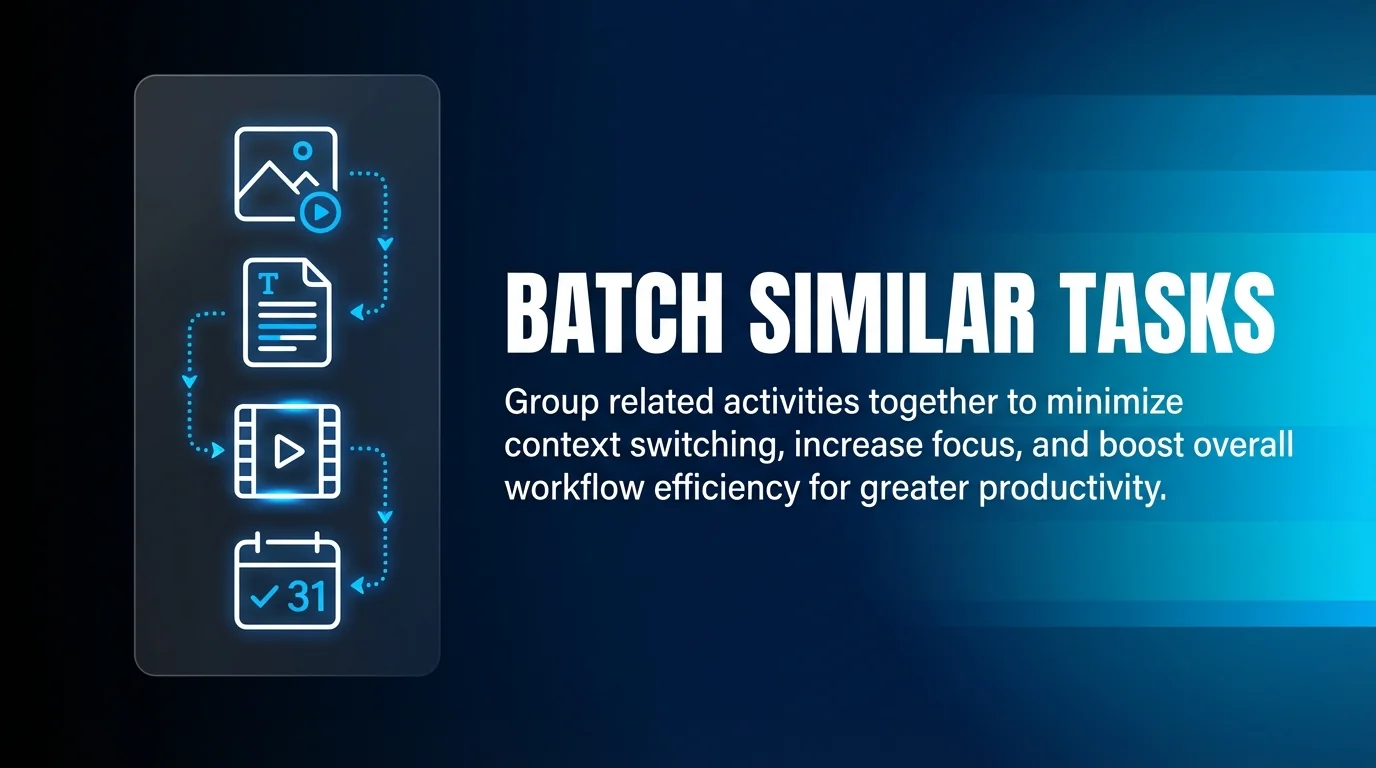
Batching groups similar tasks together, reducing context switching and increasing efficiency. Content creators produce more when they focus on one activity type.
Schedule dedicated creation sessions for specific content types. A Tuesday morning might focus entirely on educational posts across all clients. Thursday afternoon handles promotional content.
Prepare all necessary assets before batching sessions. Having images, data, and research ready prevents interruptions during creation time.
Set production targets for each batching session. Clarity about expected output maintains momentum and provides accomplishment metrics.
Building Content Libraries
Content libraries serve as centralised repositories for approved assets. They eliminate redundant creation and ensure brand consistency.
Organise libraries by content type, theme, and client. Clear taxonomy enables quick asset location during content creation.
Include evergreen content that remains relevant across time. These pieces provide consistent value and fill content calendar gaps during busy periods.
Maintain version control within your library. Track which assets are current, which need updates, and which have been retired.
Stock libraries with various asset types: images, videos, graphics, copy templates, and hashtag sets. Comprehensive libraries support faster content assembly.
Phase 3: Review, Approval, and Quality Control Workflows
Approval workflows prevent errors whilst maintaining production velocity. The challenge lies in building thorough review processes that don’t create bottlenecks.
Effective approval systems balance quality assurance with operational speed. They catch mistakes before publication whilst keeping content moving through production.
Designing Approval Hierarchies
Approval hierarchies define who reviews content and in what sequence. Clear hierarchies eliminate confusion and prevent delays.
Most agencies employ two or three approval levels. Initial review catches basic errors. Senior review ensures strategic alignment. Client review provides final authorisation.
Assign specific responsibilities to each approval level. Junior reviewers check grammar, brand voice, and template compliance. Senior reviewers assess strategic fit and messaging effectiveness.
Set clear turnaround expectations for each approval stage. Reviewers need defined timeframes to prevent content languishing in queues.
Approval queues keep multi-person workflows organised. Digital systems track content status and notify relevant parties automatically.
Implementing Quality Control Checkpoints
Quality control extends beyond simple proofreading. Comprehensive checks ensure content meets strategic, creative, and technical standards.
Create standardised review checklists for each content type. These ensure consistent evaluation criteria across all reviews.
| Review Stage | Focus Areas | Responsible Party |
|---|---|---|
| Initial Review | Grammar, spelling, brand voice, template compliance | Content Creator |
| Strategic Review | Message alignment, audience fit, campaign objectives | Account Manager |
| Final Approval | Overall quality, brand safety, timing appropriateness | Client/Senior Strategist |
Include technical checks in your quality control process. Verify links work, images display correctly, and platform-specific requirements are met.
Monitor for brand safety issues including sensitive topics, cultural considerations, and potential misinterpretations. This prevents reputation damage.
Managing Feedback and Revisions
Feedback systems must be clear and actionable. Vague comments create confusion and multiple revision rounds.
Use centralised feedback tools rather than email threads. This maintains version control and creates clear feedback records.
Require specific, actionable feedback from reviewers. Comments like “improve this” lack utility. “Change headline to focus on customer benefit” provides clear direction.
Limit revision rounds through clear initial briefs. When creators understand requirements fully, they produce acceptable content faster.
Track common feedback themes across reviews. Patterns reveal training opportunities or template improvements needed.
Phase 4: Scheduling, Publishing, and Automation
Scheduling and automation transform approved content into published posts. This phase determines whether your workflow scales smoothly or creates ongoing manual work.
Effective scheduling requires unified systems that handle multiple platforms and accounts. Agencies need tools providing centralised control over distributed publishing.
Selecting Scheduling and Management Tools
Choose social media management platforms carefully. The right tools determine workflow efficiency and scaling capacity.
Essential features include multi-platform support, bulk scheduling, team collaboration, and analytics integration. Tools lacking these capabilities create workflow gaps.
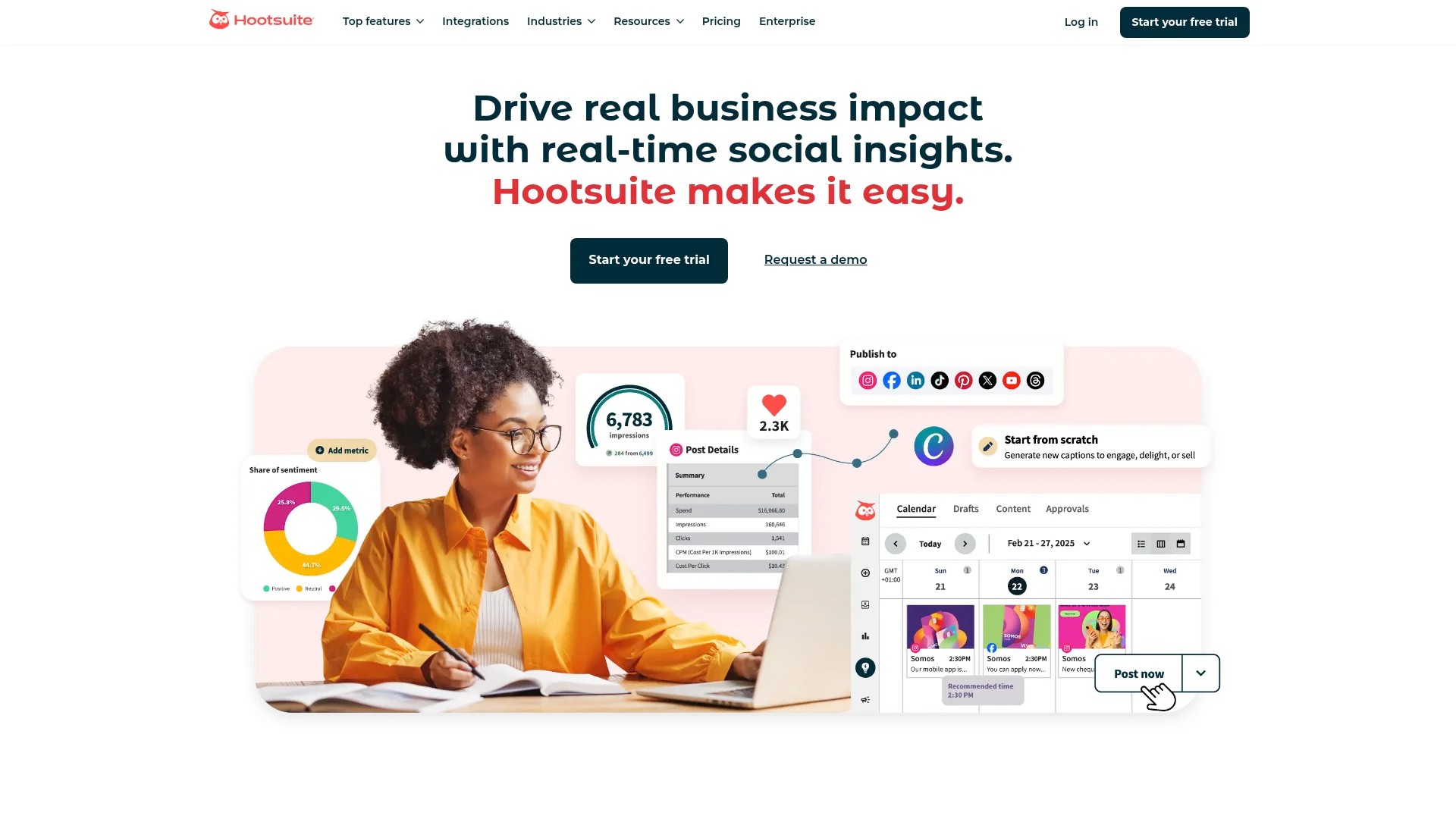
Consider tools like Buffer, Hootsuite, or Sprout Social for comprehensive management. Each offers different strengths for agency workflows.
Evaluate integration capabilities with your existing systems. Scheduling tools should connect to your approval workflow, content calendar, and analytics platforms.
Test platforms thoroughly before committing. Request demos, run pilot programmes, and gather team feedback before full implementation.
Implementing Bulk Scheduling Processes
Bulk scheduling enables efficient content deployment across multiple accounts and platforms. It transforms hours of manual posting into minutes of systematic scheduling.
Prepare content in batches aligned with your content calendar. Monthly or weekly batching works well for most agencies.
Use CSV uploads or bulk scheduling features when available. These accelerate the scheduling process significantly compared to individual post creation.
Schedule content during optimal posting times for each platform and audience. Analytics reveal when engagement peaks for different client audiences.
Build buffer time into your scheduling. Allow gaps between posts and maintain flexibility for timely, reactive content.
Automating Routine Tasks
Automation handles repetitive activities that don’t require human judgement. This frees teams for strategic and creative work.
Automate post publishing across platforms after approval. Content moves from approval queues directly to scheduled publication.
Set up automatic reporting for routine metrics. Weekly or monthly reports generate without manual data compilation.
Implement automated alerts for engagement spikes or potential issues. Teams respond promptly to opportunities or problems.
Use automation for content repurposing where appropriate. Evergreen content gets recycled automatically at defined intervals.
Teams seeking comprehensive efficiency improvements should explore maximising social media efficiency through automated solutions.
Phase 5: Community Management and Engagement Monitoring
Publishing content represents only half of social media management. Community engagement and monitoring complete the workflow cycle.
Scalable community management requires systems for tracking mentions, responding efficiently, and maintaining consistent brand voice across interactions.
Establishing Response Protocols
Response protocols ensure consistent, timely engagement across all client accounts. They define who responds, how quickly, and with what tone.
Create tiered response systems based on comment types. Simple questions get immediate responses. Complex issues escalate to account managers.
Set response time targets for different platforms and comment types. Instagram comments might require response within four hours. LinkedIn messages might allow twenty-four hours.
Develop response templates for common questions and scenarios. These maintain brand voice whilst accelerating response times.
Include escalation procedures for sensitive situations. Team members need clear guidance on when to involve senior staff or clients.
Monitoring Brand Mentions and Conversations
Monitoring extends beyond owned channels to track broader brand conversations. This reveals opportunities and potential issues early.
Use social listening tools to track brand mentions across platforms. Sprout Social offers sentiment analysis and competitive benchmarking for comprehensive monitoring.
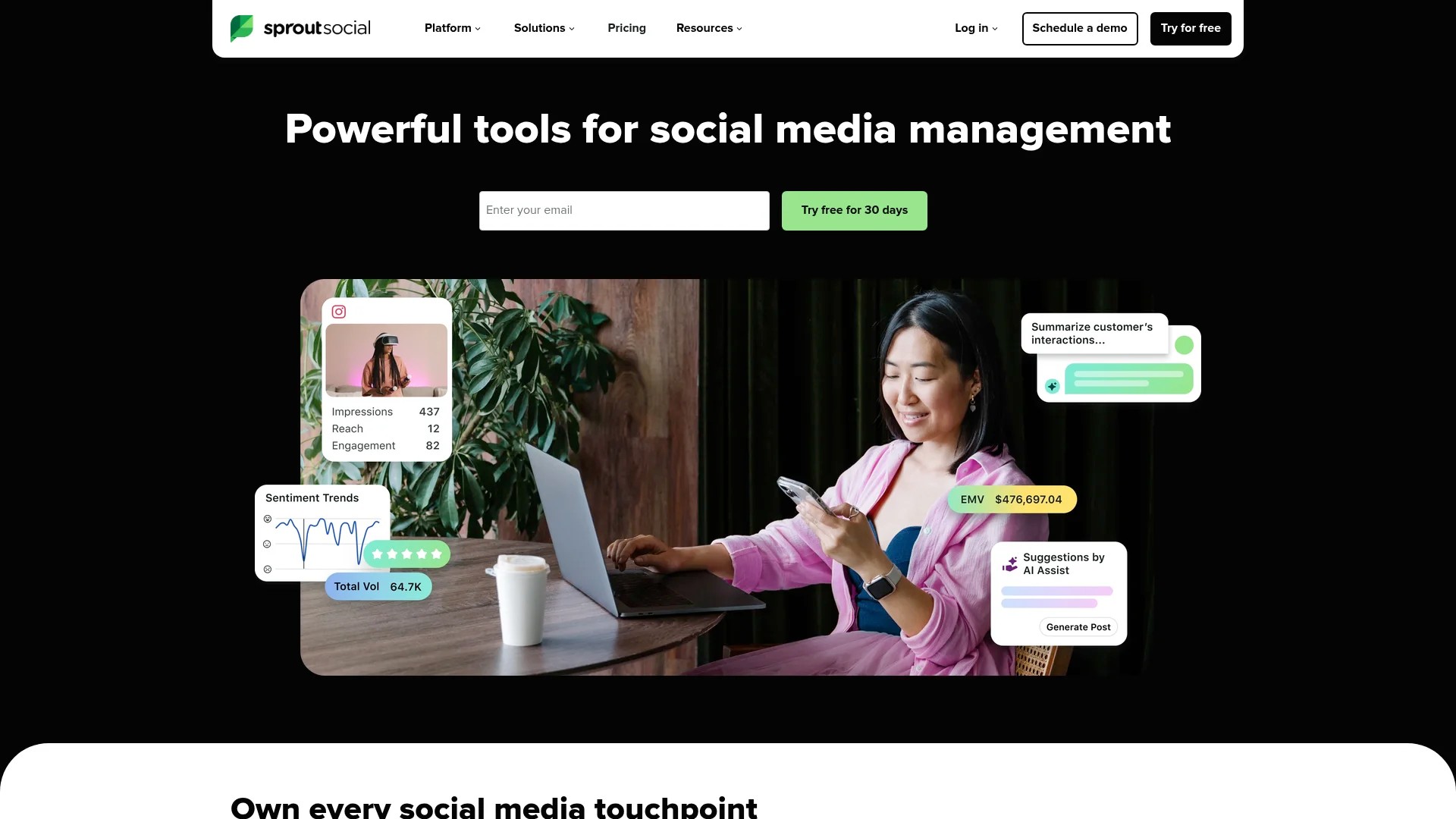
Set up alerts for specific keywords, hashtags, and competitor mentions. Proactive monitoring enables timely responses and competitive intelligence.
Create monitoring dashboards that aggregate data from multiple sources. Centralised views prevent important mentions from being missed.
Schedule regular monitoring sessions rather than constant checking. This prevents monitoring from consuming entire workdays whilst maintaining awareness.
Managing Crisis and Negative Feedback
Crisis management protocols protect client reputations whilst maintaining operational efficiency. Clear procedures prevent panic-driven poor decisions.
Define what constitutes a crisis versus standard negative feedback. Not every complaint requires emergency procedures.
Establish clear escalation chains for genuine crises. Team members need to know who makes decisions and how quickly.
Prepare holding statements for common crisis scenarios. Quick acknowledgement whilst gathering information prevents silence being interpreted negatively.
Document all crisis incidents and responses. These records inform future improvements and provide accountability.
Phase 6: Analytics, Reporting, and Performance Optimisation
Analytics transform raw data into actionable insights. Systematic measurement reveals what works, what doesn’t, and where to focus improvement efforts.
Scalable analytics require standardised frameworks that function across multiple clients and platforms. Consistency enables meaningful comparisons and pattern identification.
Building Standardised Reporting Frameworks
Reporting frameworks should deliver consistent insights whilst accommodating client-specific metrics. Balance standardisation with customisation needs.
Create tiered reporting structures. Weekly reports cover basic metrics. Monthly reports provide deeper analysis. Quarterly reports assess strategic progress.
Customisable dashboards help agencies prove ROI to stakeholders. Visual data presentation makes performance clear to non-technical clients.
| Report Type | Frequency | Key Metrics | Audience |
|---|---|---|---|
| Performance Summary | Weekly | Engagement, reach, posting consistency | Account managers |
| Strategic Analysis | Monthly | Growth trends, content performance, audience insights | Clients, senior team |
| Business Impact | Quarterly | Conversions, revenue influence, brand sentiment | Client executives |
Automate report generation where possible. Manual reporting doesn’t scale beyond a few clients.
Include context and recommendations in every report. Raw data lacks value without interpretation and suggested actions.
Identifying Performance Patterns
Pattern recognition reveals what content types, posting times, and strategies deliver results. Systematic analysis uncovers insights that inform strategy refinement.
Compare performance across similar content types. Which formats generate highest engagement for each client and platform?
Analyse posting time impact on reach and engagement. Optimal timing varies by platform, audience, and content type.
Track campaign performance against objectives. Which campaigns achieved goals? What elements contributed to success or failure?
Monitor competitor performance for context. How do your results compare to industry benchmarks and direct competitors?
Implementing Continuous Improvement Cycles
Continuous improvement transforms analytics into better results. Regular optimisation cycles ensure workflows and strategies evolve based on evidence.
Schedule monthly strategy review sessions for each client. Examine performance data and identify specific improvement opportunities.
Test variables systematically rather than changing everything simultaneously. Isolated tests reveal what actually drives improvement.
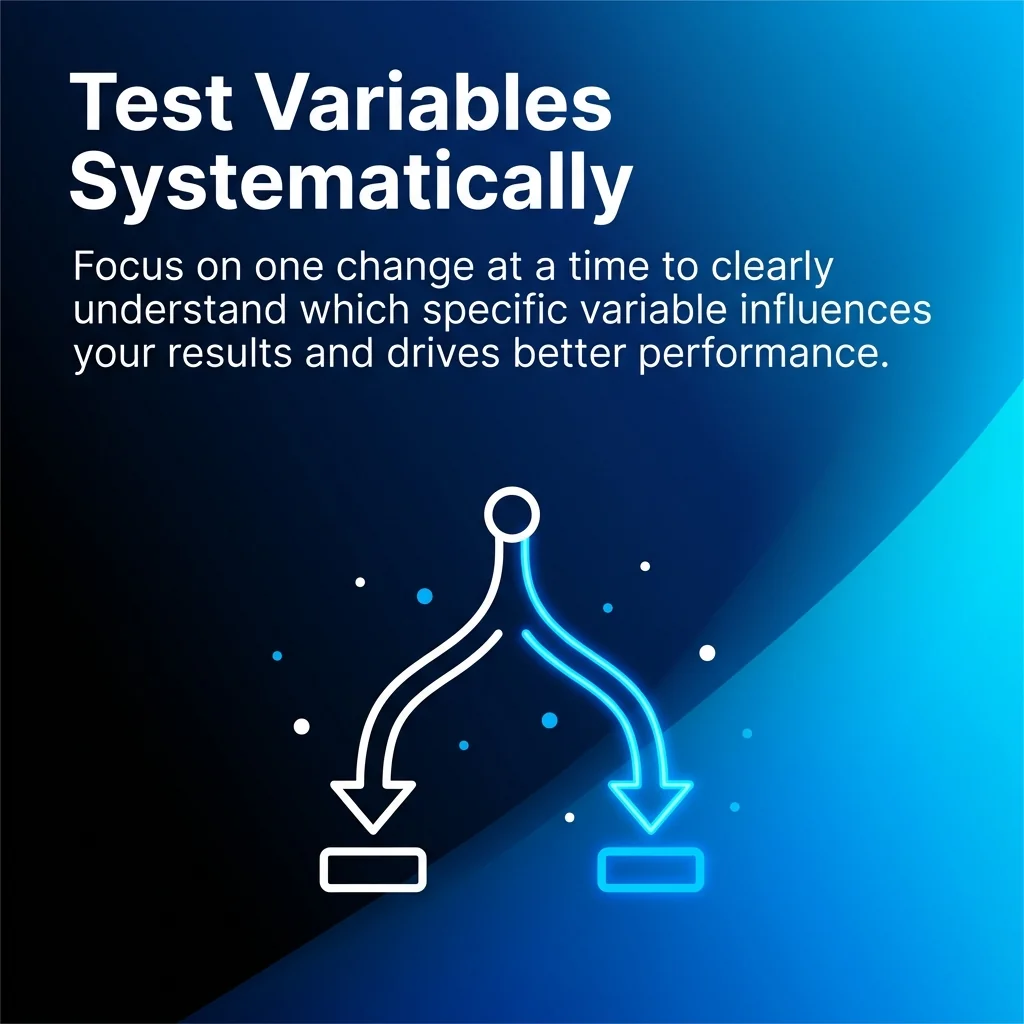
Document what you learn from each test and campaign. Institutional knowledge prevents repeating mistakes and enables scaling successes.
Share insights across client accounts where appropriate. Learnings from one account often apply to others.
Scaling Workflows for Enterprise and Multi-Client Management
Enterprise-scale workflows require additional considerations beyond basic scalability. Managing dozens of clients or large distributed teams demands sophisticated systems.
The principles remain consistent, but implementation becomes more complex. Automation, standardisation, and clear communication become absolutely critical.
Managing Distributed Teams
Distributed teams require explicit communication protocols and collaboration tools. What happens naturally in co-located teams must be engineered for remote work.
Establish clear role definitions and responsibilities. Ambiguity creates confusion that multiplies across team members.
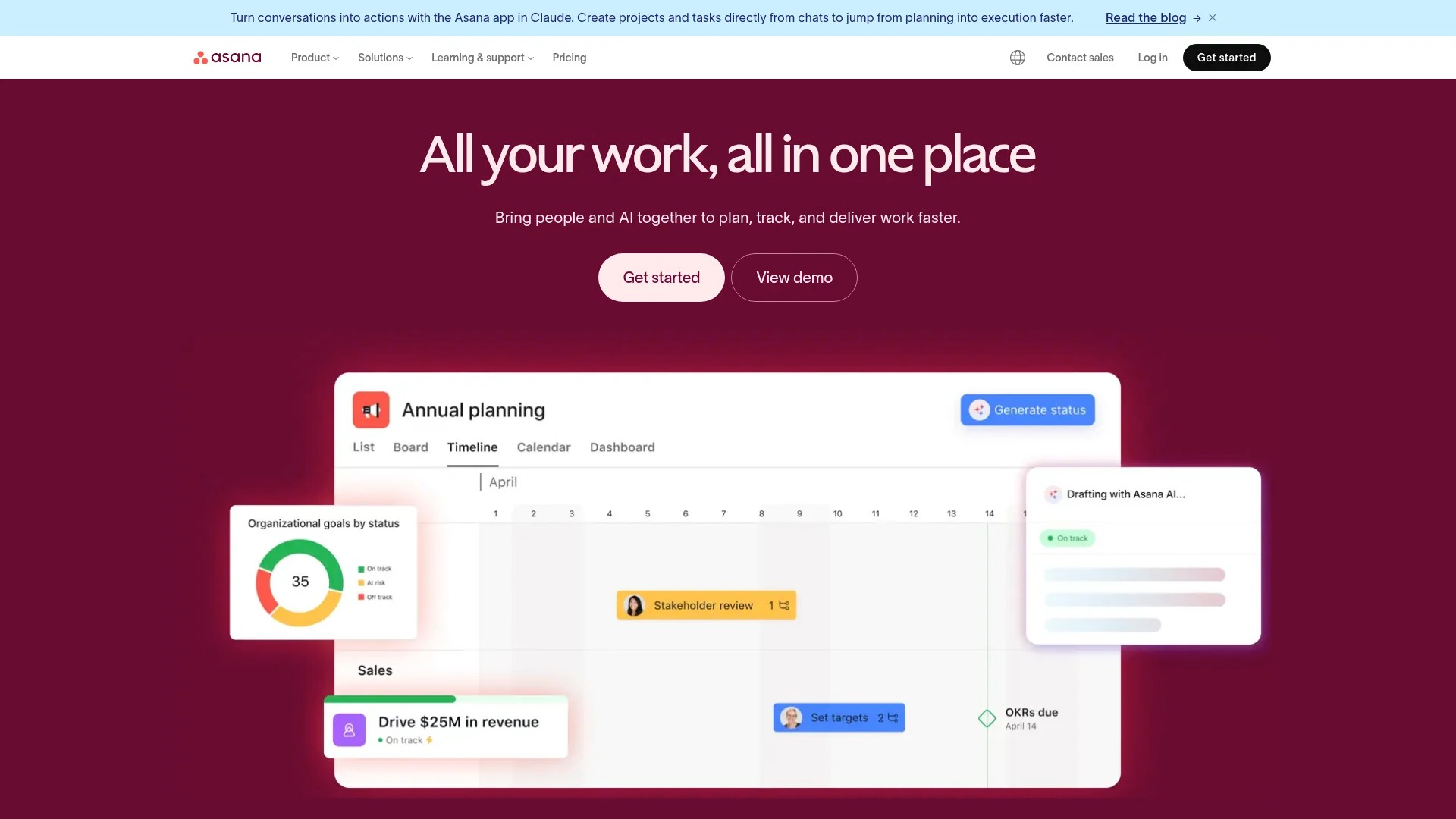
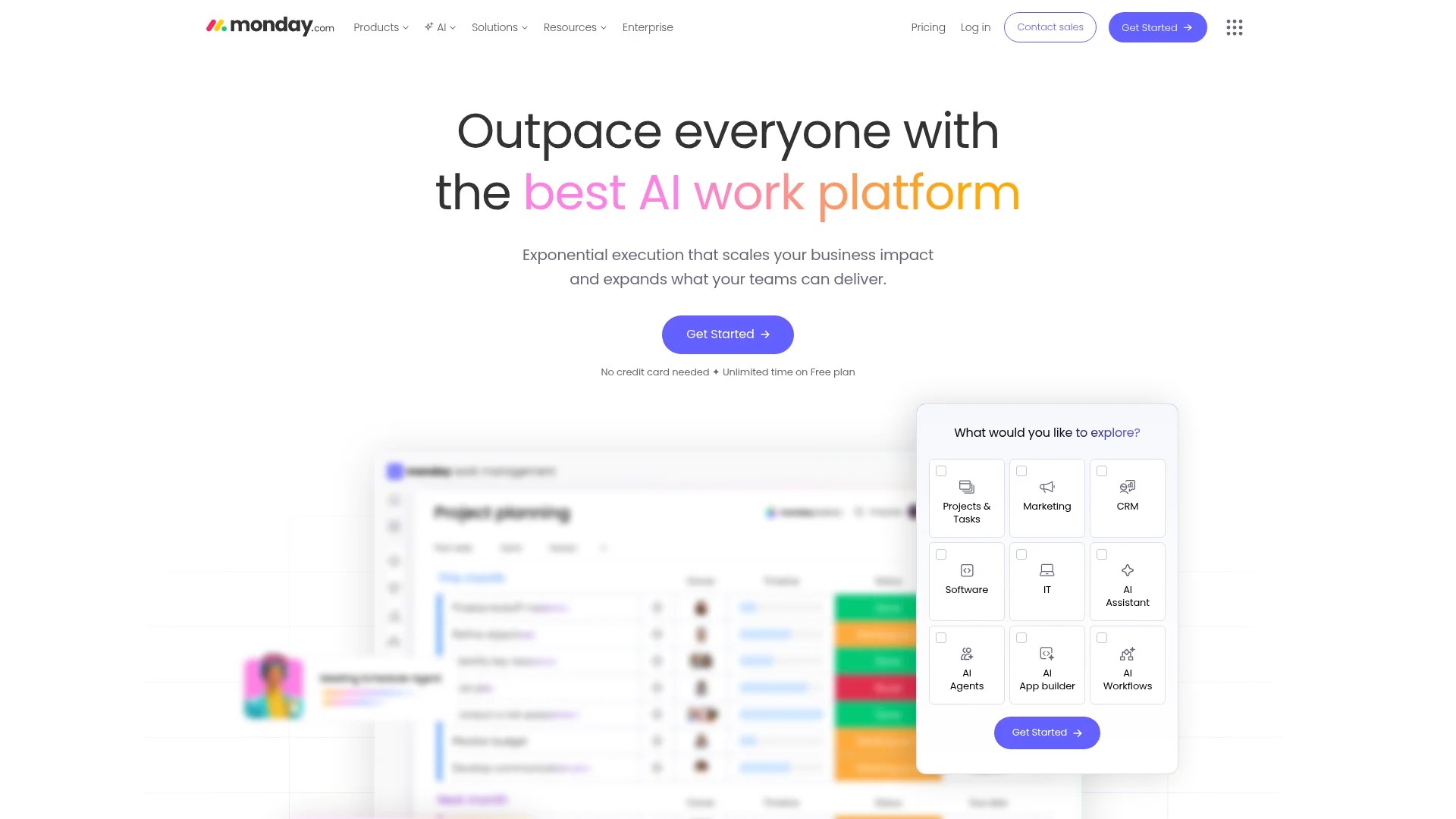
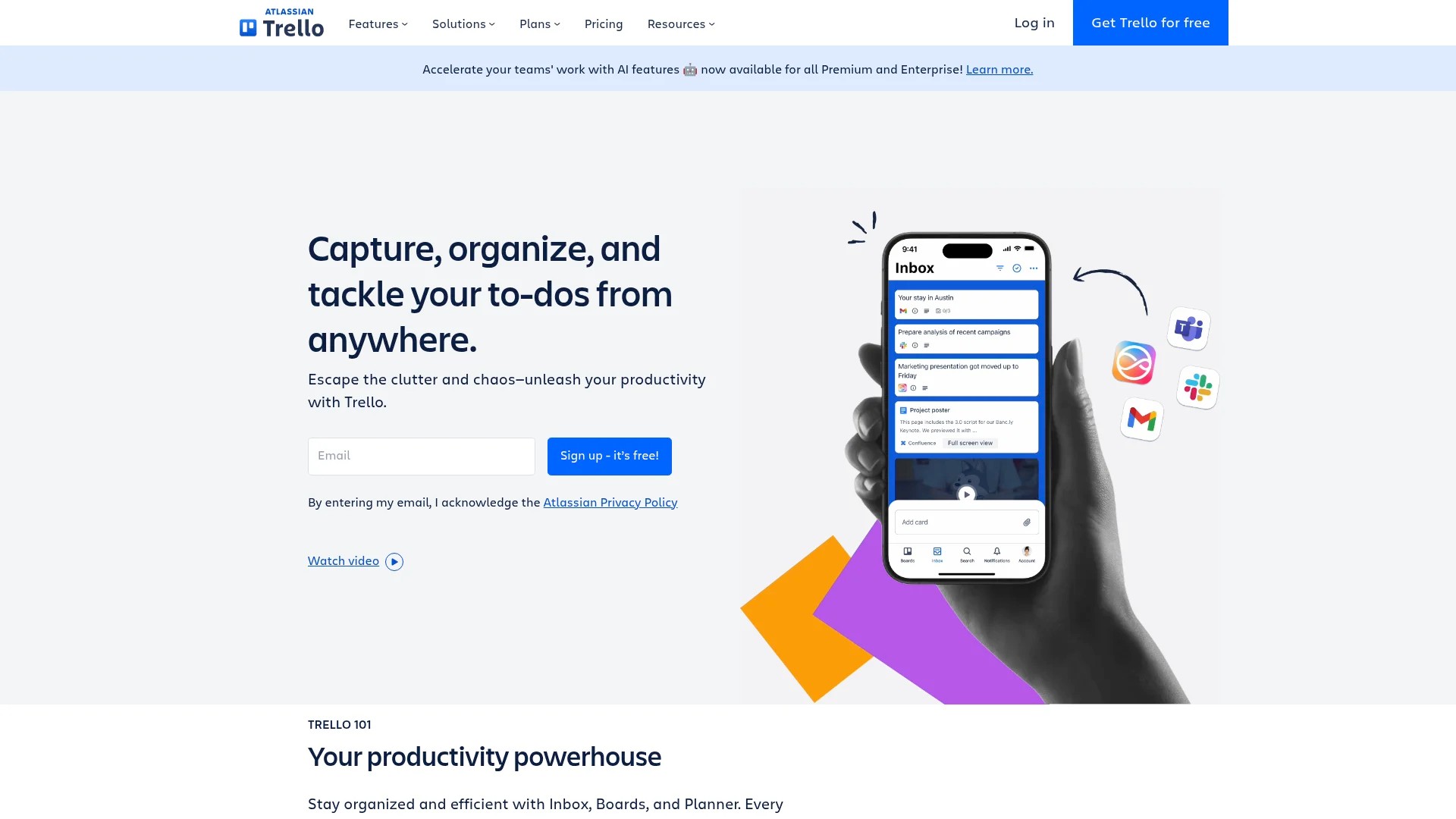
Use project management tools that provide visibility into work status. Tools like Asana, Monday.com, or Trello keep distributed teams aligned.
Schedule regular check-ins at team and individual levels. These maintain connection and surface issues before they escalate.
Create comprehensive documentation for all processes. Written procedures ensure consistency when team members work independently.
Maintaining Brand Voice Across Scale
Brand voice consistency becomes challenging as teams grow and client numbers increase. Systematic approaches prevent voice dilution.
Develop detailed brand voice guides for each client. These should include tone descriptors, vocabulary preferences, and example content.
Conduct regular brand voice training for team members. Refresh understanding and address drift proactively.
Use approval workflows to catch voice inconsistencies before publication. Senior reviewers serve as brand voice guardians.
Build brand voice examples into your content templates. Seeing correct voice application helps creators maintain consistency.
Social media managers juggling multiple responsibilities benefit from productivity hacks for social managers that preserve quality whilst managing volume.
Technology Stack Integration
Enterprise workflows require multiple tools working together seamlessly. Integration prevents data silos and manual transfer work.
Map your complete technology stack and identify integration opportunities. Where do manual handoffs currently occur?
Prioritise integrations that eliminate repetitive data entry. Moving information between systems manually doesn’t scale.
Consider enterprise platforms that offer comprehensive features in unified systems. Consolidated tools reduce integration complexity.
Connected planning systems link social media to broader business initiatives. This alignment ensures social media supports overall marketing objectives.
Evaluate tools based on their API capabilities and existing integrations. Flexible tools adapt as your needs evolve.
Building Your Scalable Workflow: Implementation Timeline
Understanding workflow components differs from implementing them. This practical timeline guides agencies through systematic workflow development.
Implementation happens in phases. Attempting everything simultaneously creates chaos. Sequential development allows each component to stabilise before adding the next.
Month 1: Foundation and Assessment
Begin with thorough assessment of current workflows. Document existing processes, identify bottlenecks, and gather team input on pain points.
Select your core technology stack during this period. Research options, run trials, and make platform decisions.
Develop initial templates for your most common content types. Start with three to five templates covering frequent needs.
Create basic content calendars for existing clients. Establish planning rhythms and documentation standards.
Month 2: Systems and Training
Implement approval workflows in your chosen tools. Configure user roles, permissions, and notification systems.
Train team members on new platforms and processes. Comprehensive training prevents confusion and resistance.
Build your initial content library with existing approved assets. Organise systematically from the start.
Establish monitoring and response protocols. Define responsibilities and set performance expectations.
Month 3: Automation and Optimisation
Implement scheduling automation for regular content types. Start with simple automations before attempting complex ones.
Create standardised reporting templates and automate data collection where possible.
Conduct your first formal performance review using new analytics frameworks. Identify initial optimisation opportunities.
Refine processes based on first two months’ experience. Address friction points before they become entrenched problems.
Ongoing: Continuous Improvement
Schedule quarterly workflow reviews to assess what’s working and what needs adjustment.
Expand your template library and content repository based on recurring needs.
Add new automation gradually as team comfort with systems increases.
Measure capacity regularly and adjust staffing or clients based on workflow efficiency gains.
Agencies building sophisticated systems should review how digital marketing agencies can use content marketing to drive conversions for strategic alignment.
Moving Forward With Scalable Workflows
Scalable social media workflows transform agency operations from reactive chaos to strategic execution. The systems outlined here enable growth without proportional complexity increases.
Implementation requires commitment and patience. Workflows don’t become scalable overnight. Each component needs development, testing, and refinement.
Start with your biggest bottleneck. Whether that’s content creation, approvals, or scheduling, address your primary constraint first. Success there creates momentum for additional improvements.
Remember that scalability serves business objectives. The goal isn’t workflow perfection but sustainable growth and consistent client delivery.
Your first step happens today. Choose one workflow component from this guide and begin implementation this week. Small, consistent progress compounds into transformative capability.
The agencies thriving in competitive markets aren’t necessarily the most creative. They’re the ones whose operational excellence enables reliable delivery at scale.