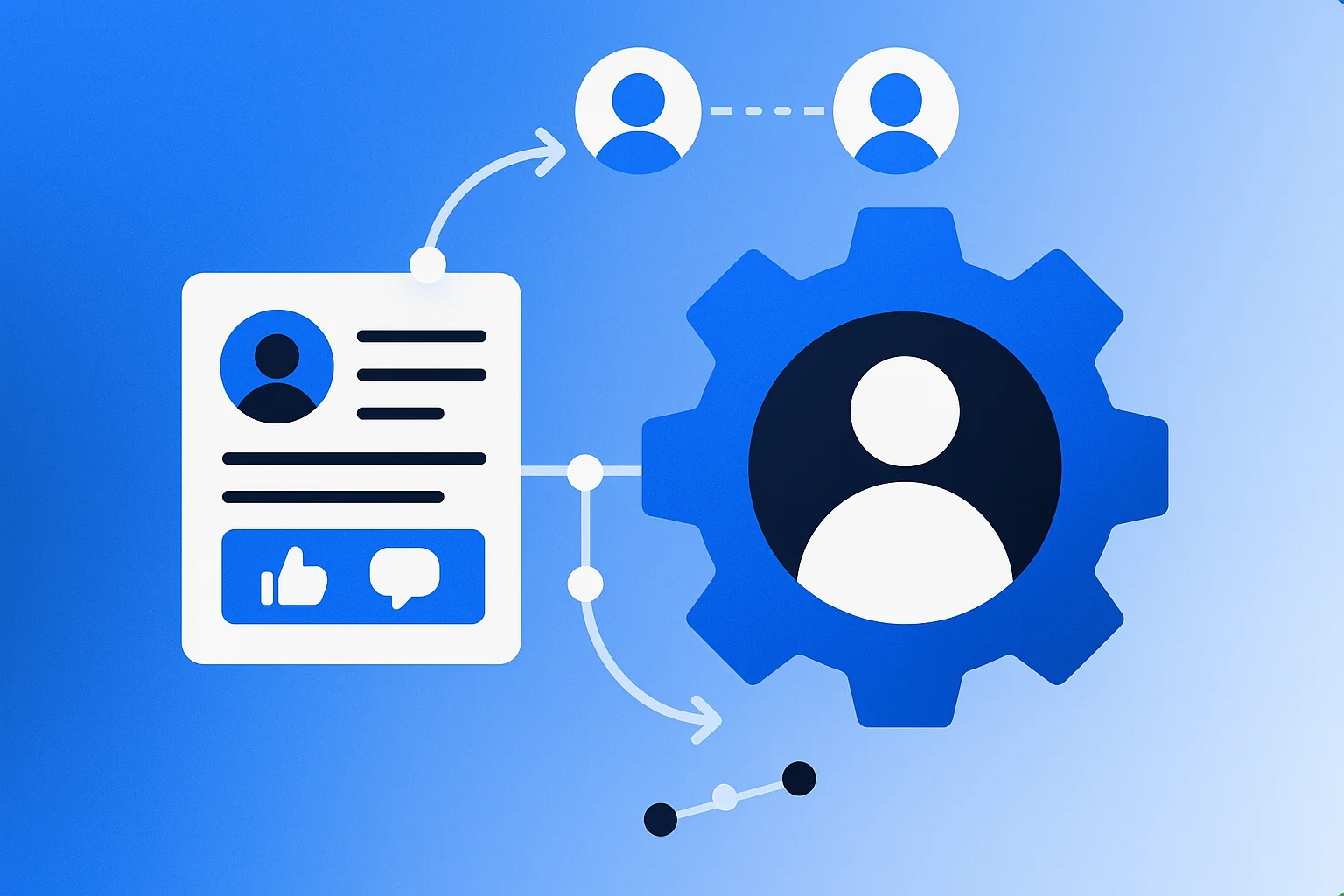
Social media automation uses software to handle repetitive tasks across your social platforms. Instead of manually posting content at specific times, automation tools schedule and publish posts for you.
Think of it as delegating routine work. The software manages posting schedules, maintains consistency across channels, and frees up hours you’d otherwise spend on manual tasks.
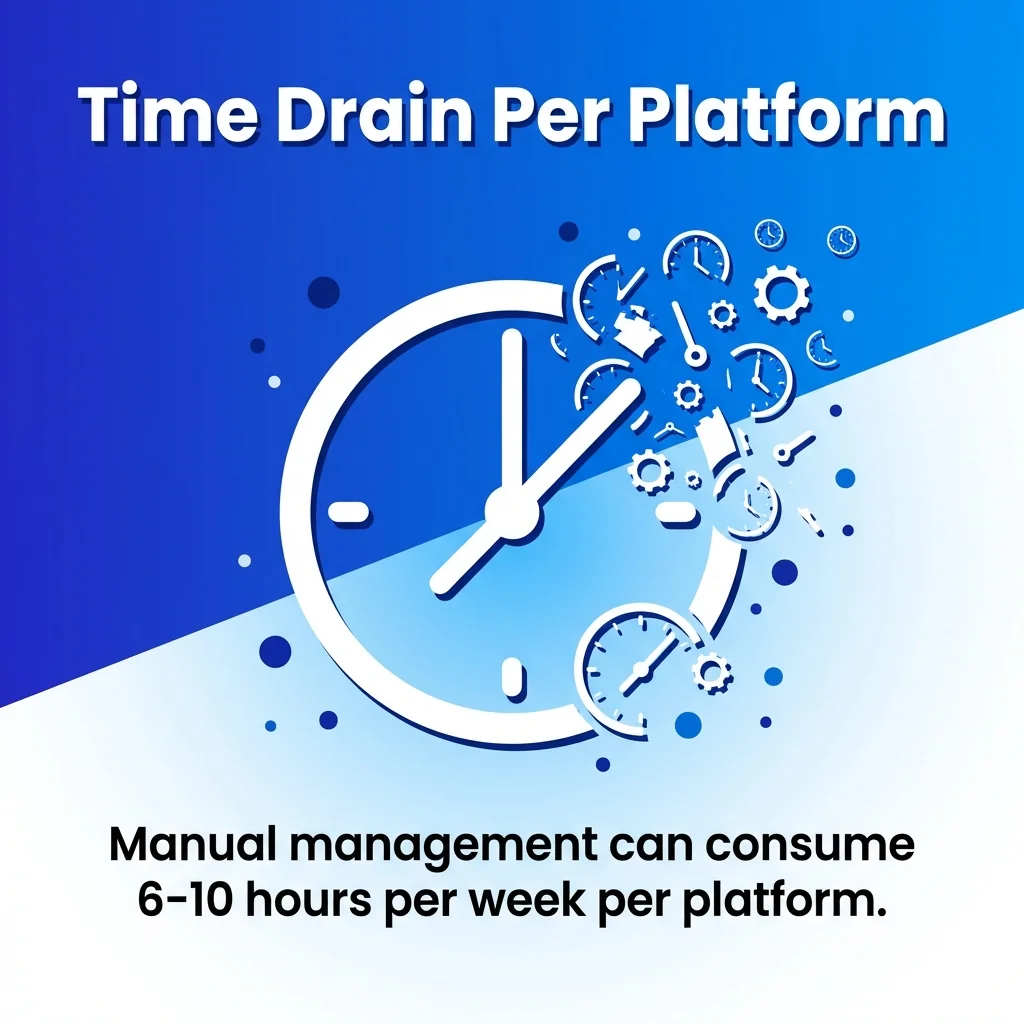
This approach isn’t about replacing human interaction. It’s about optimising the distribution side of social media whilst preserving your capacity for genuine engagement. Manual management can consume 6-10 hours per week per platform, time that automation redirects towards strategy and community building.
We’ll explore the core mechanics of automation, examine the leading tools, and outline how to implement these systems without sacrificing authenticity. You’ll understand which tasks to automate and which to keep human.
Understanding Social Media Automation Fundamentals
Social media automation software performs scheduled actions on your behalf. The core function involves creating content in advance and specifying when it should appear on each platform.
Most automation tools connect to multiple social media platforms through official APIs. These integrations enable the software to publish posts, schedule content, and retrieve analytics data.
Core Automation Capabilities
The essential features include content scheduling, bulk uploading, and cross-platform posting. You create a batch of posts, assign them to specific times, and the tool handles publication.
Content calendars organise your scheduled posts visually. This calendar view reveals gaps in your posting schedule and helps maintain consistent messaging across channels.
Automation tools also centralise analytics. Rather than checking metrics on each platform individually, you view performance data in one dashboard. This consolidation simplifies reporting and reveals patterns across channels.
What Automation Shouldn’t Replace
Direct responses to comments require human attention. Automated replies often miss context and can damage relationships with your audience.
Real-time engagement during events or trending topics demands human judgment. Automation can’t adapt to unexpected situations or read the room during sensitive moments.
Strategic decisions about content direction benefit from human insight. Whilst automation handles distribution, the creative and strategic thinking remains your responsibility.
Key Benefits of Social Media Automation
The primary advantage is time reclamation. Rather than logging into multiple platforms throughout the day, you batch create content during dedicated sessions.
Consistency Across Channels
Automation maintains regular posting schedules even during busy periods. This consistency keeps your brand visible and supports platform algorithms that favour frequent posting.
Your content appears at optimal times for each audience. Tools analyse when your followers are most active and schedule posts accordingly.
Brand messaging remains cohesive across platforms. When you manage everything manually, inconsistencies creep in. Automation ensures coordinated campaigns and unified voice.
Efficiency and Scale
Managing multiple clients or brands becomes feasible. Agencies use automation to handle dozens of accounts without proportionally increasing staff hours.
Team collaboration improves when everyone works from a shared content calendar. Approval workflows prevent publishing errors and maintain quality standards.
You can test posting times systematically. Schedule identical content at different times and let automation tools track which slots generate better engagement.
Data-Driven Optimisation
Analytics features identify your best-performing content types. These insights inform future content creation and help you double down on what works.
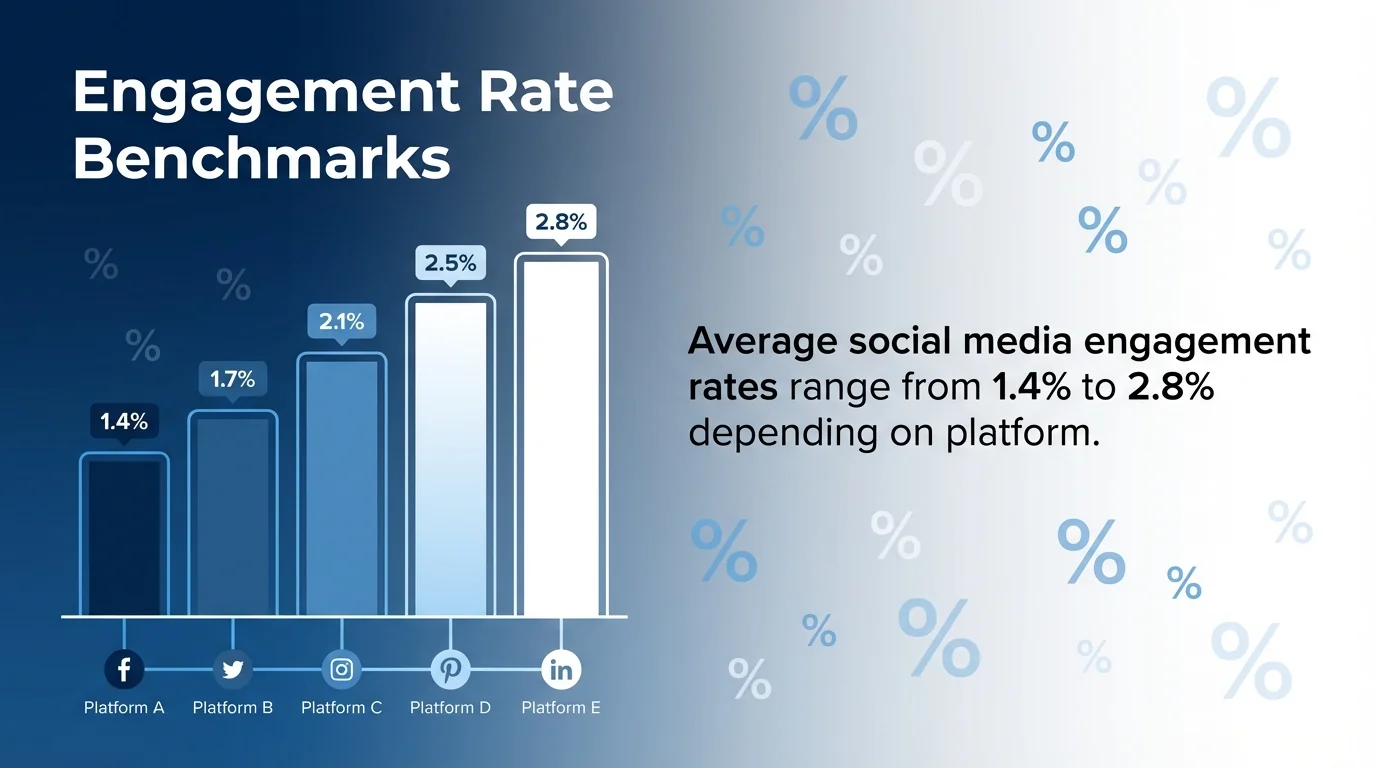
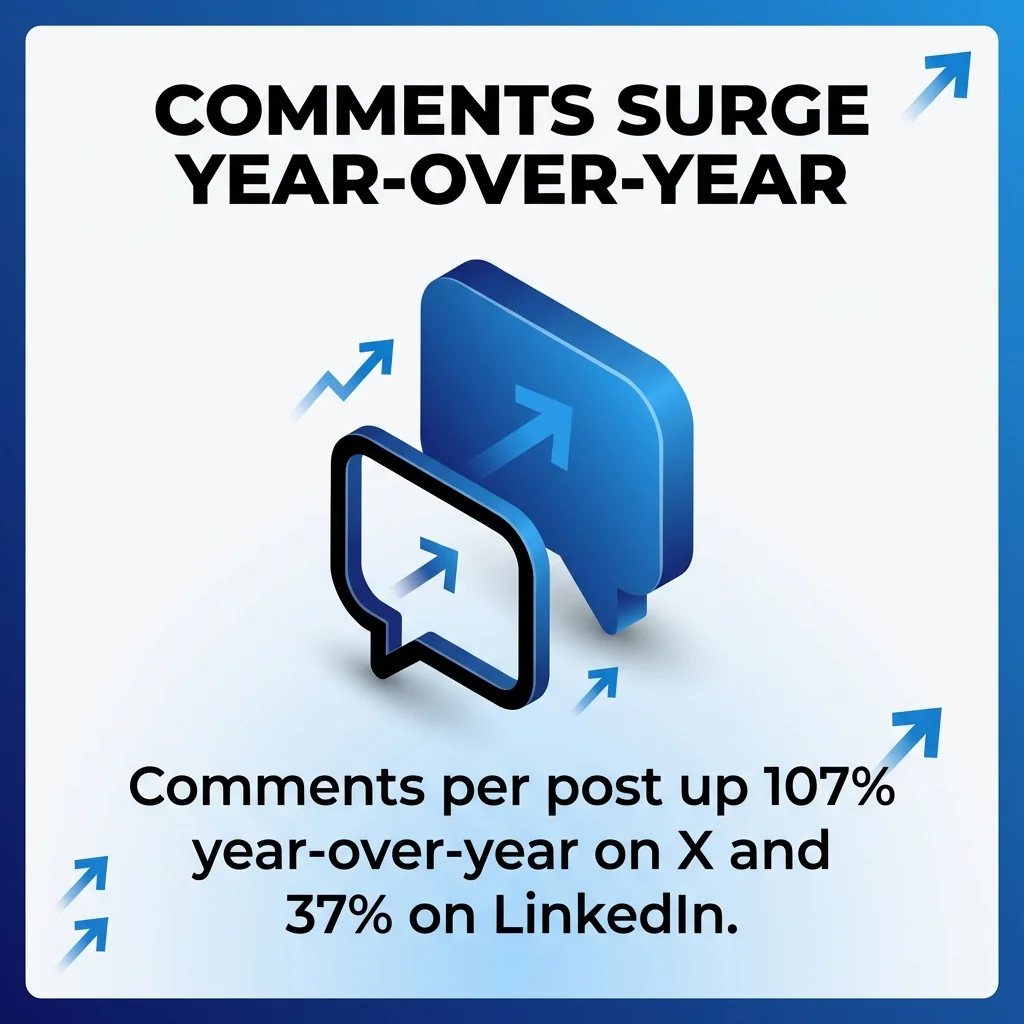
Average social media engagement rates range from 1.4% to 2.8% depending on platform, with comments per post up 107% year-over-year on X and 37% on LinkedIn. Automation tools help you track these metrics without manual spreadsheet work.
Essential Features in Automation Tools
When evaluating social media automation platforms, certain capabilities distinguish basic schedulers from comprehensive management tools.
Multi-Platform Publishing
The tool should support all platforms where your audience exists. Core platforms typically include Instagram, Facebook, X (formerly Twitter), and LinkedIn.
Each platform has unique content requirements. Good automation tools adapt your content for each destination whilst maintaining your core message.
Cross-posting functionality lets you publish the same content across multiple channels simultaneously. You can also customise each version to match platform-specific best practices.
Content Calendar Management
Visual calendar views display your entire content schedule. This overview helps spot gaps, balance content types, and coordinate campaigns across channels.
Drag-and-drop rescheduling makes adjustments effortless. When priorities shift, you reorganise your queue without recreating posts.
Bulk scheduling features let you upload weeks of content at once. CSV imports or spreadsheet integrations streamline the process for high-volume posting.
Analytics and Reporting
Performance dashboards aggregate metrics from all connected platforms. You see reach, engagement, clicks, and conversions without switching between tools.
Custom reports focus on the metrics that matter to your business. Automated report generation saves hours of manual data compilation.
Comparative analytics reveal which content types and posting times drive the best results. These insights guide your content strategy.
AI-Powered Content Creation
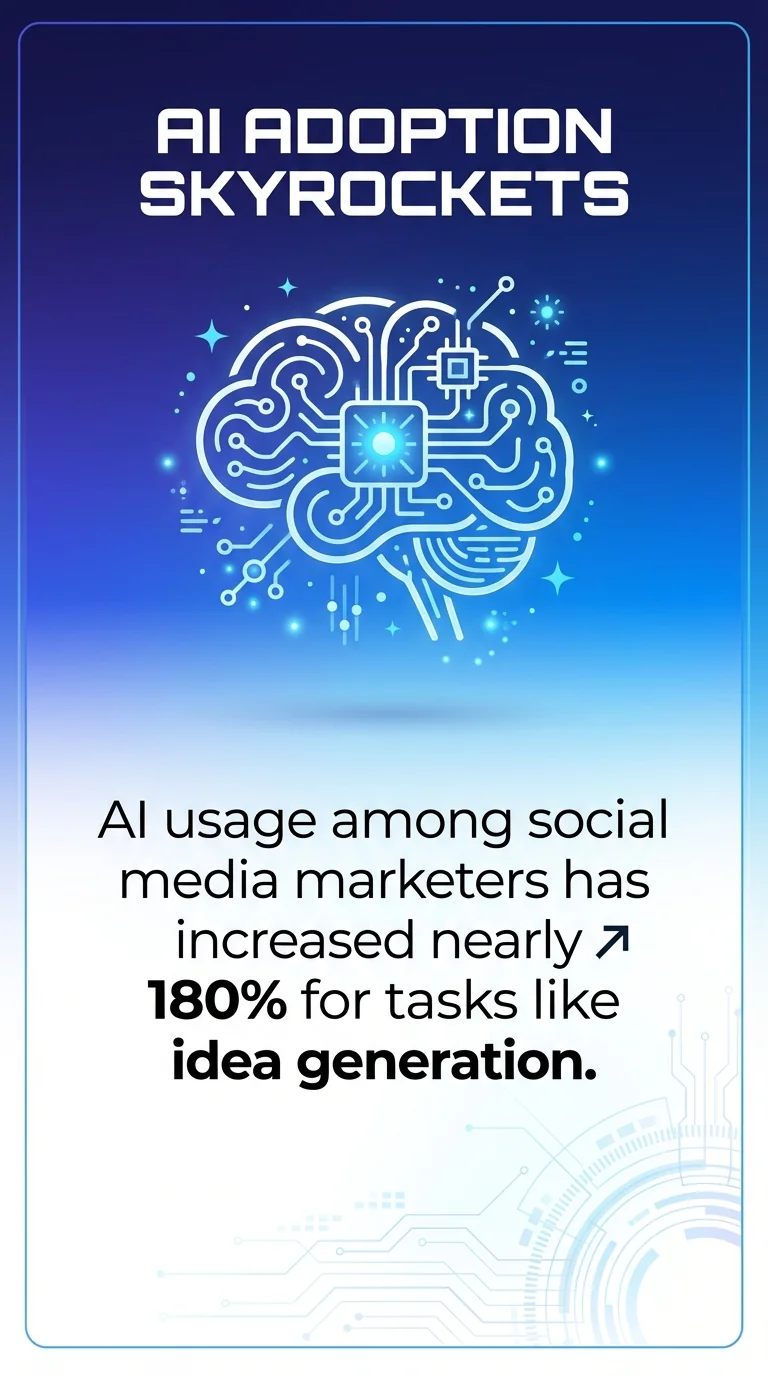
AI usage among social media marketers has increased nearly 180% for tasks like idea generation, copywriting, and visuals. Modern automation tools incorporate AI to generate captions, suggest hashtags, and create visual content.
These features accelerate content creation. You start with AI-generated drafts and refine them to match your brand voice.
Image generation and editing tools within automation platforms reduce the need for separate design software. You create on-brand graphics without leaving the scheduling interface.
Social Inbox Management
Centralised inboxes collect messages and comments from all platforms. This unified view ensures you don’t miss important interactions.
Filtering and tagging features help prioritise responses. You can assign conversations to team members and track response times.
Whilst inbox management isn’t full automation, it streamlines the human engagement aspects of social media marketing.
Leading Social Media Automation Tools
Different tools serve different needs. Your choice depends on team size, platform priorities, and budget constraints.
Enterprise-Grade Platforms
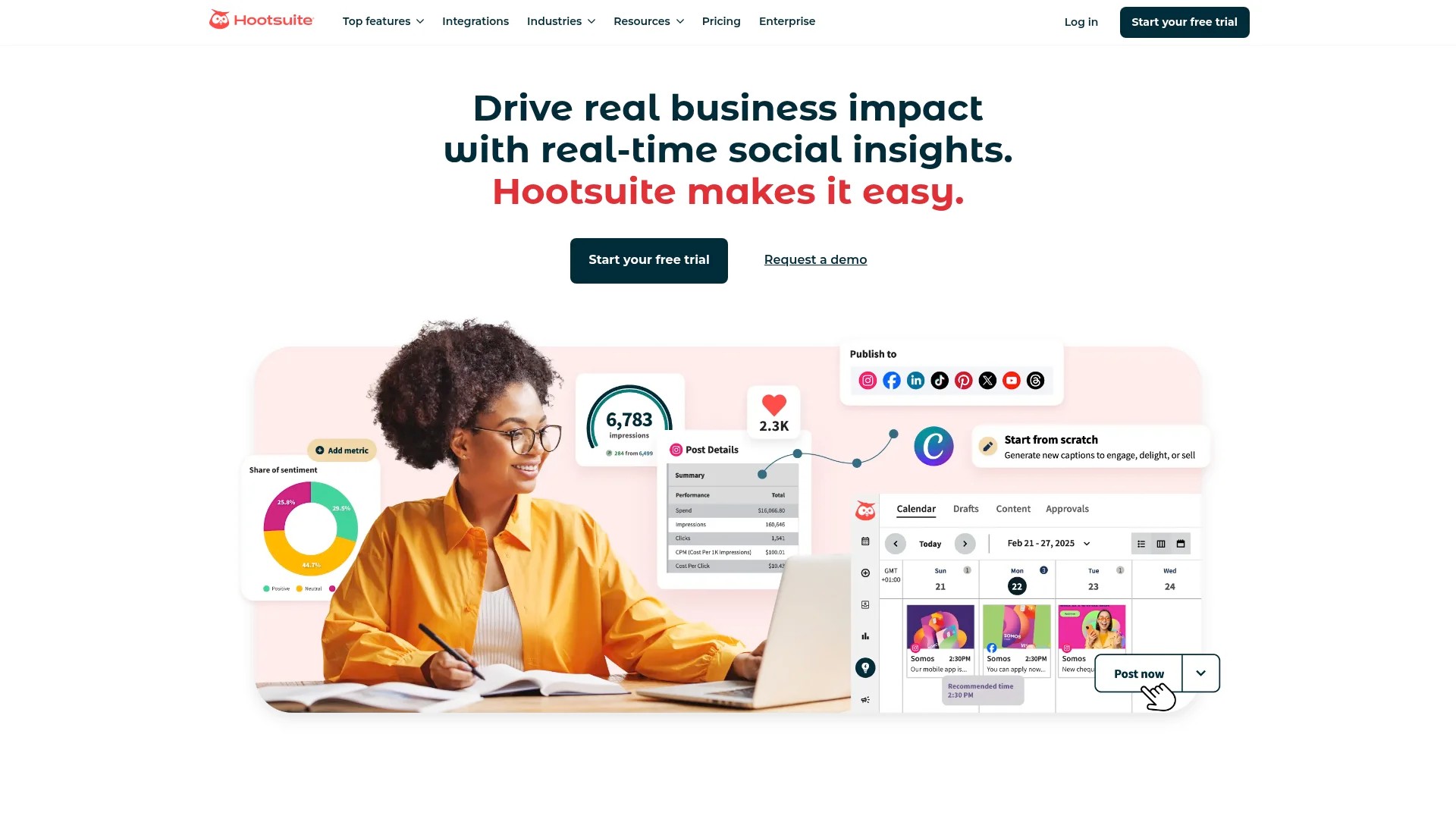
Hootsuite offers comprehensive management for large teams. It supports over 35 social platforms and includes advanced analytics, team workflows, and security features.
Best for: Agencies and enterprises managing multiple brands
Key features: Unlimited scheduling, custom analytics, team collaboration tools, social listening
Considerations: Higher price point, steeper learning curve for new users
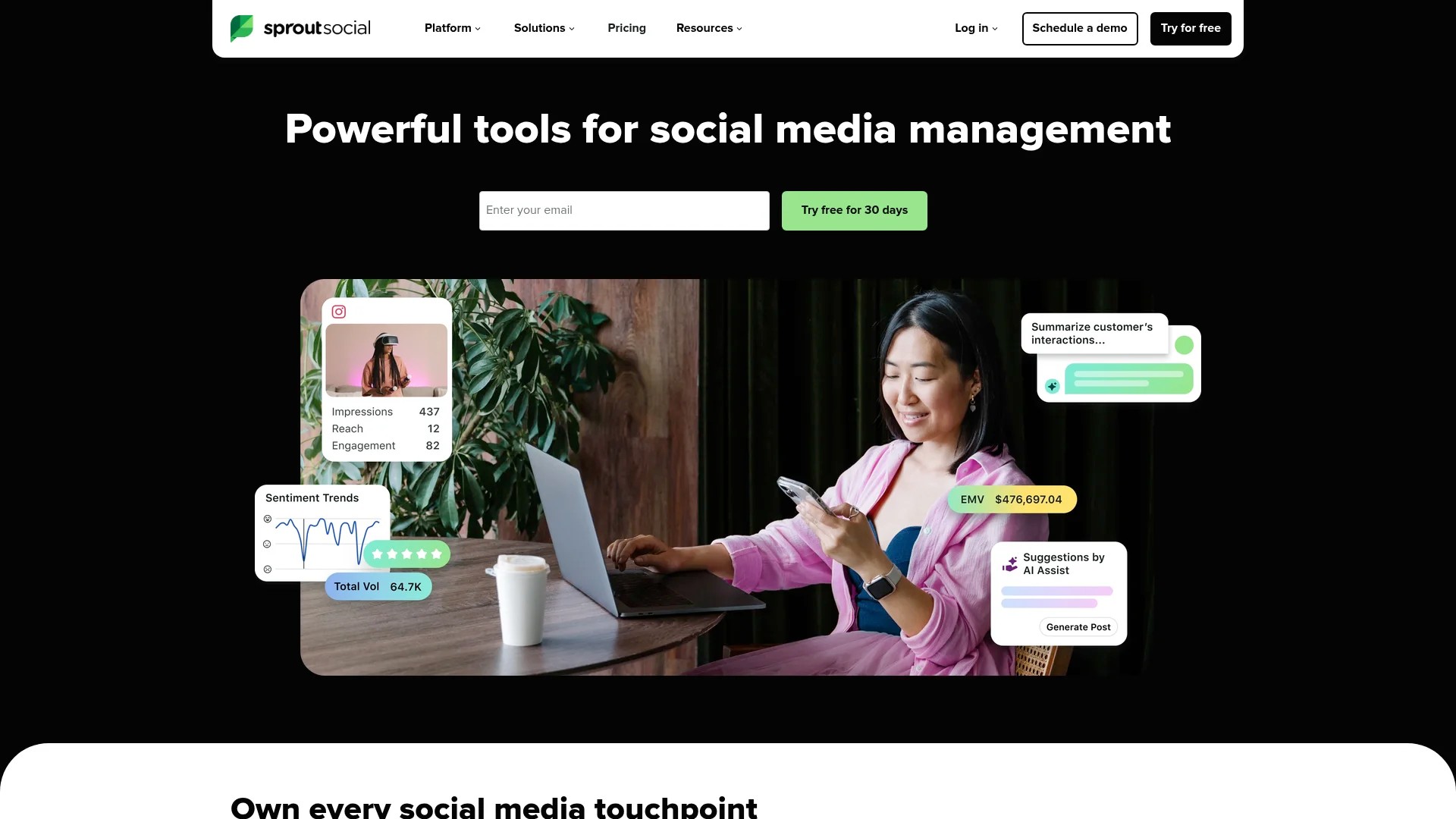
Sprout Social excels at analytics and reporting. The platform provides detailed audience insights and competitive benchmarking.
Best for: Data-driven teams focused on ROI measurement
Key features: Advanced reporting, CRM integration, social listening, optimal send times
Considerations: Premium pricing, more features than small teams need
Mid-Market Solutions
Buffer balances simplicity with functionality. The clean interface makes it accessible for teams new to automation.
Best for: Small businesses and growing teams
Key features: Intuitive scheduling, basic analytics, Instagram-first design, affordable pricing
Considerations: Limited advanced features, fewer platform integrations than enterprise tools
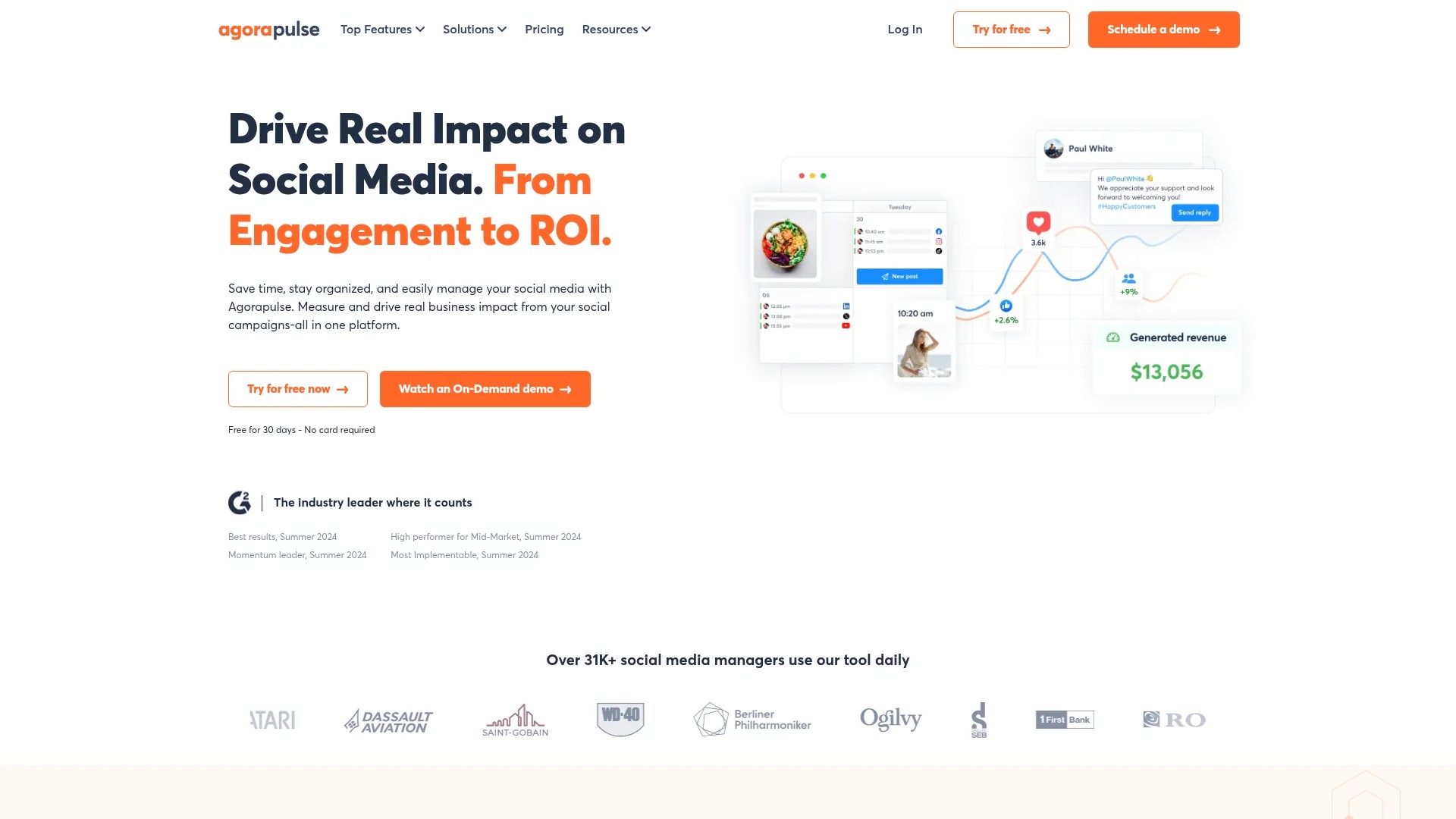
Agorapulse offers strong inbox management alongside scheduling. The unified inbox makes community management efficient.
Best for: Brands prioritising customer engagement
Key features: Social inbox, content calendar, competitor analysis, team collaboration
Considerations: Interface can feel cluttered, learning curve for advanced features
Specialised Tools
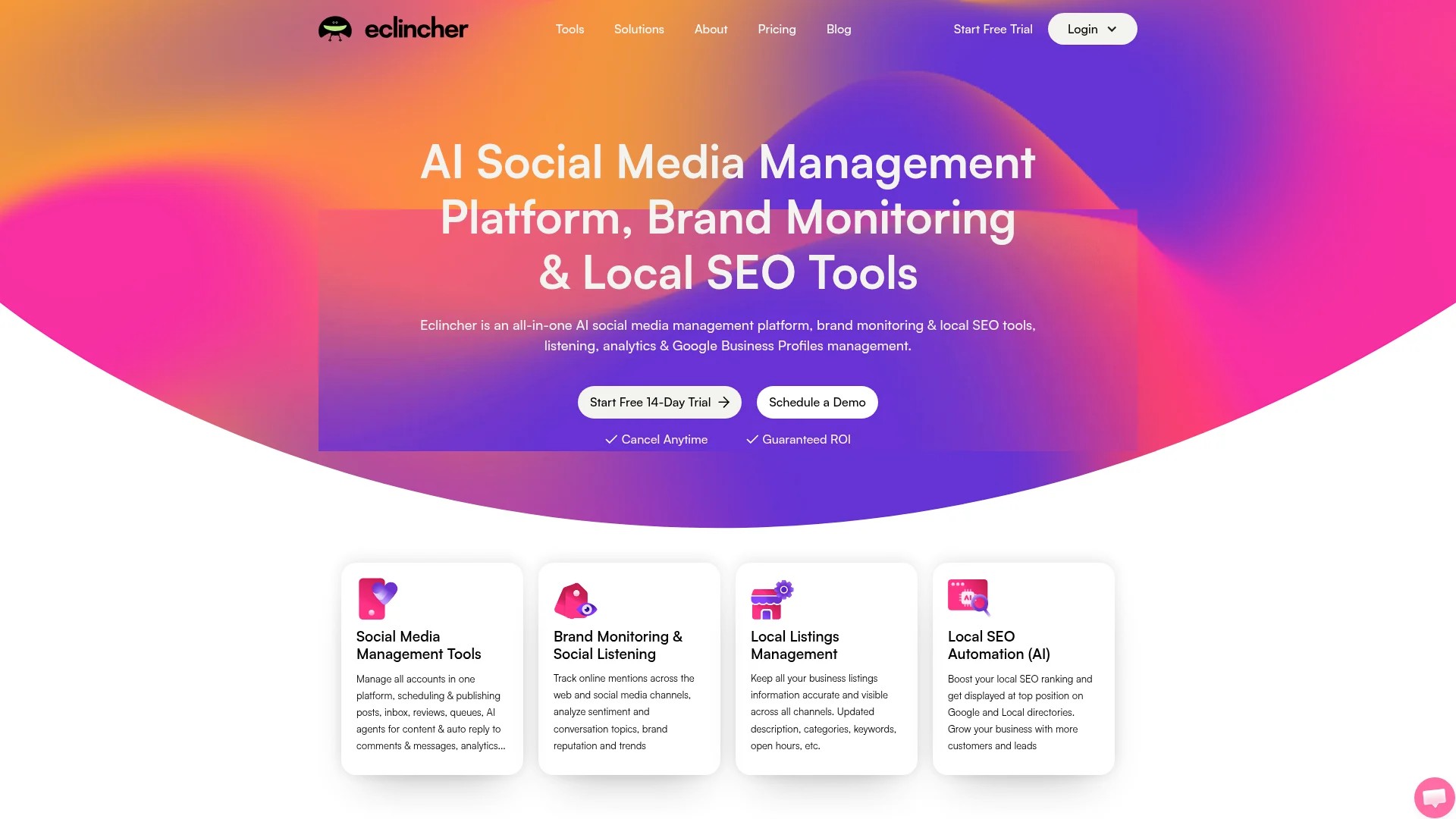
Eclincher provides white-label options for agencies. You can rebrand the platform and offer it to clients.
Best for: Digital agencies and consultants
Key features: White-labeling, client management, approval workflows, media library
Considerations: Agency-focused pricing, possibly excessive for single-brand users
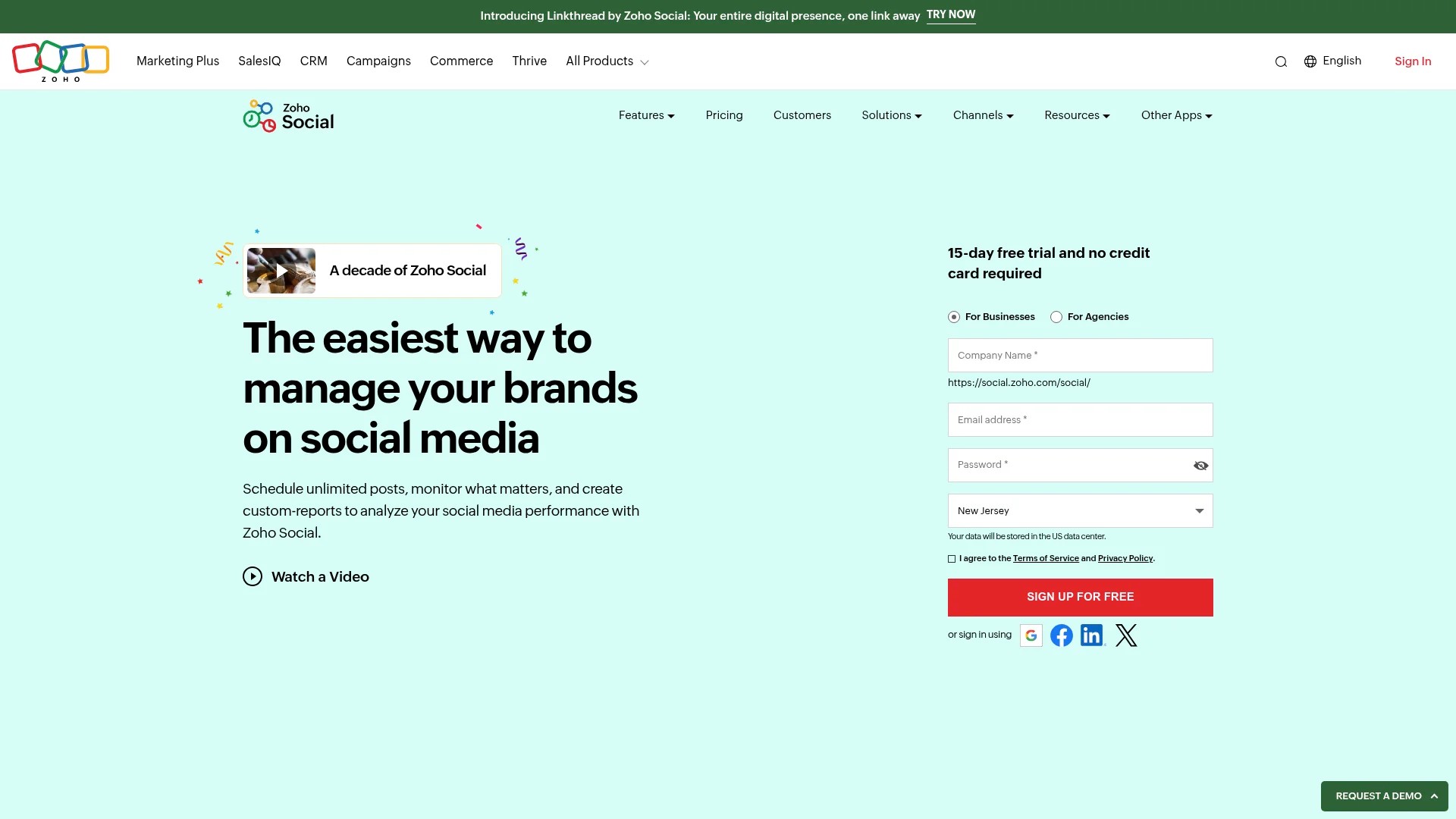
Zoho Social integrates with the broader Zoho ecosystem. If you use Zoho CRM or other Zoho products, this creates seamless workflows.
Best for: Existing Zoho customers
Key features: CRM integration, monitoring dashboard, team collaboration, affordable pricing
Considerations: Limited value if not using other Zoho products
Budget-Friendly Options
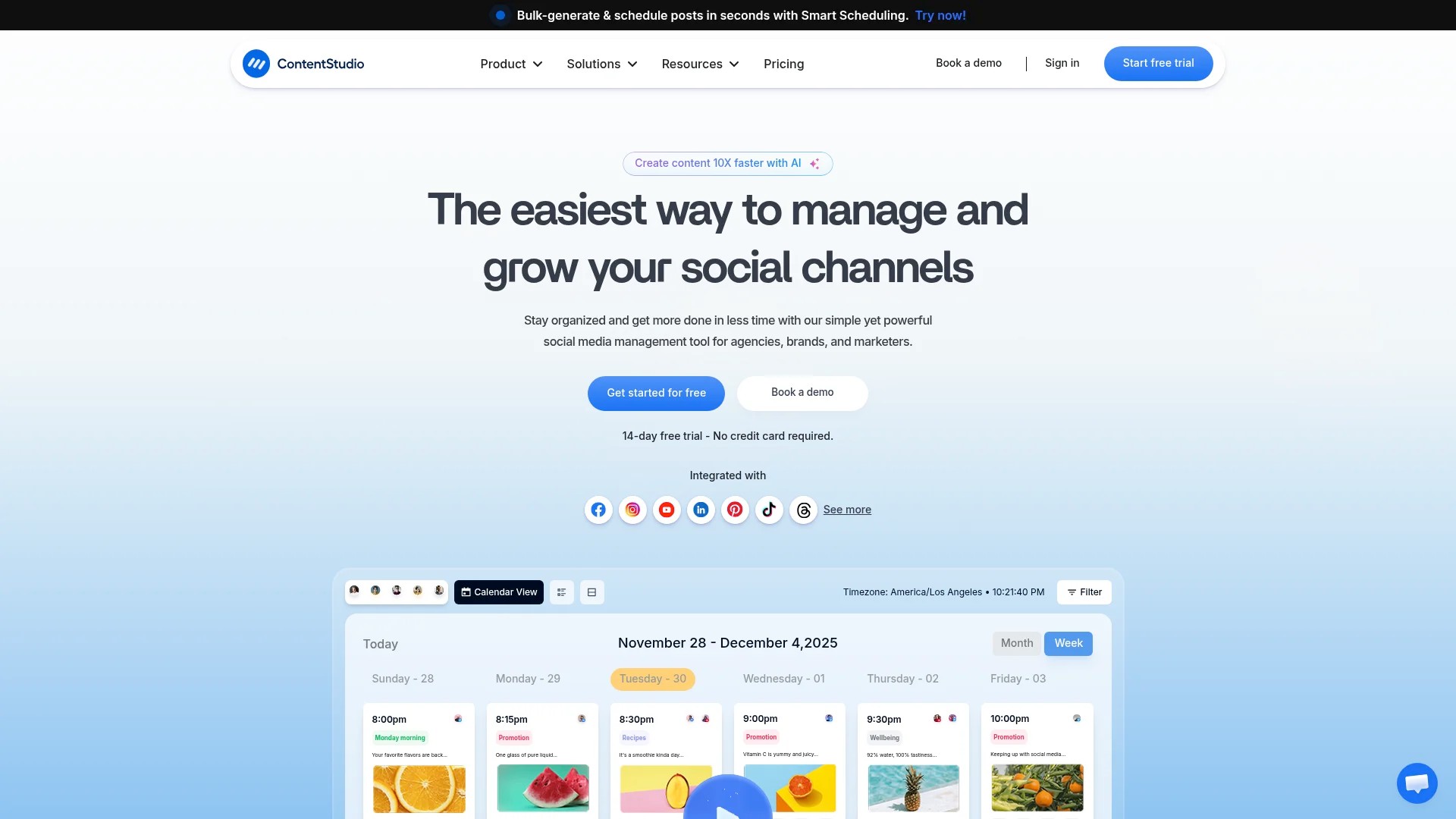
ContentStudio combines scheduling with content discovery. The platform suggests relevant content to share alongside your original posts.
Best for: Content curators and small teams
Key features: Content discovery, RSS feed automation, basic analytics, competitive pricing
Considerations: Interface less polished than premium tools
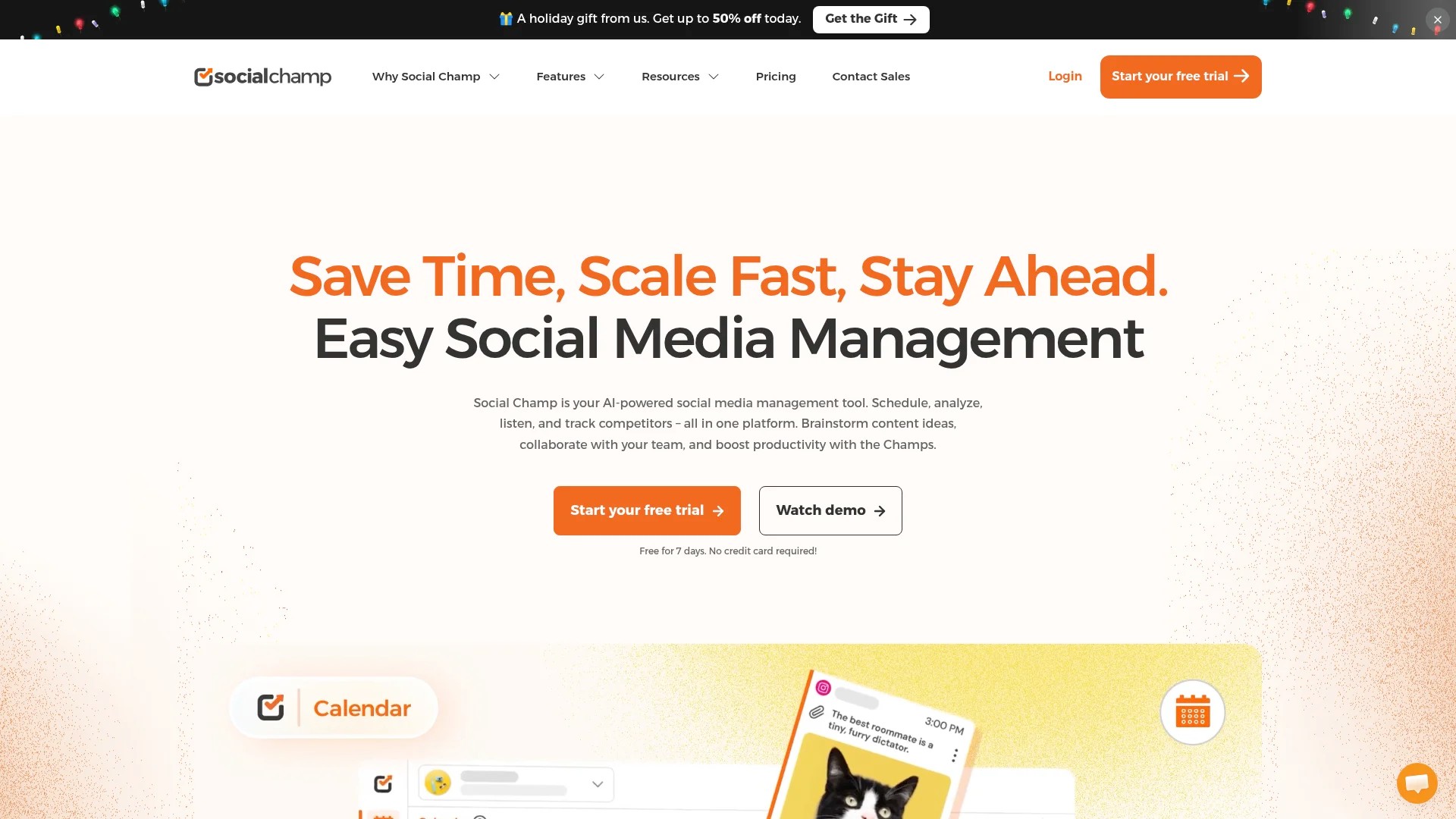
Social Champ provides bulk scheduling at lower price points. You can upload large quantities of content efficiently.
Best for: High-volume posters on tight budgets
Key features: Bulk uploading, recycling evergreen content, basic analytics, affordable plans
Considerations: Fewer advanced features, limited support options
Practical Use Cases for Automation
Automation solves specific challenges across different business contexts. Understanding these applications helps you identify where automation adds value.
Agency Management
Agencies juggle multiple client accounts with varying posting requirements. Automation tools enable one team member to manage numerous brands without switching between platforms constantly.
Client approval workflows ensure nothing publishes without sign-off. Clients review scheduled content and request changes before posts go live.
Reporting automation generates client reports automatically. Rather than compiling metrics manually each month, the system produces branded reports with key performance indicators.
E-commerce Promotion
Product launches benefit from coordinated multi-platform campaigns. You schedule announcement posts across all channels to go live simultaneously.
Seasonal campaigns require advance planning. Automation lets you prepare holiday content weeks ahead and schedule it to deploy at optimal times.
User-generated content integration becomes systematic. When customers tag your brand, automation tools can queue these posts for resharing with proper attribution.
Personal Brand Building
Thought leaders maintain visibility through consistent content. Automation ensures regular posts even during travel or focused project work.
Content recycling keeps valuable posts circulating. Evergreen content from your archive resurfaces periodically to reach new followers.
Cross-promotion between platforms happens automatically. Your YouTube video announcement posts to X and LinkedIn simultaneously.
Content Marketing Distribution
Blog post promotion extends reach beyond your website. Each new article triggers automatic social posts across platforms with customised messaging for each channel.
A/B testing of promotional messages becomes systematic. You schedule multiple versions of the same announcement and compare engagement metrics.
Sequential campaigns guide audiences through content funnels. Automation tools can trigger follow-up posts based on engagement with previous content.
Getting Started with Social Media Automation
Implementation doesn’t require overhauling your entire process. Start with targeted automation and expand as you gain confidence.
Audit Your Current Process
Track how much time you currently spend on social media tasks. Note which activities consume the most hours.
Identify repetitive tasks that follow consistent patterns. These are prime automation candidates. Scheduling routine announcements, sharing blog posts, and posting recurring content types fit this category.
Determine which tasks require human judgment. Community responses, crisis management, and real-time engagement should remain manual.
Choose Your Initial Platform
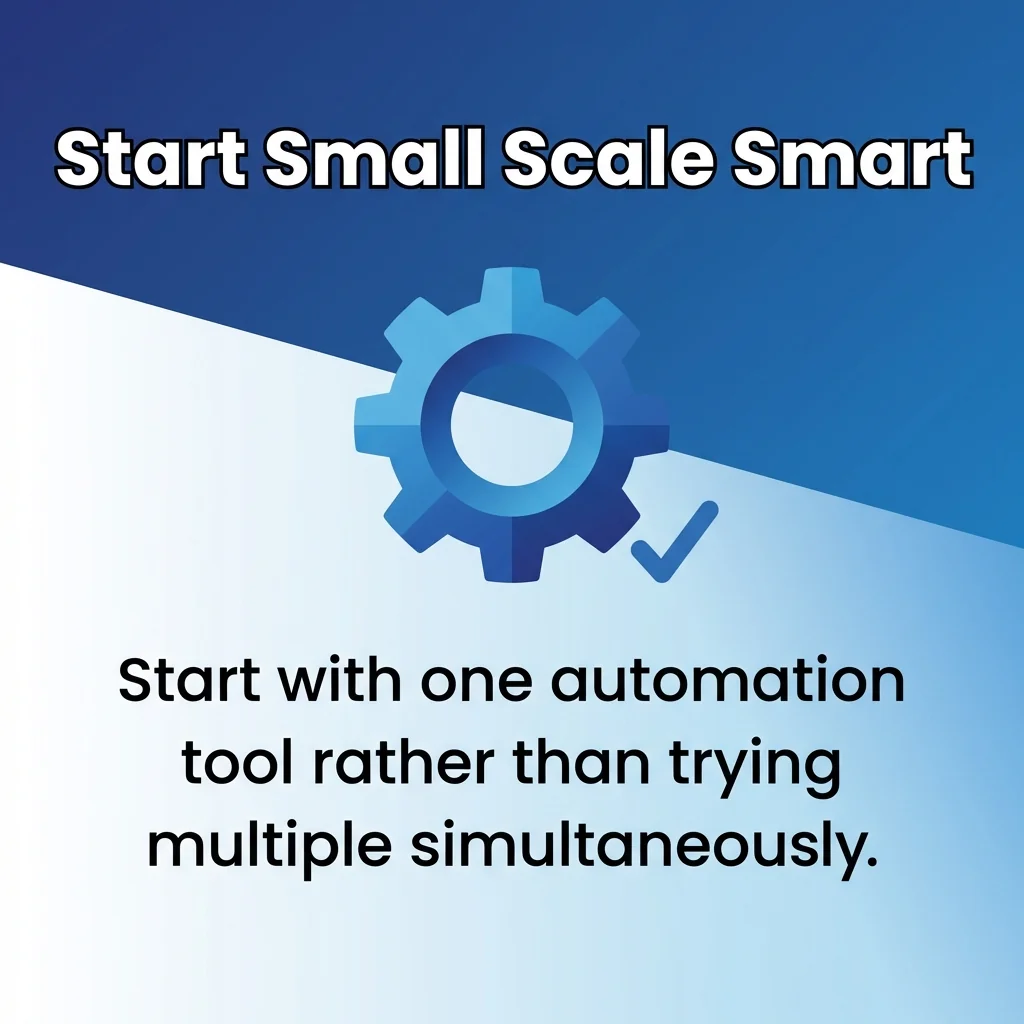
Start with one automation tool rather than trying multiple simultaneously. This focused approach reduces overwhelm and helps you learn the features thoroughly.
Consider exploring different social media automation tools to understand which features matter for your specific needs.
Most platforms offer free trials. Test the interface and core features before committing. Pay attention to how intuitive the scheduling process feels.
Build Your Content Library
Create a batch of posts to populate your first week of automation. This initial content gives you material to schedule whilst learning the tool.
Develop templates for recurring post types. If you share tips every Tuesday, create a visual template and format structure to streamline production.
Organise assets in folders within the automation tool. Categorise images, videos, and graphics so you can locate them quickly when scheduling.
Establish Scheduling Routines
Designate specific times for content creation and scheduling. Batch these activities rather than creating posts individually throughout the week.
Start with a two-week scheduling horizon. Queue enough content to maintain consistency without overcommitting to posts far in the future.
Review comprehensive automation guidance to understand best practices for different platforms.
Monitor and Adjust
Check your scheduled posts daily for the first month. This review ensures nothing publishes with errors and gives you confidence in the system.
Track performance metrics weekly. Identify which scheduled posts generate strong engagement and which underperform.
Adjust posting times based on analytics. Most automation tools show when your audience is most active. Schedule posts during these peak periods.
Best Practices for Effective Automation
Strategic automation amplifies your social media results. Poor implementation can damage your brand presence.
Balance Automation and Authenticity
Scheduled posts shouldn’t read like they’re automated. Write in your natural voice and maintain personality in your content.
Mix scheduled content with real-time posts. This balance shows you’re actively present rather than entirely hands-off.
Respond to comments manually and promptly. Automation handles distribution, but human interaction builds community.
Maintain Quality Standards
Review scheduled posts before they go live. Typos and broken links damage credibility regardless of how they’re published.
Update evergreen content periodically. Information that was accurate six months ago might need revision.
Remove outdated scheduled posts promptly. If circumstances change, clear your queue and reschedule appropriate content.
Platform-Specific Optimisation
Customise content for each platform rather than cross-posting identical messages. Instagram favours visual content, whilst X prioritises brevity.
Use platform-native features. Instagram Stories, X polls, and LinkedIn articles each require different approaches.
Learn more about automating posts whilst maintaining platform best practices to optimise your approach.
Strategic Timing
Analyse when your specific audience engages most. Don’t rely solely on general best practices for your industry.
Space posts appropriately. Flooding feeds with multiple posts in quick succession reduces visibility and annoys followers.
Adjust schedules seasonally. Audience behaviour shifts during holidays, summer months, and major events.
Content Variety
Rotate between content types. Mix promotional posts with educational content, entertainment, and community-focused messages.
Apply the 80/20 rule. Roughly 80% of automated content should provide value without asking for anything. The remaining 20% can be promotional.
Understand how content curation automation enhances your content mix to maintain engagement.
Team Coordination
Establish clear approval workflows. Define who creates content, who reviews it, and who has publishing authority.
Use commenting features within the automation tool. This keeps feedback and revisions centralised rather than scattered across email threads.
Create a shared content calendar visible to all team members. This transparency prevents duplicate efforts and ensures coordinated messaging.
Review comprehensive social media efficiency strategies to optimise team workflows.
Frequently Asked Questions
Does social media automation reduce engagement?
Automation itself doesn’t harm engagement. Poor automation practices do. If you schedule content but never respond to comments, engagement suffers.
Quality scheduled content often performs better than hastily created manual posts. The time saved through automation can be redirected towards meaningful interactions.
Can I automate direct messages and comments?
You can automate initial messages in some contexts, such as welcome messages to new followers. However, automated responses to specific comments often miss nuance.
Use automation for acknowledgment and then respond personally. For example, auto-reply “Thanks for your message, I’ll respond shortly” and then craft a genuine reply.
Which platforms allow automation?
Most major platforms permit scheduling through their official APIs. Instagram, Facebook, X, LinkedIn, Pinterest, and YouTube all support automated posting through approved tools.
Platform policies change periodically. Verify that your automation tool uses official APIs rather than workarounds that might violate terms of service.
How far ahead should I schedule content?
Two to four weeks provides a good balance. You maintain consistency without committing to posts that might need adjustment due to changing circumstances.
Seasonal content can be scheduled further in advance. Holiday posts and annual campaigns can be queued months ahead.
What’s the difference between automation tools?
Core differences include platform support, analytics depth, collaboration features, and pricing. Enterprise tools offer advanced reporting and team management. Budget options focus on basic scheduling.
Compare different marketing automation solutions to find the right fit for your needs.
Should small businesses use automation tools?
Small businesses benefit significantly from automation. Limited staff makes time efficiency crucial. Automation maintains consistent presence without hiring dedicated social media managers.
Start with free or low-cost tools. Many platforms offer plans under £15 monthly that provide sufficient features for small businesses.
Explore social media scheduling specifically for small businesses to understand tailored approaches.
How do I measure automation success?
Compare time spent on social media before and after implementation. Track hours saved weekly.
Monitor engagement metrics. Successful automation maintains or improves engagement rates compared to manual posting.
Assess posting consistency. Count how many scheduled posts actually published versus your intended frequency.
Can I automate content creation entirely?
AI tools can generate drafts, but human oversight remains essential. AI-generated content requires editing to match your brand voice and ensure accuracy.
Use AI for ideation and first drafts. Then refine the output to add personality and strategic direction.
Consider free scheduling options combined with content creation to build a complete workflow.
What happens if I schedule something inappropriate?
Most tools let you delete scheduled posts instantly. If something publishes before you catch it, delete and issue a correction immediately.
Review your queue regularly. Daily checks during your first month of automation build confidence and catch potential issues.
Set up notifications for published posts. This alert system lets you review content immediately after it goes live.
Moving Forward with Automation
Social media automation transforms time management without sacrificing authenticity. You maintain consistent presence whilst redirecting hours towards strategy and genuine engagement.
Start with scheduling your most repetitive content types. Expand automation gradually as you identify additional opportunities for efficiency.
Remember that automation serves your social media strategy rather than replacing it. The tools handle distribution mechanics whilst you focus on creating content that resonates.
Your first step today: audit one week of social media activity and identify three repetitive tasks suitable for automation. This focused approach builds momentum without overwhelming your current workflow.